smoluh
Finding my way
-
Joined
-
Last visited
-
lucky you mate, sh!t happens!... i was checking many dealer's "superb-prices-specs" starting with year model 2017 up to 2022 and i found all of the specs mentioned as standard ones. does it mean my SL&K doesn't have them or something is wrong?
-
hi j caff, no i cannot see them. also nothing on displays, cheers
-
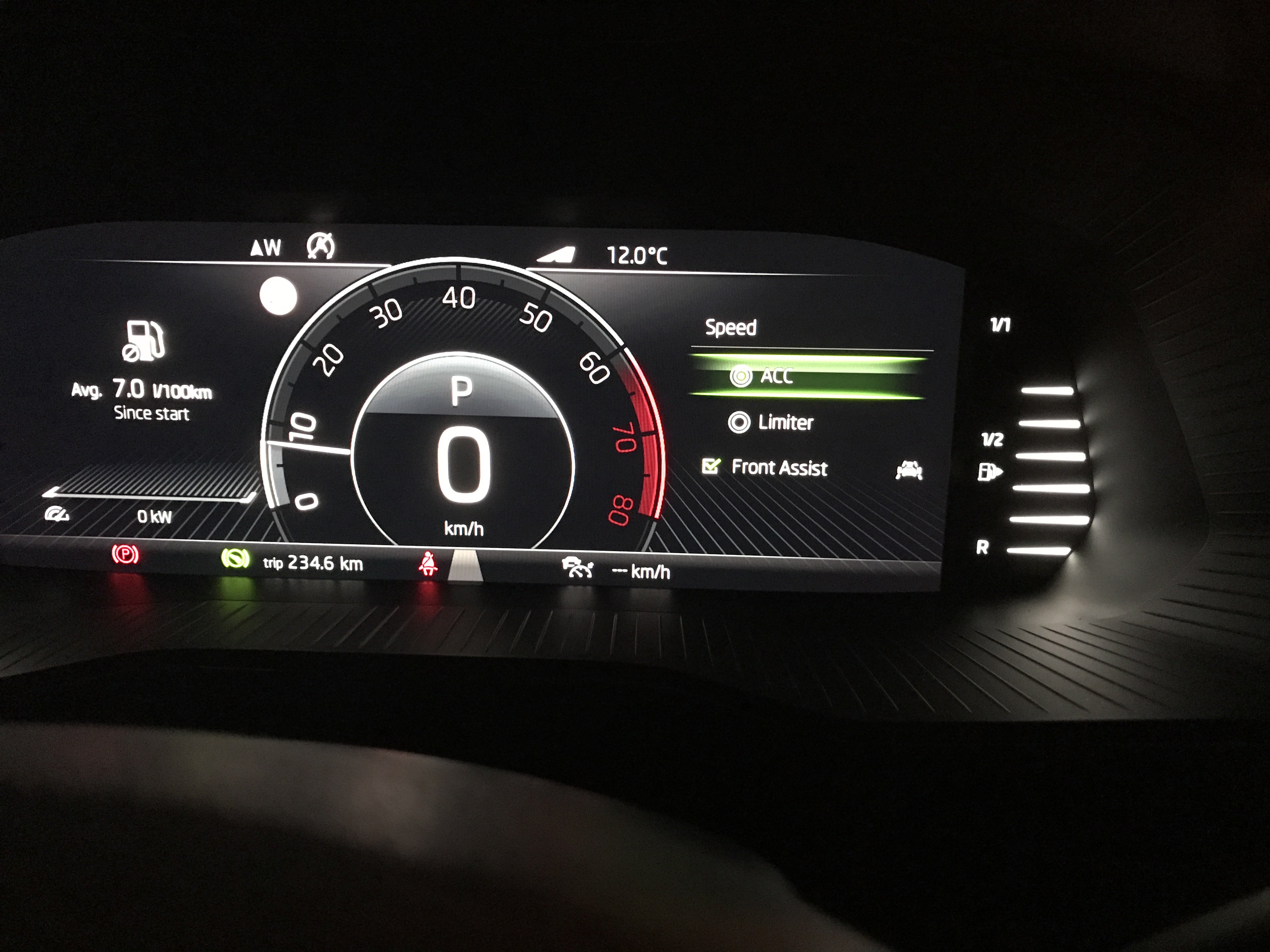
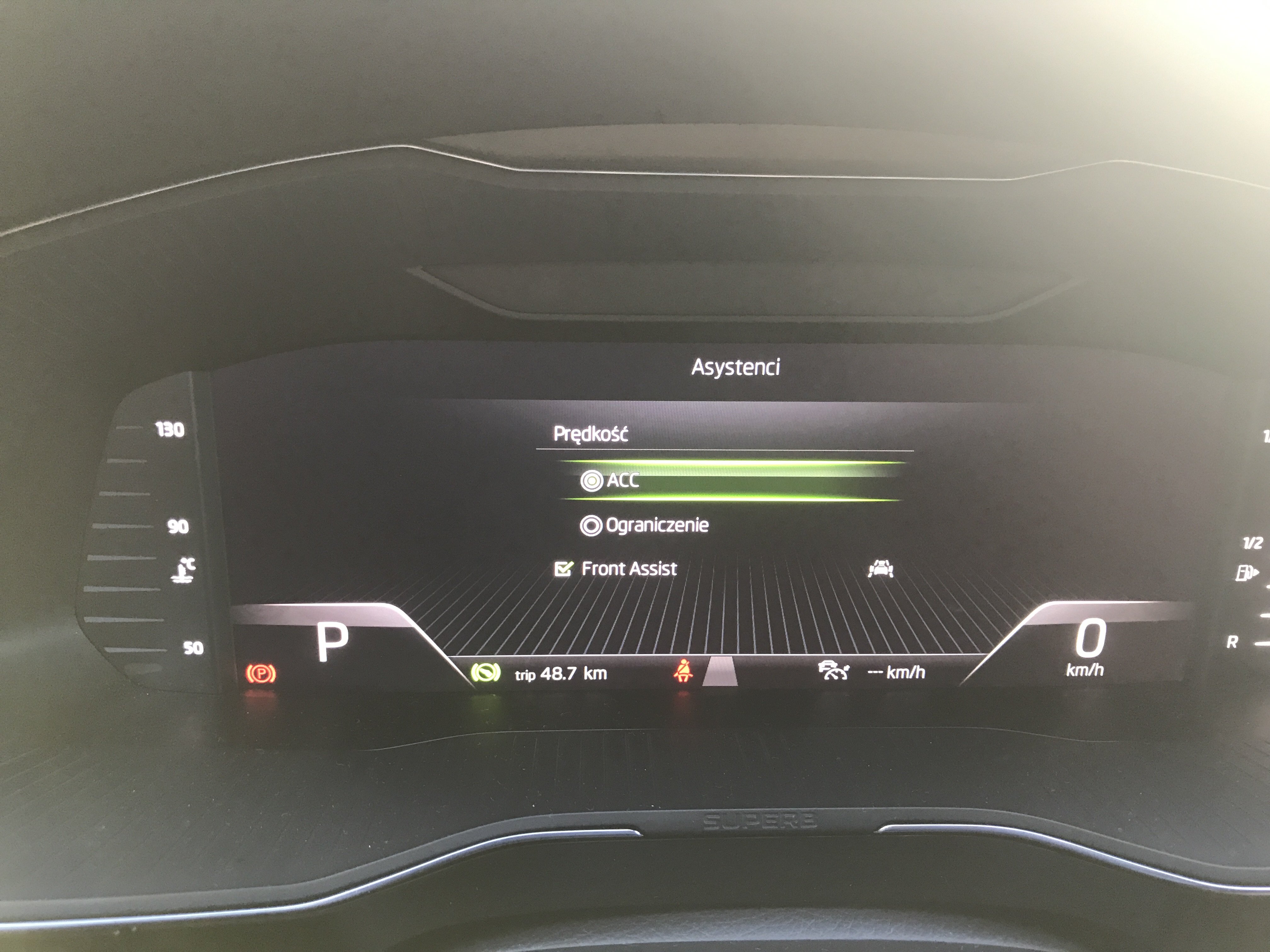
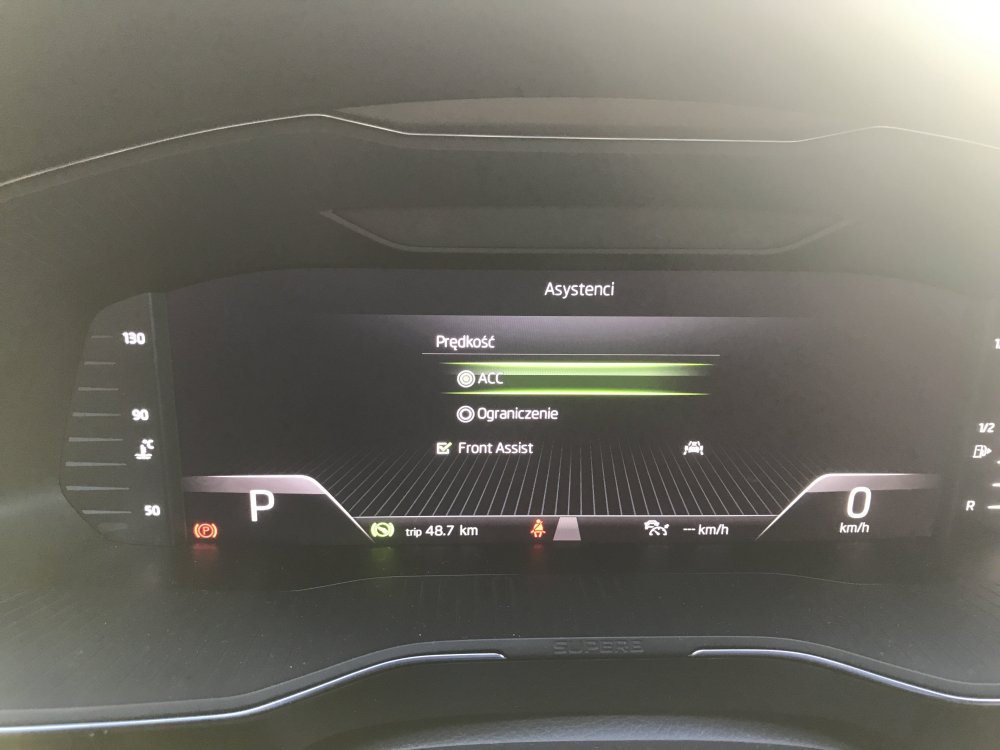
screen in english now, my question is why i cannot see all of the driver's assistance stuff such as LANE ASSIST + SIDE ASSIST/blind spot etc? it seems to be rather standard than optional in all L&K ? thanks
-
ill change that to english as re technical stuff it's more preferred, cheers mate!
-
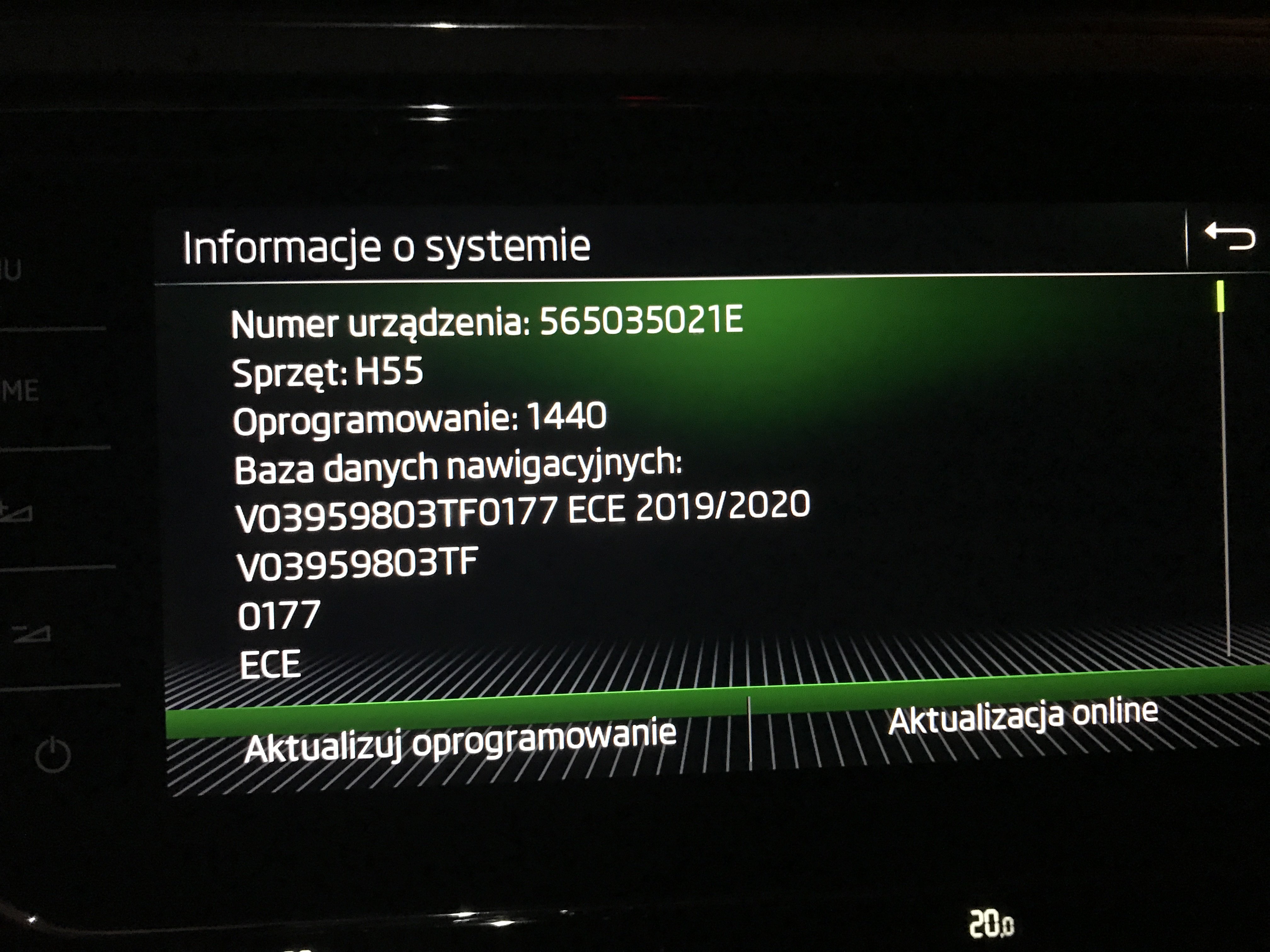
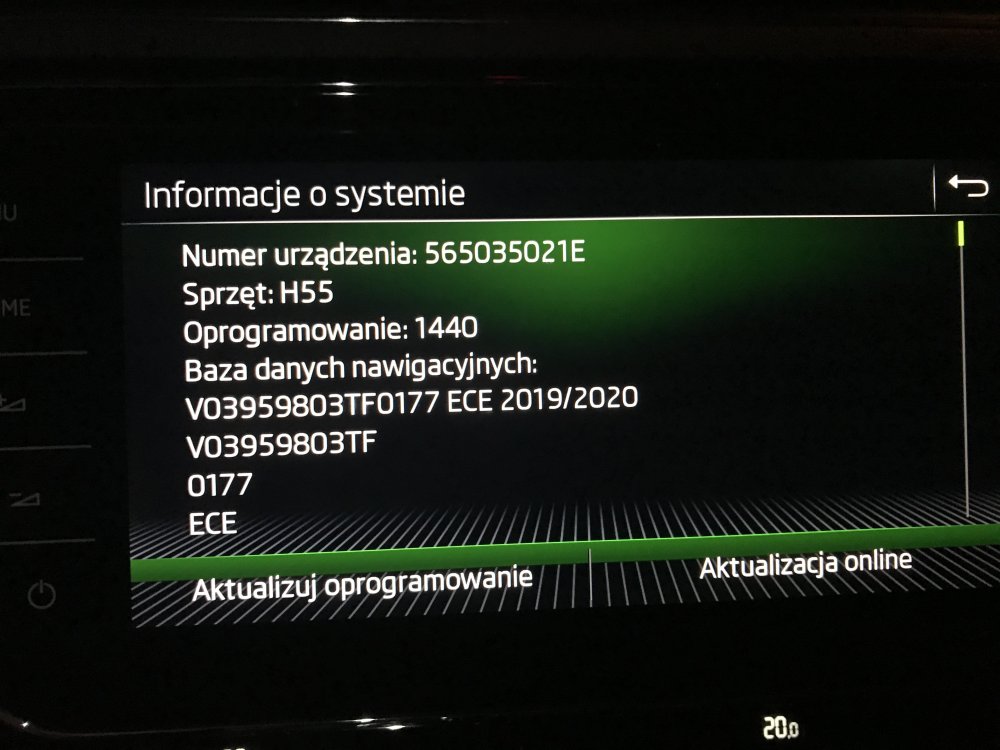
hi Penpusher, Appreciate your reply, the car been purchased from german VW dealer by previous owner. i've checked what you suggested already and the only thing i can see is 'Front Assist', see photo attached. it seems ridiculous that such as model (top one) misses some of the 'standard' assistance features, is this possible or there may be a bug after recent soft upgrade (info also attached)? Thanks, Matt
-
Hello everyone, my first post here... im a third (very happy so far) owner of S3FL LK TSI 4x4 272HP, and i would appreciate if you guys could help me with some of my issues. how could i check what systems the car is equipped with? im still learning, got the car for a week only but is that possible the car doesnt have blind spot detect or side/ lane assist? thanks, Matt