




MohamedElGazayerly
New here
-
Joined
-
Last visited
-
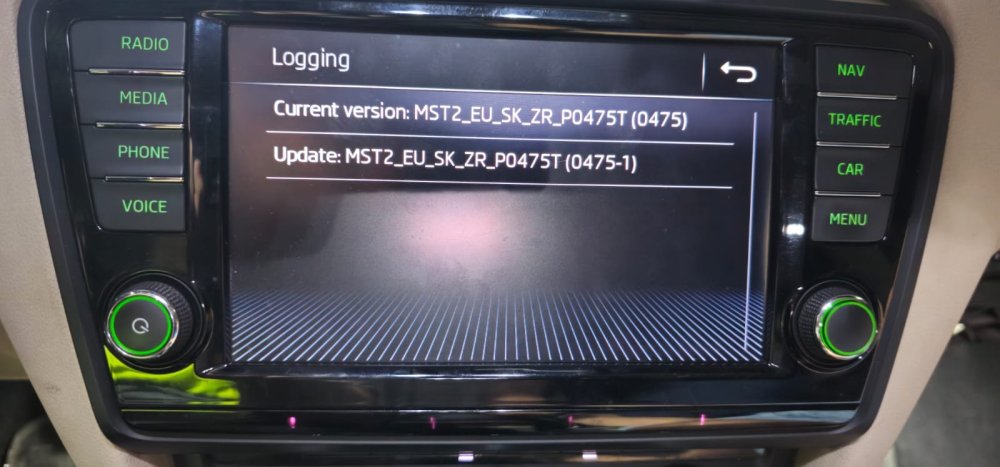
i have the following VCDS scan for module 5F Address 5F: Information Electr. Labels: 3V0-035-MIB-STD2.clb Control Module Part Number: 5Q0 035 840 C HW: 5Q0 035 840 C Component and/or Version: MU-S--ER H41 0475 Software Coding: 03735100FF00000051510004001100002F0201F60120040003 Work Shop Code: WSC 00078 790 12345 ASAM Dataset: EV_MUStd4CTSAT 001022 (SK37) ROD: EV_MUStd4CTSAT_VW26.rod VCID: 2D0704C61D9F2CD2C45-8078 1 Fault Found: 1555 - Check Software Version Management B201A 00 [00001001] - - [Check software version management] Confirmed - Tested Since Memory Clear Freeze Frame: Fault Priority: 6 Fault Frequency: 1 Reset counter: 185 Mileage: 306287 km Date: 2024.05.08 Time: 00:58:47 Voltage terminal 30: 13.2 V Status_Software_Version_Management-module_name: D And the photos taken for the screen unit attached. can you please help me identify the real problem and advise a solution? @pab567
.thumb.jpeg.94e399563dc0df0929e133e5d49b06f5.jpeg)
-
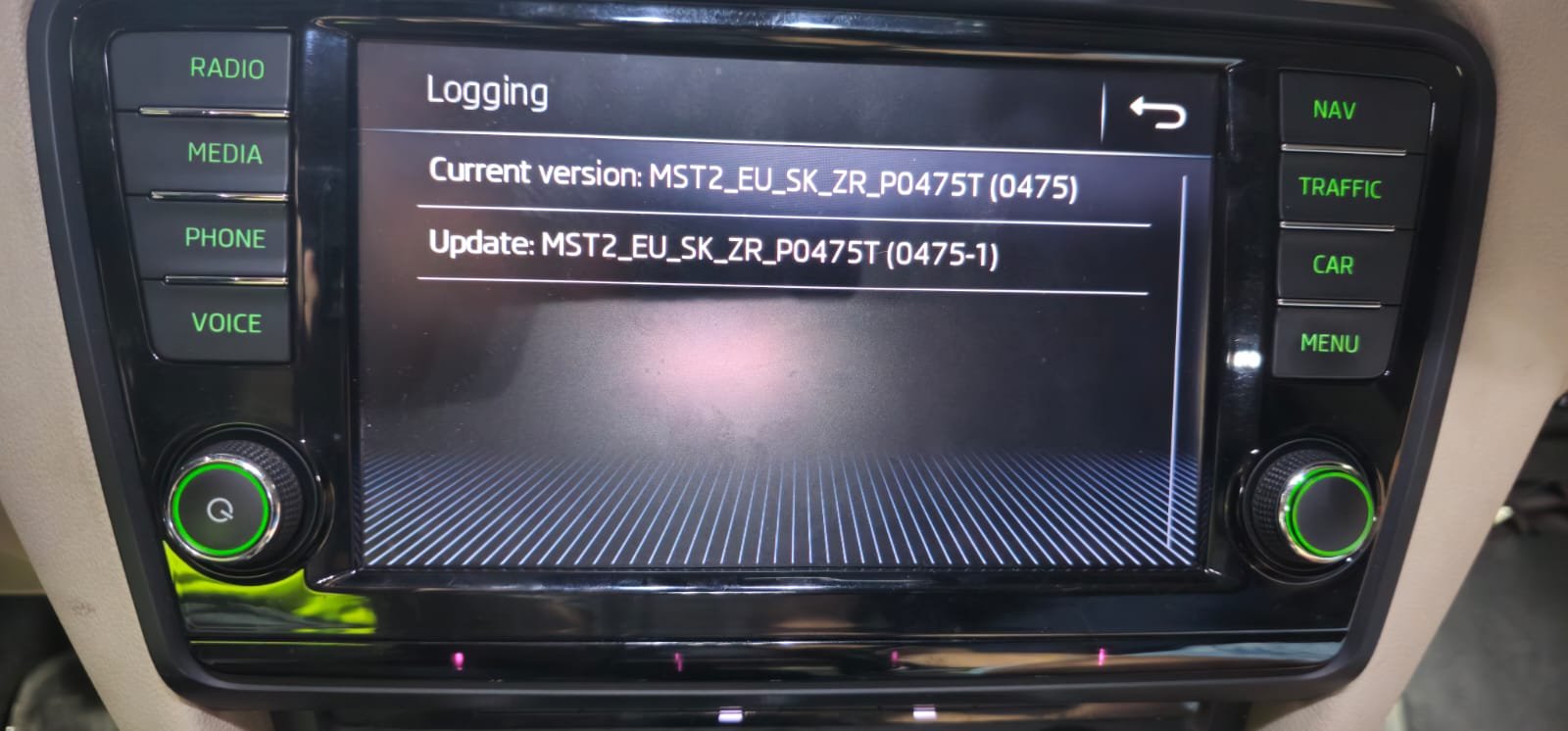
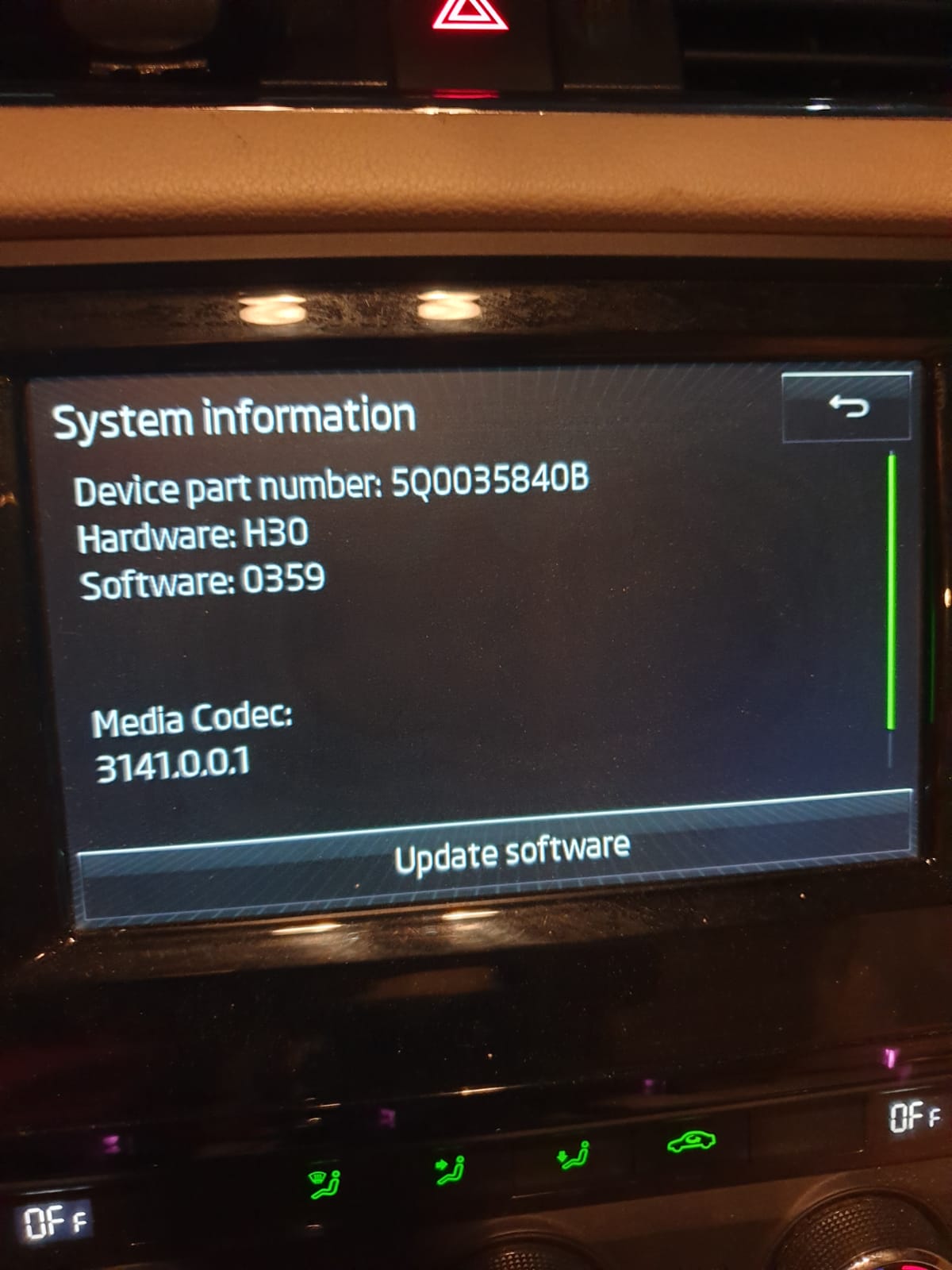
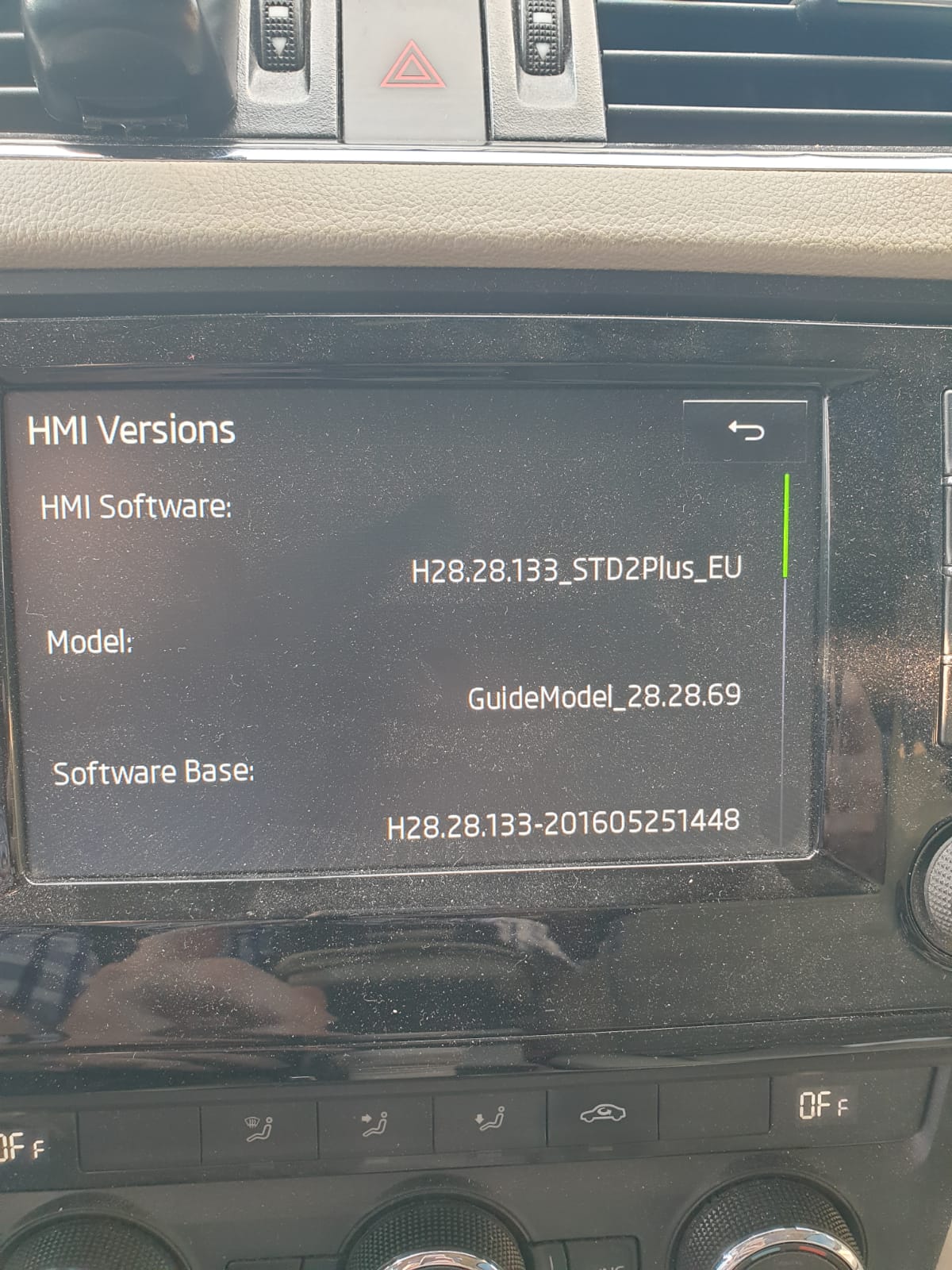
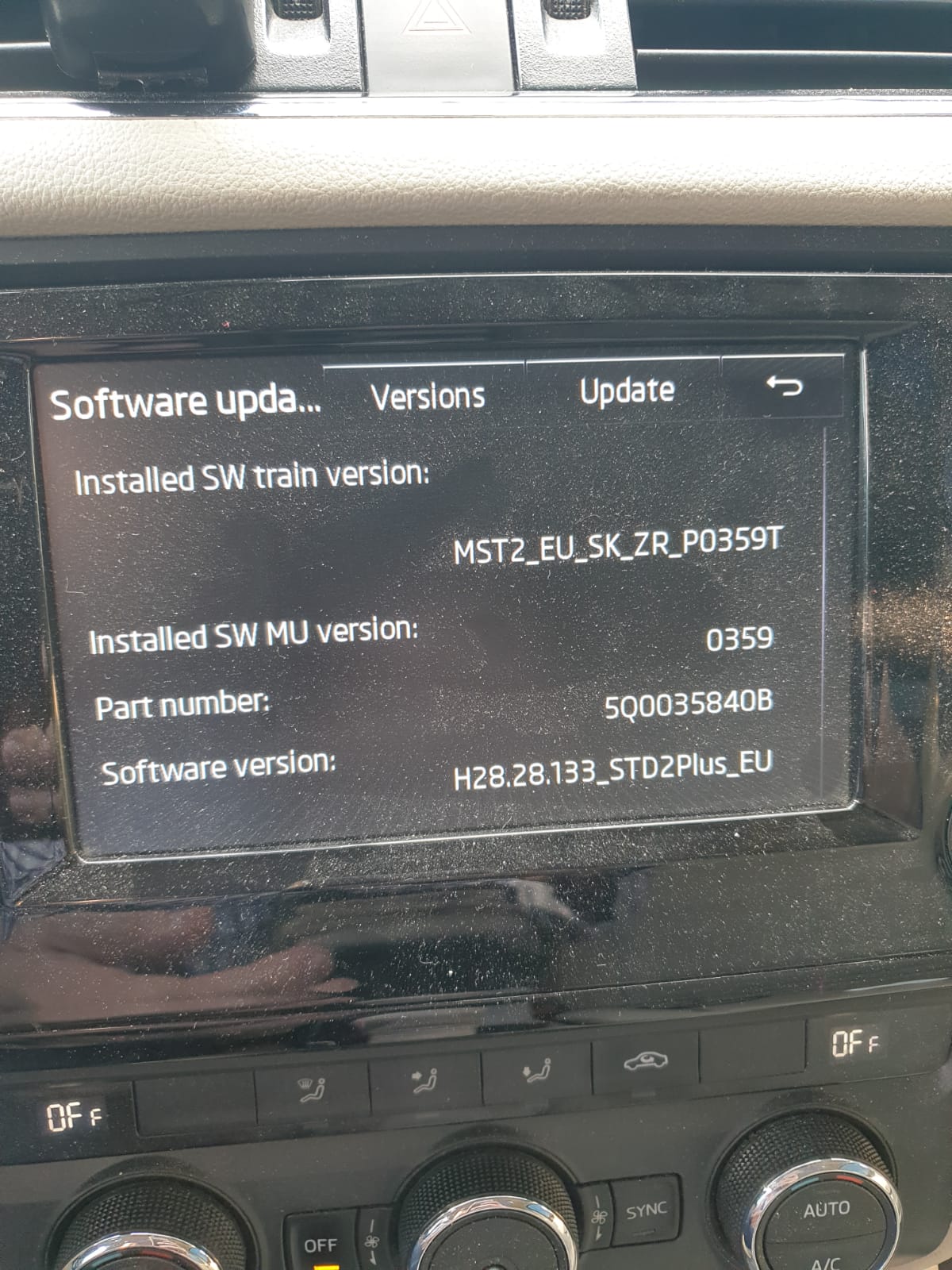
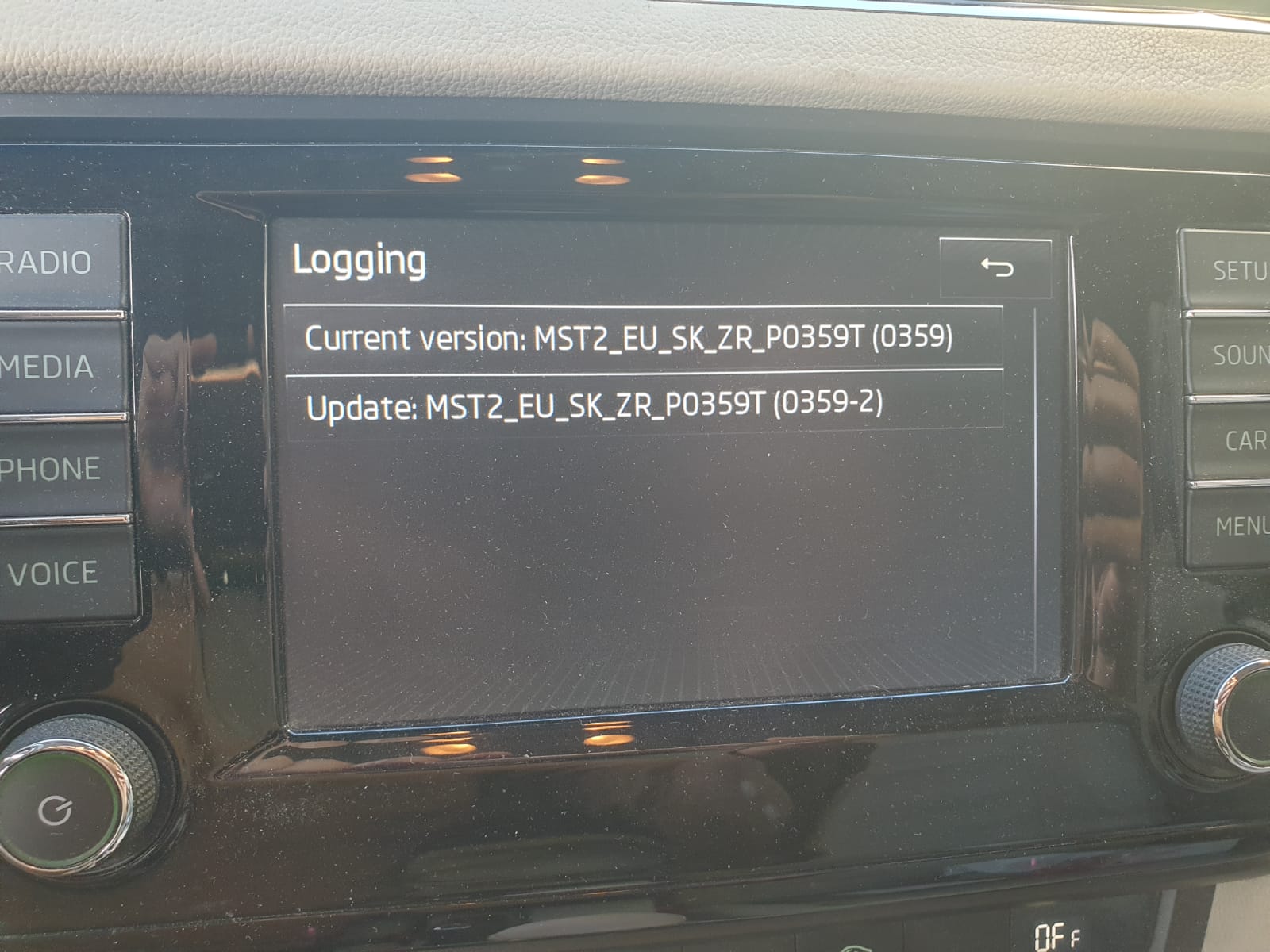
Thanks.Hi، Greetings. I have mst2_eu_sk_zr_p0359T on hardware H30, Software0359, with Part# 5q00358408 and Software version H28.28.133_std2plus_eu. As per the screen , it shows that there is update mst2_eu_sk_zr_p0359T (0359-2). i can't find it and i would like to ask a couple of questions: 1- can i have this update file 2- is there a way to activate the mirror link thing which enables me to connect with my mobile Best regards, Mohamed GazayerlyHi @pab567. Greetings. I have mst2_eu_sk_zr_p0359T on hardware H30, Software0359, with Part# 5q00358408 and Software version H28.28.133_std2plus_eu. As per the screen , it shows that there is update mst2_eu_sk_zr_p0359T (0359-2). i can't find it and i would like to ask a couple of questions: 1- can i have this update file 2- is there a way to activate the mirror link thing which enables me to connect with my mobile Best regards, Mohamed Gazayerly
.jpeg.47bb89df07c352b5bef548e2a0f344ff.jpeg)

Important Information
Welcome to BRISKODA. Please note the following important links Terms of Use. We have a comprehensive Privacy Policy. We have placed cookies on your device to help make this website better. You can adjust your cookie settings, otherwise we'll assume you're okay to continue.