




loolooVrs
New here
-
Joined
-
Last visited
-
Hi Guys Just to jump in on this thread. After 115,000 miles My petrol 2012 Octavia VRS with DSG has started to develop a slight clunk from the NS front this mainly occurs at very low speed in traffic or crawling round a car park. when your go on off the throttle a lot. It comes and goes but after 6ths it seem to be getting slightly worse. I’ve not had chance to investigate properly yet but it’s sounds just like a slack pot joint on a drive shaft. I’m hoping what’s the case and it’s not an internal gearbox /Diff problem. I maintain the car myself and have owned it since it was 6 months old but I have the DSG serviced by Skoda every 50k in an attempt to avoid gearbox issues. Louise
-
Hi Guys. Sorry for the delayed update. I removed the motor and it turned it was indeed foobarred. Got a new one off Fleabay and it works a treat. It’s nice to have a working rear wiper again. Thanks for all the help. Louise
-
Hi Pasi. Many thanks for your advice on this. I haven’t looked at it yet as it’s been sodding too cold to go messing about with cars. I will do as you suggest and give the PCB in the motor a good inspection under a magnifying glass. I do have the skills to resolder if it needed. thanks again Louise
-
I’m sorry I thought this was a space to say hello and introduce oneself
-
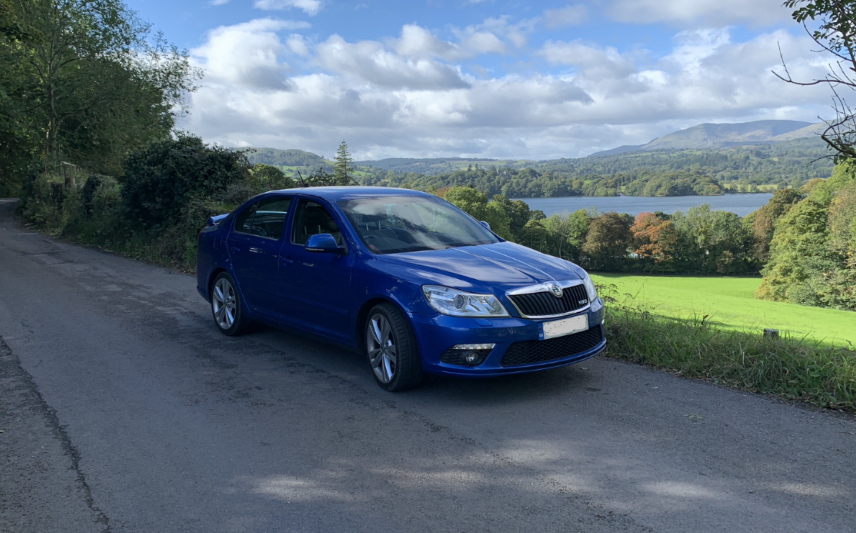
Hi new member here. I have a 2012 Octavia Vrs with Dsg box. We bought the car in 2012 with 6k on the clock. Now covered just over 106k and we’ve loved the car and still do. It’s been superb. Only a few niggles over the years and the latest is the rear wiper has packed in. I understand this is not an uncommon problem. I’ve checked the usual body to tailgate wiring and they’re all good. I’ll pull the motor off tomorrow and give it a good looking at any other clues would be appreciated. Louise
