LiamXCIII
New here
-
Joined
-
Last visited
-
Hiya everyone, okay great news it is now working again after many attempts to connect this afternoon…. My car’s infotainment system had an update come to it when I turned it on, it asked me if I wanted to apply the update to which I said yes. After this I went somewhere I knew had great 5G phone signal and made sure that the car had connection. And thankfully the App then connected and worked!! in the meantime I did have a reply back from SKODA Support which I will post below just incase it helps anyone else. Thank you for your email related to the ŠKODA brand. Please, first visit the Skoda Connect web portal https://www.skoda-connect.com/ login page. There you can sign in with your existing ŠKODA Connect account (if you already have an account register with the email ad-dress that you have been registered e.g. *****@*****.tld) or if you have not yet done so, create a new ac-count and sign up. Add manually your vehicle by inserting the VIN. Please complete the enrollment and accept the Terms & Conditions. Also, to be sure that you have the latest version of the MySkoda mobile app in your Smartphone, please uninstall the app, clear cache and cookies and reinstall again the MySkoda mobile app. - Login with the same credentials that you are using to log in to the SKODA Connect Web Portal. - Insert again your vehicle in the virtual "Garage" manually with the VIN. - If after the reinstallation of the app, your vehicle is there, please remove it and add it again with the VIN. Then in your vehicle It is necessary to have with you the 2 keys of the engine. As a first step, we recommend you to park the vehicle under open sky with good internet coverage. Start the ignition, but do not start the engine. Wait for a while until the "Globe" is white. 1) Perform a factory reset through the Infotainment settings. 2) Go to main menu and click on „Users“ 3) Click on „New user“ 4) Fill out the Skoda Connect email address and password 5) After the information is filled out, click on „Log in“ 6) Personal data that are required in order to use Skoda Connect services. Click on „Accept“ 7) Fill out the necessary details such as Title, First and Last name and Residence. Accept marketing consent and Terms and Conditions. Then click on „Confirm and continue“. 😎 Create a S-PIN and click on „Create and register“. After that a message „Changing your vehicle settings“ ap-pears, click on „OK“ 9) After creating S-PIN, you have become a Guest user. After becoming a Guest user, a message offering to be-come the "Primary User" appears. Click on „Become primary user“ 10) Now, please order the Skoda Connect service packages. You must agree to the Terms and Conditions. Then click on „Order now for ...“ (The amount is subjective) 11) You have purchased Skoda Connect services. Confirmation email will be delivered. Click on „Become primary user“ 12) Now you must quickly press the Unlock button on both keys. No additional buttons need to be pressed. 13) You have now become the Primary User. Both „Shop“ and „OK“ can be pressed. Then, in your infotainment system, activate the Connect Services: 1. Click on Settings. 2. Click on ŠKODA Connect (online services) 3. Click on Privacy settings and manage services. 4. Set the "Privacy" to "Share Position" 5. On "Services" choose "ALL" and "Tick" the boxes to each Service. Also to update sistem please -Visit ' Menu', select ' System settings', then select ' System Information'. -Finally select ' Online download'. - Visit ' Notifications' and then select ' System Update' and further continue according to point ' 2 -Alternatively, the pop-up will repeatedly appear when is going to turn on a vehicle after 10-15 minutes of sleep. In case any error message occurs, please provide us with a screenshot and explain to us in which step it appeared. Thank you for your patience. Thank you in advance for your cooperation. With kind regards,
-
I’ve exhausted all possibilities, I’ve tried deleting my Skoda connect account along with my ID account and trying a different email address and the app still didn’t work. Tried a different phone, so both android and IOS…. App still doesn’t connect. I tried connecting the car to my home Wi-Fi first and registering for an account on the cars screen itself which still didn’t get the MySkoda App to work. All in all I can see that the car has a connection to the Skoda servers because I can log in to Skoda Connect on a web browser and it will show some basic information about my Car, Garage, Fuel range etc…. I am the primary user on the car which is good. So everything except the MySkoda app works. So it must be down to Skoda Server not being online right now which I’m gutted about because it looks like, when it works, there’s a lot more you can do on it. Hope it gets fixed sooner rather than later.
-
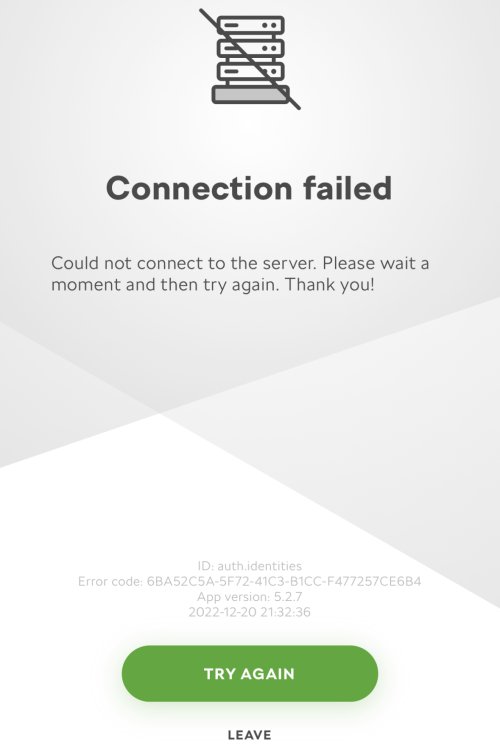
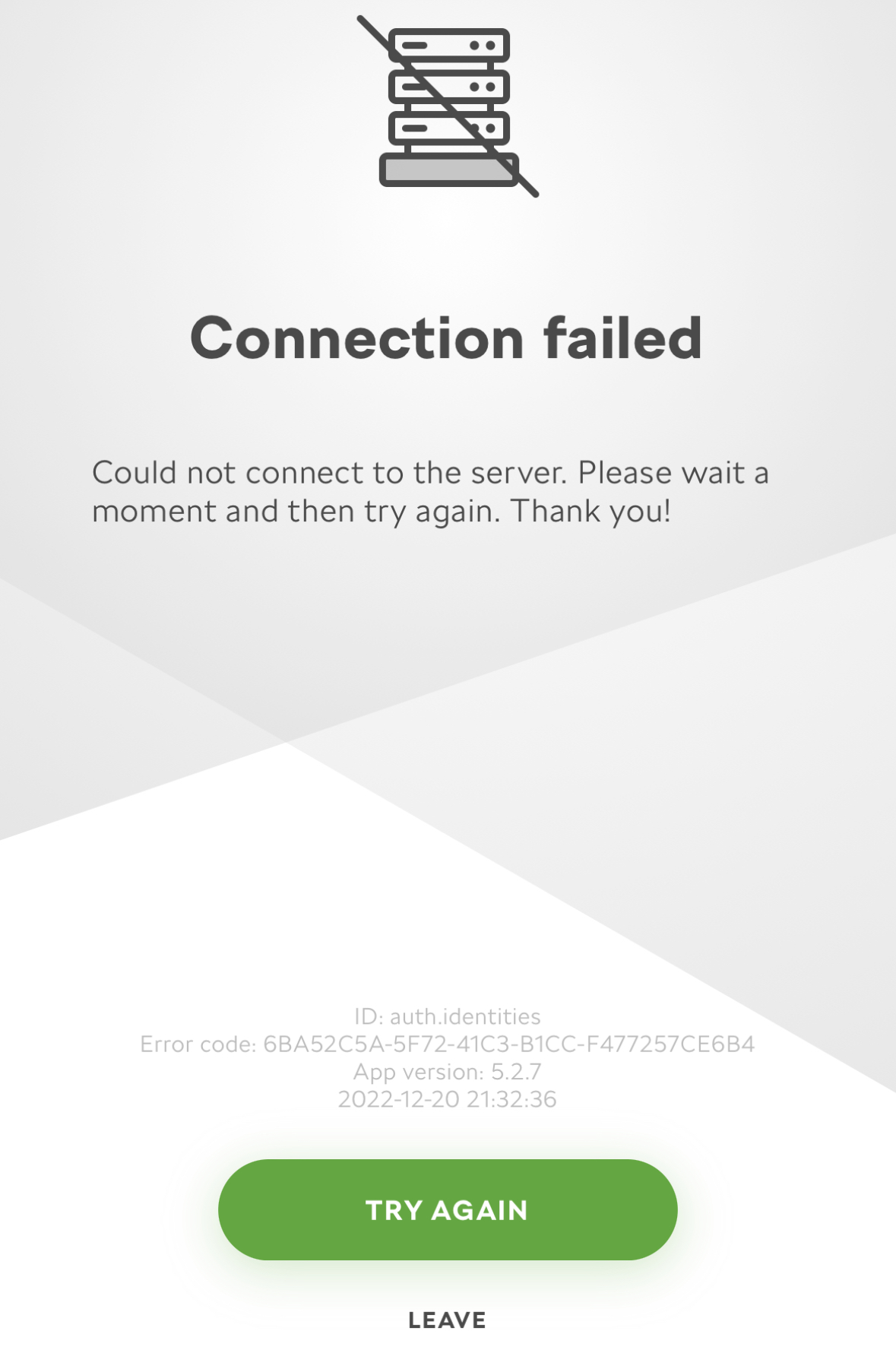
Hello, Got my new Skoda Octavia today, have downloaded the MySkoda App and registered an account, was then able to log into that account on the card infotainment system where it then applied a user. I was then able to make myself the primary user by pressing the unlock button on both sets of keys. However when I go to log in on the MySkoda App I get a Connection Failed message, unable to connect to server? So the App is pretty useless right now? I can log into Skoda Connect on Google Chrome fine and it shows my vehicle details, mileage etc…… just strange that the App doesn’t work? Anybody else had a connection problem like this?