TranceNav
New here
-
Joined
-
Last visited
-
I love the red on the vrs model. Looks amazing. I saw a green skoda octavia other day in my area I was like wow someone got one Big fan of bright colours makes it easier to find in a car park 😆
-
And I agree this csr i now have is more powerful than my old 2003 model which was 1.9 diesel and only had 115 bhp!! Haha absolutely loving it on the motorway now 😆
-
Its 1.5TSI. The first time I drove it k felt like I was floating along the road on clouds compared to my 2003 wher enough feel everything! I am struggling a bit moving off from junctions quickly and bunny hopping. Seen on the forum they call it the kangaroo effect. I did wonder what those revs where before biting point kicks in and understand it now. So just going to keep making a few tweaks to just smooth out going from 1sr to 2nd gear. That is the one thing I miss about my old car I could just jump into any gap but with this newer one I'm much slower at it whilst I get the hang of the changes
-
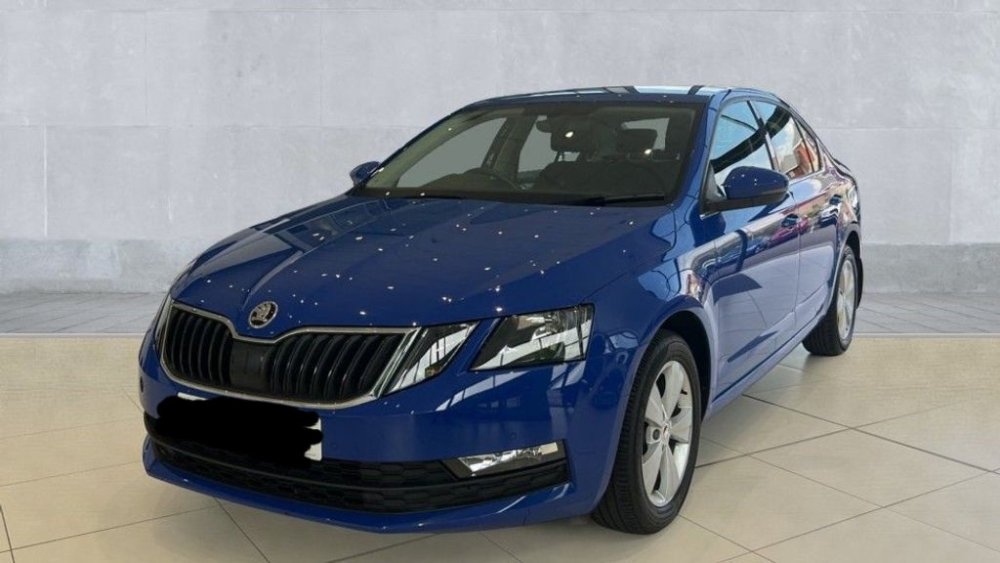
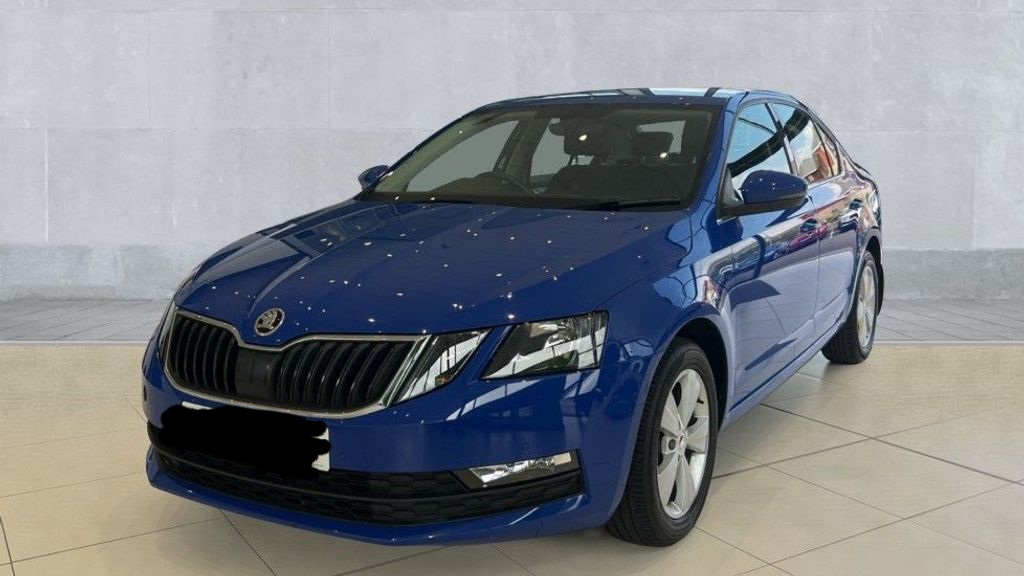
Due to the upcoming ulez expansion, I finally said goodbye to my 2003 skoda octavia diesel. What a waste, it coukd of gone on for many more years! Despite lots of pressure to change to a Mercedes or BMW or Audio, I stuck to my guns and upgraded to a 2019 Skoda Octavia petrol 😁 Bit of a getting used to from diesel to petrol nd trying to find the right driving seat position but I love it! Especially the sound system with bass, electric windows and AC...I never had this before!!! Here is a pic from dealership but its in energy blue so I love how bright the colour is amongst all the black, white and grey that I see on my road.