Gjhu
Finding my way
-
Joined
-
Last visited
Everything posted by Gjhu
-
Thanks for your quick reply!😀
-
Question ; does the 12 volt socket still works after this upgrade?
-
Question. Does the backseat and seats of a Octavia 3 combi fit in a Octavia 3 hatchback?
-
Receveid the screen Today. Plug and play and can go too the navigationscreen by the menu.
-
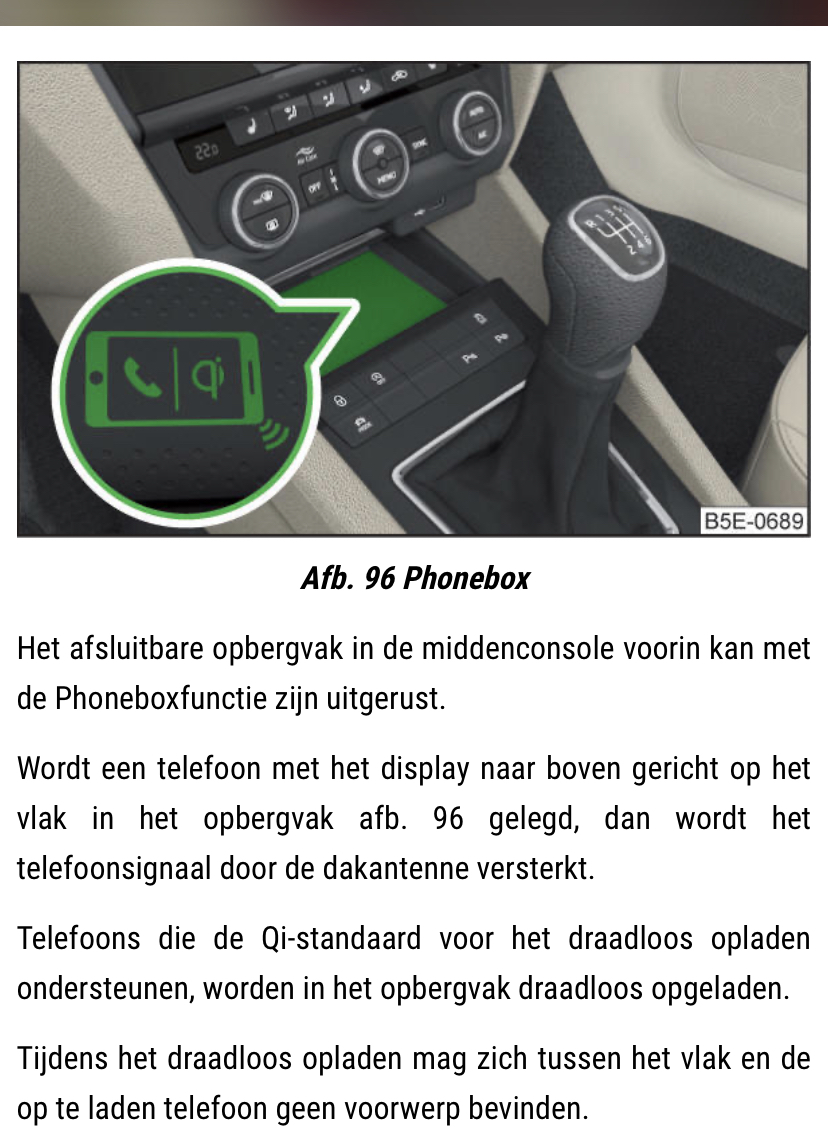
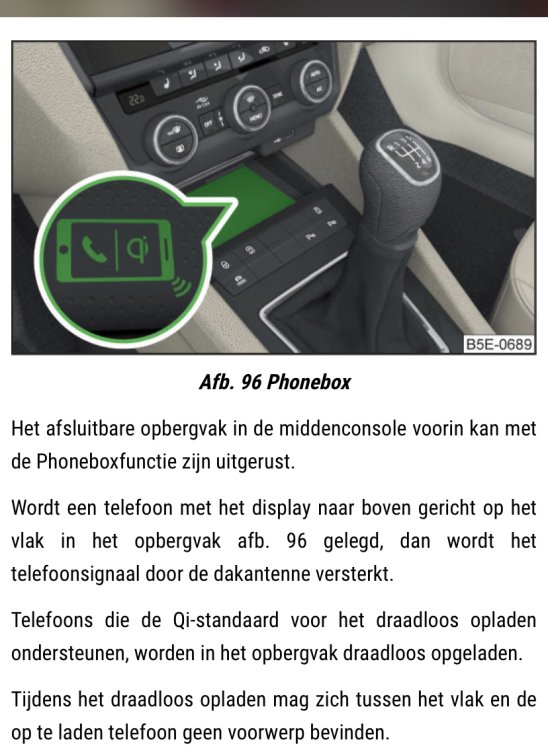
Aahh. So the phonebox (see picture below) is only for loading my phone. So the (wired) carplay also runs on the unit in the glovebox? And then the screen only projects it on the screen..
-
Sorry. I mean that when i plug in my phone it automaticly connects With carplay. So it has to be connected by wire. I mentioned the phonebox So perhaps you could see what the version off my currant screen is. I understand now that it was a bit confusing.
-
Goodmorning, Correct. I know plug my phone in and Carplay starts. Also have the phonebox in the car (automatic loading my phone in the car)
-
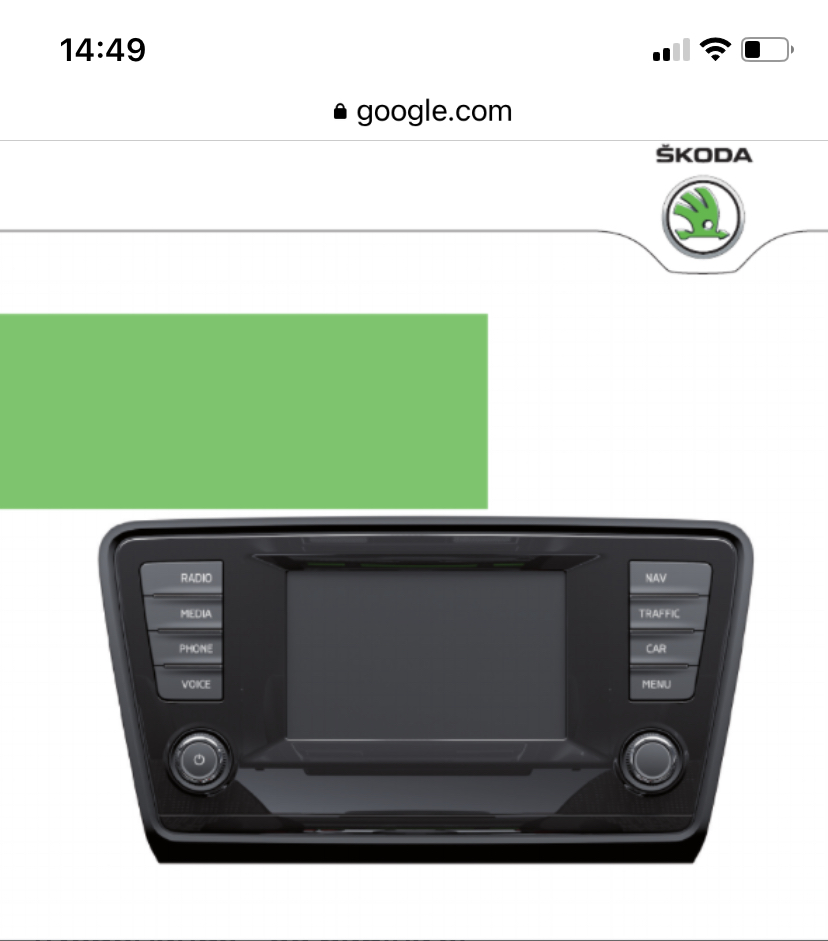
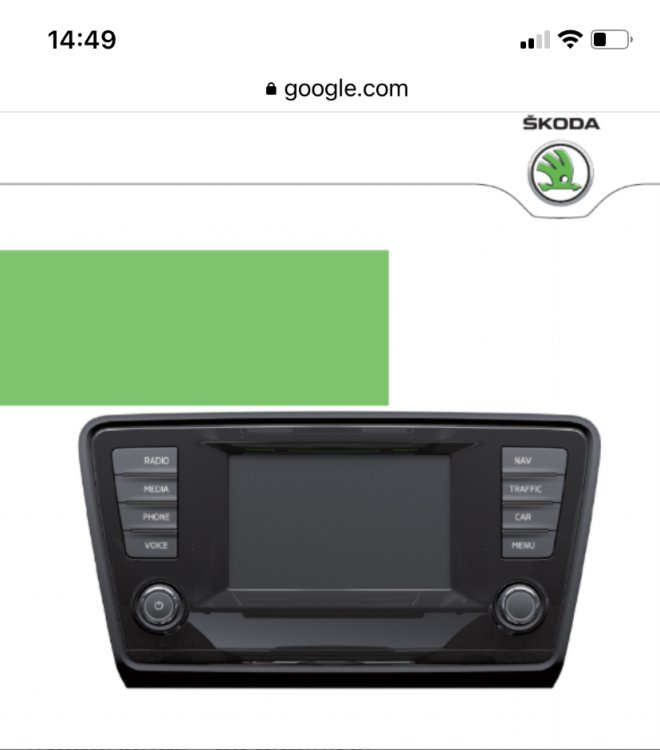
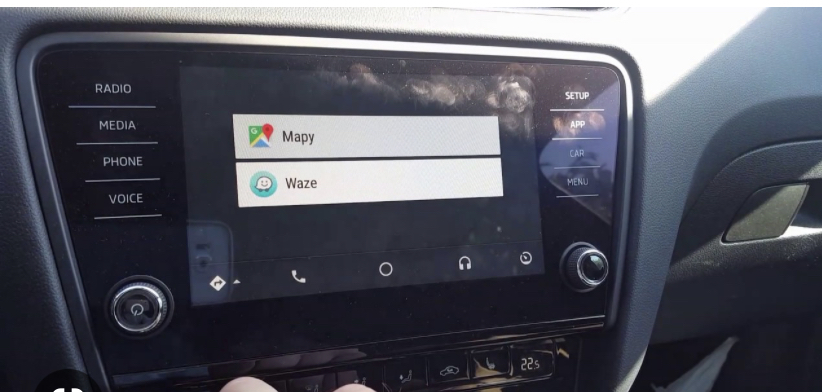
I have an amundsen now With smart link / carplay. I believe this is mb2.5? 1ste picture is whats in the car now (With smart link / carplay) 2th picture is what i can get to replace the screen from the 1st picture.
-
Hello! Just New here and after my introduction, this is second post 😁. I am planning to replace my Amundsen screen 5e0919605M (pre facelift 6,5 inch).Can i replace it for an Bolero screen 5e0919605N after facelift 8,5 inch? Only difference is that on the New screen the navigatie screen button is missing but i asume i can go to the navigation via the menu button? Read somewhere that the screen only shows what is on the mk2.5 module?
-
Hello everybody! New here from Holland. Gjhu 44 years old and driving a Octavia 2016. Also a member of the Dutch Skoda forum and now here because i saw there is a lot of knowledge here on Briskoda!