KarimAmr
Finding my way
-
Joined
-
Last visited
Everything posted by KarimAmr
-
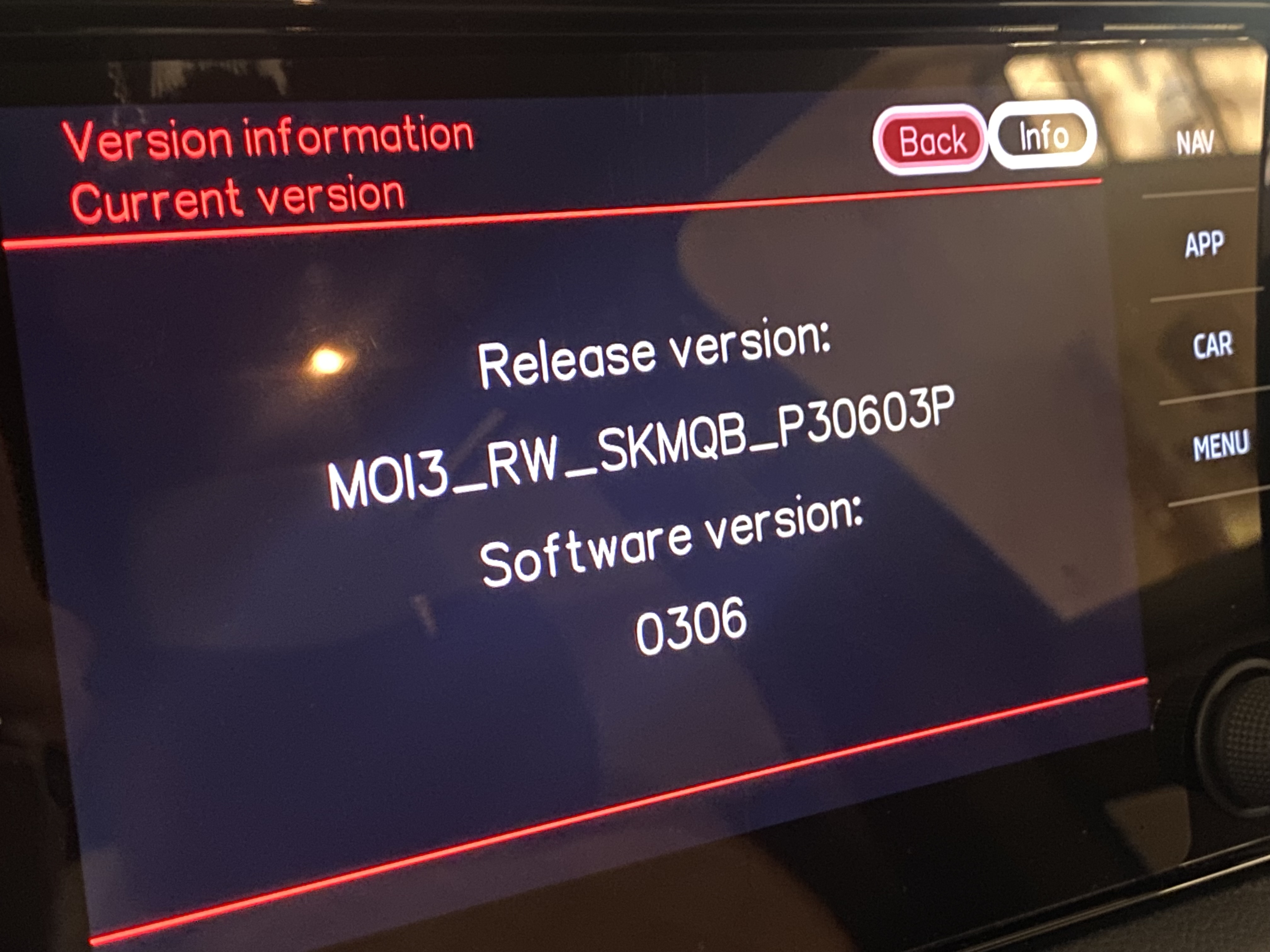
Hello , I brought a Kodiaq MY23 from GCC and reimported it to North Africa [ both have RW firmwares ] , Recently I've activated the NAV FEC/Swap and the navigation is now shown on the screen but of course it show the GCC maps , will applying the the North Africa map update from portal replaces the GCC maps OR there are long coding required to make it work ? thanks in advance !
-
Same thing , updated to 308 and tried 330 and got checksum is wrong , hope it is at least error in the 330 not in my unit 🤔 ( BTW just updated to 324 and worked fine )
-
Sorry for late reply ! Unfortunately No , but I was confirmed that both CarPlay and Wireless Carplay license are active on the car , it has something to do with the internal media unit GPS module that detects that the car is out of the purchased region and needs to be altered in some way in order to work , not sure if this is a thing but if anyone got any solution would be much appreciate
-
-
-
Hello everyone , Recently we had bought a Kodiaq 2023 Style trim from Kuwait and exported it afterwards to Egypt ( Home Country ) , since then the Wireless Apple CarPlay function isn't working at all ! It used to work before while she was in Kuwait but since it arrived to Egypt it only works wired . Went to the dealer and found out that the Wi-Fi isn't turning on at all in the car , they tried to enable it through their software but with no luck . Did anyone encounter similar issue or at least know what could be the issue ? Thanks in advance !