Guinan
New here
-
Joined
-
Last visited
-
The link would be good thank you.....depends how brave I'm feeling! If I can't get it working will be buying a replacement so might be nothing to lose. Thanks for your help.
-
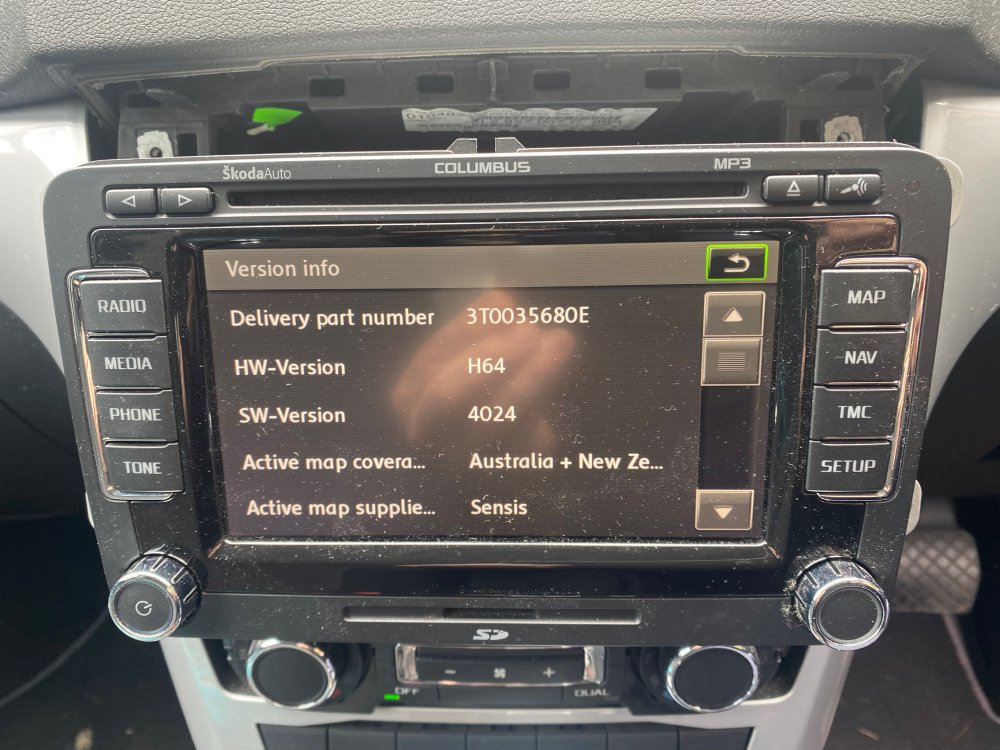
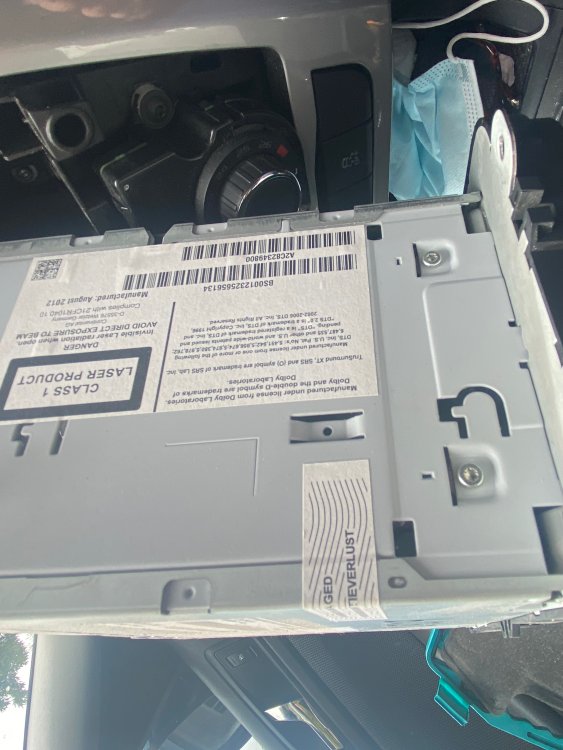
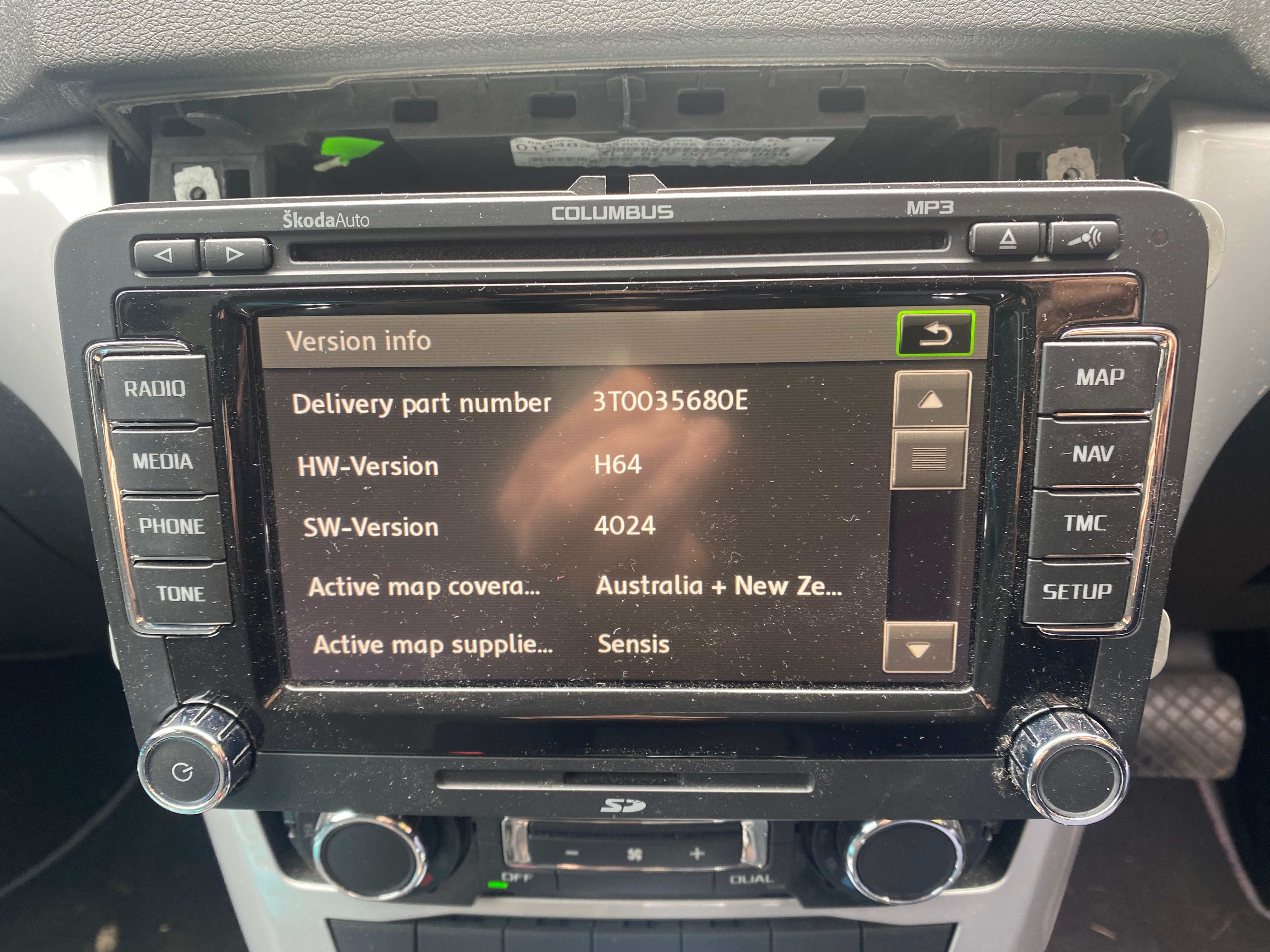
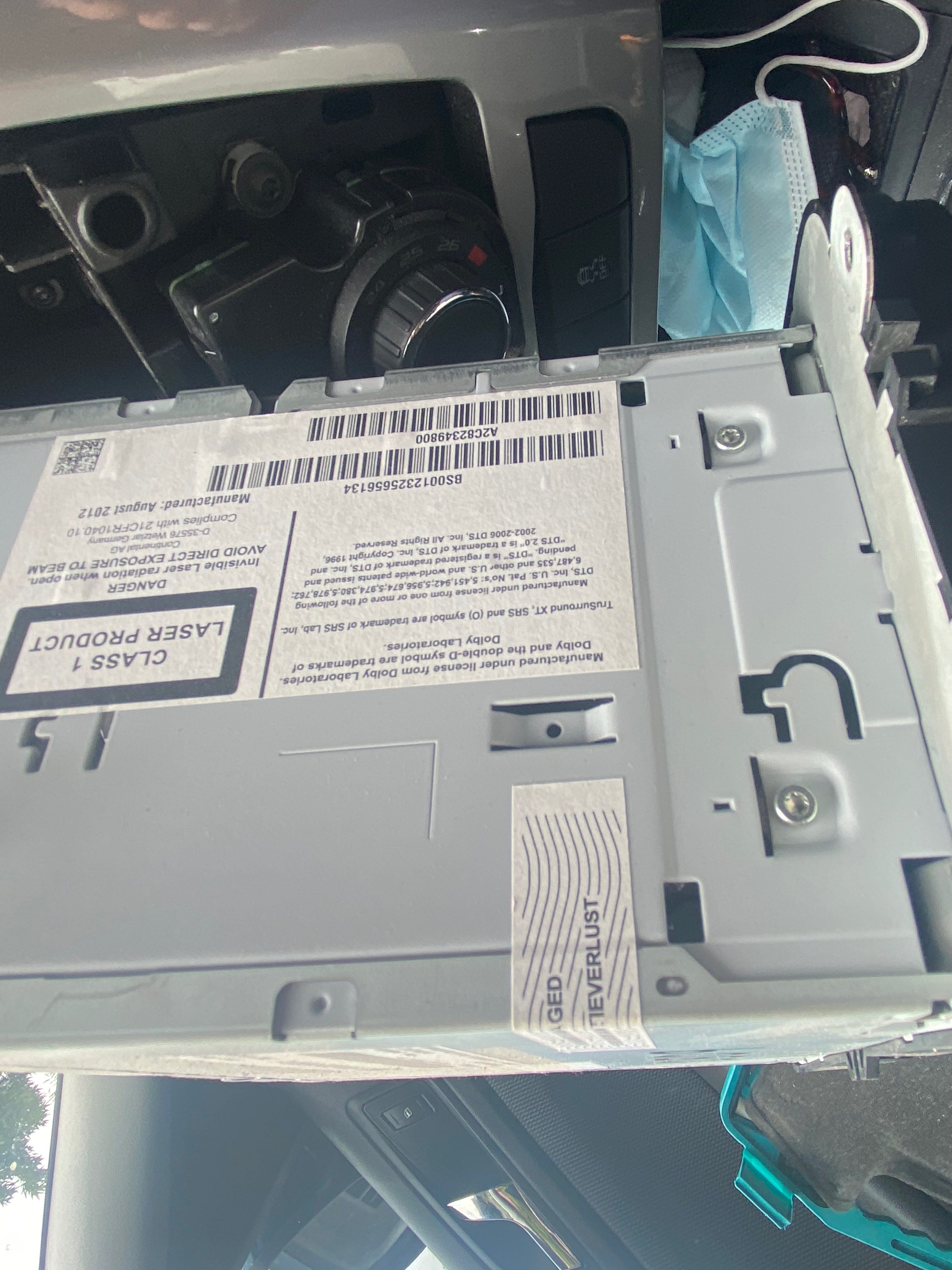
Lower part of menu just shows map version. Can't see anything like the C6 type HW code anywhere else. Might have to resort to asking dealer if they can update firmware to give it a try....I don't think I've seen Oz update firmware online (and don't have maps to reload from scratch). Ian
-
Thanks, how do I find out which hardware revision I have? Thought it was H64?
-
Have tried this but will give it another go. Thanks for the suggestion though I suspect it is something else entirely. Ian
-
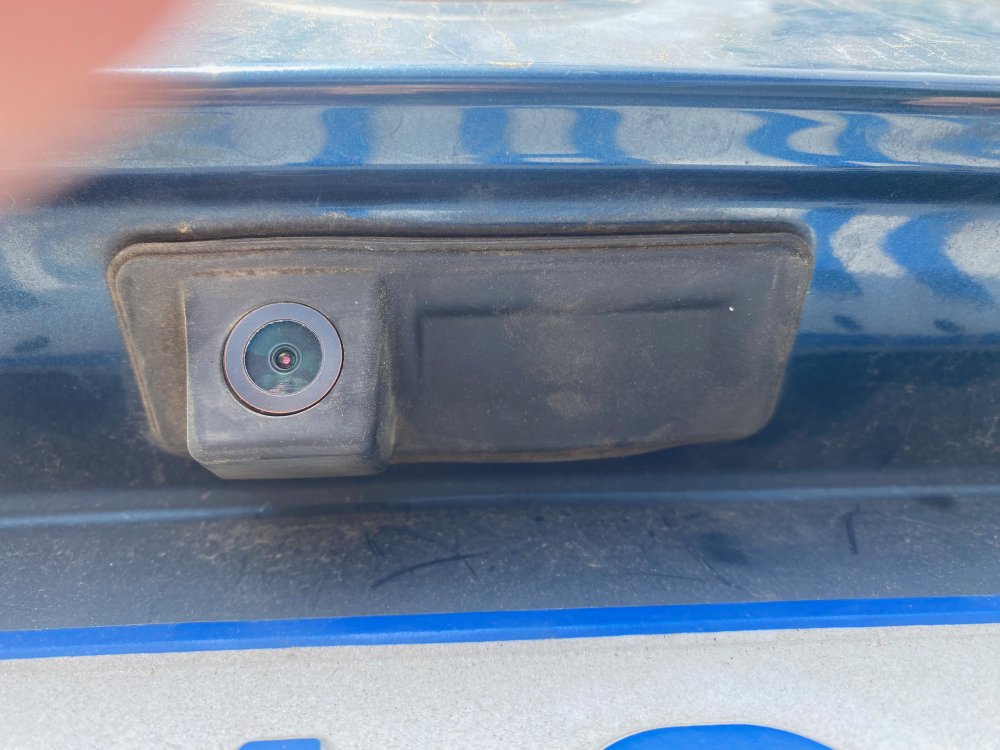
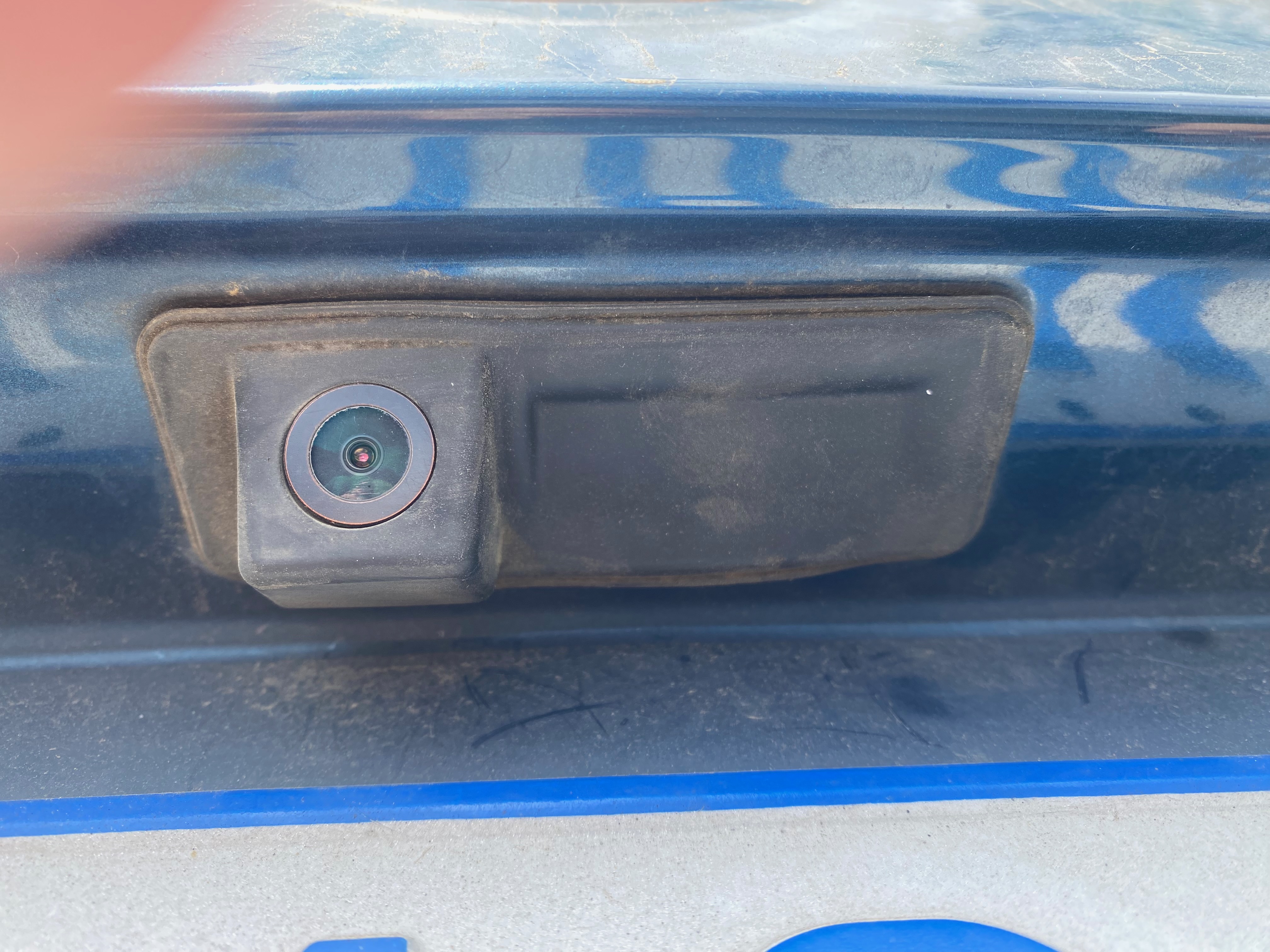
Have looked at similar threads and haven't yet come up with a solution. Columbus has been working well for more than 5 years and audio and reversing cam have suddenly stopped simultaneously? I think the unit was fitted by previous owner and was not specced with car. Not sure if the reversing cam is original or aftermarket. Have looked and all wiring seems good - though is there an external amp/fuse that would explain both cam and speakers stopping at same time? Any clever ideas to put me on the right track or should I just be looking at a new unit (the Noname RCD330 green light clones look like they might be a good replacement)? I don't have VCDS but could try and find someone with access? Thanks for your help!