iirfansk25
Finding my way
-
Joined
-
Last visited
-
Also sometimes it does not see the phone. I renewed the software and it does it again. Can someone who knows tell me the solution? Please don't tell me "connect via bluetooth". For example, if I buy a car link kit and connect to the car play application via wifi, will the audio connection break again?
-
I know what type to use. I wanted to tell you which brand should I choose, PETRONAS or MOTUL?
-
If possible, send me the link and I'll try it.
-
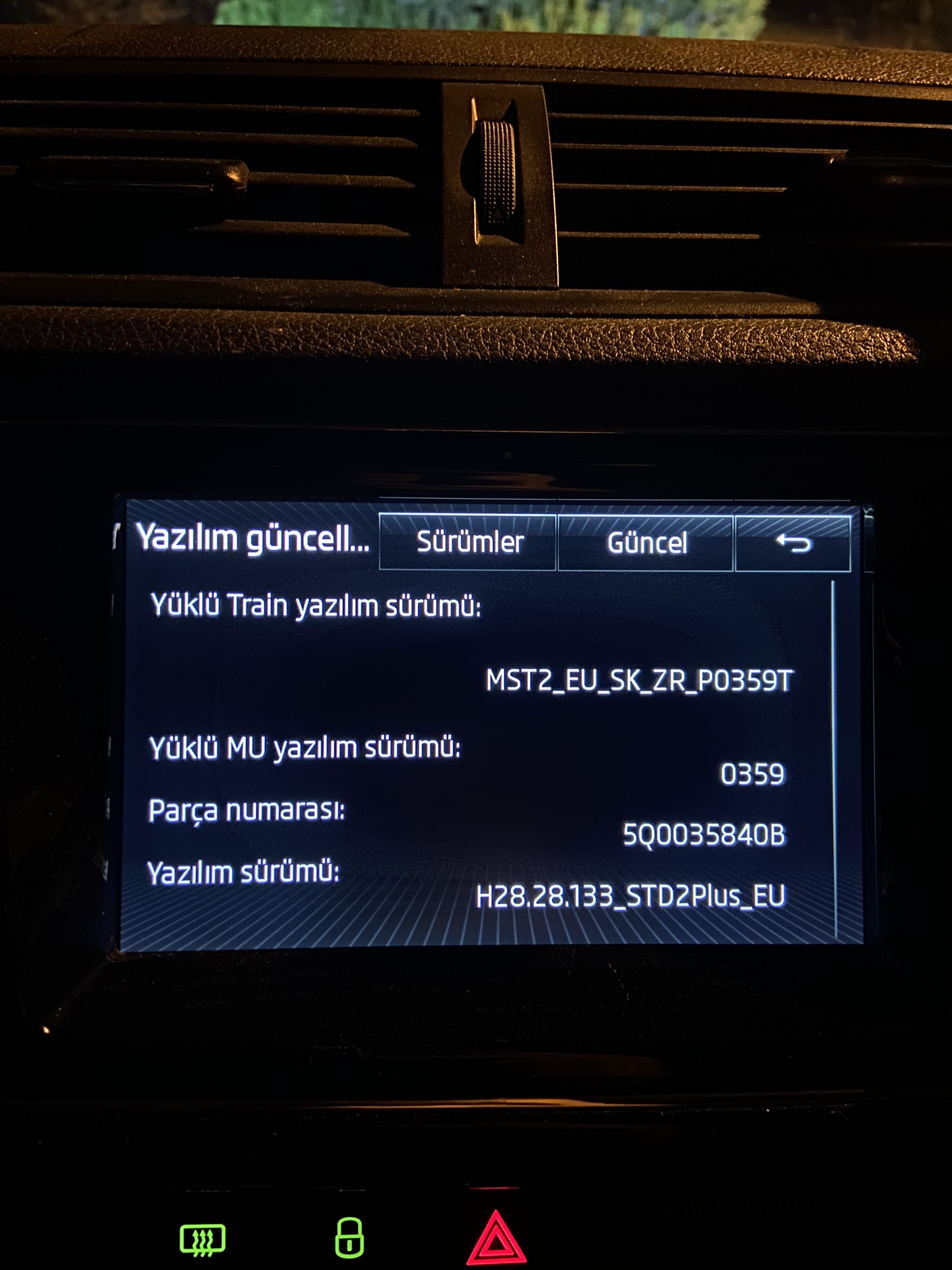
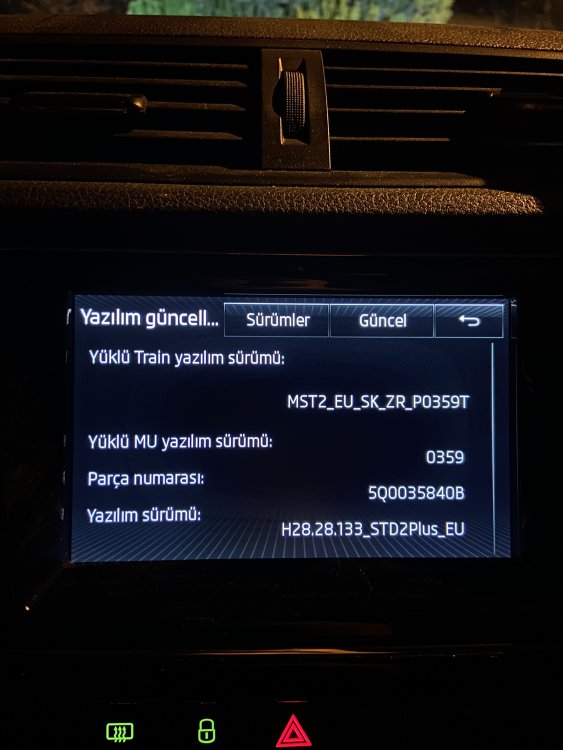
Do you have a newer version than 0369? maybe even 4xxx. I'm ready to disrupt the multimedia.
-
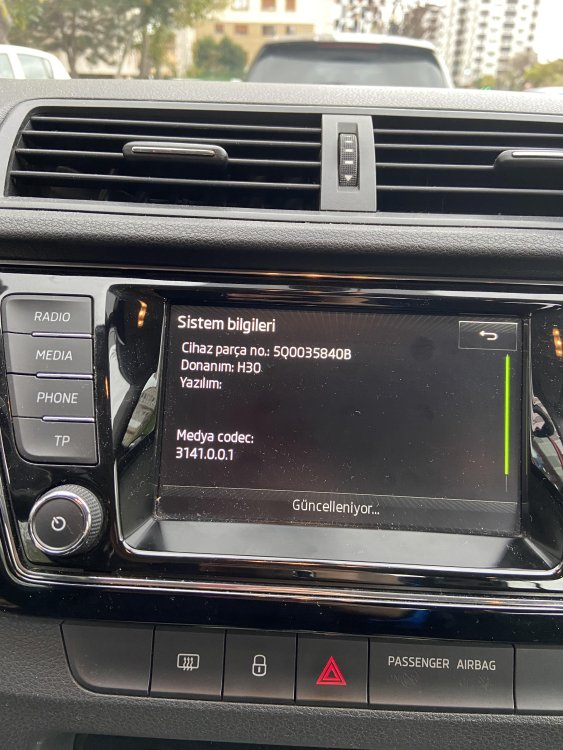
2016 Skoda Fabia 3 Although I have updated the car multimedia, when I connect my phone with an apple cable, the call sound stops after 2 minutes while making a phone call. I have to unplug the cable and speak over the speaker. what is the solution for this error?
-
I have 2016 model 1.2 tsi fabia. I want change engine oil. Which one do you think I should use as engine oil? 1) MOTUL SPECIFIC 504 00 507 00 0W-30 2) MOTUL SPECIFIC 504 00 507 00 5W-30 3) Petronas Syntium 5000 AV 5W-30
-
I downloaded and installed version 0369. It took 17 minutes. Everything is great at the moment. thanksssss
-
Ok, I'm waiting for version 0369 from you.
-
I found version "mst2_eu_sk_zr_p0478t" from internet. Do you think I should install it?
-
Ok
-
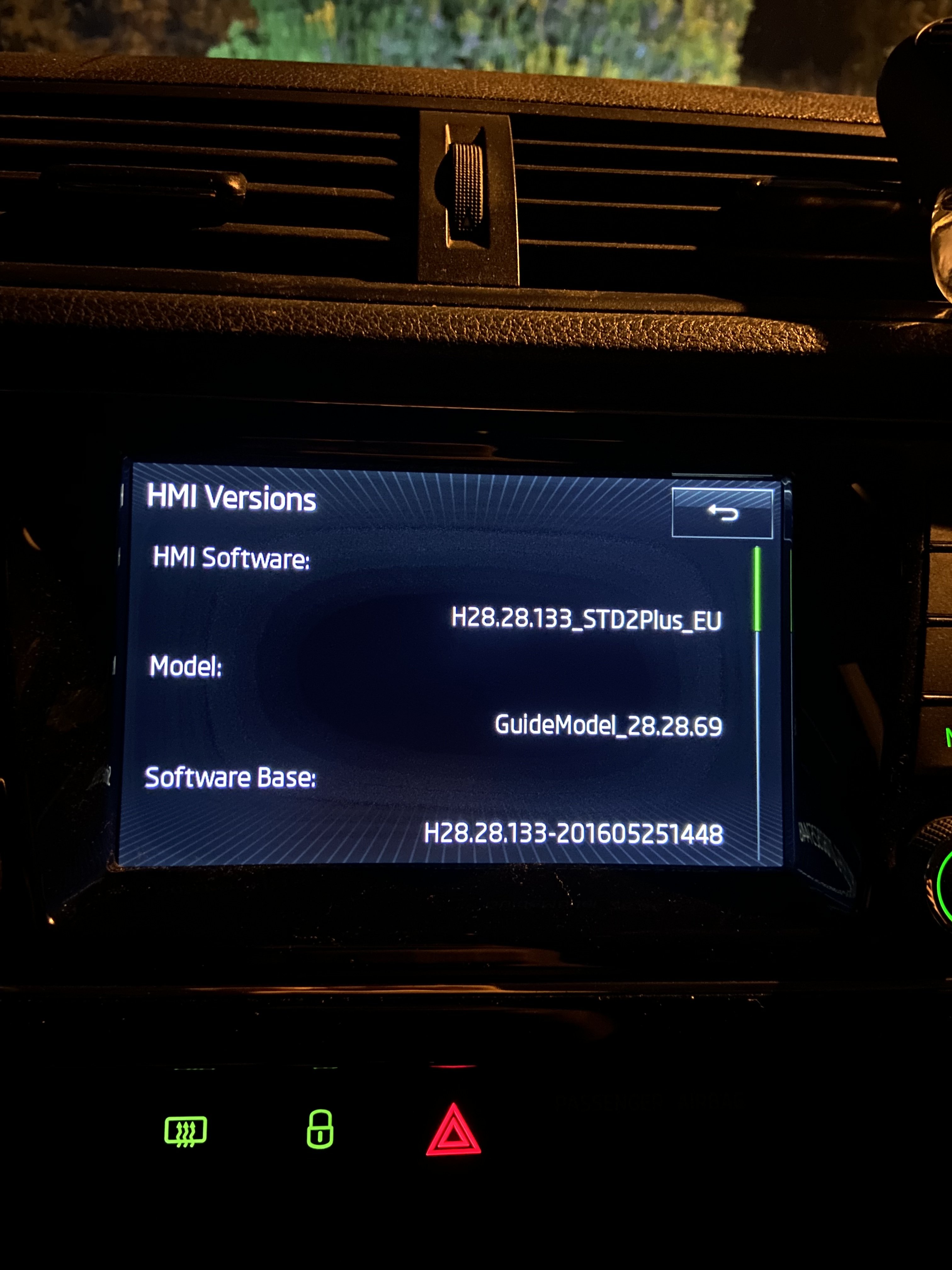
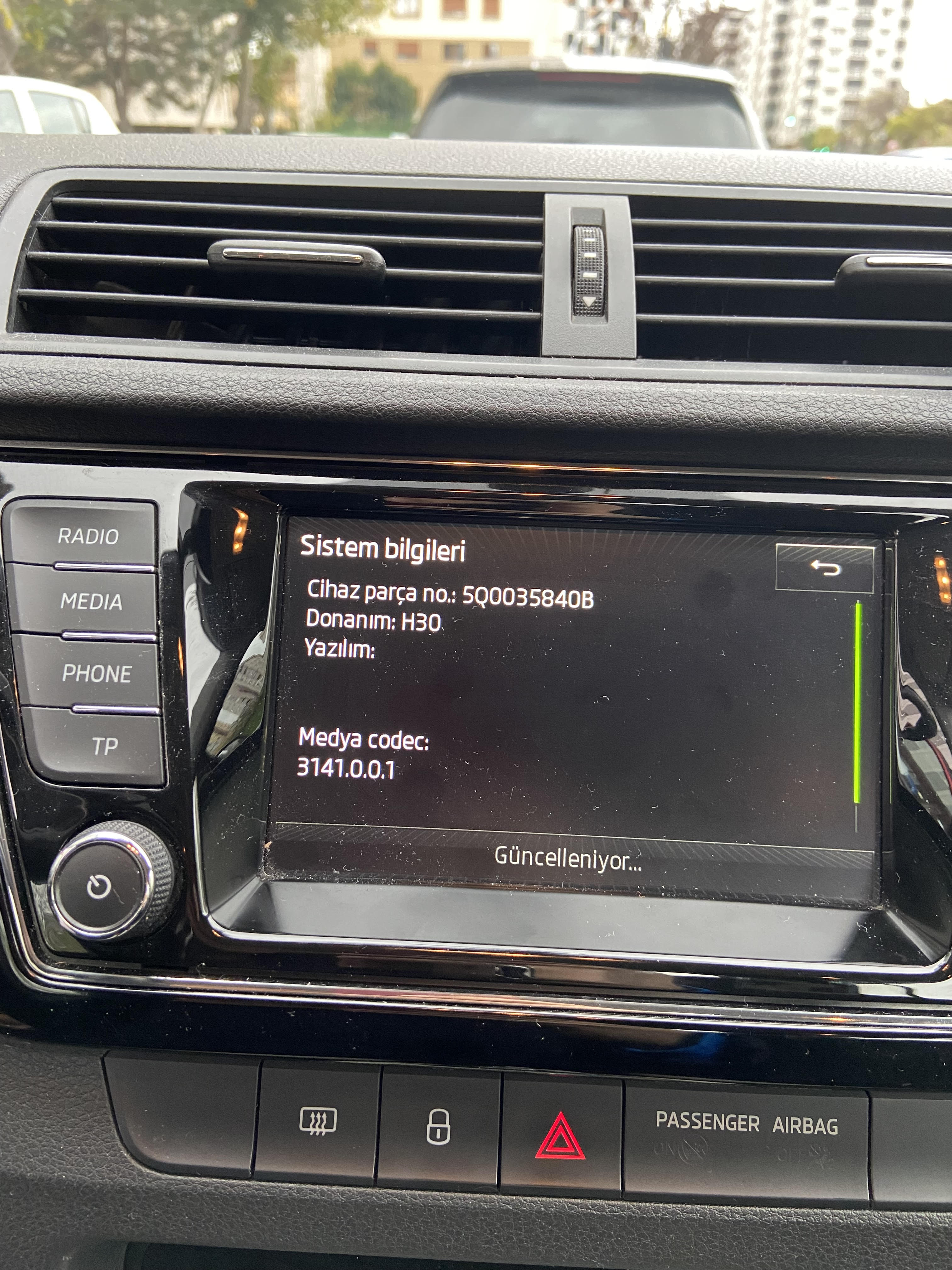
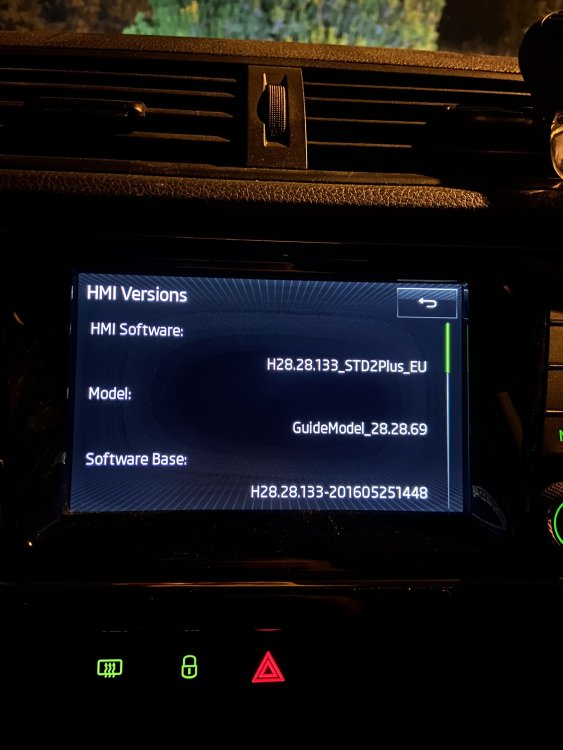
I have 2016 Fabia 1.2 TSI Style Manuel. I'd like to update my swing radio please, could you send me an update link please ? I live in Turkey. I use the multimedia language Turkish. Thank you very much in advance.