Stroudleyroundabout
New here
-
Joined
-
Last visited
-
Hi, The Fabia is now repaired. and has been back on the road for about 10 days. As well as the work the mechanic did on the coil pack, a sensor at the rear of the engine needed replacing. I'm sorry I can't give you anymore technical information on the exact cause of the problems I was having, but I'm most grateful to everyone who offered advice. Will
-
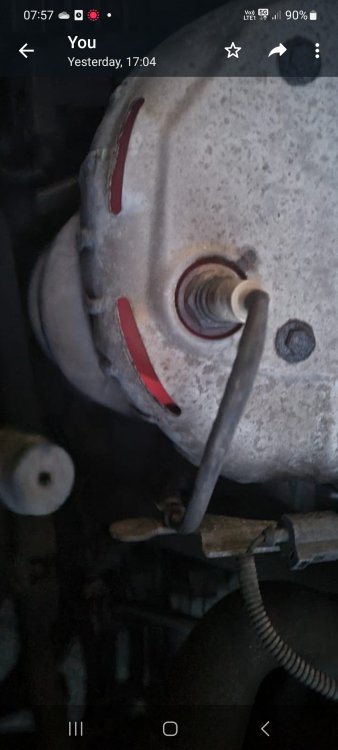
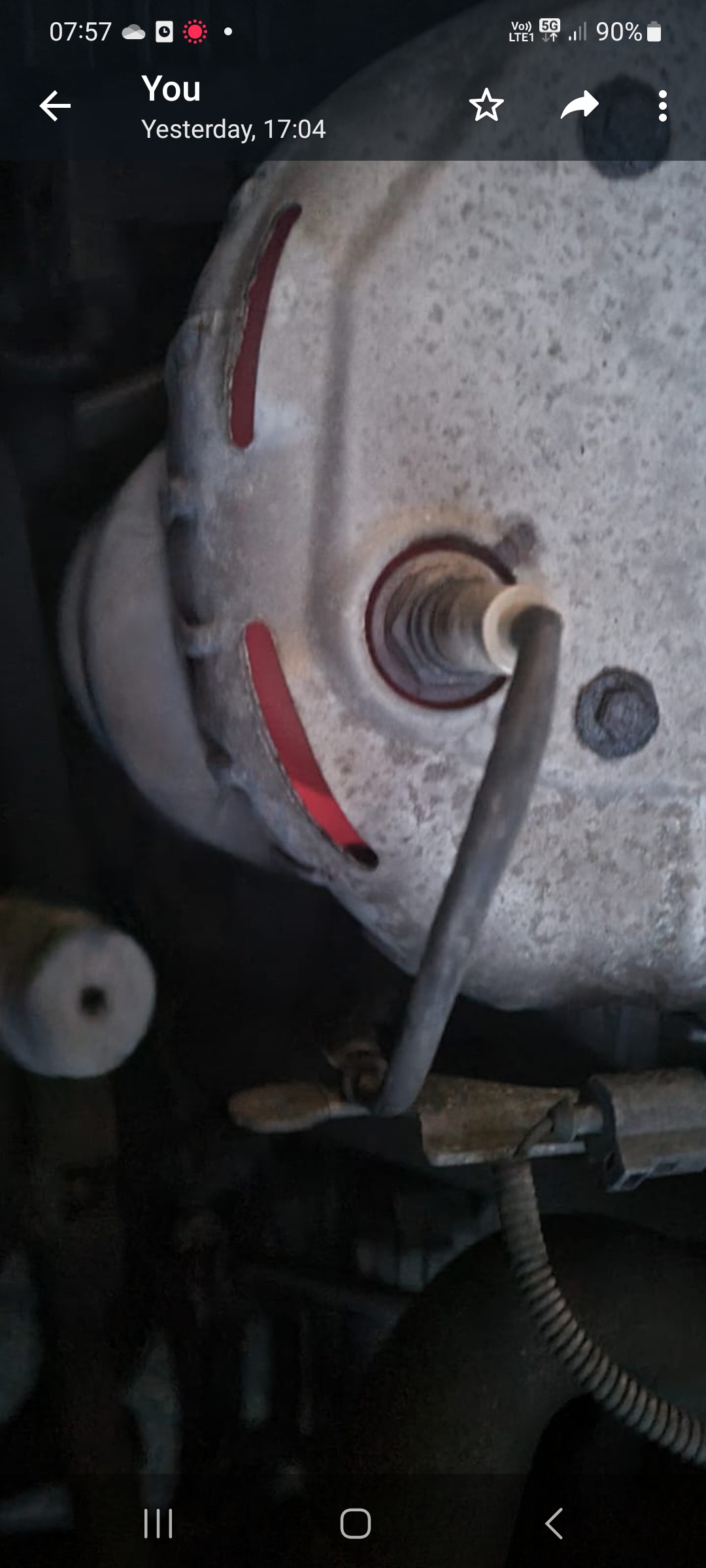
Hi, I've owned my 2007 Fabia 1.2 70HP for 12 years, and it's done just over 90000 miles. Up until last week it has been 100% reliable. It broke down on the way home from work and the AA were unable to get it started again, so it was towed to my mechanic . The car was away for a few days and the coil pack was replaced. Since I've had the car back it's been very low on power. The engine used to start immediately , but now takes a couple of seconds to fire up. The engine sounds noisier and the exhaust sounds odd, almost as if I've had it modified. On a test drive , it struggled on hills and required changing down to 2nd to reach 30mph. On the a quick motorway test of about 8 miles the car took ages to reach 70 mph and there was a lot of heat coming into the car from the engine Most alarmingly, I drove just under a mile through town yesterday afternoon, and afterwards decided to lift the bonnet to see how hot the engine was. I found it too hot to touch , and as you can see parts of the engine were glowing red. No warning lights were illuminated on any of these journeys and the oil and coolant levels are both correct. It's now back with the mechanic, who is 100% reliable and I'm now considering replacing it as the repairs have already cost around £500. I know this isn't a huge bill but I need a reliable car for getting to work and we're starting to lose confidence in the Fabia. Can anyone advise on what's cause these problems ?. The car was last serviced in September. Thanks. Will