filipev
New here
-
Joined
-
Last visited
-
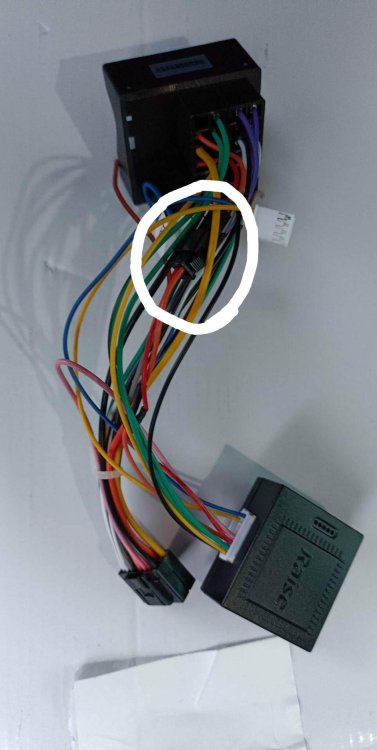
Update on this: Today I was able to make it work with the key-on key-off unplugging the little plug with red and orange wires in it. But once I started the engine, there was no more sound. Only got sound back when plugged the other cables that won't work with key or the stock HU. I do know it's because the DSP doesn't get activated, now I need to find how to make the DSP power on with these cables.
-
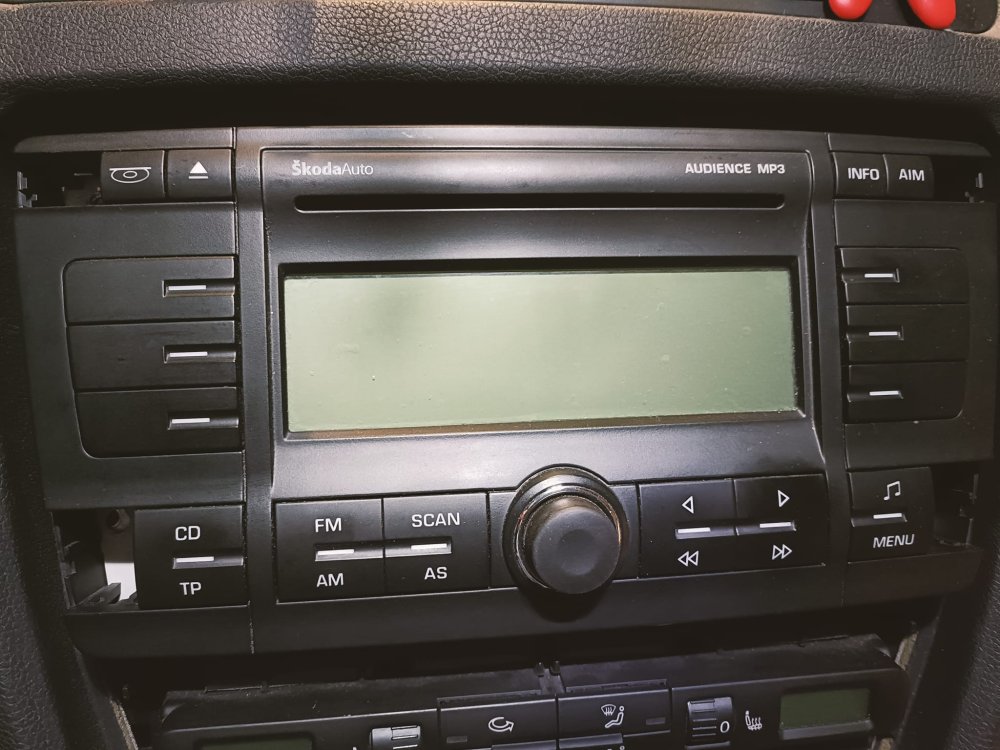
The screen stays on even with key removed. I have not tried leaving it overnight to test if it drains battery because I already had dead battery several times since I'm trying to install this radio and it's kind of boring when you have to go to work and have no car. The thing that bugs me the most is that I had it working until I start the engine, after that it stopped turning off with the key removed.
-
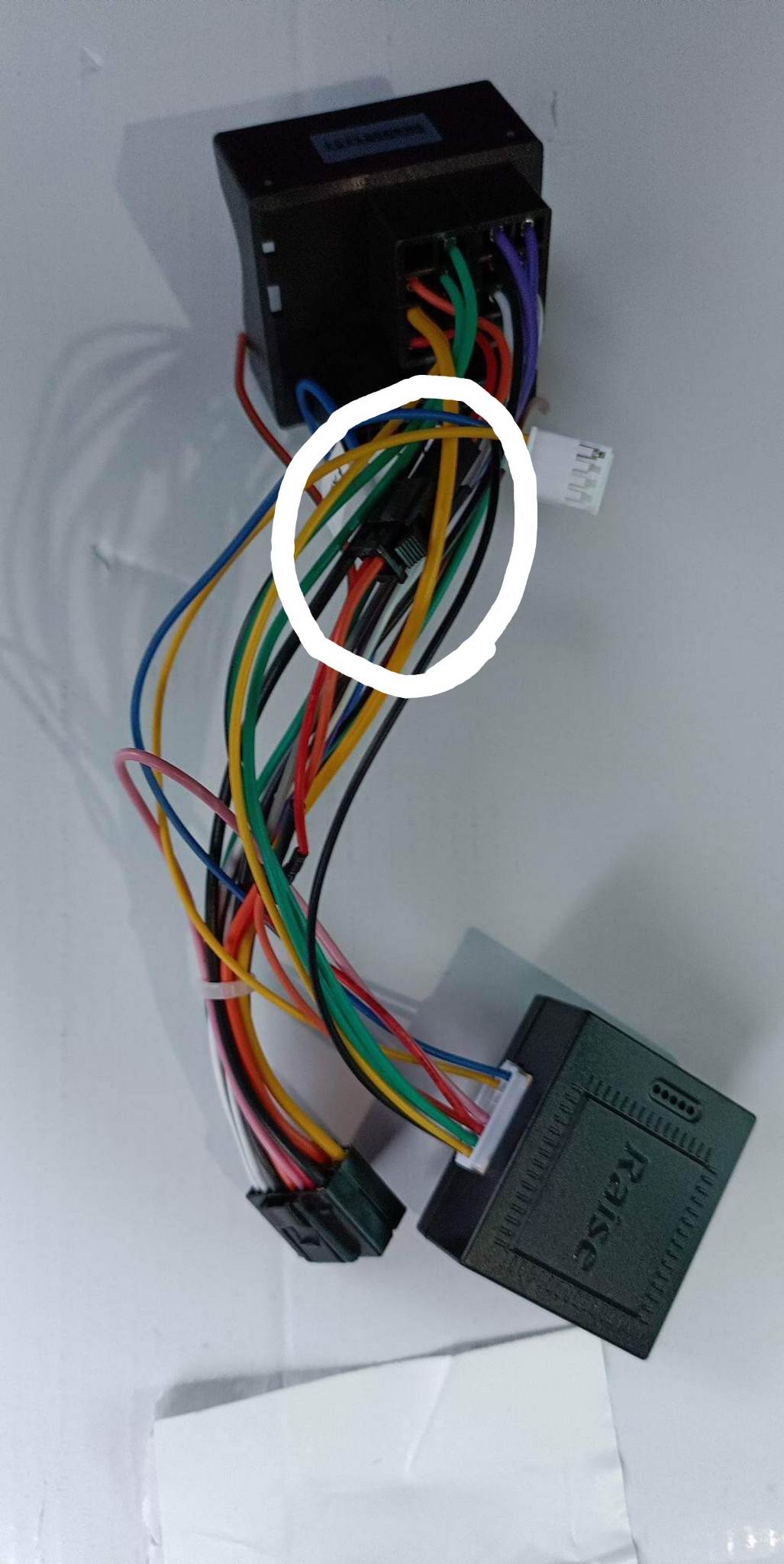
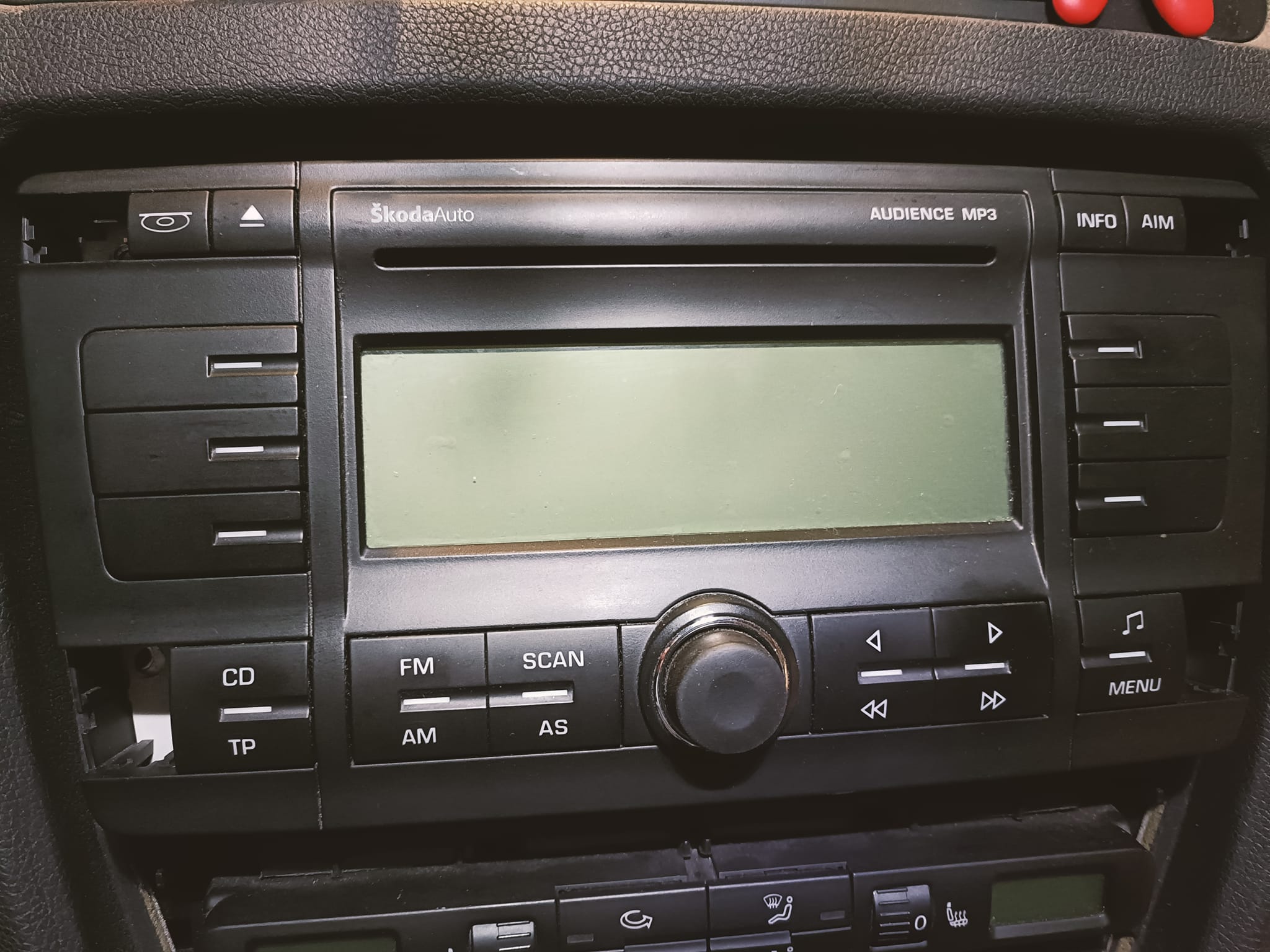
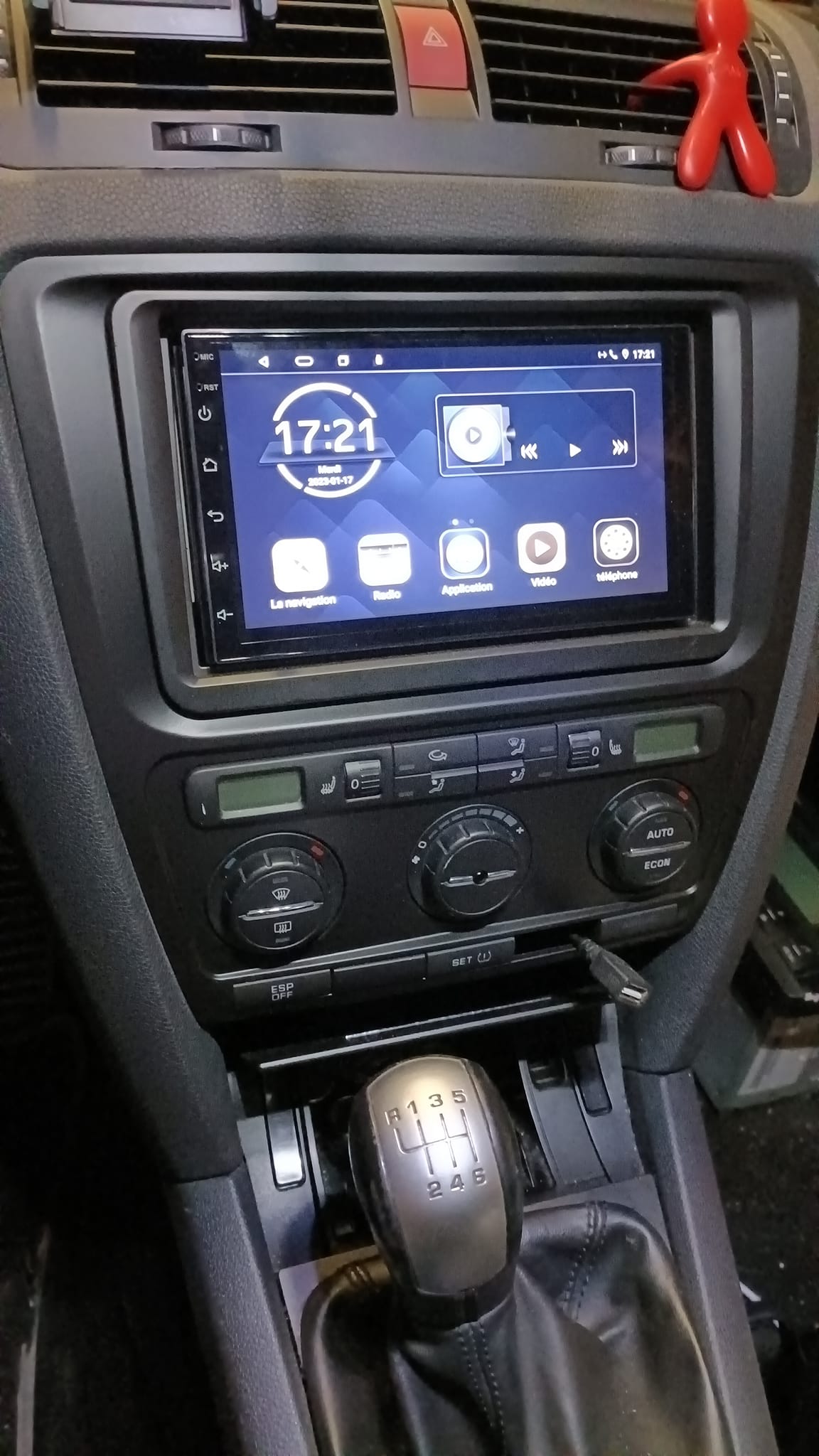
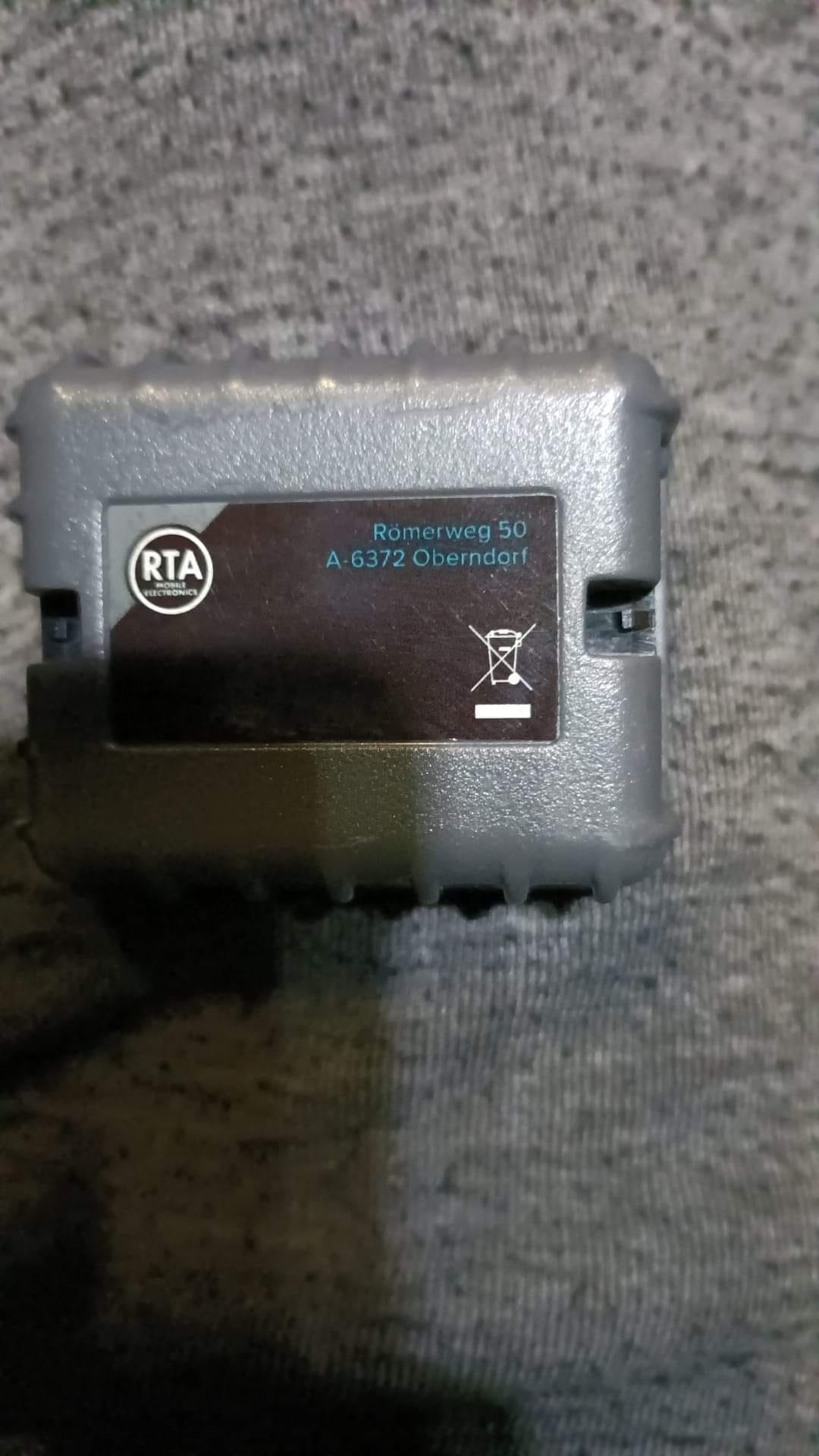
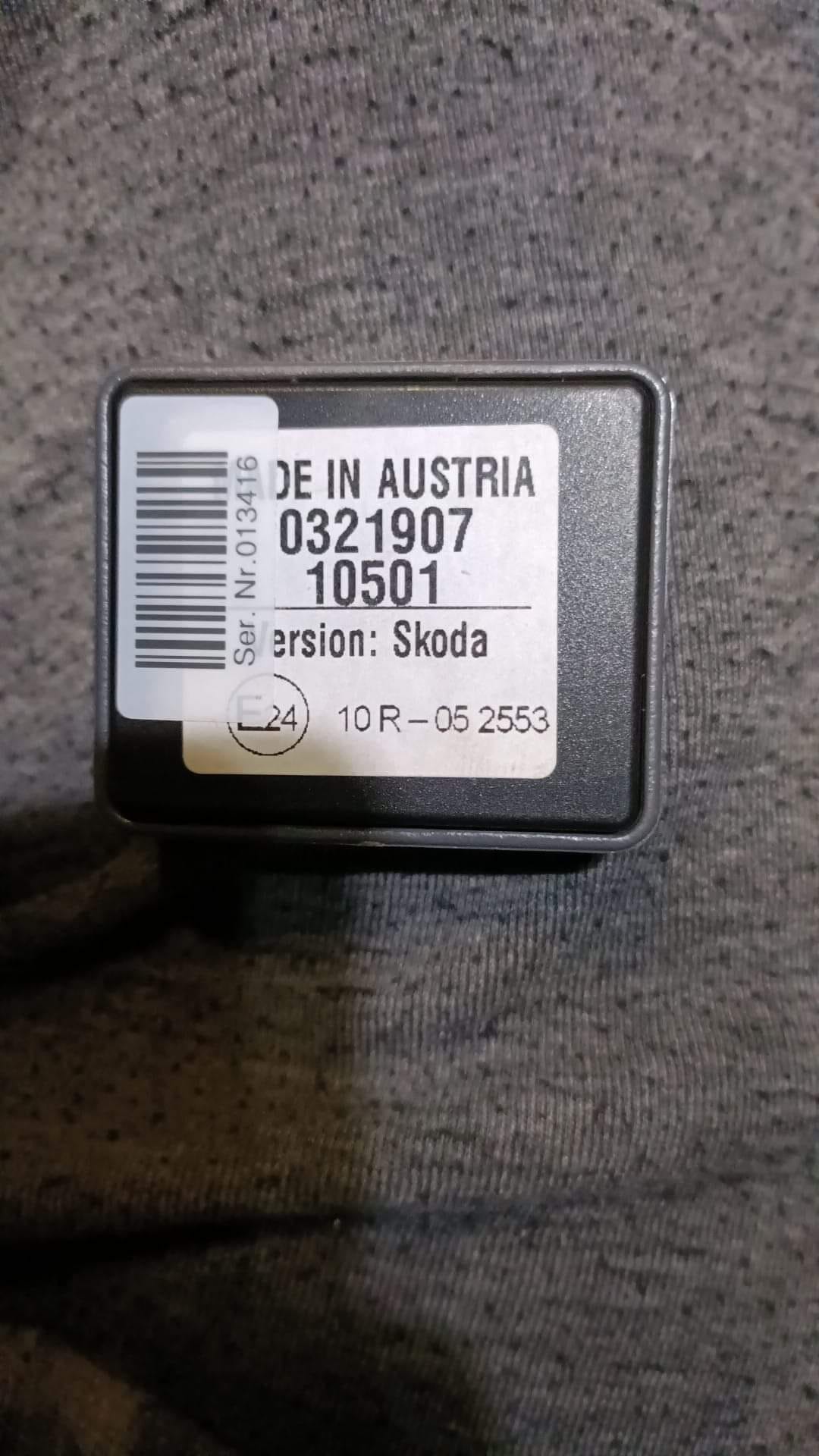
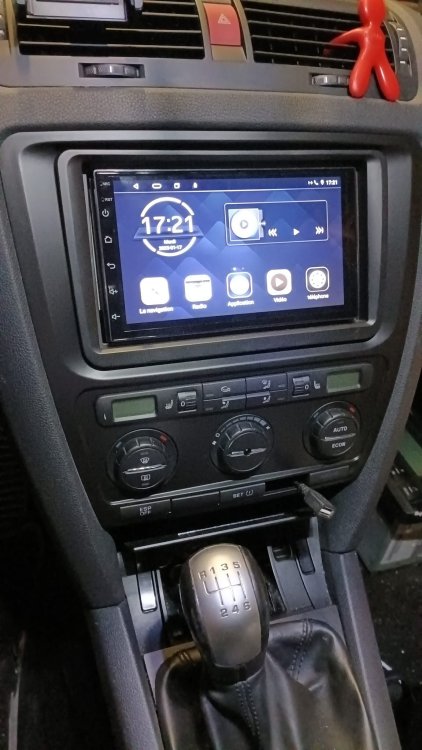
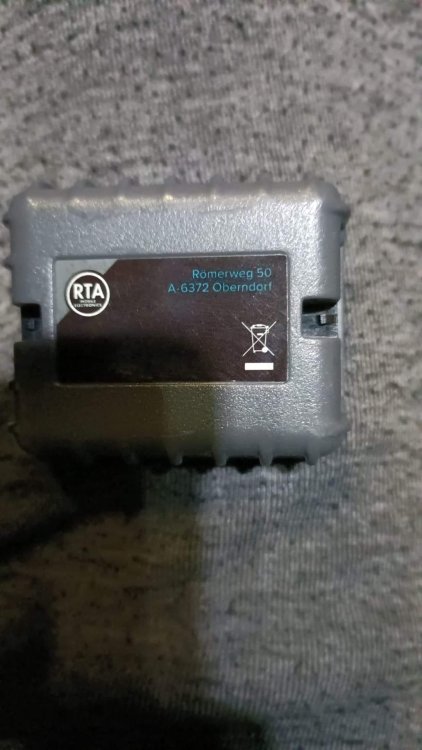
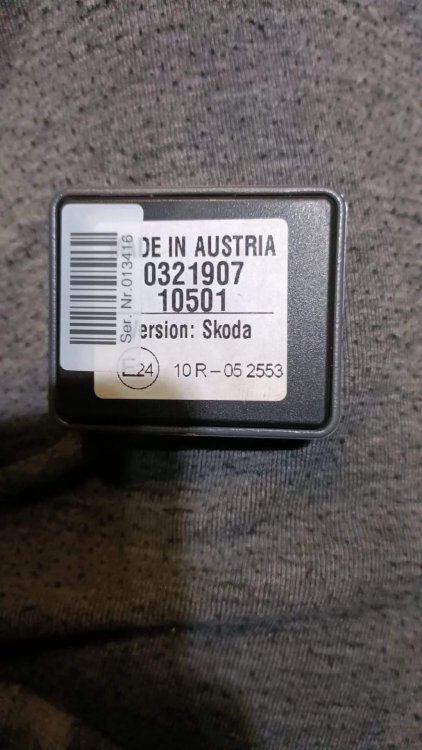
Hello everyone, Before you reply, I must say that I think that I have read every or almost every topic and every post of it about replacing the head units on the mk2's, wich is why I'm am going to try to give and explain the most information possible so that you can understand why I created another one of these hundreds of posts related to this theme. So, my Octy, from stock, has an Audience MP3 radio with AUX entry and Sound system speakers with the amp under the driver (passenger for UK I think ?) seat. I decided I wanted a radio capable of android auto or at least bluetooth and USB plug, so after some research, I got myself an android head unit from aliexpress. Honestly the head unit itself is amazing, works perfectly and is quite fast. The problem is that when plugged, it won't turn off when ignition key is removed. (yeah I know, same problem as almost every guy who did this) So after reading lots of info here and some other places, I tried pulling a on-key 12V feed with a piggyback fuse. Almost worked, but since the second constant live feed was still plugged, it still drained the battery. So I plugged both feeds from the piggyback fuse. With that, radio would shutdown, but I lost the sound, because the amp wouldn't get the activation signal. That said, I said to myself that it would be easier to code a new gateway. I replaced my K version gateway to a L version. After that, I had it working for a few tries turning ignition on and off but as soon as I got engine running and turned it off, the radio wouldn't shut off with key anymore. I tried 2 kinds of quadlock-to-radio looms: a chinese specific with skoda/vw canbus decoder, wich gave me some informations like open doors, engine temp etc on the radio and a loom from RTA specific for sound system activation wich won't give me infos like the first one, but worked the few tries I mentioned before. Both activate the sound system if it matters. What am I missing here ? Is there any coding asides from the gateway needed to be done ? Is it the cables and I have to pay the gold price for Connects2 ? Should I lit the car on fire ? I really hope that someone can help me, because I'm starting to be kind of desperate 😅 oh and suggestions like getting a RNS or any other expensive OEM head units won't be useful, the car is starting to rust in some places due to the salt on the roads during winter, so I won't be keeping it much longer (maybe a couple more years if it passes MOT). Looking forward to hear from you
-
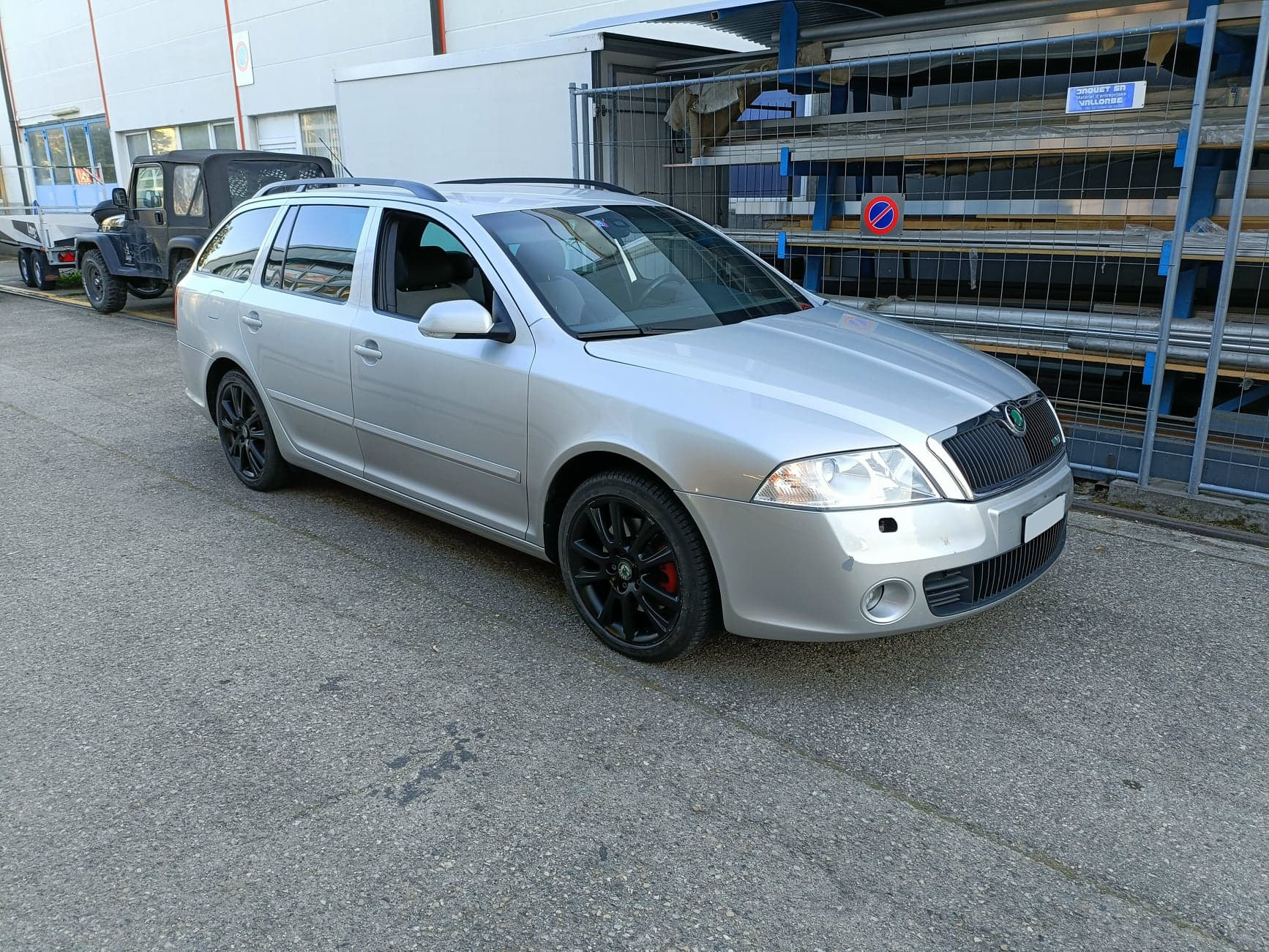
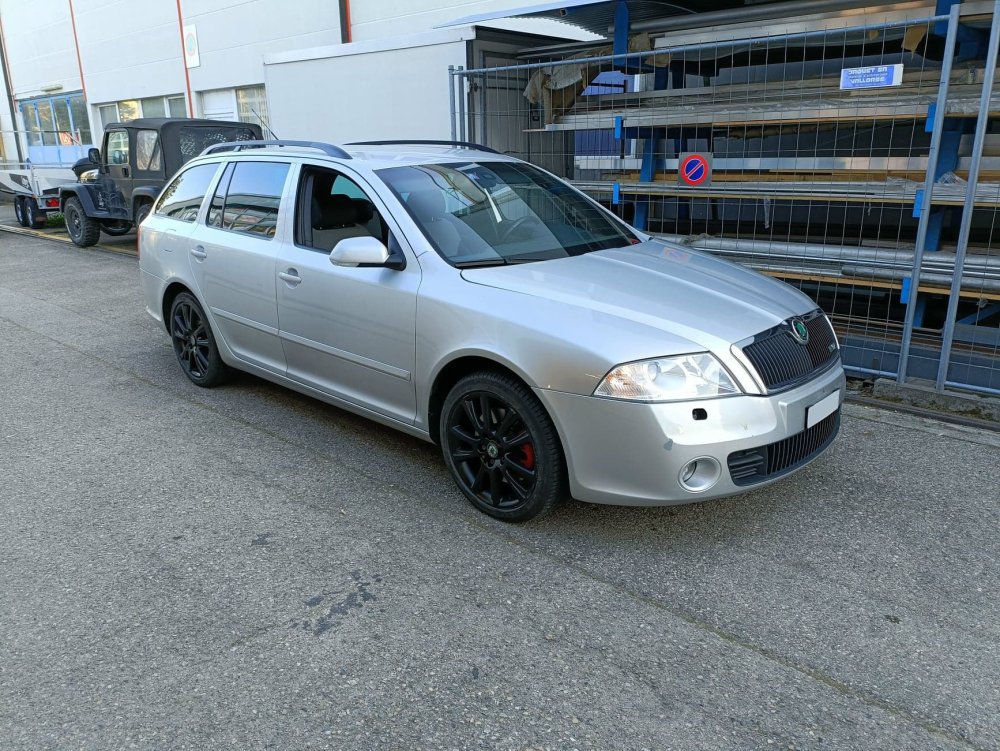
😂 It is a diesel, 2.0 PD 170hp, with almost 260.000km. In this pic, she had just got out of the place she loves the most: the mechanic shop 😂
-
Hello everyone, I'm Filipe, owner of an Octavia mk 2 VRs diesel from 2007. Looking forward to read and share some info with everyone. See you around