Jonfa
New here
-
Joined
-
Last visited
Everything posted by Jonfa
-
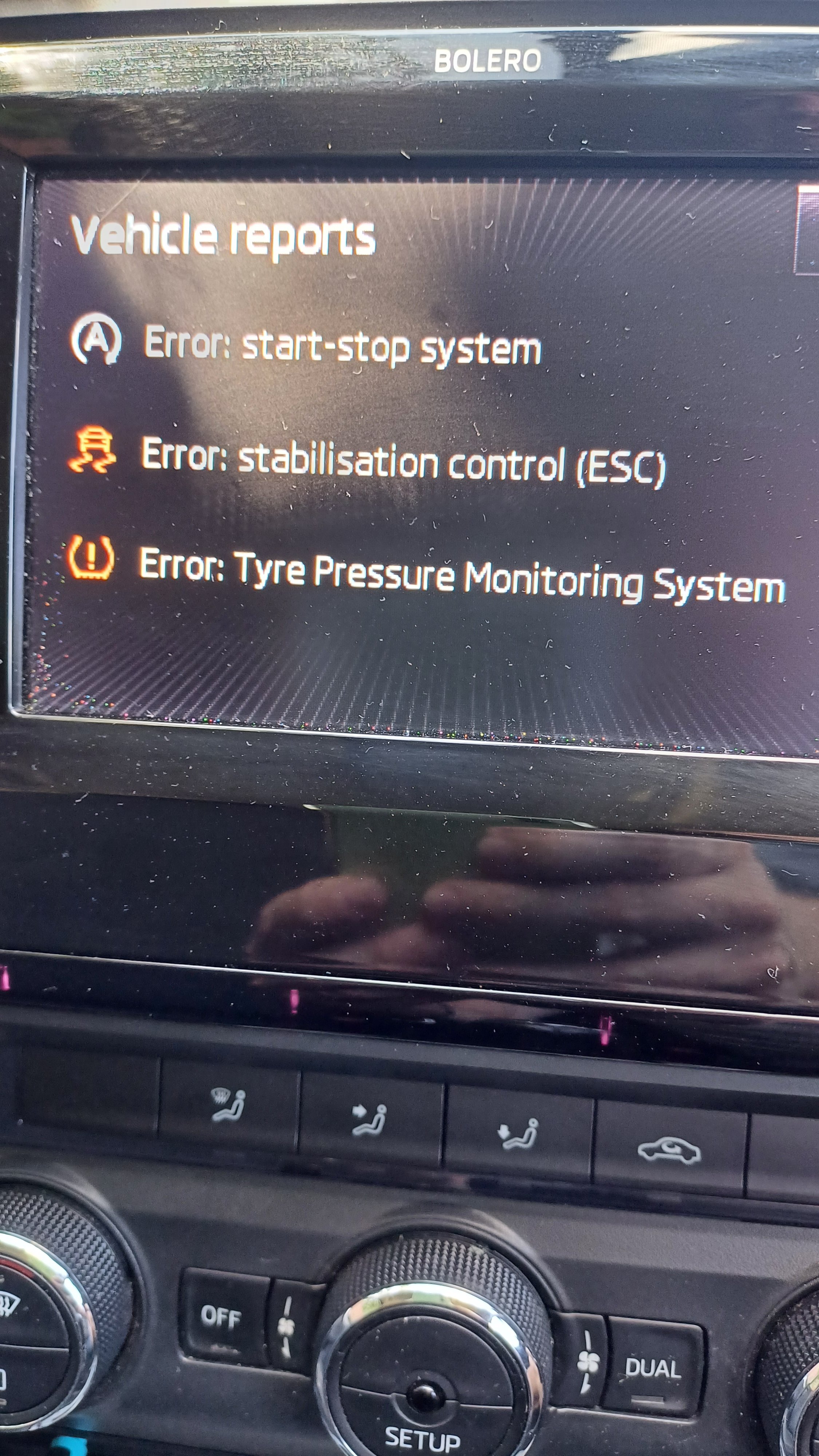
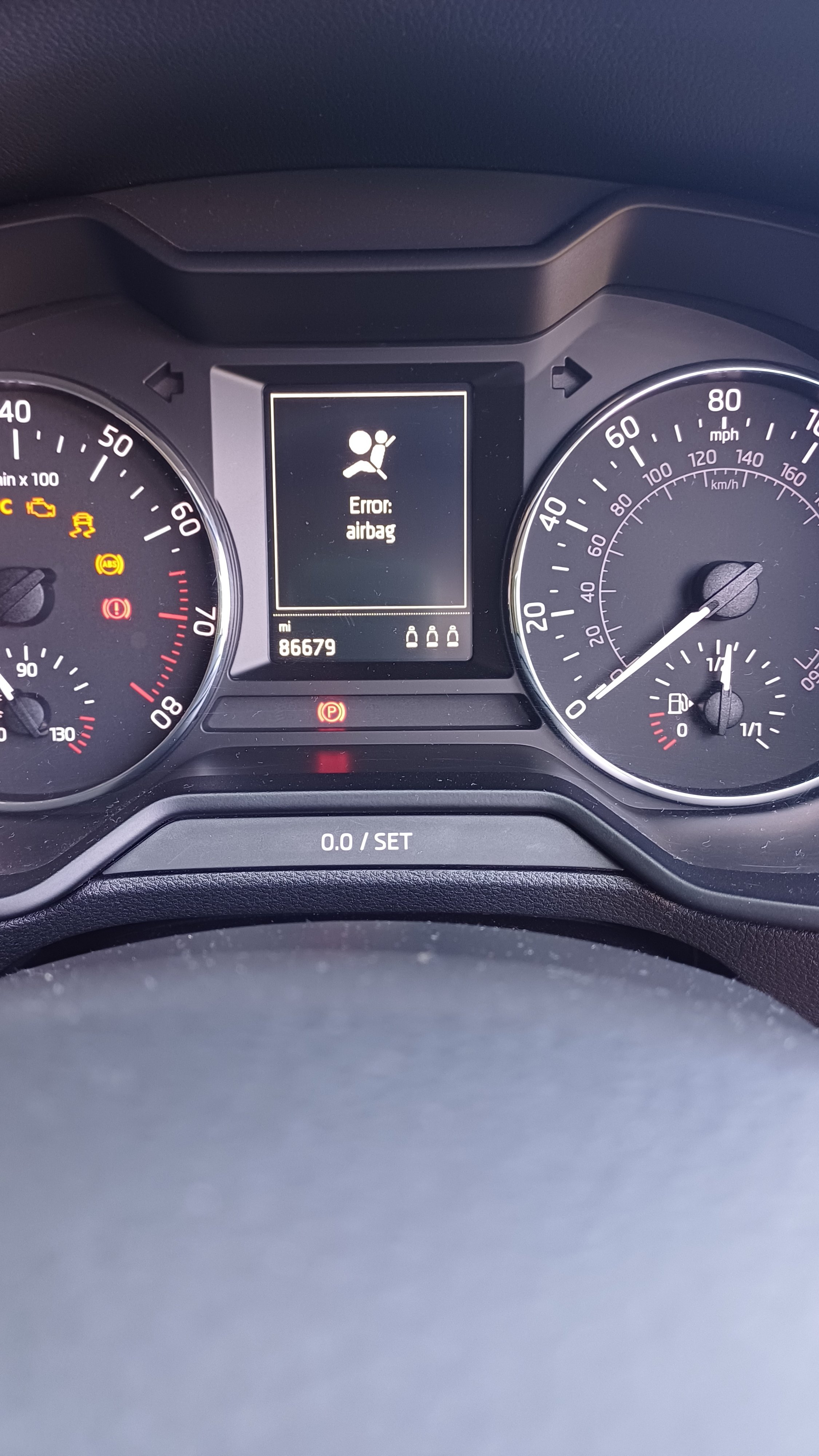
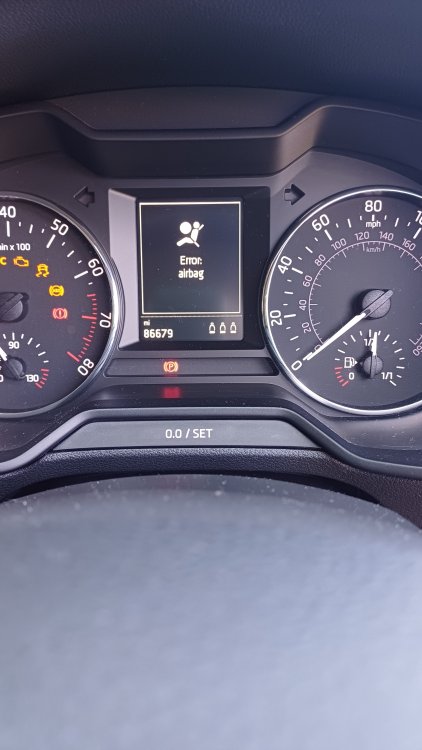
Hi, Whilst driving today had warning come up on the dash with an airbag error. Despite turning car off and on again, warning remains. Tried to clear error by disconnecting battery for few minutes. Now I have more errors relating to start/stop, TPMS and ESC! If anyone has suggestions what I may of inadvertently done or how to rectify it, I'd be grateful Regards
-
Update. Well looks like factory settings can now be adjusted, so items such as thecentral locking can be configured. It only looks like the issue is, as before, is just the Bluetooth is no longer available. Thanks
-
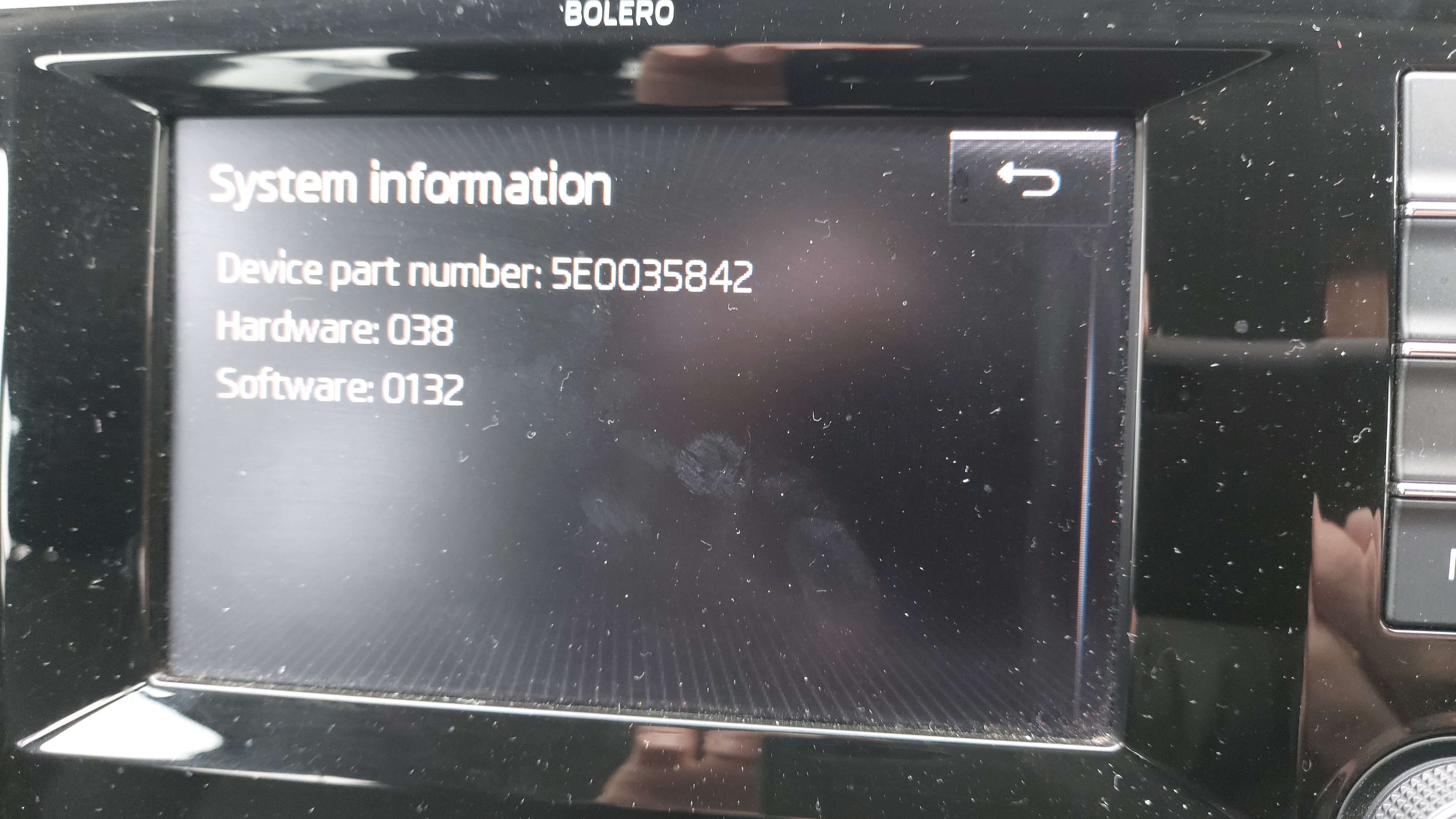
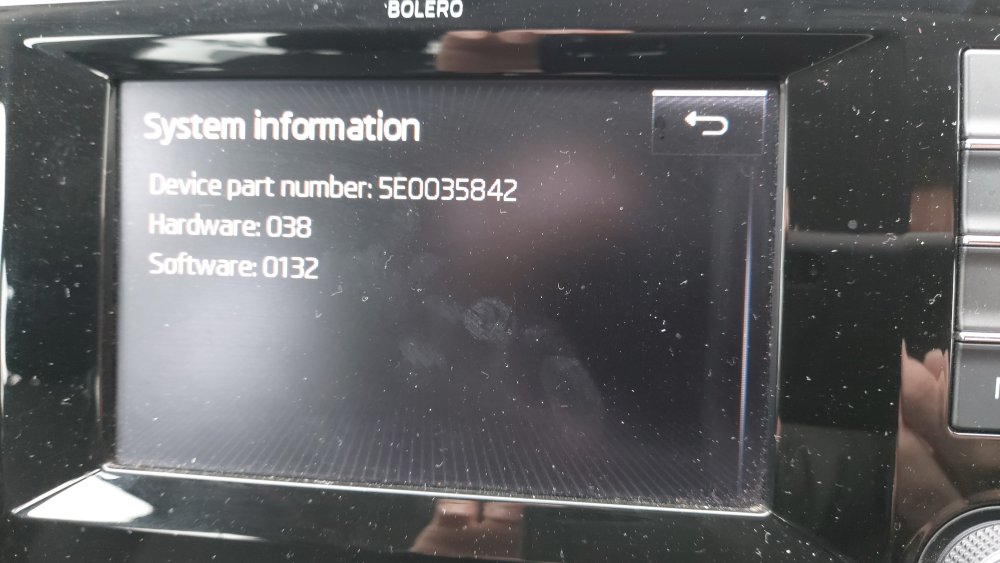
Hi, I wonder if someone one can help. I recently had an issue with phone connection whereby it stated phone not available. This has affected two different phones, so neither are connected. Today in an attempt to resolve I tried factory reset on the unit which has resulted in some of the features now being inaccessible! For example, the car now only unlocks drivers door on single press of the key. I've been looking through the forum and haven't seen much relating to the Bolero unit. So, questions 1. Is the infotainment system knackered? 2. If so, can they be repaired, or 3. Assuming a new one will be frighteningly expensive, could a second hand one be used, if so, are they plug & play? Any help greatly appreciated
-
Hi, had my 2013 Octavia a while now. Overall been pretty pleased. Hoping to pick up some advice and tips From here Thanks