mattbuzz
Finding my way
-
Joined
-
Last visited
-
Hi @Wolflittlemon I have this exact problem. I'm currently trying to prize the thing open (with great difficult) to fix the mechanism inside. Did you manage to sort your problem? Thanks
-
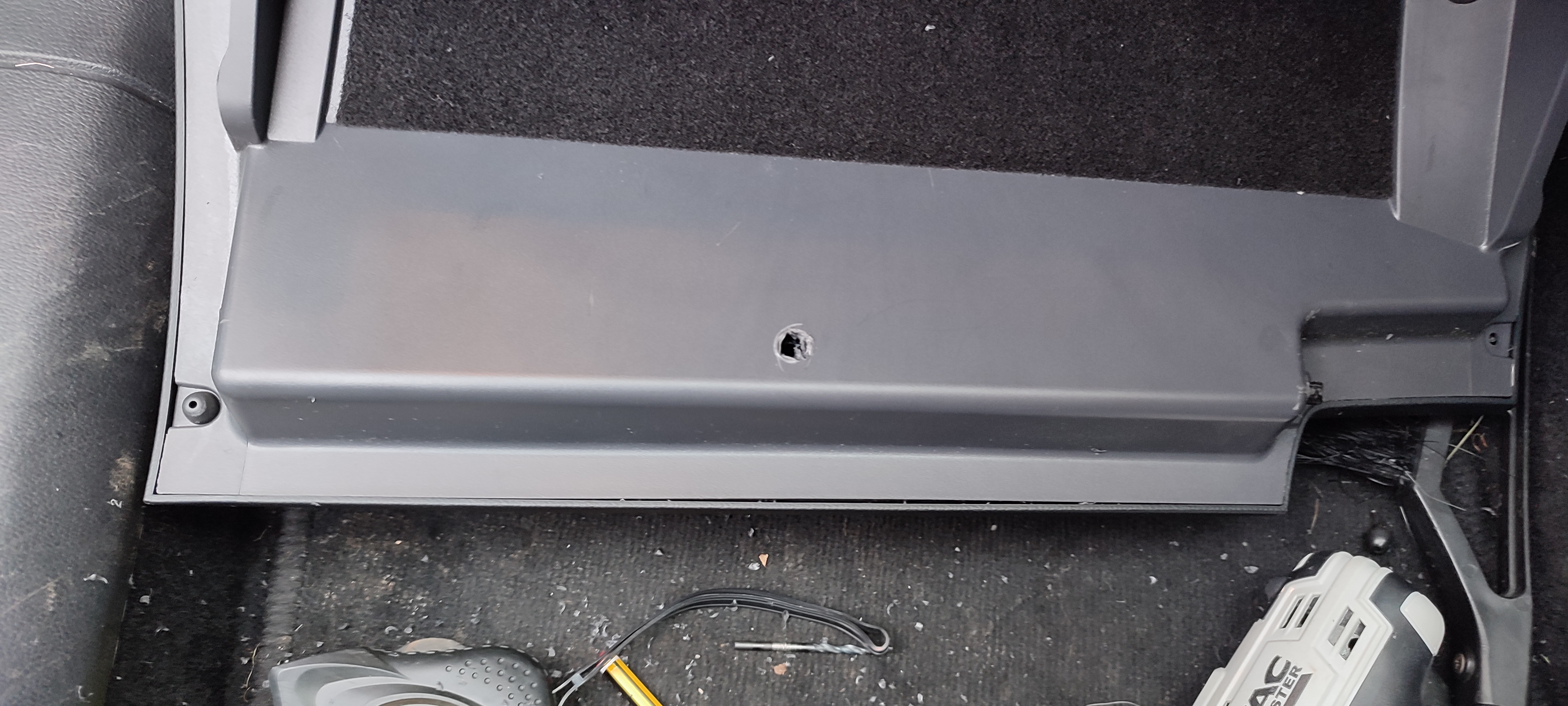
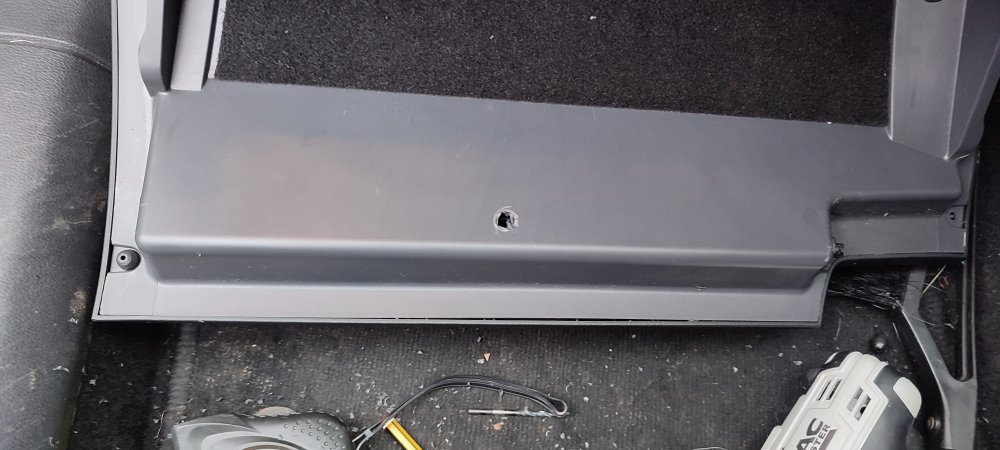
SOLVED! (attempt at your own risk) so.... This has been driving me nuts for ages. So I decided to try and tackle it myself. I released the glove box catches so it drops down (incidentally revealing the fuse box). I drilled a hole directly in the middle between the 2 lugs. The drill went slightly deeper than I had intended (oops!) and has detached something connecting the 2 lugs. So now the left lug doesn't move, BUT..... The right one moves freely and quickly and allows the glove box to close and remain shut!! The glove box seems align properly despite the lack of left lug. So my assumption is that however the 2 lugs were connected to each other is the reason they move too slowly and must have been rectified on future models. Happy drilling! (I accept no responsibility, as I managed to fix by ineptitude!)
-
John, this is great, thank you. I've just tried doing it (what I think you mean), and can't seem to get it to unclip off the hinges (how hard did you force it?). Also - did you disconnect the damper prior to taking out the lid? So to clarify, you opened the lid, then closed it/pushed it up 2 inches, and then you were able to pull upwards (and outwards?) to get each clip out of the hinge? thanks Matt
-
FYI - there is a duplicate thread here - also I believe videos/guides exist for glovebox removal, although the stuff I've seen is fairly complex, with removal of CD unit wiring.
-
@Vidmordid you get anywhere with this? I'm looking to try and fix mine TIA Matt
-
@abcd-abcddid you get anywhere with this? I'm looking to embark on a DIY fix TIA