Cannont5
Finding my way
-
Joined
-
Last visited
-
Ok, thank you very much.
-
Cheers. Vin is TMBFR6NJ5KZ136739
-
Cheers. Vin is TMBFR6NJ5KZ136739
-
Hi, im looking at buying a replacement now. When you say just replace the front panel, how exactly does this happen?! Am I right in thinking then I can’t just replace the whole unit? Also, would it be possible to replace the front panel with a front panel from a unit such as the one from the following link? Even though it has more buttons than my unit? Or do I need to find one with the exact same buttons? https://www.ebay.co.uk/itm/314384457817?mkcid=16&mkevt=1&mkrid=711-127632-2357-0&ssspo=Ti5u7ufhSSu&sssrc=2349624&ssuid=K-BKcKtORGm&var=&widget_ver=artemis&media=COPY
-
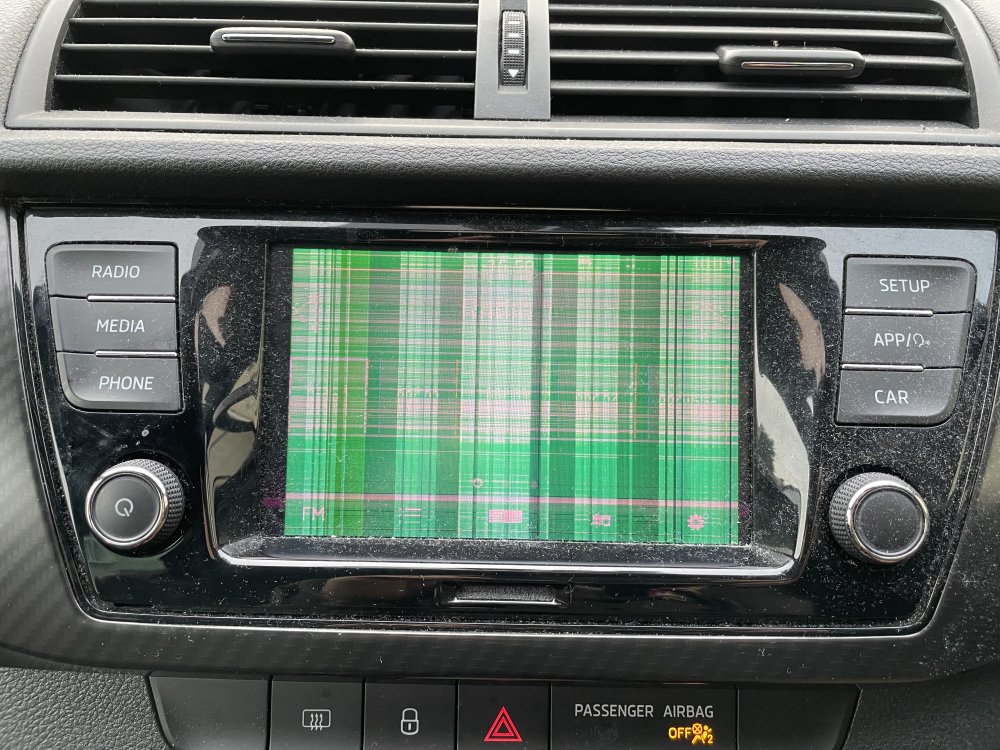
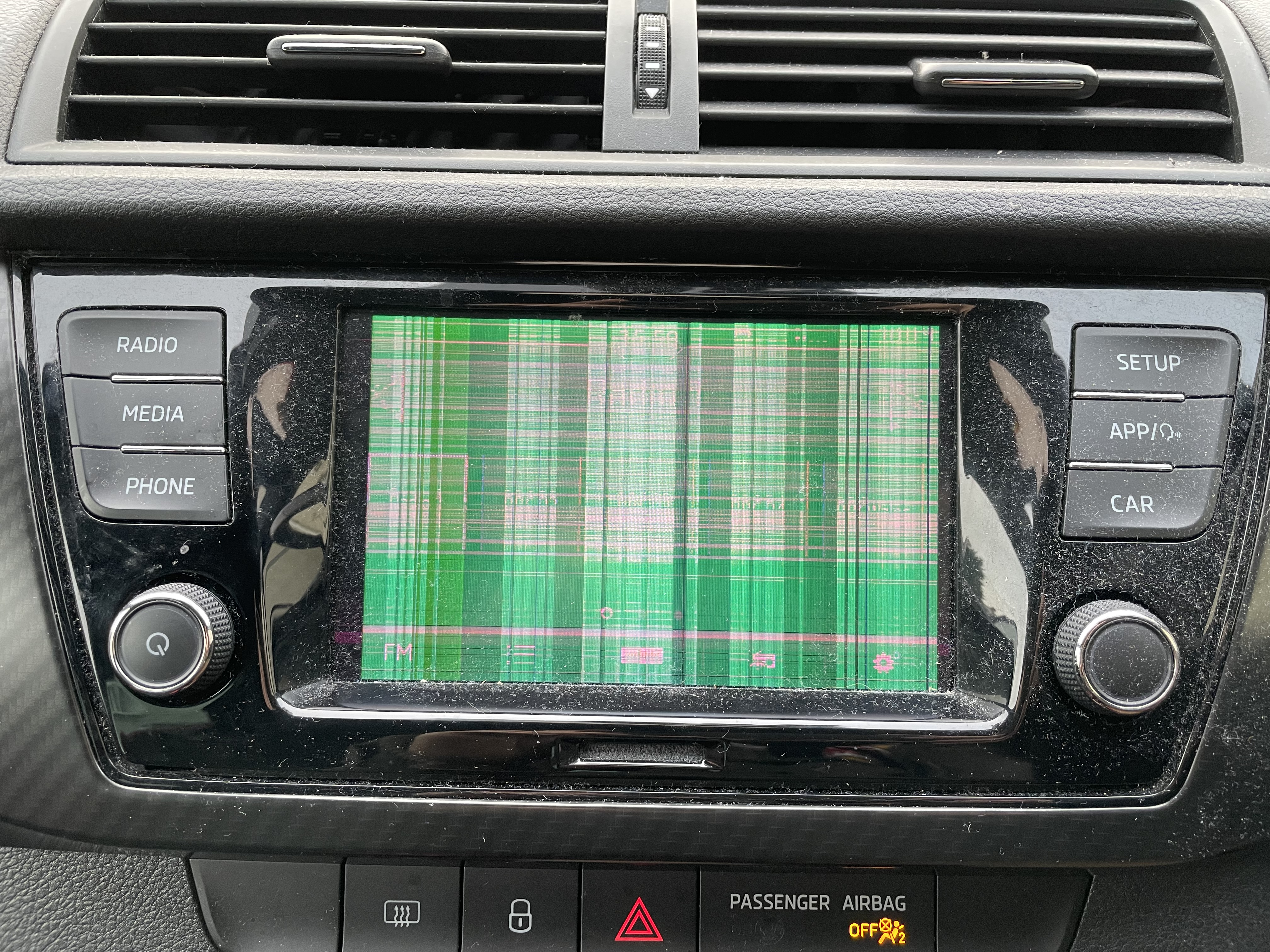
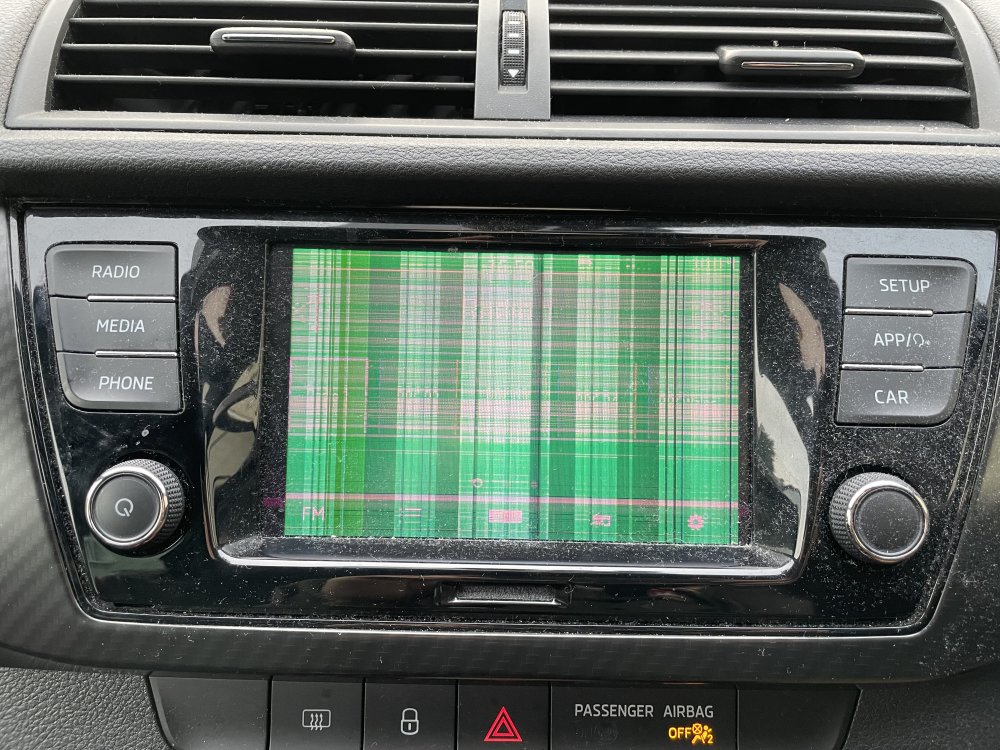
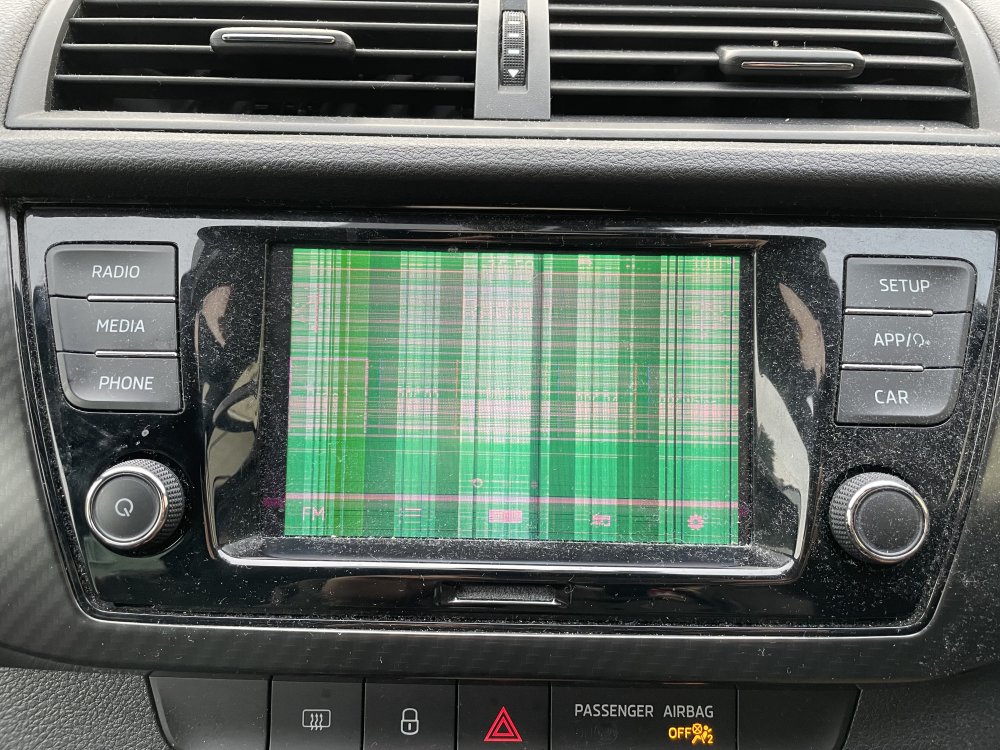
Hi all, my infotainment screen seems to be broken. I have attached an image. I have found what I believe to be a suitable replacement on eBay at the following link: https://www.ebay.co.uk/itm/165820022320?mkcid=16&mkevt=1&mkrid=711-127632-2357-0&ssspo=OFRhPSGuQ2S&sssrc=2349624&ssuid=K-BKcKtORGm&var=&widget_ver=artemis&media=COPY Is it a simple case of plug and play? Is there any coding involved?
-
Hi all, my infotainment screen seems to be broken. I have attached an image. I have found what I believe to be a suitable replacement on eBay at the following link: https://www.ebay.co.uk/itm/165820022320?mkcid=16&mkevt=1&mkrid=711-127632-2357-0&ssspo=OFRhPSGuQ2S&sssrc=2349624&ssuid=K-BKcKtORGm&var=&widget_ver=artemis&media=COPY Is it a simple case of plug and play? Is there any coding involved?
-
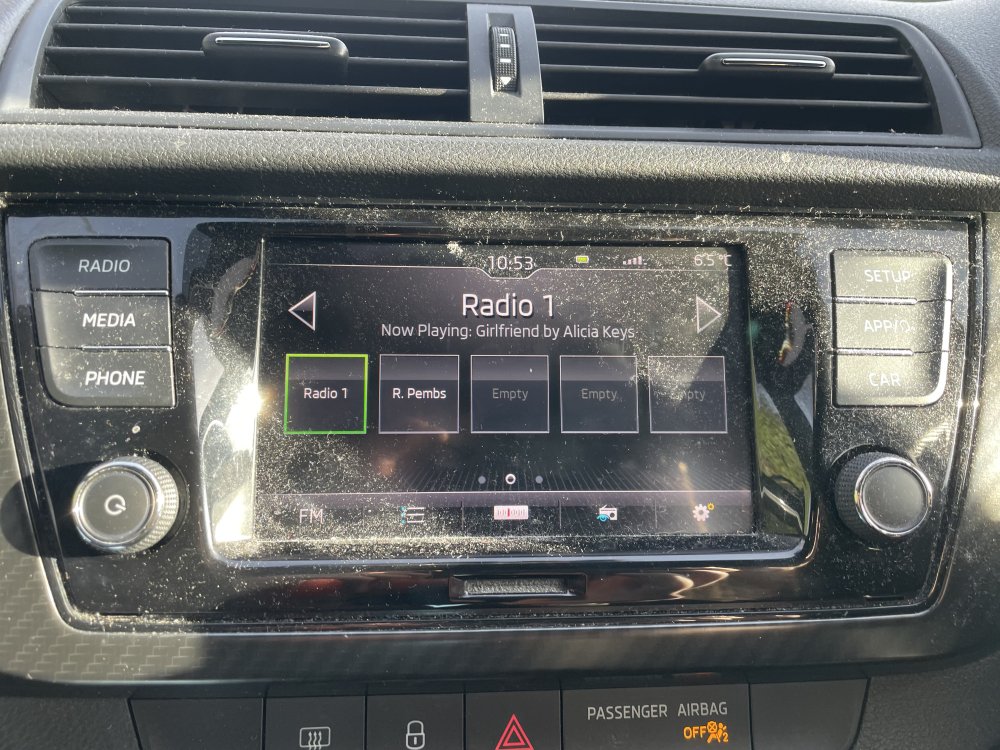
I will take a look in a bit. Back to normal again?! 🤷🏻♂️
-
forgot to ask. Do you by any chance know the name of this system incase I need to purchase another unit?
-
Great. Thank you.
-
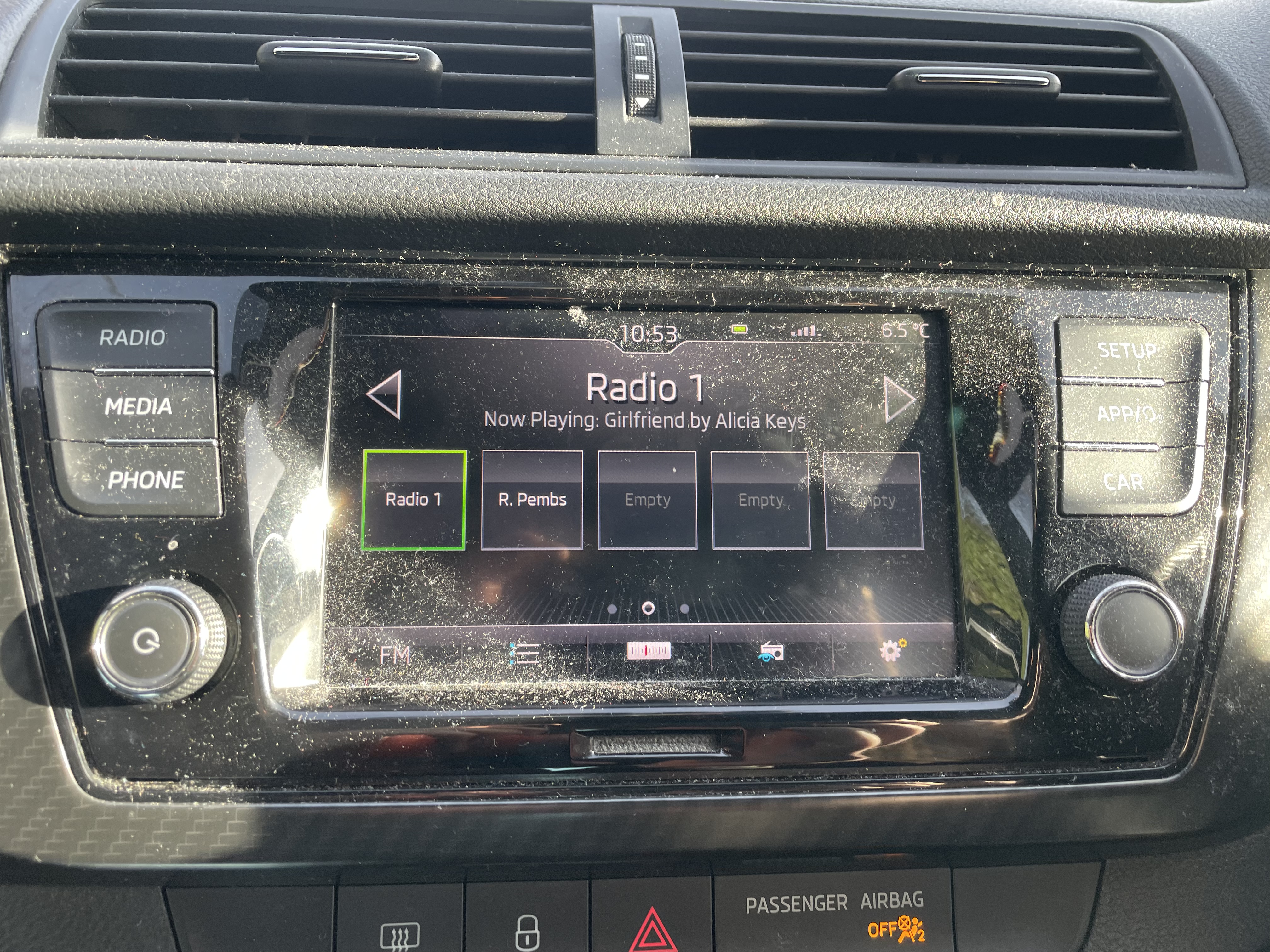
Hi all, im looking for help with an issue my Fabia has recently developed with the screen. I think it’s simply a connection issue. It started as a temp issue and steadily got worse. I’ve attached an image. im looking at a) do you think it’s probably just a loose connection to the screen? All controls and touch screen works fine. b) how do I remove the screen? There appears to be 2 holes at the bottom for keys but none at the top? Is it a case of simply using removal keys in the two bottom slots? many thanks in advance to and help you can provide.