Pottuloota
New here
-
Joined
-
Last visited
-
Thanks for reply. Sorry for late answer. I found no cracks on that hose. My brakes work well. I changed spark plugs and fuel filter. That seemed to fix the problem.
-
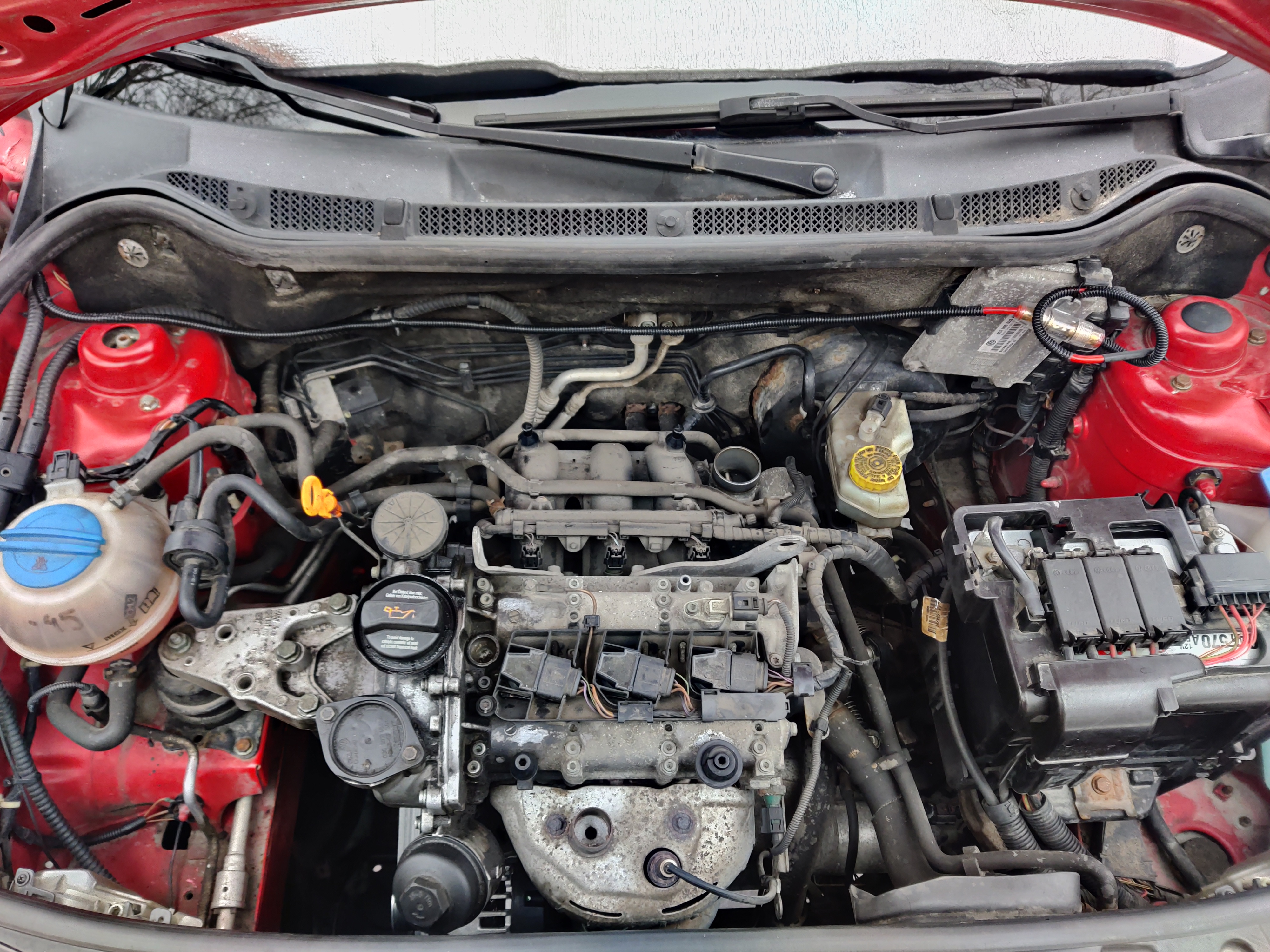
Forgot the pic from last post x)
-
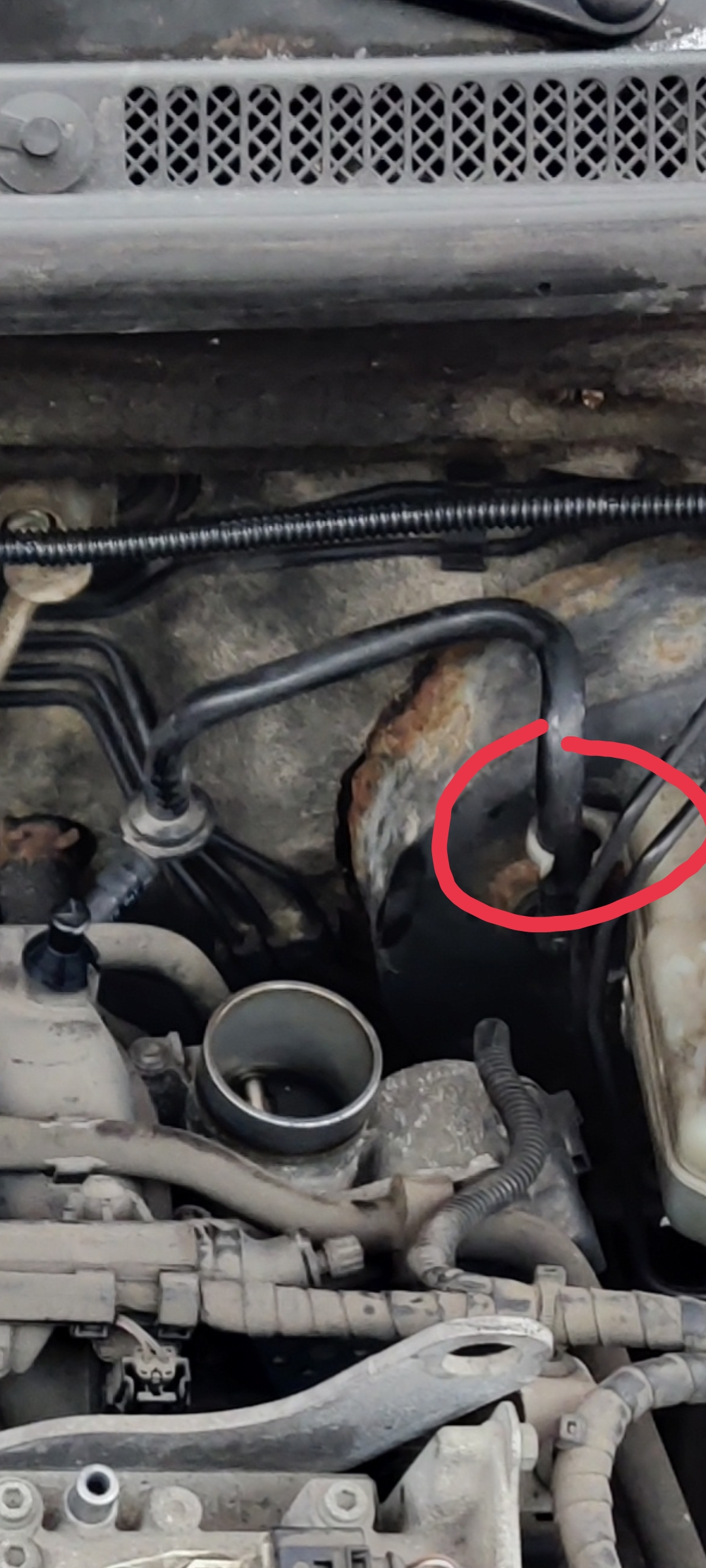
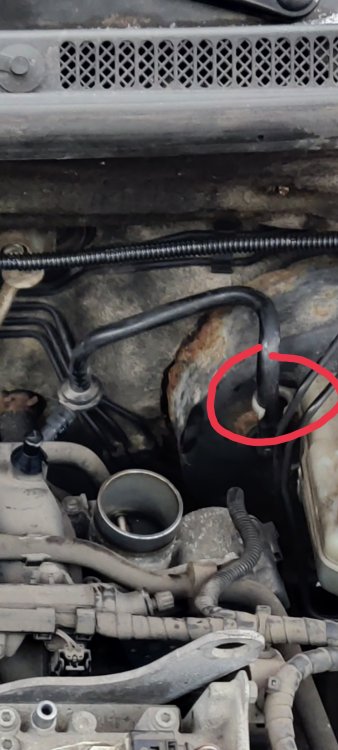
Thanks 👍 It's this pipe? It seems to be intact, but that plastic guide ring seems to have rubbed the pipe a little. I don't see a hole on the pipe though. I will take that pipe off and inspect it more closely.
-
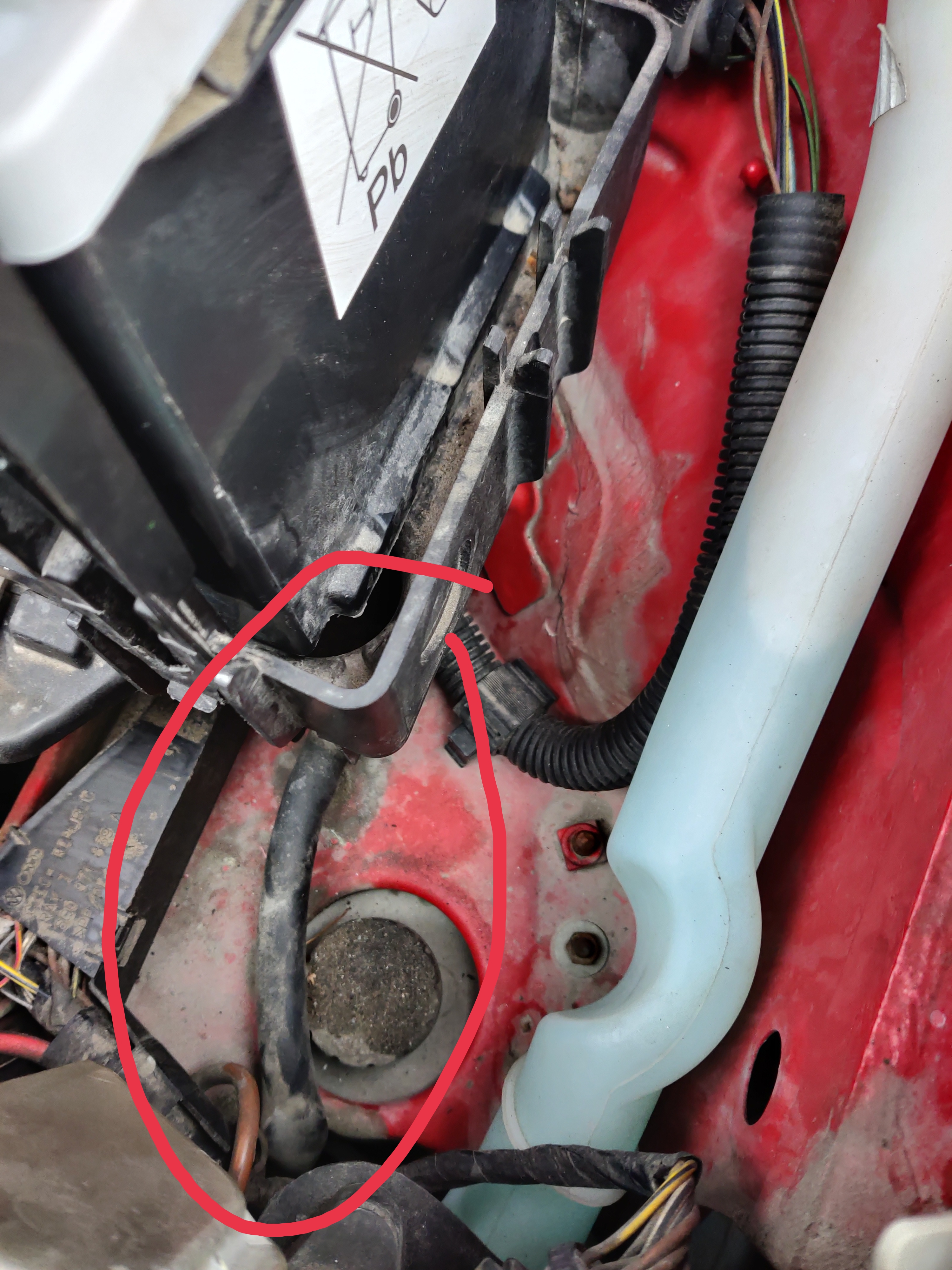
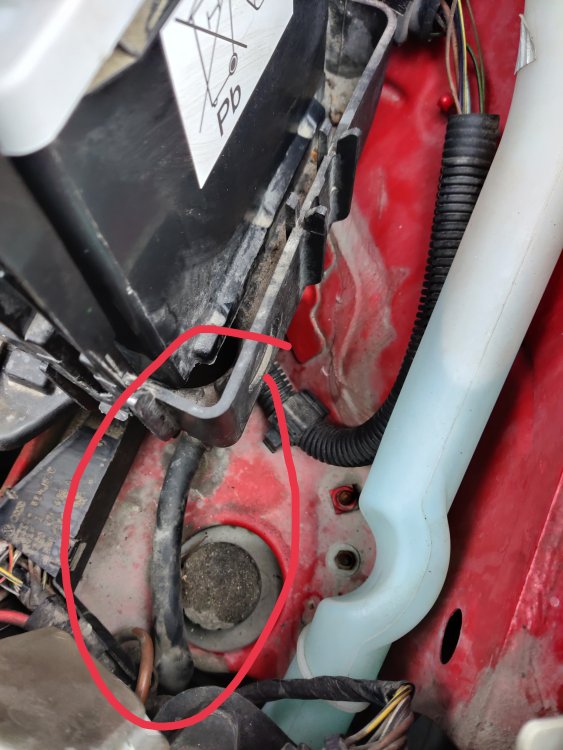
I wonder what this hose is for? It seems to be attached under the battery cover. Other end of the hose is not attached to anything.
-
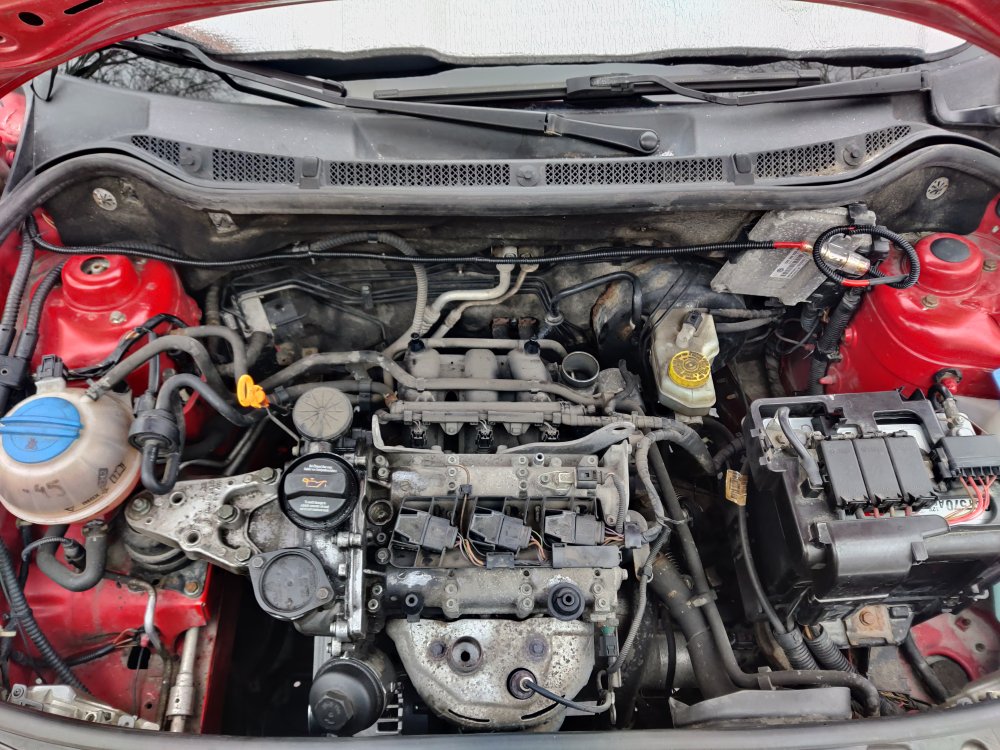
Hello! New member here. I have been reading the forum for awhile though. I recently sold my diesel car and bought used Fabia 2006 1.2 HTP 1.2 12V with 220k kilometers on it. Diesel fuel and diesel tax is very expensive here in Finland and fuel price is only rising. I only drive around 10k to 15k kilometers a year nowadays so i don't need a diesel car anymore. I did some basic service to the car. Changed oil, oil filter, air filter, cabin filter and serpentine belt. Let's get to the problem. Car works fine when the engine is cold, but after a motorway trip when i stop to traffic lights car idles rough. Whole thing shakes. Engine stays on thought. There is no fault lights on the display and VAG fault code reader doesn't find any fault codes. I read that splitted brake vacuum tube can cause this sort of problems. However i cannot find where the vacuum tube is located. Seems like it's easy to spot in other engines used in the car, but it seems to be more hidden on this engine. Could someone point out where the tube is located at? Im about to change sparks plugs too and see if that helps with the problem.