BryRod
Finding my way
-
Joined
-
Last visited
Everything posted by BryRod
-
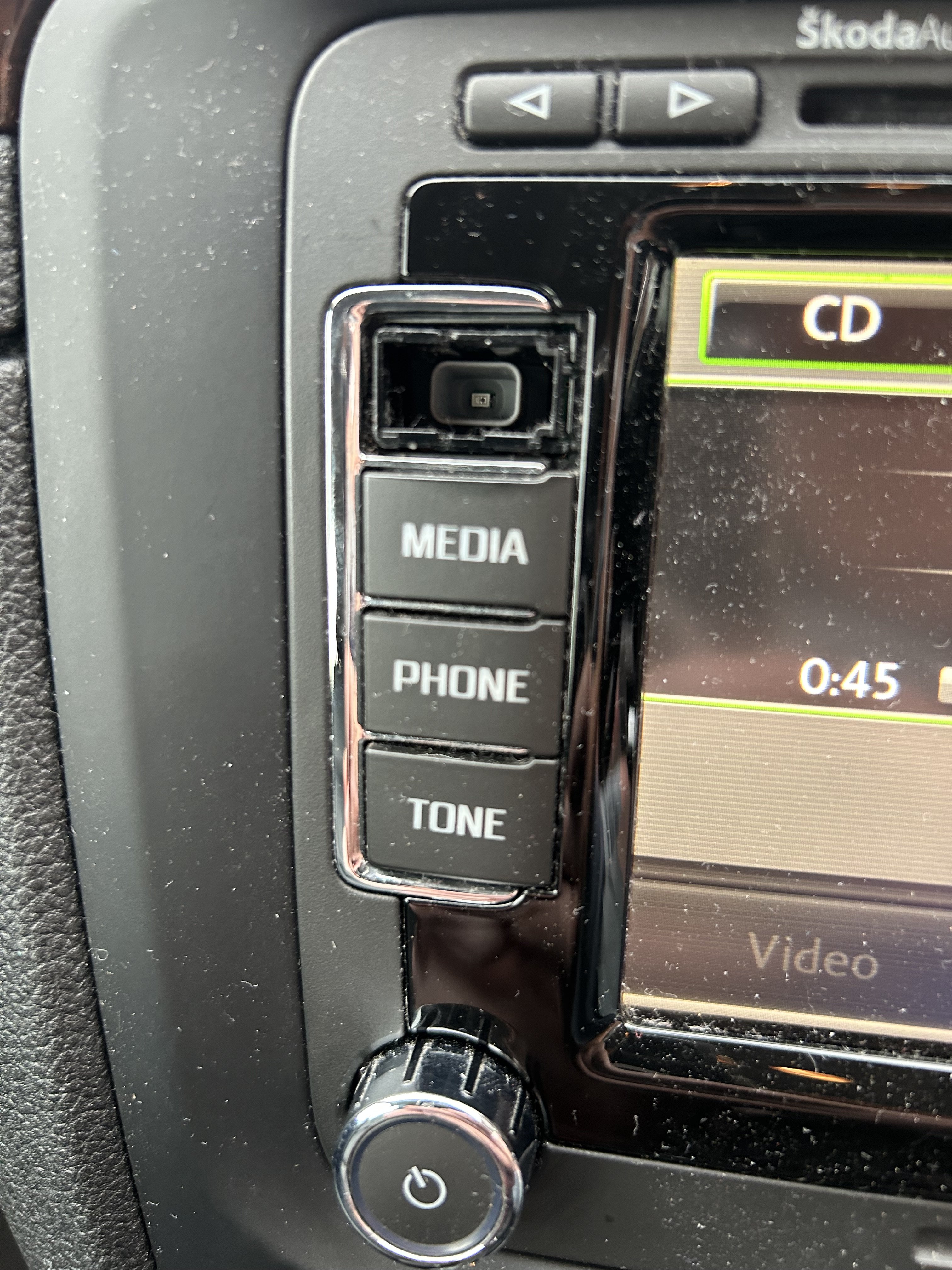
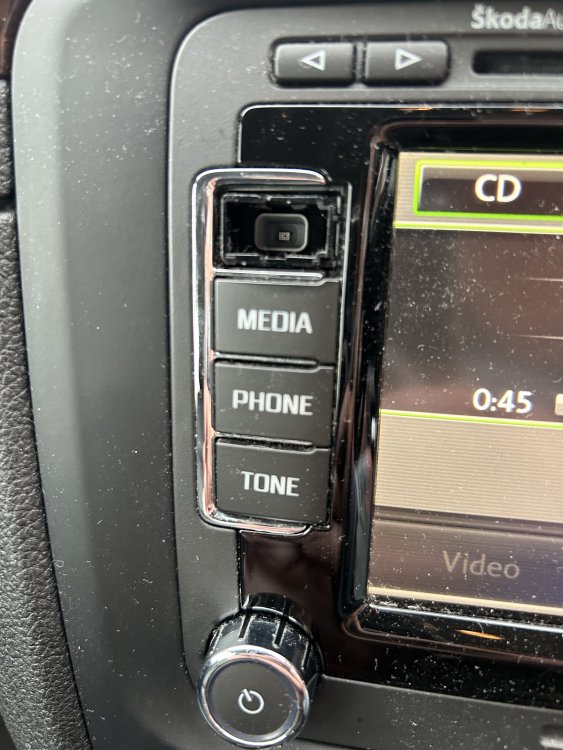
Following some great help on here earlier this year, I am reaching out once again. The radio button on my infotainment system has come off and unfortunately disappeared. Having spoken to Skoda Parts, they tell me that I need to replace the whole unit? Any suggestions where I can get my hands on the the button please?
-
Hi Andy, varoom resolved my issues and saved me a fortune. Highly recommend his advice and guidance.
-
Do you want to send to my email address as I don't have one to hand? Apologies I am on granddaughter duty at the moment.
-
I am not too Tec savvy but am able to burn a CD off my laptop.
-
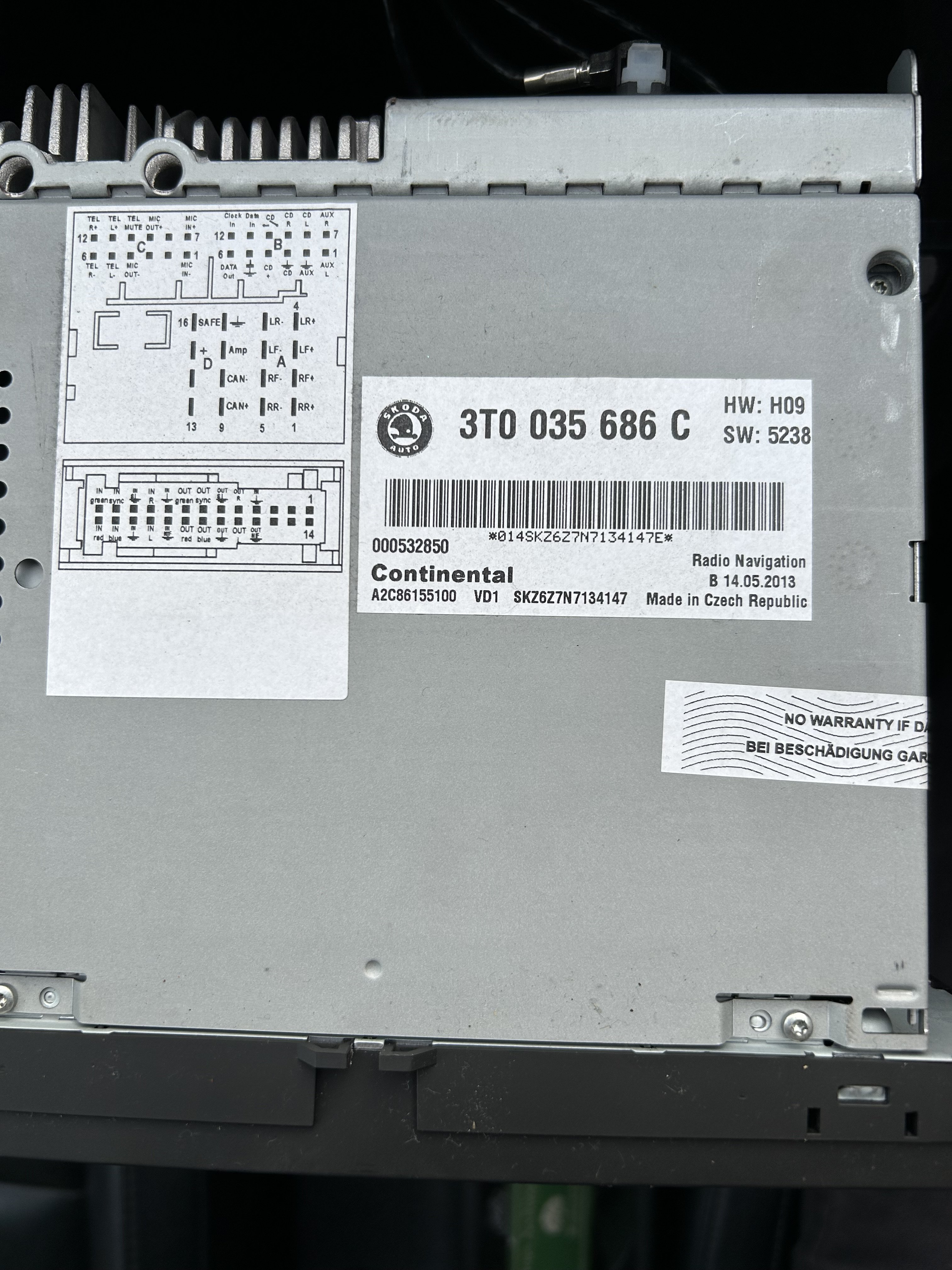
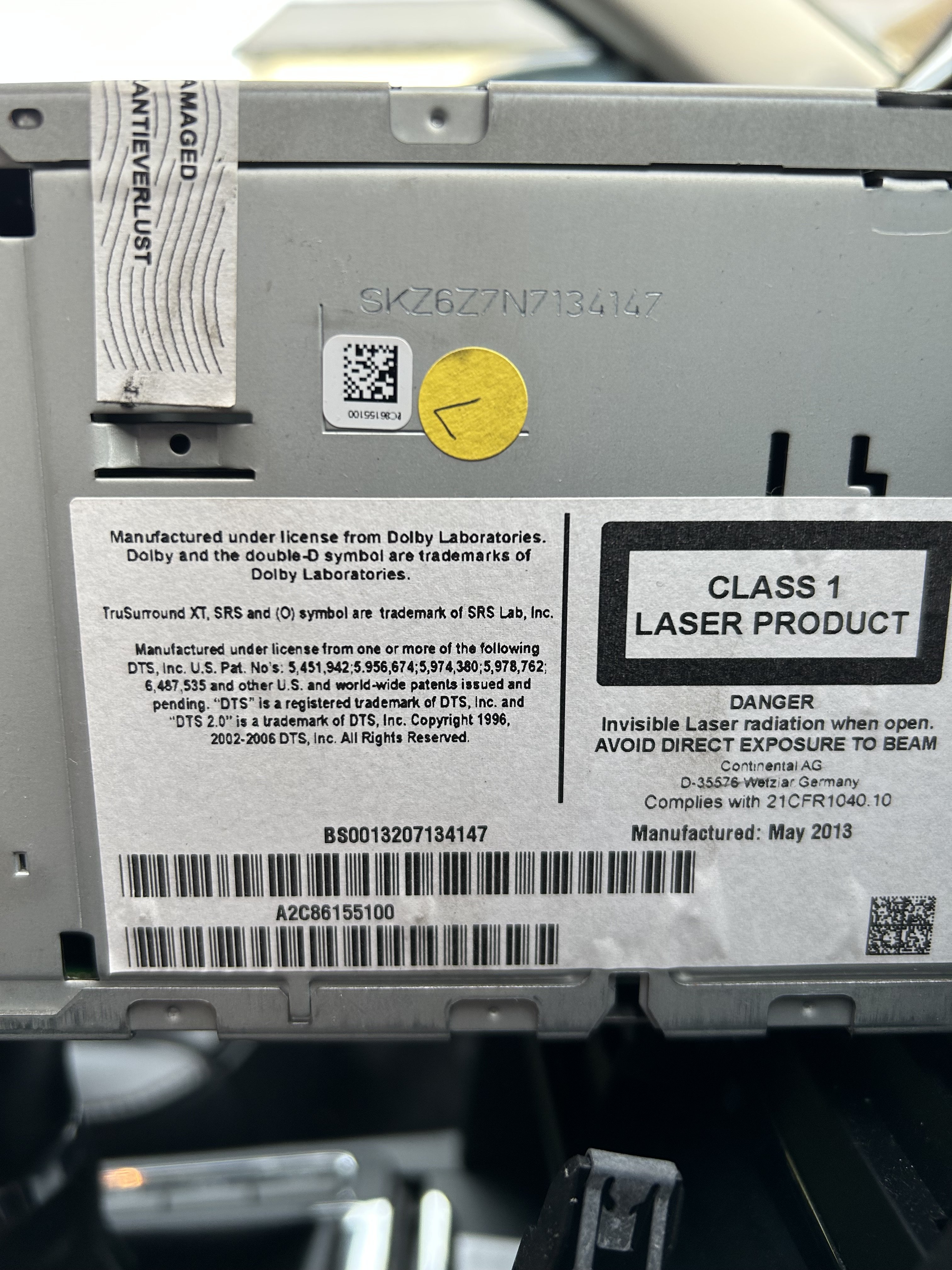
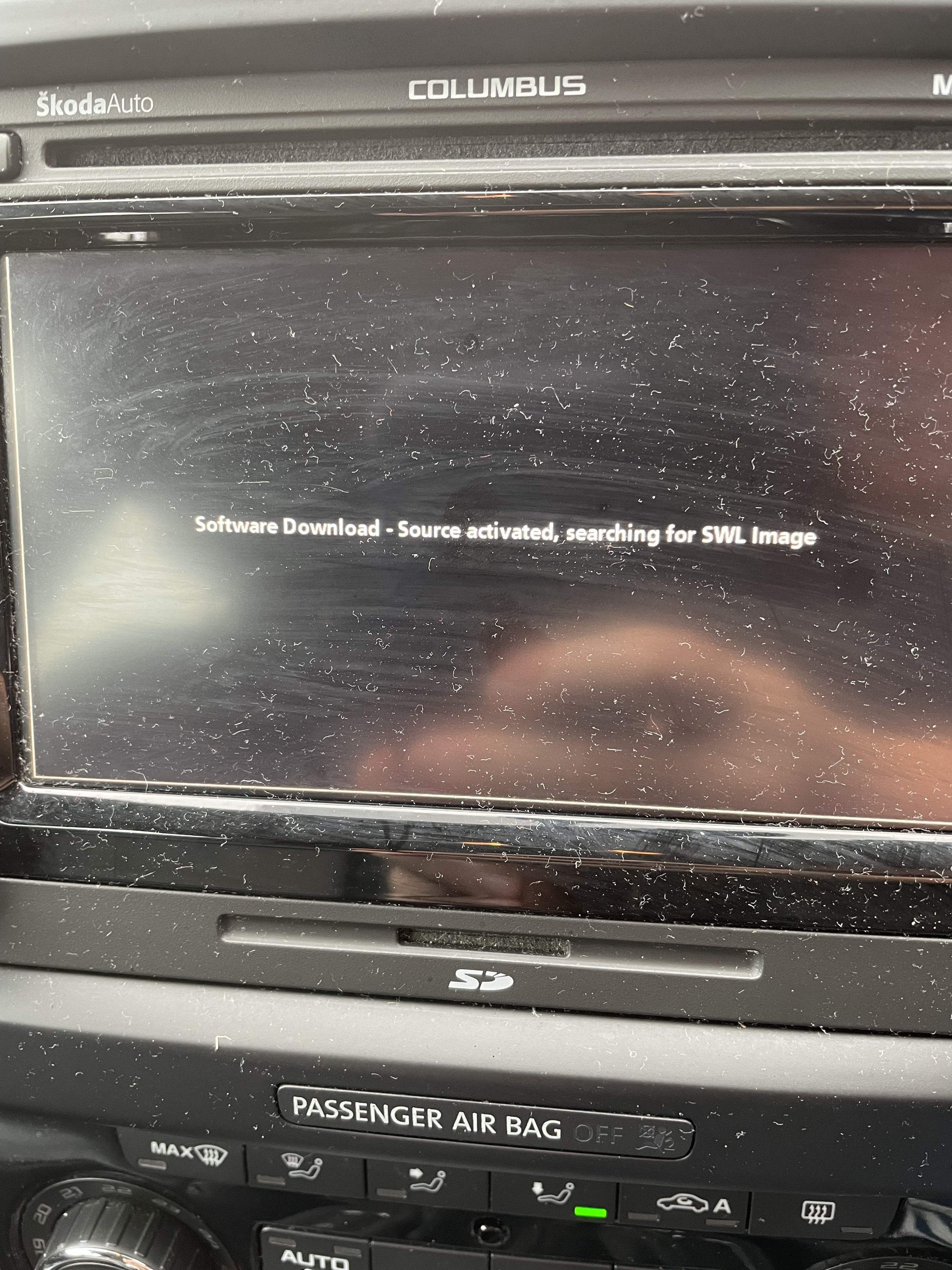
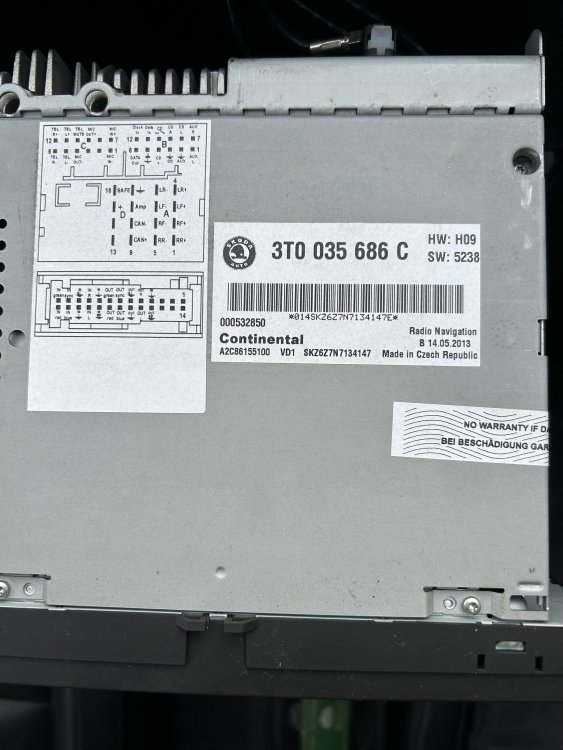
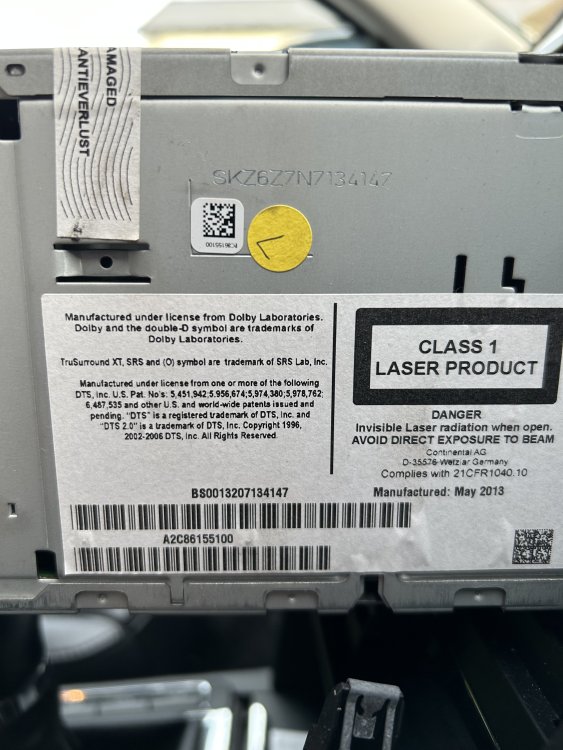
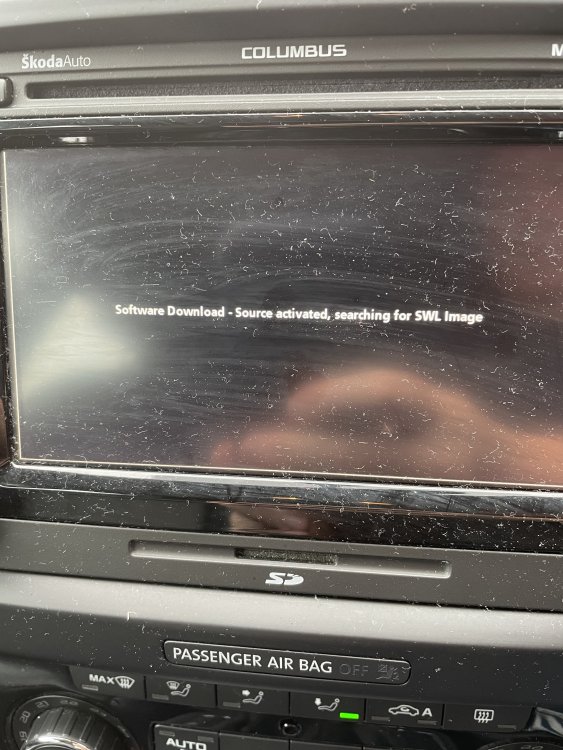
Photos of the top, side and the message on the screen
-
Thanks for that. Main problem that I have is that none of the buttons work and everything seems to be frozen. Don't know if putting in a CD would change this though? Where would I get the update discs from please?
-
Thanks for that. Main problem that I have is that none of the buttons work and everything seems to be frozen. Don't know if putting in a CD would change this though? Where would I get the update discs from please?
-
Yes, I thought the same. Hoping that I can get some better advice on here.
-
Thanks for response. I will have to do it in the morning.
-
Following a flat battery over Xmas and replacing with a brand new battery, my system is displaying the following message - Software Download-Source activated, searching for SWL Image. Can't knock it off and back on so have had to resort to disconnecting it as its draining the new battery. Skoda main dealer has looked at it and told me that the head unit has gone. Is it repairable or any advice on the best places to replace it please?