emilyoctavia
New here
-
Joined
-
Last visited
-
Thank you for your response. No of course, it's a great garage! Just worried I'll be looking at a costly repair. I'll definitely mention this suggestion to them
-
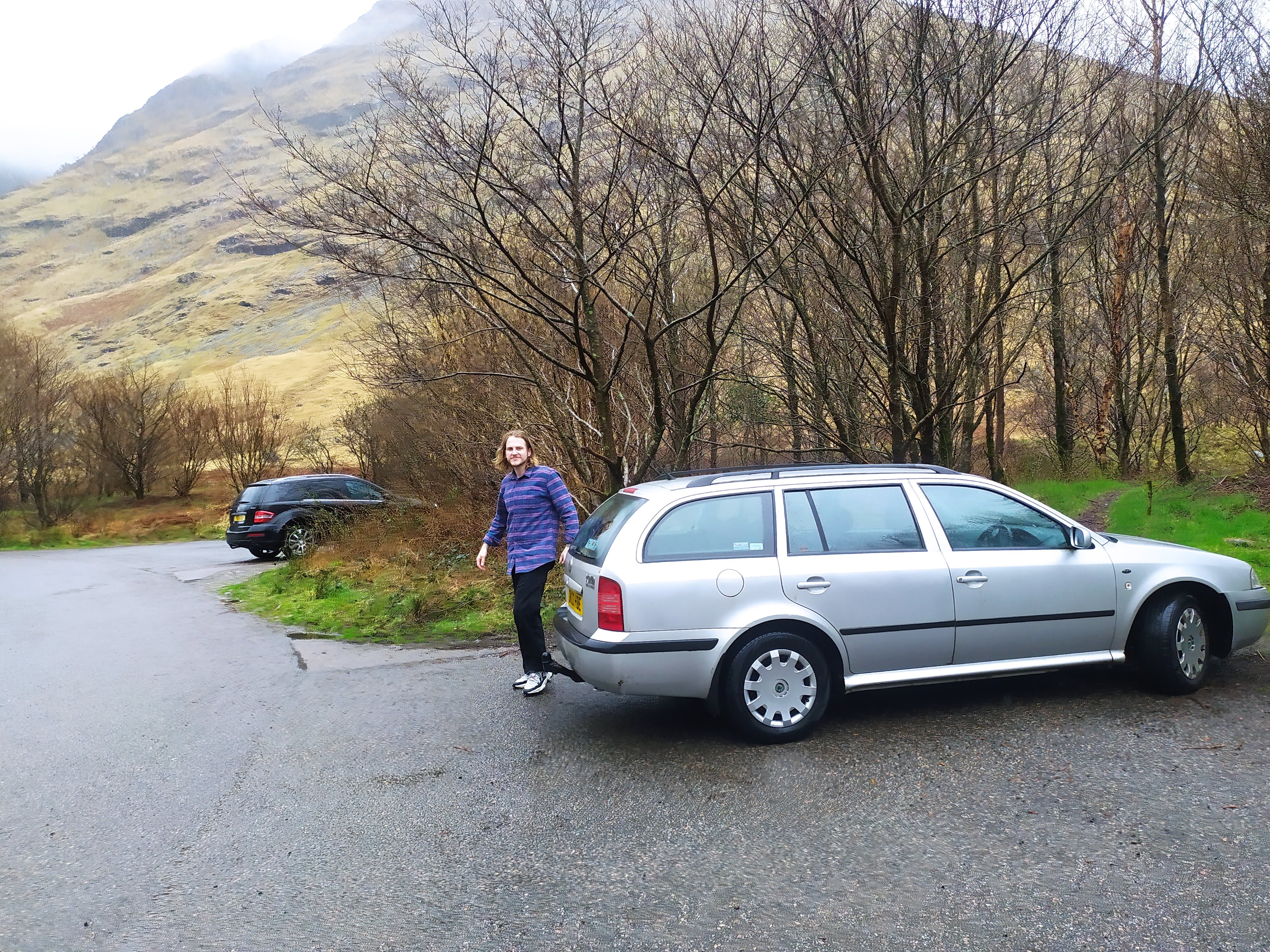
A couple here! With bonus Glen Coe and bemused partner in the background She's an oldy, with a few issues, but we love her none the less.
-
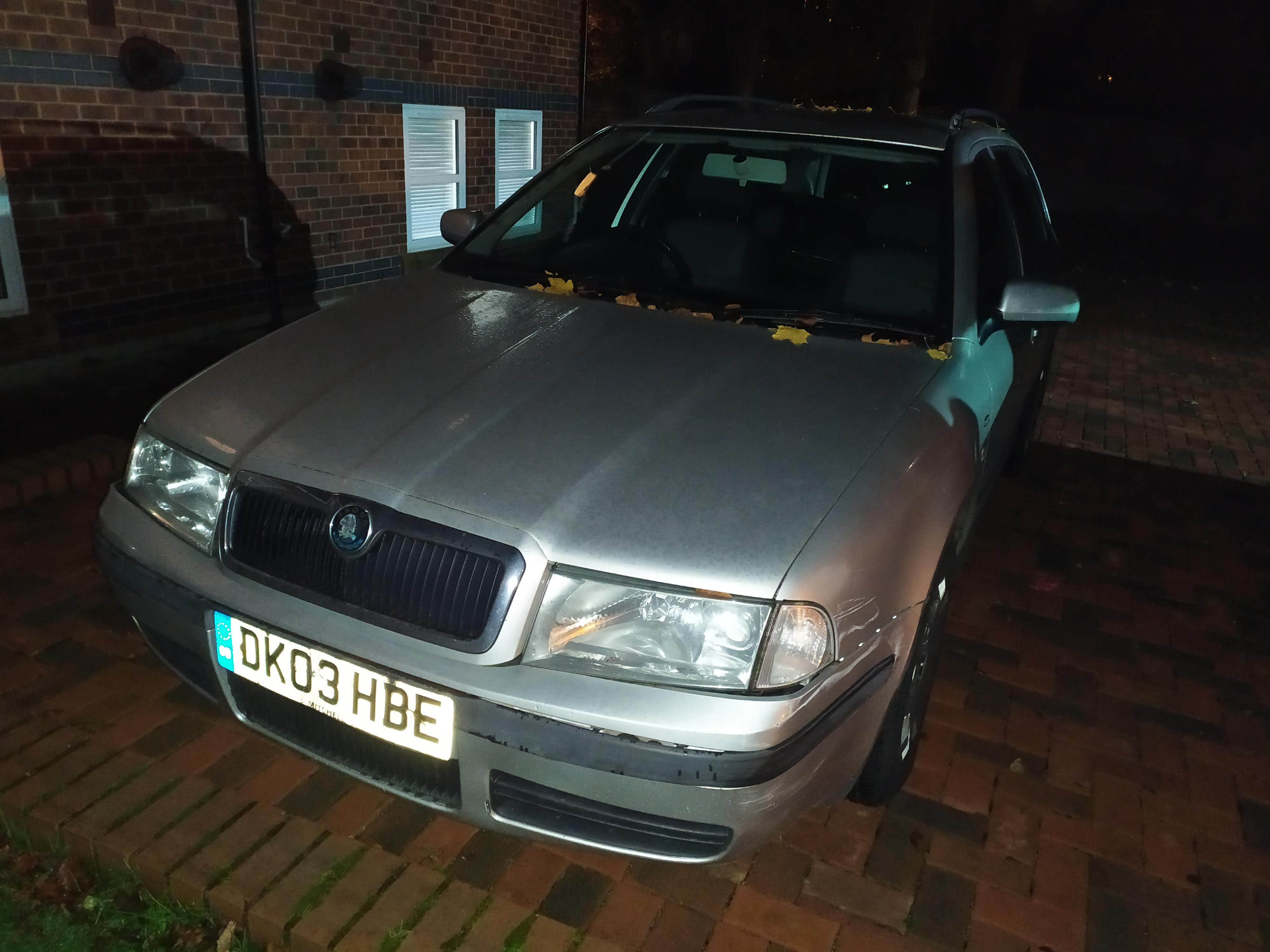
Hi everyone! Would very much appreciate any input into our problem. We have a Skoda Octavia Estate (1.9 TDi Ambiente), 2003 model. We had the battery replaced at a local garage last week - the last battery was knackered, needing a jump every time to get it started. Following this, the car is running well but there is a weird fault with the central locking - when I unlock either from the boot or driver's side door, the car will then immediately lock again! Luckily I can still get into the car if I quickly pull at the handle after unlocking! The car will also automatically lock again on its own at random points. I have phoned the garage about this, and they seem to think it has nothing to do with replacement of the battery - although it seems a funny coincidence that this should only start to happen after the battery has been changed?? Has anyone else had something similar happen to them, or might know of where the fault lies? I'm planning on going back into the garage so that they can run a diagnostic test, but it would be great to feel a little more informed about what the problem could be. I have had a look around online and I'm finding it difficult to see anyone else with this same problem. Thank you in advance! Emily
-
Just to say I'm new to the forum. We have a lovely, well-worn but still chugging, silver Skoda Octavia Estate 2003 - now over 140k miles on the clock!