Adib1977
Finding my way
-
Joined
-
Last visited
Everything posted by Adib1977
-
Brilliant , i have a unit fitted in my wifes Yeti , and the reception for DAB is crap , ill give this ago , thank for the info buddy
-
Sorry , please excuse my stupidity , if i got the fakra cable for the DAB aerial , does that mean i can get rid of that aerial that sticks on the window ?? so connecting the fakra cable it straight to the usb dongle ??
-
Brilliant , Thanks Nicky , ill have a look on eaby , as i wont buy anything of ALIEXPRESS , thanks
-
The fakra adaptor sounds interesting , what is that ?? , apart from sometimes having signal issues , the unit is great , plug and play , and easy to use
-
Hello I removed the original USB and fitted the USB from the new screen , fits in place ,and you wouldn't know its not OEM Driving mode shows on the screen when pressed , call quality so far has be great , no complaints
-
Hello all Just an update , i got the refund for the unit , they also said they would refund me the postage to return the unit ( Cost me £30 to post back to China ) but never received that , tried messaging multiple times and in the end got ignored , tried different avenues to contact Ali Express , but as the matter was classed as " complete " i could get any message across , so be aware , you may not get all your money back , in the end i was just happy to get the lump sum back for the unit . wont be using " Aliexpress" for anything else . Managed to get a Teyes CC3 unit fitted to the car , does everything i want it too and controls the cars functions as the original unit did , but will be saving my pennies to upgrade to MIB2.5 Columbus in the future . Cheers
-
Sorry , I ment to add , I also want to add a subwoofer ( not canton ) , I heard that the columbus unit can run a sub , would this need coding ?? Thanks
-
Hello . Firstly I apologise if this has been covered before . I have a 2013 Octavia with a Columbus high media unit with the 8 inch screen . I want to upgrade to the MIB2 system with android auto , I have been advised that I won't need to change the screen as it will be compatible, but have been told I'd need to upgrade the USB . Does anyone know if this is correct?? Thanks in advance Adi
-
I did look down the route of upgrading to an MIB 2 unit , but the price scared me , but at the same time I don't want to lose the cars functions , which is why I went for this option and unfortunately it didn't work .
-
Will do @Tcuk31 , I'm being told the Teyes cc3 is supposed to be a great unit , so doing some research on that 👍
-
Just a quick update , they have agreed to take the unit back , as it appears it is faulty after all , it has put me off the unit to be fair , so I'll be looking at replacing the entire system with an android unit , but not sure which one to go for and keep all the functions my columbus has . Wish me luck
-
Yes , i agree , they have asked for videos to be sent to them of the unit not working correctly , so ill send them , and hopefully send it back , but i think i may have a fight on my hands
-
Thanks for enquiring @papatsonis , the reason i got this unit over others was what i though the ease of fitment and the adaptability to work with the cars others functions , but without the need of additional wiring , this doesn't seem to be the case . shame , the function of android auto is brilliant , works fantastically , but a couple of niggling issues have let it down for me . never mind , back to the drawing board .
-
Hello Tuck31 , yes tried all options on , nothing , all options off and nothing , Aliexpress offered a free rear camera as compensation to resolve the issue , so im guessing they know this can be a problem and typically its an issue on mine 😞
-
Nothing displays at all , i have spoken to Aliexpress ( that was a misson lol ) and they are looking into it
-
Hello @Cactusjack do your parking oem sensors display when you go into reverse ?? Got my unit fitted today and noticed mine dont ?? Also at night the maps screen stays bright and doesn't dim automatically, am I missing something ?? Thanks
-
Brilliant , Thanks @Cactusjack , just ordered , surprisingly cheap compared to other sites , didnt say how long it would take to get here though , hopefully not to long , thanks again
-
The set up looks great @Cactusjack , you have the same OEM setup as my car , can i ask where you got your unit from ?? , there are so many on Ebay,Amazon and Aliexpress with different prices but all seem to do the same, would sooner get one that has been tested and know it works , thanks
-
i agree , really tempted to hit the purchase button after looking at your reviews , look forward to the future updates , thanks @papatsonis
-
I'd be very interested to hear how this product worked for you 👍
-
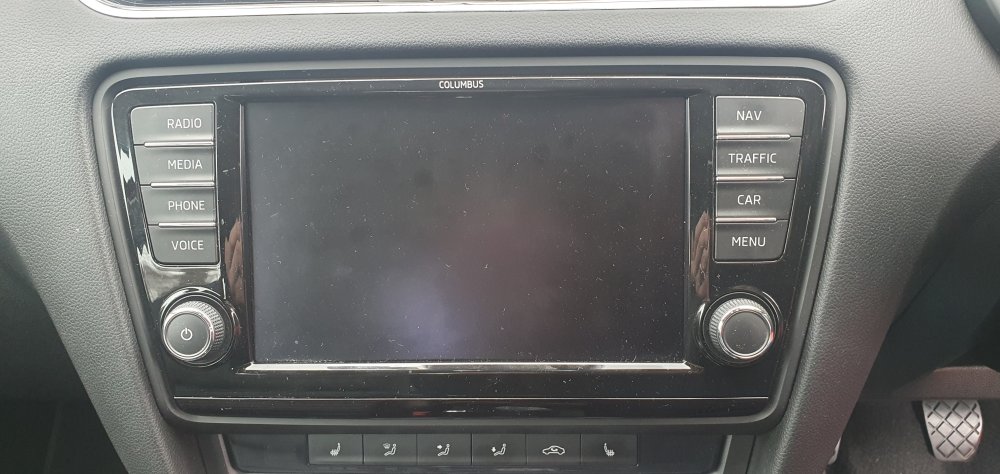
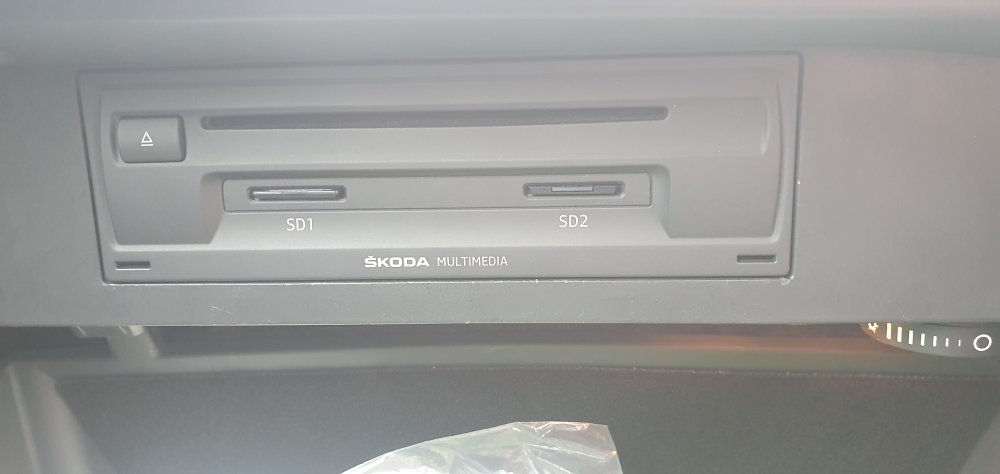
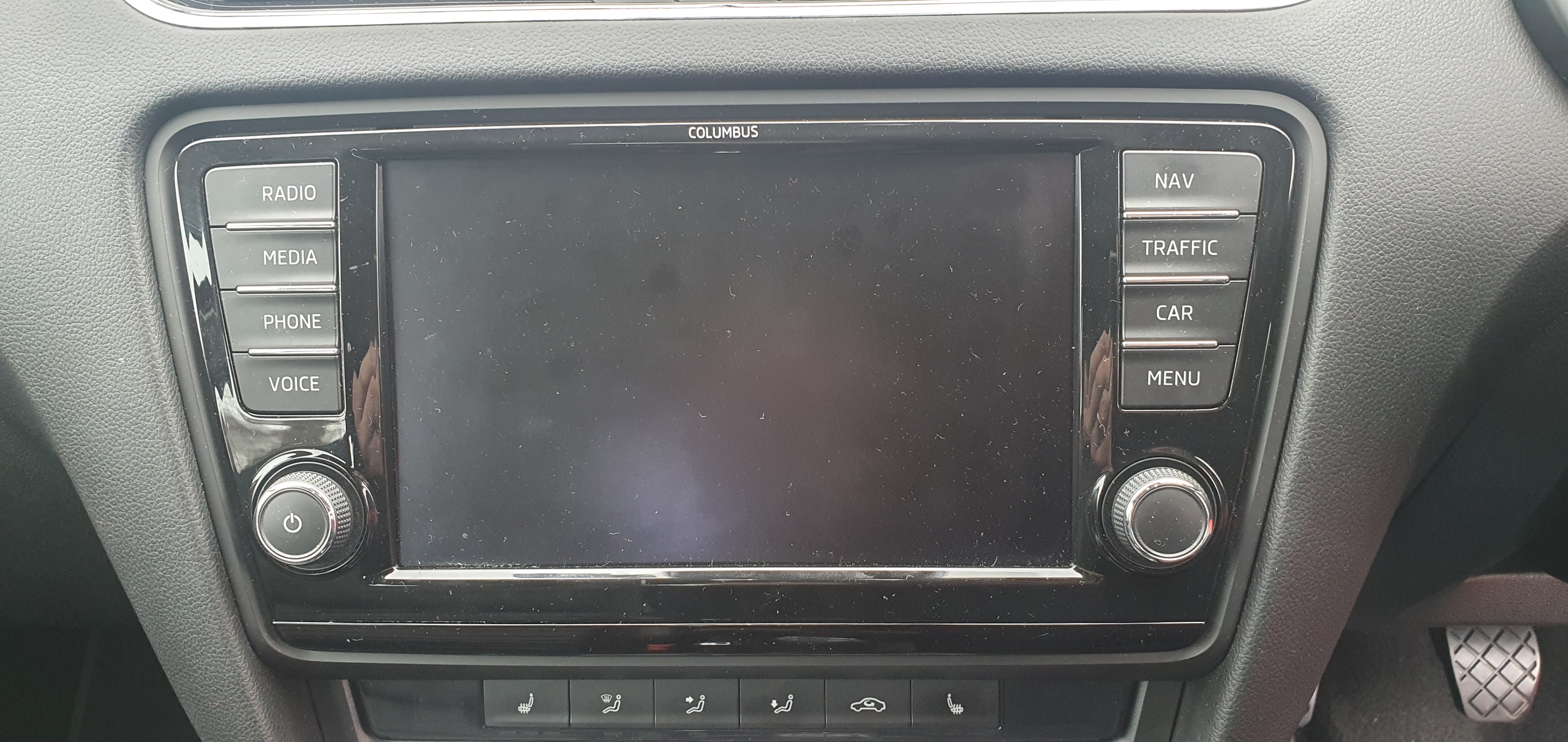
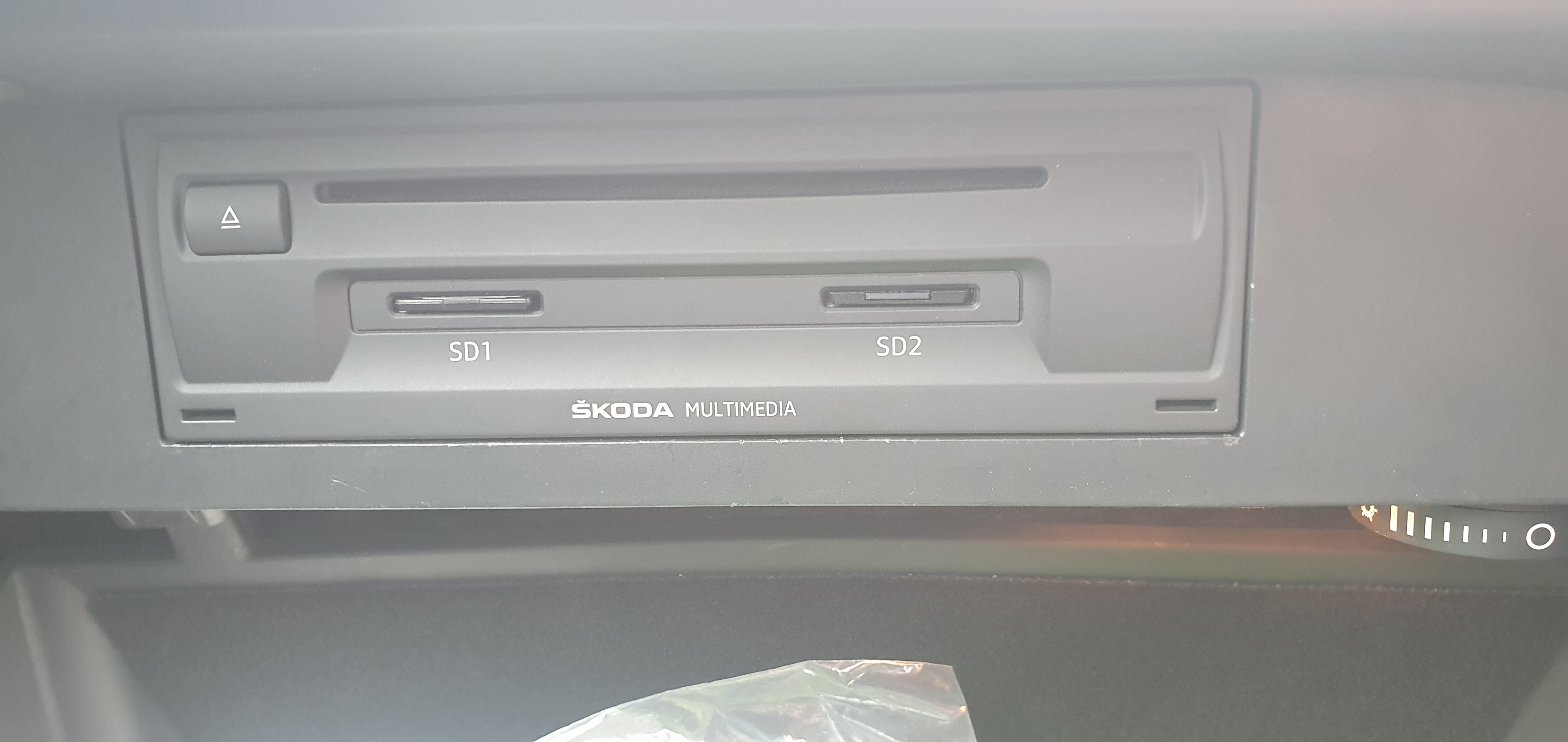
Hello all I have a 2013 Octavia with the MIB1 Columbus infotainment system . I am after some help on what i would need to update the system so i can have apple car play and Android Auto ( Smart link i believe its called ) I have looked through some of the treads on here and sorry to say i couldn't find one that was similar to my request , sorry if i missed one . I have found on Ebay a control unit that seems to piggy back the OEM system and adds car play and android auto , but unsure if anyone has had any good experience's with these , but i also would sooner stick to OEM to be safe . Any help would be great , as i don't want to spend any more than i need too . I have attached photos of the system i have in the car at the moment . Thanks in advance Adi