cjc1401
New here
-
Joined
-
Last visited
Everything posted by cjc1401
-
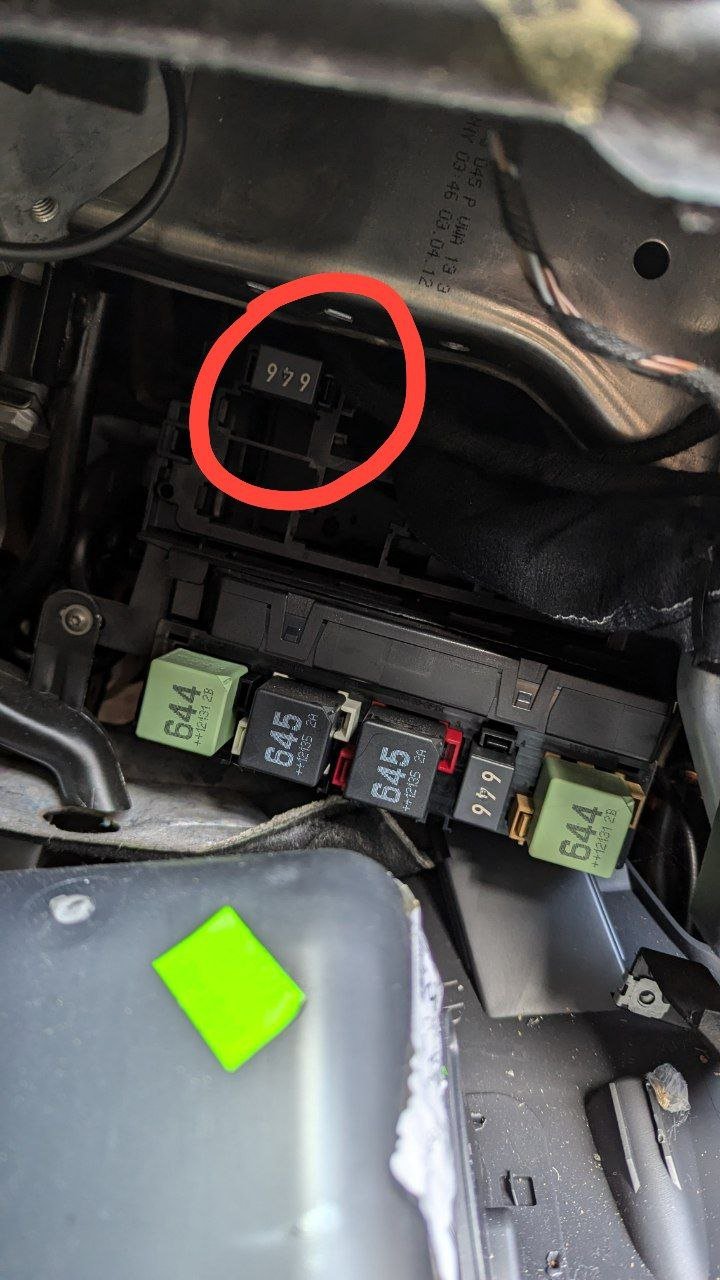
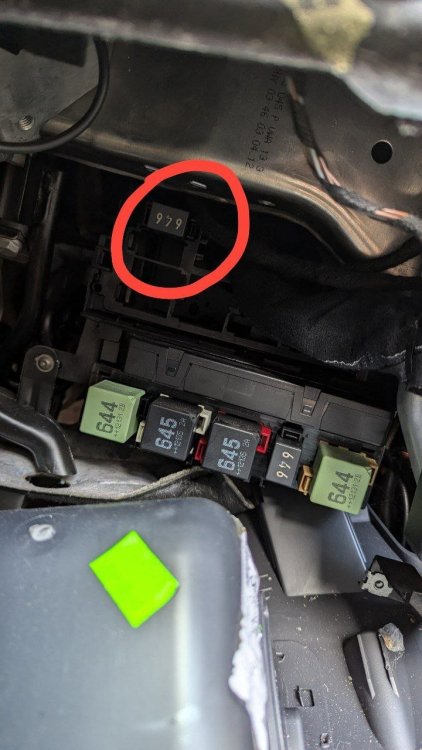
Thanks for that - I tried swapping in the other "646" relay but still not working, however even with the horn relay removed I could still hear a relay clicking when the horn was pressed? Not sure if I've got the wrong relay but everything I can find online points to that being the horn relay: https://www.youtube.com/watch?v=F4ReVVP-IDc
-
Hi all, Trying to resolve this for my friend - he has a 2012 Octy II Estate, the horn began working intermittently and now not at all. I have checked the fuse (F17 under bonnet) and relay which both seem fine, the relay can be heard clicking when the horn is pressed but no sound. Checked at the connectors for both of the horns behind the fog lights either side, and there is 12V at both when pressed - though strangely, when the horns are connected, there is no voltage (approx 0.3v DC). I checked this by scratching through the silicone-type sealant on the plug on the horn itself. I've tried a replacement set of horns and still get the same results, both the original and replacement horns are working when connected directly to the battery. Wondering if anybody can offer any advice on this? As far as I can tell it "should" be working, but not sure why there is no voltage supplied to the horns when they're plugged in... is there a chassis ground for them somewhere maybe? Stumped on this one, any help would be much appreciated. Thanks in advance
-
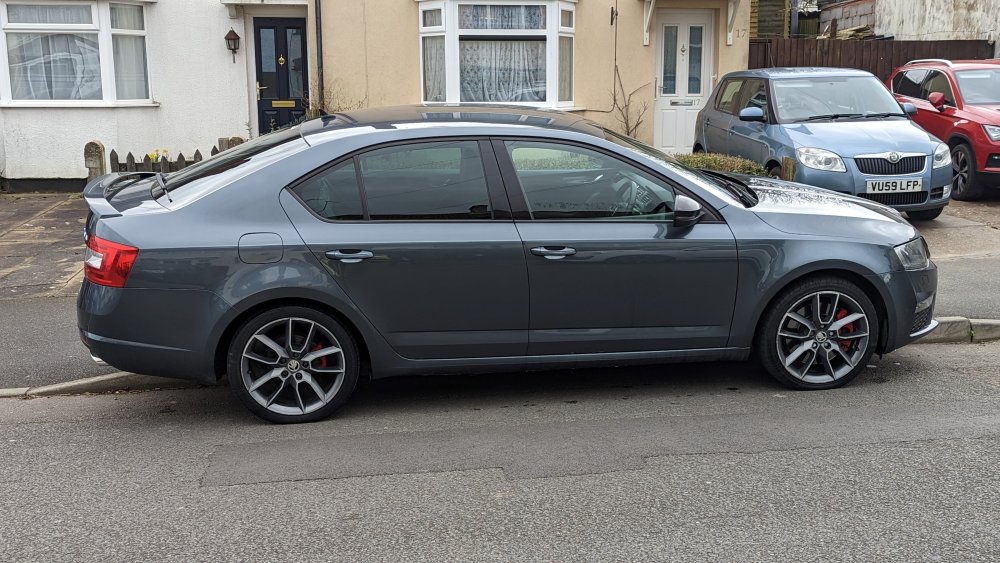
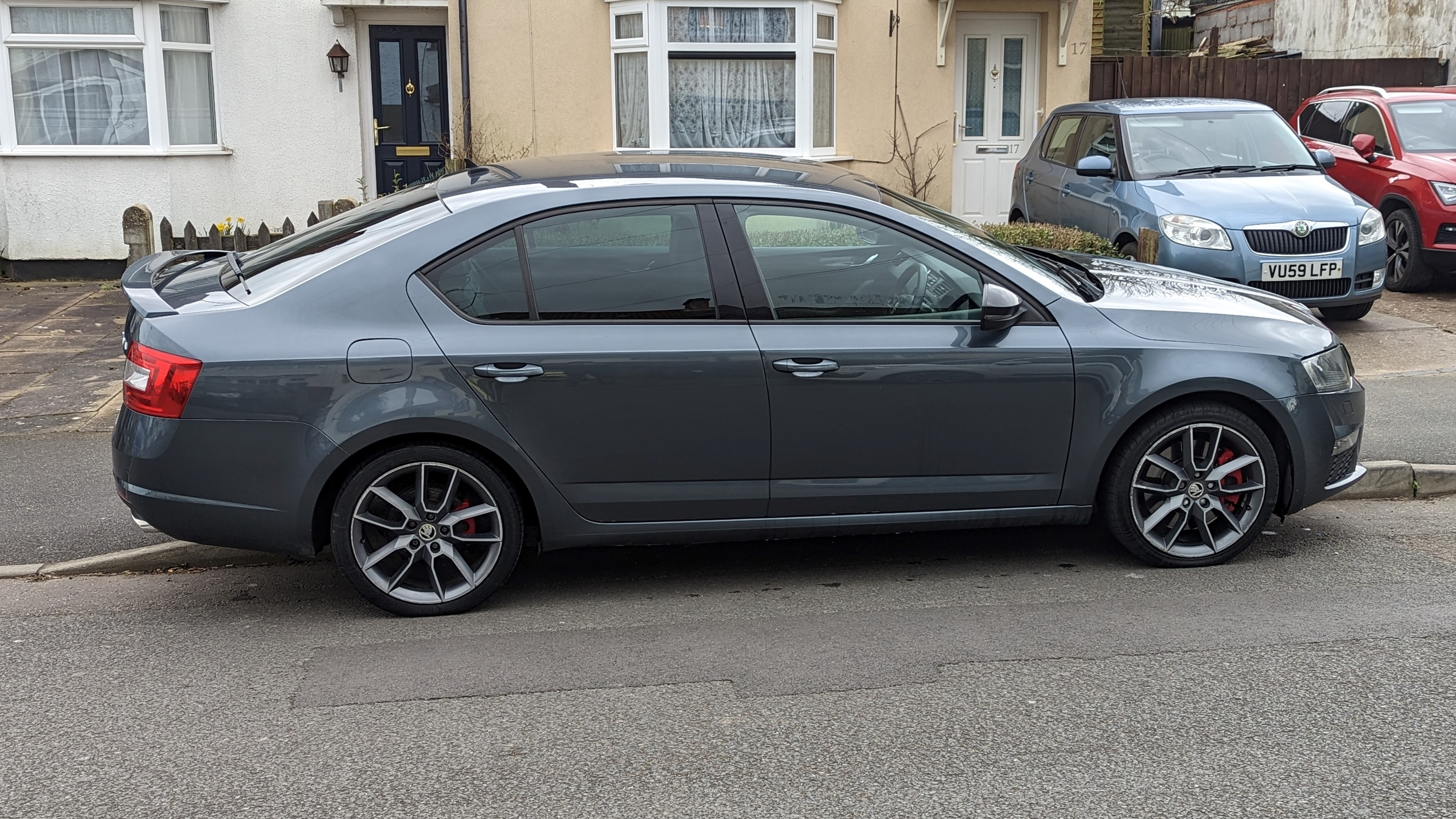
Hello! My name is Charlie and I'm from Solihull in the UK. I've used this forum many times over the years as my dad has a MkII Octavia L&K Estate and it's been invaluable for research and tips. I've just bought myself a 64 plate Octavia VRS TDI and thought it was time to make my own account. Absolutely loving the car so far, big step up from my last car, which was a 2009 Volvo S40 R-Design 1.6i. Looking forward to many happy years of ownership