vintage-th
Finding my way
-
Joined
-
Last visited
Everything posted by vintage-th
-
-
I took another attempt to check the cables, and while driving I noticed the windshield washer appeared to be not working too. First I went out of tune, but then realised it was a perfect clue. The reason couldn't be in the tailgate cables, but rather something with fuses. And taking this clue I came to a fuse I didn't pay attention at all: 42 (rear doors, headlight washers, windshield washers). That was it! Fixing this fuse everything, including the rear wiper and the lock started to work again!
-
I'm afraid, I'm stuck on a deeper level - I test these things with direct manipulating the latch 😀 I assume, if the hatch isn't fully closed, you will see it on the display. Even in my case it shows if the tailgate is open or closed. The latch has 4 pins in the socket. I guess at least 2 of them are building a circuit with the latch mechanism and indicate if the circuit is broken or not. It functions. I suspect the main "+" cable supplies no power, but I don't know how can I test it properly.
-
Hello everyone! My Skoda Octavia Estate 1.4 TSI has got the double problem: neither tailgate's latch react to any buttons, nor the wiper works anymore. I can only open the lid with a screwdriver from inside. Neither fob, nor the button on the lid work. I even hear no clicks in the latch. The car understands if the tailgate is opened or closed. The tailgate wiper doesn't work too. The stop signal light works. I've ordered a new (non-original though) latch, connected it (without mounting, but with grounding to the body), but still no reaction. Also the old latch looks good. Those cables that I can see look pretty good and not and not battered at all. The fuse 47 (responsible for the wiper) is ok. Could somebody please give me a hint, what could I do next? I have a multimeter, but I don't know how exactly shall I test here, because I don't even know the cable color scheme. What else can I exclude before dipping into the pocket for several hundreds Euros? 🥲 A workshop that I trust doesn't have an electrician... I would appreciate any help.
-
Thanks! This is just a fragment from the manual, which I did use to find out, why my trunk stopped to open. But by some reason the table with fuse destinations and their positions doesn't have a column with fuse types. So it works well only when your fuse is still in place 🤣 Thank you so much, @varooom! You've saved my life. Is this information available only in special service documentation?
-
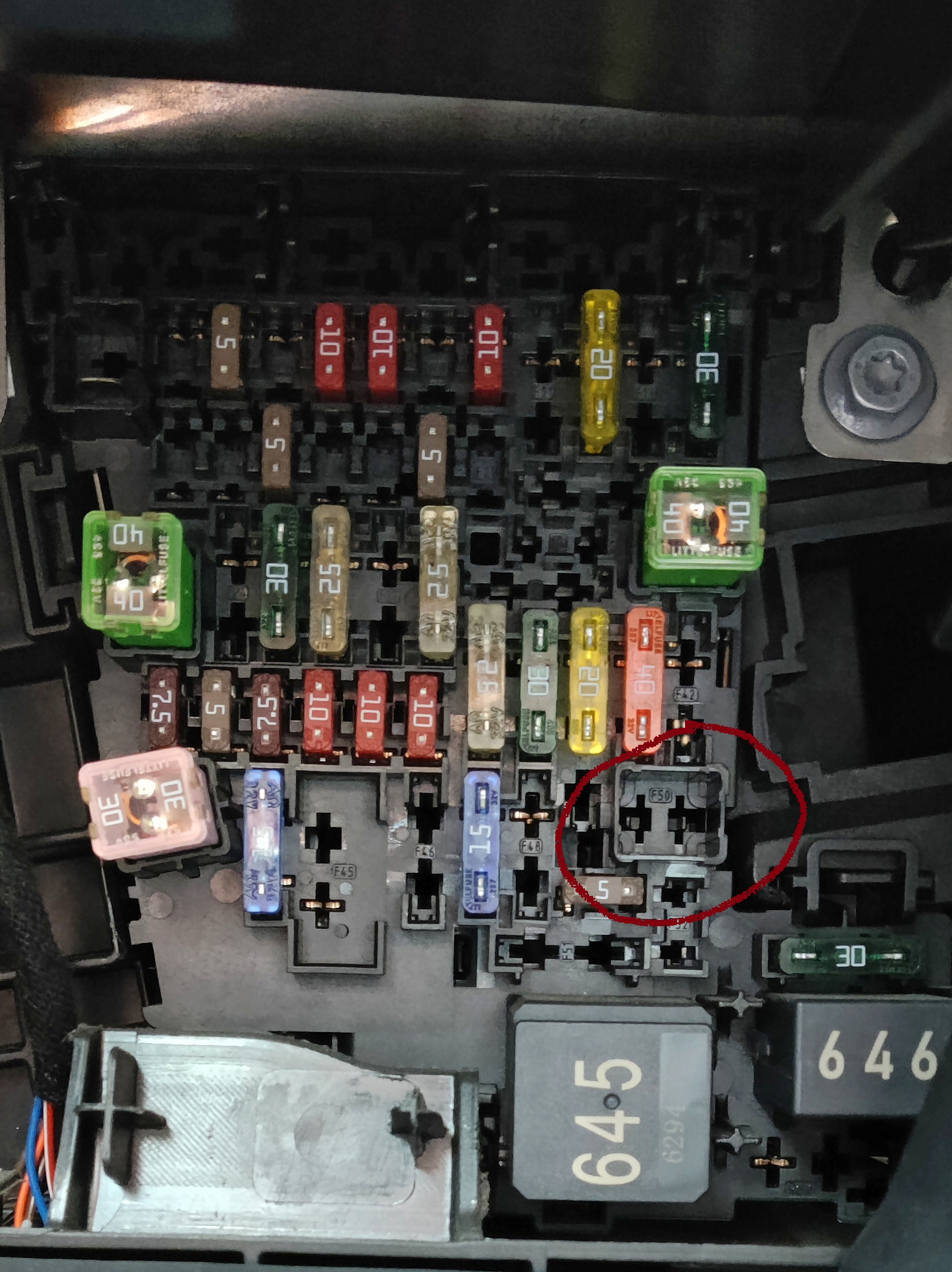
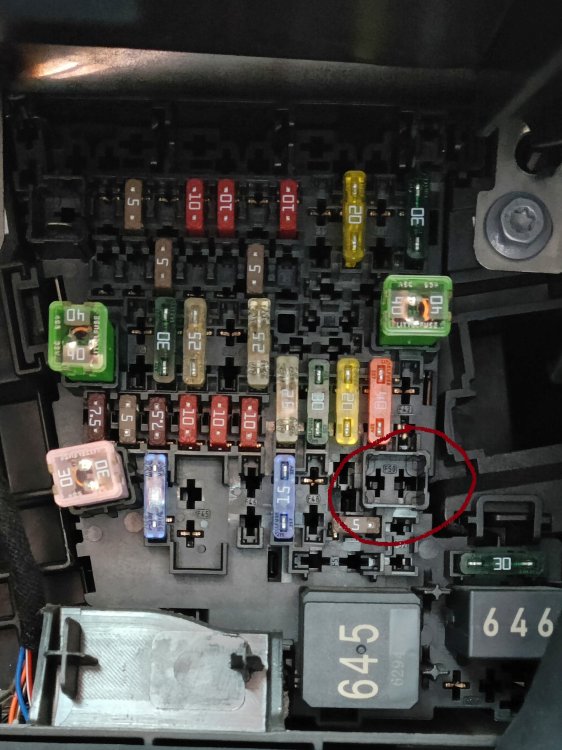
Hello everyone, I find myself in a silly situation. While changing a fuse, I somehow managed to lose another one. Don't know how, but it's just vanished 😅 Now the trunk doesn't open. Can you please help me to identify this lost fuse? It's located on the position 50 (responsible for the trunk door). How many Amps must it be? Or of which color? Or maybe somebody just have a similar photo for Octavia III Combo? Thank you very much in advance! PS: I've even asked in a repair shop, but they have no idea. I don't get why in the service manual there are only positions and responsibilities, but not the amperage.
-
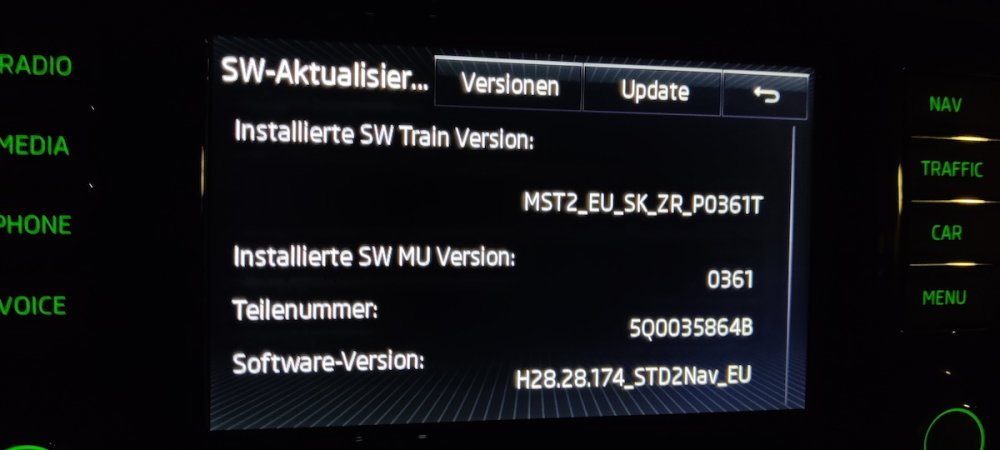
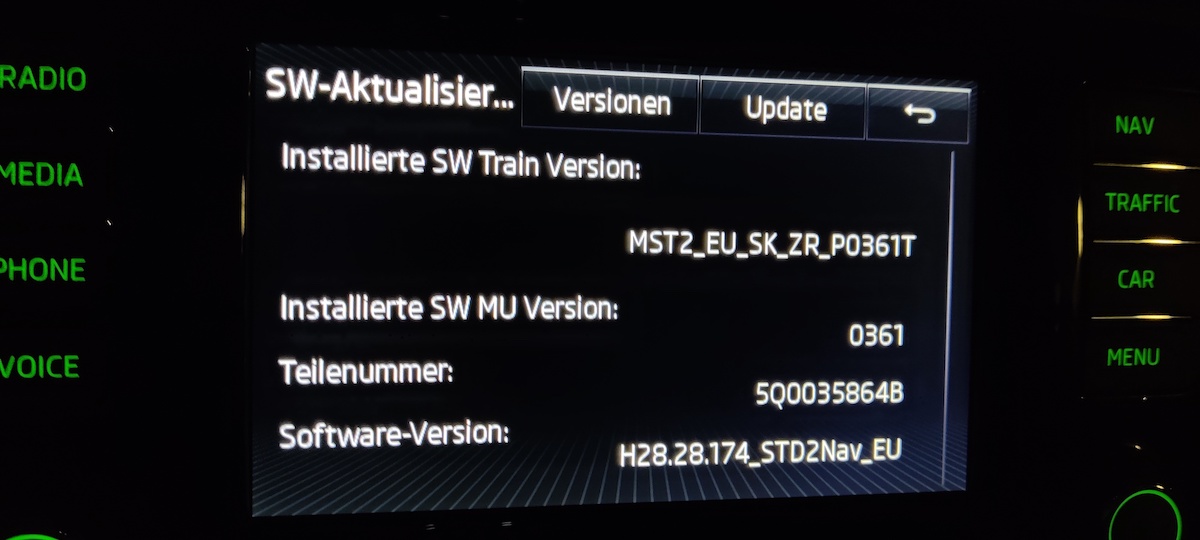
Hello dear Skoda enthusiasts, may I please ask you to take a look at my Amundsen version and eventually provide me an update? Thank you very much in advance!