roguee1
New here
-
Joined
-
Last visited
-
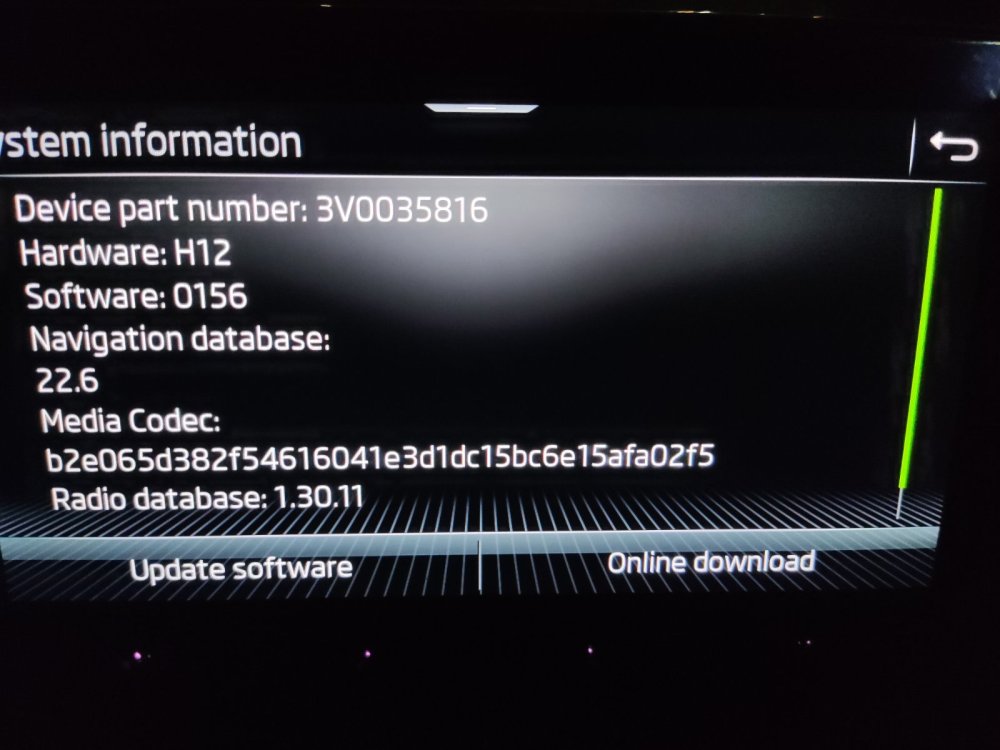
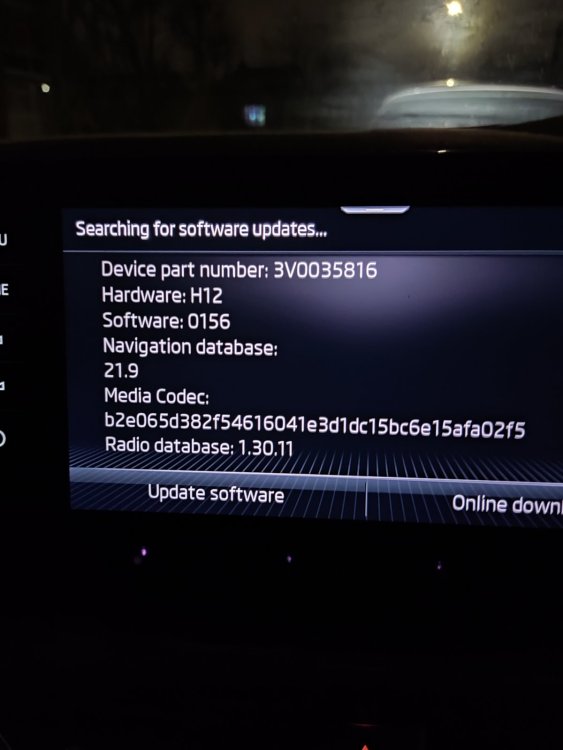
I don`t know what exactly happened , but looks like my maps did update yesterday after posting this . I have used the usb 3 file method , but also fiddled with online update as well . I understand the file is very large so it would have taken a all my mobile phone plan ( I used my phone as a hotspot) but it did not use more than a few mb`s. i also left the usb attached but for like 10 mn max ( that is surely not enough ???) I have no idea what is going on here
-
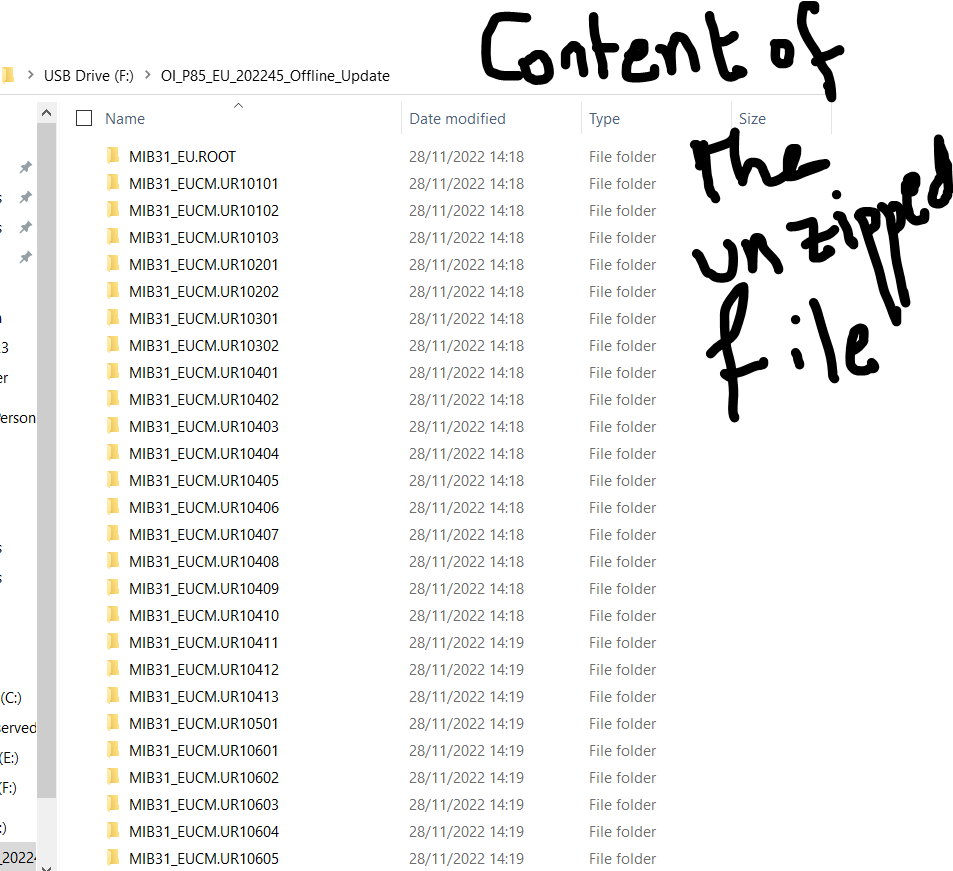
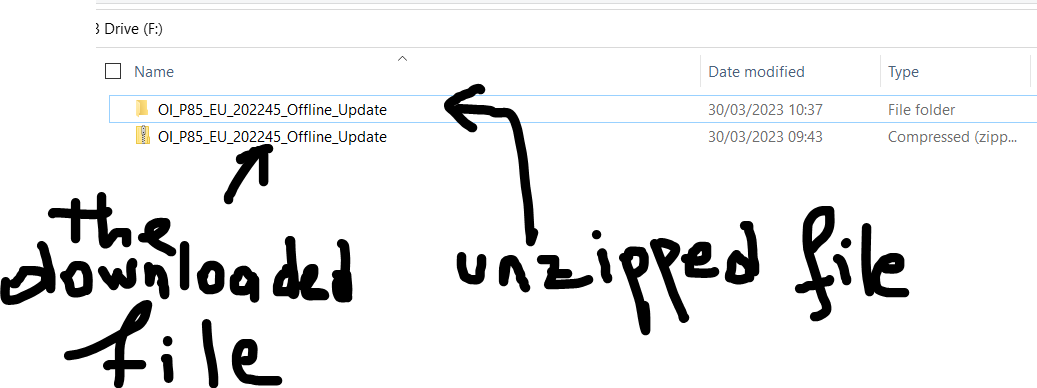
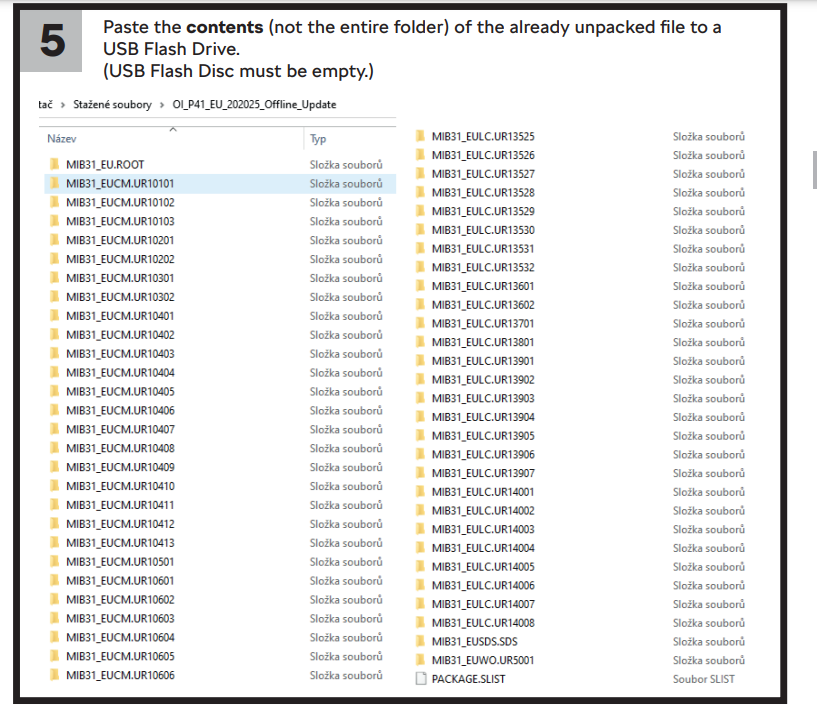
I have downloaded from Skoda portal a large file based on my vin number . when I unzipped it it contained many other files . do I have to copy all files into the USB and insert in the vehicle or can i hose a specific file based on my region like UK and ROI maps only on Skoda`s Website it says do not use the entire file , a bit confused here any help thx


-
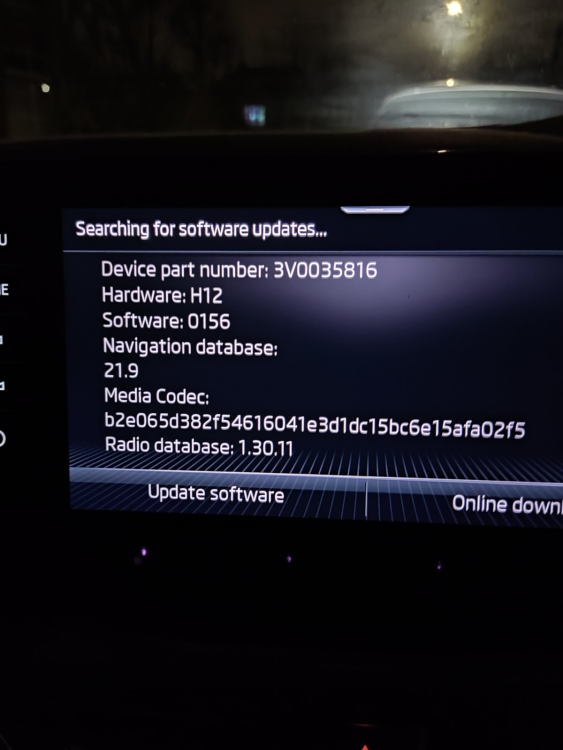
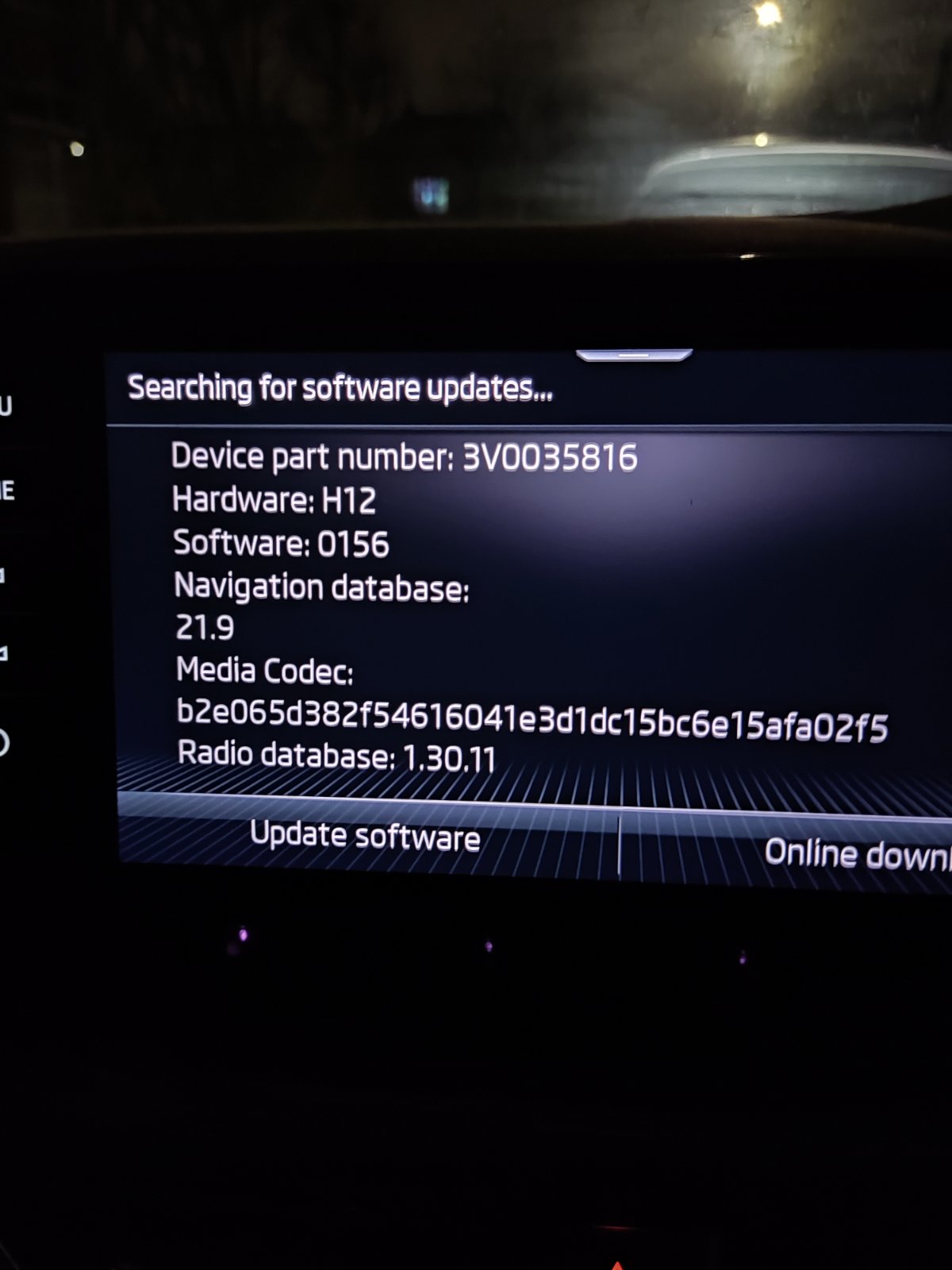
Hi everyone , not sure if this was asked before I have the unit in the picture , and a scala 2020 . my phone is running android 13 ... its a poco f3 , based in the uk is there a way to get android auto with no cables ... wireless?