MoRahman
Finding my way
-
Joined
-
Last visited
-
Where can I which build code fits on mine. Mines the CTHE engine code? If that helps
-
O ok. When I get a chance I will pass it on
-
I'm sorry but what do you mean by VIN
-
Hi guys. I own a Volkswagen Polo GTI 6r twin charged engine 2013 model. I am aware it's different to mk2 fabia vRS mk 2, but it's shares the same parts? The question is that, which Disc fits 288mm or the 310mm one. Thank you.
-
Hi guys. Just wondering. I own a Polo GTI, I know it's not the fabia vRS mk II, but it shares the same parts. Do you guys know the part number for the engine cover? Thanks guys
-
Hi guys. In need of Abit advice? Sorry if it's a stupid question? When I brake my steering shakes? What can be the issue? And I'm aware the tracking aliment is slightly out, can that be the issue?. Thanks
-
Thank you guys. For replying back. I understand it much better after the 2 posts
-
Listen Pal. I thought this forum is created for help by any means. Yes I might not have the knowledge about cars. But that don't mean? You speak to me like I'm stupid. I'm not a keyboard warrior? Just to let you know
-
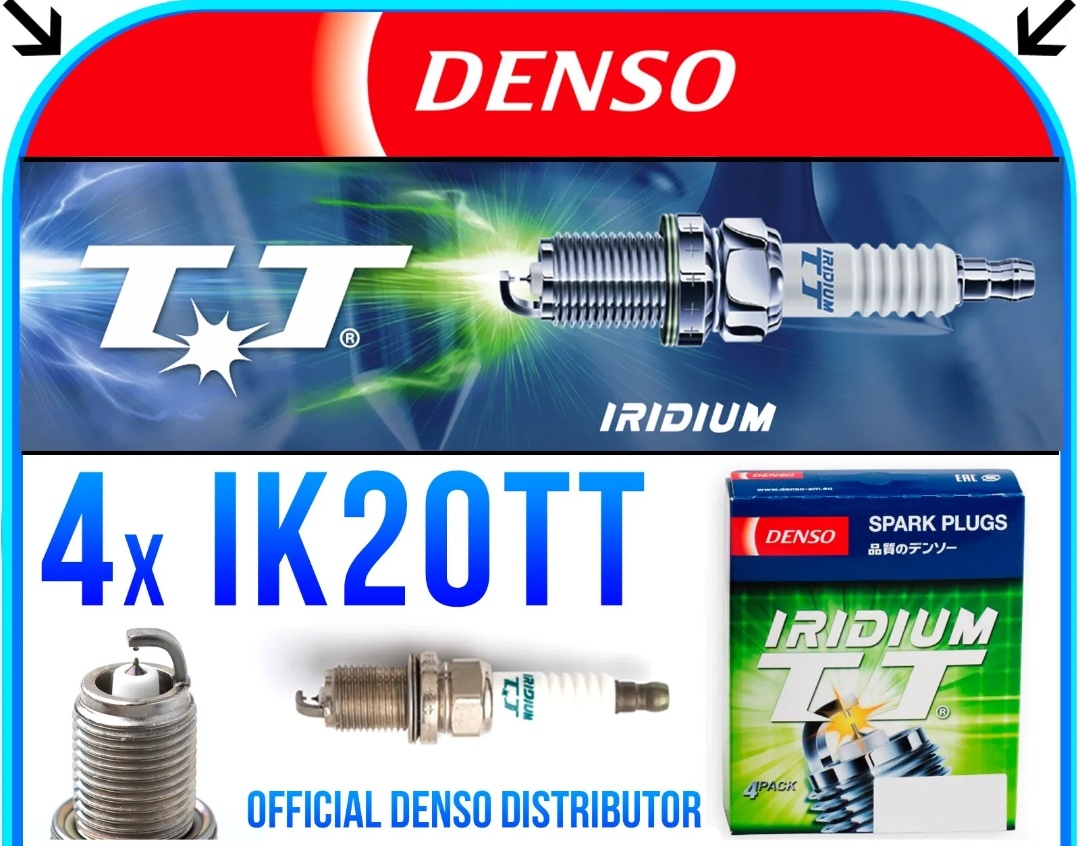
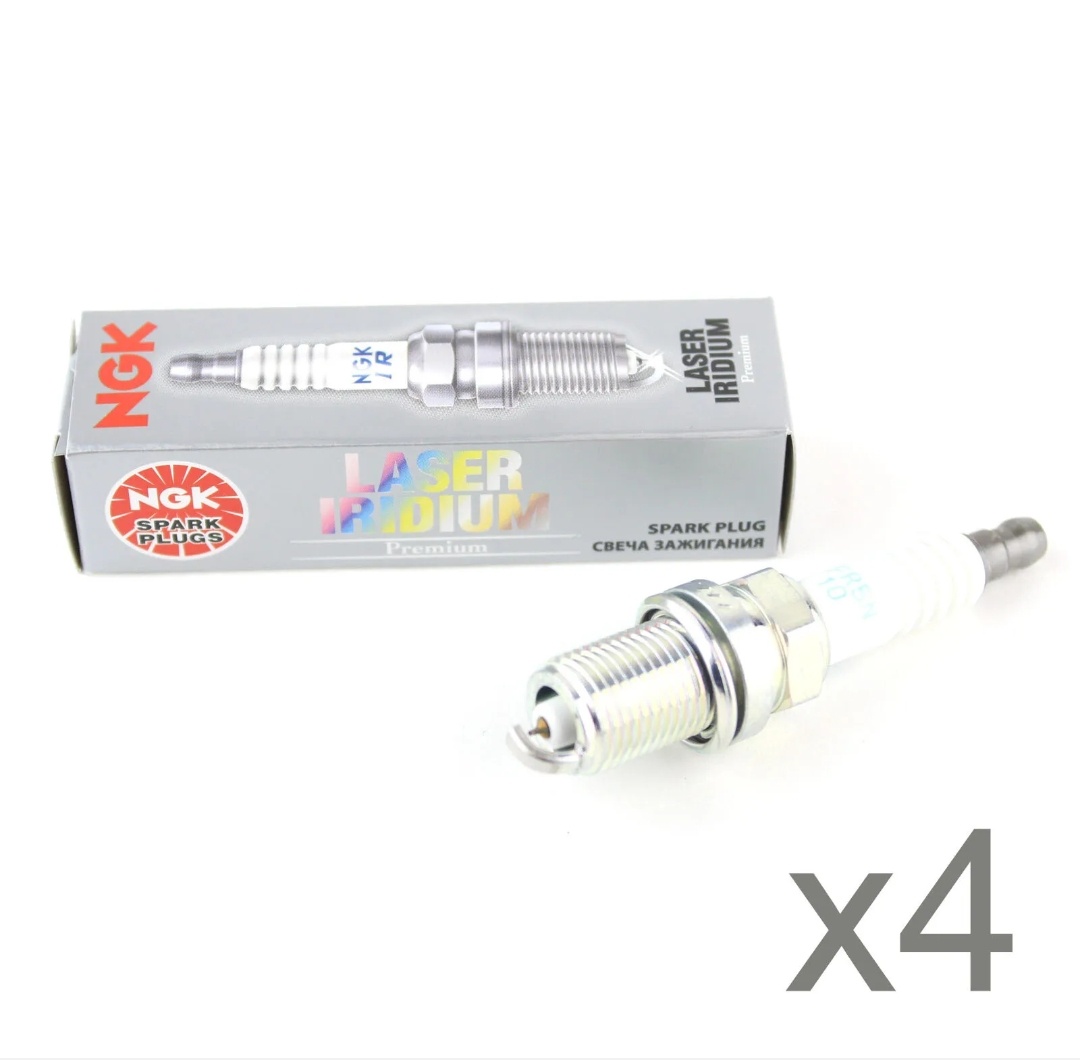
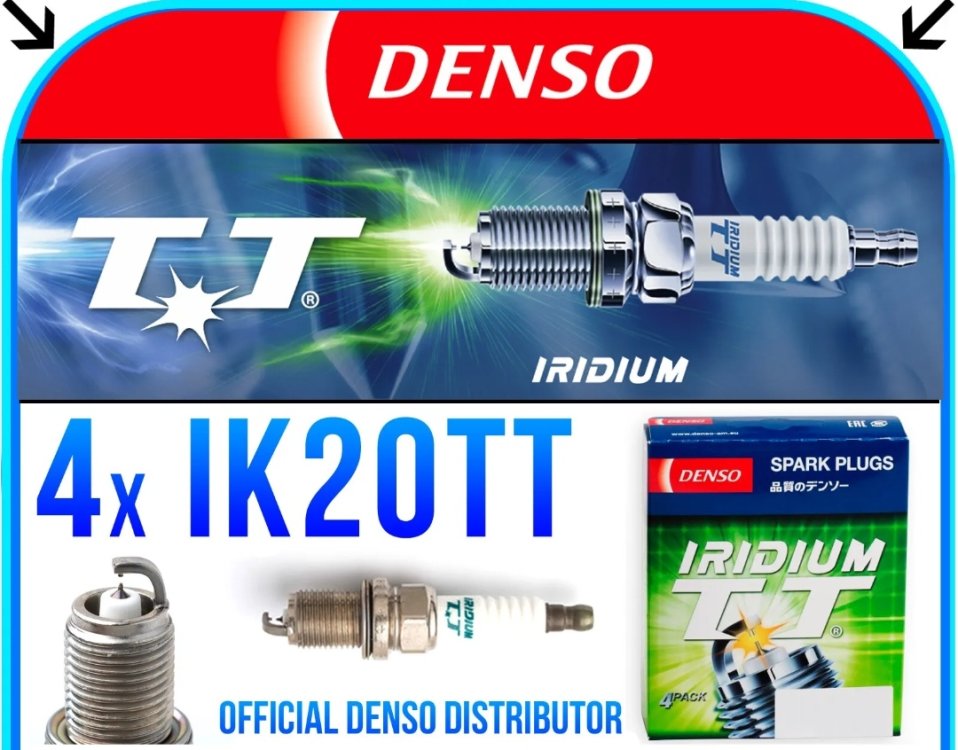
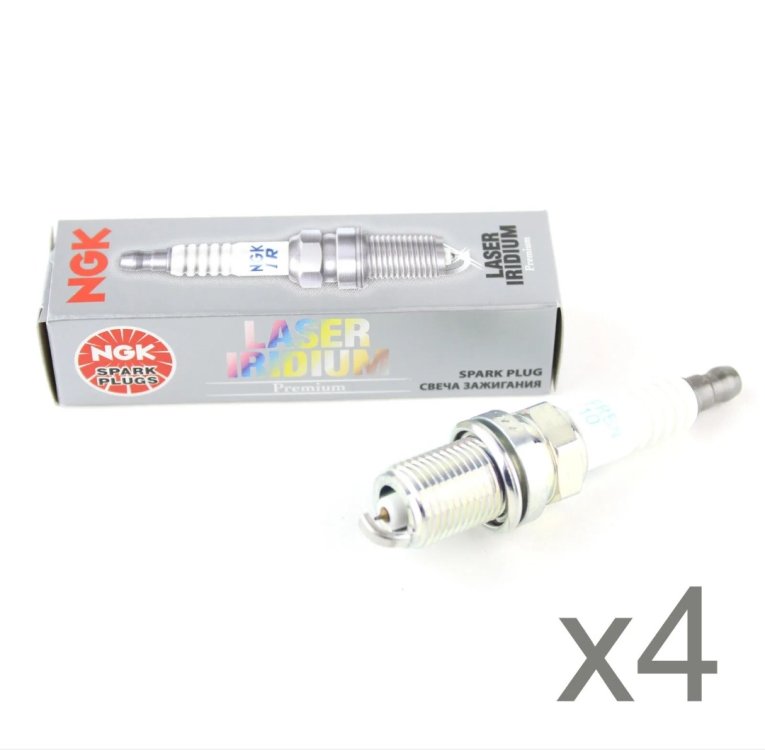
Sorry guys still confused? Which ones are good? Out of the 2. And the NGK part number is NGKSPARKF007370
-
Absolute LEGEND!!
-
Thank you guys for the reply. Means alot. One thing else do you have the part numbers on the plugs that? You guys have fitted. Then I'll decide on which I'll go for.
-
Hi guys. I am new to the forum. I am a proud owner of a recently bought Volkswagen Polo 1.4 GTI twin charged engine. Same as the fabia vRS mk II, Ibiza etc. and it's the CTHE engine. But don't know which brand of plugs to go for? Shall I go for the Denso or NGK?. I have read the other post's on here about spark plugs but haven't helped me deciding on which plugs to buy.