Sim4
New here
-
Joined
-
Last visited
-
@pab567 God bless you!!!!❤️
-
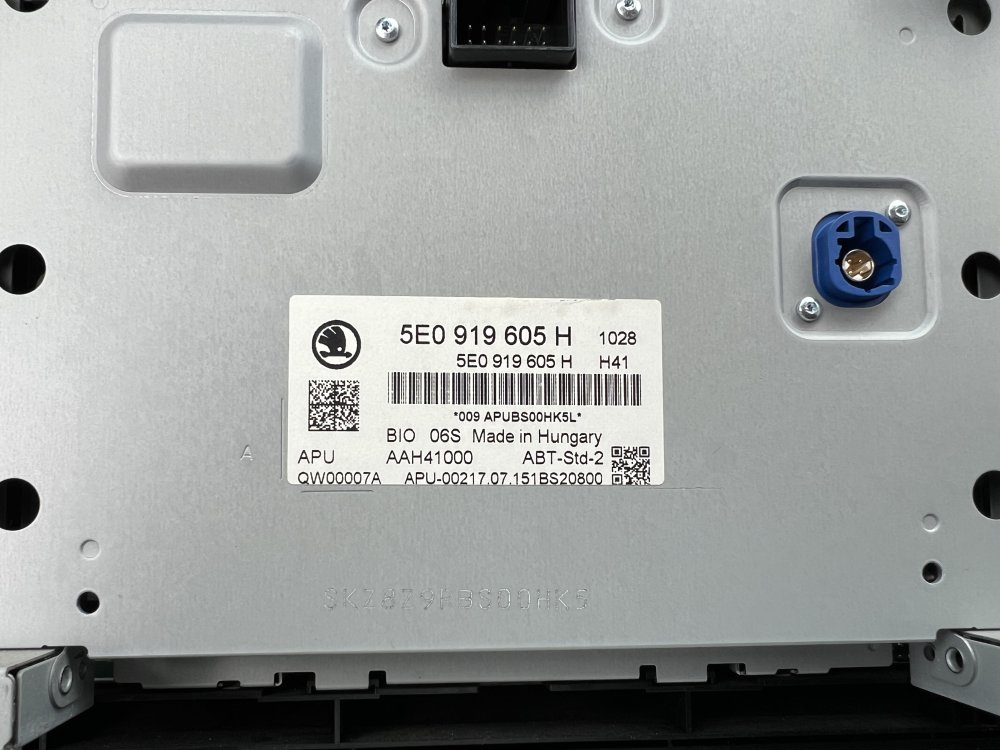
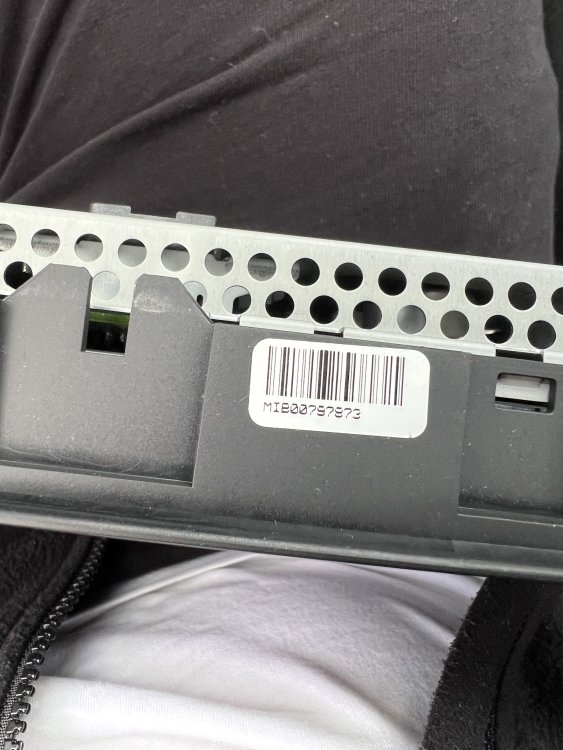
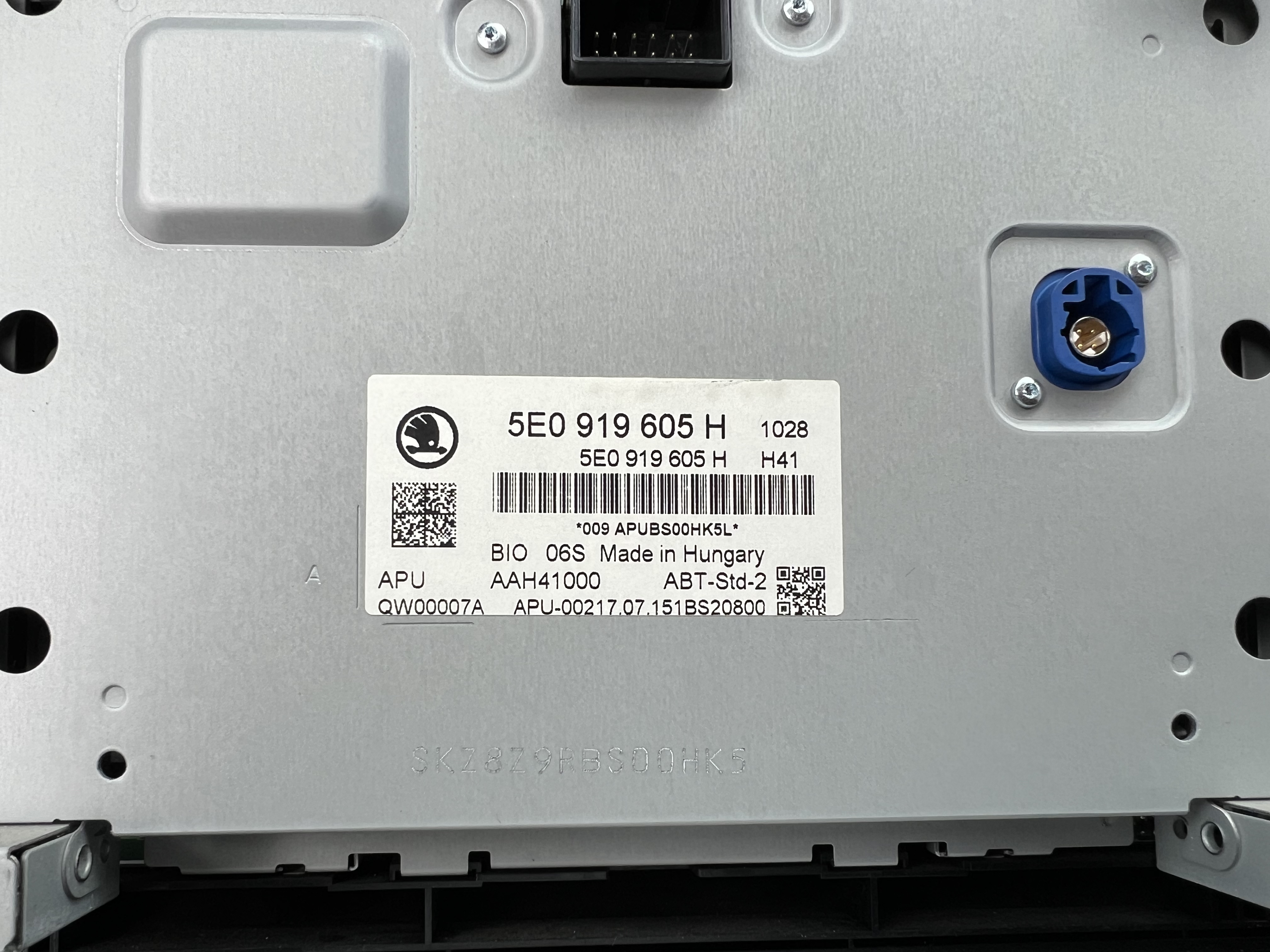
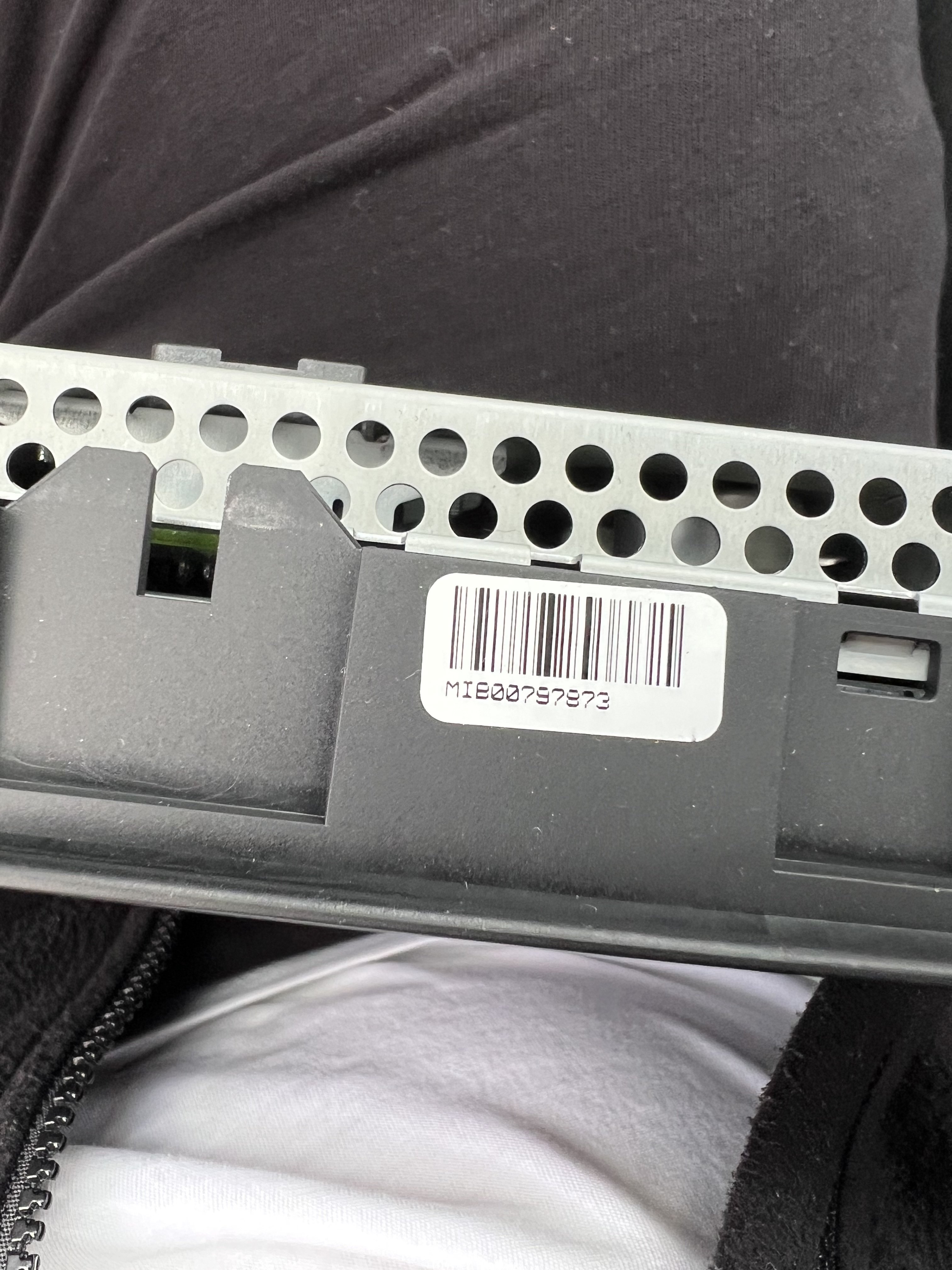
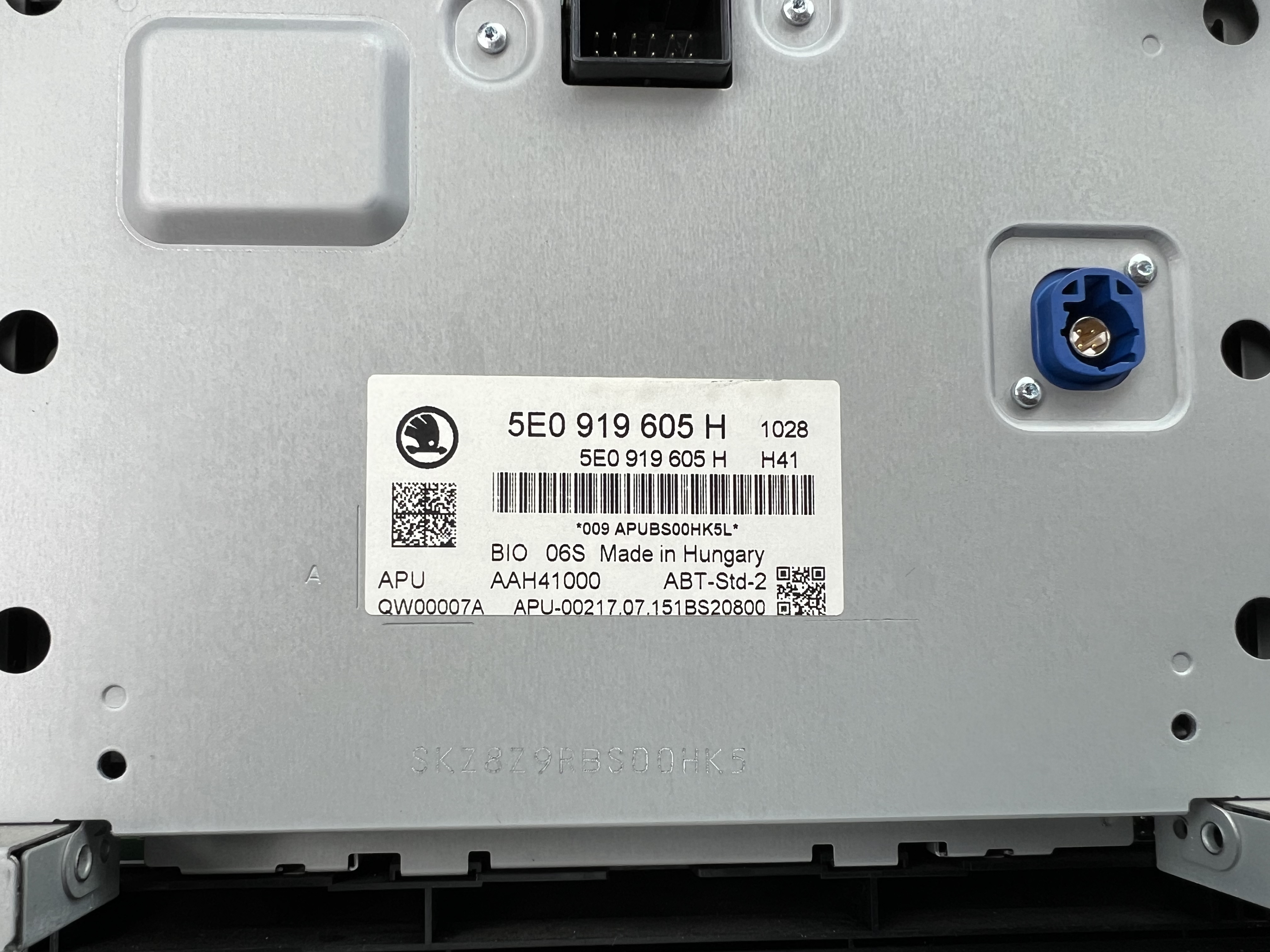
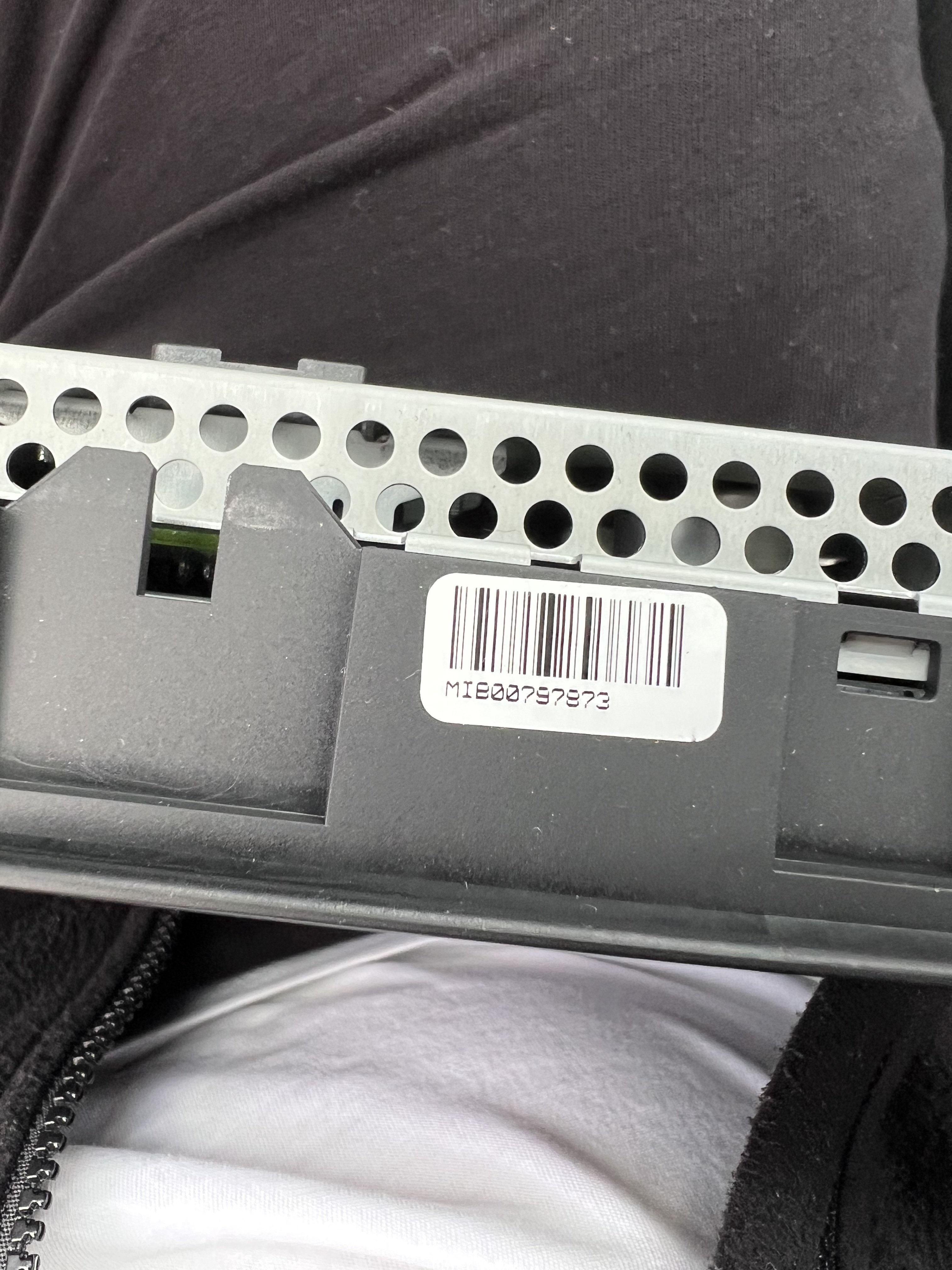
Perfect, thanks for your help guys. I have removed it on my own and checked it, the photos are mine . But, what about the code BIO 06S and BIO 08S ? @pab567 For example:
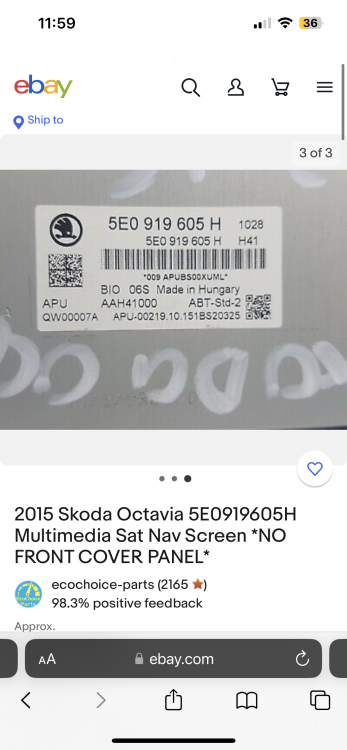
-
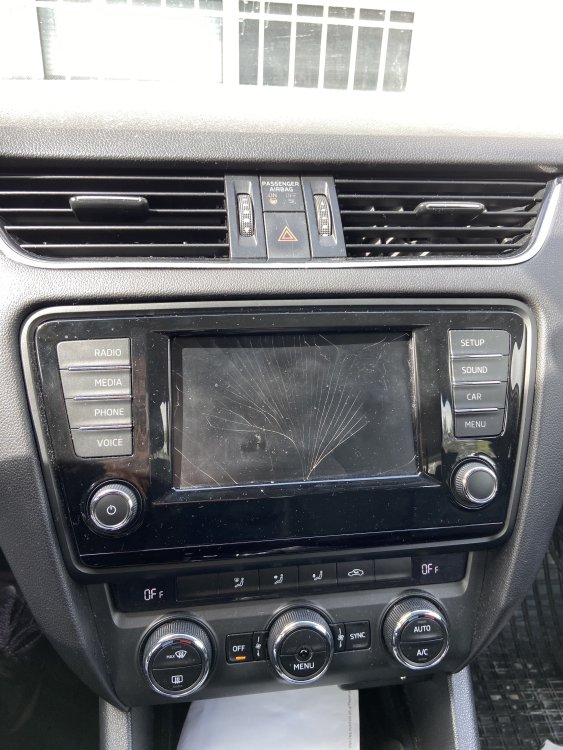
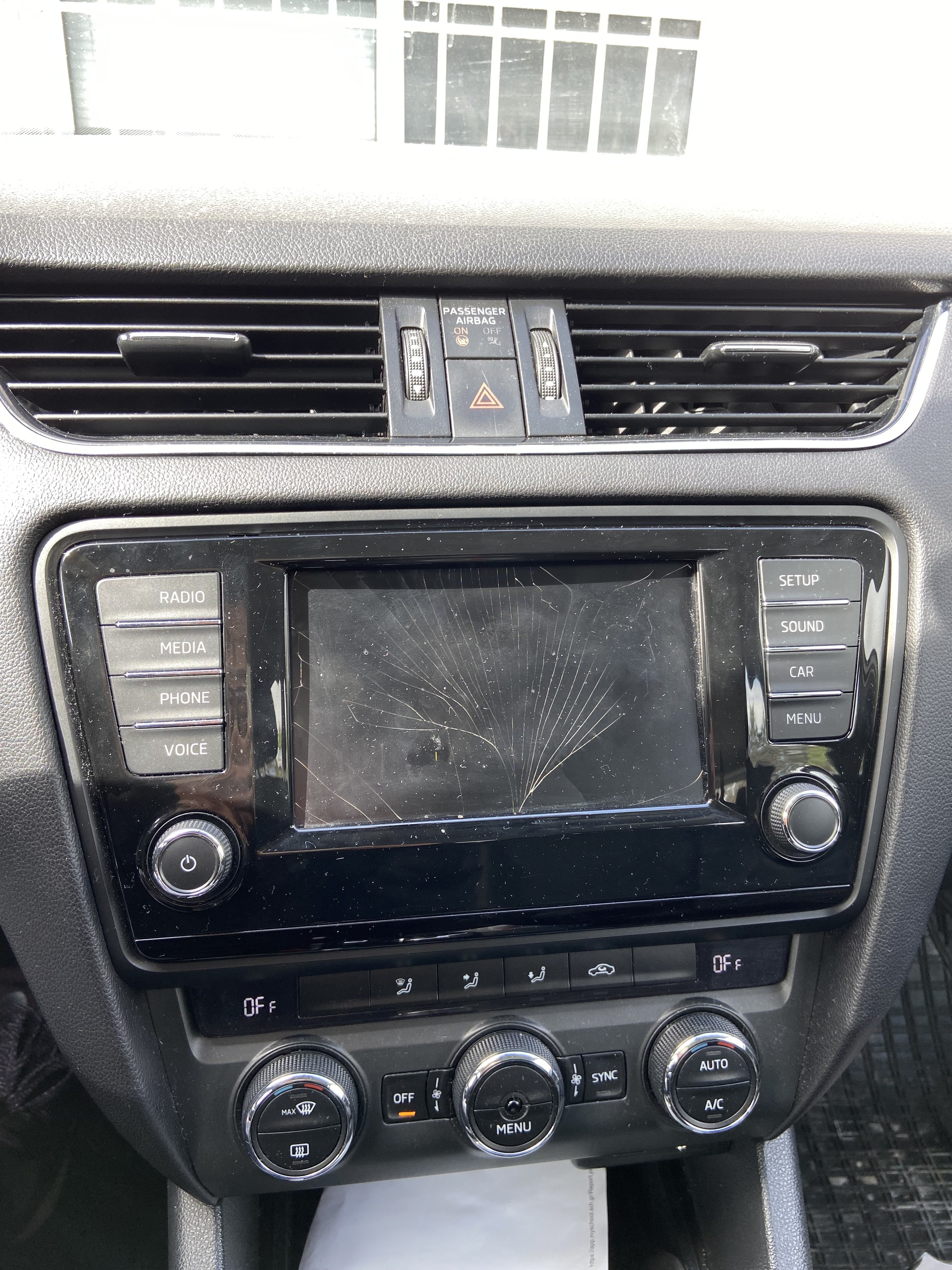
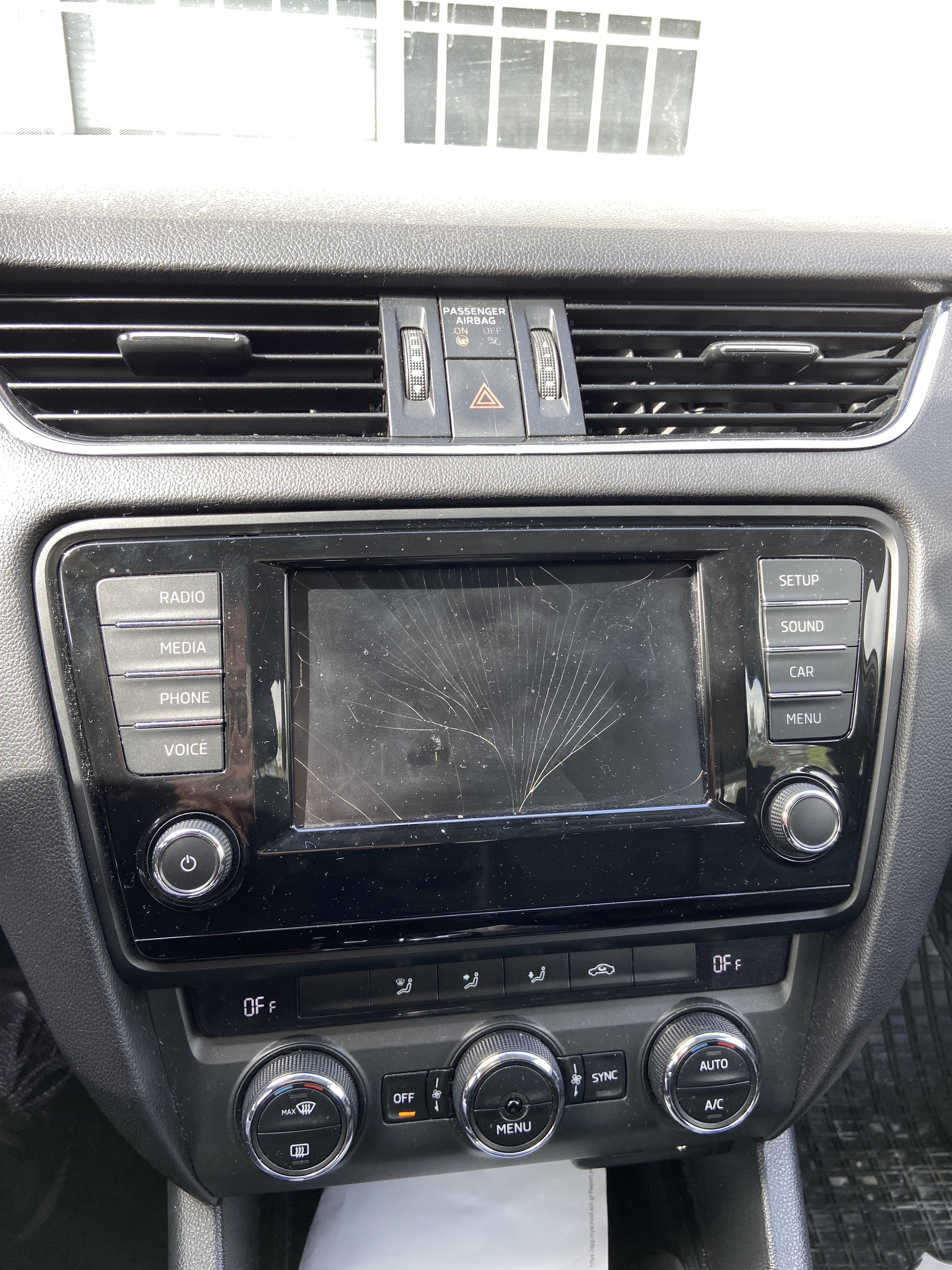
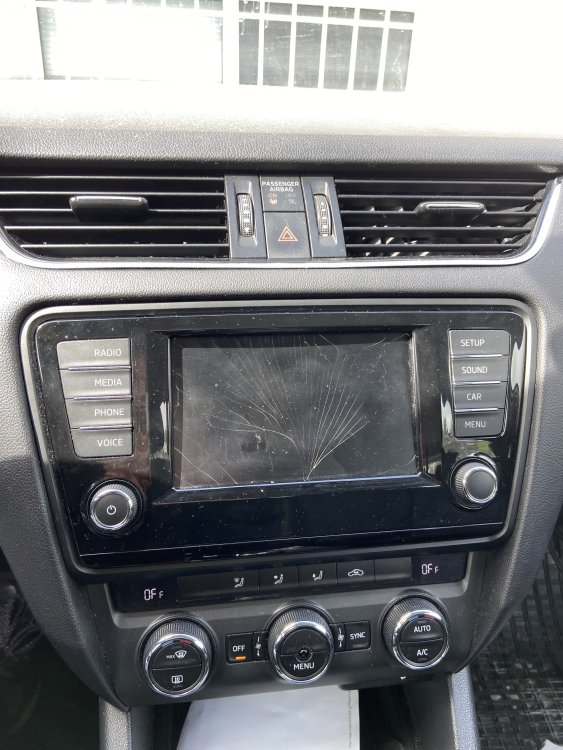
I have broke the screen last week and I want to replace it with the exact same one . I don’t know which one to buy and if it needs extra coding. So, the help I need is with the part numbers, mine’s says BIO 06S underneath. But, I have found some screens that says BIO 08S and they are exactly the same in front . Which one , I have to choose in order to be okay with no problems ? Thanks in advance for your help and for your precious time!
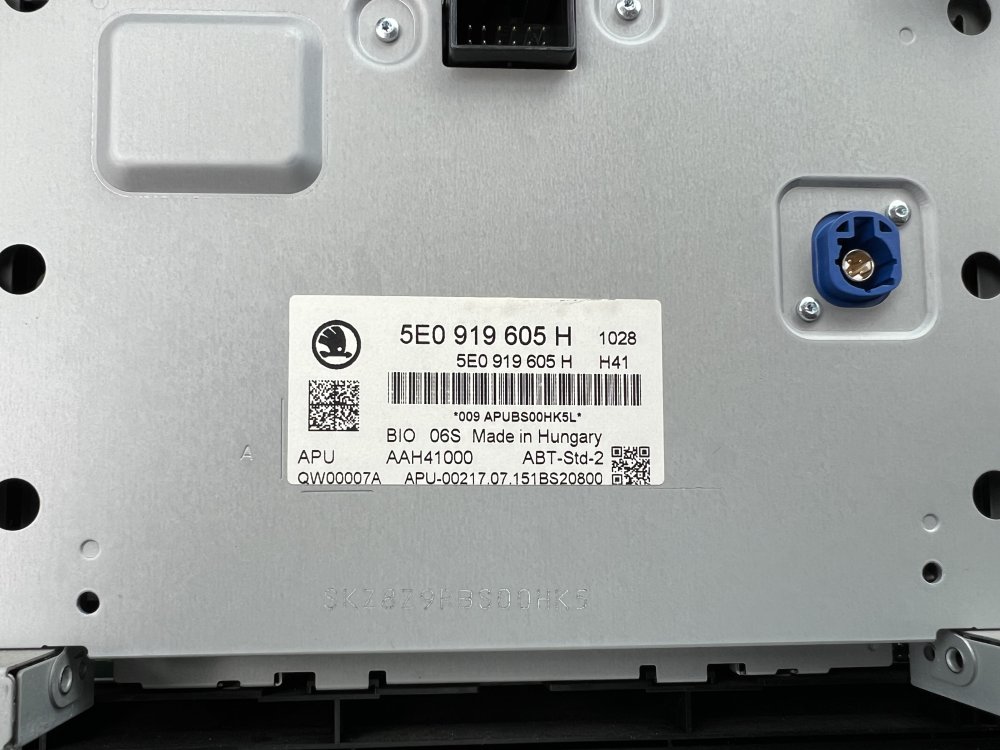
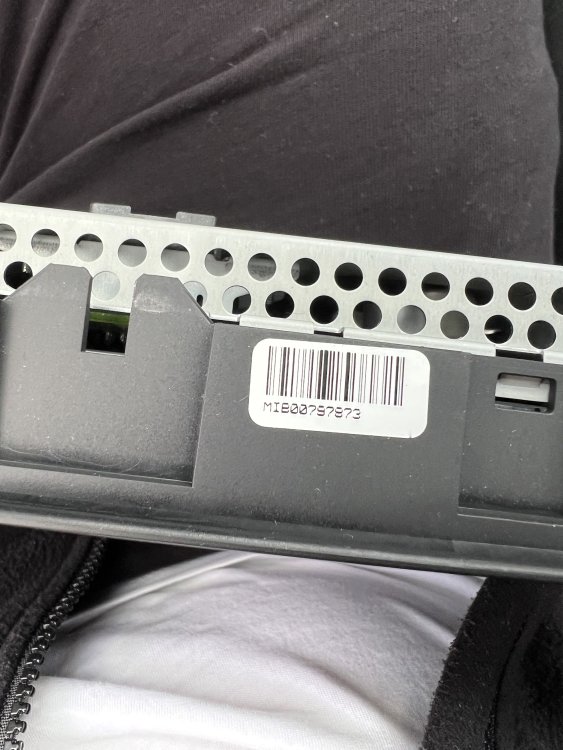
-
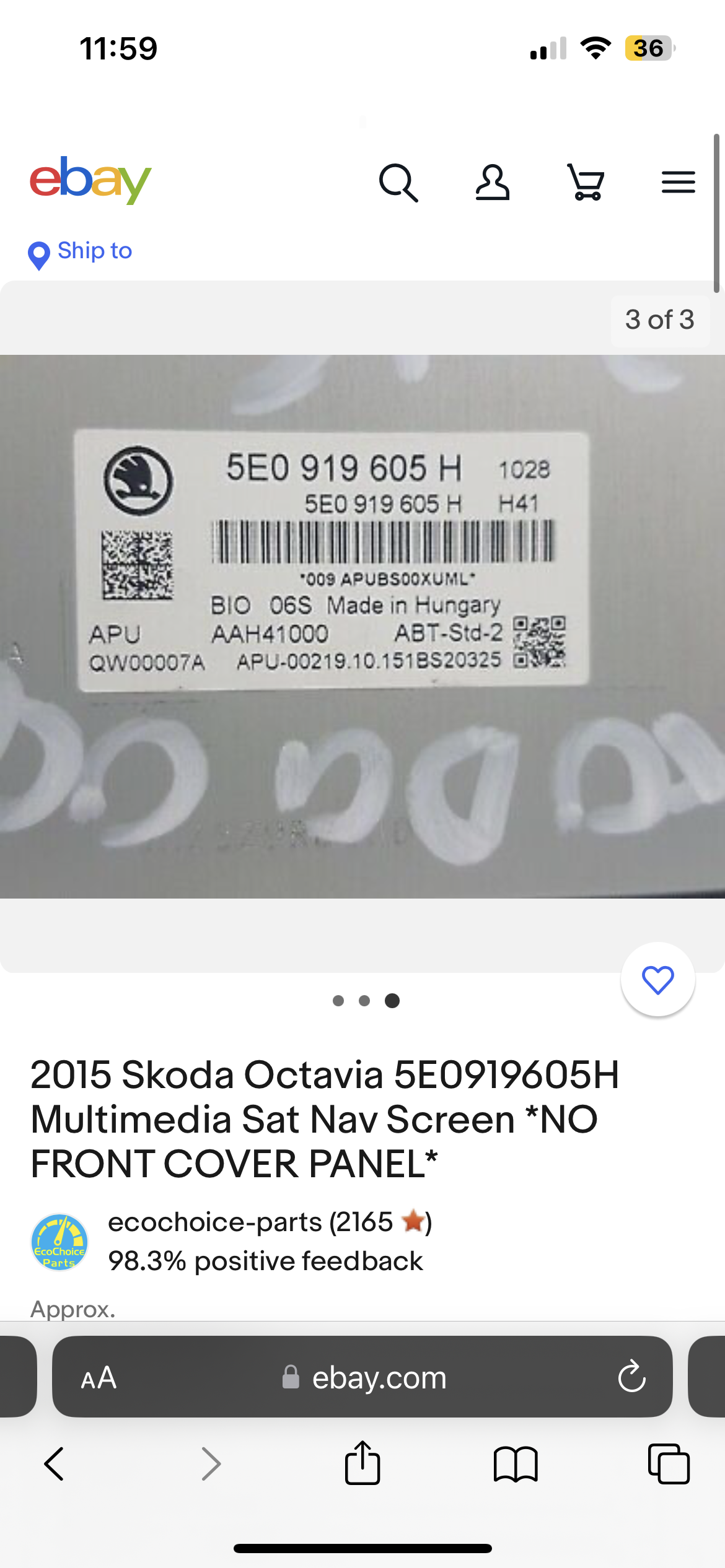
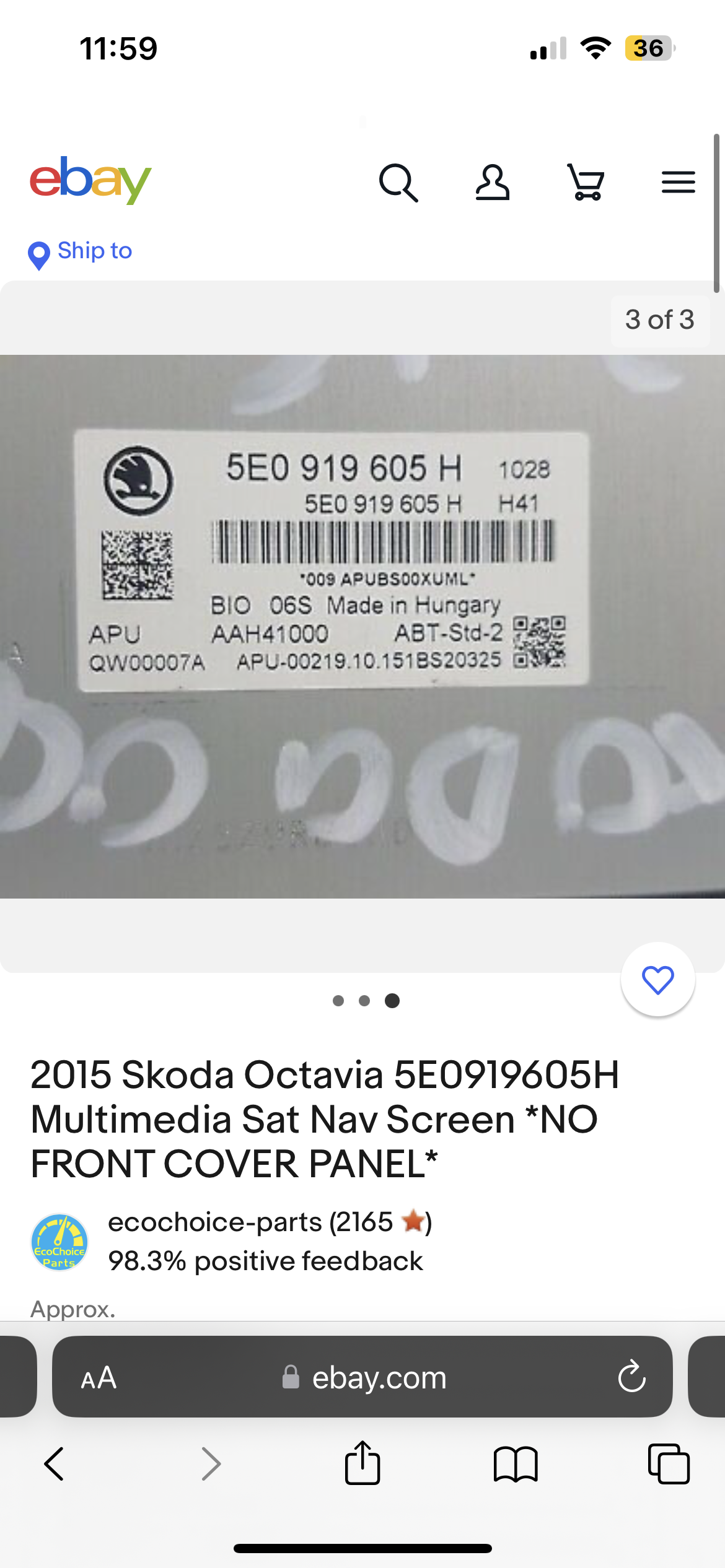
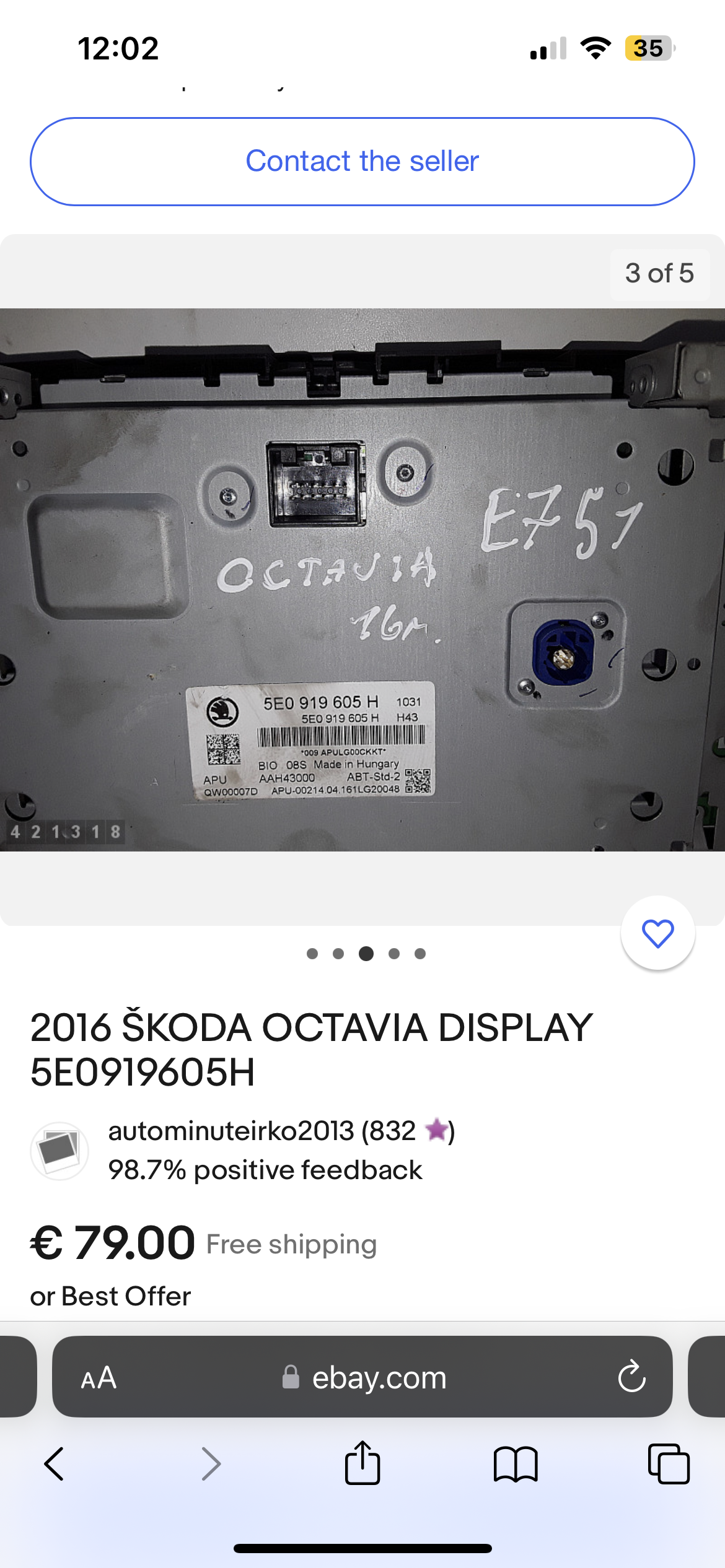
That’s some of the screens I have find that I mentioned earlier.
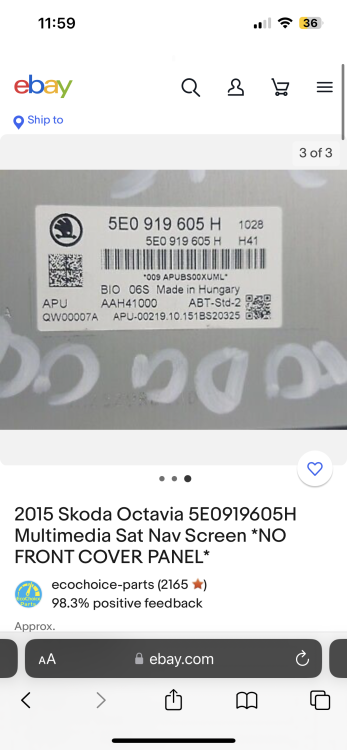
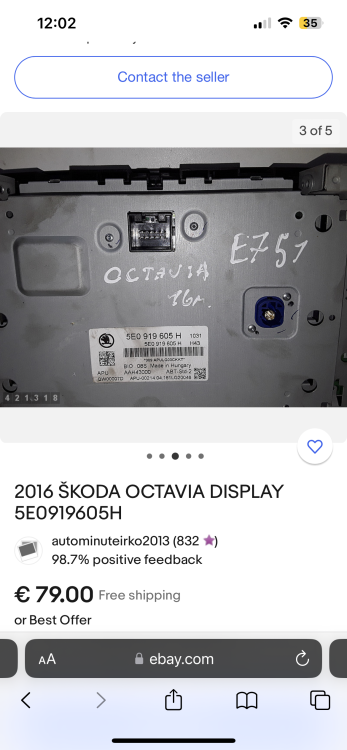
-
I have broke the screen last week and I want to replace it with the exact same one . So, the help I need is with the part numbers, mine’s says BIO 06S underneath. But, I have found some screens that says BIO 08S and they are exactly the same in front . Which one , I have to choose in order to be okay with no problems ? Thanks in advance for your help and for your precious time!