MrGrumpy_
Finding my way
-
Joined
-
Last visited
-
Thank you for your help! Much appreciated.
-
No problem. So it’s just a matter of uninstalling the original one and plug the new one in?
-
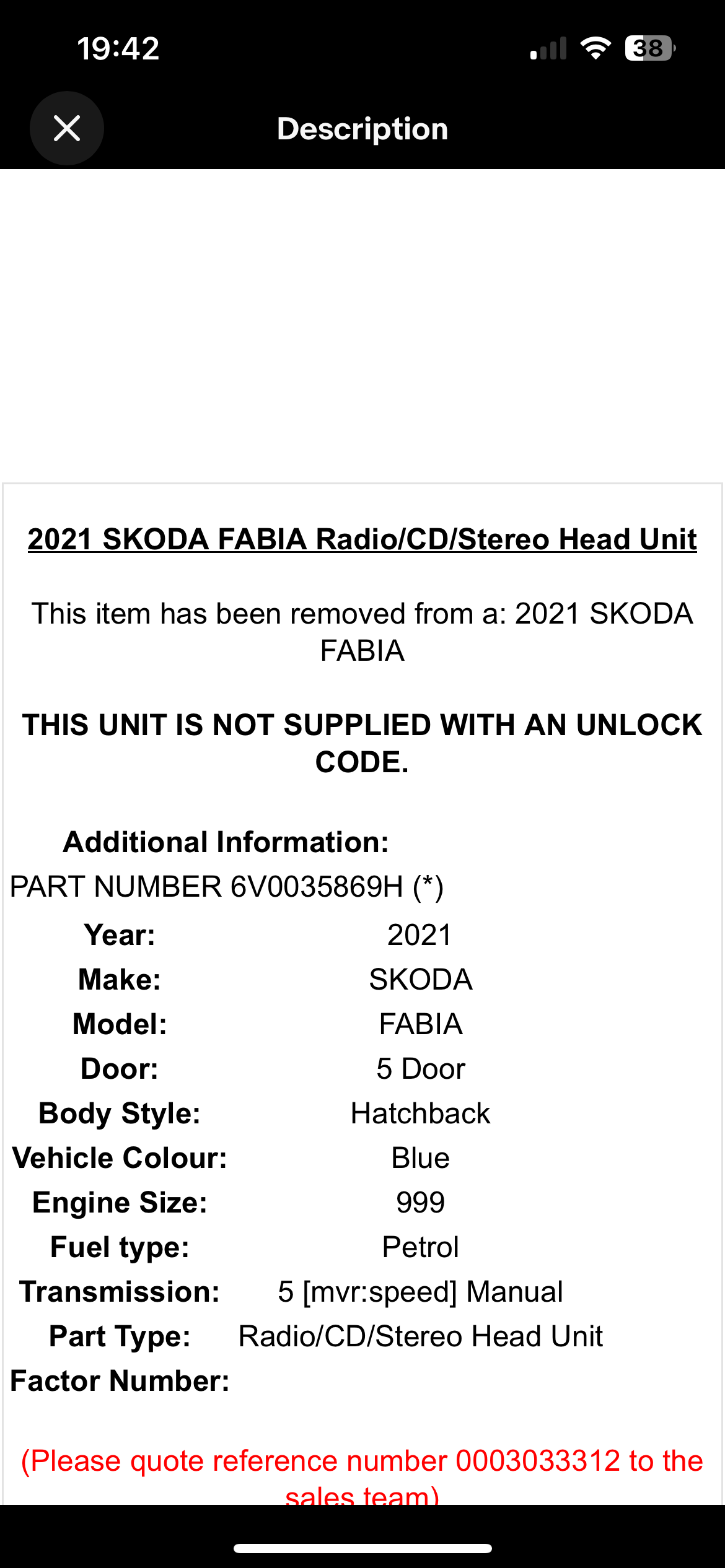
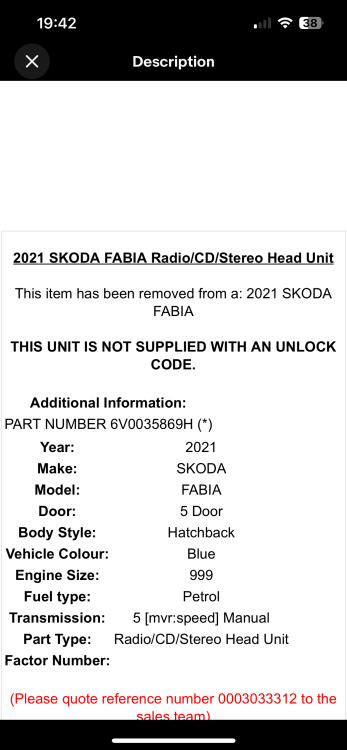
Some sellers mention an unlock code that comes with a used unit?
-
🤦🏻♂️ oh yeah.. If I can get another screen from eBay, how do I go about getting the unlock code?
-
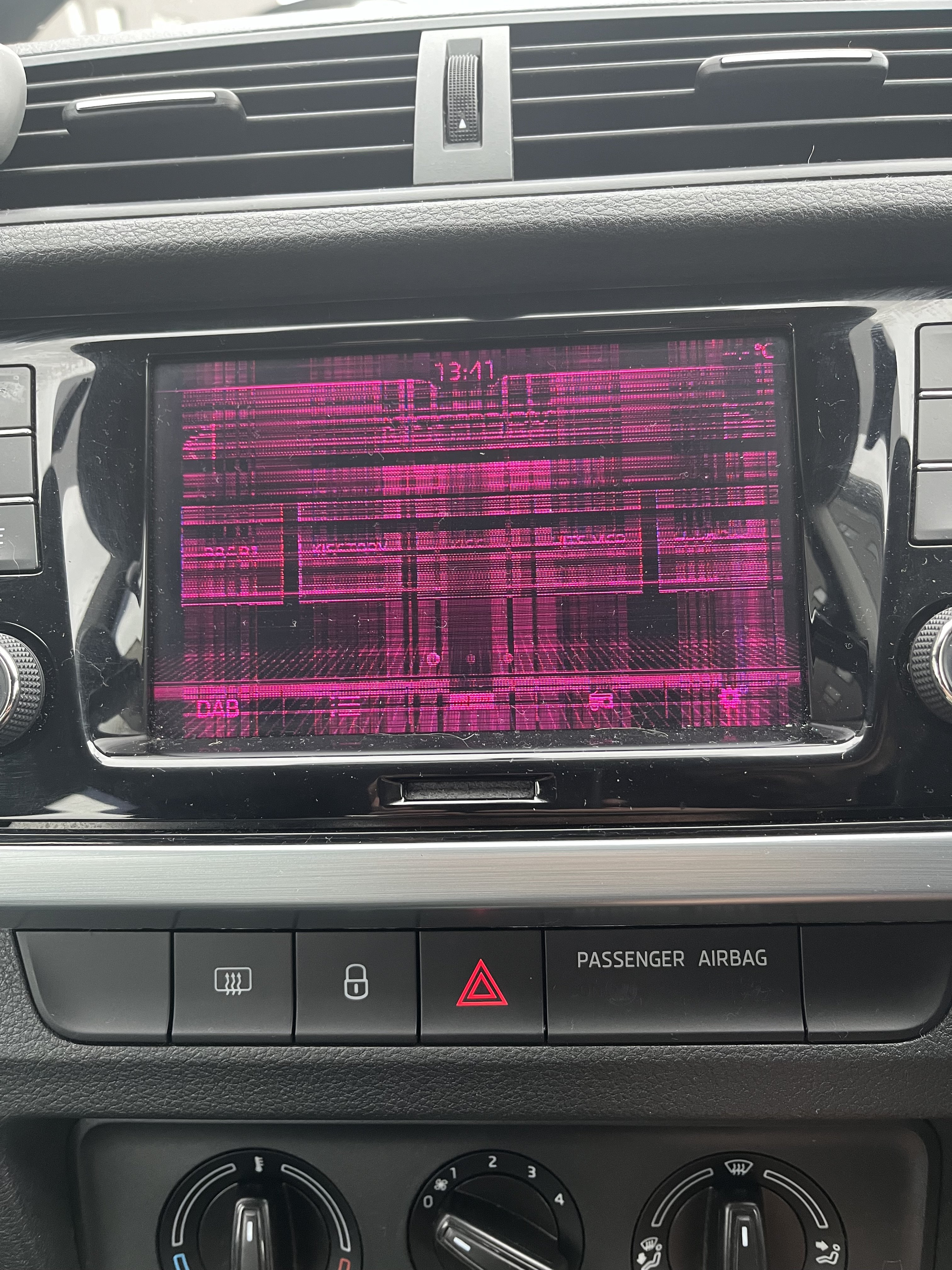
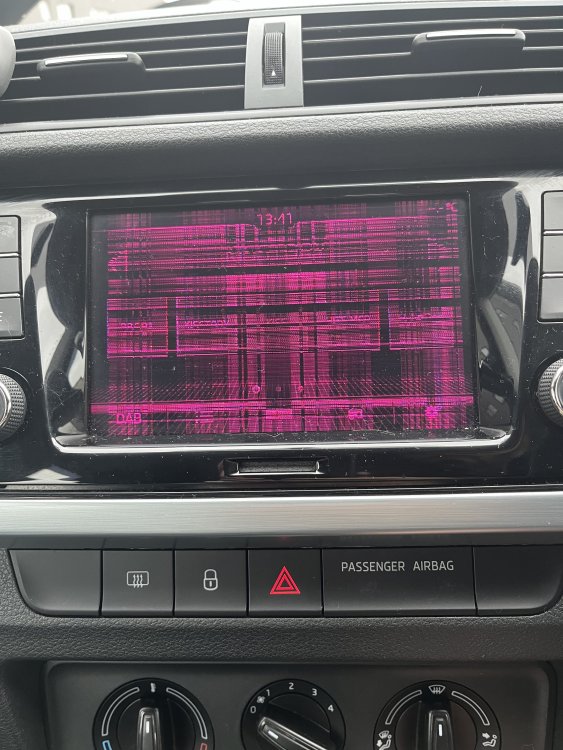
I have the removal tool for the unit. Is there something I can check to know whether it’s just the screen?
-
Currently got a new media unit on back order with Skoda. It’s been on order since July. Was just curious if I could get the same unit on eBay. Radio still works. Using my current Fabia as part ex for the new model which will be ready in December. One of the conditions is that the screen is repaired by then.
-
Thank you @varooom will update you when I get round to it 👍🏼
-
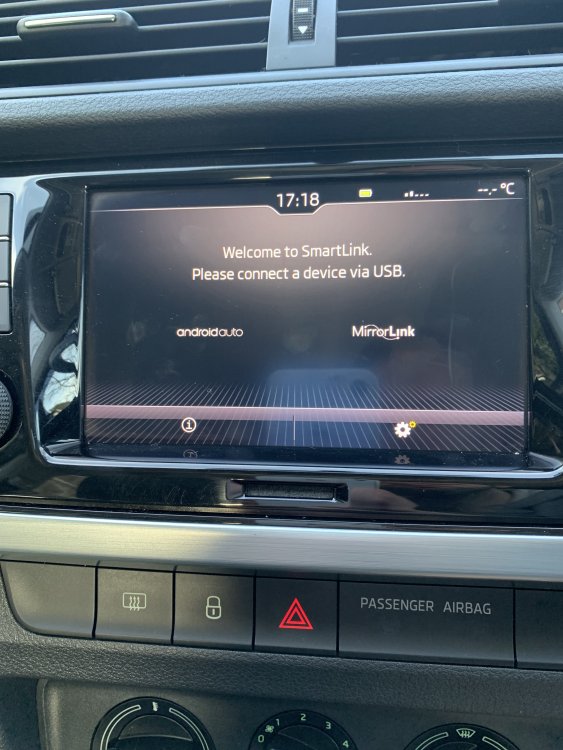
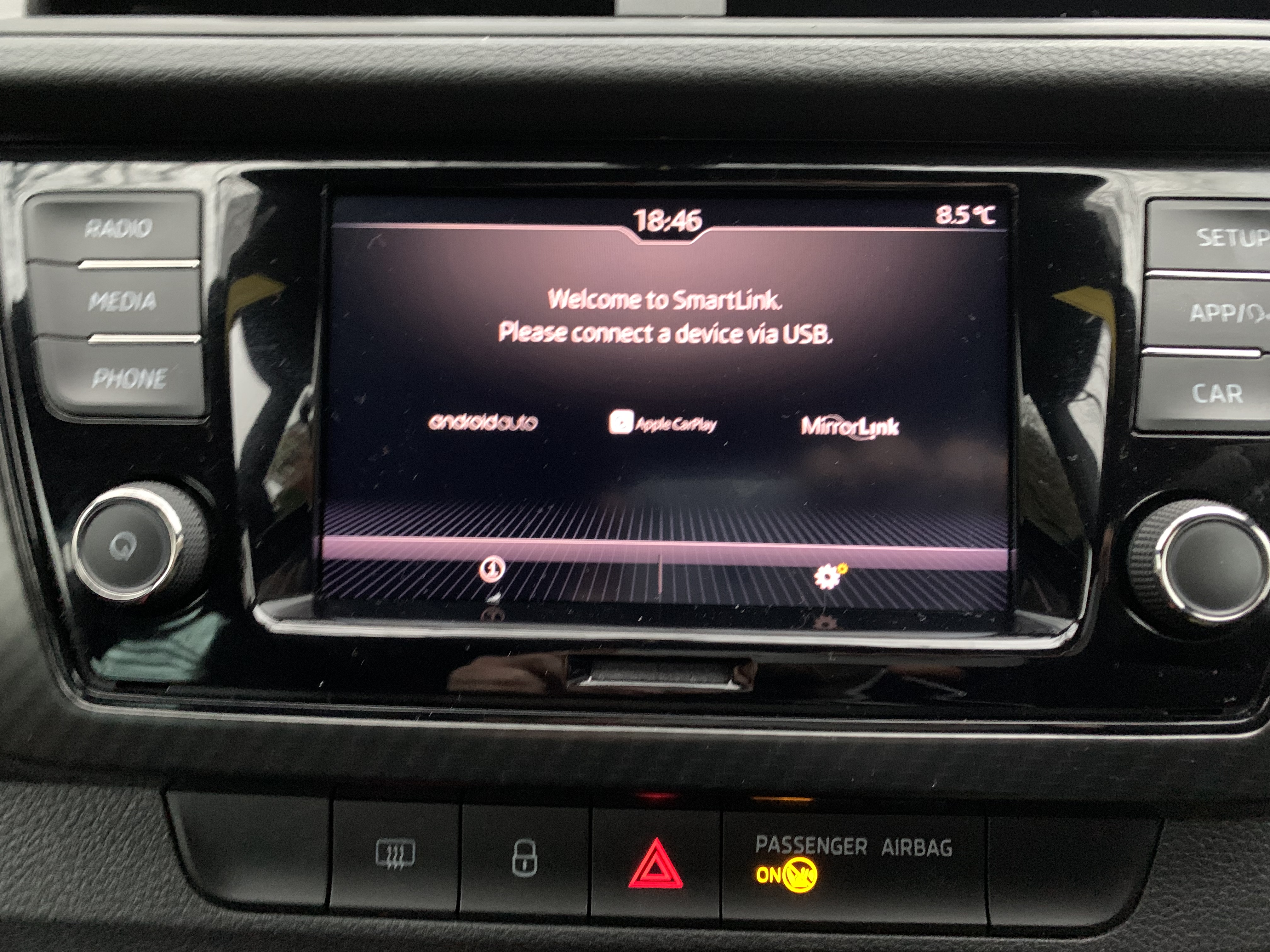
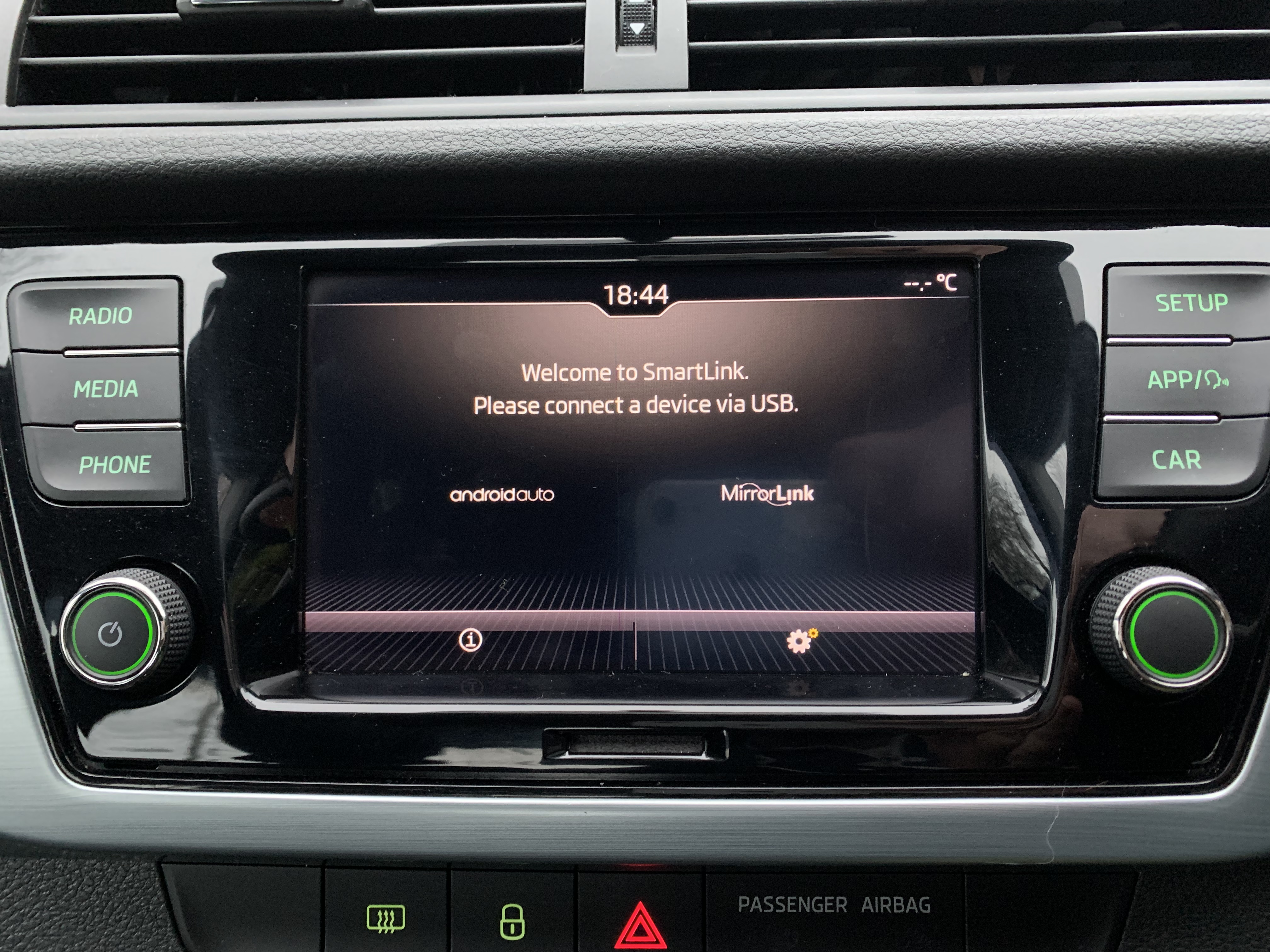
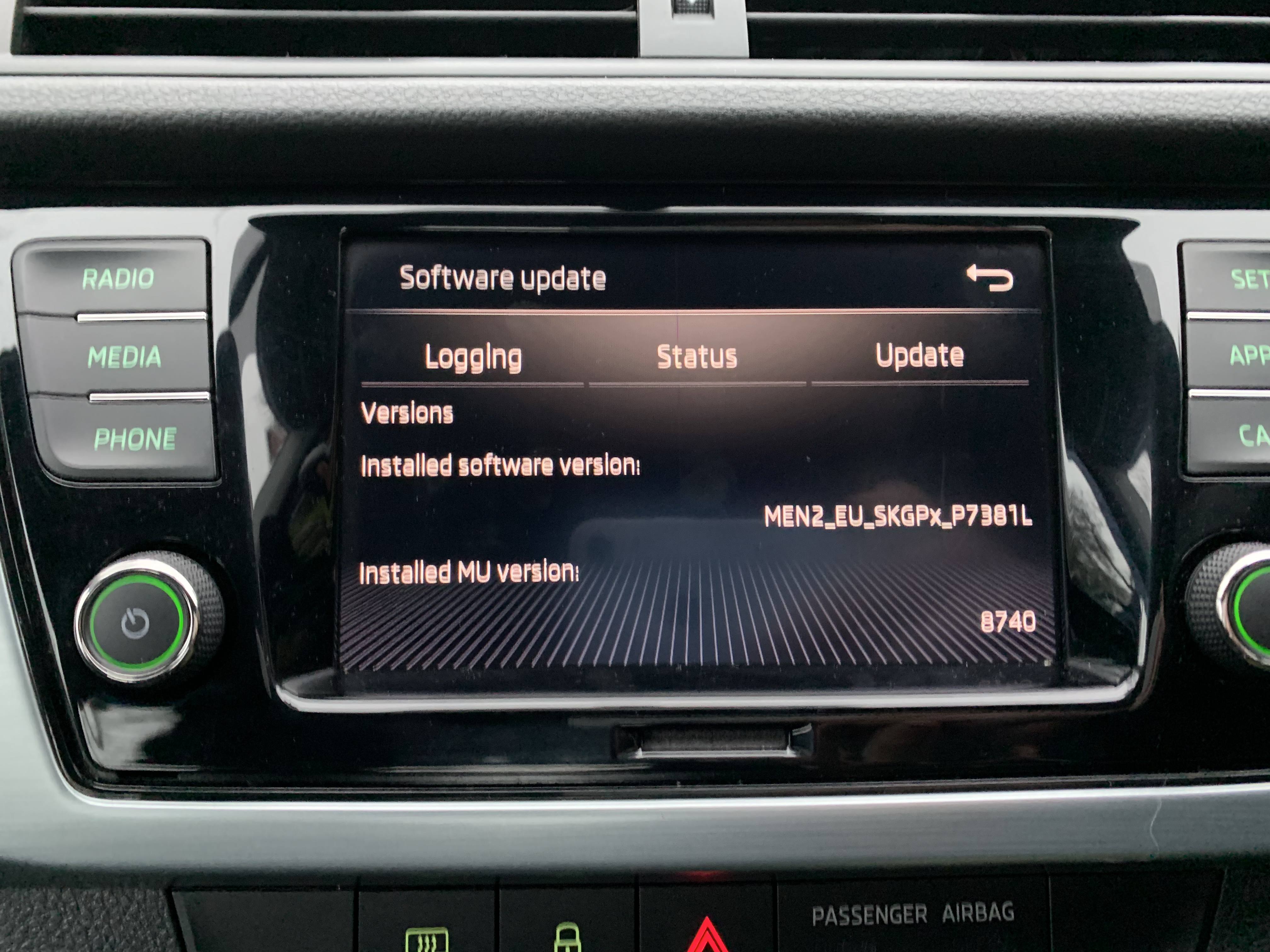
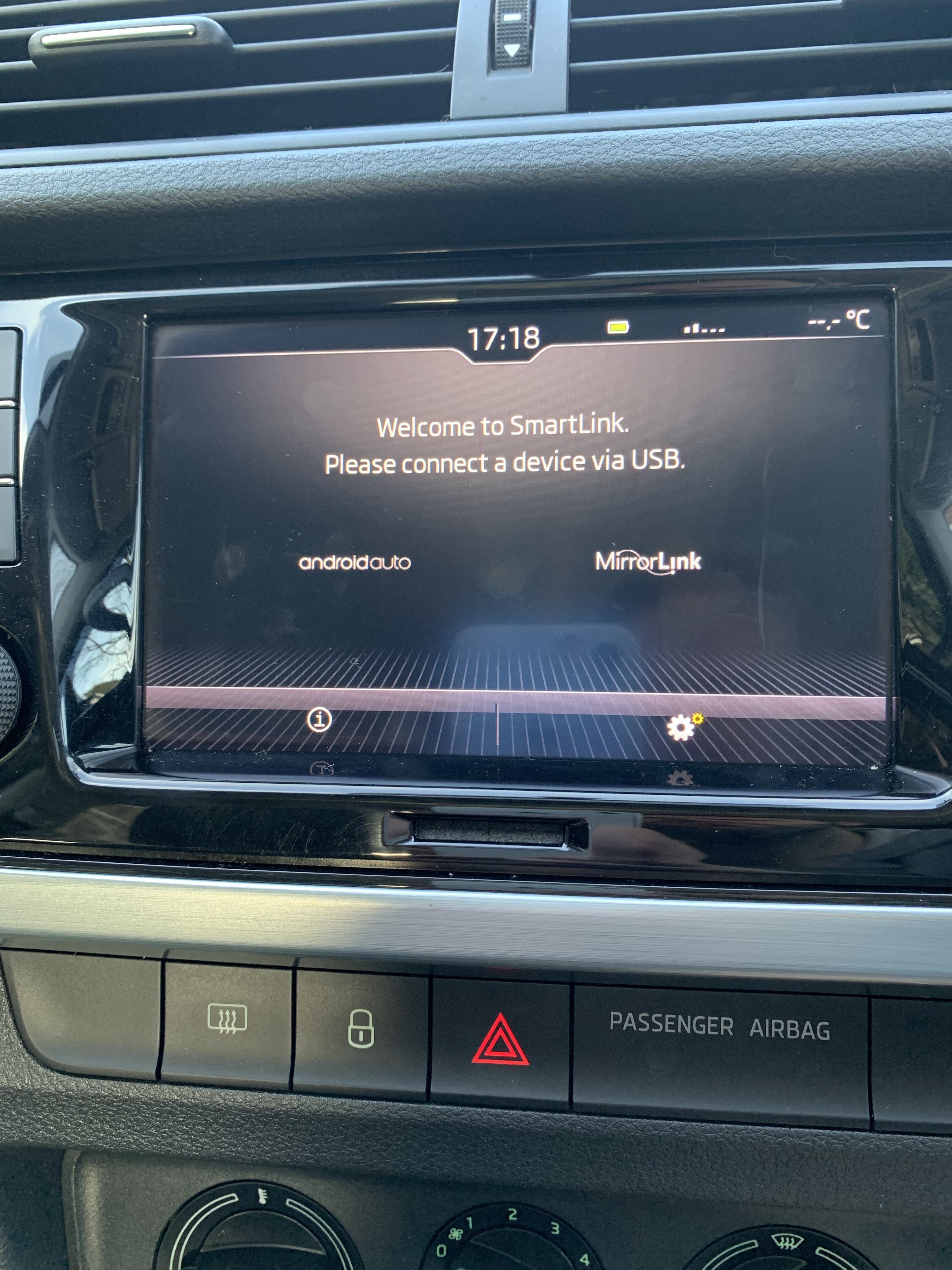
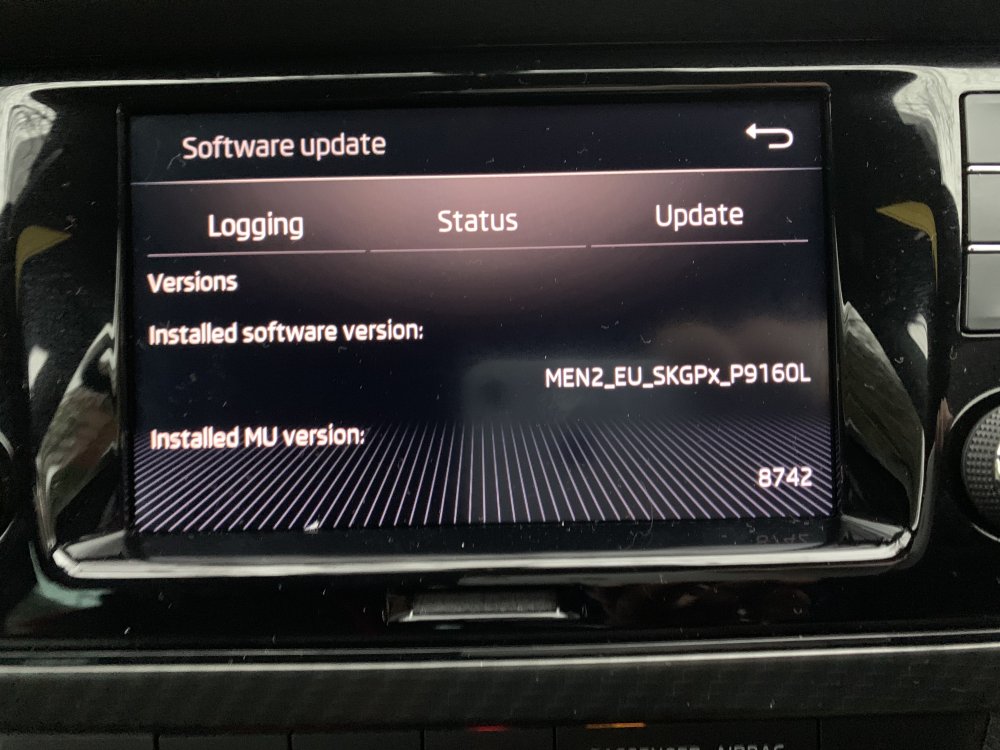
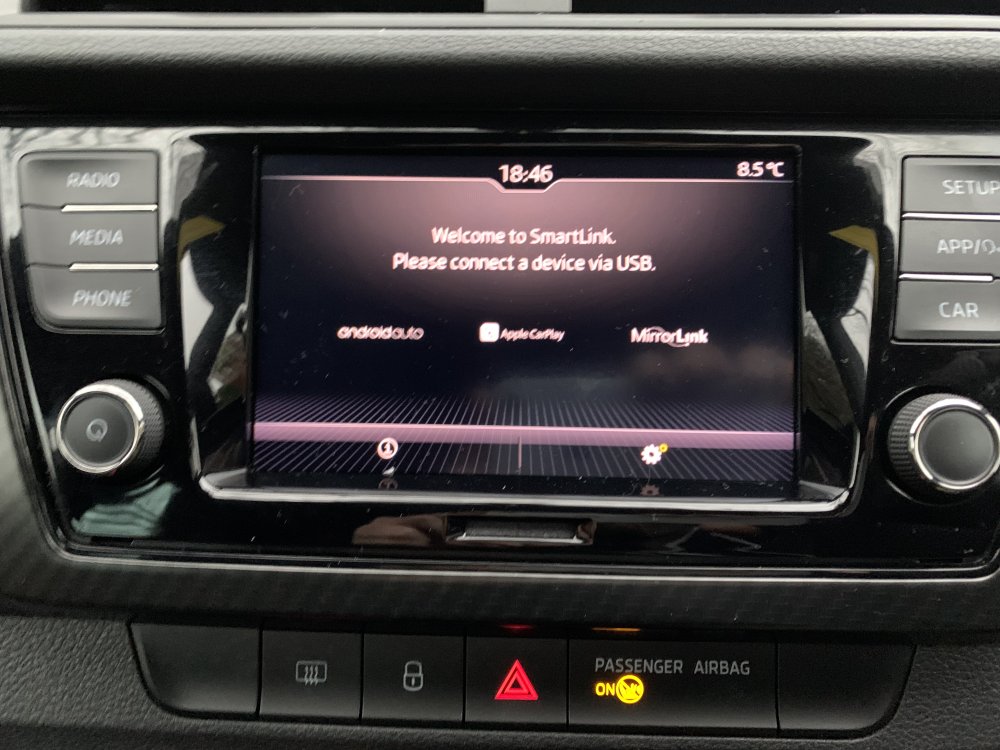
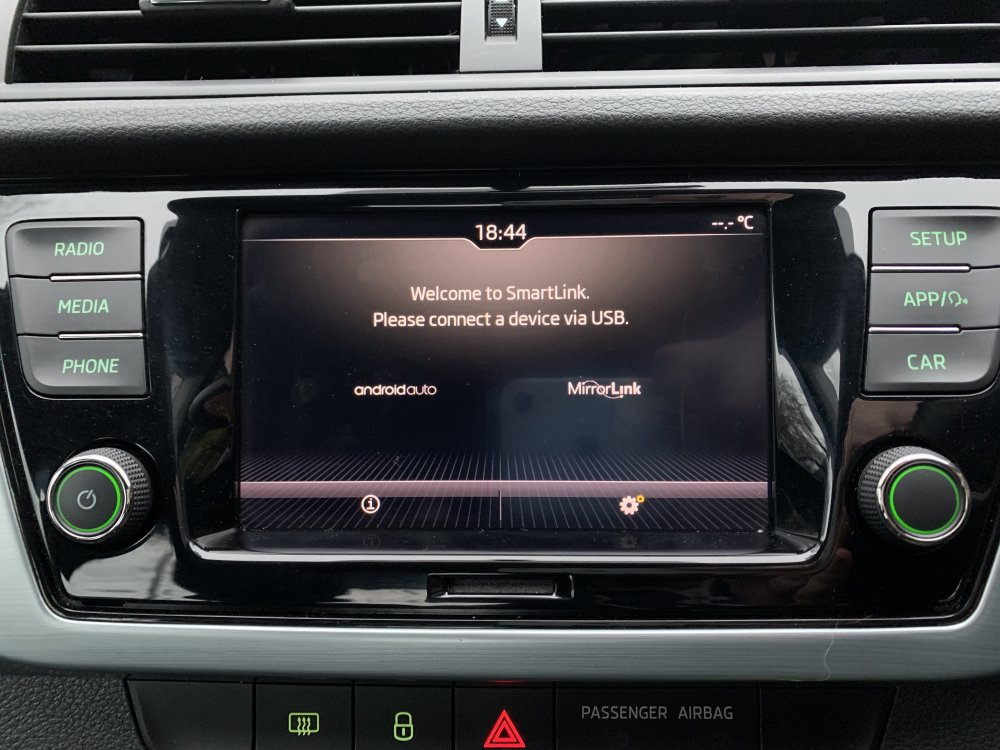
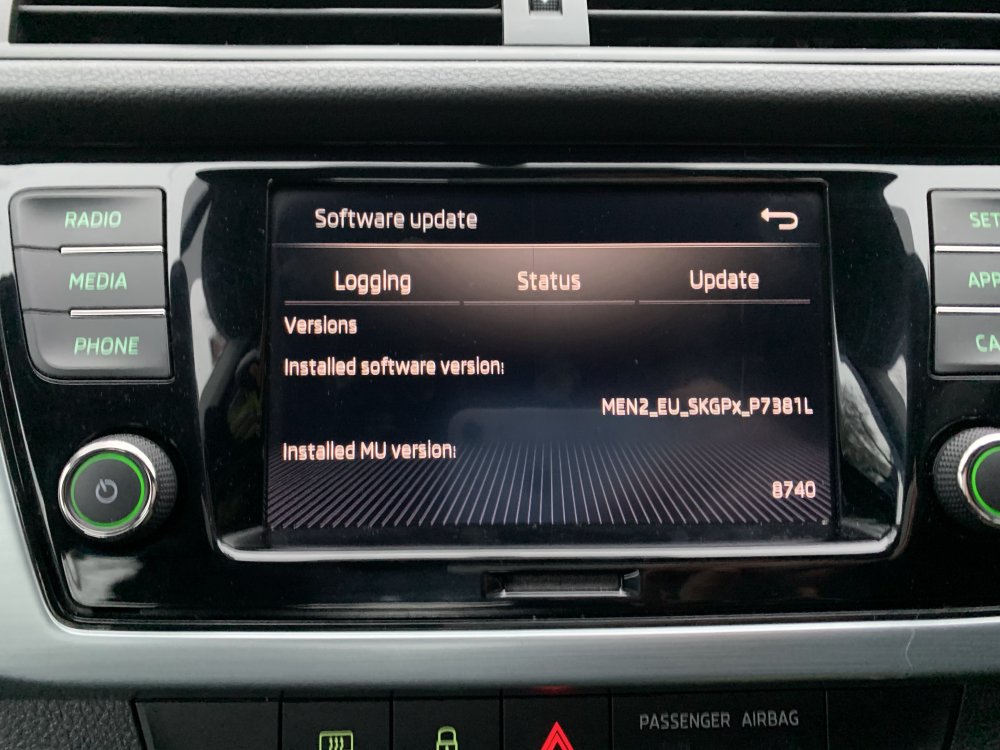
These 2 images are my Mrs Fabia. I need help getting Apple CarPlay
-
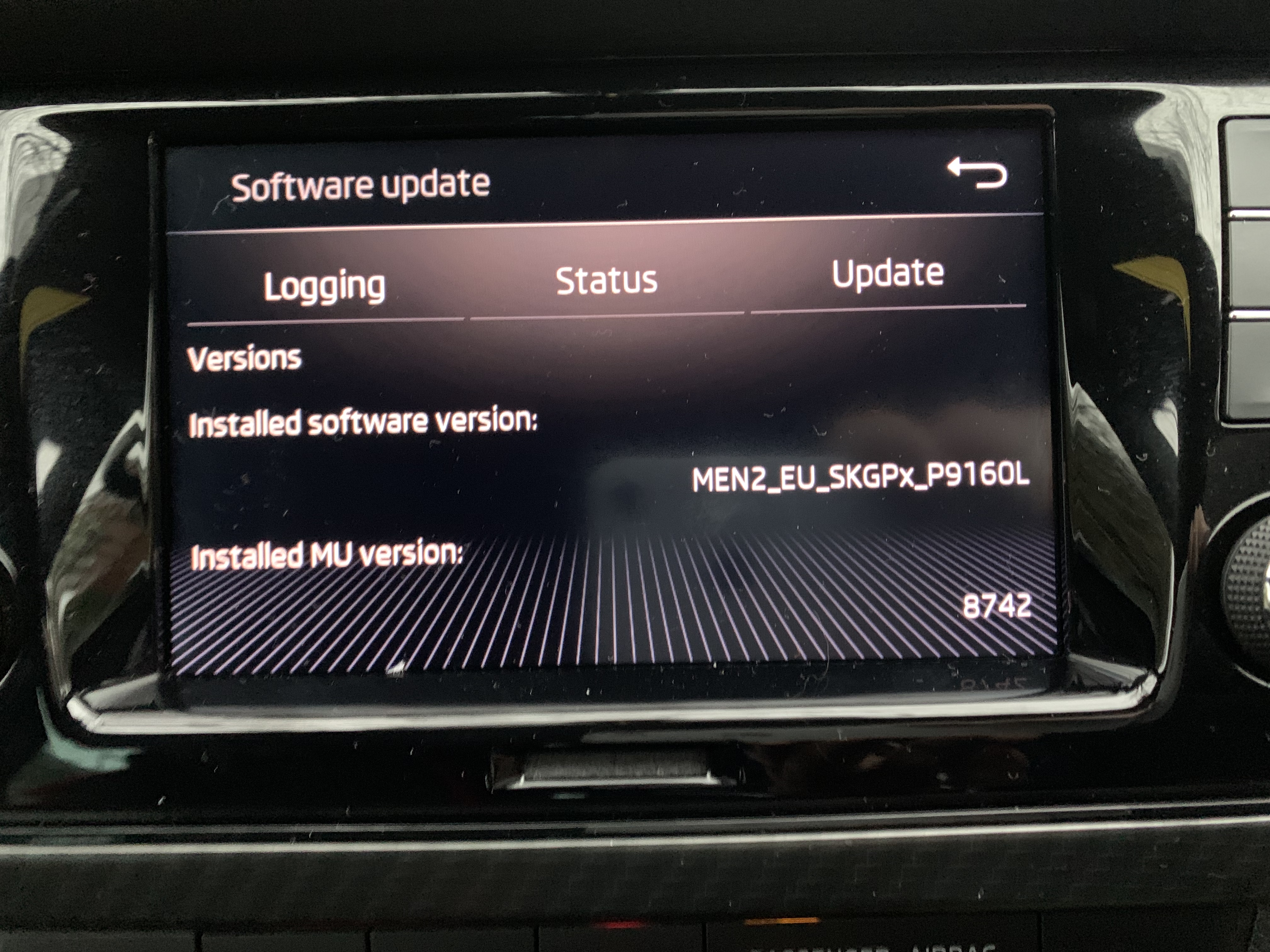
These 2 images are my Fabia
-
Hi I'm new here. Recently got a 2019 Skoda Fabia colour edition. Not sure what unit it has but it has 3 buttons on each side. I use an iPhone and I’m having difficulty getting apple CarPlay on it. Can anyone advise or tell me how to unlock it? thanks