Matevz
New here
-
Joined
-
Last visited
-
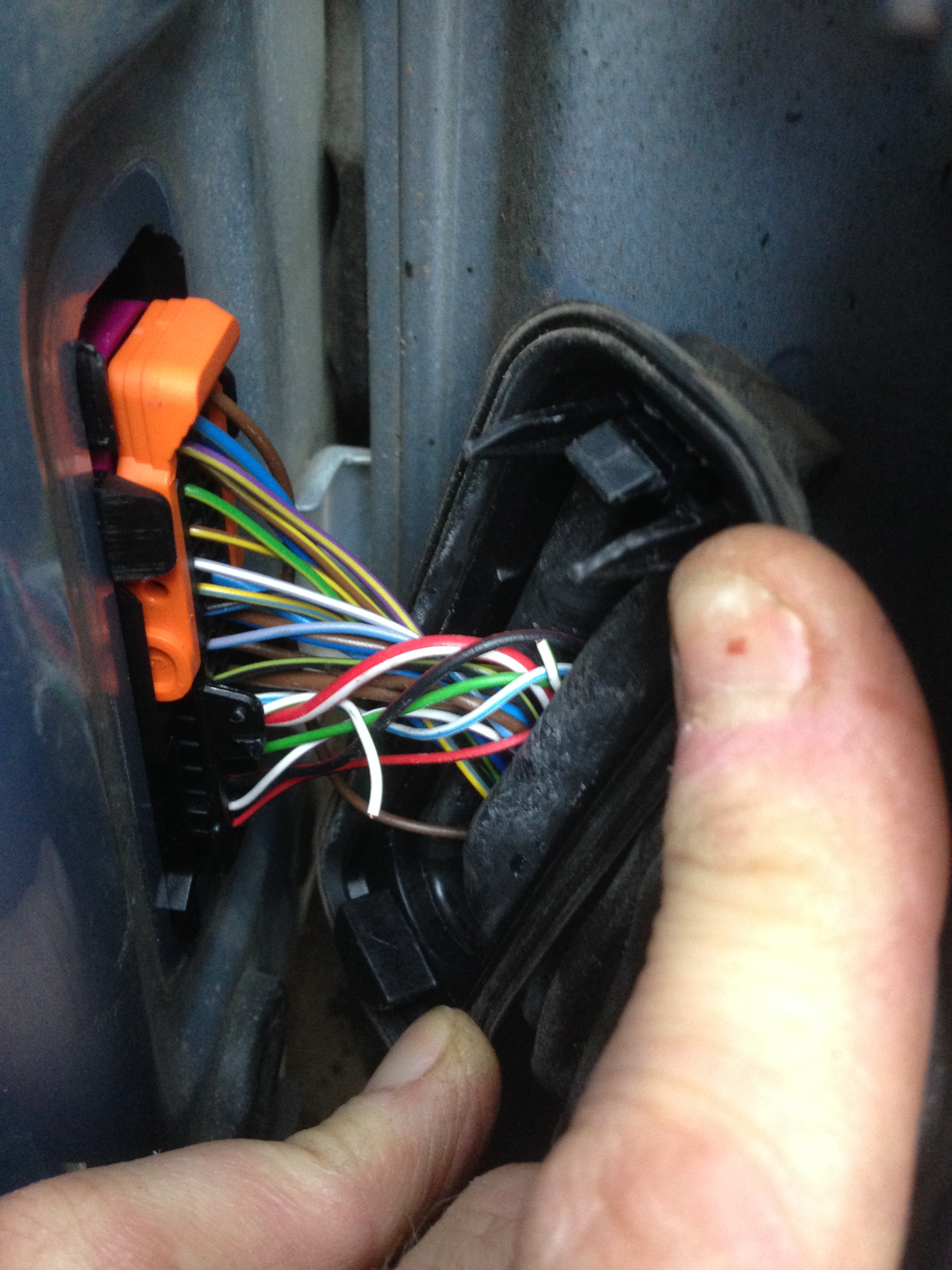
Recently, I purchased a 2008 Skoda Octavia II 1.9 TDI, and while it runs well, it has some electrical issues. I was able to fix some of them, but I'm currently having trouble resetting fault codes. Specifically, I had to disconnect the airbag connector to fix the wiring in the driver's door loom, which has now triggered an airbag faulty warning. Since I do most of the work on my cars myself, I'm considering purchasing an OBD diagnostic tool to reset the code. I'm looking for a budget solution under 100 € and would appreciate recommendations for decent OBD scanners at that price. Thank you for your help. Best regards, Matevž
-
I checked the wiring and found the problem with the speaker. However, when I connected everything together, I noticed an error with the airbag indicating a fault. Upon further inspection, I realized that this issue occurred because I disconnected the yellow connector, which is the driver-side crash sensor. Now, I need to reset the code, and I am wondering whether I need an OBD or if there is an alternative method for resetting it. Thank you for any help.
-
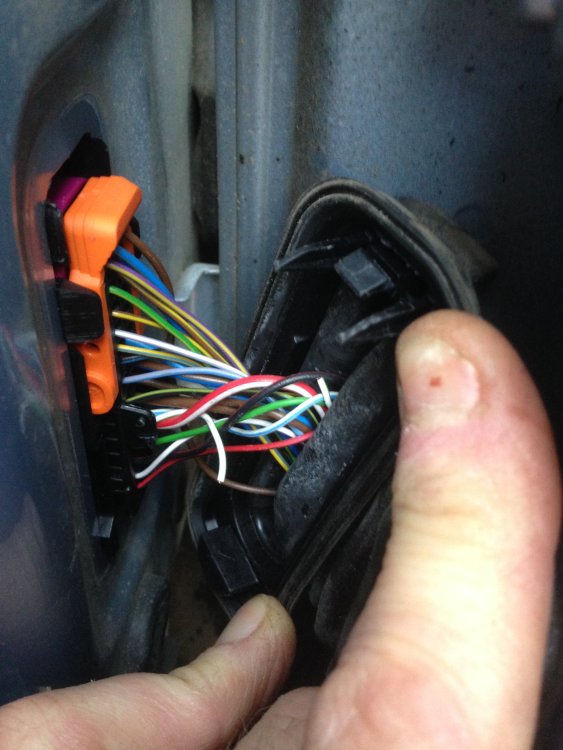
Thank you for your reply. Just to make sure we are on the same page, when you referred to the "broken wiring loom", did you mean the part in the picture? And could this be the cause of both my speaker and window problems?
-
Hi, Yesterday, I purchased a 2008 Octavia 1.9 TDI Business model with 300,000 km on it. While the car seems promising, there are a few issues that require attention. Firstly, the front passenger window is not functioning properly, and I suspect that the mechanism may be broken. Secondly, the speakers only work on the front passenger side and the small one on the driver's side. I'm curious about the best way to access the speaker, and whether I need to remove the entire door panel or not. If you could point me in the direction of any relevant videos, I would greatly appreciate it. Thank you for your assistance, and please forgive any errors in my writing. Best regards, Matevž