Pilou
Finding my way
-
Joined
-
Last visited
-
how to do please
-
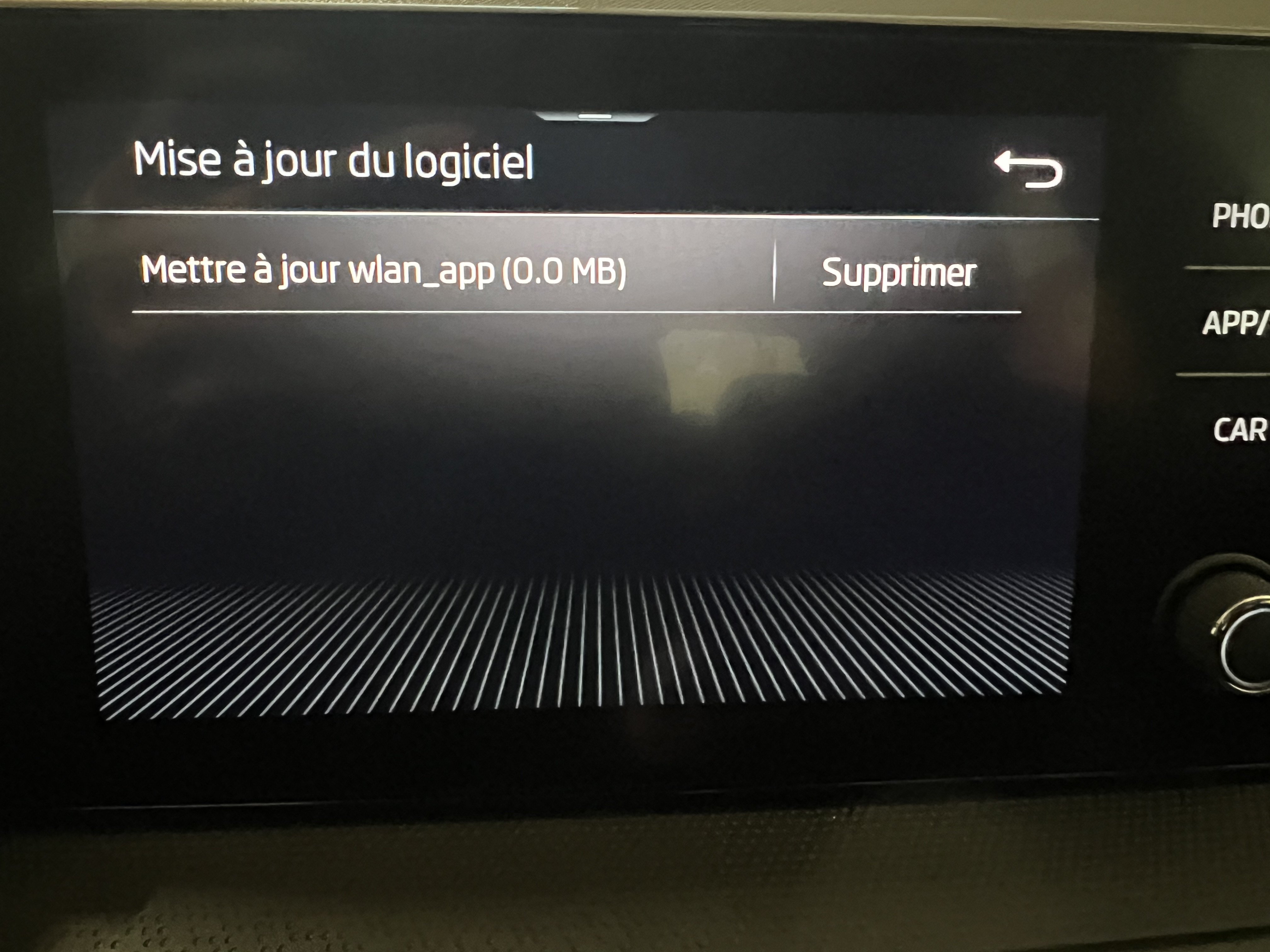
Unable to apply update! in the original menu it offers me no update. in the cachet menu when I click on update it asks me to make the update in usb..
-
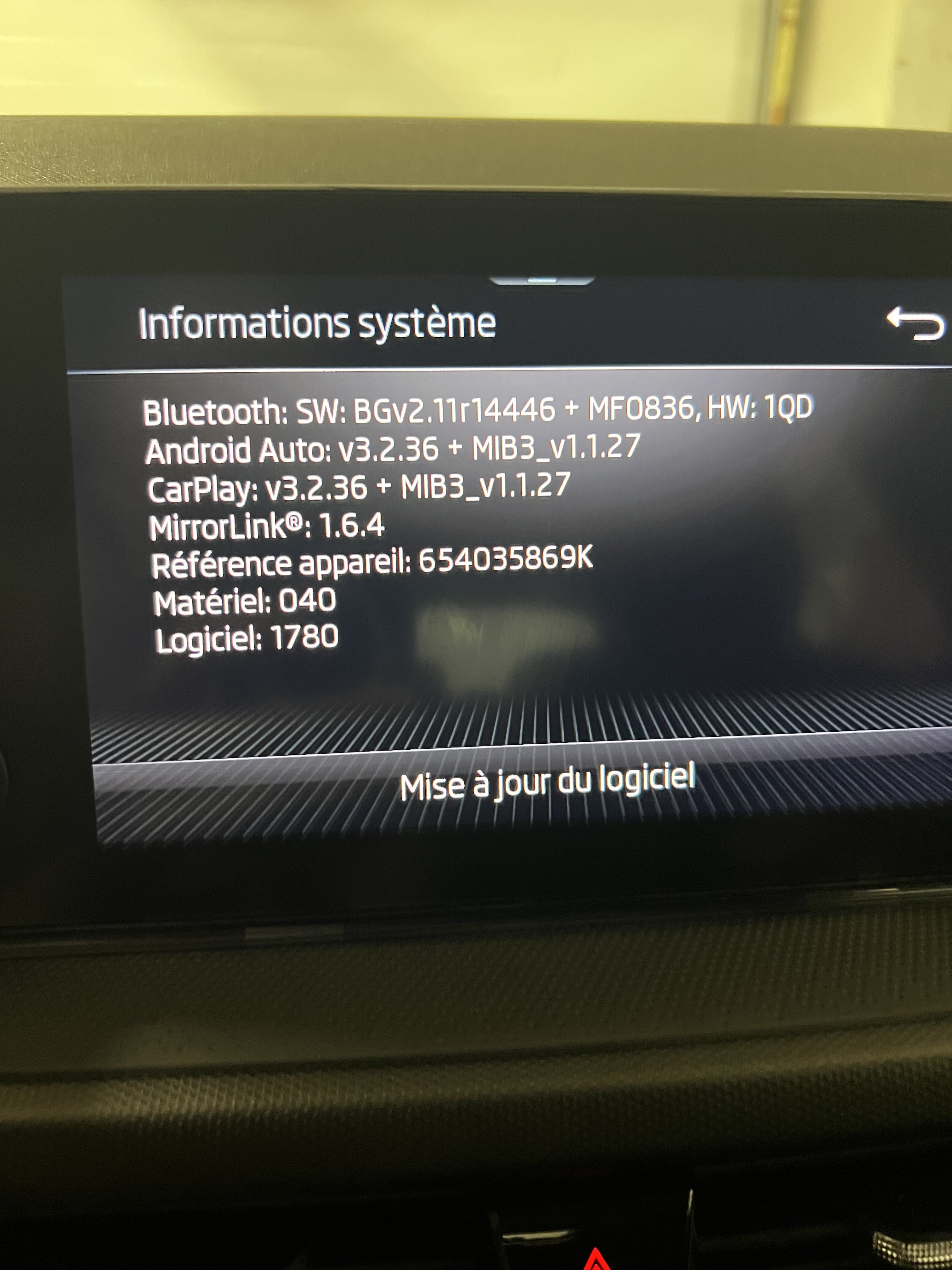
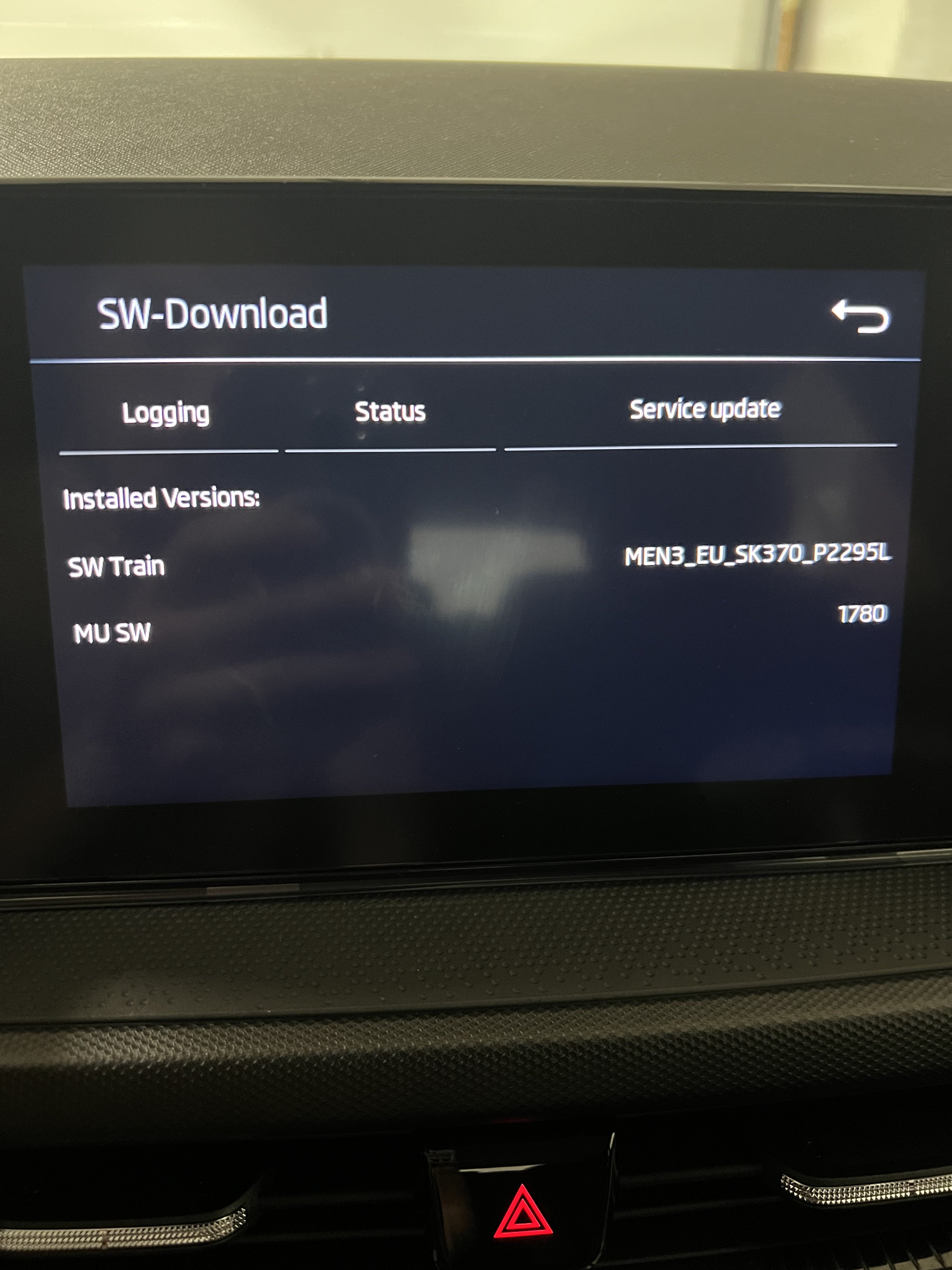
here is the installed version. maybe I can completely reinstall it so that the wlan can be activated
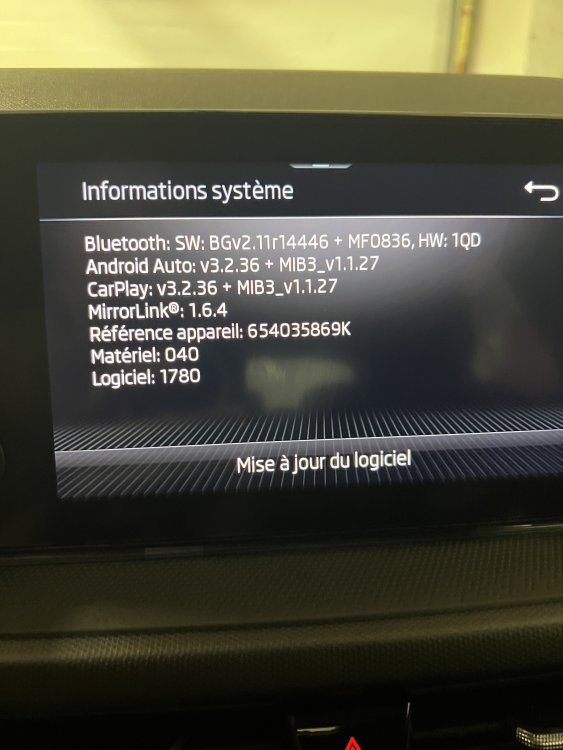
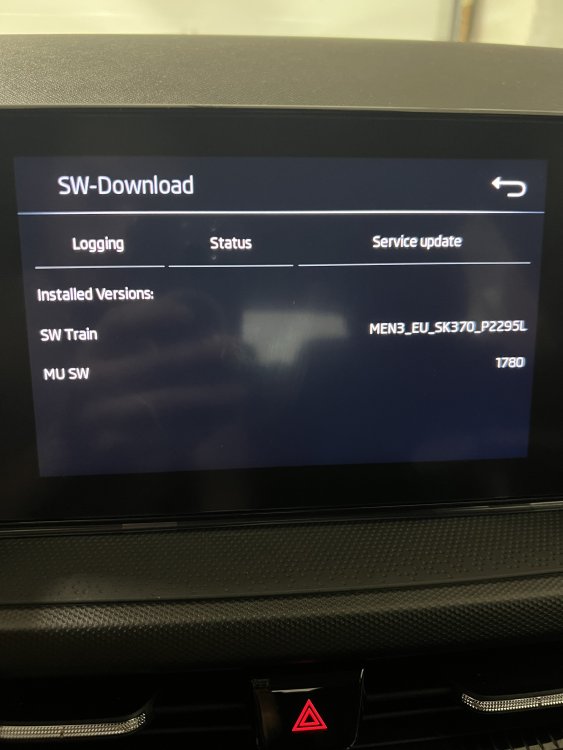
-
Ok thank you. when I press the menu button for 10 seconds, I have a tab to update but only via usb. should it be done via the USB-C under the car radio? is it possible to send me the latest update you have?
-
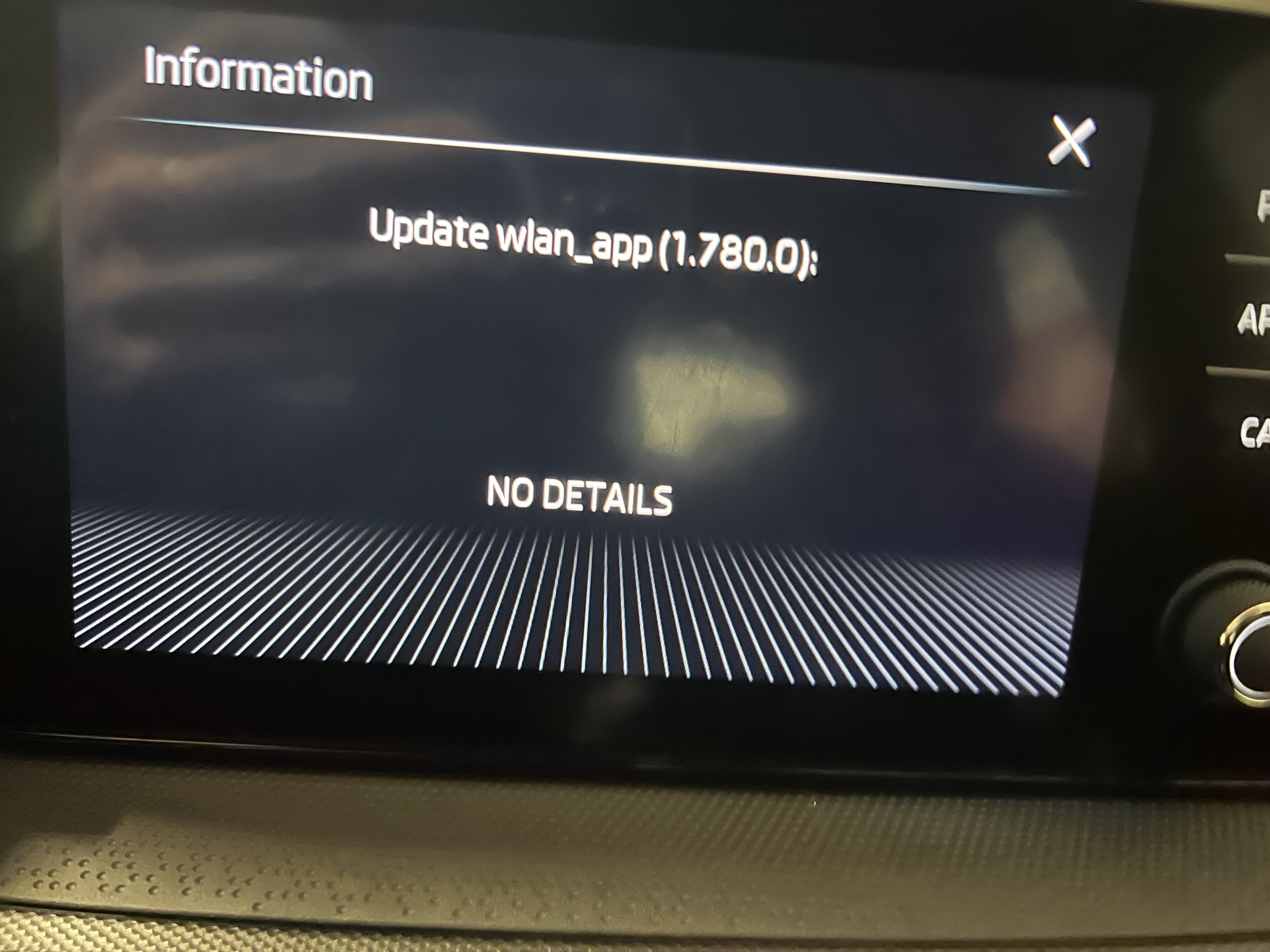
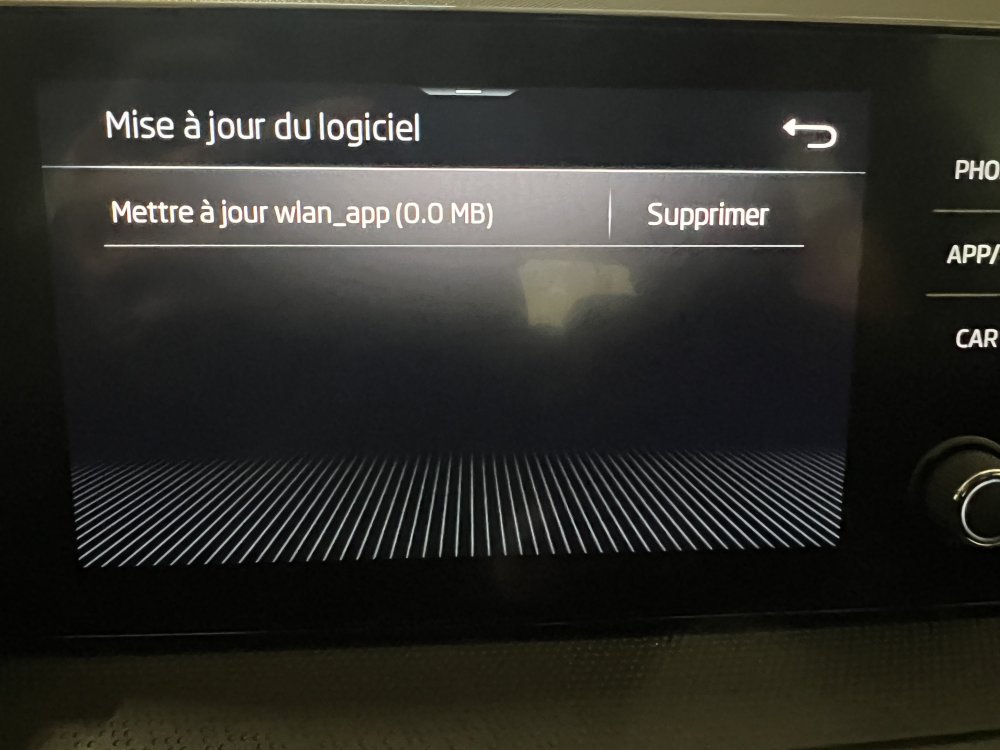
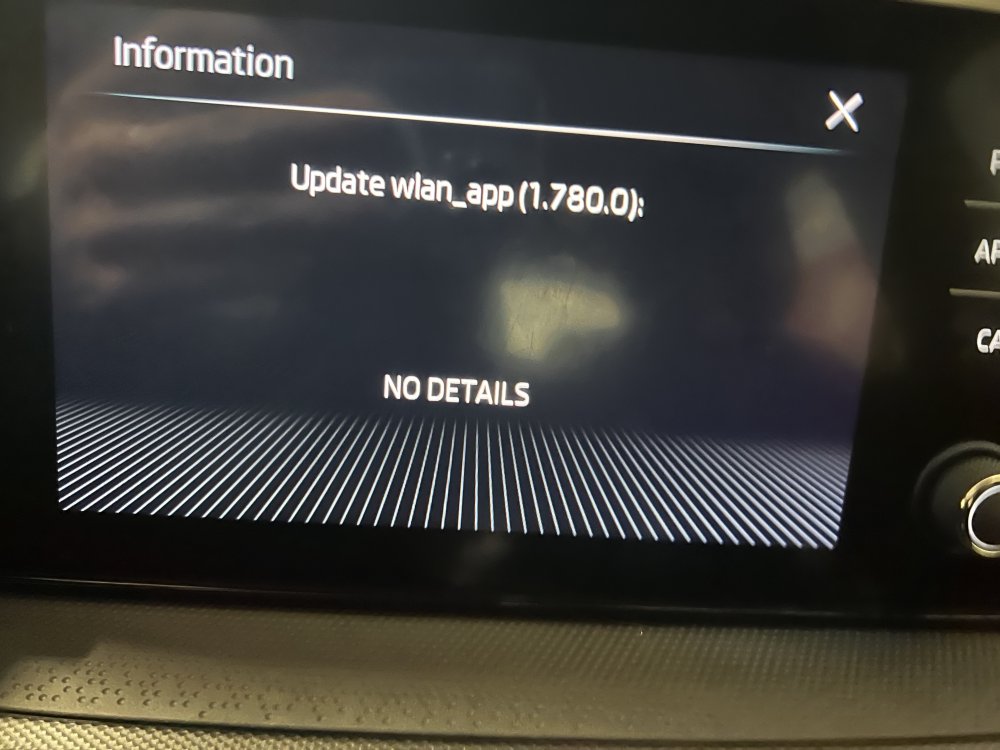
hello, I have a fabia 4 from 2023 with a "bolero" car radio. I saw that there is an update for the wlan which is 0.0 mo... is it possible to download and install it manually in order to take advantage of wireless carplay?
-
hello, I have a fabia 4 from 2023 with a "bolero" car radio. I saw that there is an update for the wlan which is 0.0 mo... is it possible to download and install it manually in order to take advantage of wireless carplay?