NovakLuka
Finding my way
-
Joined
-
Last visited
-
You'll right. Thanks.
-
So i neet to buy Sos module?
-
I was talking about my problem with Skoda support and they told me that i cant use Connect App because my car do not have OCU(online connectivity unit). What can i do? Ther is a update or not? What is OCU? Thanks a lot!
-
I am pretty sure that you are right.
-
Nice. Hiw can i do that?
-
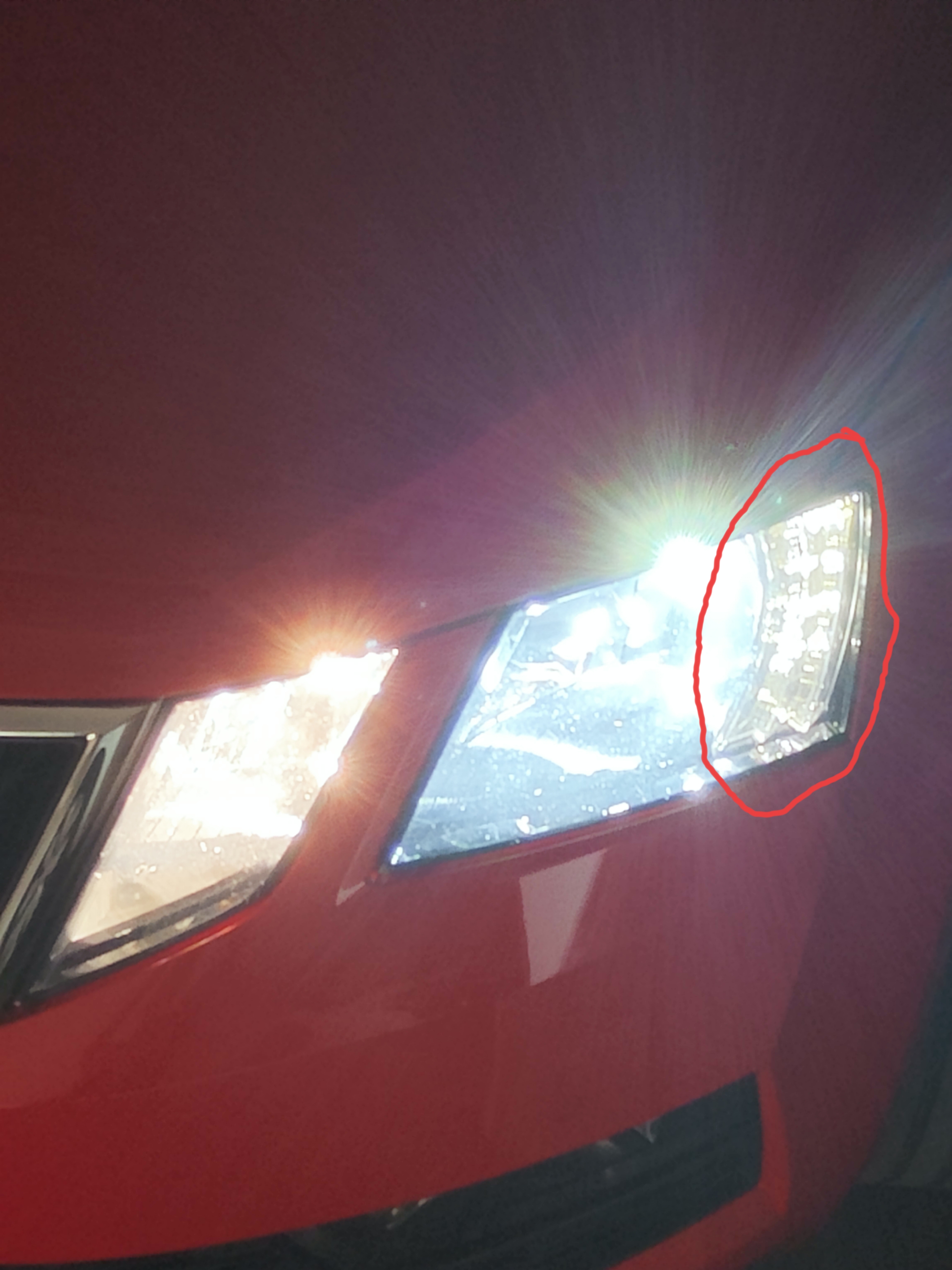
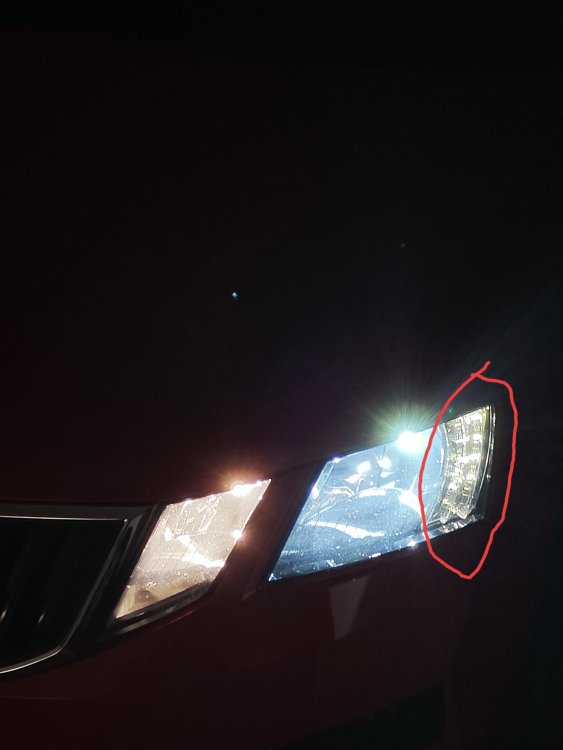
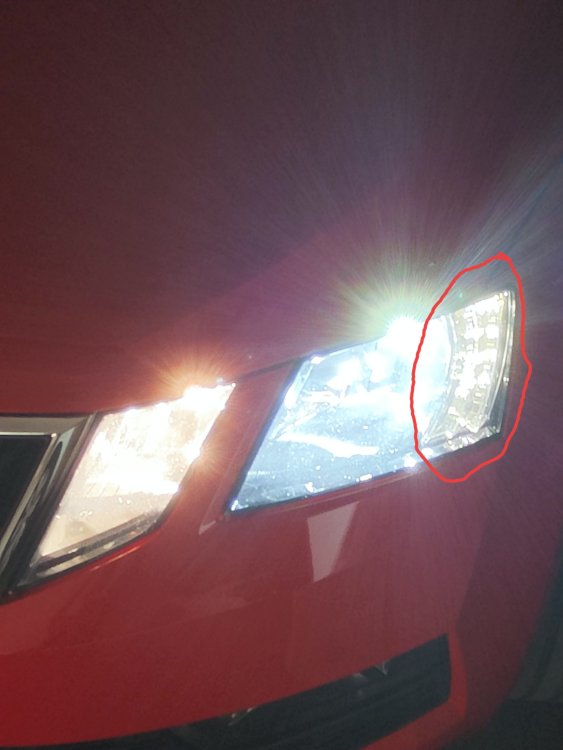
I wrote up there. Color. I want to change from 3500 to 5500.i want to know how can i change and if is possible or not.
-
I buy too, Although, this is the Chinese one. Delivery 25 May 😂
-
Thank you mate.
-
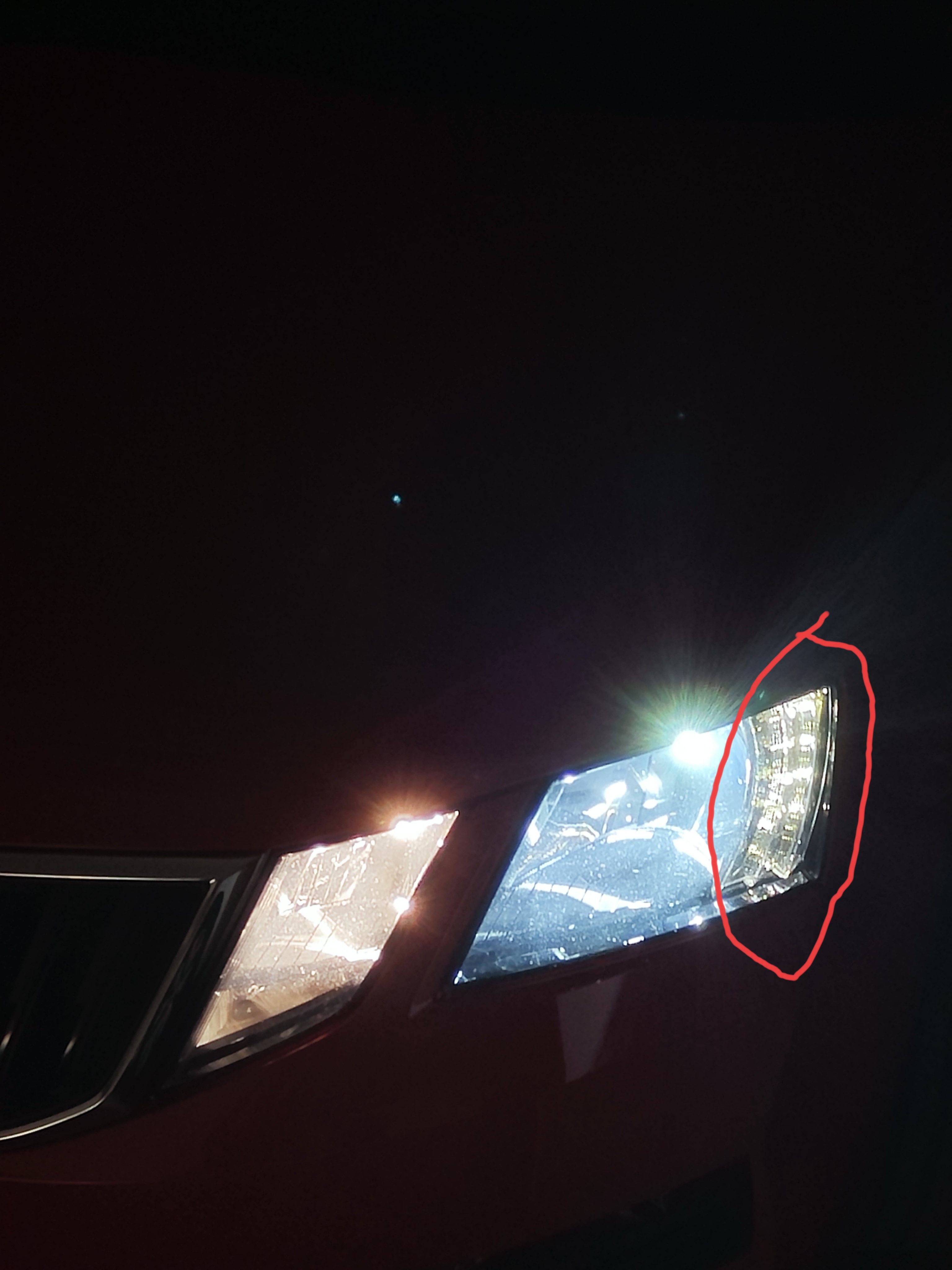
Hello dear friends. I need info how to change daylights? The problem is the color for me...
-
That is exactly what I was thinking about.
-
€ 25,54 5%de réduction | Carte SD de 32 go pour SKODA Amundsen 2, avec Navigation, SAT NAV, SD, Europe, royaume-uni, 2023 – 2024 https://a.aliexpress.com/_mreWS8k I hope it works.
-
I buy on Ali Express 32Gb 2023/2024. I will see if it works. 24€
-
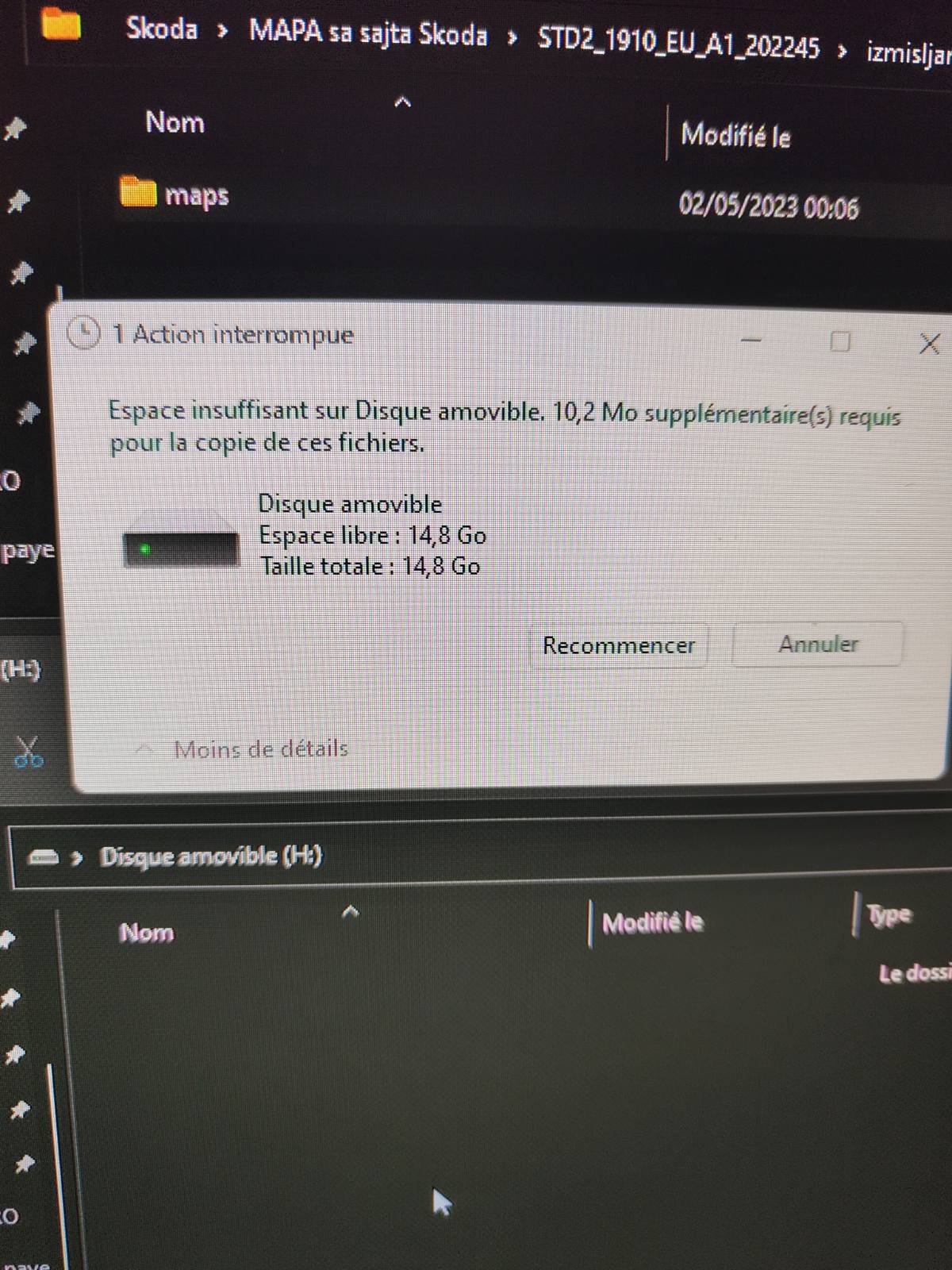
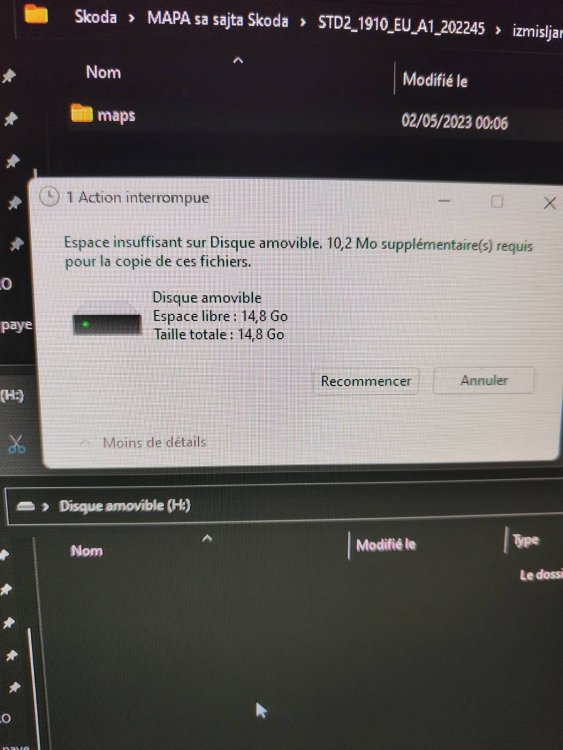
My original SD card Skoda is 14.8 and the new update is 15.5. I delet all lenguages i do not need and in the end i was f***ed up for 10 Mb Thoes enybody have solution? i cant download smaler map coz i driving from Spain to Montenegro
-
NovakLuka changed their profile photo
-
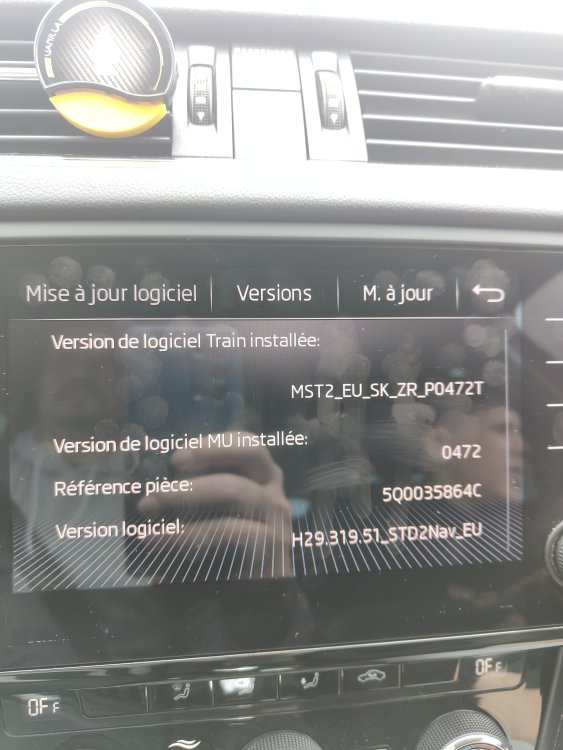
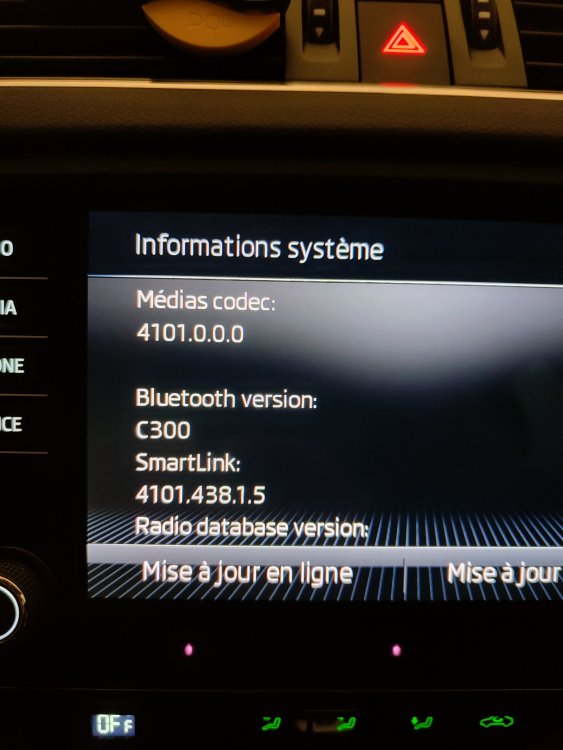
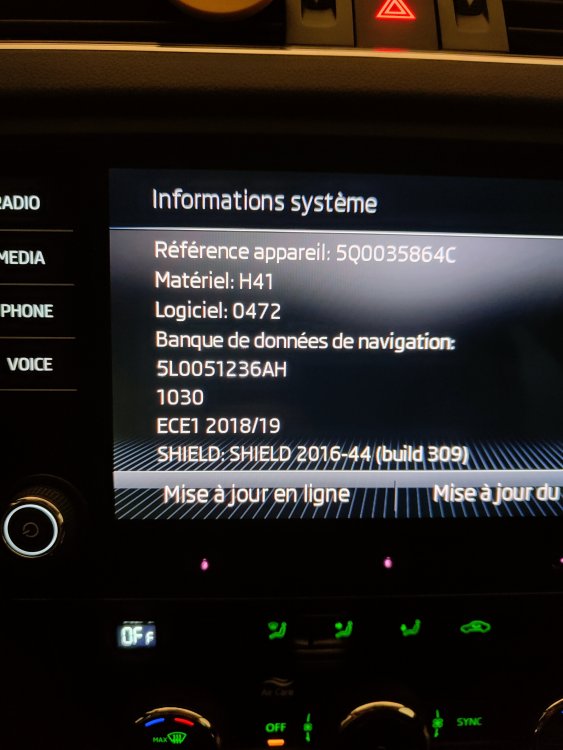
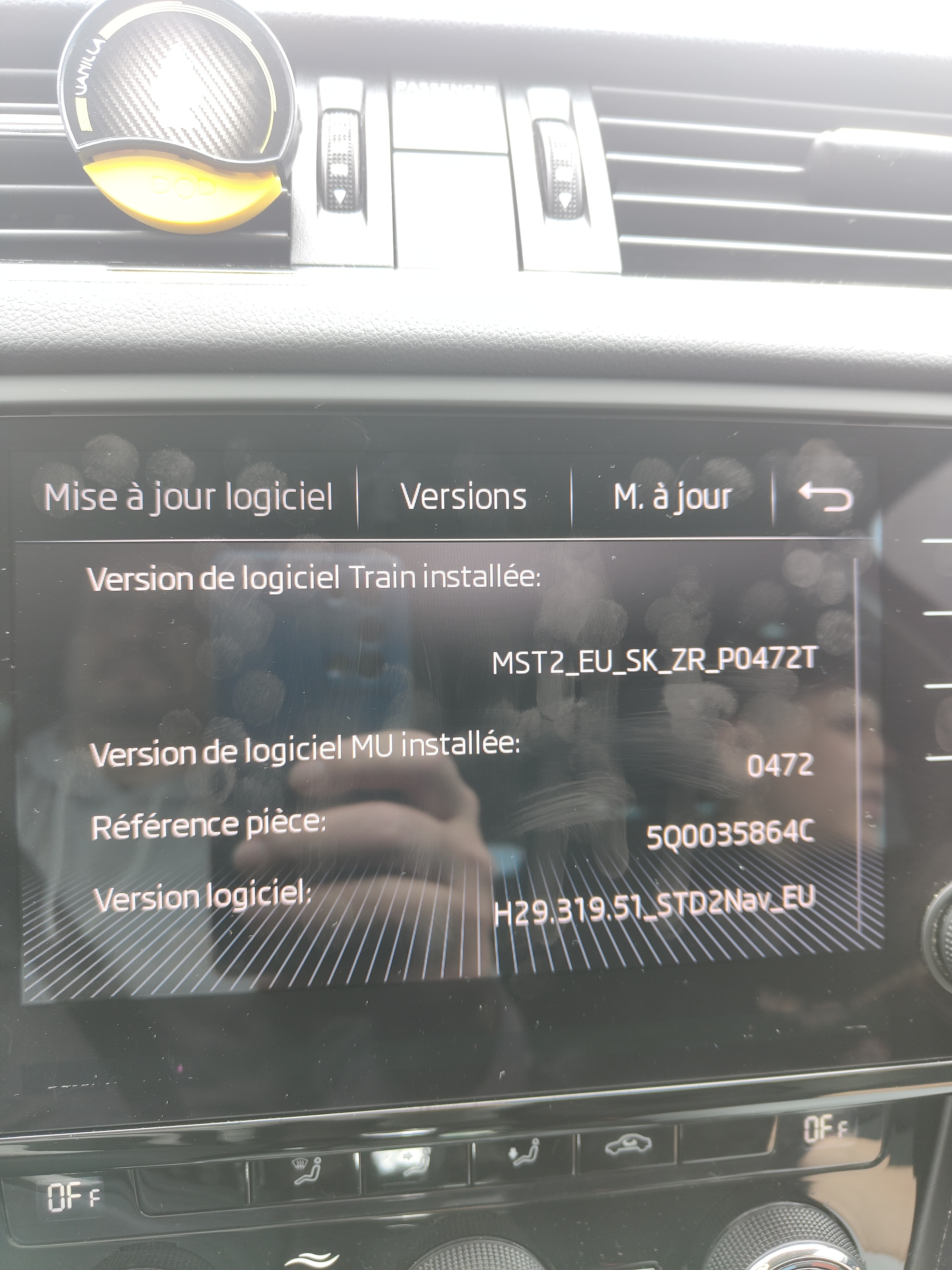
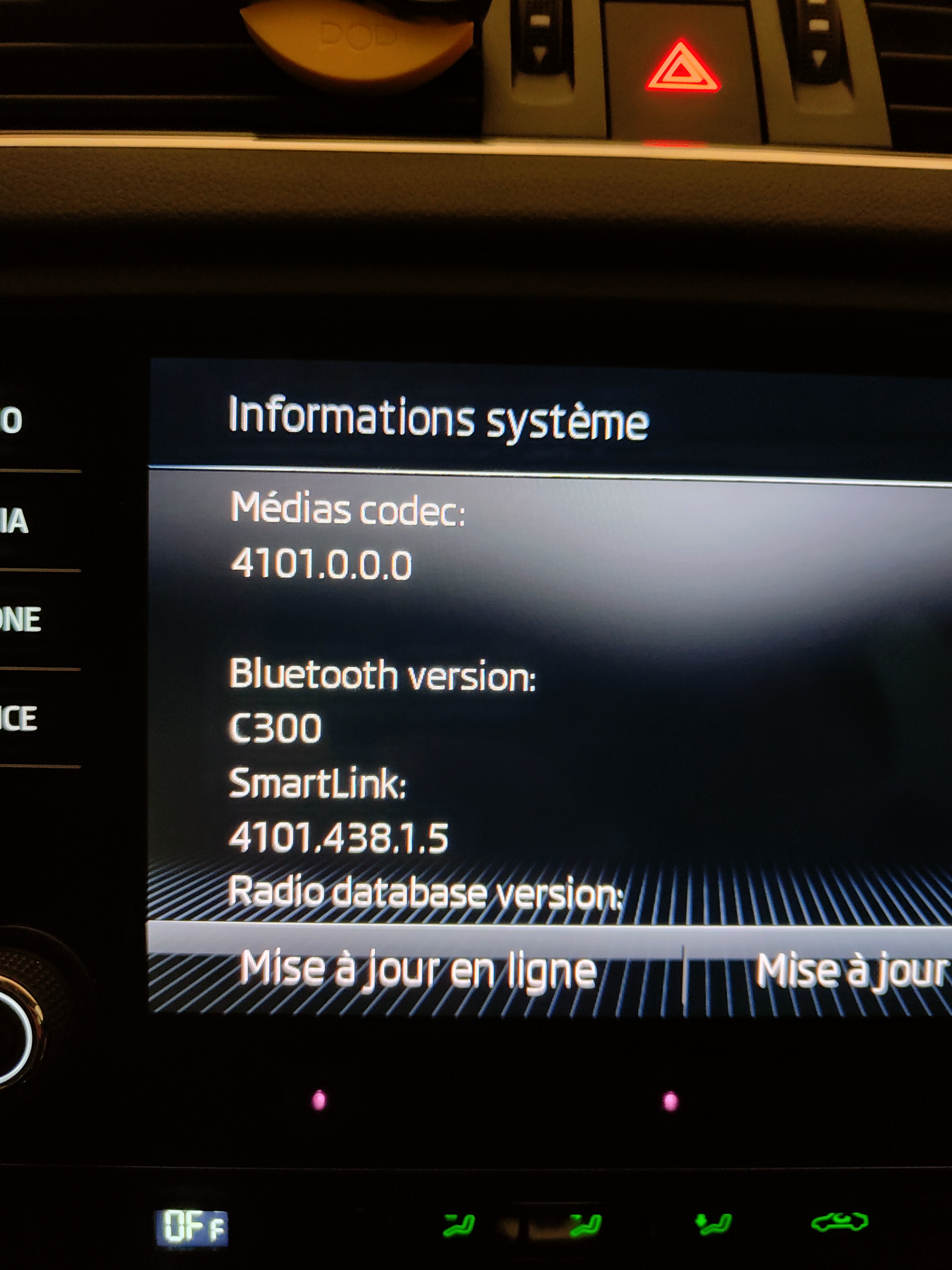
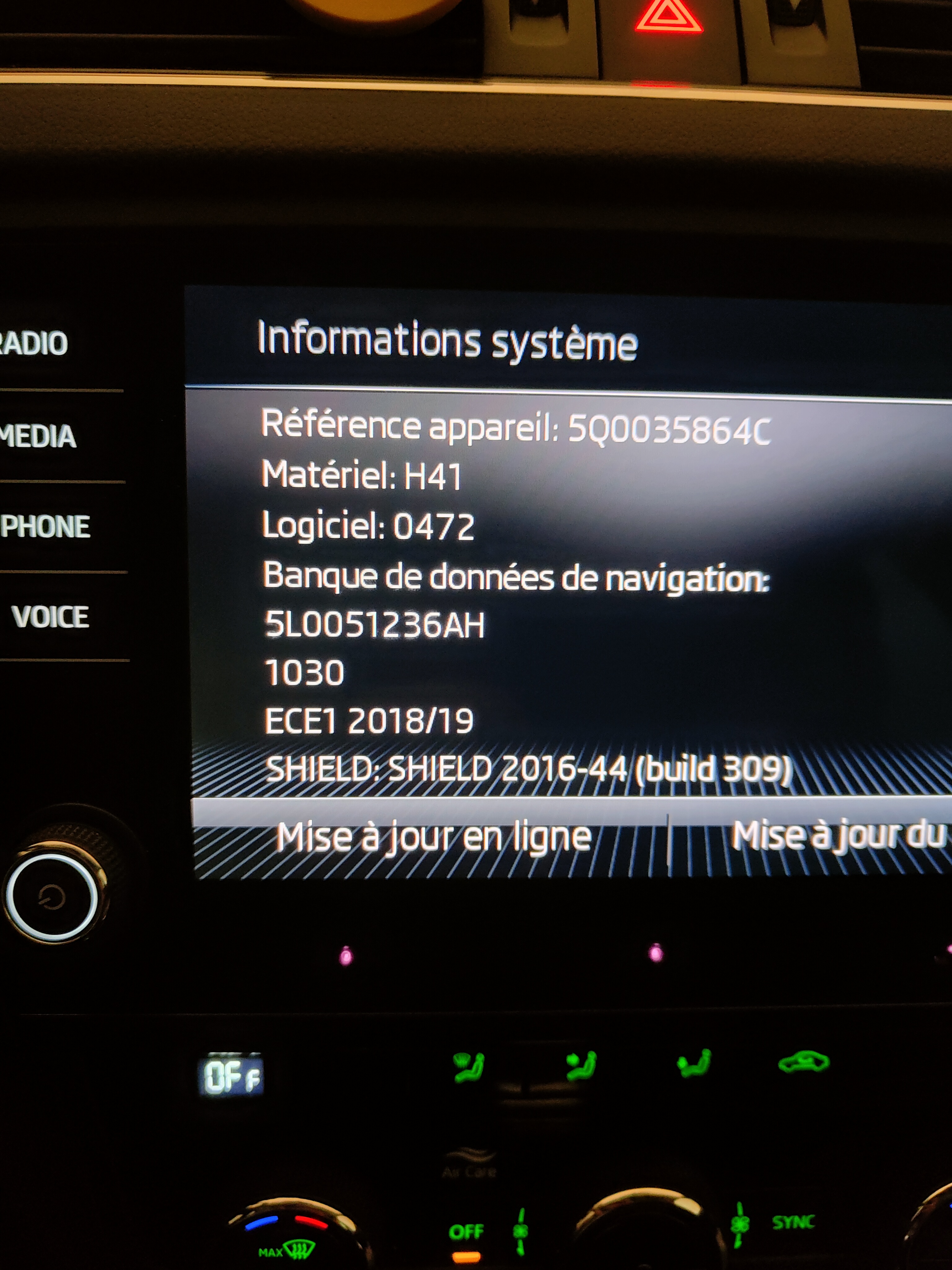
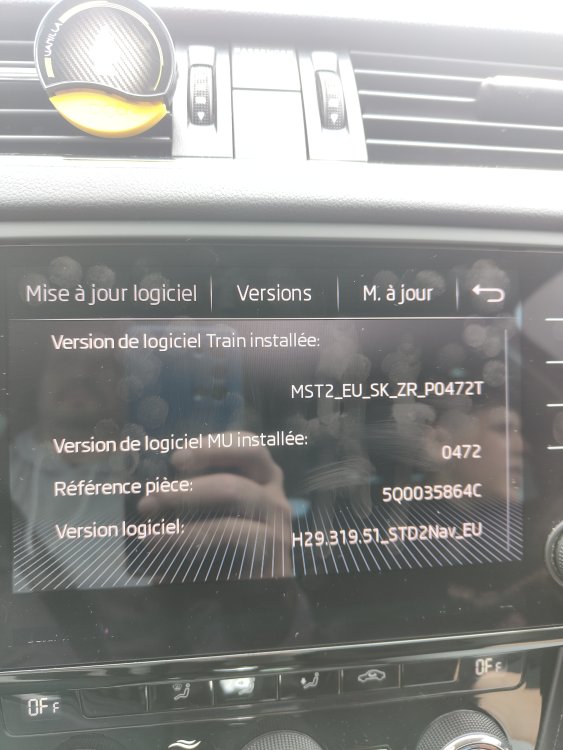
Thers my software train
-
Hello. I need help please with my software. I have Skoda Octavia Combi III 1.6 TDI 116ch SCR Business DSG7 Euro6d-T 2019.