ericfrost
Finding my way
-
Joined
-
Last visited
-
Understood, will search for some in my area to look at it. Thanks a lot for your help, appreciate your time guys.
-
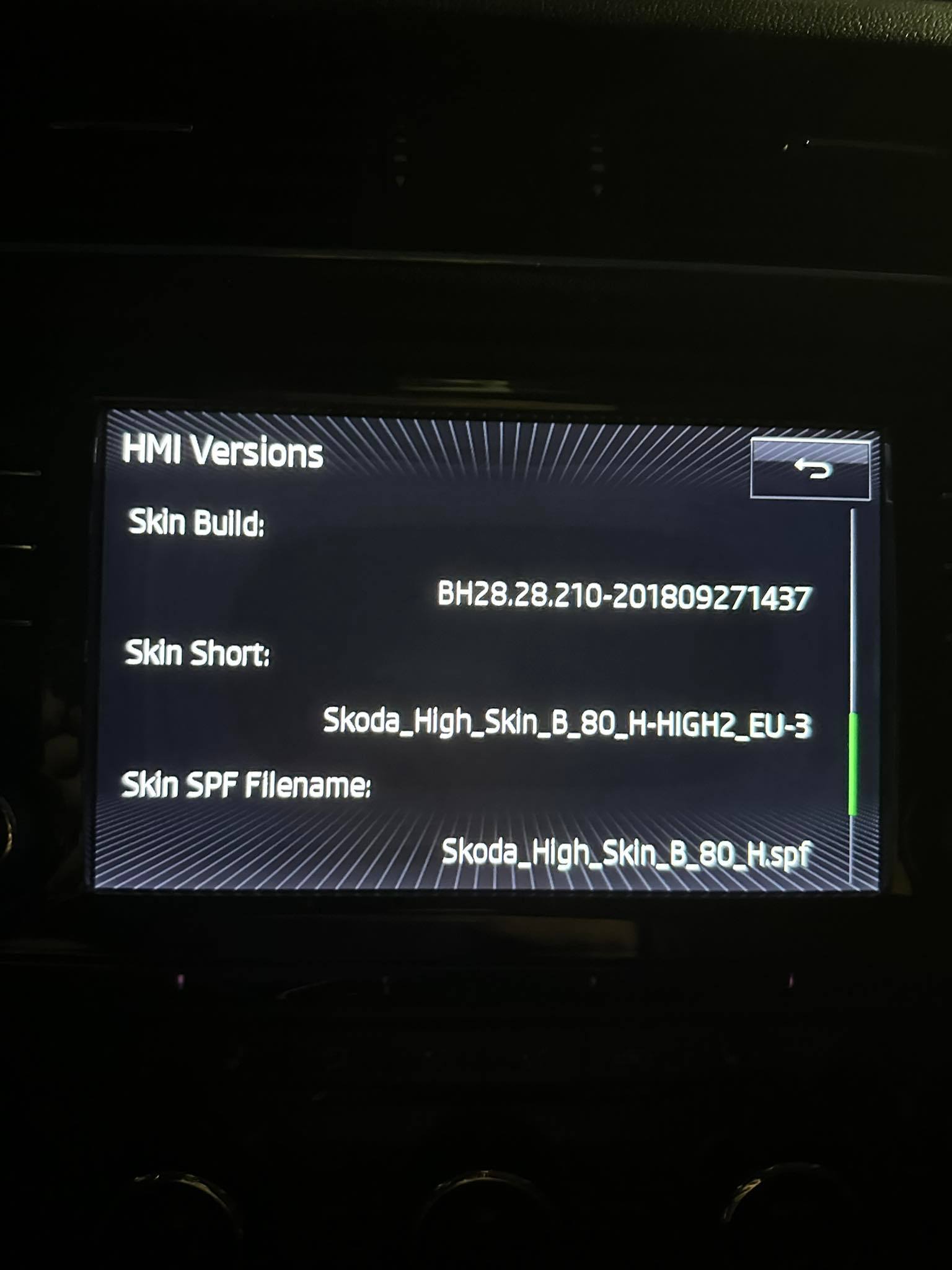
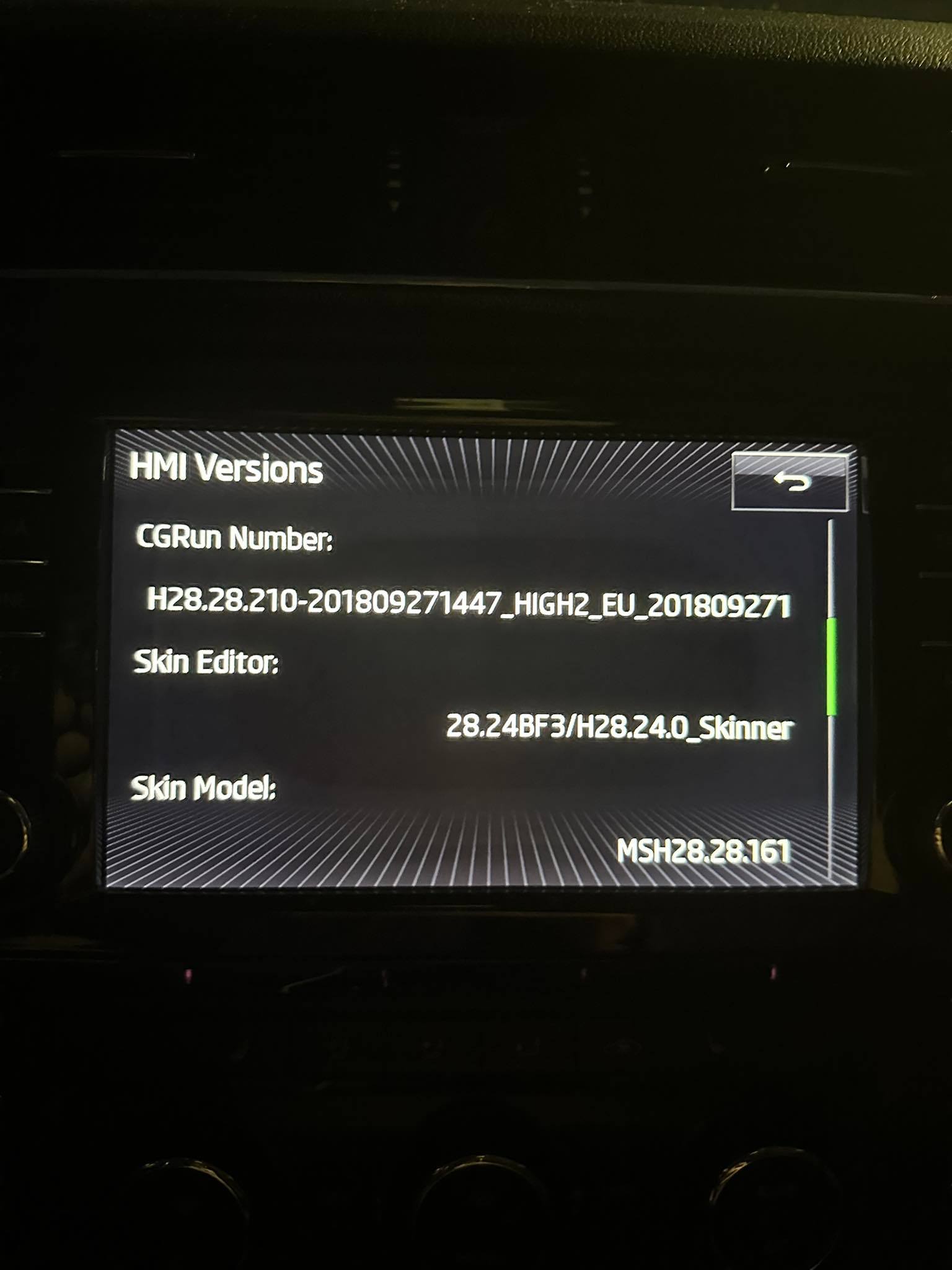
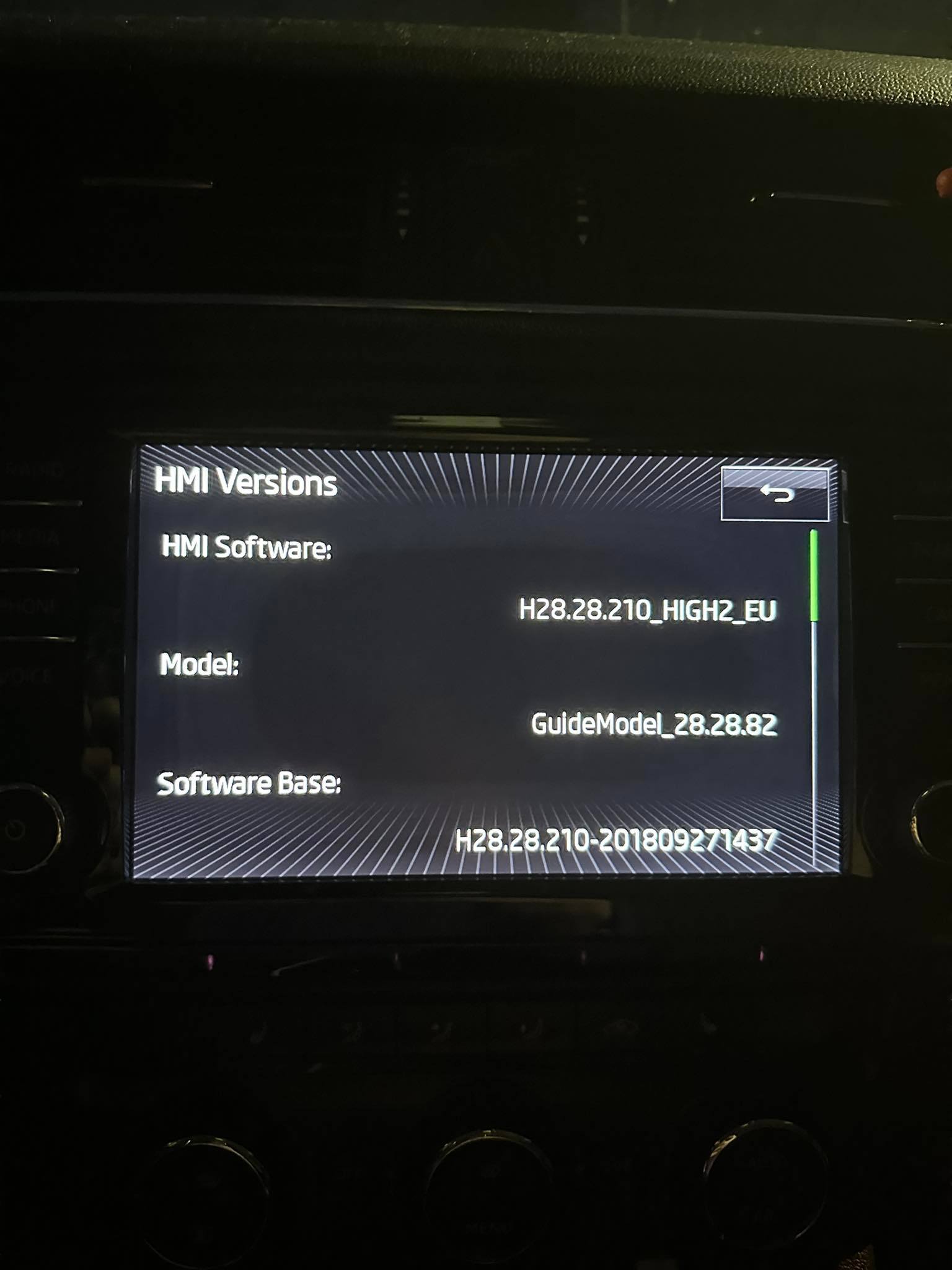
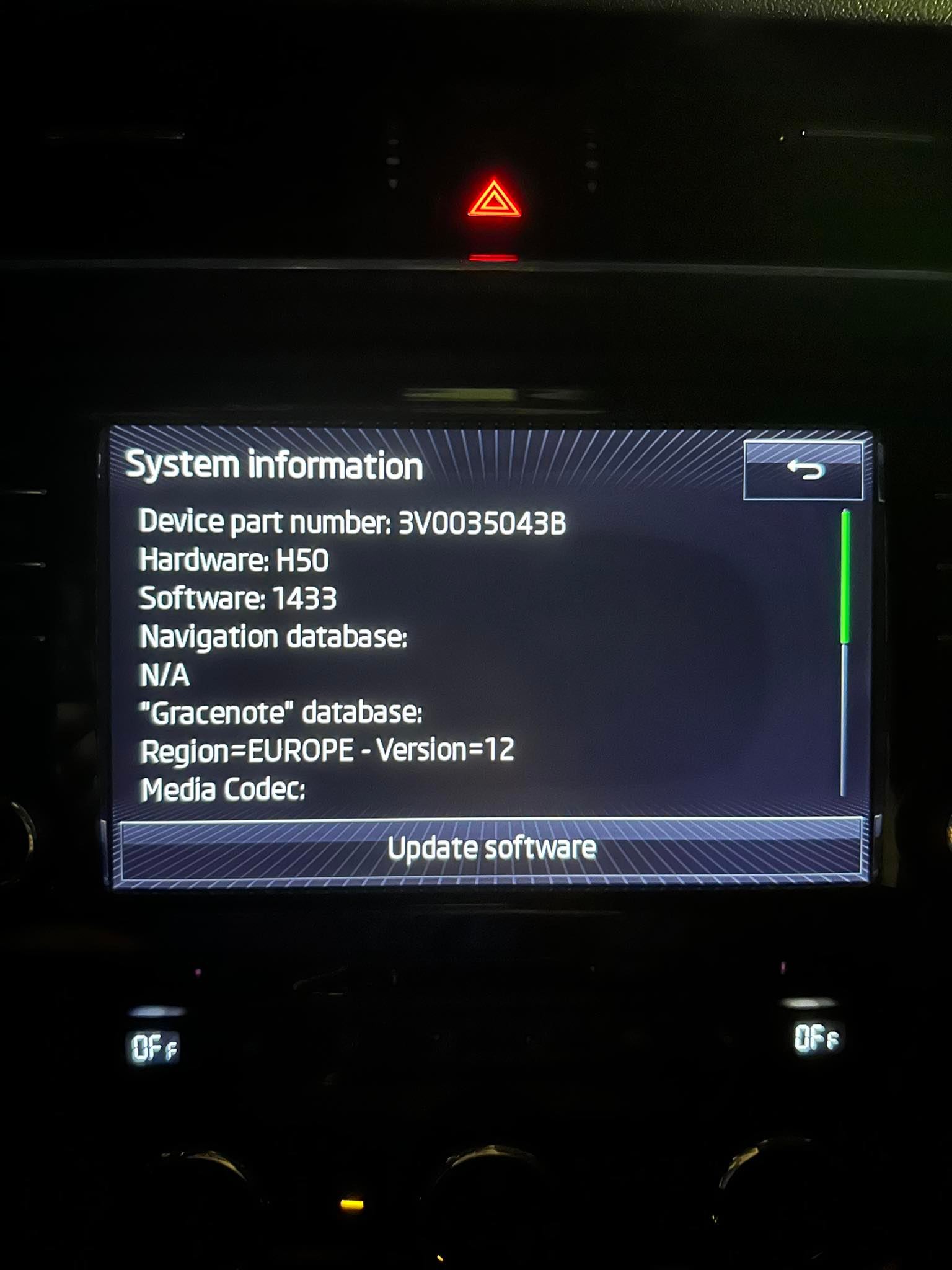
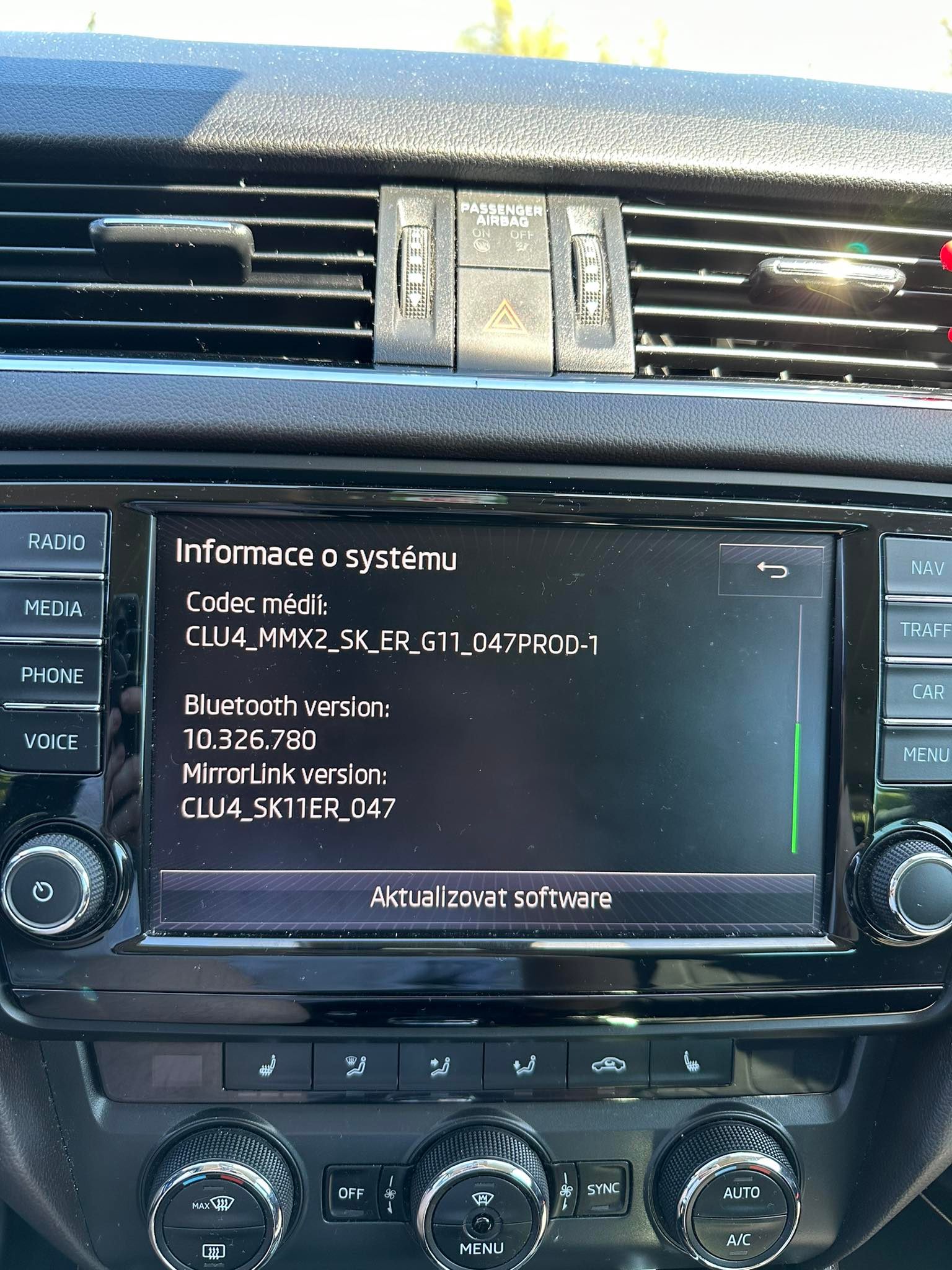
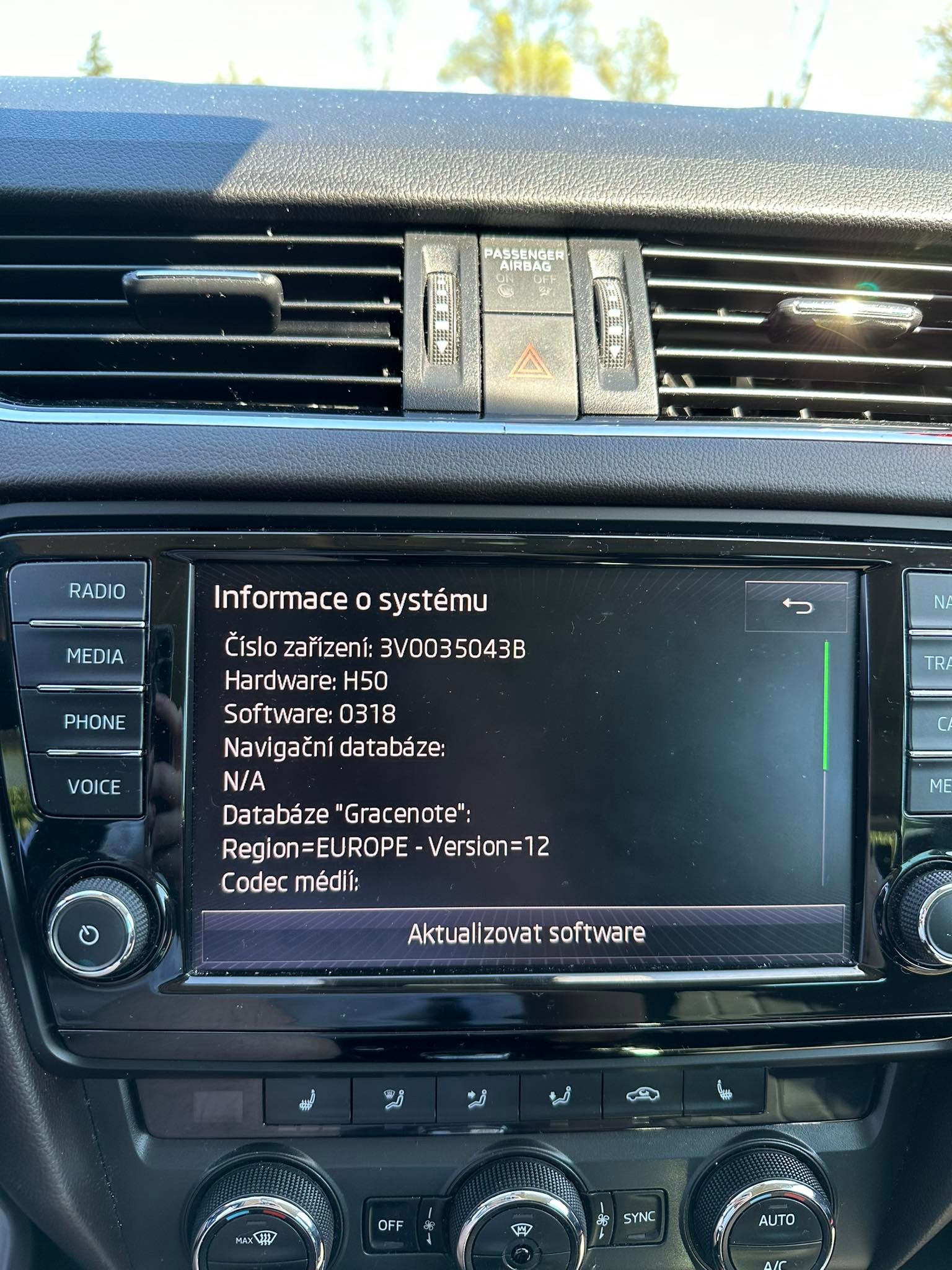
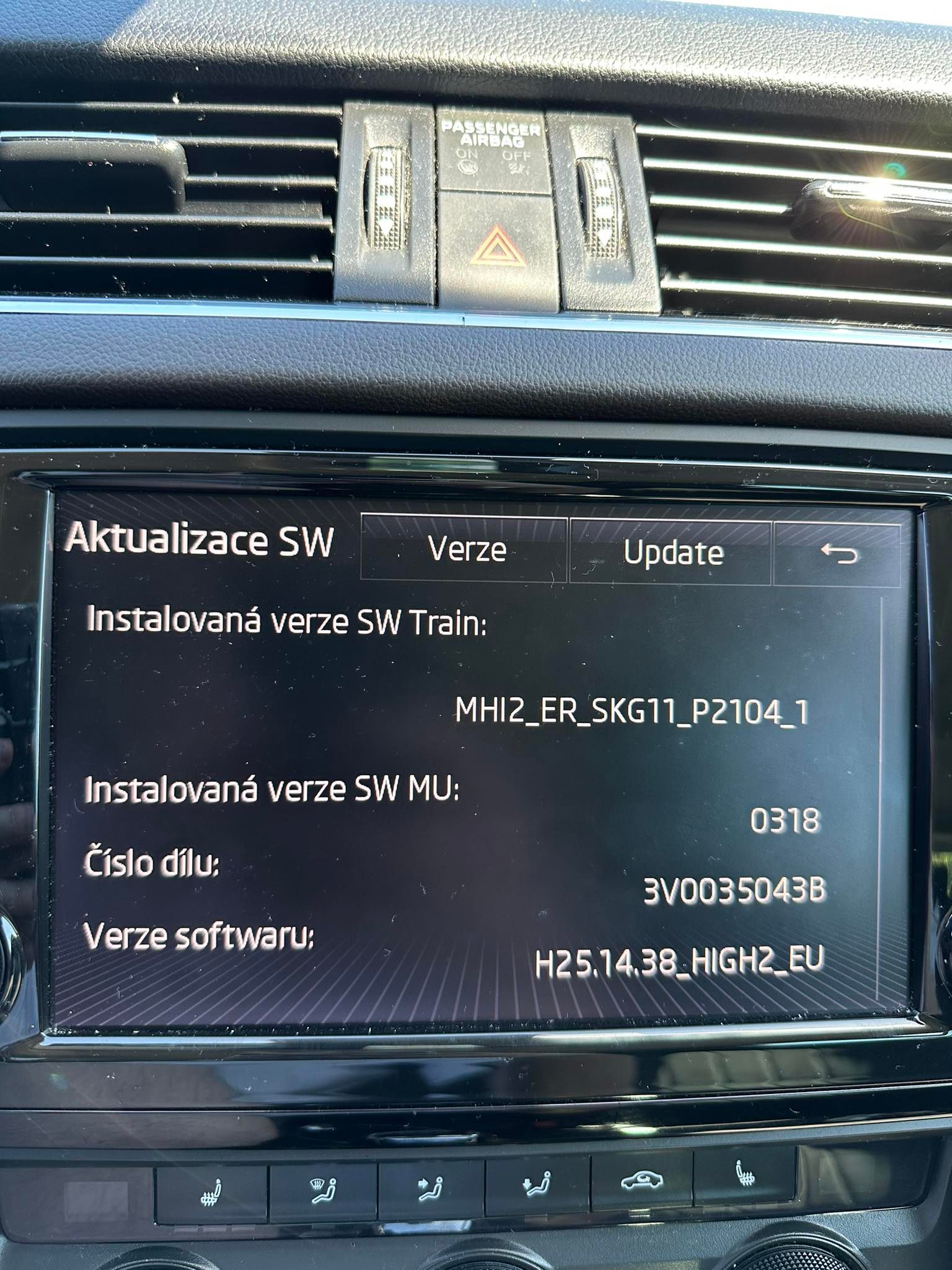
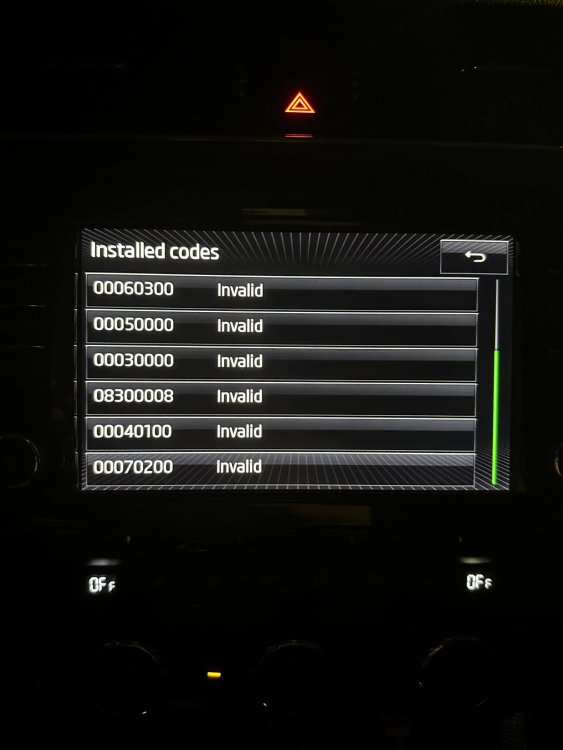
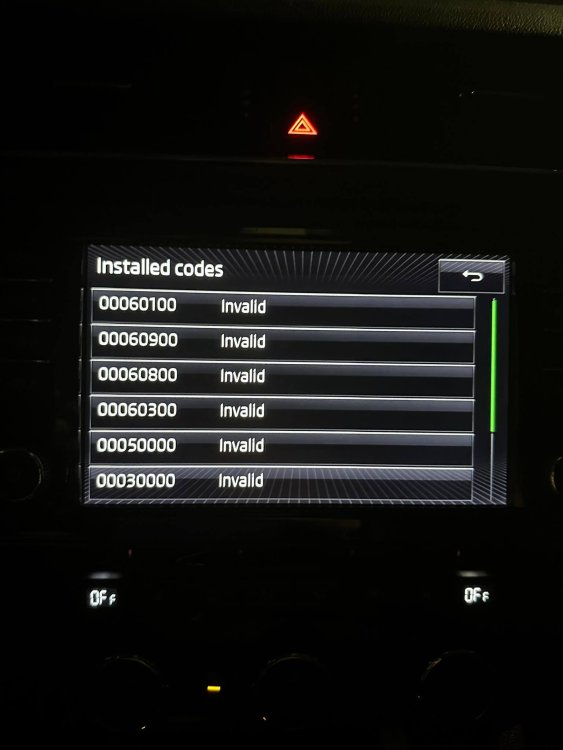
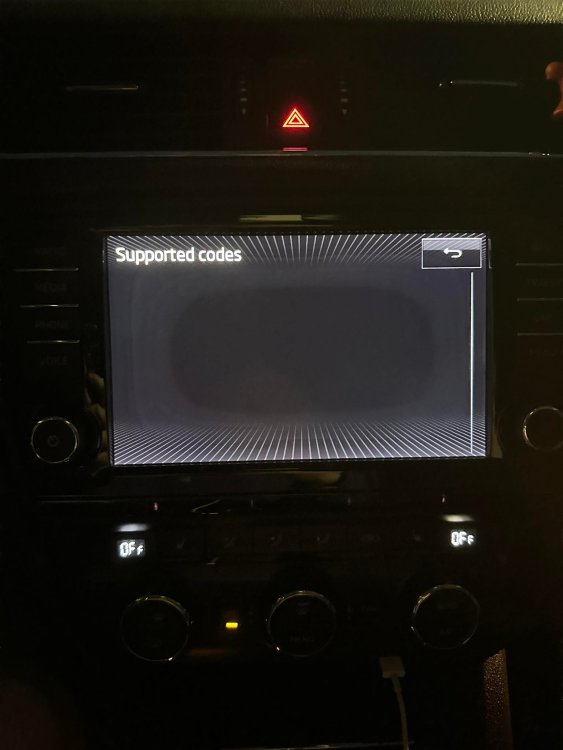
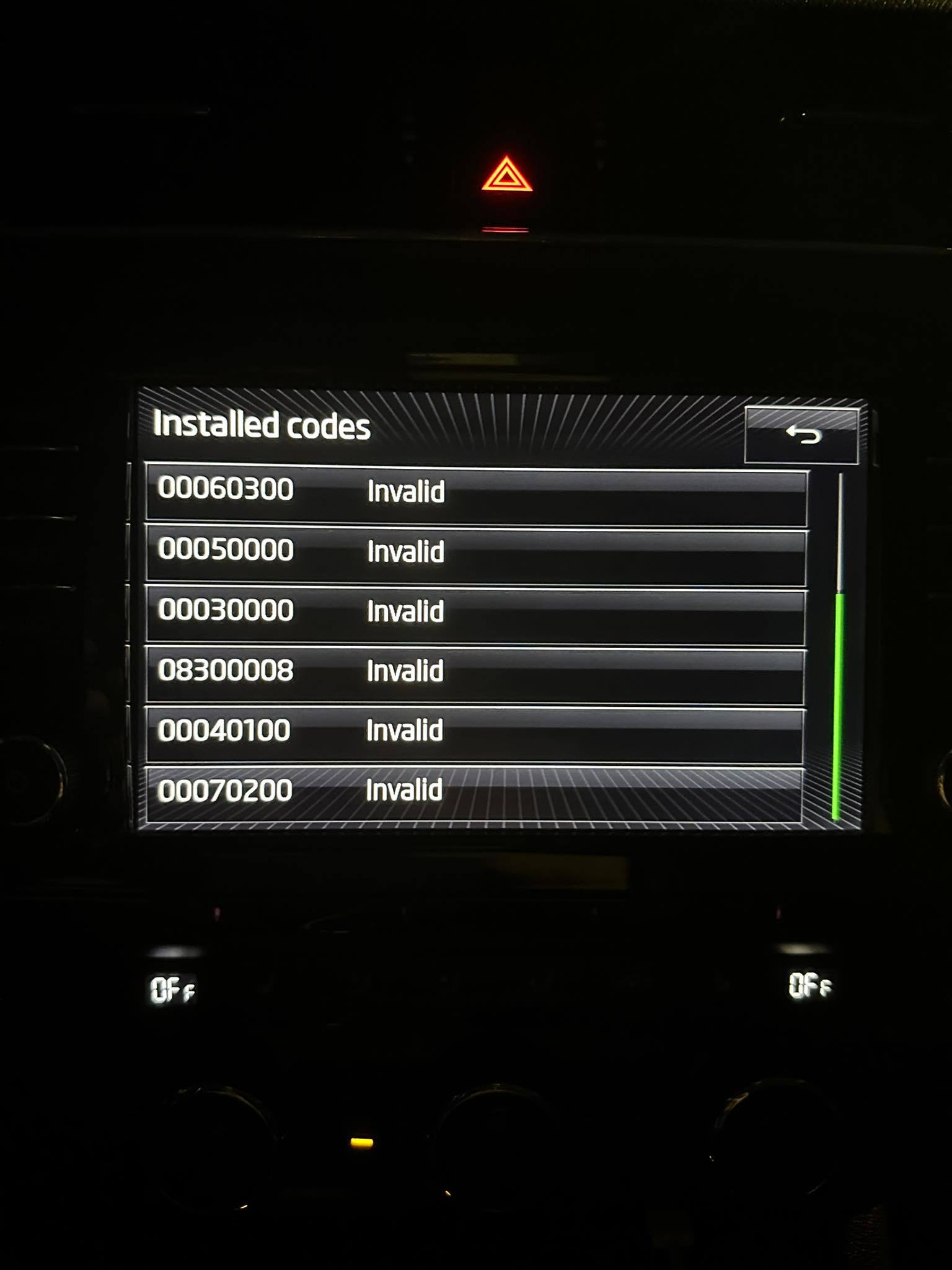
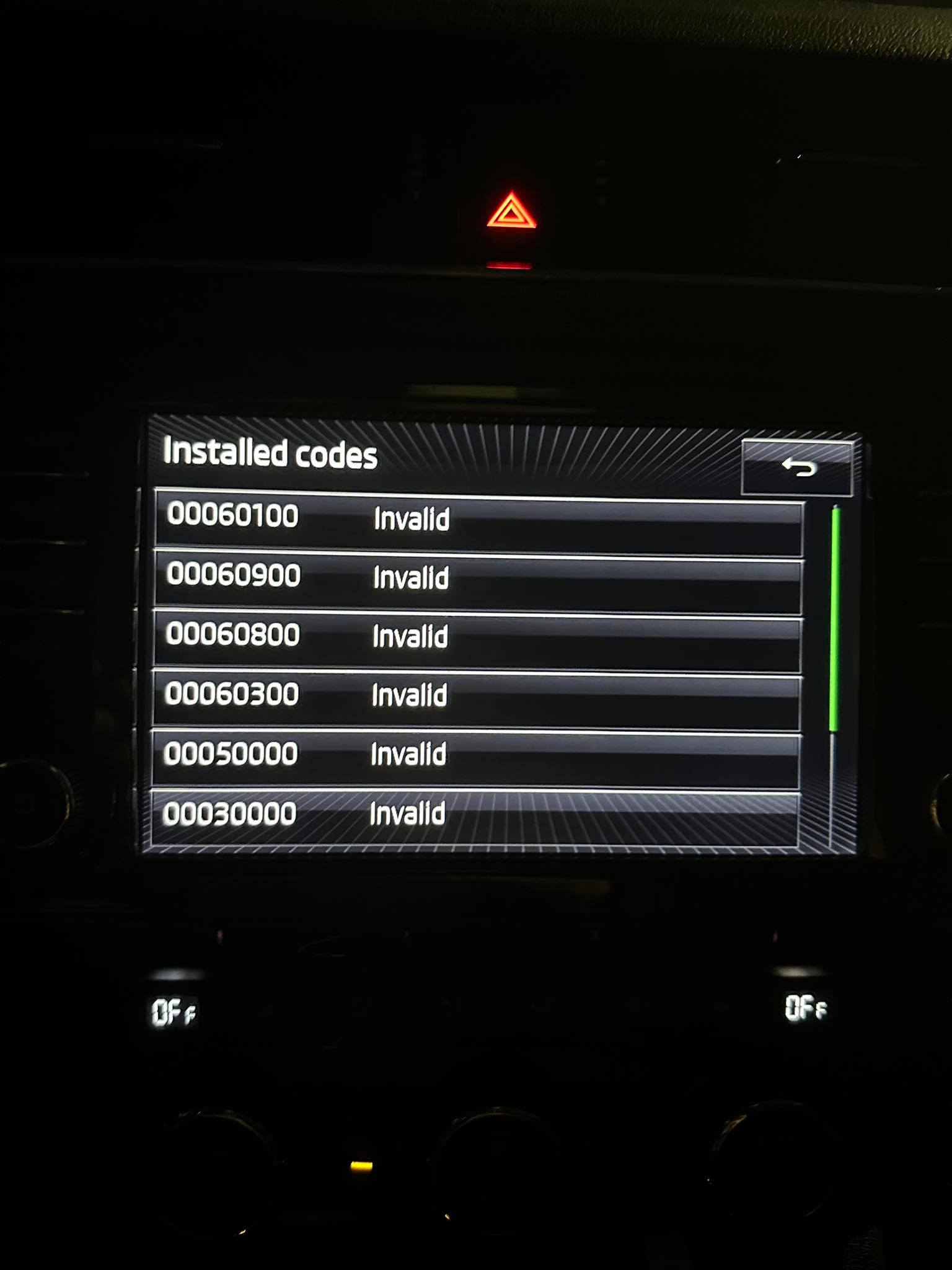
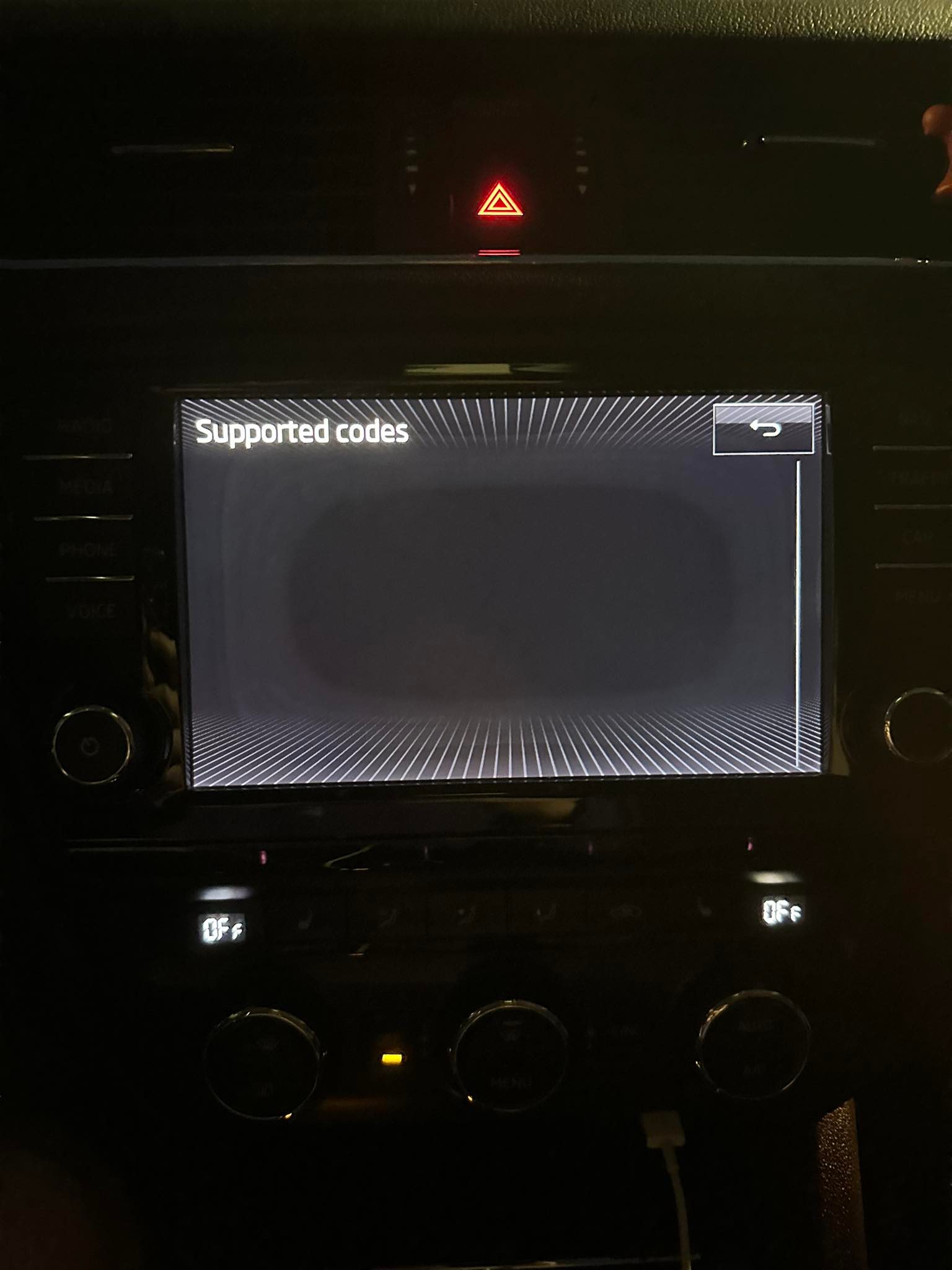
I also took pictures of those codes. Before firmware update, I wasn't able to access this menu, but after firmware update I openned it and it looked like this.
-
On exFAT at allocation unit size 8192b i was able to get closest, 6,66MB left to fit it on. I've tried all others, but this one is closest of them all. I could potentially try to get another SD-card, but you can't really tell it's exact size, until you stick it in to your PC. Also, I could potentially try to delete language files, but I'm quite unsure, which file is that.
-
Yes, tried factory reset multiple times even before firmware update. Also tried to restart the infontainment multiple times. If that's done trough NAV, I'm unable to access it. (If GPS wiring would be at fault, it could still run maps update regardles, or am I mistaken ?) I've installed firmware update from 32GB SDHC SanDisk FAT32 card, that update went without any issues. Unfortunatelly, this map update wont fit there by 13,6MB, so I have to use different card for that one. Maybe that could be reason too ?
-
In a meantime, I tried to put 64GB card in the car and do the update on the maps, but unfortunatelly still not success. SD card is recognized, but it just can't read it somehow.
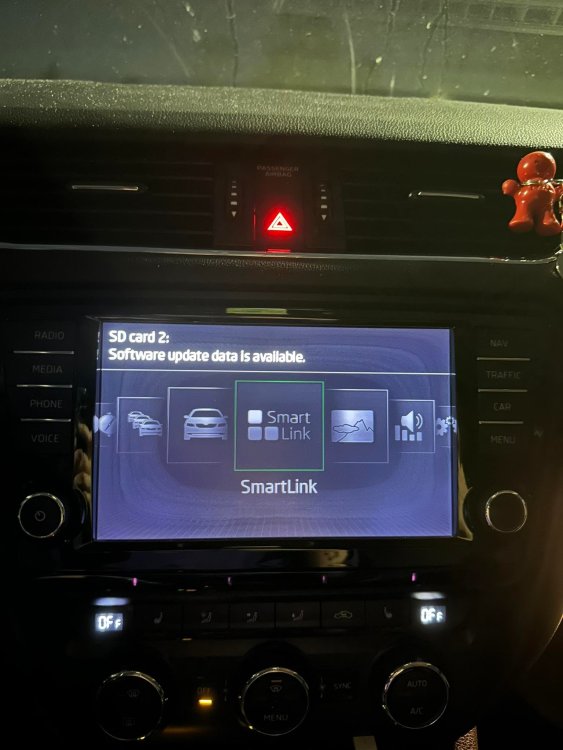
-
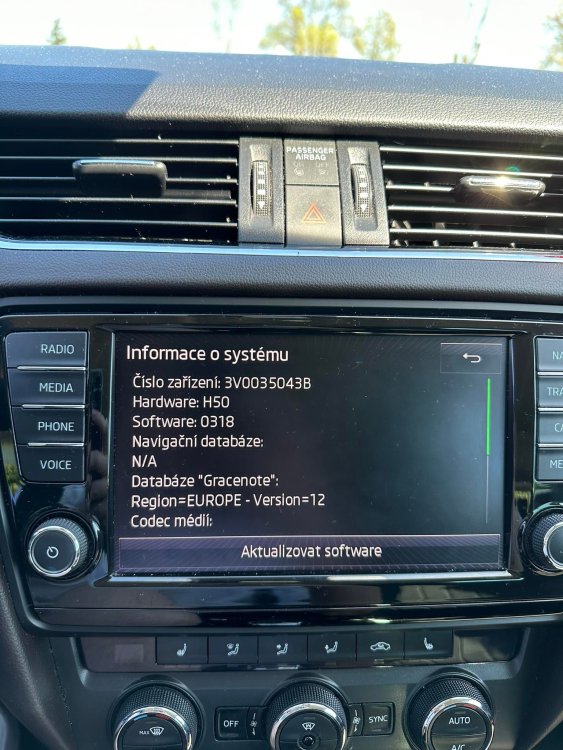
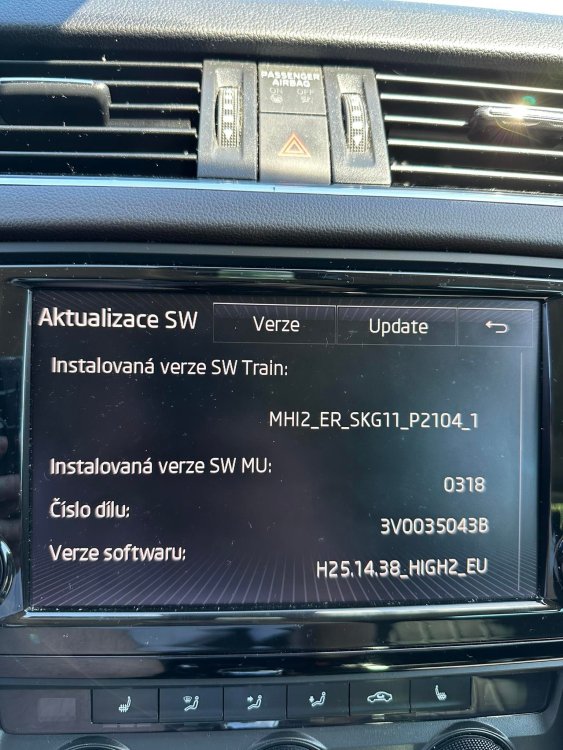
Okay, so it seems that update is OK, unfortunatelly, GPS and other things are still not working. Do you have any idea, what could I do next ?
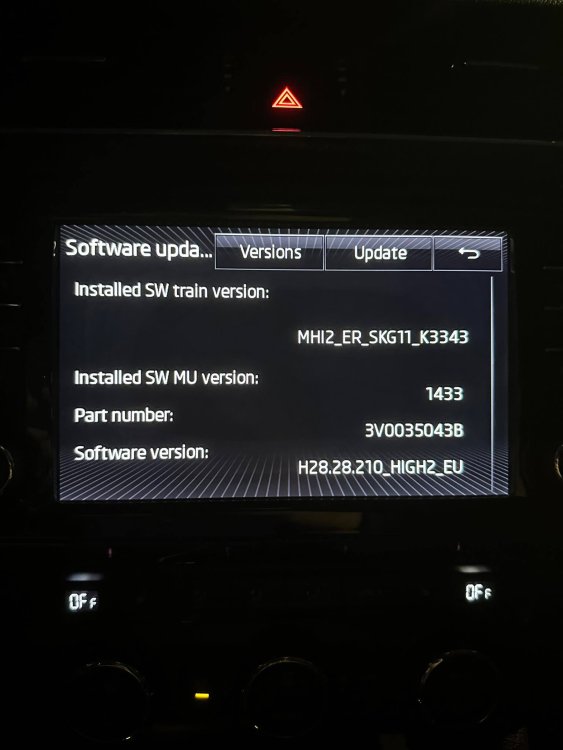
.thumb.jpg.ae9211de2bf879ac6aa5e434ddb5817e.jpg)
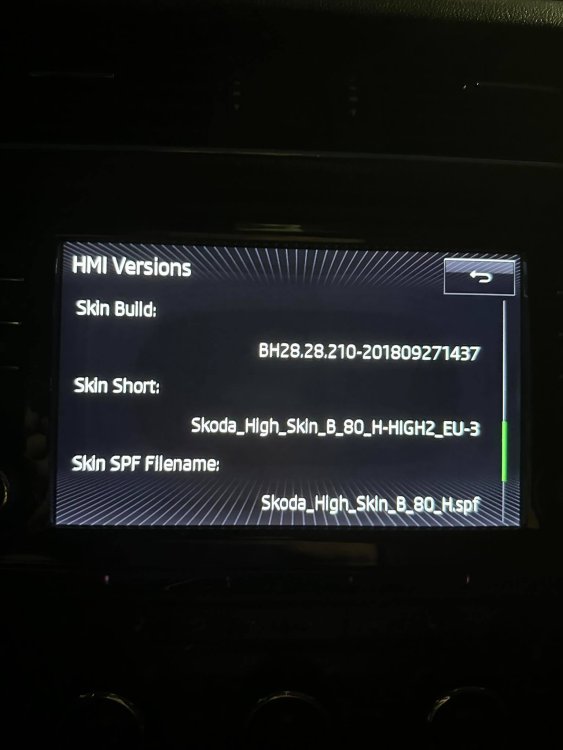
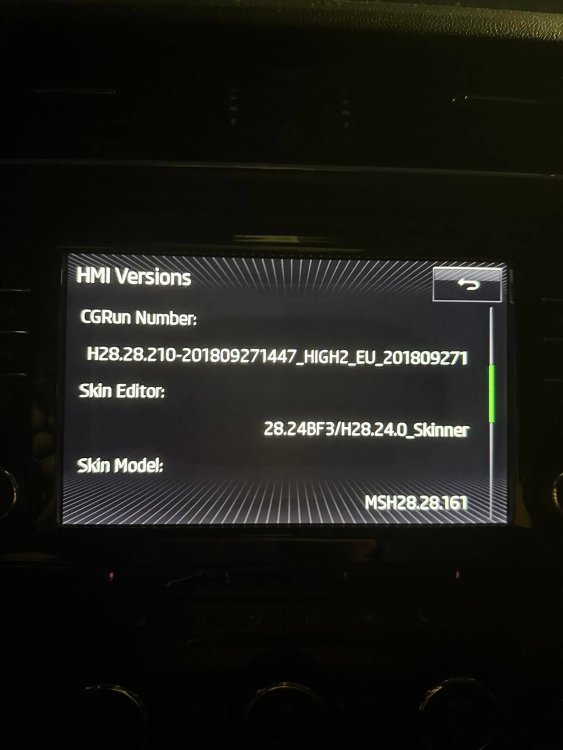
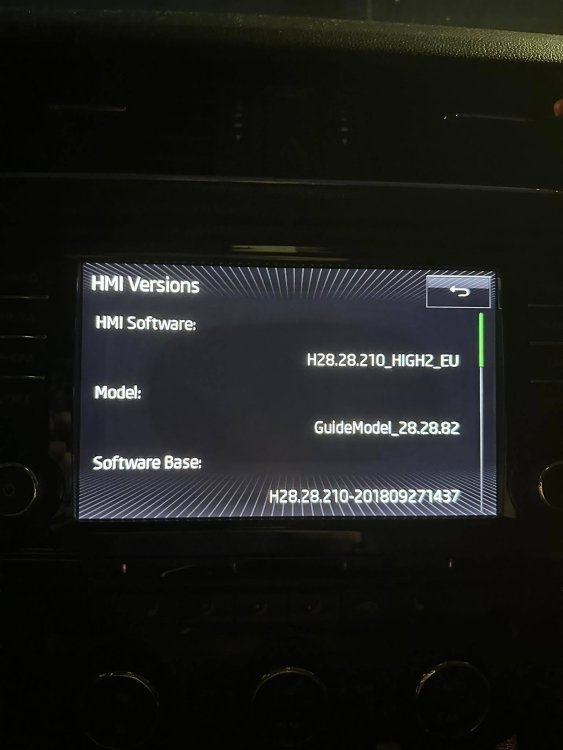
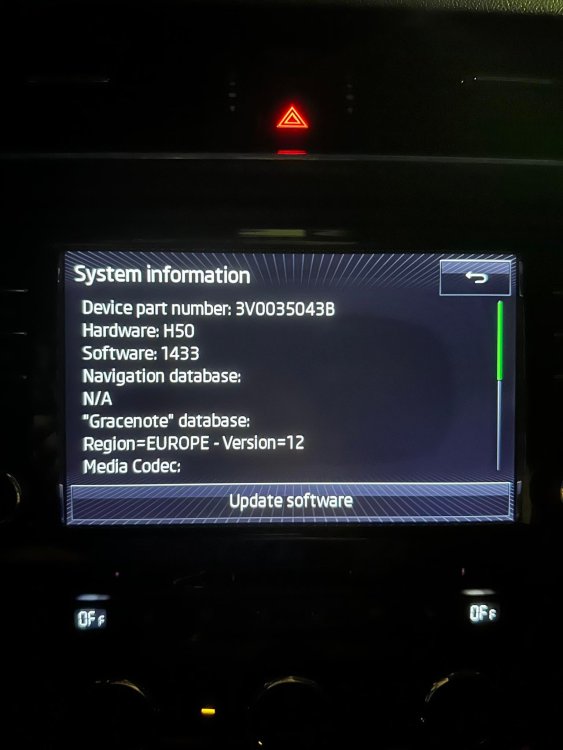
-
Sure, I will give it a try. Thanks a lot.
-
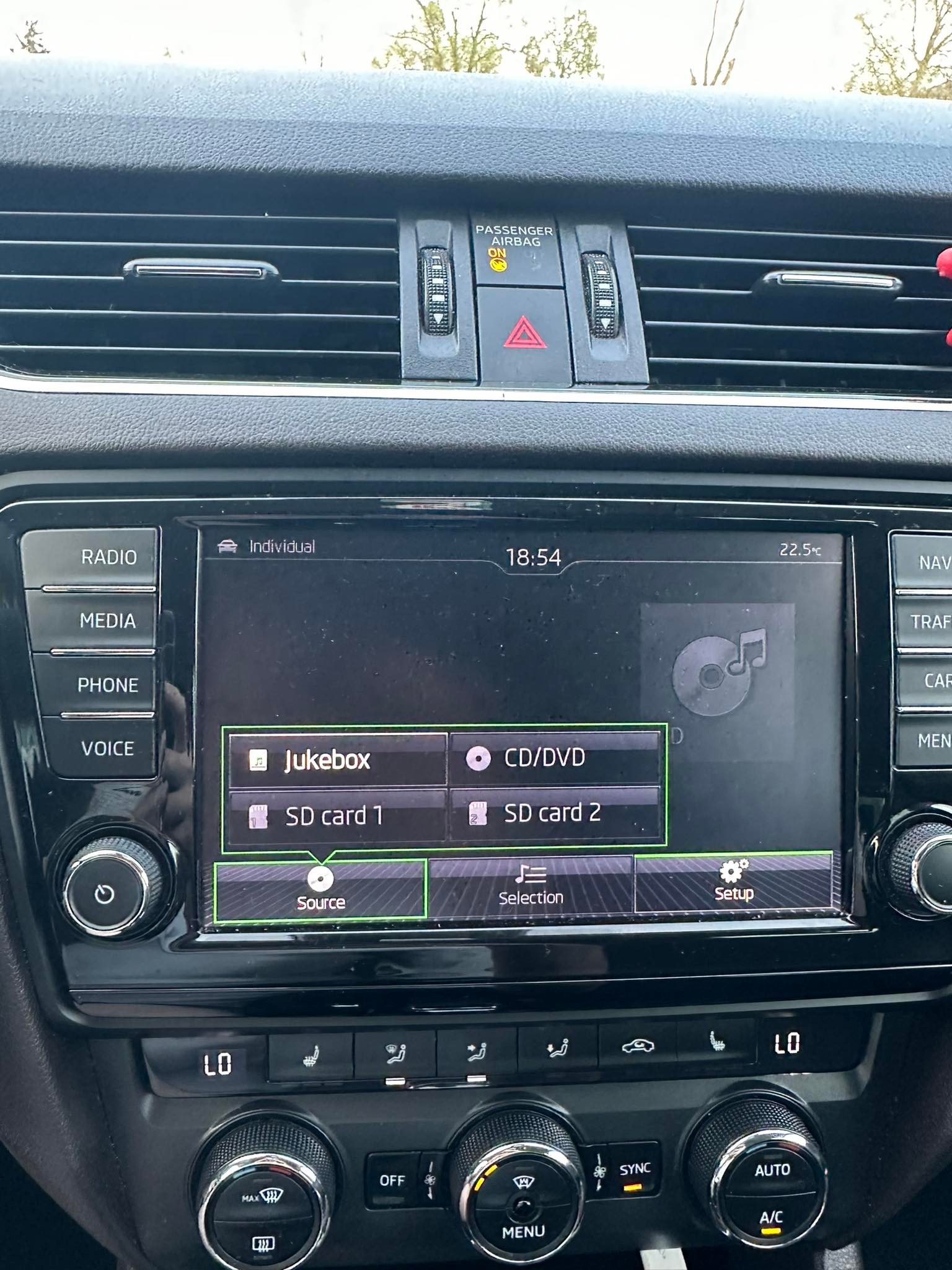
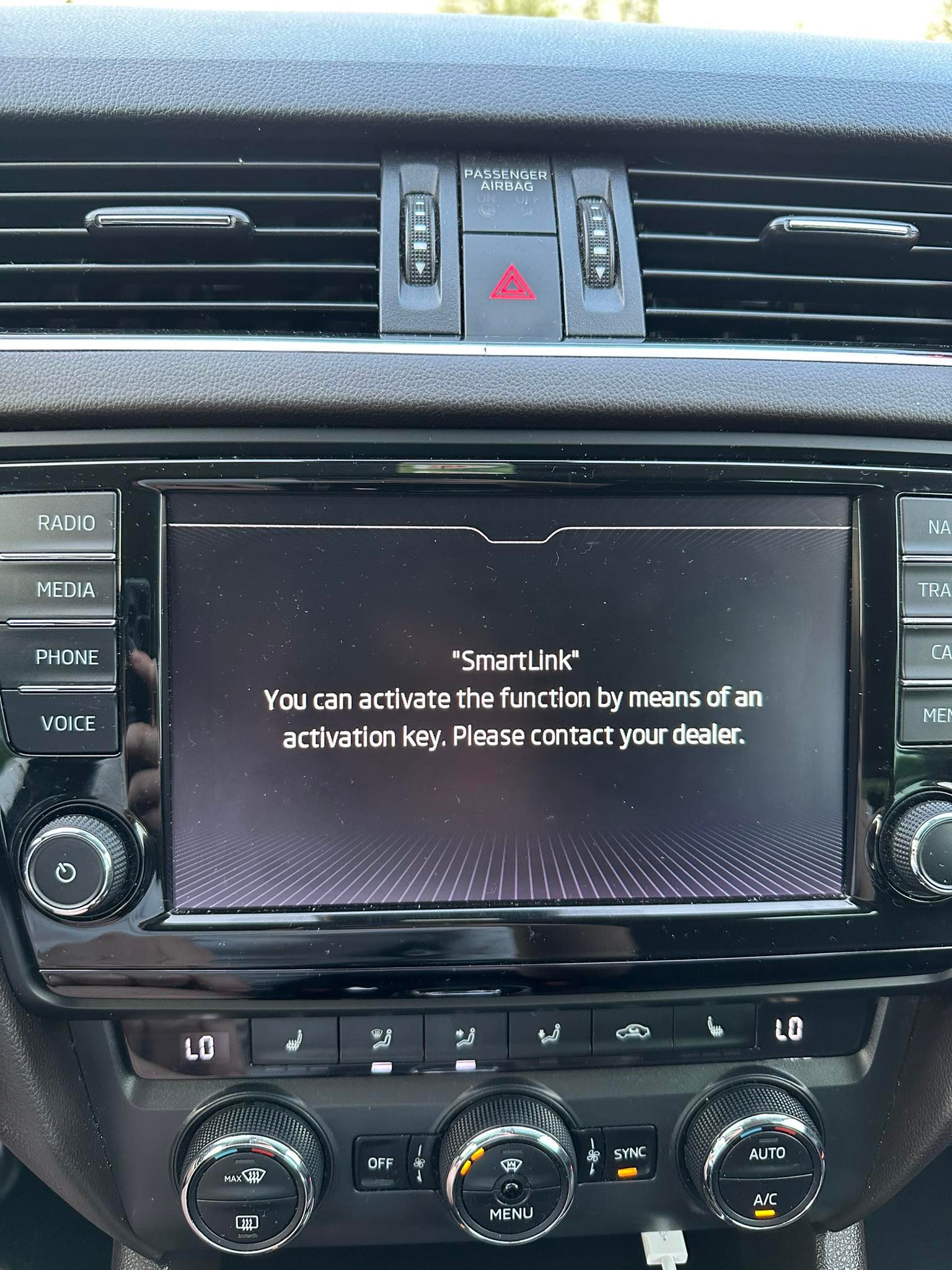
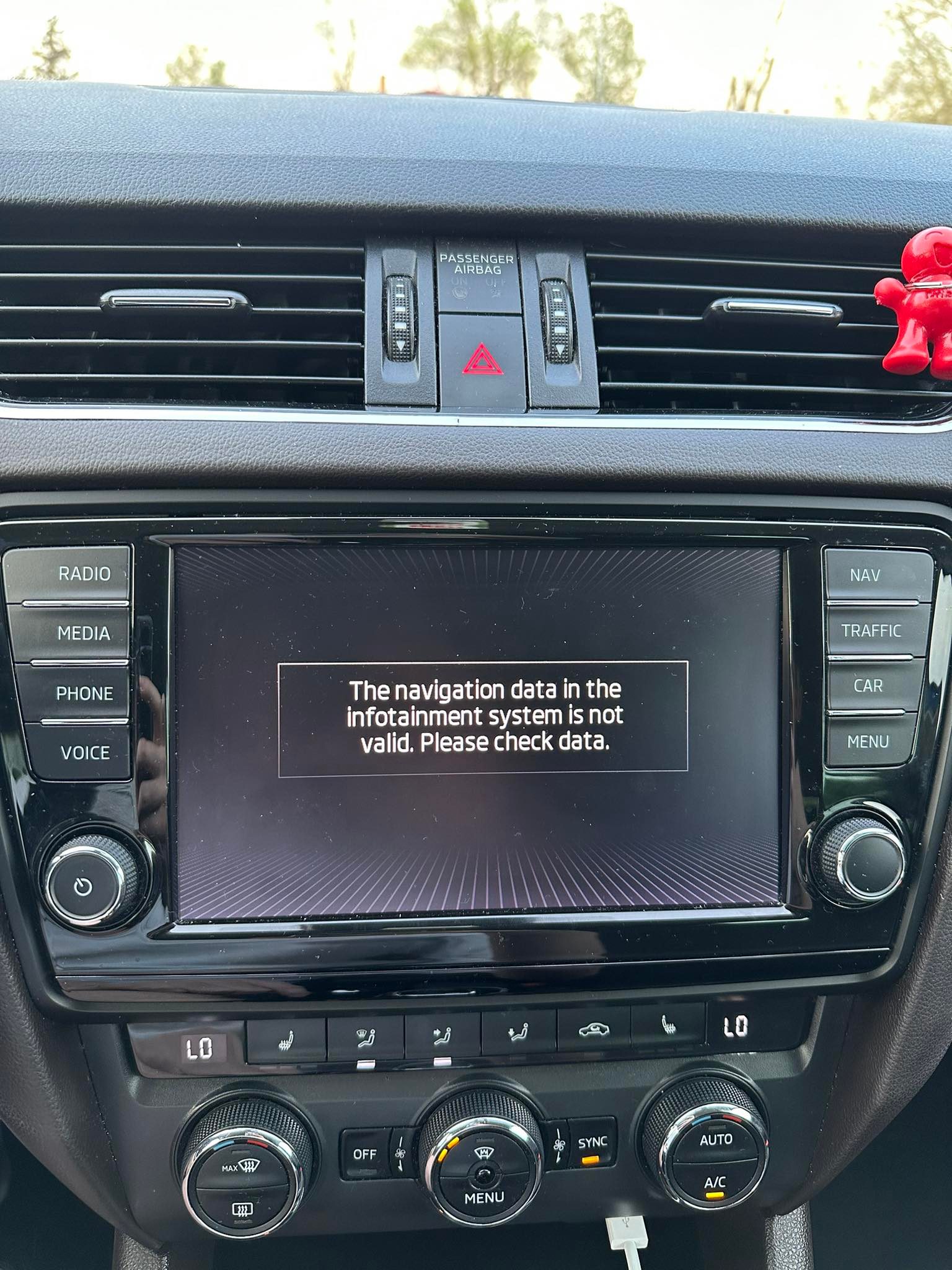
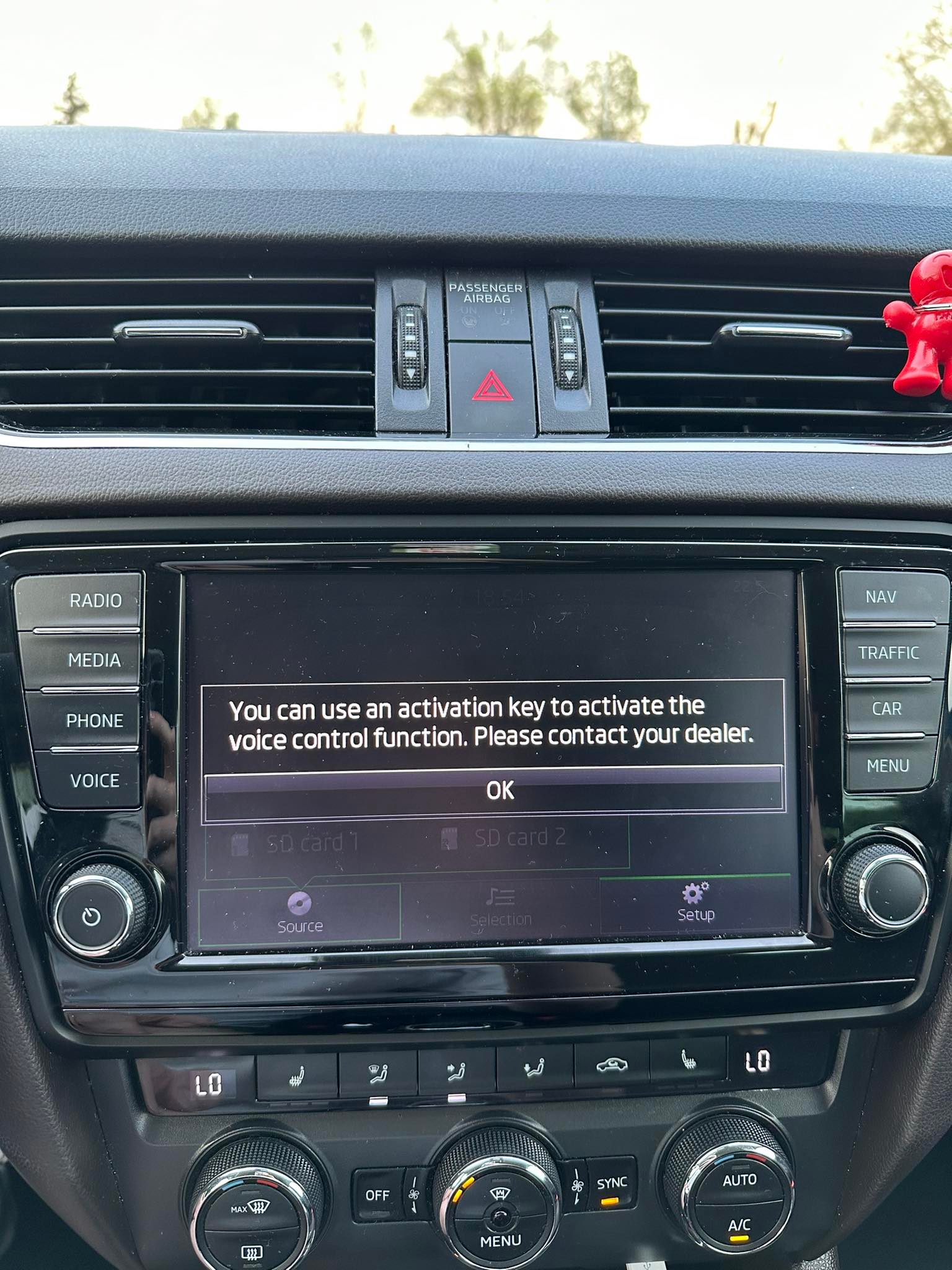
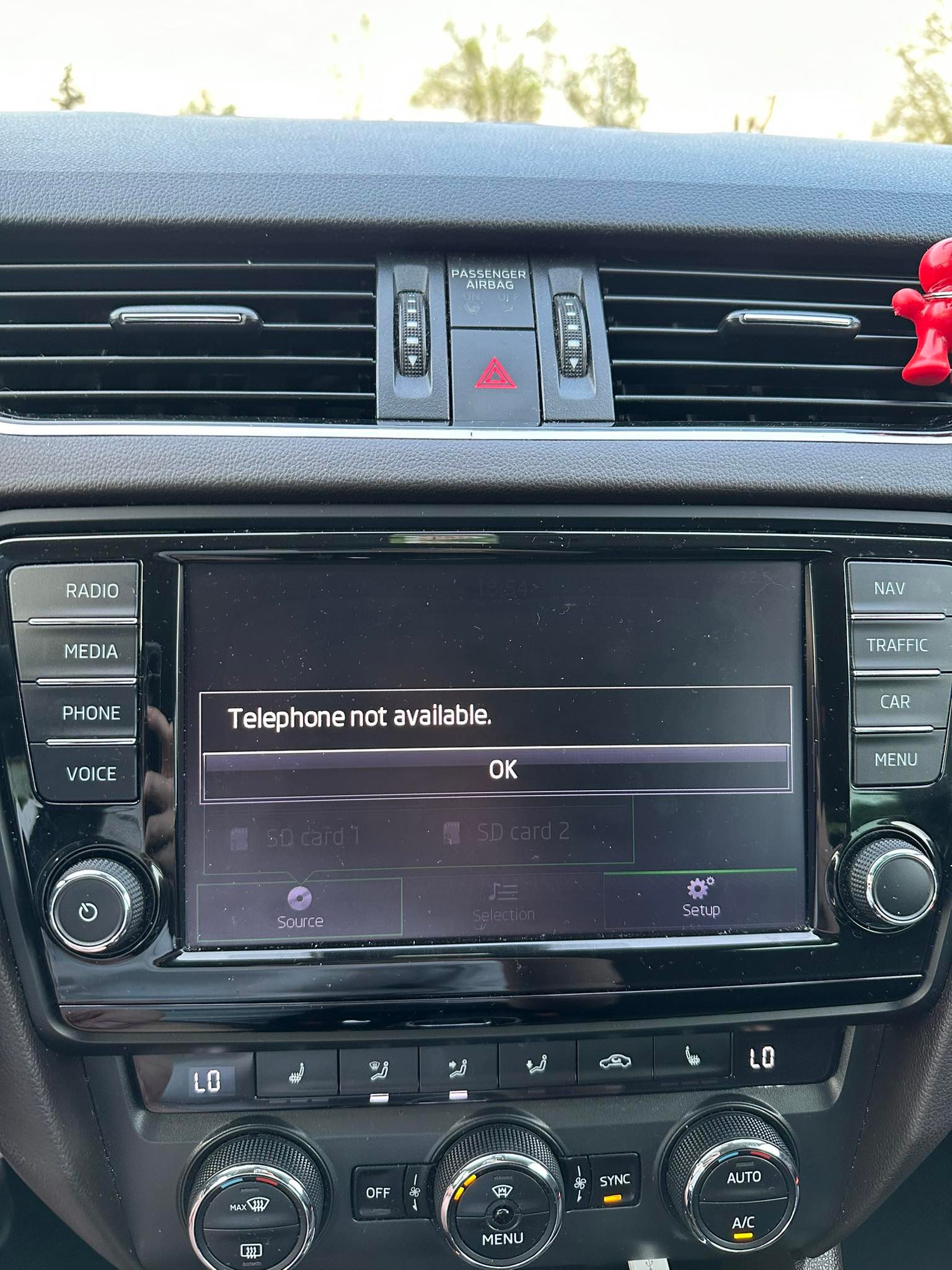
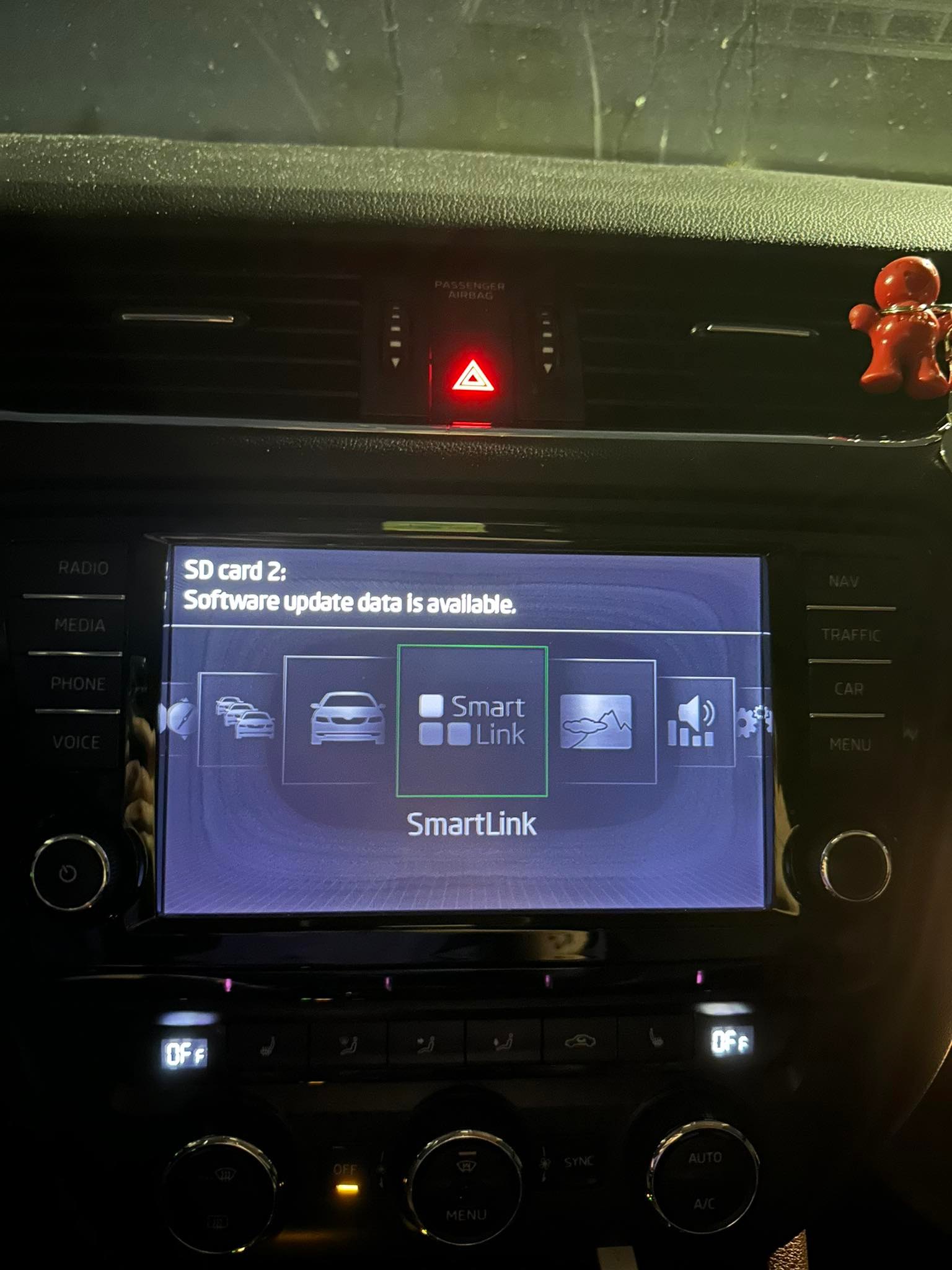
Understood. Just to give you little insights what it says on my screen. On the first image, there was a Bluetooth option before, it's not there anymore. SmartLink is not working as it's asking for actiavation key. ( It worked before without an issue ) So if you see all of this, should I try to update my firmware ? If yes, could you please send me files which to download and a bit of instructions ?
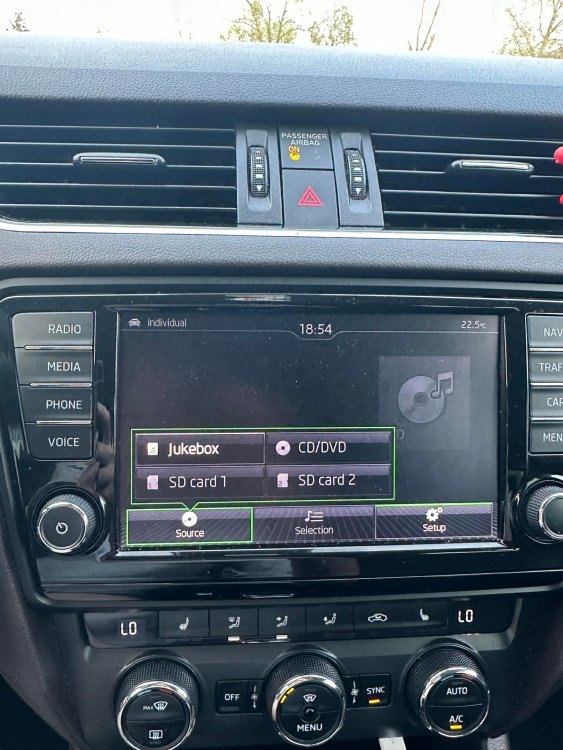
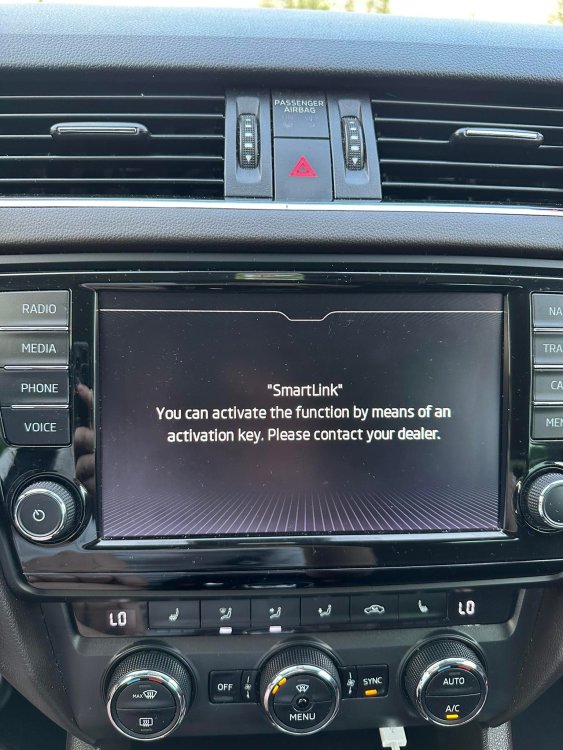
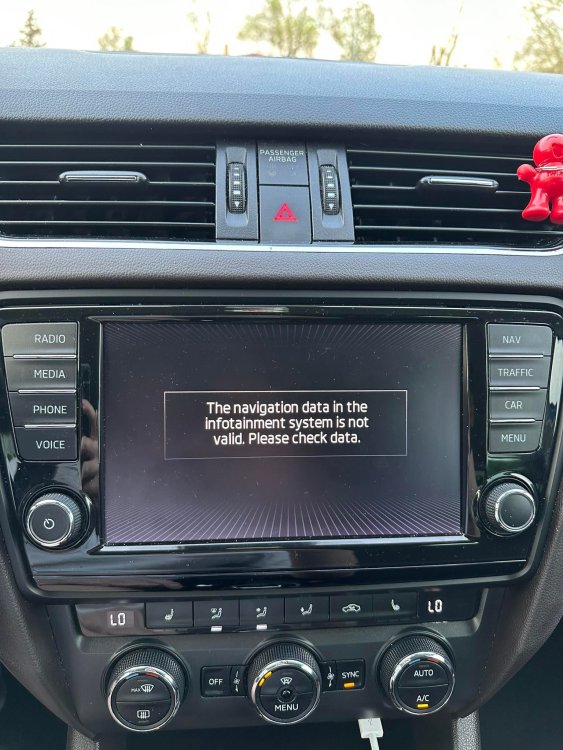
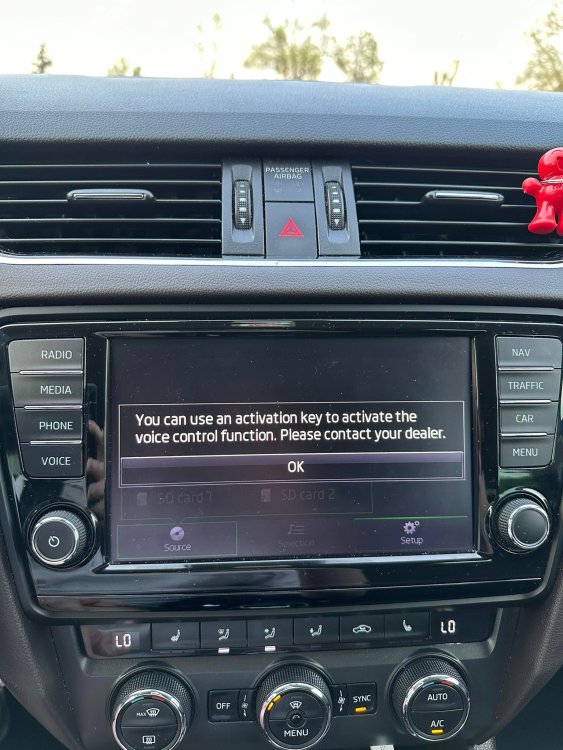
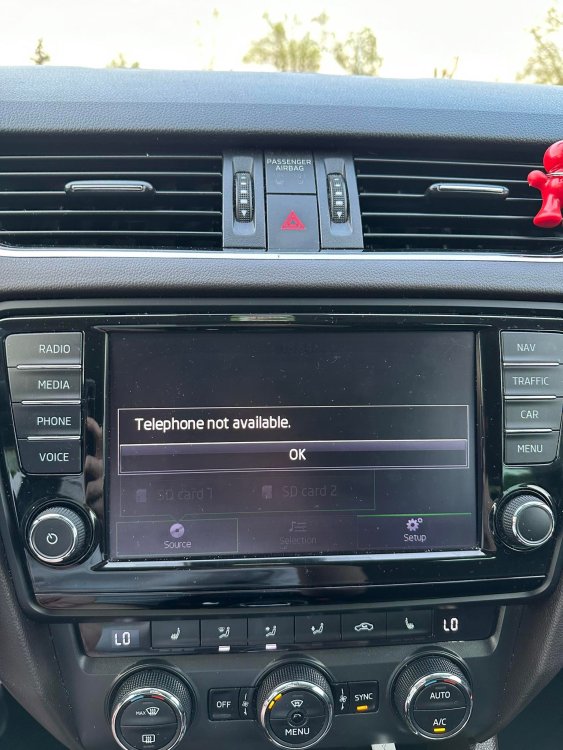
-
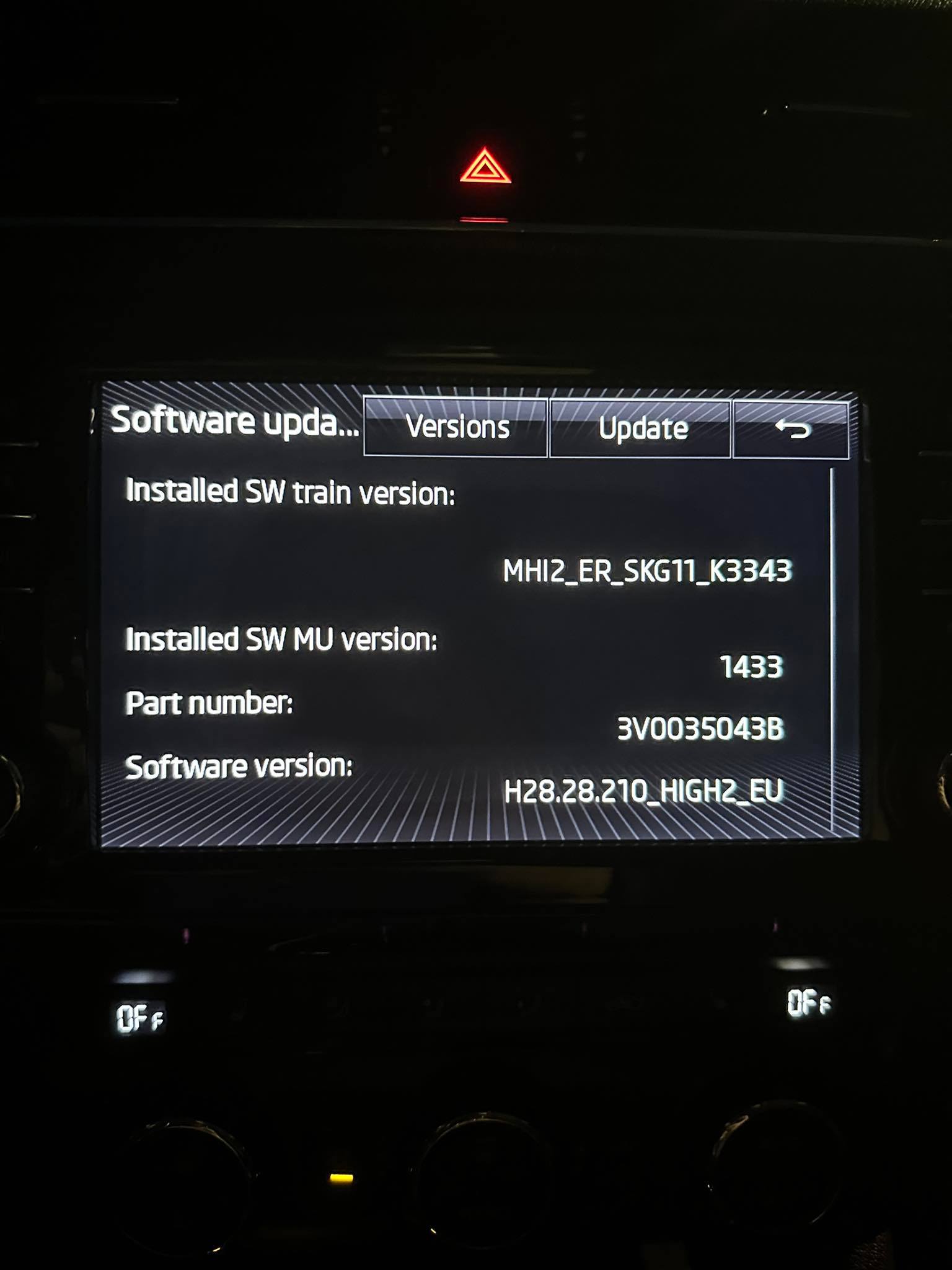
Sorry, my bad. I forgot to mention that I'm trying to update GPS, not firmware. To be exact, I was talking about this page: https://updateportal.skoda-auto.com/en-gb I'm not sure, if my problem is related to GPS update or firmware update, I did neither of those before. Is there a chance, that because I have old firmware update, GPS update is not working properly ?
-
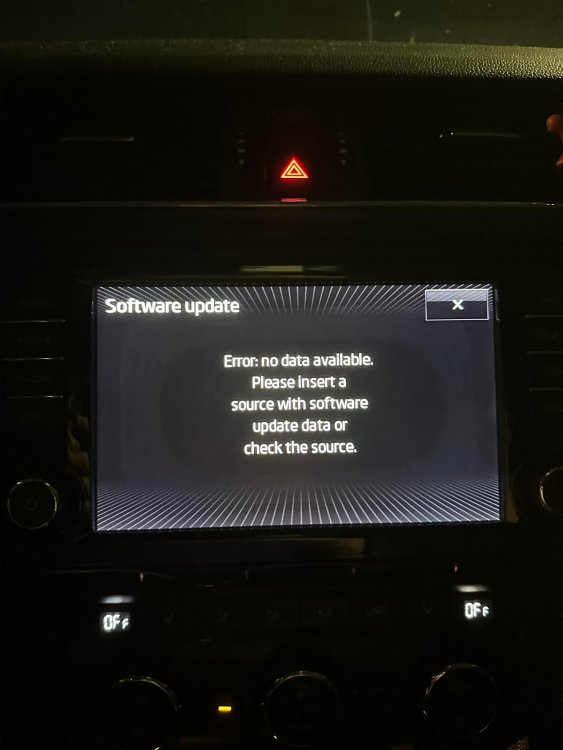
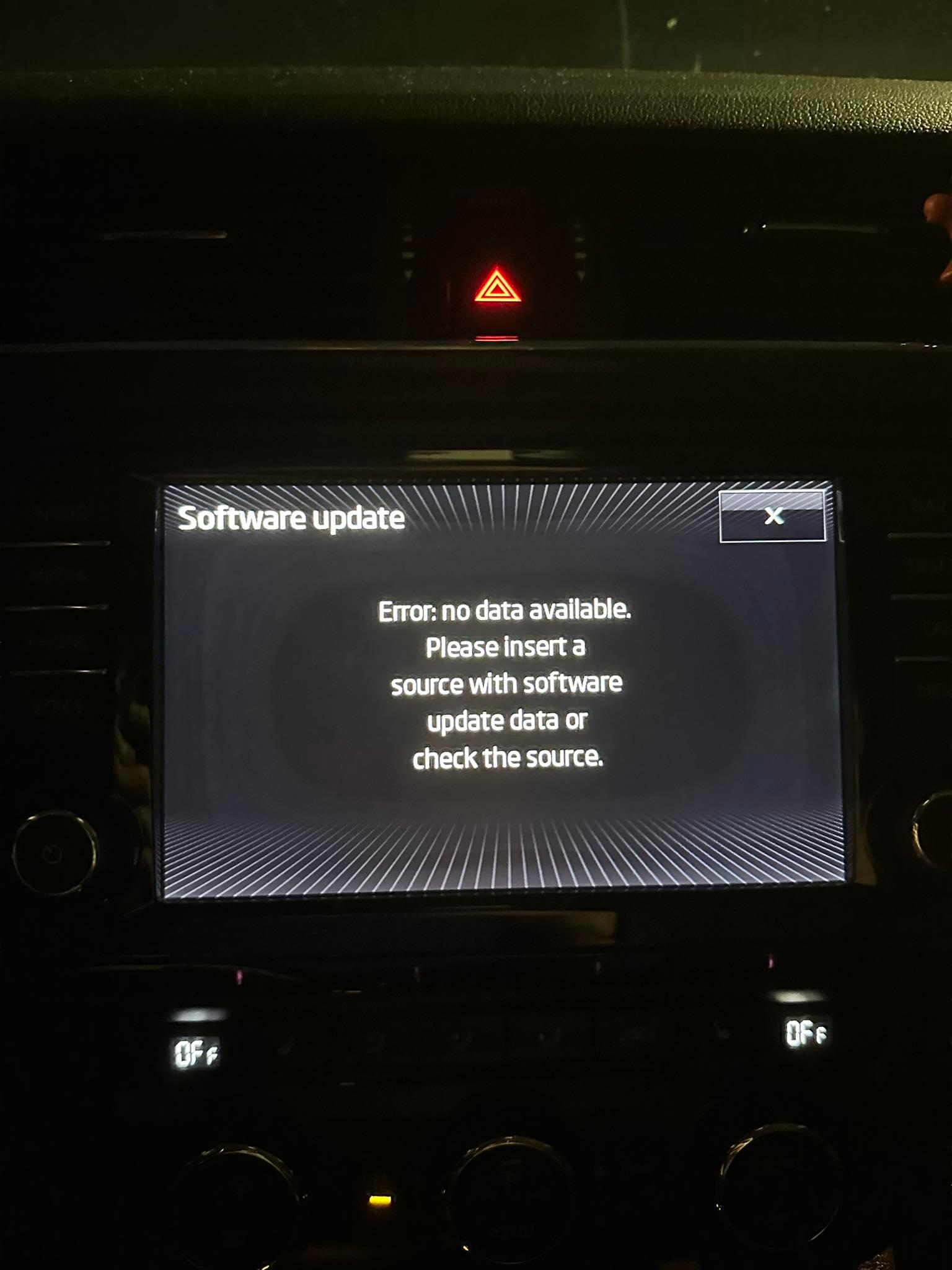
Hey everyone, quick reminder that I'm not native English speaker, so please keep that in mind, I might slip up here and there. My car: Skoda Octavia Mk3, 2015 mod. 2016 Columbus Infontainment Last week, out of nowhere my Smartlink, GPS, Traffic, Phone, Voice and even Bluetooth stopped working. Only working now are DVDs and Radio Stations. I've tried to google something up and I found Skoda Portal, at which you can download actual map files by VIN of your car. Downloaded that in ZIP, bought 64GB Kingston SDXC card, formated it to FAT32 by third party app. Extracted everything from file I've downloaded straight to SD card root with 7zip. Put it in 1st SD card slot in my car, went trough Setting, to Software update, but I have a problem that says: "Error no data available. Please insert a source with software update data or check the source." Tried both SD slots, tried to click on Software update multiple times, but unfortunatelly no success. Saw that you can do the update trough "NAV" button, but as my navigation is not working, I'm unable to access that one. I've also tried: - formating SD card to exFAT, NTFS - same issue - tried to copy files to 32GB FAT32 SD card - wont fit there - tried to copy only MIB1 + text file to root of SD card ( saw this one working for some people ) - same issue - tried to copy content of MIB1 to root of SD card - same issue - tried with USB stick - this one didn't even show up in Infontainment Do you have any idea what is causing this issue ? Any help is really appreciated, as I'm really desperate already.
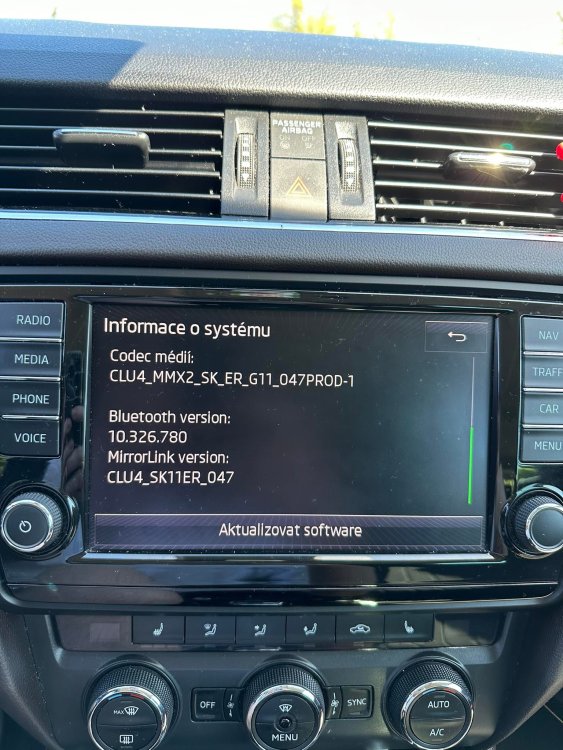

.jpg.76ea46b0b7c75b6c854d9a6746356c52.jpg)