gabic03
New here
-
Joined
-
Last visited
-
Again, with the help of our colleague varooom, who showed me a very simple solution, I also eliminated this problem. Many thanks, varooom!!!
-
Yes, I understand, I will also try the option you proposed. If it worked for others, I hope it works for me too.
-
I read in a post on the ross-tech forum (If it is not right, please a moderator to delete the link - https://forums.ross-tech.com/index.php?threads/31836/#post-267910) that a code should be written for 5F. That's probably how I should proceed, but I don't have that code.
-
Hello! After the Software update, my new version is MEN2_EU_SKGPx_P0080L, MU 8755. When I scanned with VCDS an error code appears, which reappears even after I deleted it. The error: 5F-Information Electr. -- Status: Malfunction 0010 1 Fault Found: 1555 - Check Software Version Management B201A 00 [009] - - Can someone help me make this error code go away? Maybe something needs to be reprogrammed? Thank you. 1. Log-after update software.txt
-
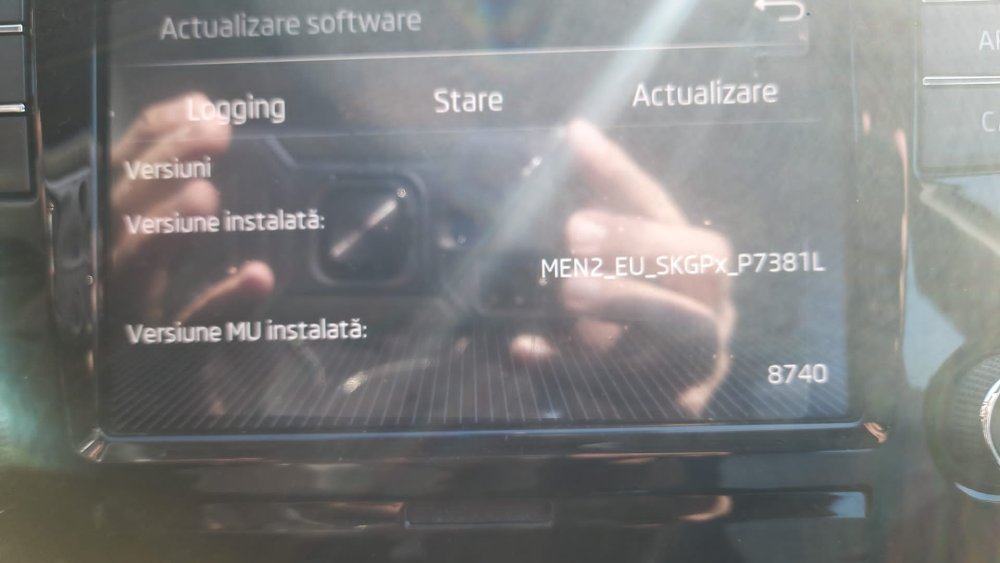
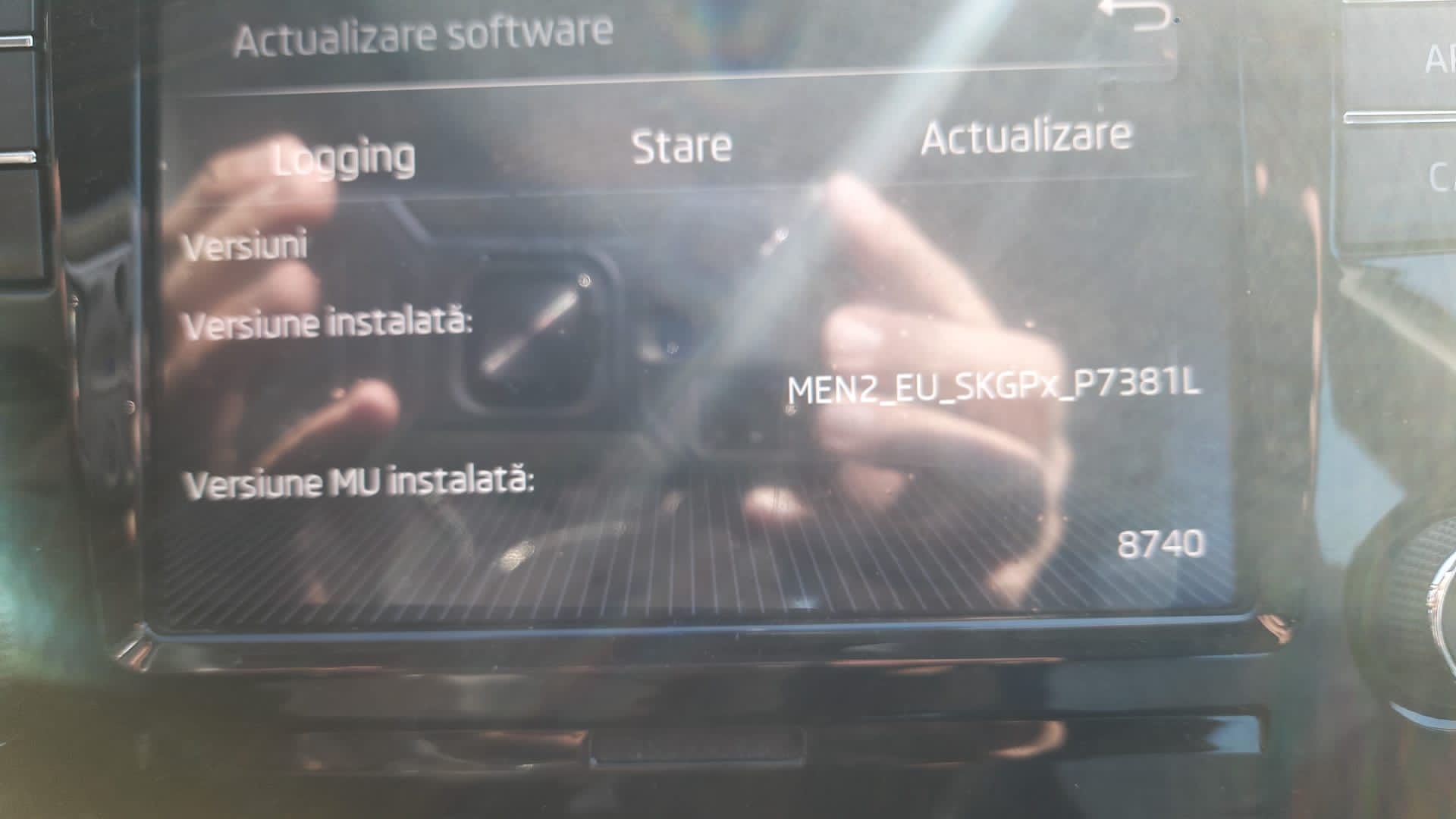
Hello, please can someone help me to send the last update for my infotainment system? The Software update information you wanted is: Installed software version: MEN2_EU_SKGPx_P7381L Installed MU version: 8740 Hardware: 690 Thanks a lot!