MIG029
New here
-
Joined
-
Last visited
-
Hello, Thanks for posting. Nice to see a fellow Belgradian! About the bugs - this is something I'm not really sure about, maybe check if there are any openings where the bug may have come through. For the cold weather and parking sensor, I have the same issue, only when driving in the snow, or heavy rain. The sensors seem to freeze, but then after 3-5 km's driving, it resets and back to normal. I'm guessing cars these days are not built for heavy snow or cold weather. I try to keep my Octavia parked inside to avoid any minus 0 weather because of situations such as these. Hope this helps!
-
@MCG1975 Thank you. I've tried the refresh various times, but unfortunately no luck! Thank you anyway, it definitely looks to be a non-samsung issue. Hopefully it gets better! @SkOmk4 @JugarooThank you so much! The question is, shall I risk the update to fix the contact issue and have my infotainment system restarting?!
-
Thank you so much @Jugaroo! This helps. I will try the application, and let you know. When did you update infotaintment to 1896? Also, what do you mean by restarts of the unit? Thank you
-
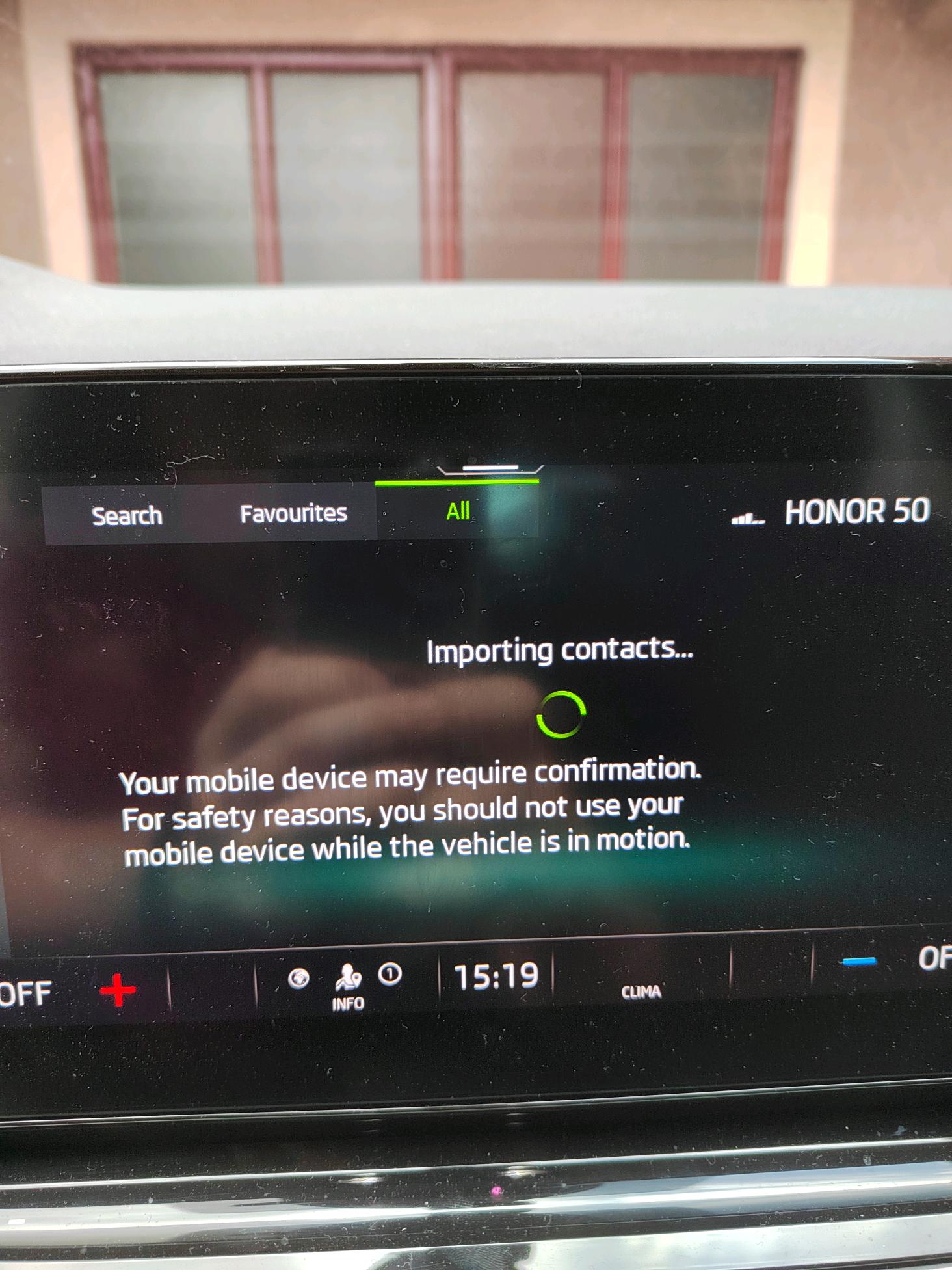
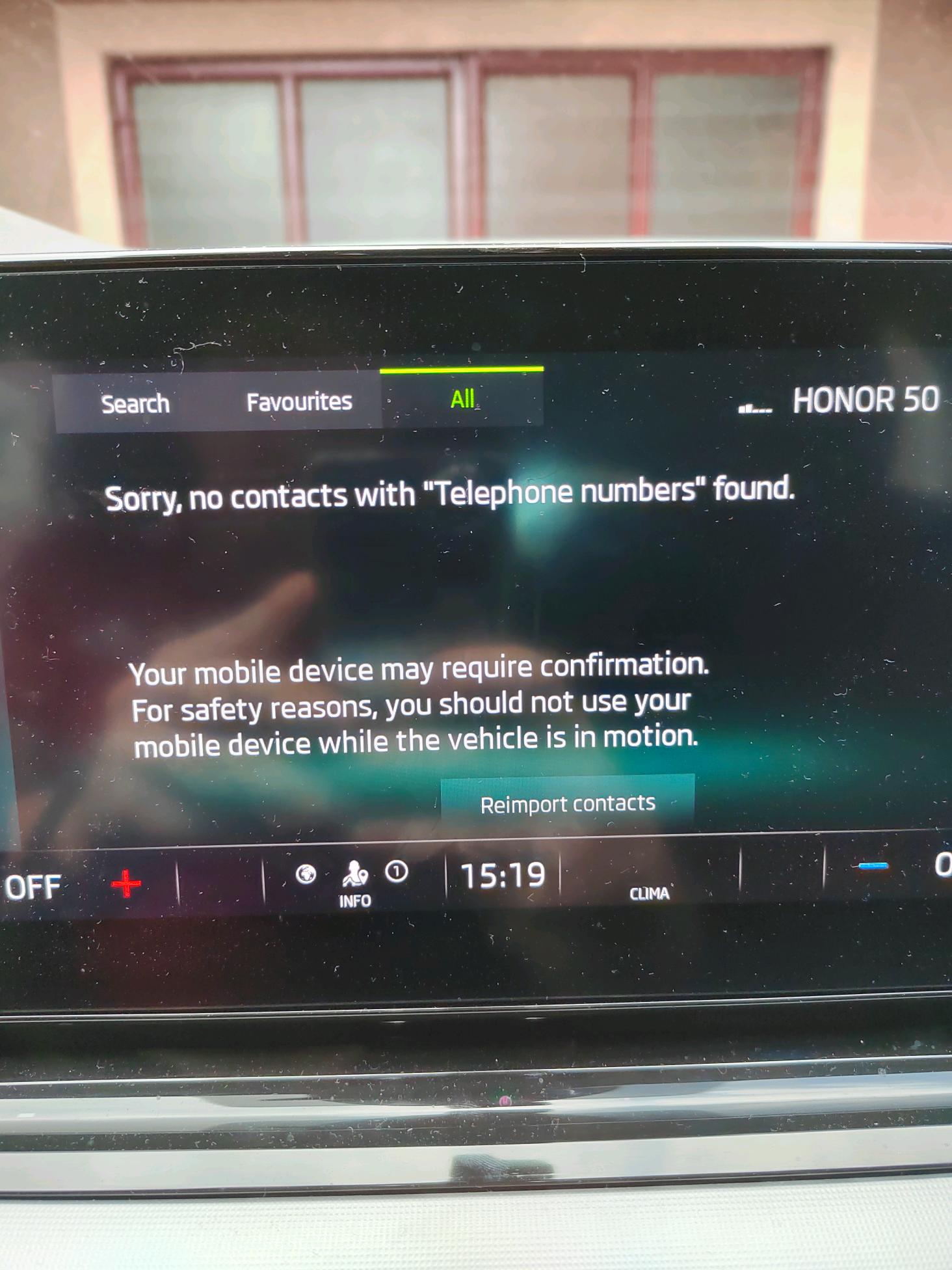
Below are the error messages I'm receiving upon attempting to 'Import or Re-Import Contacts.
-
Hello, newbie here! I've been using my Samsung A71 with no issues, Android Auto, Bluetooth, Contact Sharing worked perfectly. I 'upgraded' to an Honor 50, that has Android Version 12, and now I'm sporadically having issues with either: 1. Not pairing with car bluetooth at all. 2. Not sharing contacts (favourites are visible). Tried to reset networking settings on phone, removed device from bluetooth settings in car, nothing! 3. When it does connect, sometimes it does load the list of contacts, but 95% of the time it doesn't. 4. I've also tried to re-import contacts, I've checked my contact sharing settings via bluetooth on phone - still not able to. Any ideas? Thank you,