Banuff
New here
-
Joined
-
Last visited
Everything posted by Banuff
-
-
I believe I have short on one of the ground/earthing wires for my Skoda Octavia MK2 . When the atmosphere is moist/humid or just rain it’s difficult to start or doesn’t start at all . When it does start a lot of the electronics don’t work or are haywire. Does anyone know where I can get the diagrams for the ground wires so I can check and replace them ? Thanks
-
-
Good Day, I previously posted about a fault here : A bad earth was suggested , I have limited experience with locating these earthing points. Does anyone have a diagram or schematic with all the locations of the earth wires ? Thank you in advance.
-
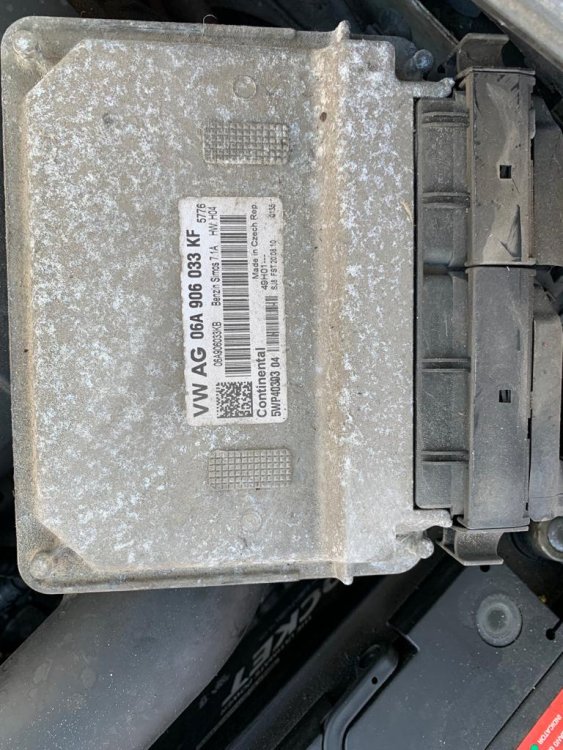
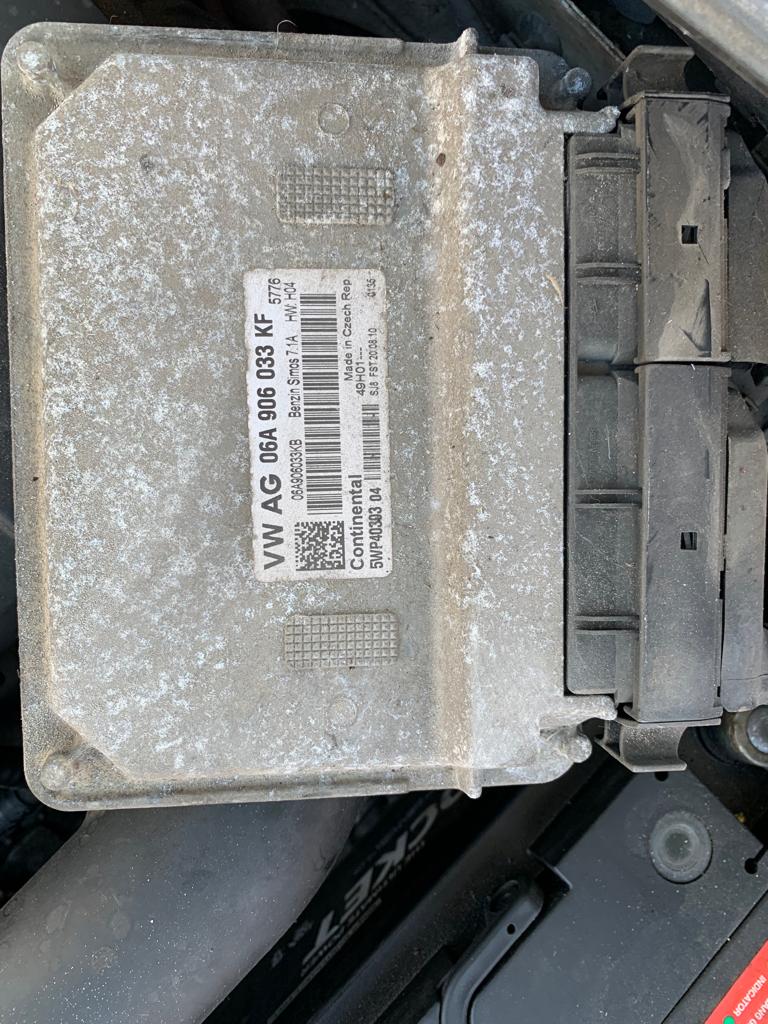
I have a Skoda Octavia Mk2 2011 . I have been receiving some weird electrical problems . Sometimes all the headlights and taillights work , other times some work and others don't . I've changed many fuses but it doesn't resolve the issue. Sometimes none of the electrical works properly . I'd start the vehicle in the morning. Get many beeps coming from the dash . The gauges will be fluctuating , many caution and warning lights . I might drive to my destination and start and it works normal . A few days later the engine will turn over for a split second , the beeps will emit from the dash again . It wouldn't start again probably until a month later . Any suggestions or advice . Based on my investigation there are parts of the wire harness from the ECU and going to the ABS unit with electrical tape on it . My dad purchased this car from someone . Any help would be appreciated.thank you in advance dad44313-7d6f-494d-8a1b-9467daad6228.mp4