




Umrelllaski
Finding my way
-
Joined
-
Last visited
-
Morning guys, went to my car yesterday (2013 Octavia MK3 1.6 TDI) and noticed a huge puddle under the front of the car, coolant tank completely empty, and saw the liquid dripping from just behind the belt. Does this look like the water pump needs replacing to you guys?
-
Thanks dude much appreciated:)
-
Well if there is someone on here who could give me a quote I'd be definitely interested in hearing from them, welcome to DM me, I'm very interested in having this done asap
-
I wasn't sure because obviously the features that are on the current unit give you control over some of the car features and show you errors with the car etc. Also I wasn't sure what the costs difference would be. What do I search when I'm looking for one that will fit the car, android and mib 2?
-
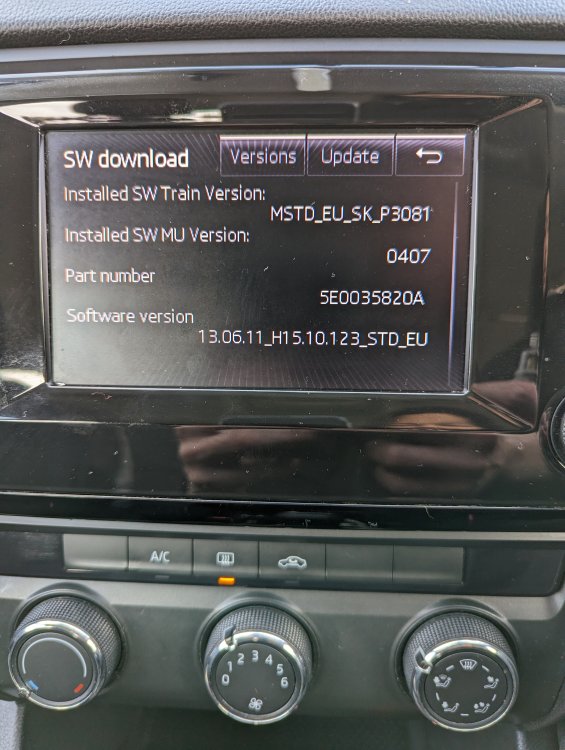
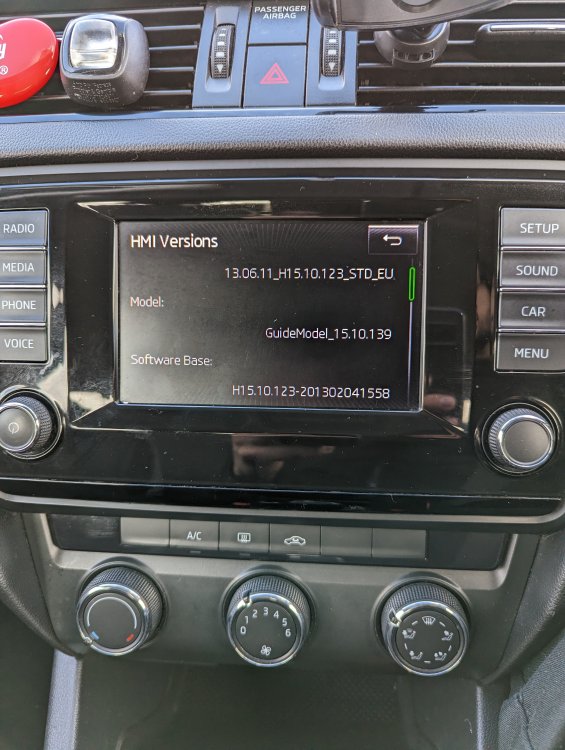
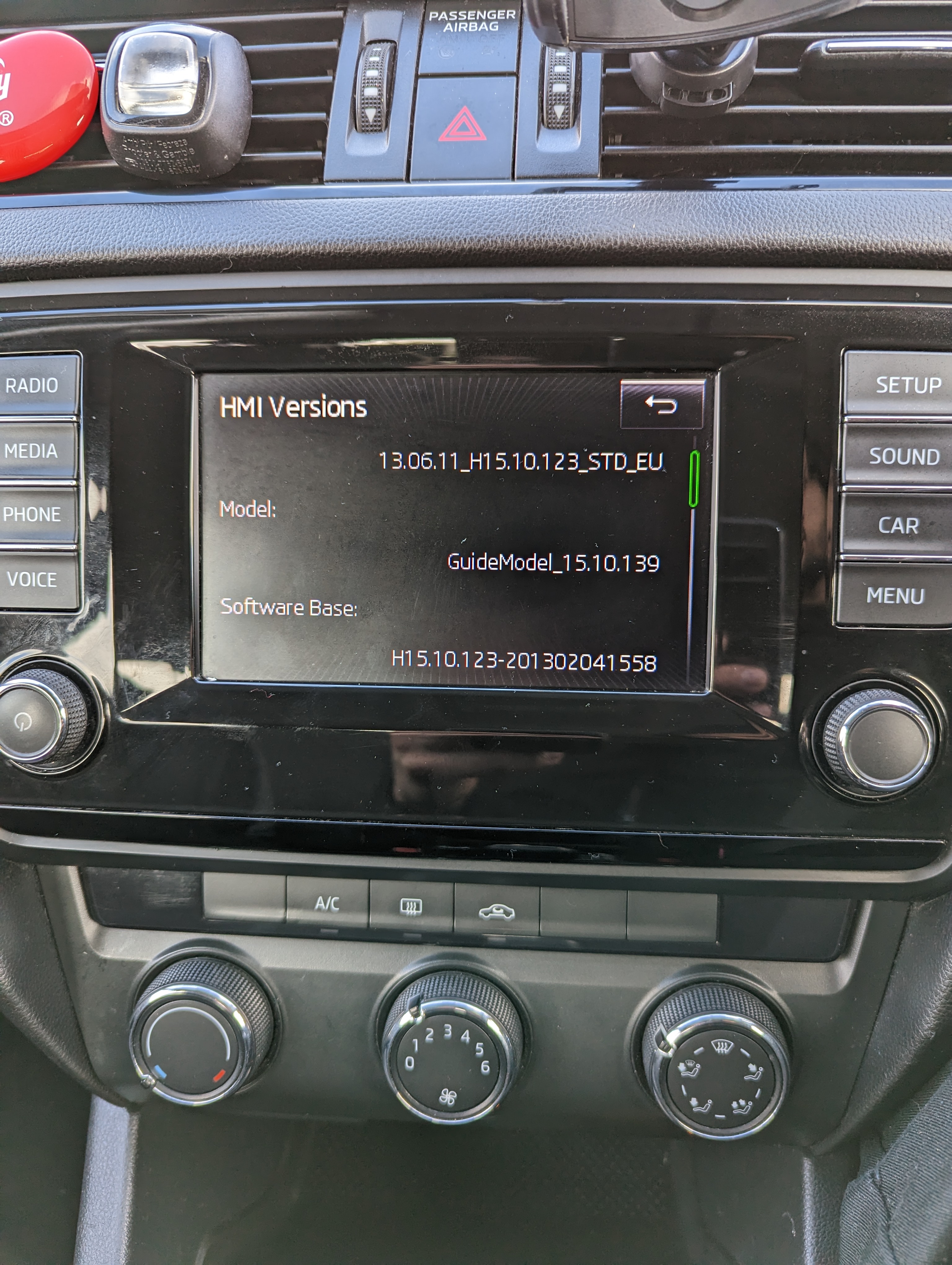
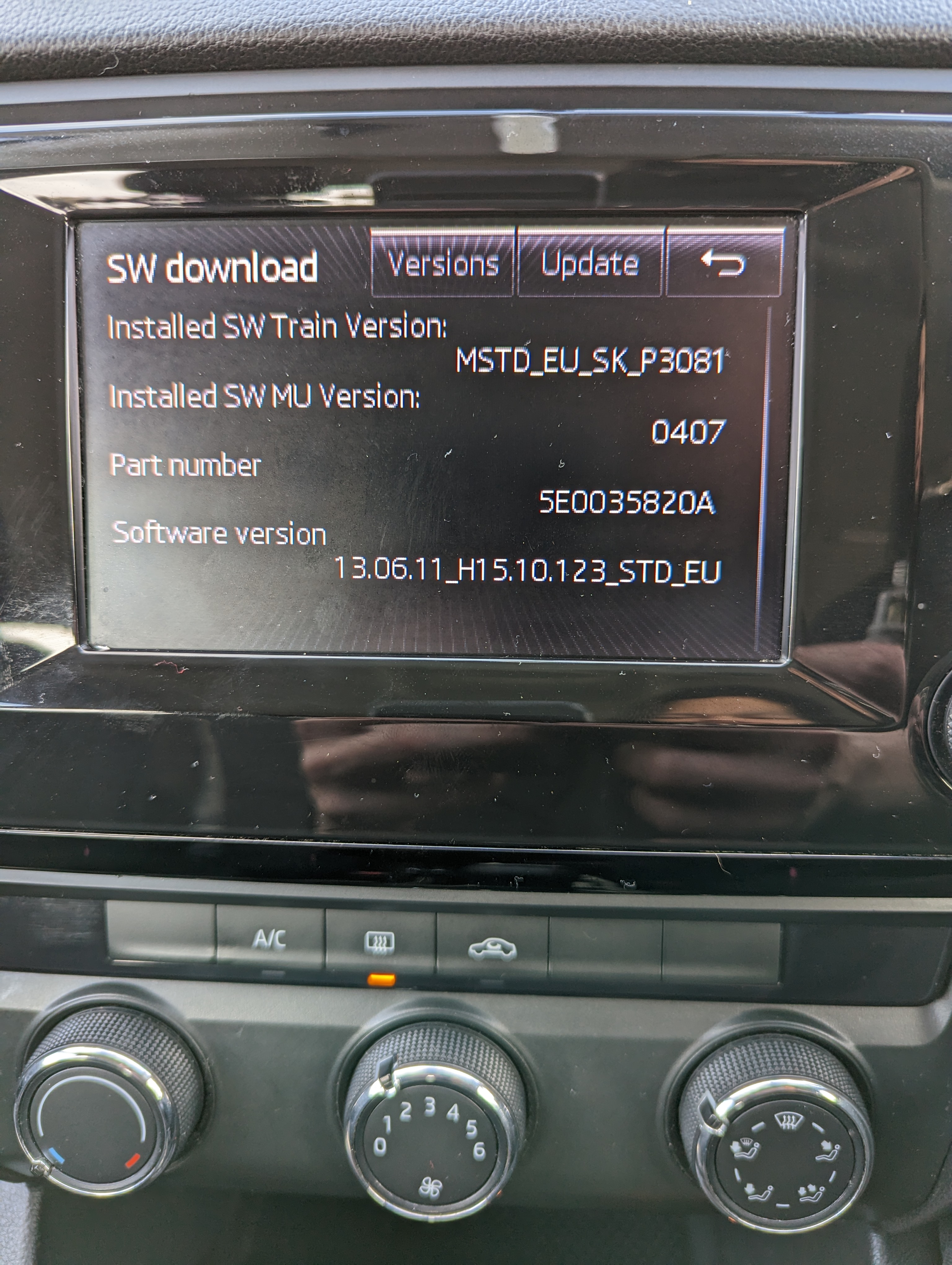
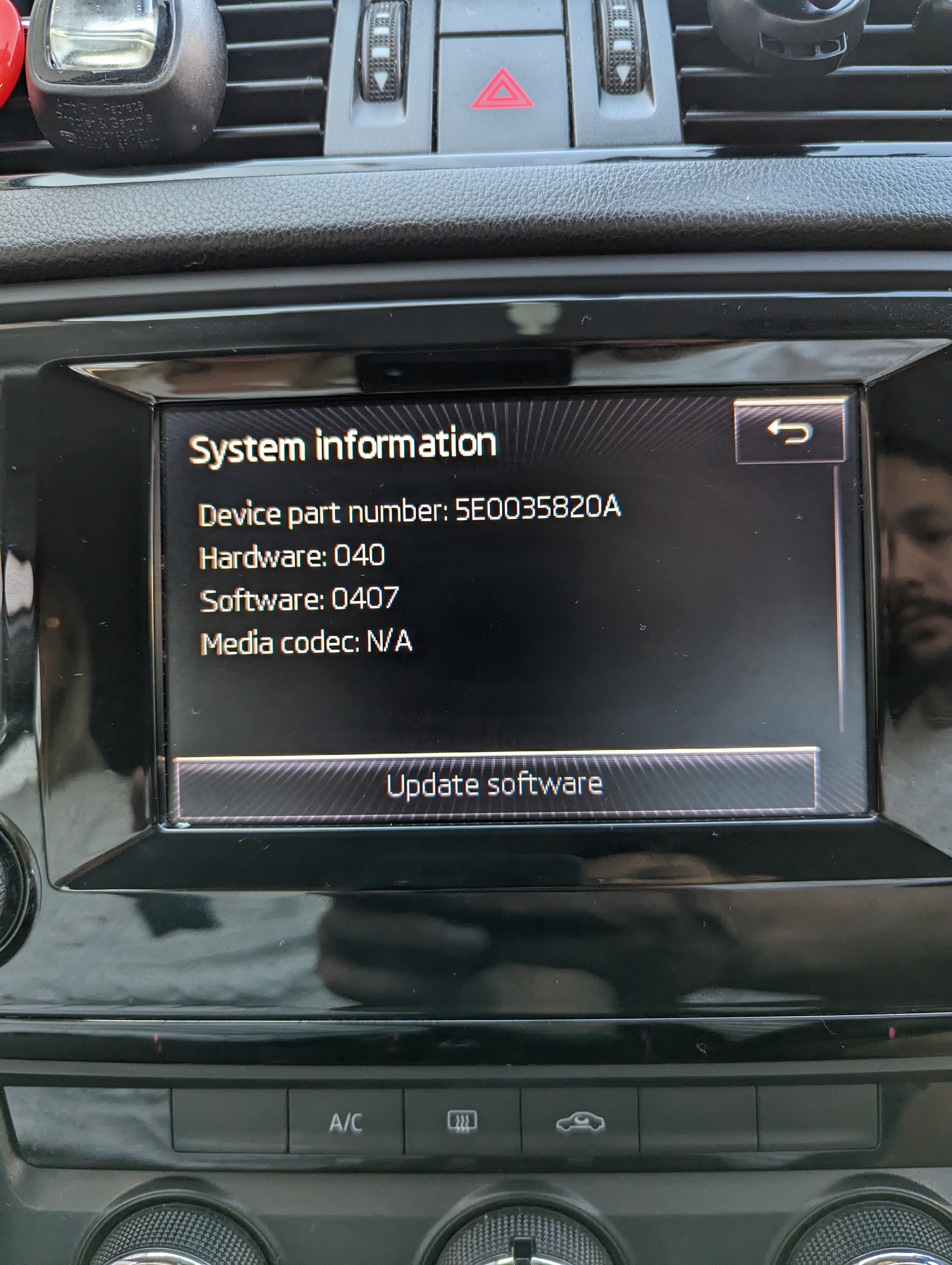
Hello everyone, I've seen you on a few posts regarding the head units for Skodas, I have a 2013 1.6 Octy with a basic head unit, mib1 I believe, no satnav I just have dab, I'm just wondering what my options are for upgrading the unit? I've seen android head units that look nice and also seen some people have upgraded to mib2 as well, just looking for some advice on what options I have for upgrading? I have attached the info from my current device below Thanks in advance, Christian
-
Thank you dude, you are the best! ❤️
-
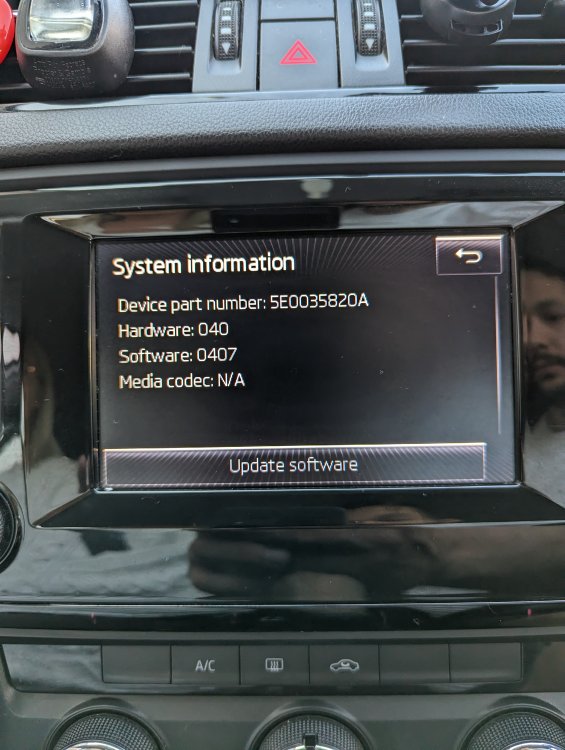
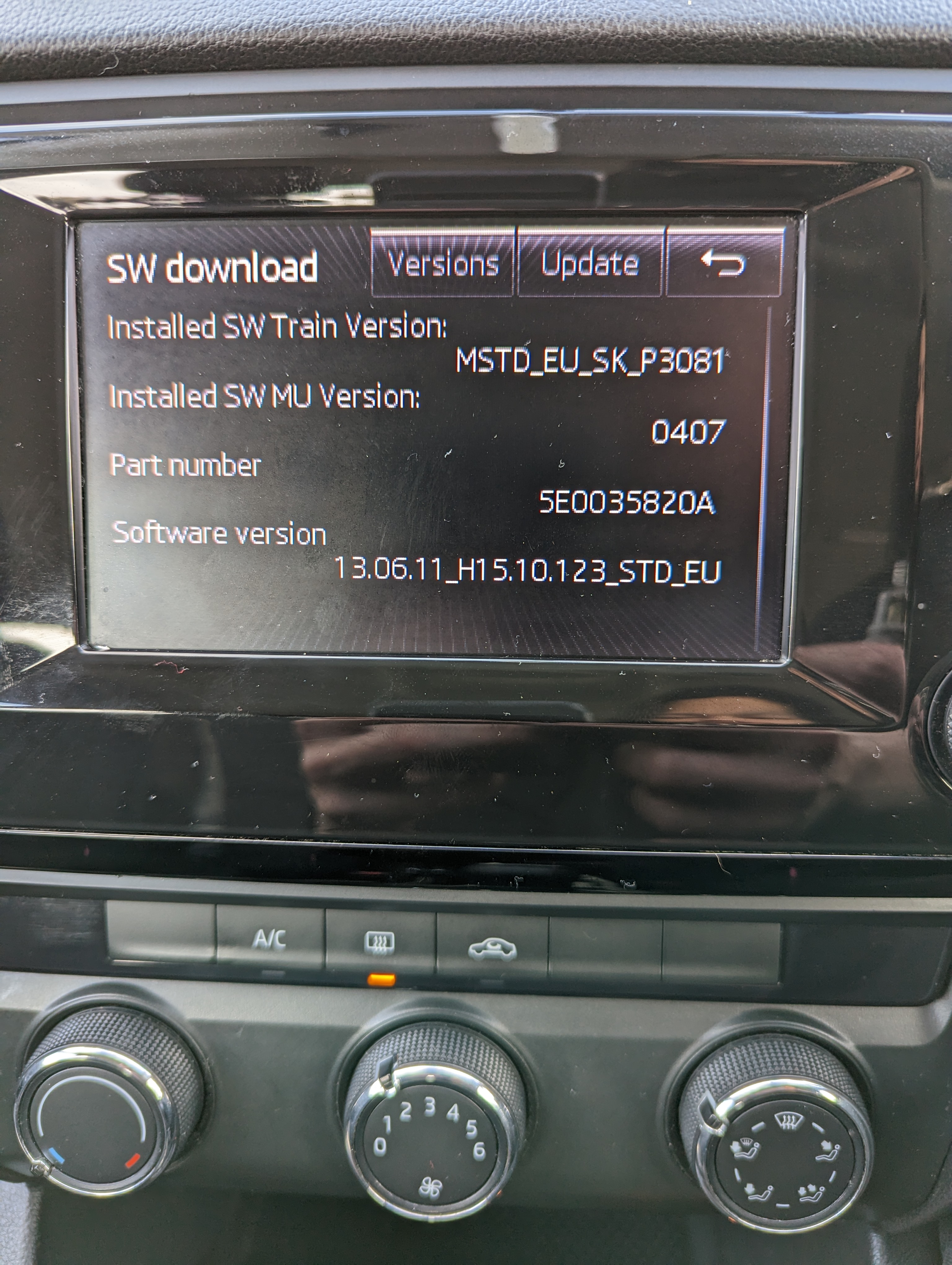
Thanks for replying so quickly I really appreciate it What do you mean it will add +83? Is it something I can download on here? I'm new here as I only got the car today so is it easy to install?Hey, just picked up a 2013 Skoda Octavia SE TDI 140 model today and just wondering if there is a software update available? If so what would it add/change?

Important Information
Welcome to BRISKODA. Please note the following important links Terms of Use. We have a comprehensive Privacy Policy. We have placed cookies on your device to help make this website better. You can adjust your cookie settings, otherwise we'll assume you're okay to continue.