Thefastsnail
New here
-
Joined
-
Last visited
-
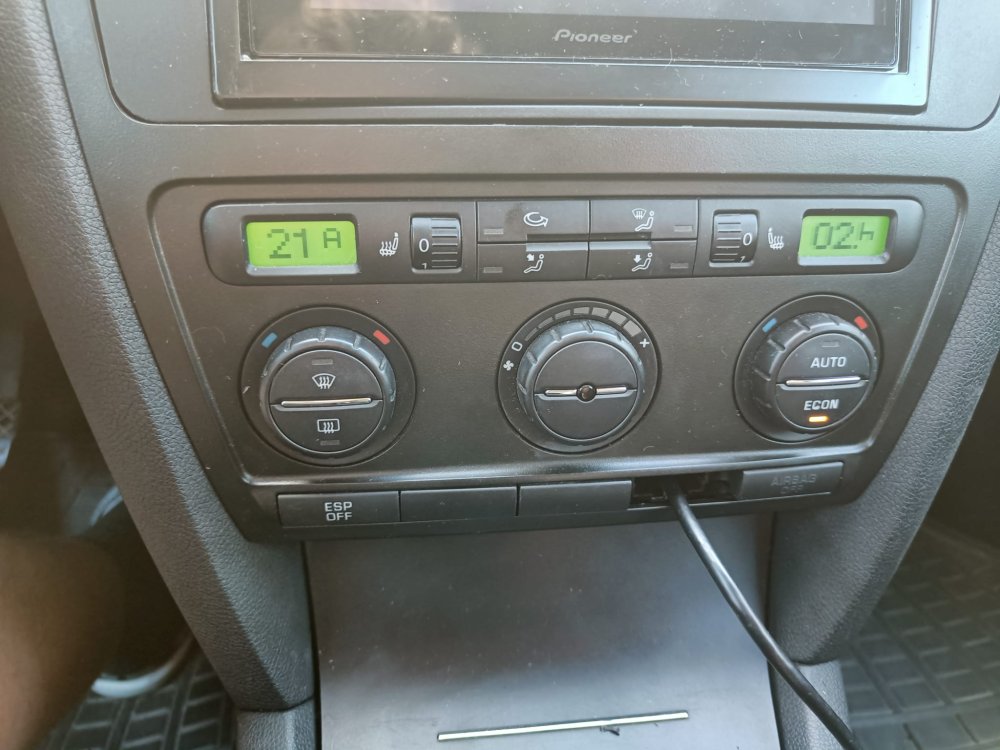
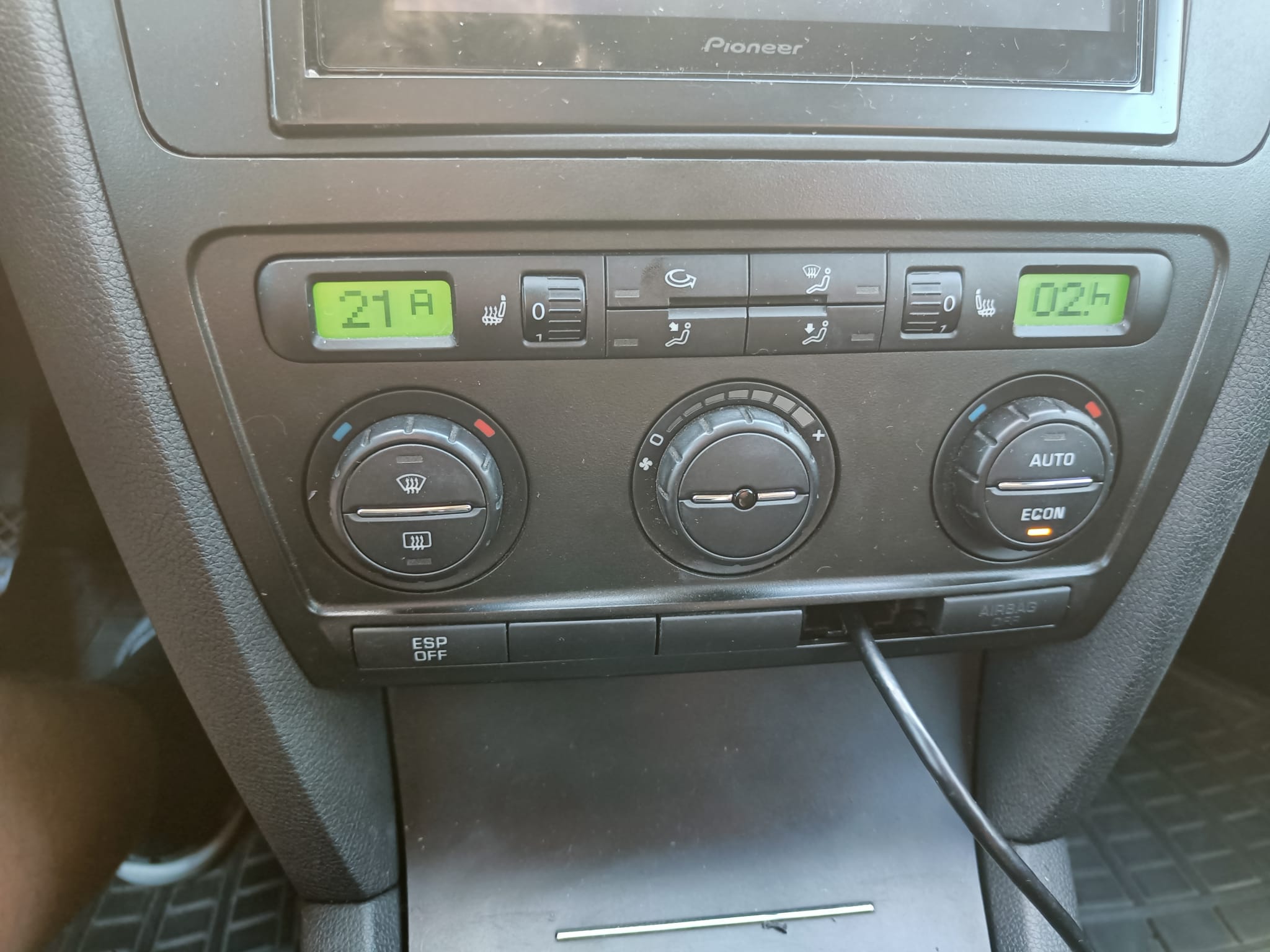
Hi, I have some problem with my A/C in my Skoda, the compressor clutch is not activating so I don't get any cold air blowing. I went to a mechanic for an A/C service and emptied, checked for leaks and refilled the system with freons. No leaks where found in the system. I tried turning on the A/C but the compressor clutch did still not activate. Then I did some googling and found out that by holding in the ECON button and the recirculation button for a few seconds would give some error codes in hexadecimal form. On the left LCD screen I got 21A which I calculated to be 00538 in decimal and seems to be some reference voltage issue. On the right screen I got 02.h, I don't know what this code means since I think it equates to 2 in decimal form and I believe that the h stands for hexadecimal but I'm not sure on this one. Does anyone know what the 02.h means? I checked the power connector going to the compressor with an simple volt tester and it has power. I only found one pressure sensor for the A/C and it has 3 wires going to the connector, only one had power but my volt tester is referenced to measure between 6-24V. I just ordered a multimeter for better measurements. And yes I have checked all the fuses a thousand times I don't think there are any relays for the climate system in my car model. If there is anyone that have had a similar problem or knowledge of the issue please feel free to enlighten me.