
alpaca
New here
-
Joined
-
Last visited
-
Hiya folks! I'm looking to put a RNS510 into my '09 Superb Vr6, or well - have already tried (and drained the battery lol). Would this be due to an old CAN BUS? Mine is 1K0907530S SW 0210 I'm wondering if there is any specific CAN BUS that is recommended? I've done some digging and found a 7N0907530BA from 2015, but I've seen some whisperings that these may not be fully compatible with older VAG cars? something about steering angle sensors (albeit on a MK5 Golf GTI forum, so may be different) I have OBD11 Pro so I (think) I can do any necessary coding Any advice would be much appreciated, as I would love to use my steering wheel controls haha
-
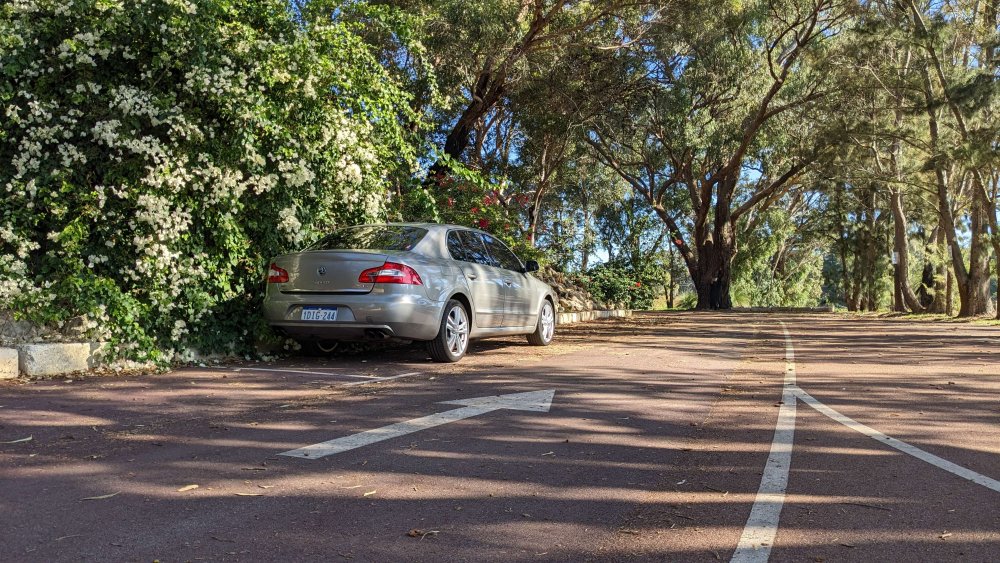
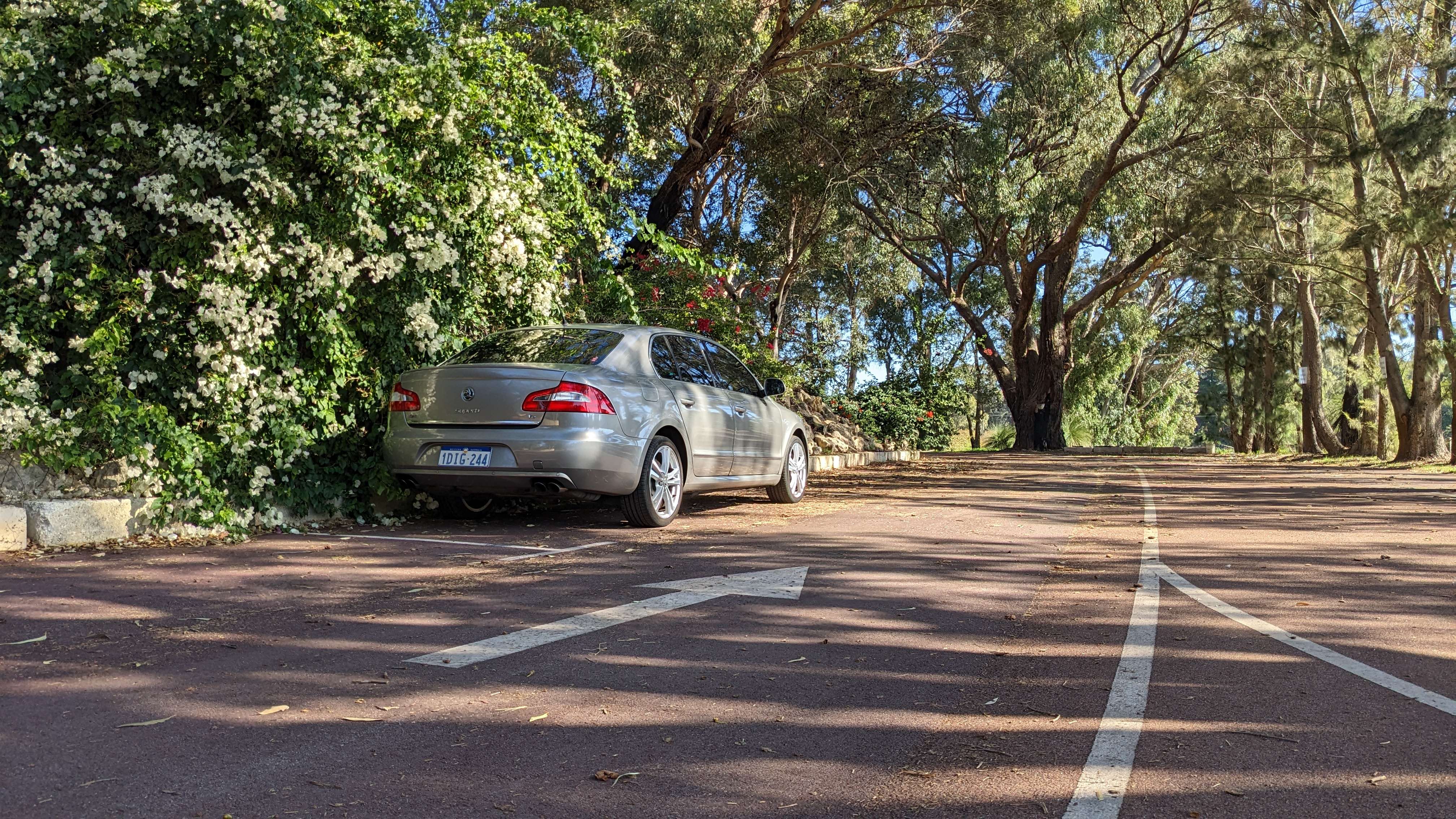
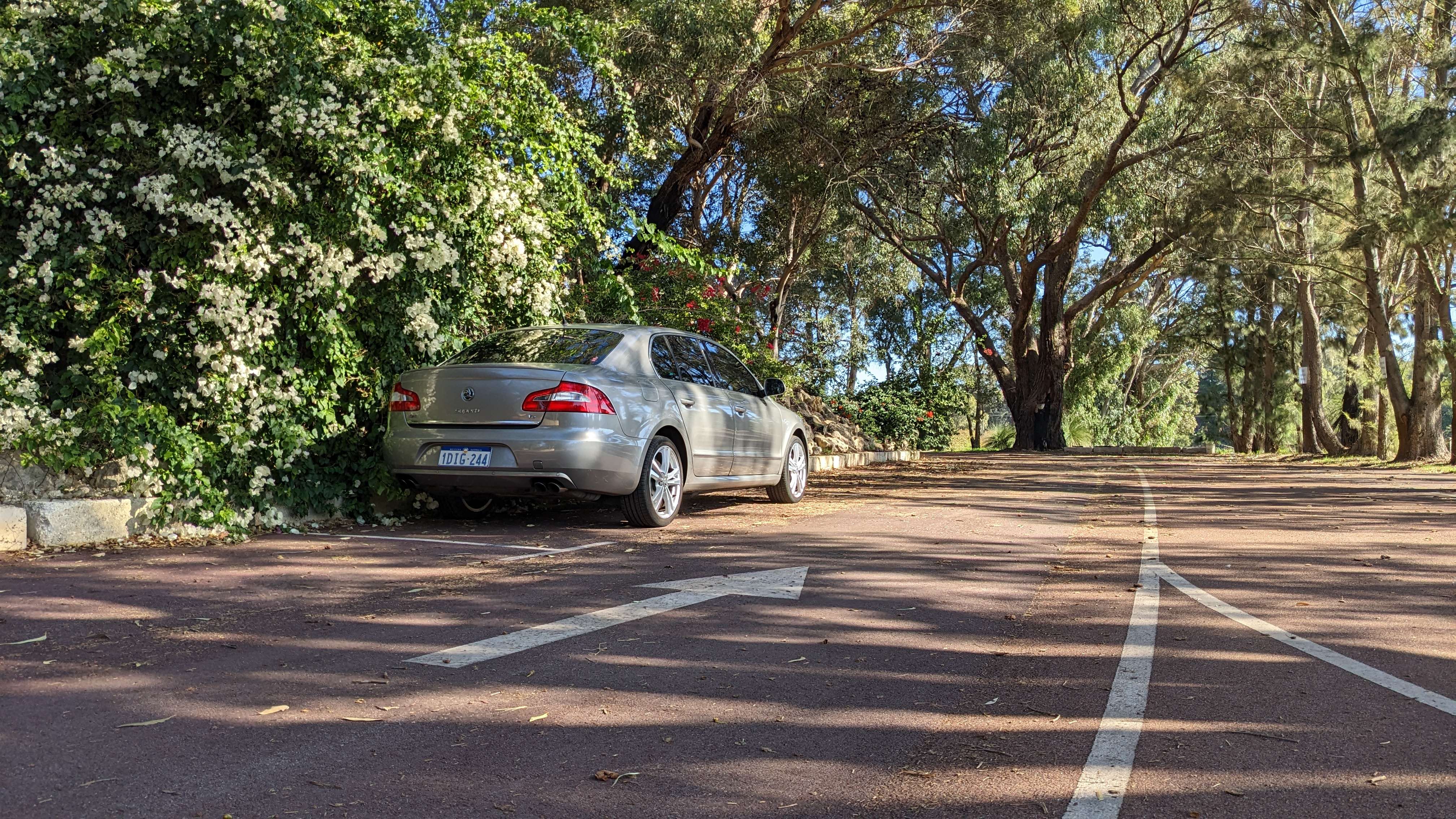
howdy 🤓 I actually tried my brothers octavia (2017?) out before I even started looking for my own, the moment I saw this one listed online I knew I had to have it. Awesome to hear that you also had some fun with your own superb! I couldn't get a mark one if I tried, they didn't sell them in Australia until the mark two haha
-
Just joining BriSkoda now, I've been learning new things from the smarties in here about almost everything Superb 3T oriented haha. I Bought my 3T 3.6V6 about a month ago and its been so nice to drive. Sure, fuel may be more expensive than it was in my little hatchback - but I love going anywhere in this. I've been doing work to the radio (Bought an RNS510, 9W7 and hopefully soon an AMP) and im hoping to bring her back to factory perfect. I'm hoping to be here for a while, so get used to my rambles or run away while you still can!