



Skip to content

mohb87

Finding my way
  • Joined

  • Last visited

  1. Updated and works well Thanks a lot @varooom
  2. That would be great! What do I need to provide to get the software update? And do I need to update at once or do it in couple of stages? Thanks!
  3. @varooomcan you please help me with this? Many thanks!!
  4. @Raineshgood morning Any chance there is an update to this version? Many thanks!!
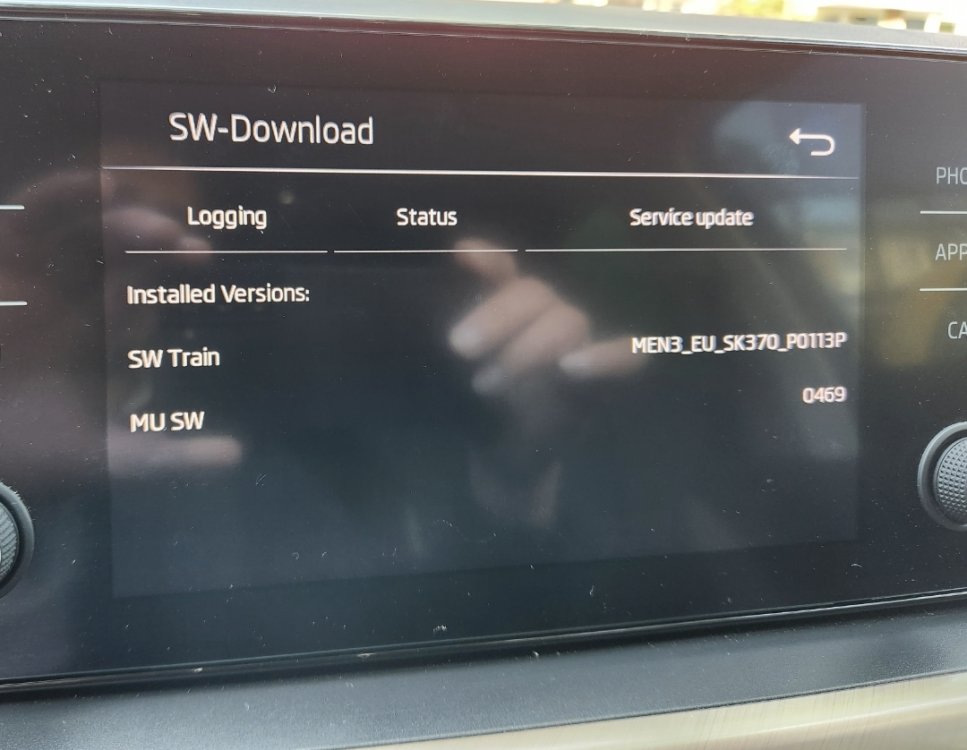
  5. Sorry I just realized. Here is it again from Scala 2019
  6. @Rainesh good afternoon Can you please help with telling if therw is an update yo my scala 20230610_092035.heic

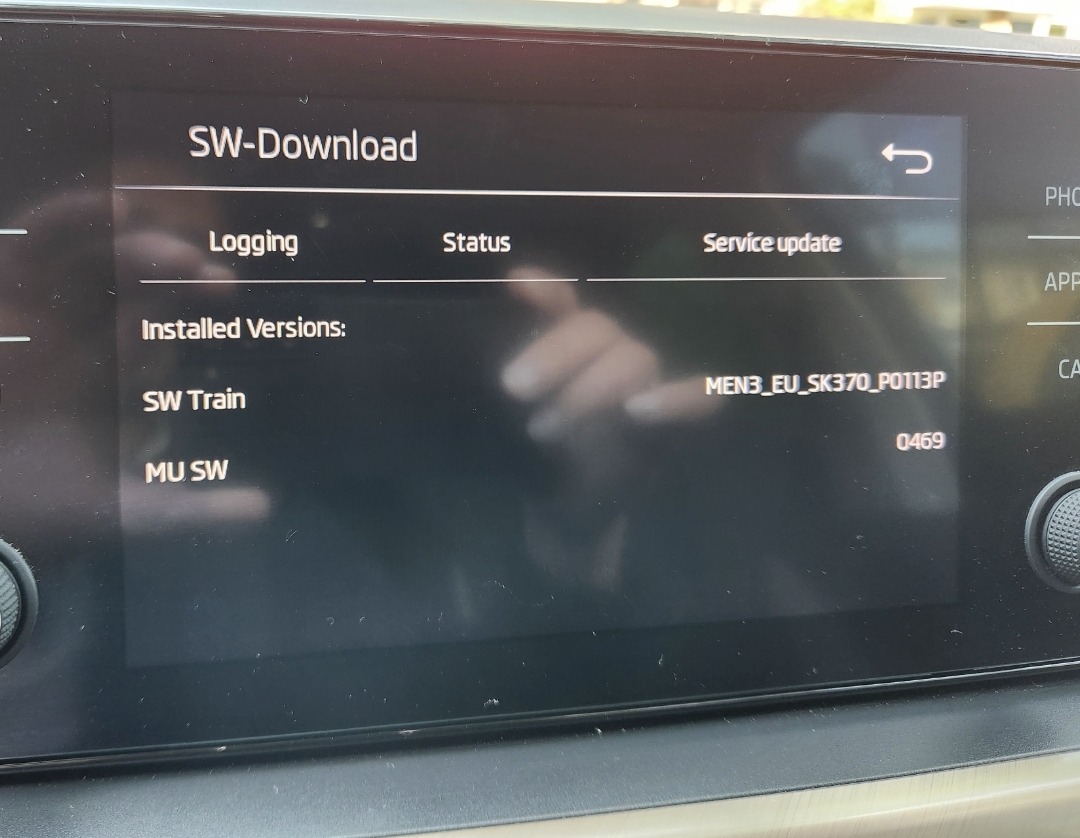
Important Information

Welcome to BRISKODA. Please note the following important links Terms of Use. We have a comprehensive Privacy Policy. We have placed cookies on your device to help make this website better. You can adjust your cookie settings, otherwise we'll assume you're okay to continue.

Account

Navigation

Configure browser push notifications

Chrome (Android)
  1. Tap the lock icon next to the address bar.
  2. Tap Permissions → Notifications.
  3. Adjust your preference.
Chrome (Desktop)
  1. Click the padlock icon in the address bar.
  2. Select Site settings.
  3. Find Notifications and adjust your preference.