Jose_281
New here
-
Joined
-
Last visited
-
I think the latest link just reached 30 days and expired. Can anyone upload again?
-
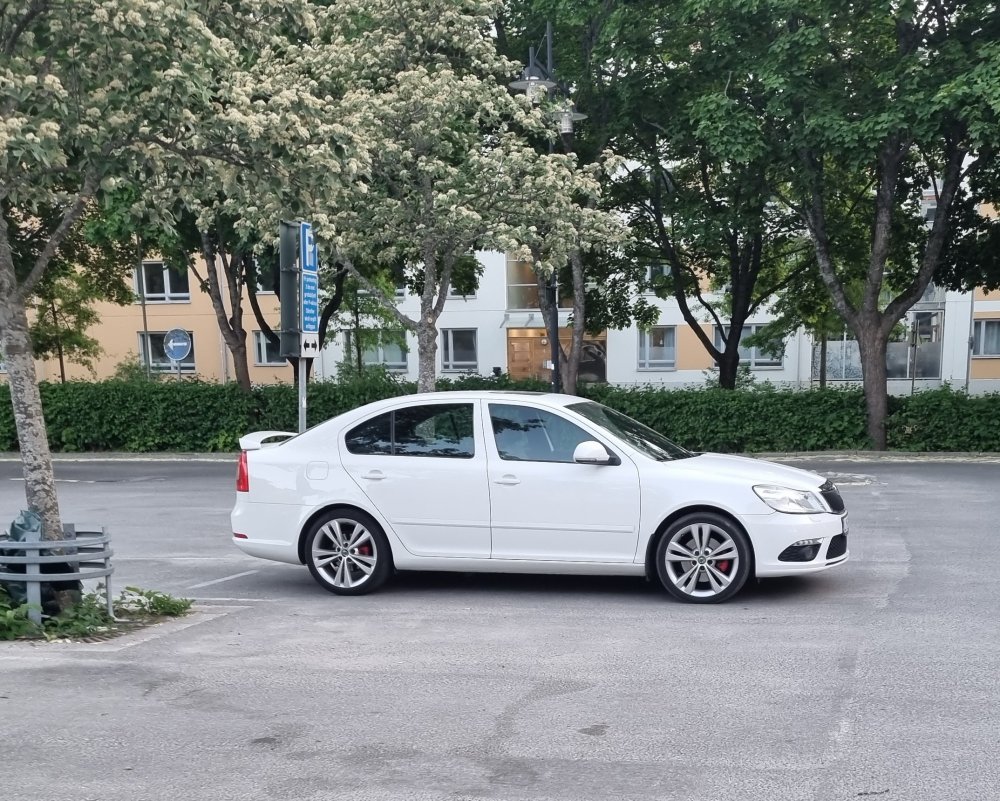
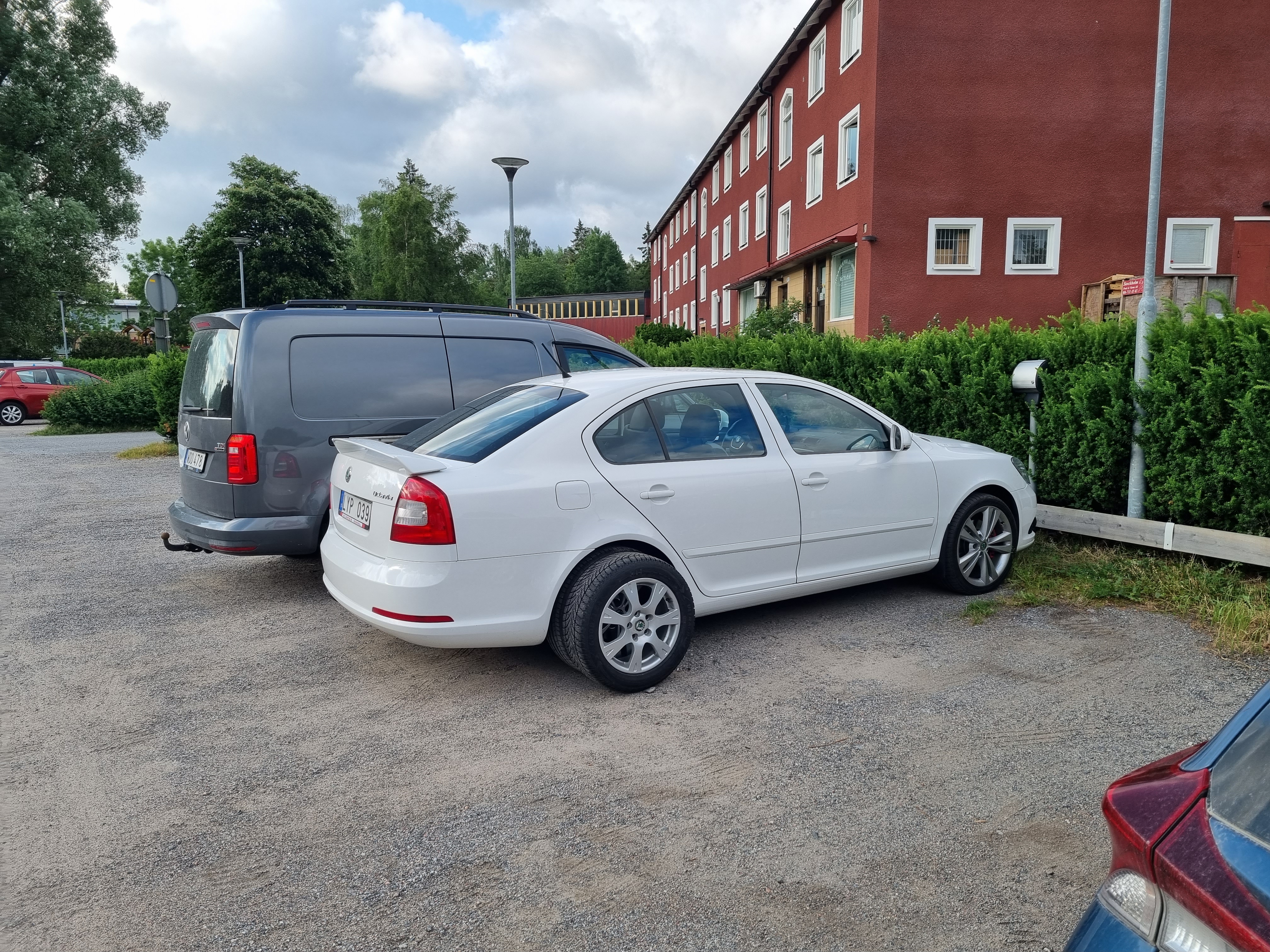
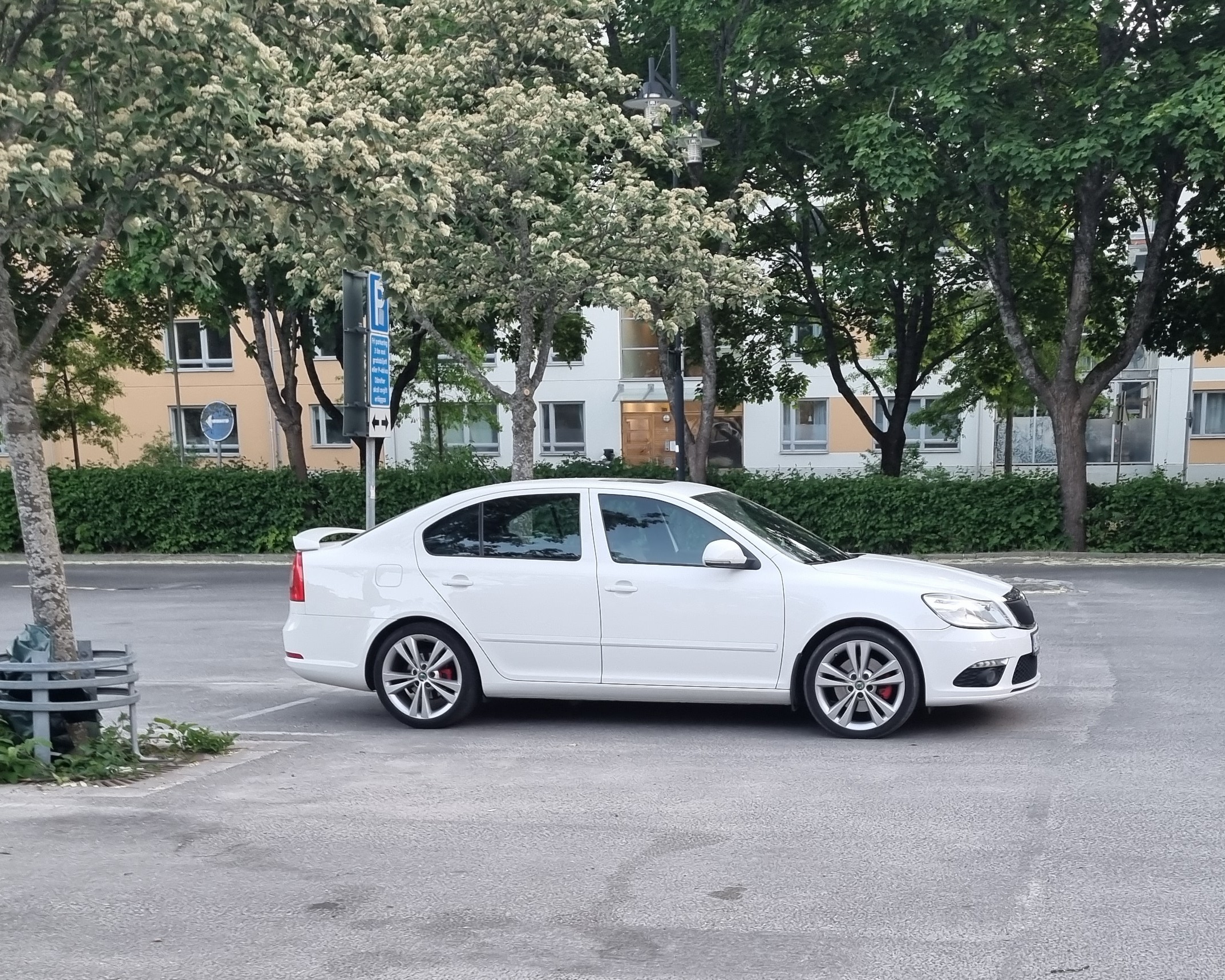
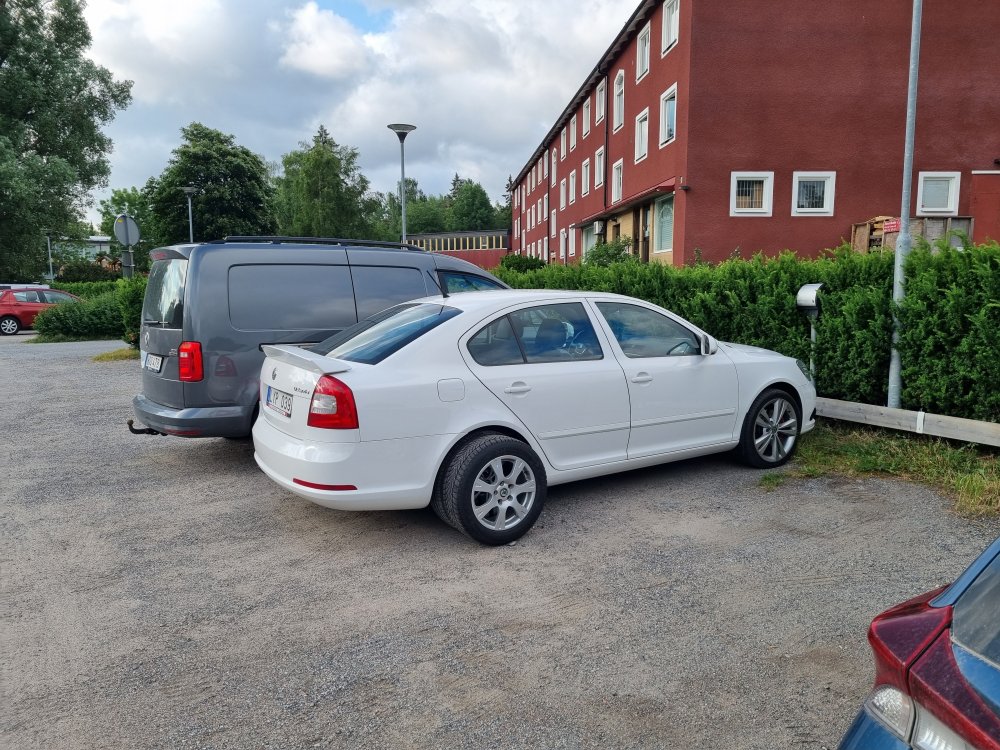
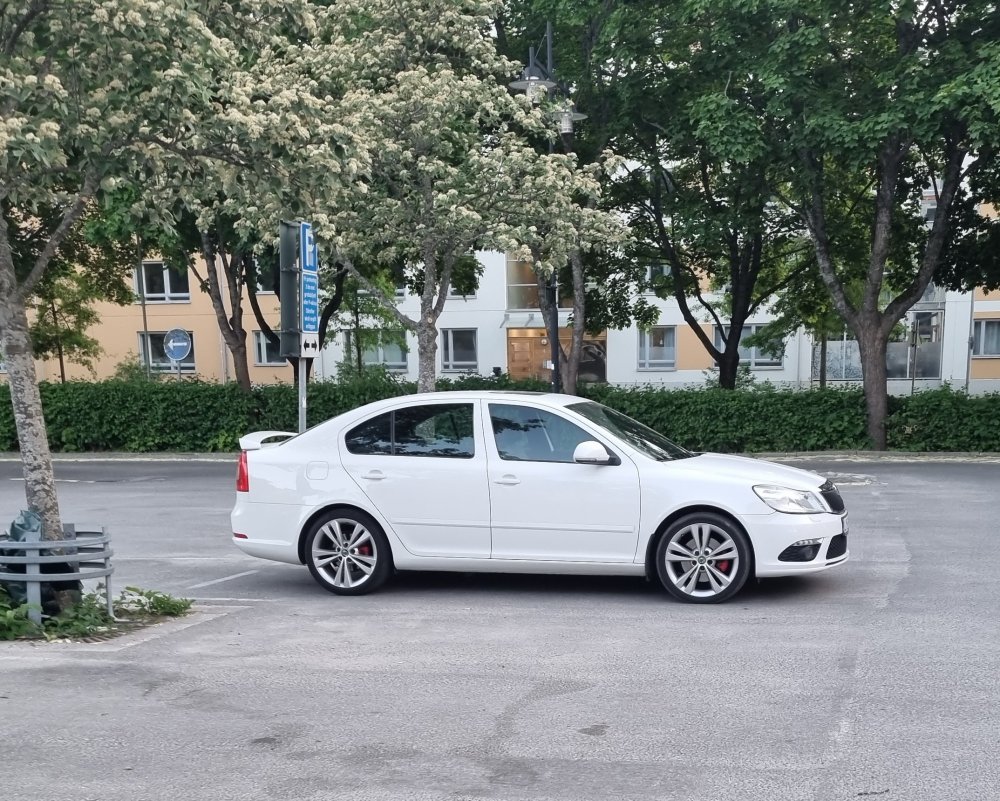
Hi! I recently bought a 2012 VRS and while I like the looks of the 18" wheels (first picture below) I do find them somewhat too big. Plus, I'm looking for other options for rims to use in the winter instead of the 16" that came in the car (placed beside the rear wheel in the second picture below). I have seen the variety of VAG rims that would fit but I'm wondering what rims you guys have tried on a VRS and would recommend. Preferably with pictures thanks in advance!
-
Hi guys. To everyone who has had this issue: has you any of you had a chance to check whether the sound system is causing this whistle? I know it sounds borderline absurd, but I had the same whistle right when I bought the car and drove it home (500 km/ ~300 mi). First I thought it was something with the gears and I even had the impression that the sound went away if I pressed the clutch. I finally got tired of listening to the whistle and my music at the same time, so I turned off my Bolero system. The whistle went away completely. Same thing happened after stopping for gas, on the same day. Turned off the sound and it went way again. Hasn't happened again after that first day.
-
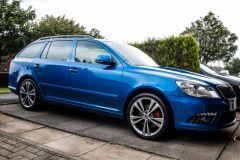
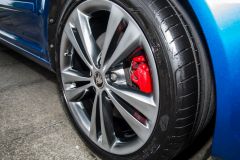 Love that color! I might consider doing the same thing in my RS. I like these rims but this tone would certainly look good in white, too. How did you do it?
 -
-
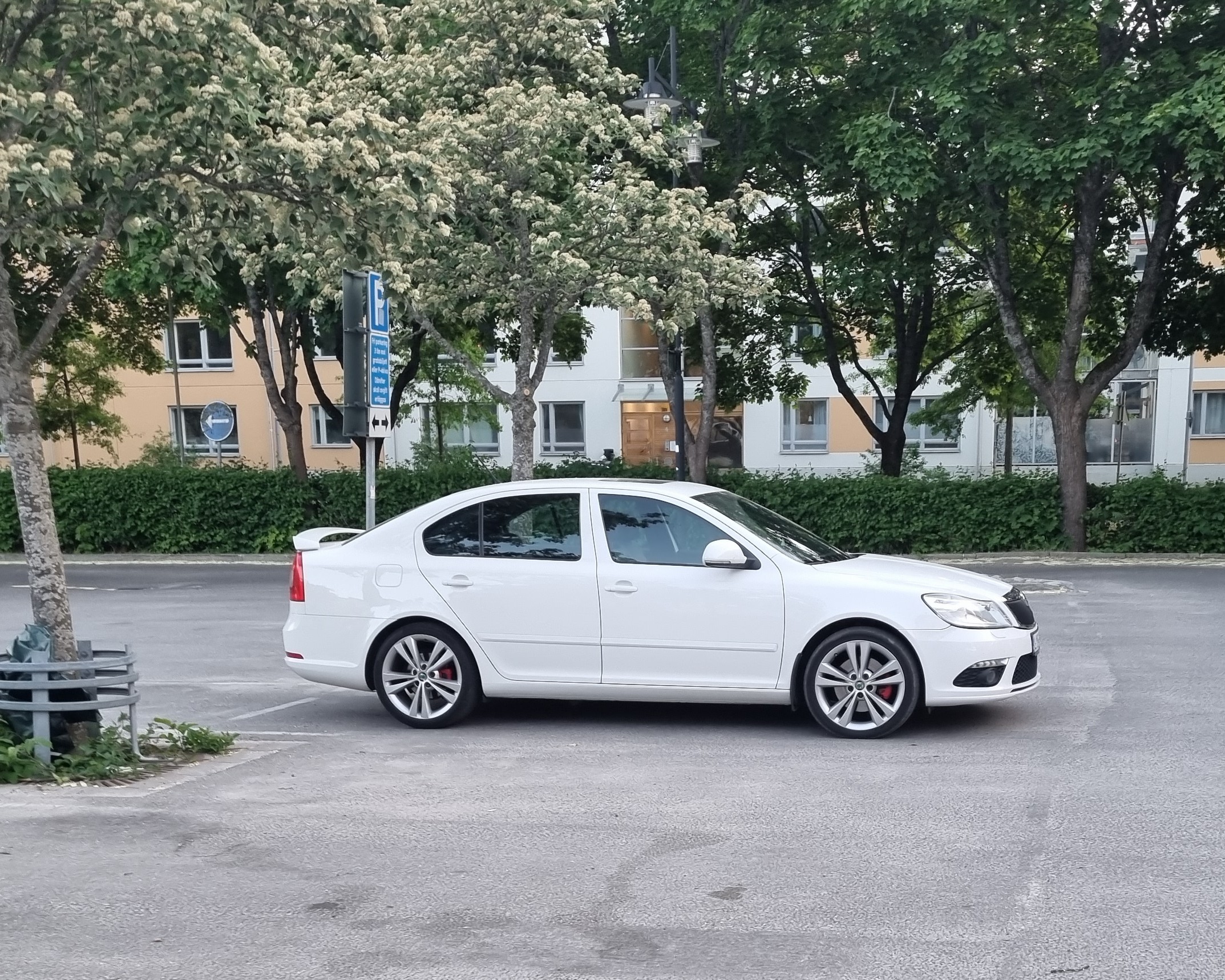
Hello, everyone! I just joined the forum after recently buying a 2012 Octavia RS 2.0 TSI Liftback. Love the looks of it with the original rims, and that it is pretty well spec'd with the Bolero infotainment system and sunroof. I live in Sweden and am coming from the American pony car and Swedish turbocharged (Saab) scenes, so I have been enjoying driving a car that is practical and feels smoothto drive, but still offers a sporty feel when one wants it. Looking forward to being part of this community! Cheers, José