AlexDoo
Finding my way
-
Joined
-
Last visited
-
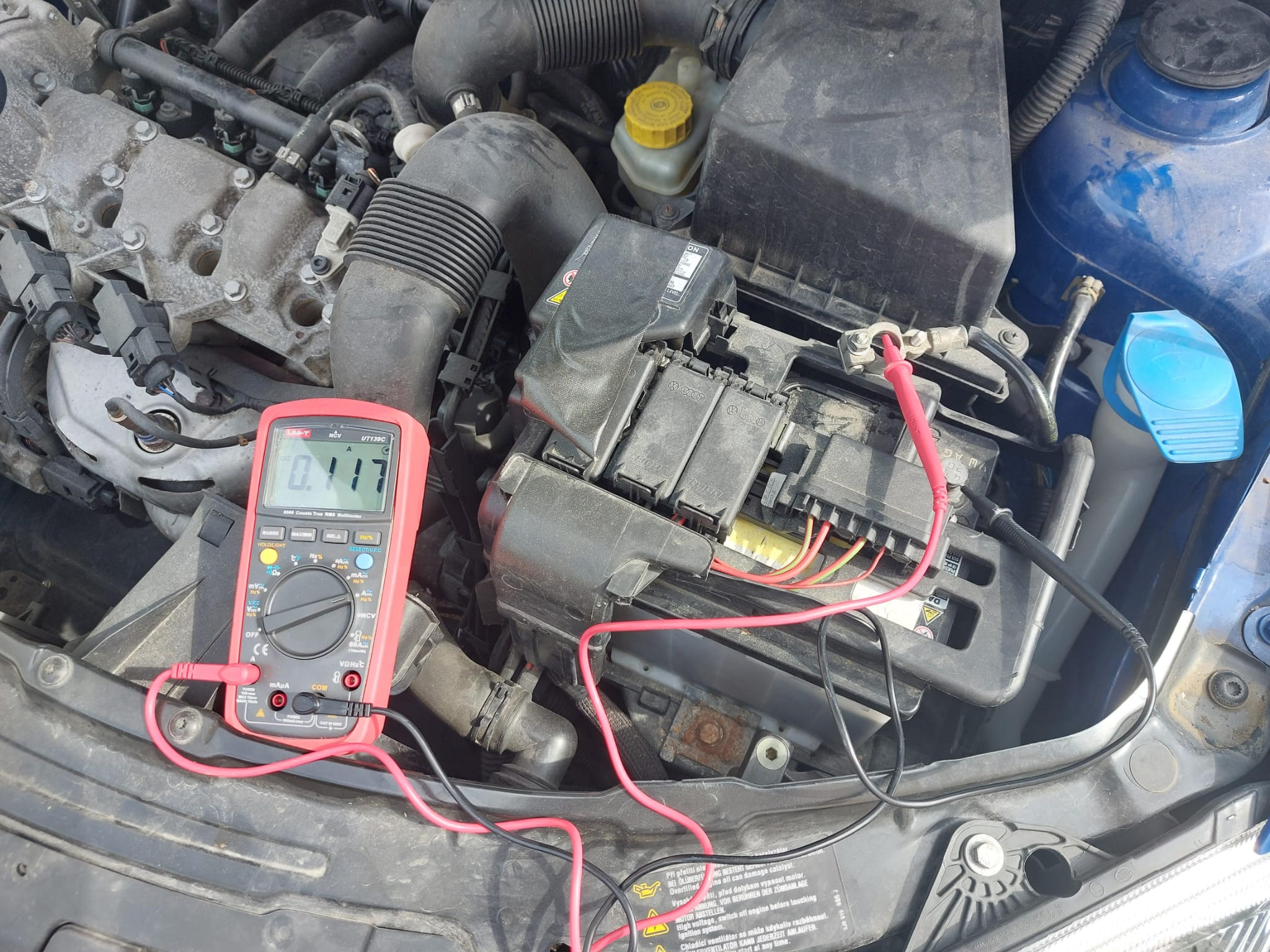
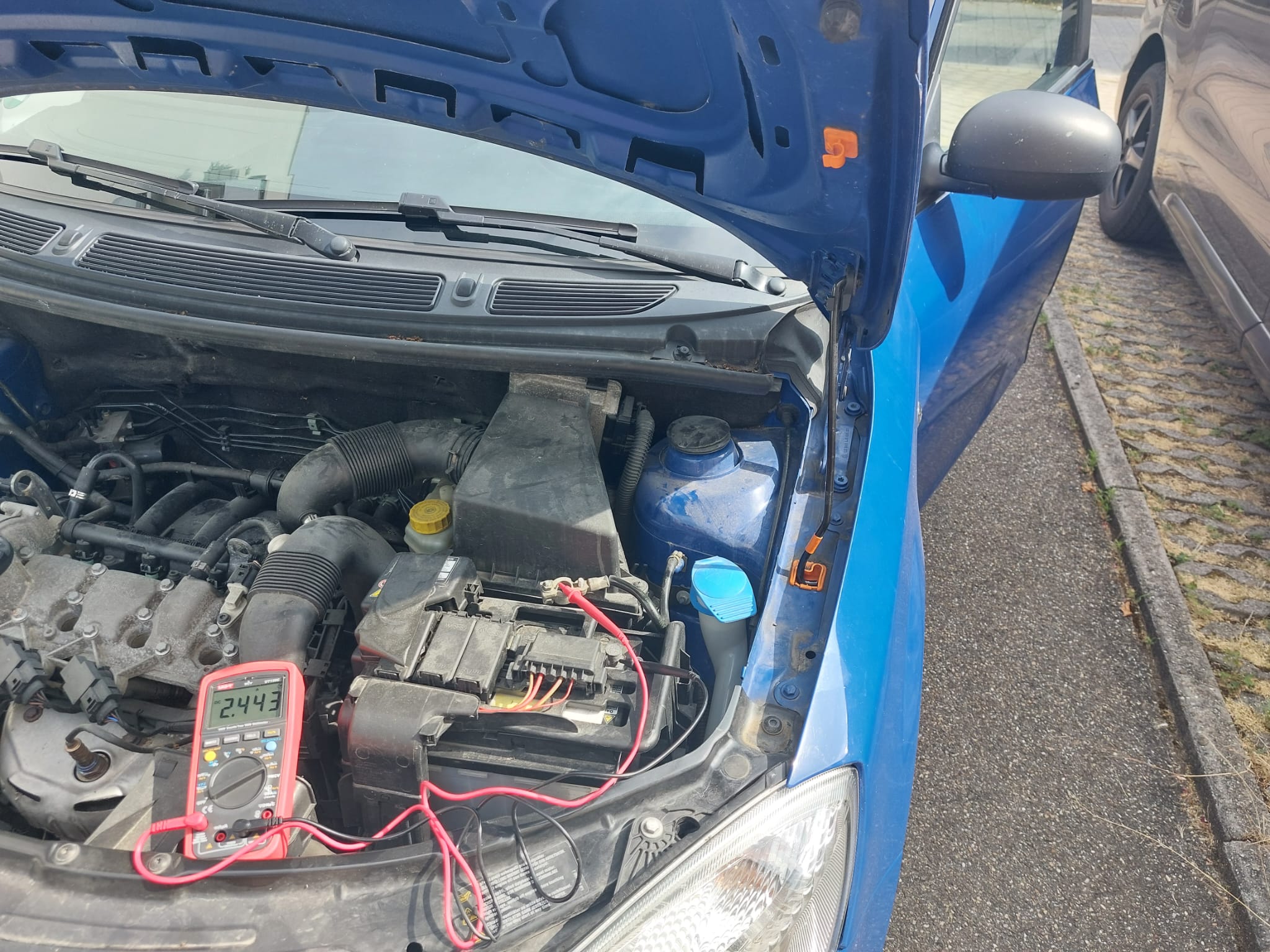
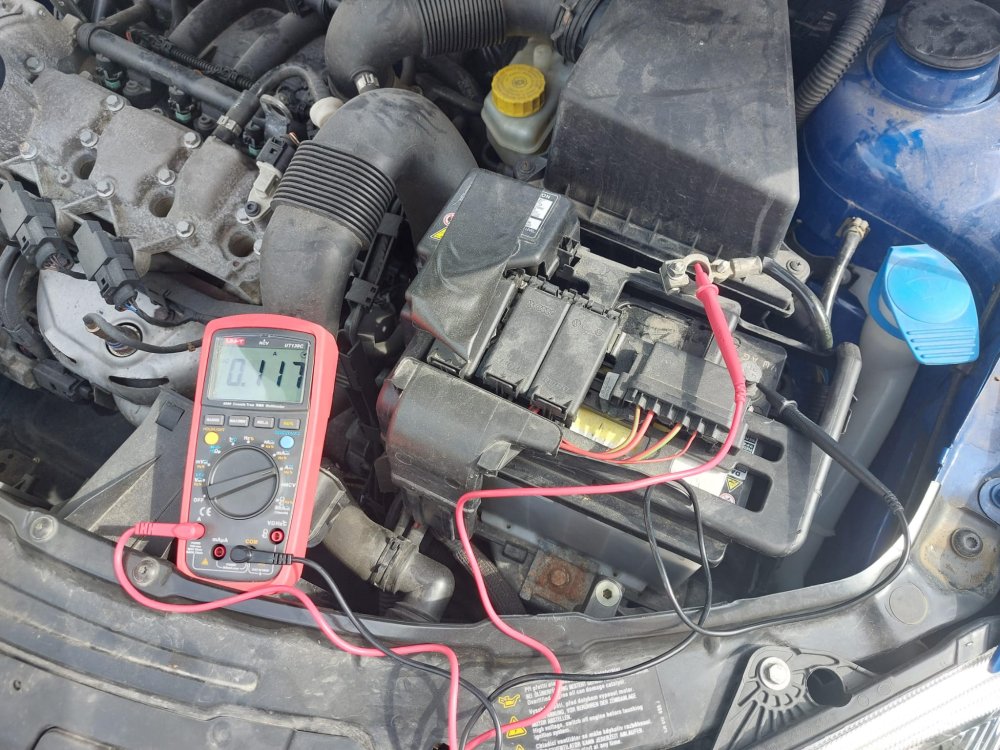
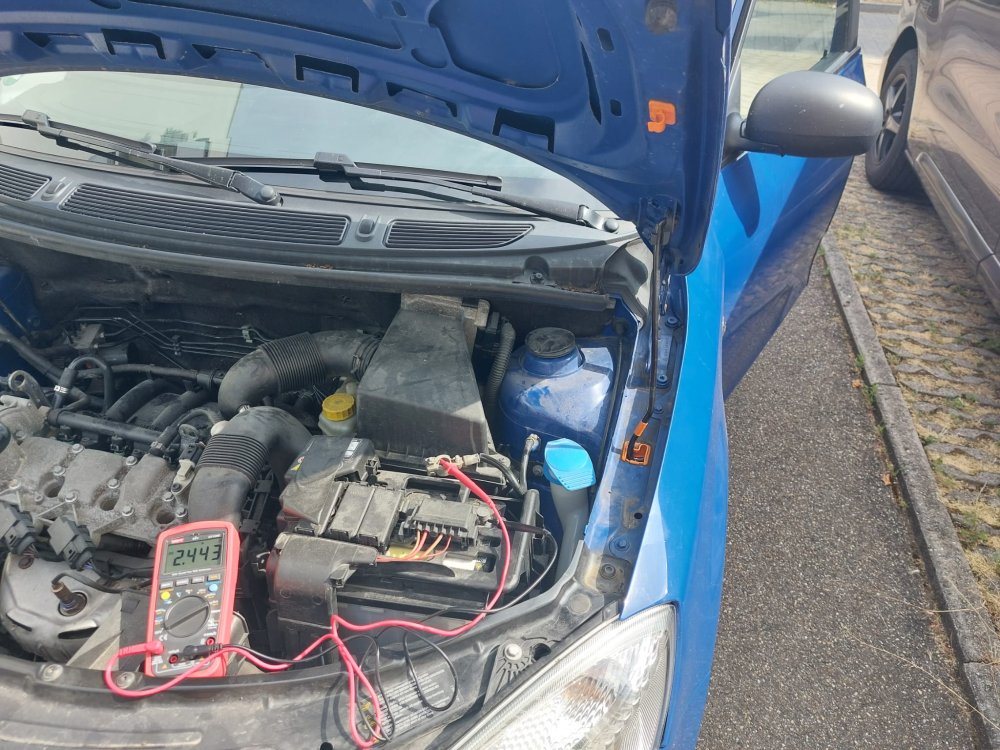
Thanks you two! There's no microswitch on the bonnet catch because, as you said it, I dont have a Alarm system. When doors opened, it looks like this, 2.44 A: And after closing and locking, as described, like this: But I'll do another test and will check after 30minutes..
-
Yeah sure. Lucky the battery is right under the hood. So it's easily accessible while the car can be locked. So I opened the hood, disconnected minus port, and inserted my multimeter in-between. I went and unlocked and opened the door to wake things up - afterwards closed and locked the door and waited...
-
Nope, my friend said he has exactly a display like mine with LCD. @Breezy_Pete measuring with multimeter. Why? Anything specific to post attention to??
-
Thanks @Breezy_Pete very interesting indeed!! I measured the idle current. Roughly 120mA when locked and after waiting for 10 minutes... When I pull fuse 22 to completely shut the display off, it drops to 0.000A, i.e. Fuse 22 is the only fuse where some permanent 12V devices could possibly be used over Very interesting!!!
-
You are right, but as I said above: My only concern is that a gateway and/or Control unit could still run in the background which controls the LCD. And also why does it go off for a friend with a similar Fabia Mk 2 (same productoin year). Very weird I'd have hoped at least that the behavior is consistent through all the different Fabia Models...
-
OK thanks - I gotta get a VCDS to be able to delete those faultcodes because they seem to never disappear on their own 😞
-
My only fear is that a gateway and/or Control unit could still run in the background. But I'll try to measure the Idle-Current and let you know. Two points w.r.t. to permanently active LCD: a) A friend of mine owns a Mk 2, same display type (LCD), and he says for him, it's turning off immediately... But yeah, maybe it's dependent on the concrete configuration b) Interestingly, when I pull Fuse 22, the Instrumental Cluster is off / gone. But when I start the car with the Fuse pulled, it's still coming alive. That tells me that there are possibly two units which could be responsible for showing this data - maybe one "Standbye Unit" (Off by pulling 22) and a rela Instrumental Cluster Unit whihc only runs when you start the engine...?
-
Exactly yes - I do not have a remote unlock, I have only the mechanical door opening. So yes, I approach the car and lookin through the windows and the display is still on ... ;(
-
OKAY, the answer was "yes". I went to a garage and deleted the Faultcode - and it hasn't come back since than. So must have been a missing sensor or similarly due to removed fuse 22
-
Hi guys, and a second post from me as a newbie😄 The following topic: I had fuse 22 out because of another problem and stupidly started the engine - now an airbag error is registered. Do you see a connection here - possibly because the board network control unit was deactivated due to fuse 22? I hope I can simply delete the error once and it will disappear again ... Thank you!
-
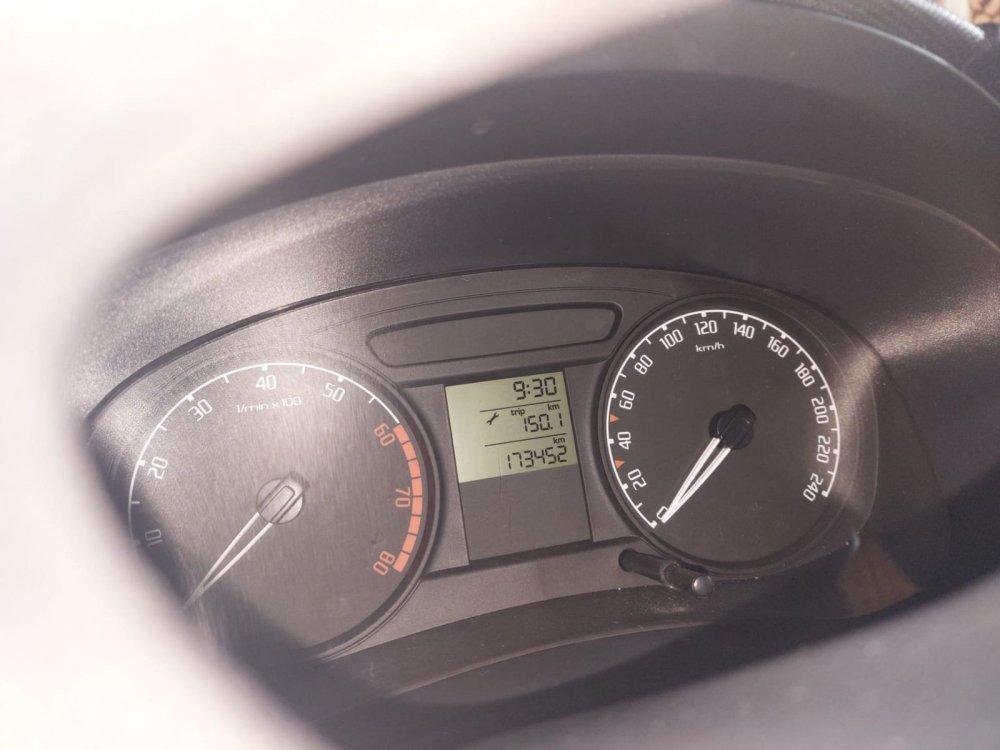
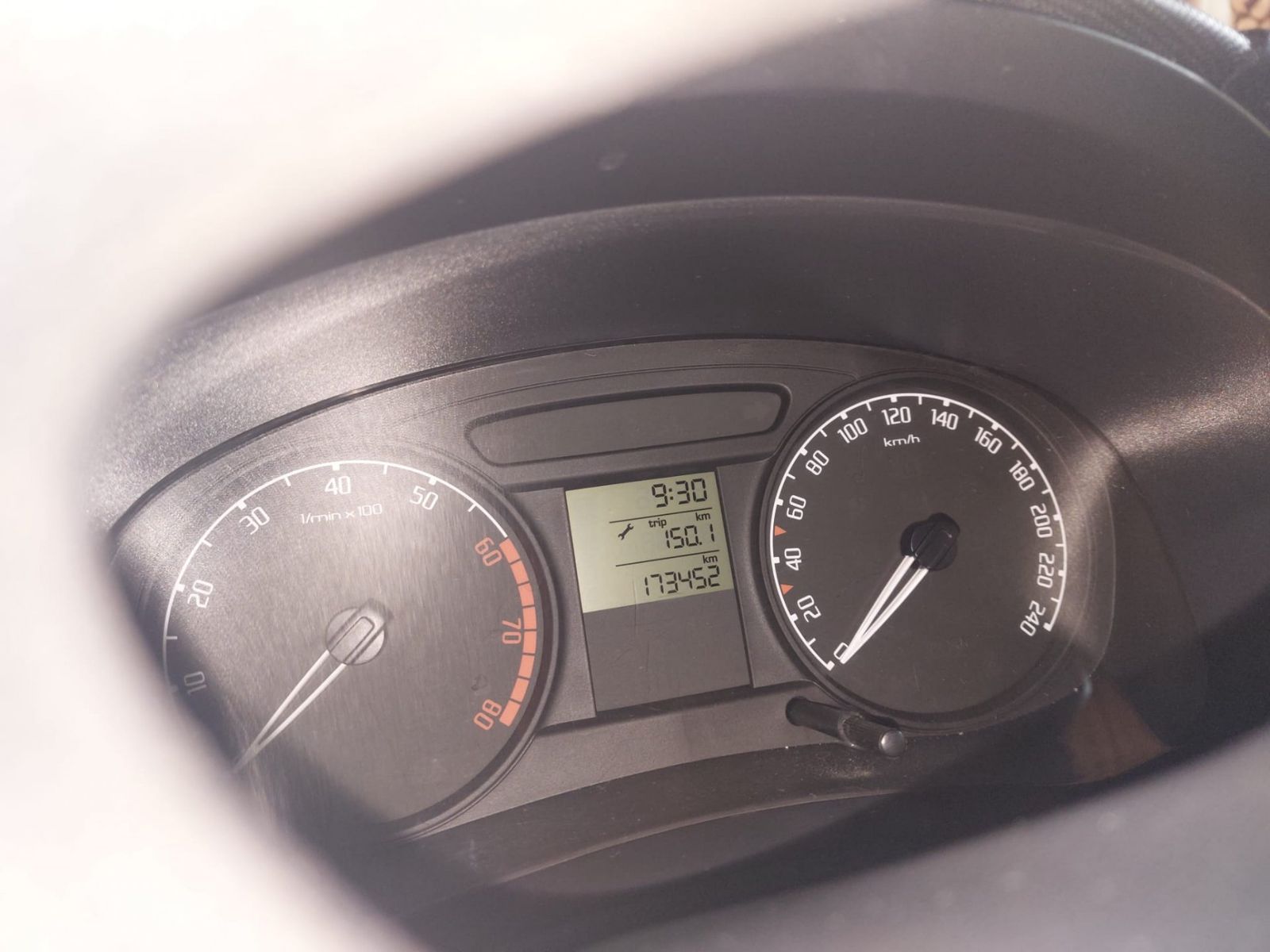
Hi folks, I noticed yesterday that the following display is permanently active in the instrument cluster, with the doors closed and the vehicle locked - even after a whole night: Unfortunately, I don't know if the behaviour has always been like this (regardless of whether it would be normal or not - I simply have no valid basis for comparison). But I guess the answer would be: No, not normal. Therefore question 1: Is it normal that the digital display remains active? If not, then the following additional information / question 2: Yesterday we replaced the door lock on the passenger side; this also has an electrical contact (closing contact) - do you think this could be the cause? Strangely enough, I also installed the old lock again and the behaviour is identical. And what's also strange: if I don't connect the electrical contact plug to the lock at all, the behaviour is also identical! Thanks in advance