froggattr
Finding my way
-
Joined
-
Last visited
-
I had a fair few issues recently on the same engine. 2015 Octavia 3 vRS 2.0 TDI (CUPA). Symptoms included Loss of power P0299 Turbo underboost DTC Fan running for extended periods of time Poor fuel economy Burning through oil like nobody's business (from full to empty in 600 miles average). I spoke to a fair few VW "Specialists" who all said that given the cars high milage 197,000 that this would be a turbo failure and quoted me +£800 for a replacement. Checked the DPF and it appeared it was fully blocked with a back pressure of approx 5 psi. Cleaned out the DPF and the car works a treat.
-
Hi thanks for getting back to me so quickly. I'm not looking for video playback, CD playback, OEM nav or OEM maps on VC. I am just looking for Apple CarPlay. How much is the package all in with the: Columbus MIB2.5 with 9.2" screen Columbus/Amundsen MIB 2 with 8" screen 5E0919605M? Thanks.
-
-
-
-
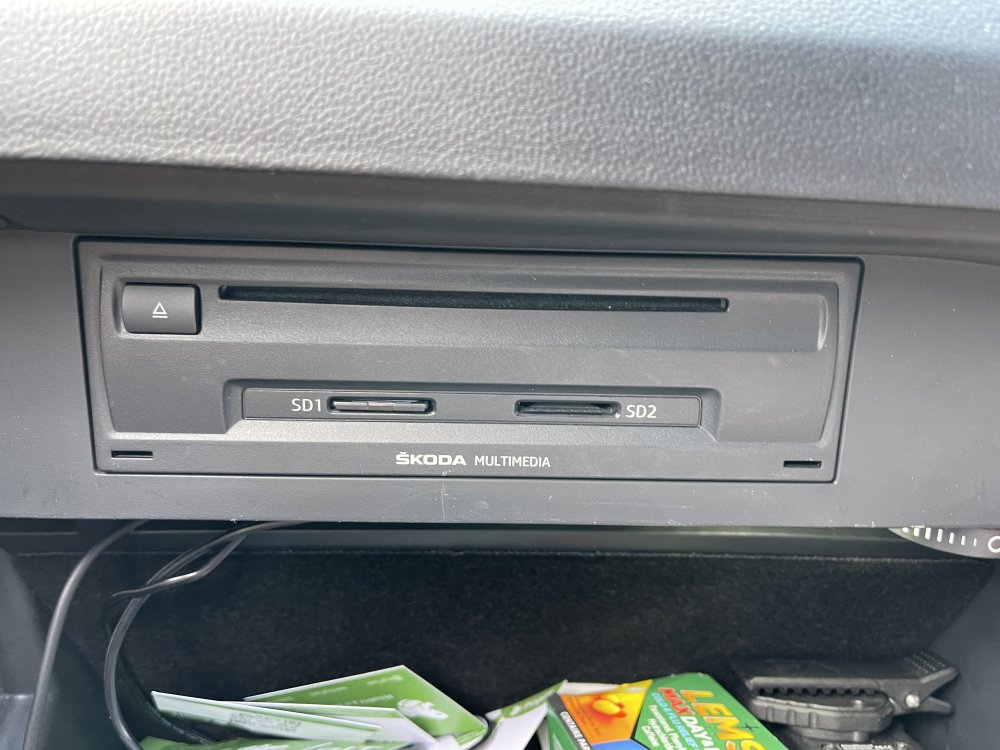
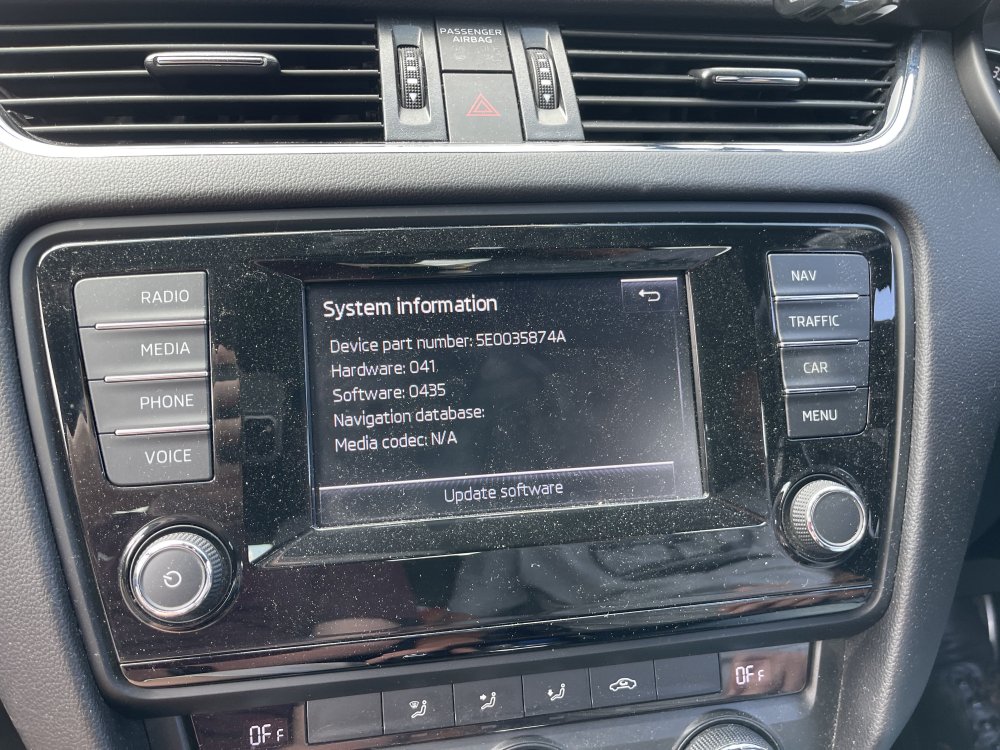
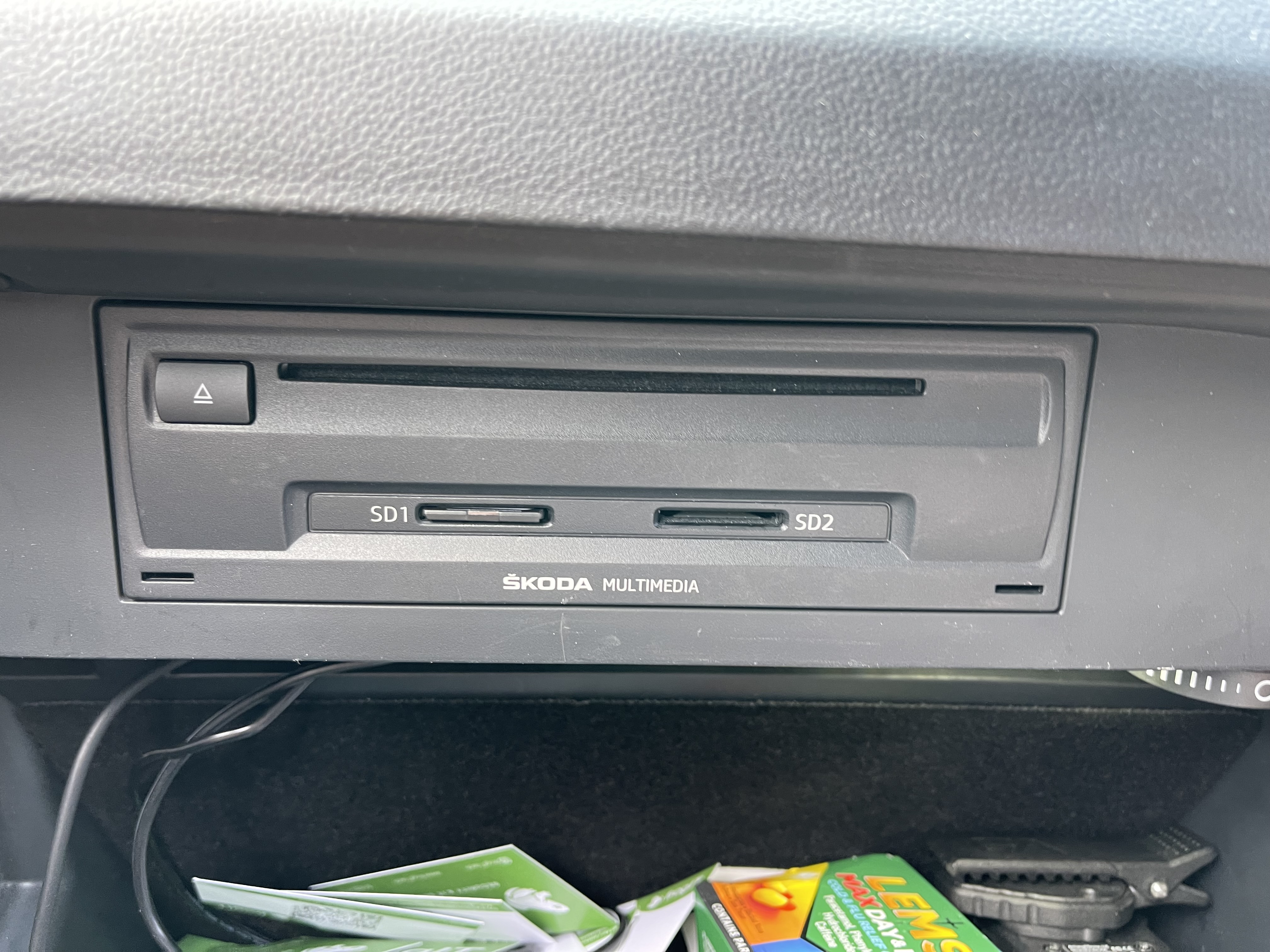
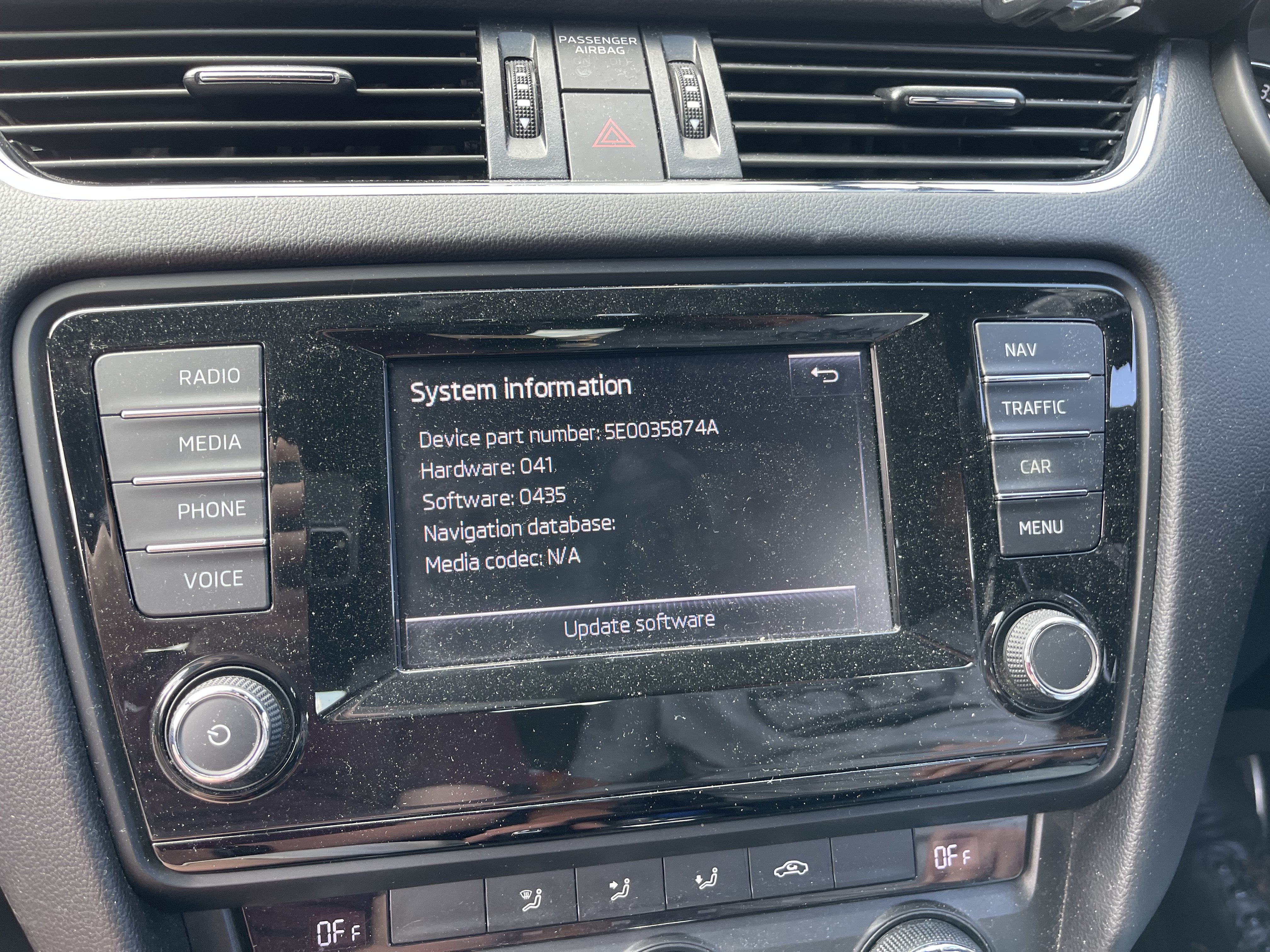
Hi all, thanks for accepting me. I have a 2015 Skoda Octavia Mk3 which has the really old school screen in it. I’m wanting to upgrade it to something more modern and with wireless Apple CarPlay but upon reading the forums it appears there is loads of different options. Is anybody able to advise what parts I need? Thanks in advance!