mikees
Finding my way
-
Joined
-
Last visited
-
very odd, I've encountered article 335808 before but the 3440042 didn't pop up anywhere. I just googled and it says doesn't fit my Superb estate. But i will take your opinion into consideration. See below the OEM part numbers for springs 1K0511115CS rear axle spring 3C0411105AH front axle spring
-
-
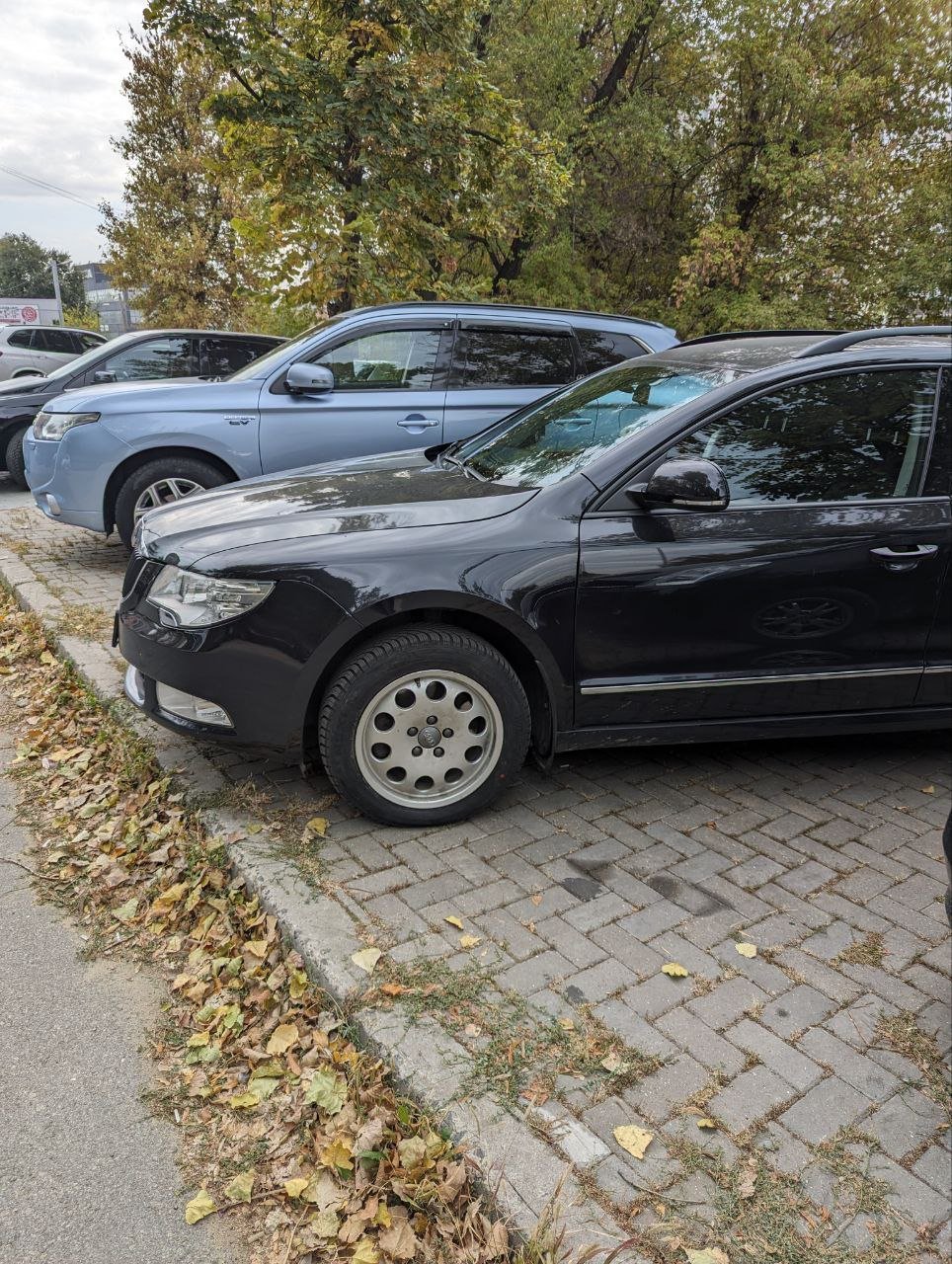
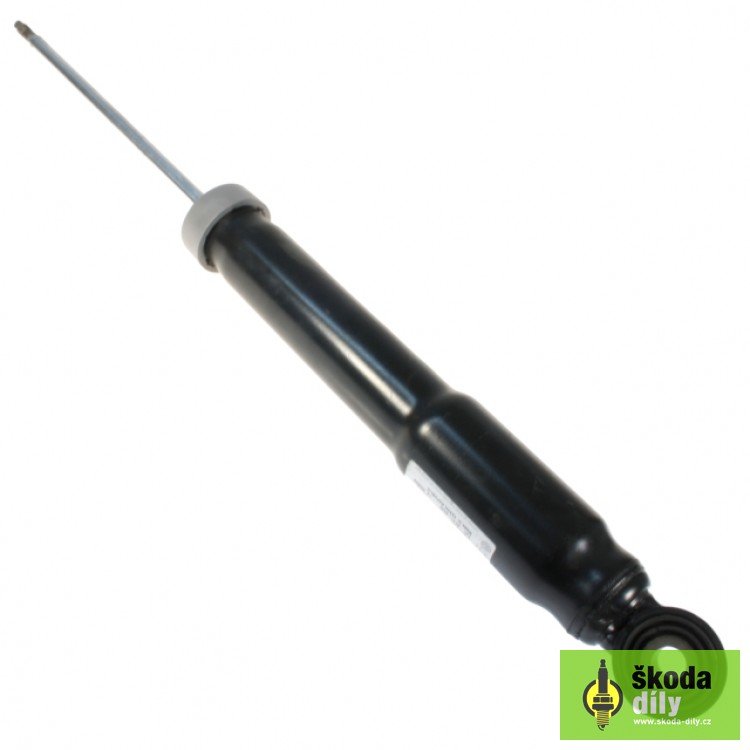
I've been researching what shocks would fit my 2011 Superb 3T5 and i got very very confused. Looks like there is little to no choice of brands, it's either VW original or very unpopular TRW. Who has dealt with this "rough road" package and what shocks did you use? The OEM costs a fortune, i was looking to buy Sachs, KYB or Bilstein. Please advise
-
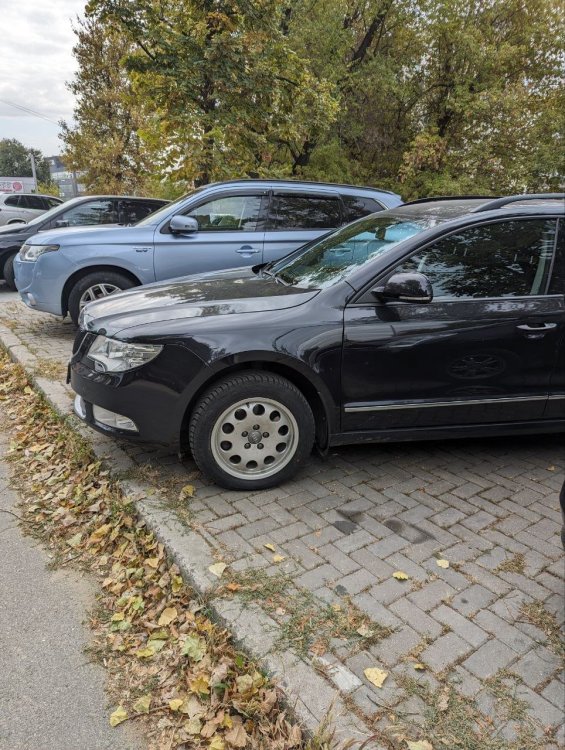
Good day, i am driving a Skoda Superb 3T5 for almost a year now. Since the very first drive on the highway(autobahn) I've noticed that there is a whining sound coming from the rear end. My vehicle has this 4x4 option equipped with Haldex 4 clutch that was first time taken care of around 80-90k km(now i am at 114k km). The sound is only heard at 5th and 6th speed(it's a manual/ stick shift gearbox) which i find very odd. What might be the culprit? Rear diff had it's oil changed twice in it's lifetime
-
-
Good day, i am driving a Skoda Superb 3T5 for almost a year now. Since the very first drive on the highway(autobahn) I've noticed that there is a whining sound coming from the rear end. My vehicle has this 4x4 option equiped with Haldex 4 clutch that was first time taken care of around 80-90k km(now i am at 114k km). The sound is only heard at 5th and 6th speed(it's a manual/ stick shift gearbox) which i find very odd. What might be the culprit? Rear diff had it's oil changed twice in it's lifetime