BogdanDDB
Finding my way
-
Joined
-
Last visited
-
Hello. The error on my Kodiaq 2.0 car appears when the speed reaches 110..120 km/h, more precisely front assit and acc unavailable. If I reduce the speed to 80..90 KM/H immediately, the error disappears from the dashboard. After scanning with obd11 the error B200FF0 appears, (internal malfunction) intermittently. I'm sure I made some wrong adaptations with obd11 probably in the past but I can't check because I didn't save an initial copy of the settings. What can I check? I need your help...thank you!! I leave the video below Kodiaq ACC
-
I specified, 2.0, Diesel, one of the 4 spark plugs is with a sensor, the third!
-
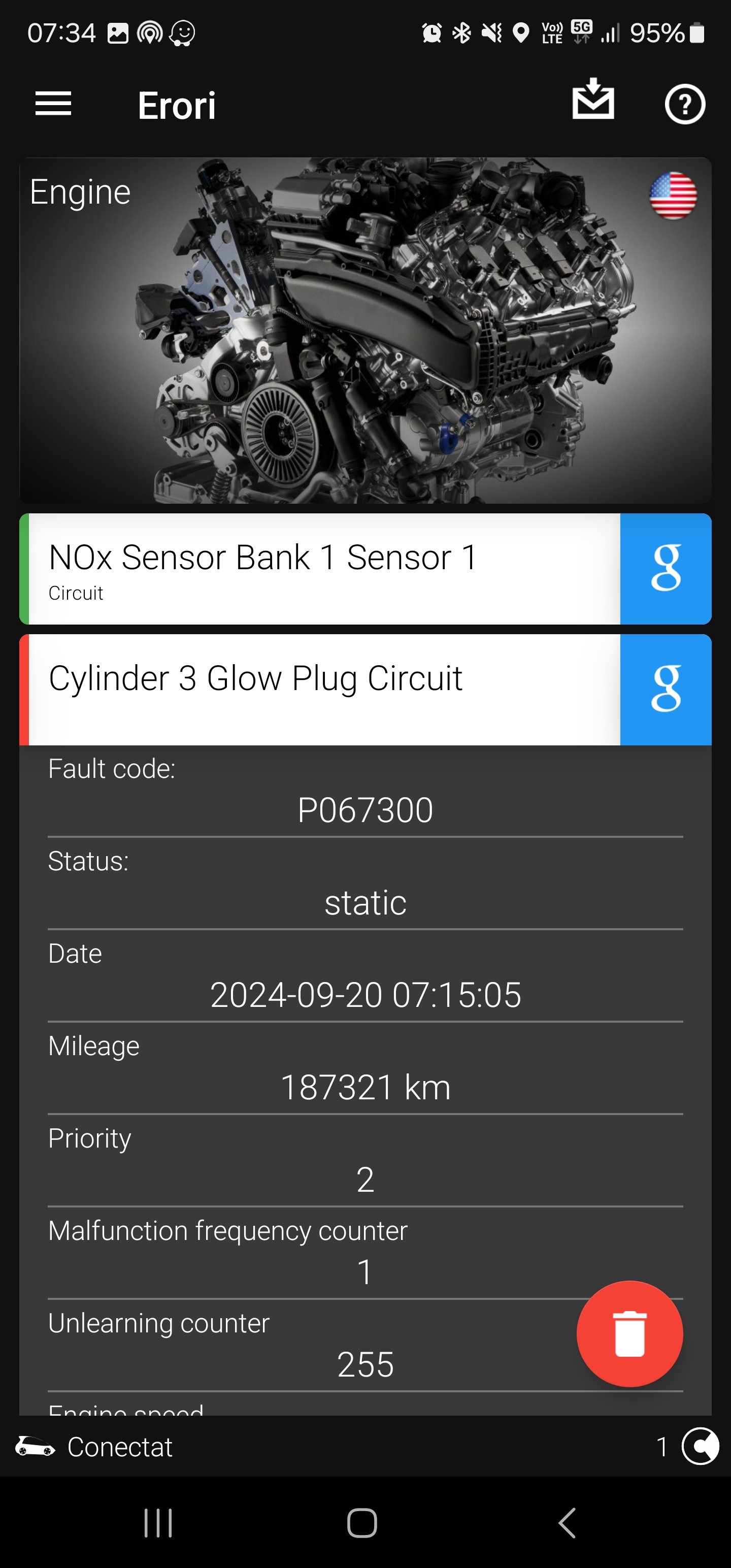
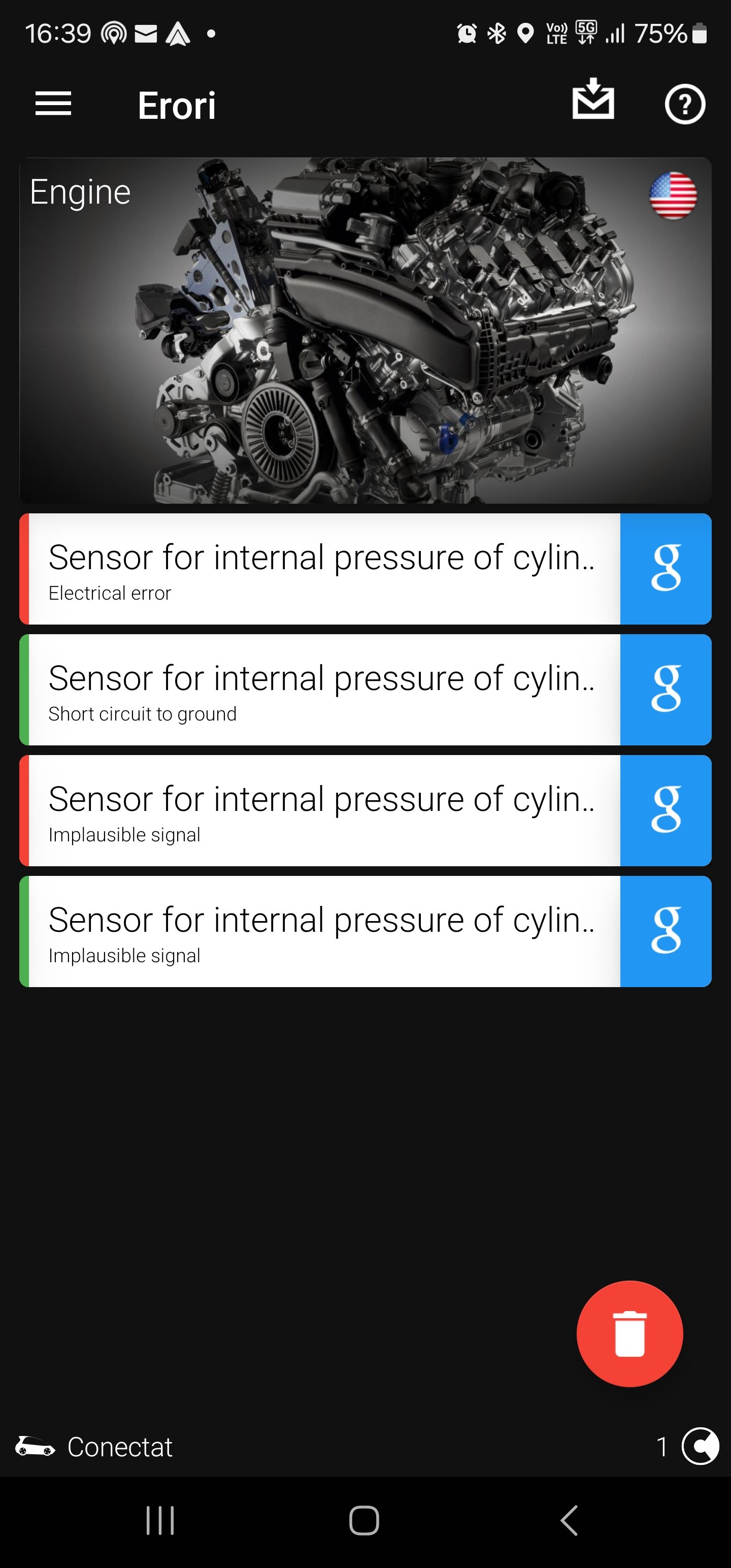
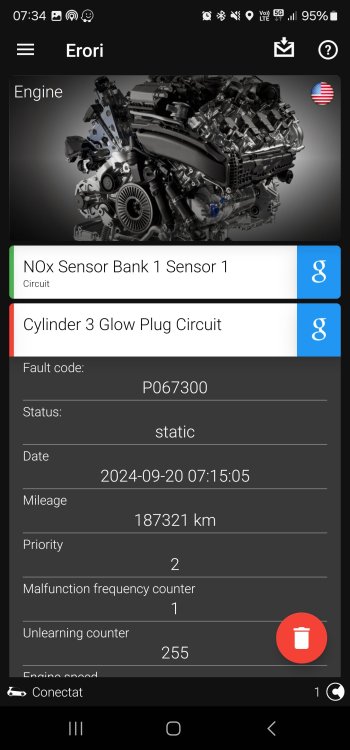
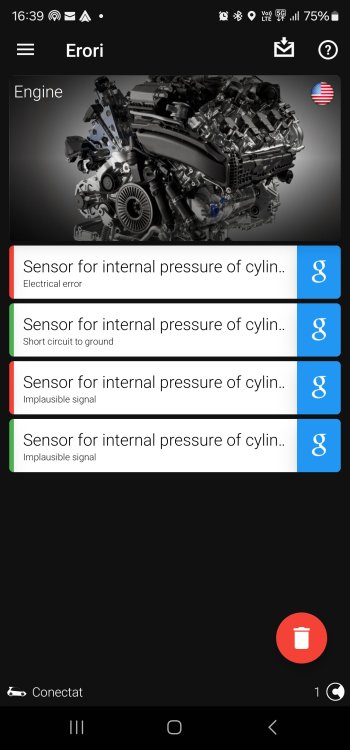
Hello! After a check, I had the error from the first picture. I replaced the spark plug with number 3, the one with the sensor. Now, when checking on the tester, I get the error in picture 2. Does anyone know what needs to be done? Kodiaq 2.0, 2018
-
I recently installed a dash cam that is cigarette lighter powered, it just records without interruption even after the car is turned off. I know there is a dash cam kit that plugs into the fuse box, but I prefer to modify the car cigarette lighter if anyone has!
-
Happy new year! I need to know, how to cut power to the cigarette lighter when the car turns off?
-
-