chrisRO
Finding my way
-
Joined
-
Last visited
Everything posted by chrisRO
-
Use a Motorola G60s as a AA provider. For now I hotspot from the S23+, hoping they'll find a solution soon. But its a pain in the arse. Unfortunately, I'm out of the return period for the Galaxy, so I'm stuck. Should have went with a Moto Edge 40 Pro or something. Or, even tho' I really dislike Apple, have to admit. The iPhone works wireless even with Swing. I guess it's really comfy to get in the car and have CarPlay waiting for you...
-
Got a 200$ Motorola, works like a charm, only use it for AA. It's a disgrace for Samsung, really.
-
It does exactly the same as my S23+ with the 2023 Octavia 4 Swing. I couldnt make it work, no matter what. Upgraded the car's software, updated AA to version 10, still "can't connect". And I mean by cable, I can't even dream of wireless.
-
Dev mode on, debug enabled on high, no VPN.
-
Updated the Swing software to last version, published June 2023. Updated Android Auto to 9.8.xxxx Updated the phone to latest July software. Changed 3 USB cables, 1 OEM, 1 original Samsung, 1 original Motorola. Still not working...cannot connect to the S23+ Any ideas? :(
-
The car's data says Apple Car Play wireless, AA wired. I just need the wired to work, wireless would be a bonus
-
The small one, 8", I think it's the Swing.
-
Thanks, I made an appointment with the dealer, I have no OTA updates. Will keep you guys updated.
-
Not working at all. I think my car isnt specced with wireless AA, so it doesnt work at all. When I'm connecting it wired, I get the AA notification on the phone, but the car's HU says that it cannot connect.
-
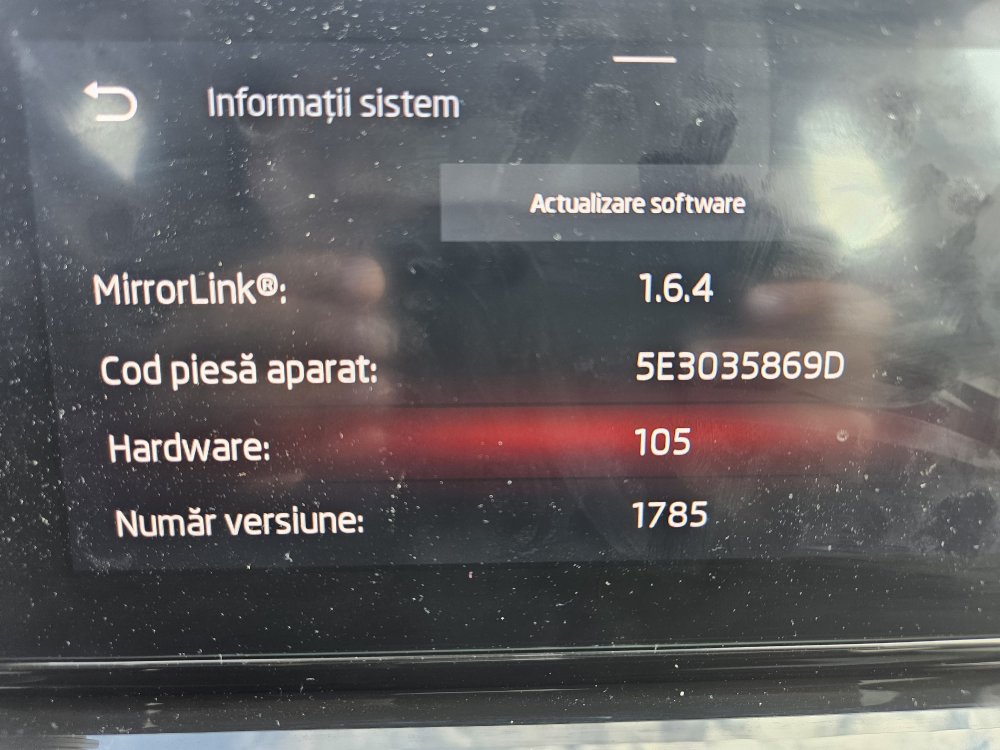
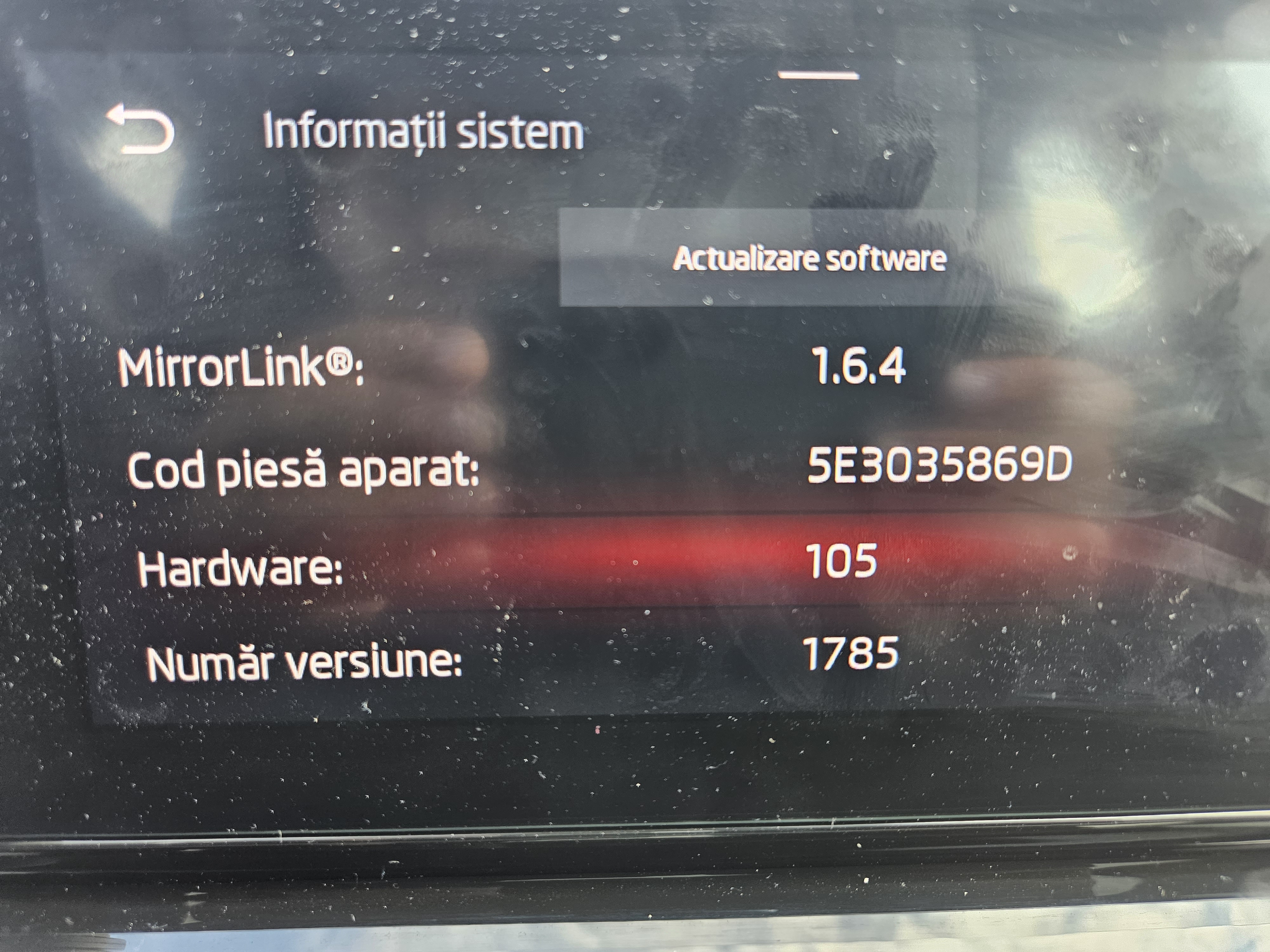
No love between my new S23+ and 2023 Octavia 4. Any ideal? Thats the software I got on the Octavia. Is there anything nefericire, or any other solution to this? Thanks.