tomloughlin
New here
-
Joined
-
Last visited
Everything posted by tomloughlin
-
Assuming typo of “on” instead of “of”. Makes sense to keep the details though, I hadn’t even thought of double checking and naively assumed they’d all be the same on the same type of car. The second point about thieves - I would guess if I took my peeling alloys wheels off and left them on the kerb they wouldn’t get taken away, let alone someone nicking off the car! Once I’ve got the key I’ve ordered these bolts are coming straight out and being replaced with standard bolts.
-
Thanks very much for the quick reply. I should have thought to check the security bolt, the garage managed to get it out but I've left it at my dad's house after checking all the different keys for his various Skodas. I like the idea of selling the old key, looking at it I think it's just a bog standard one of the Mk 1's (CFA071004) so probs not worth anything but it's a nice idea, I think the lesson here is check the key before driving off from a 2nd hand car salesman...!
-
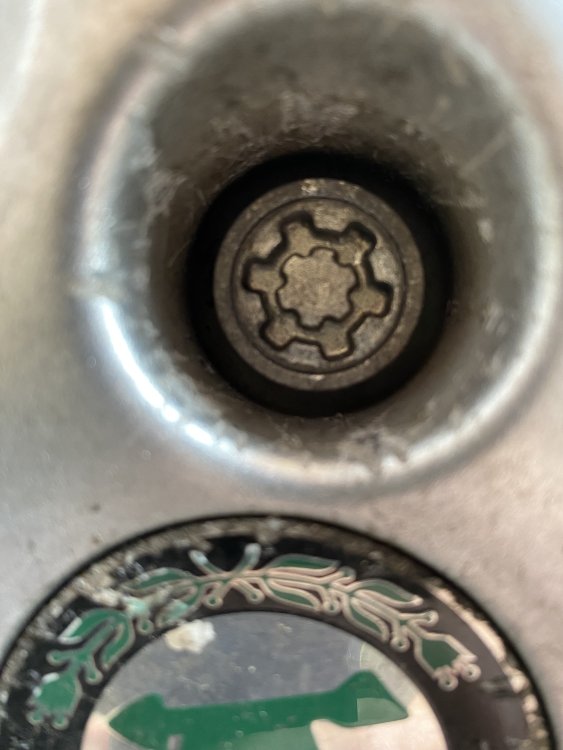
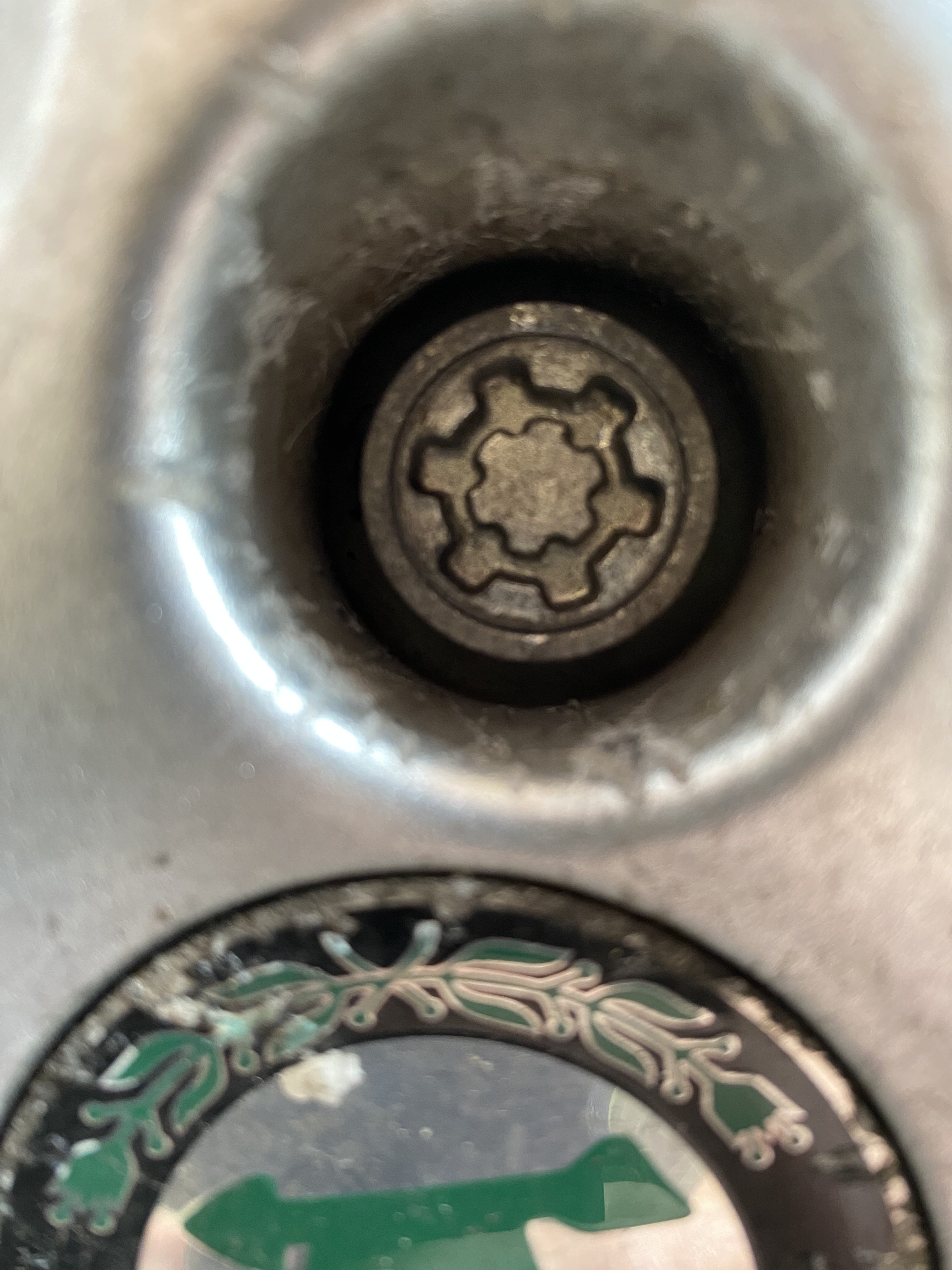
Hi everyone, Sometime lurker and first time poster here. Having taken my old shed of a Fabia estate in to get the timing belt changed I've learned that the locking wheel nut key in the boot is definitely NOT the right one for my car! Bought second hand so must have been driving round for the past 40,000 miles without the means to change a tyre if I got a puncture... Anyway, I had a search on the forum and could see some posts about this, with some helpful links to ebay sellers, but couldn't find anything specific on the type of locking nut I think I have. I've looked in the owners handbook I have and there's nothing in there about the type of nut. I'm just wondering if any of you could confirm if the wheel nut on my car (picture attached) is the same as the type I'm looking at on ebay link: SKODA LOCKING WHEEL NUT BOLT KEY MASTER KEY REMOVER - LETTER T 777 Code | eBay? I think they look the same but would rather get it right first time. Thanks everyone!