Cuuca
Finding my way
-
Joined
-
Last visited
-
Oh really? Will look it up tomorrow! Thank you!
-
Hey all! Tried to look for an answer here but either am too bad with search or there was not a topic with this. Getting irritated by not having bluetooth and not to charge phone while driving and listening to music. Car is 2011. Current situation is with the superb radio that I want bluetooth to it - now it operates with aux - and been wondering if it can be ”upgraded” by buying a satnav unit with bluetooth in it. Is it worth it?
-
Atleast with VCDS, but there should be plenty others to do so too. iCarsofts aswell clears the codes - you have to have a scanner/obd that clears the airbag codes not just the engine fault codes. You could try checking locally if there would be vag garage / DIY hobbyist that possess these obd readers?
-
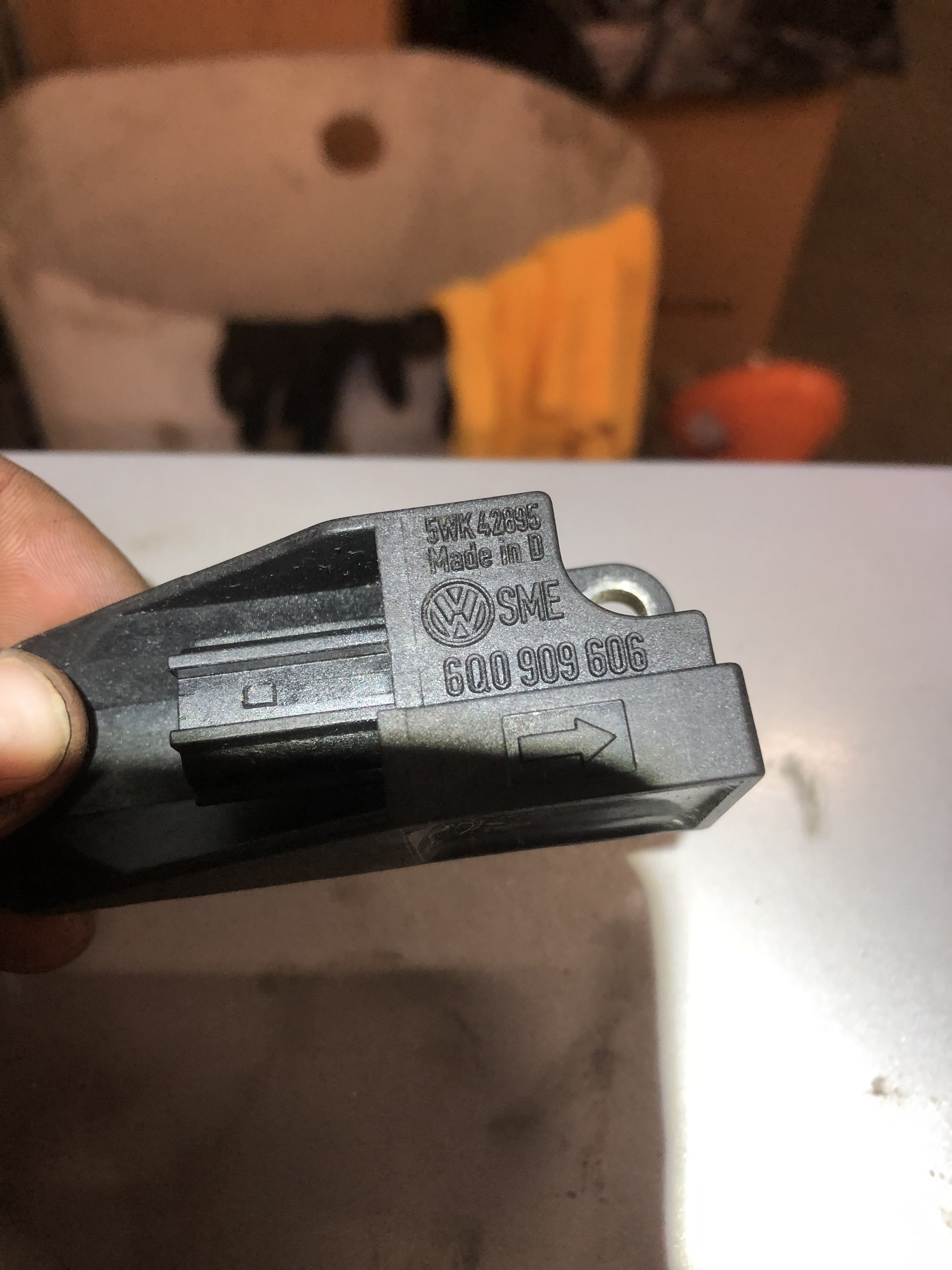
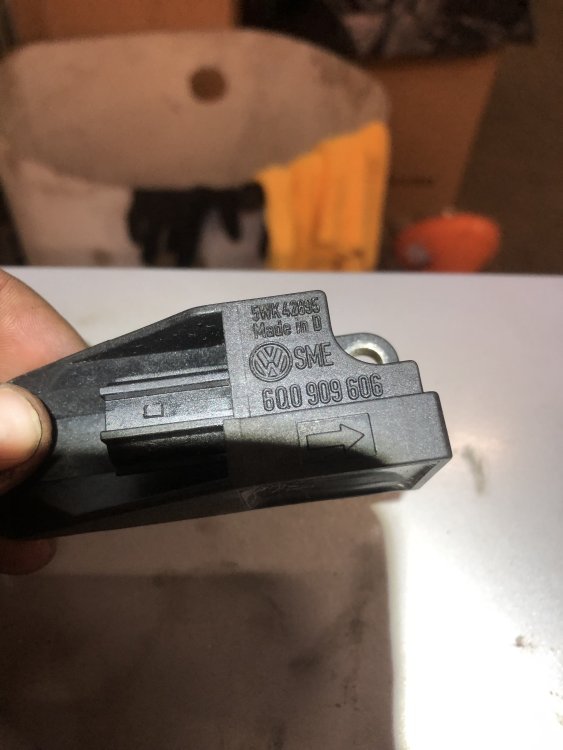
No worries! Check the original part (you took a picture already) and look for the same looking number as I had. It should be stamped on the original plastic like ”600909606”. Can you order from ebay? Try searching with with the part number and add that 0k to the end. For example in my case it was on ebay: 600909606 0K skoda. Atleast I can see one polish company selling that part!
-
Prolly yes, but you would need to adapt it and replace all the sensors since the ecu talks with then all at the same time.
-
Yeah exact same number and read the airbag ecu unit 👍 Thats atleast how I did it and it worked.
-
Nowhere. You have to plug it into VCDS to see that. There is atleast 5-6 different versions to that part number and they are always coded to the ecu. Thats why you have to use VCDS (for example) to get that correct sensor 👍
-
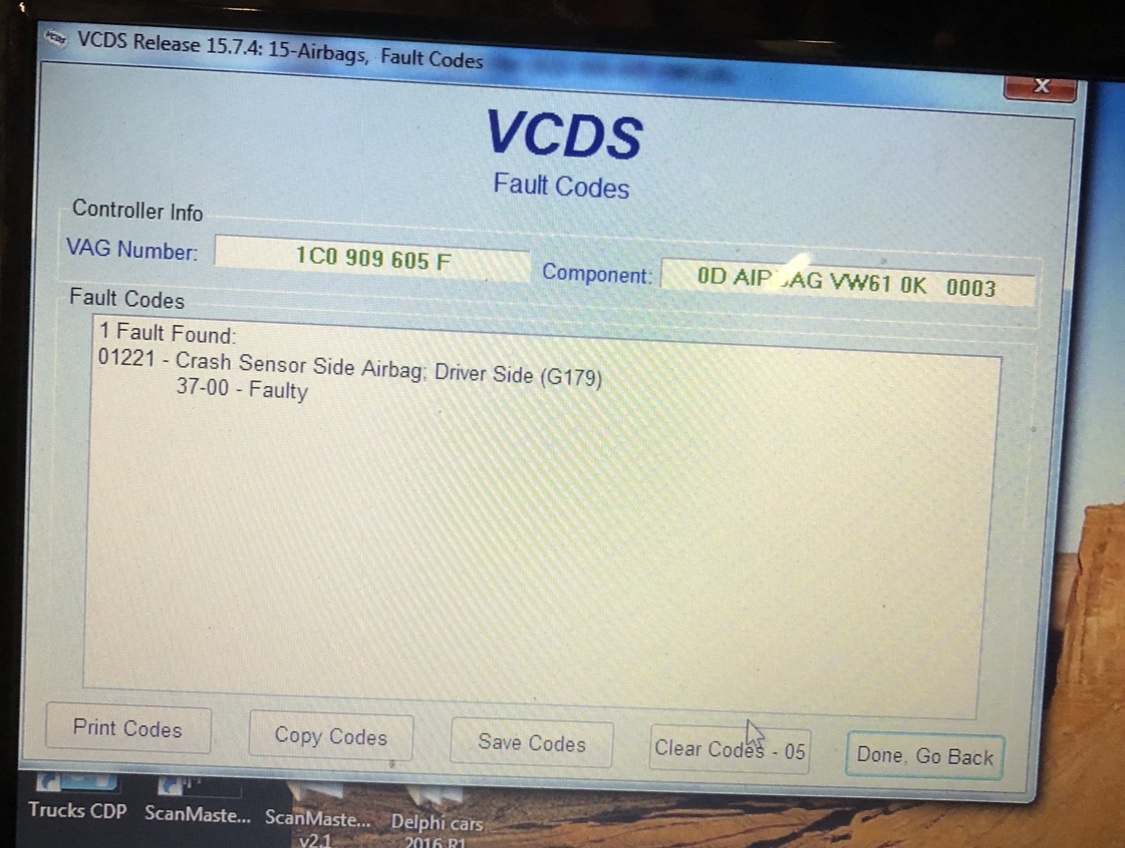
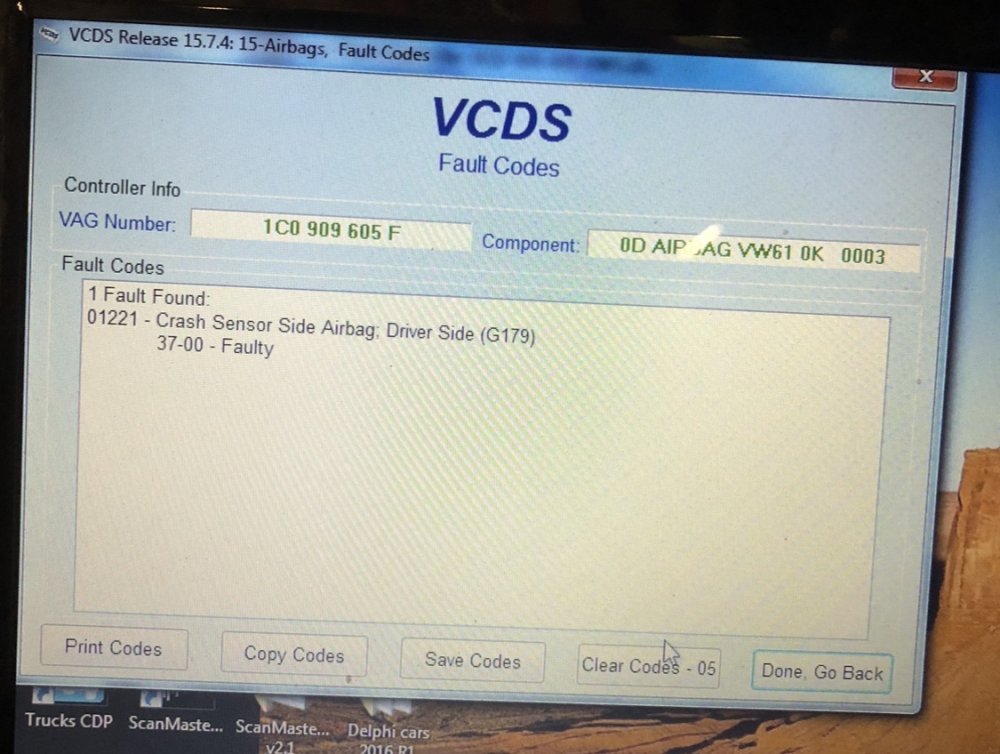
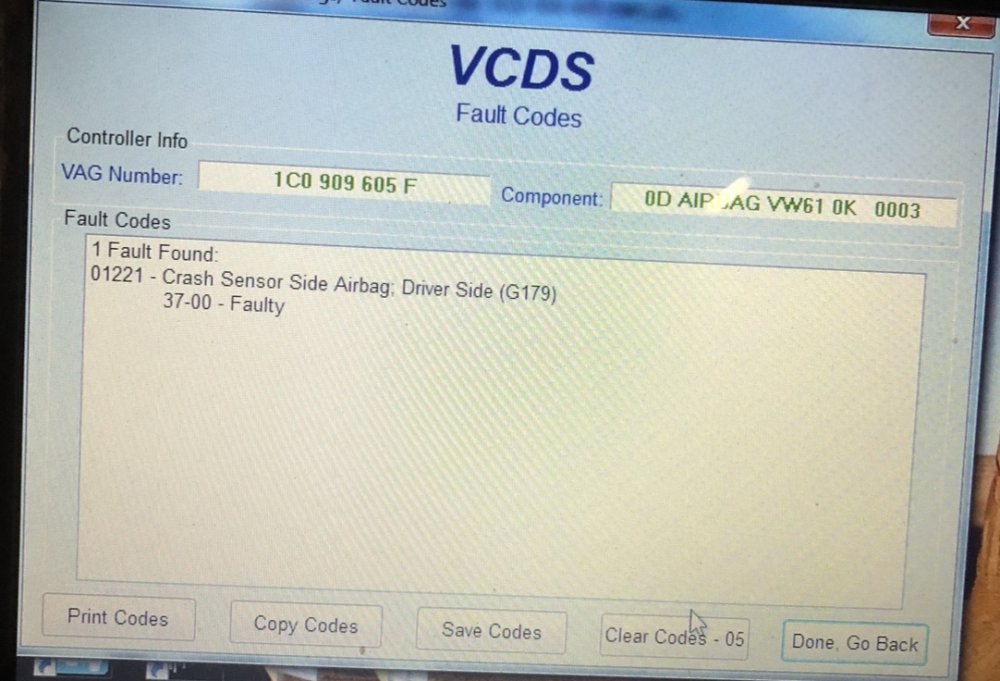
REMEMBER TO DISCONNECT BATTERY!! Bought replacement part from ebay with correct code. For this airbag ECU it was 0K. To find your ECU number you need to read airbag ecu with VCDS. There you need to find ”Component: ” line and you will find the 4th line saying something like ”0K” and that is the part I ordered. Part number + that ”0K” and got it working. It needed vcds for clearing codes of course but no adaptation etc. Including picture to help finding the component part. Replacement for this part took aprox 1 hour - including cup of coffee at the start. Hopefully someone finds this helpful in the future.
-
Updating this also: Yes indeed it worked. Repair took 1hour including a cup of coffee.
-
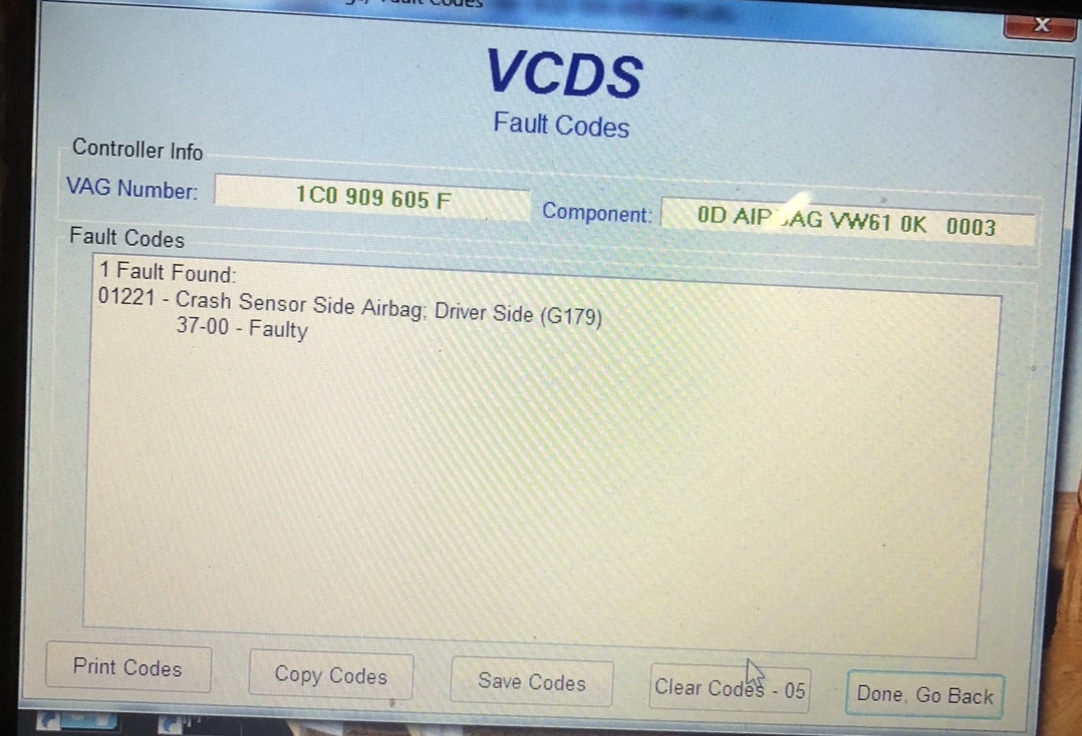
Hey, I am changing one replacement part tomorrow. Bought it off ebay. You need to read the airbag ecu to know which part you want to buy. Here is picture from the superb I am fixing: As you look the ”component:—” you see that there is 0K text there. According to internetwizards (+the actual dealership in Finland) that is the component code for your crash sensor. So you need to read your ECU and see that text what it says. Hope this helps.
-
Thanks! Maybe I shall just buy new sensor then aswell and not even try used ones. Did you happen to order it yourself with that part number?
-
Sorry to open this again, but: Did this work? You just replaced this sensor with the same part number? I have the same problem but with superb. Thanks in advance! - Mikael
-
Wanted to bump this for other people: today when trying to get rid off issues with 01221 airbag code (another thread) solved the TRC issue which is actually straight forward with water ingress problem. Sealed the pollen filter and gave floor mat some drying. TRC light gone.
-
I believe its this one. Drivers side crash sensor! Image included.
-
For future reference: For LHD cars the sensor is locatee underneath the seat and the floor mat. You need to take seat off. Undo battery just incase! Its held on front with 2x 13mm bolts. Undo those. Then take off two screws from the back of the seat. They are under plastic caps. Take those off. Then unscrew the screws and just slide the seat off. Be careful not to use too much force because of the wiring. Pry off the plastic coverings on the doors and on top of the floor mat behind the clutch/brake. Then just lift the mat and voila, you will see sensor just under the seat.