PisAdam
New here
-
Joined
-
Last visited
-
As a result, Skoda has made me hate itself with Android Auto that hasn't worked for a year and an update that it can't release. Here we are dealing with the update at the expense of trashing our system that works on our own.
-
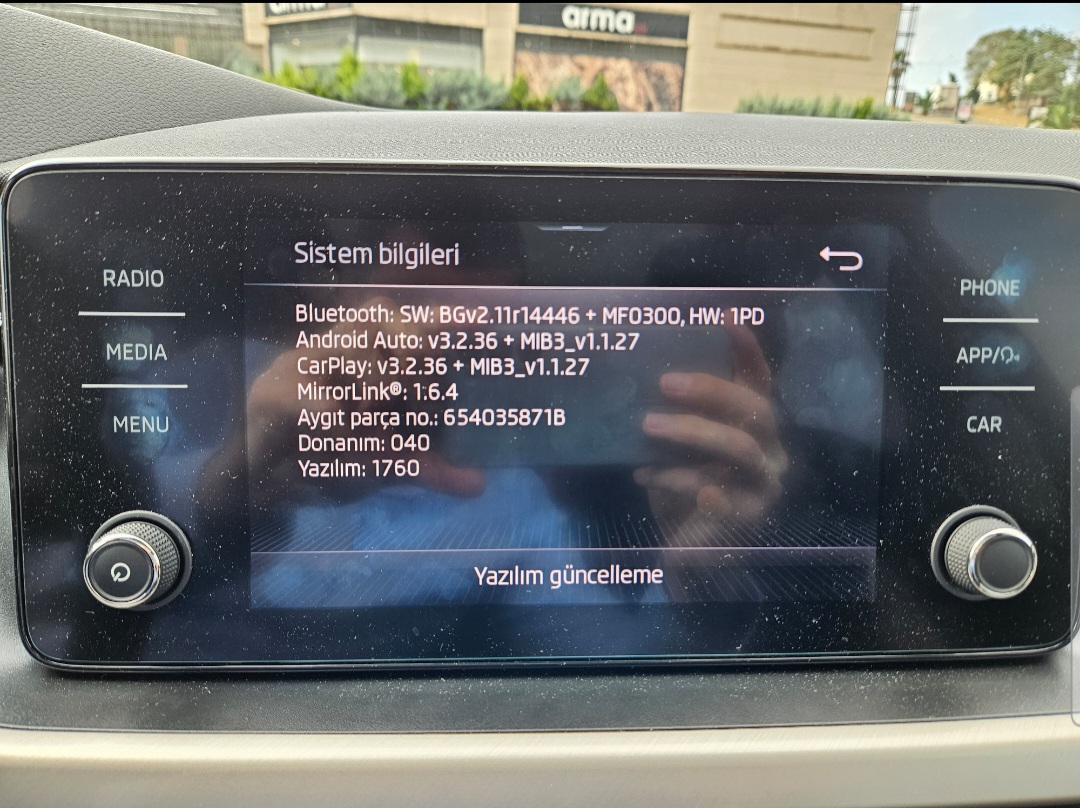
I have a same problem. My car year is 2020. I already updated 1760 but A.A doesnt work. I try to 1790, 1798 and 1800 but i didnt. Same Erorr https://www.briskoda.net/forums/topic/511569-software-update-available-for-bolero/?do=findComment&comment=5821628
-
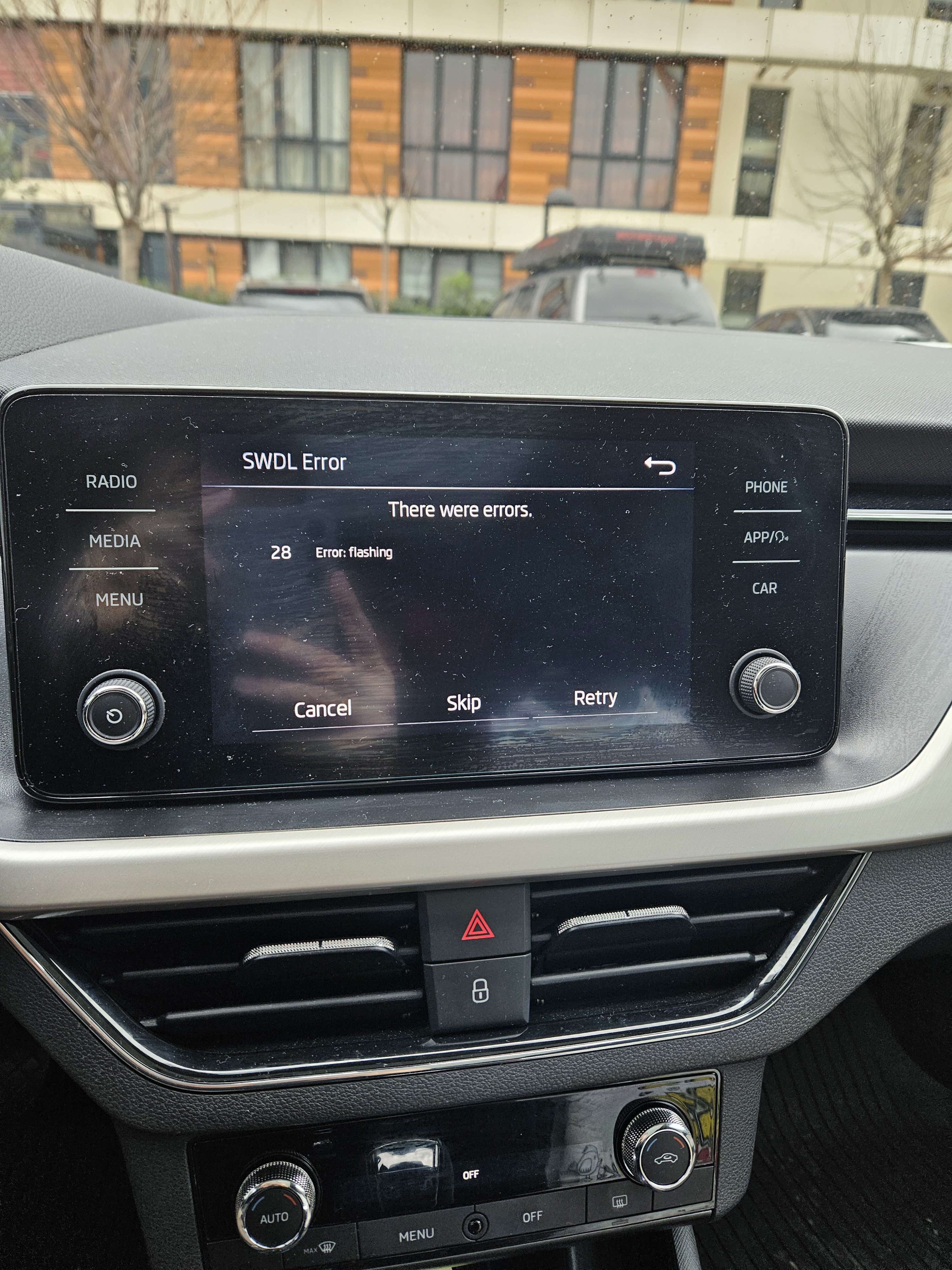
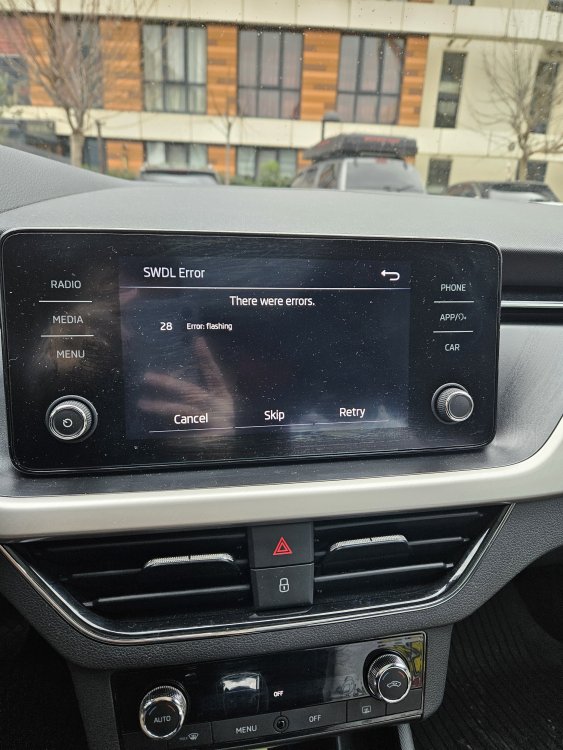
Old one was 469 First I installed 742 after than 1760. I try to install 1800 but there is some " 28 Flasshing Error " about tuner data files. And also one of my friend installed 1800 for year 2020 Scala
-
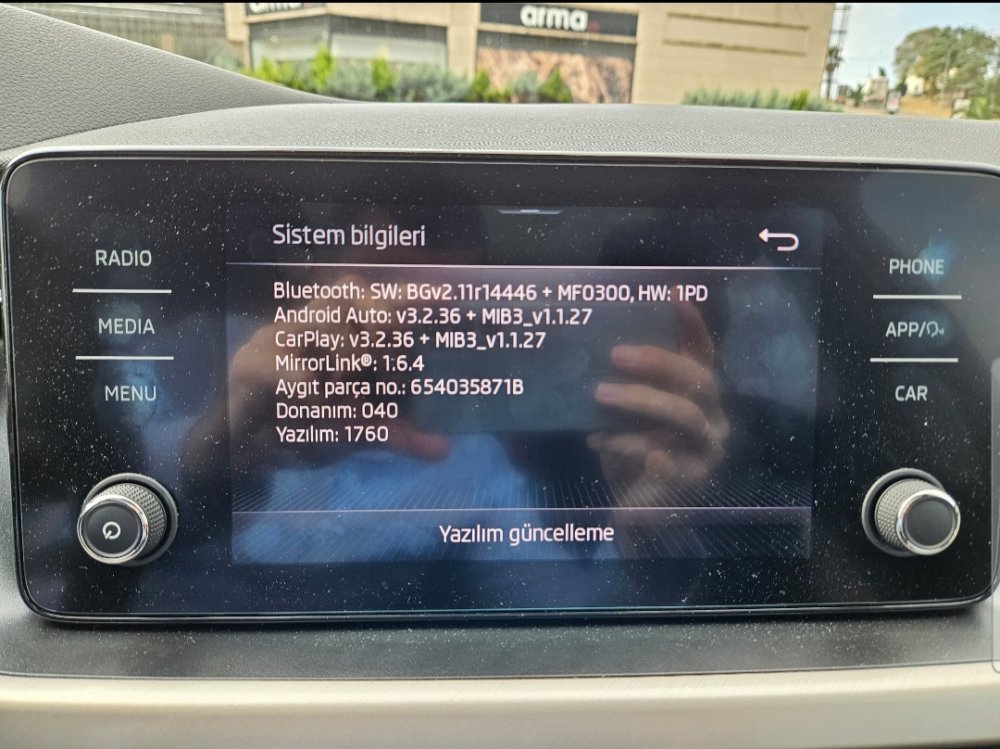
Are you süre about that because I have a same unit and my firmware version is 1760. I installed a 6 mounth ago.
-
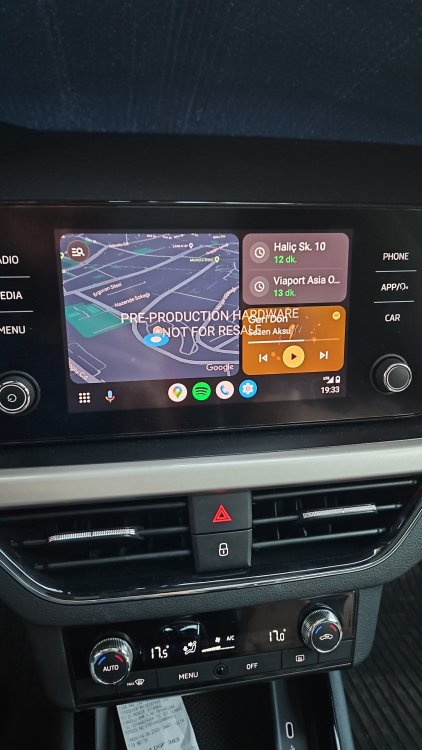
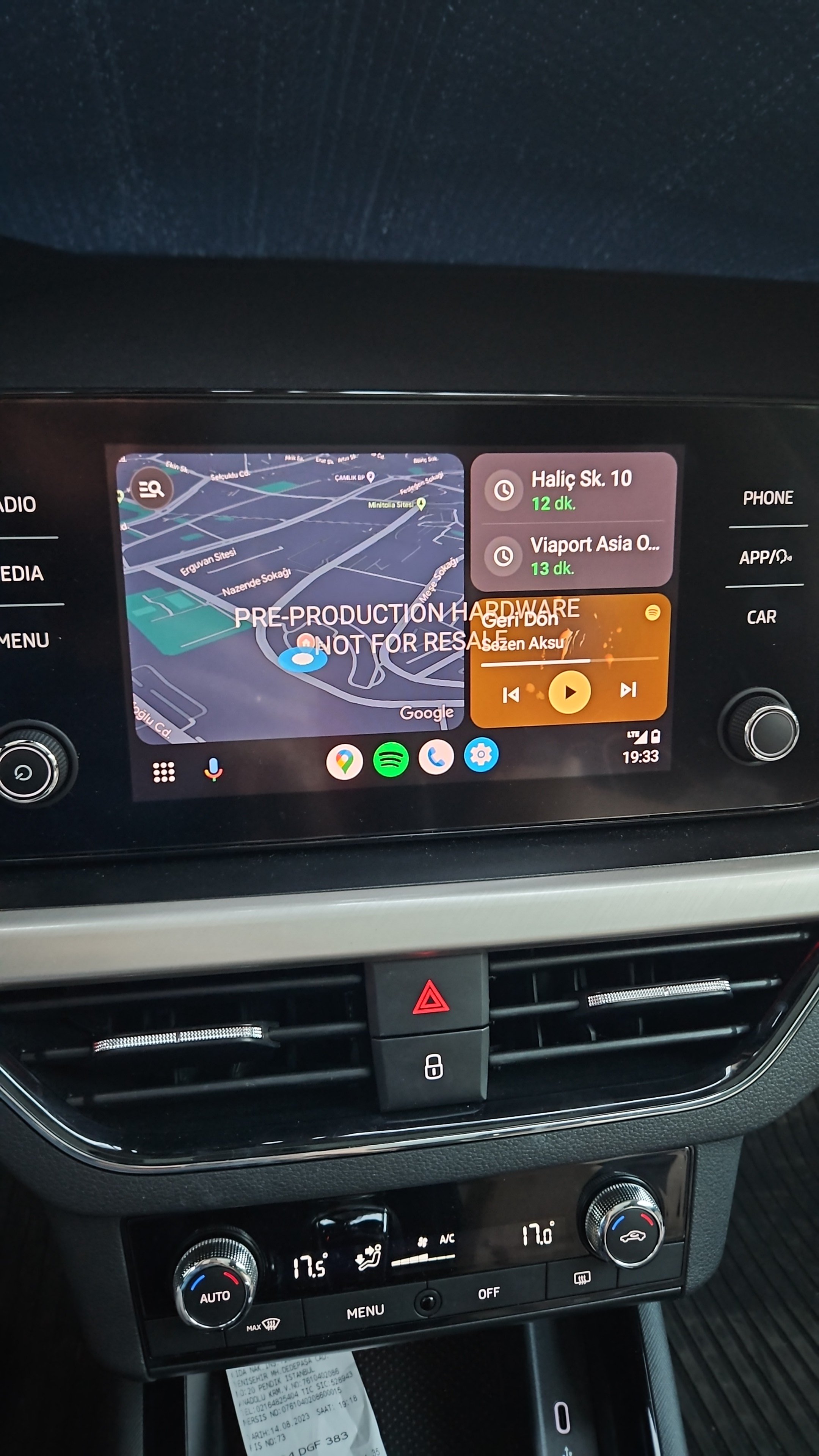
Hi I had version 0469 in my Scala and I replaced it with 0742. Then "Pre production hardware not for resale" started to appear on the android auto screen and I want to go back to the old version. Should I reinstall version 0469 with usb memory or is there another way to return to the factory version? In any case, can you share version 0469 with me?