WilliamG
New here
-
Joined
-
Last visited
-
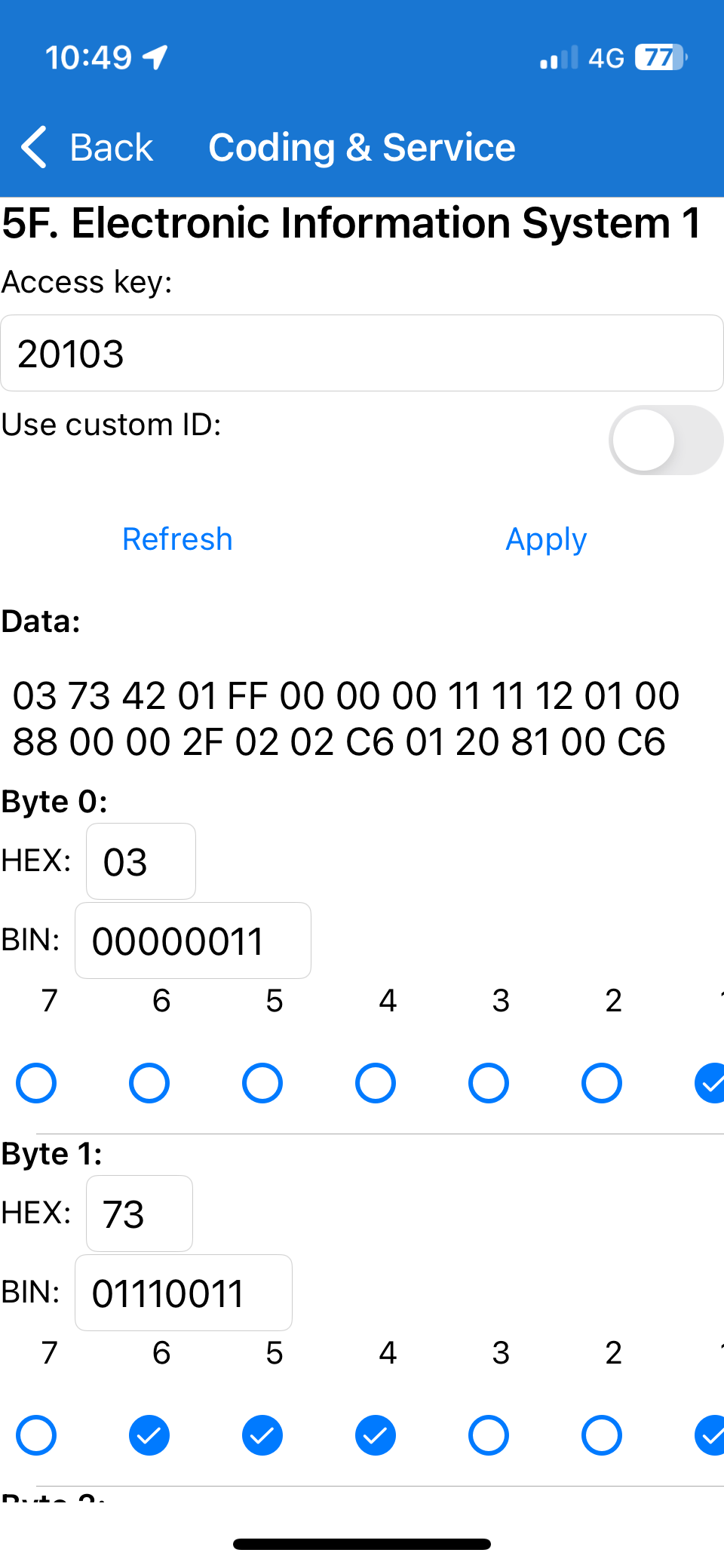
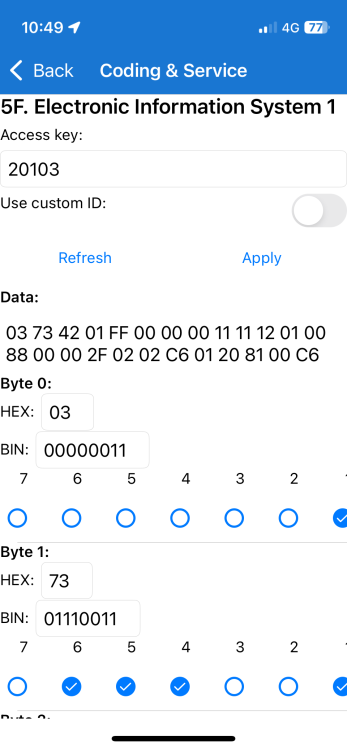
Hi all. I appreciate this is an old topic and that times have moved on, but… Since I paid to have CarPlay installed on my ‘65 reg Octavia Scout I keep getting the 1555 fault. I read about substituting some newly calculated HEX values but only have Car Scanner to play with and I’m not sure what the relevant byte values are that correspond to the new and old values that need to be input to do the adaptation (if that is even how it works!). I such a file of what I’ve got: any help really appreciated!
-
Hi guys. Really appreciate all the thoughtful comments! There are no error codes associated with this that I can find and seatbelt warnings all appear to work. It’s the driver’s seat so as someone says presumably “occupancy” is taken for granted (until these things are fully autonomous…). I can’t get better photos without extensive yoga training as this was the only one of 100s taken using my mobile that was in focus! My thought was that it was a load to simulate a non-installed option (seat heating?) but I know little about cars so threw myself on the mercy of the hive mind!
-
Hi all Attempting to clear the car of the kids' sweet wrappers etc I discovered a blue connector hanging down from the driver seat and seemingly... unconnected. It was in turn connected to a square of transparent plastic with a resistor embedded in it and a label attached (photo attached). I'd be very grateful if someone could tell me what it is and - perhaps more importantly - if it should be attached to anything! I should add that the car seat isn't heated or electronically operated in any way. Thanks in advance! IMG_1586.heic
-
Hi. Thanks for the response. I did reverse what I’d done, but this consistent behaviour (it now always opens a little and then closes immediately) occurred afterwards without any intervention on my part! Just cleared the old codes and opened the boot from the dash control. Got these errors: 00019 [0x000013] Archive (inactive) B120A02: Hall sensor in motor 2 for rear hatch, Signal error Hallsensoren im Motor 2 für Heckklappe Signalfehler B11DA13: Rear lid motor 2, Open circuit Motor 2 for rear lid Open circuit Status bits: 1 Priority: 3 Frequency: 1 Unlearning index: 190 Odometer: 141879 km Date, time: 2023.09.01 12:31:14 Status: Confirmed
-
Hi all. Sorry if this is an unhelpful post but I wondered if someone might help me out (or at least help me understand!). Background Earlier this year I bought a 65 reg Octavia Scout (diesel). I contacted half a dozen dealers asking if they could activate CarPlay for me, and since not one bothered responding... I bought a solution through eBay! Since it required a little fiddling with an OBDII scanner I bought one of those as well and used Car Scanner to finish the job. It worked and I was emboldened to fiddle with a few things using the app. (nothing major: just sound settings etc.). Now, all that may or may not be wholly unrelated to my problem... Problem My boot has gone crazy! When I press the button on the fob it opens about 10cm and then closes again and locks! It does the same using the buttons on the boot and inside the car. I've tried resetting the boot height but that doesn't do anything. I've used the long coding option in Car Scanner to look at the settings for 6D (Boot Lid) but of course I've no idea what the bits correspond to or what they should be! And hence my question... Question Can anyone suggest a course of action (other than taking it to a dealer, who'll probably get annoyed with me for messing with the ECU despite not bothering to respond to my calls/emails)? Thanks in advance!