WanderingDutch
Finding my way
-
Joined
-
Last visited
-
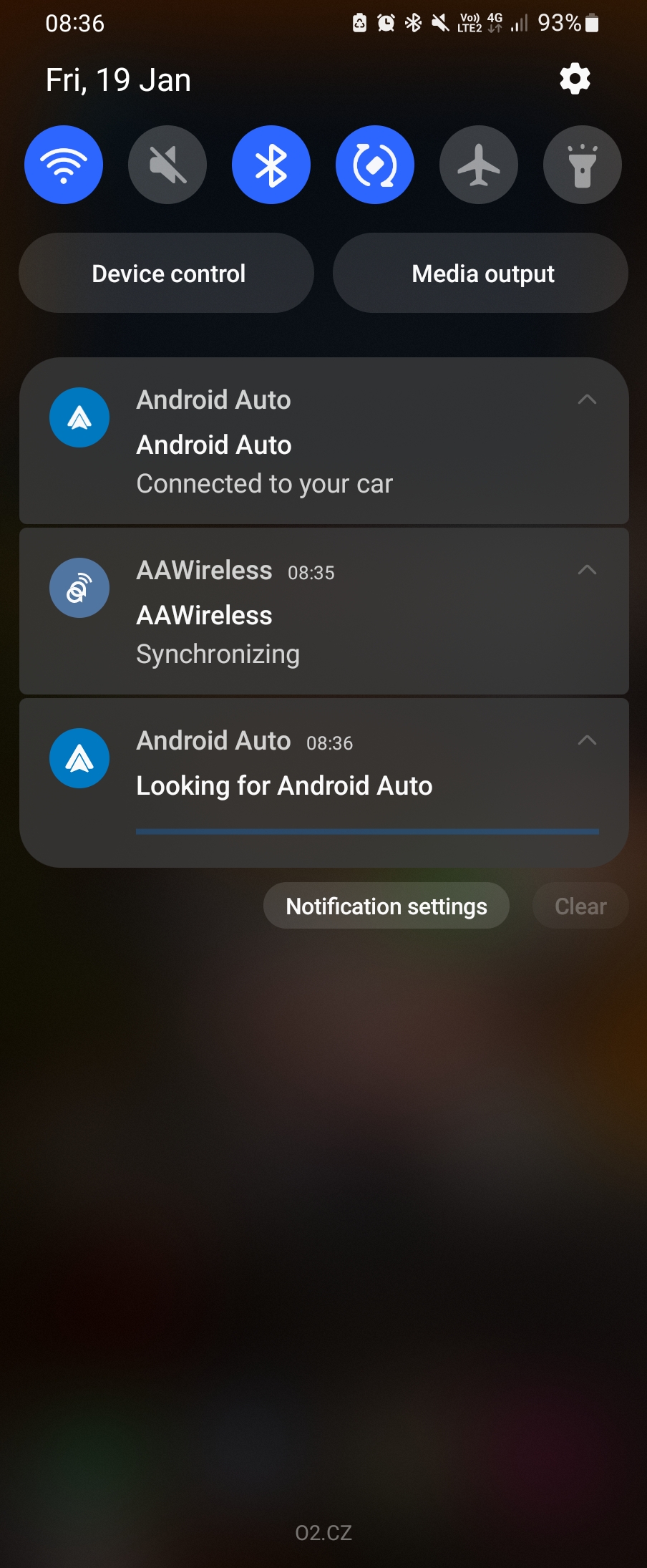
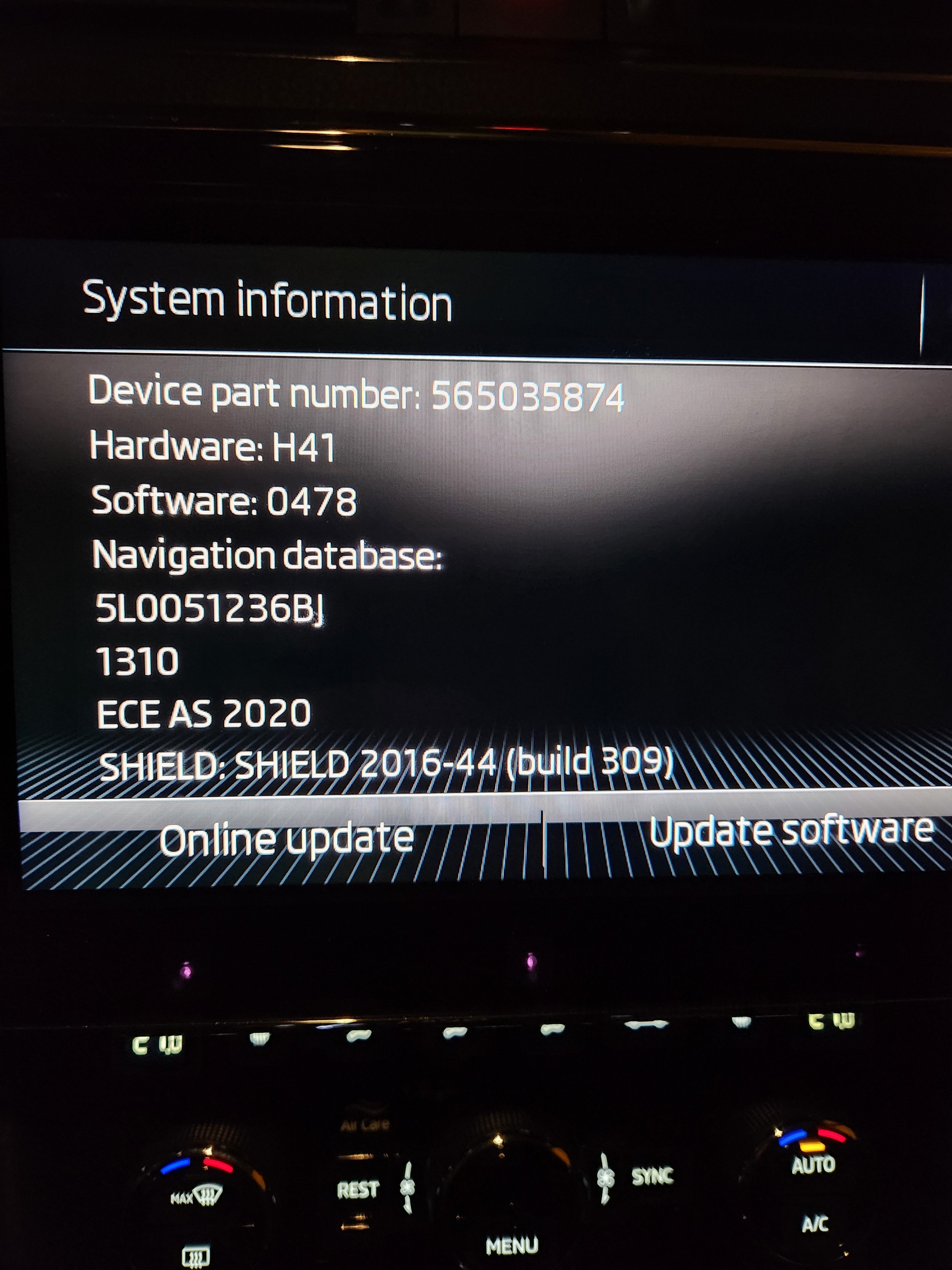
At the moment neither wired nor wireless is working. I did some further digging and I cannot exclude the possibility that it's a phone (Galaxy Fold 4) issue, as the phone says it's connected and refreshes the screen continuously but the car unit does not change. Adding some screenshots of my infotainment unit and the screenshot of my phone if that is helpful for anyone.
-
Thanks for the speedy reply, much appreciated What's the infotainment unit? There are multiple generations in Superb. Columbus Did you try another cable? Yes several including the one that used to work previously with the wired connection and the one that came with AAwireless Did you try another phone? Yes Did you try factory resetting the infotainment? Yes Did you try updating the infotainment software? Not yet, will try this now to see if that might help
-
Hi all, I recently received my AAwireless dongle for my 2020 Superb but can't get it to work. It's plugged in and the phone says that Android Auto is connected to my car, however the Smartlink screen does not change and stays the same as before. Have the same problem when using wired. Any suggestions?
-
Hi everyone, I realised there is no dedicated forum on Android Auto issues so I decided to create one. My problem specifically is that both wired and wireless Android Auto connection does not seem to work. The phone states that it's connected but when I click on the "app" on the Columbus infotainment screen, the standard Smartlink screen shows up and nothing else happens. My phone refreshes the screen a few times but that's about it. Anyone similair experiences or any potential fixes? Thanks,
-
Hi everyone, I am facing similar a issue. When I connect my phone to my Mk3 Superb, my phone tells me that Android Auto is connected. However, as soon as I click on App to go into Smartlink, all I see is the standard Smartlink screen with the available apps. In the past it used to jump straight into Android Auto as soon as it was connected but now it's not moving. Any suggestions? I already reset the infotainment screen and I am in touch with Skoda so in case they provide a solution, I'll post it here as well. Many thanks
-
Hi all, I'd like to get in on this topic as I facing the same issue on my 2020 Superb. The connection with Android Auto worked well until it randomly decided to give the ghost one day (charging still works). During a regular inspection I had a mechanic take a look at it and his first thought was that there was something in the USB port in the center console, specifically a liquid (this was during covid so kept desinfectant around all the time). However, I found no leakage anywhere else in the console and if the USB's were truly disabled I would probably not be able to charge my phone through it, which I am still able to do. At first I figured it might be a setting of the usb cable (charging only and no data transfer), however after having double checked my settings, tried several phones (both Android and Apple) and several cables, I realised that that is not it and that it's probably a software issue. At the moment I've got two possibilities. Either replacing the USB's (there are a total of 3 and none of them provide a connection with Android Auto) but since it's a firm car, I am hesitant to do so. Another option that I am considering is to buy an AAwireless dongle. Since this dongle only relies on an bluetooth connection and a powersource (which it would get from the USB port) and eliminates the cable connection between phone and car, I figured this might be a feasible option, however these dongles don't come cheap and it's an expensive option to just test a theory (I know I could always sell them afterwards but it's about the hassle). Would there be anyone that has experience with this? Thanks,