StripleRider03
Finding my way
-
Joined
-
Last visited
Everything posted by StripleRider03
-
No, I haven’t got it or found it online, but I heard that they have released another update.
-
Hi all, I heard that Skoda have released a bug fix update after 1800, 1804/1806. Is that available with anyone here? If yes, can you please share the link for the download?
-
I also felt the audio quality was better with 1800 when compared to 1790 and 1798. I don't know if others have experienced the same, but I could notice a difference in the fullness and clarity.
-
This was meant only for cars on the India 2.0 group, direct update from 1790 to 1798 did not work, hence the need to update it twice in series to get to 1800.
-
Sorry, all our cars here came with 1790 and above, so I don't have an idea on the earlier versions.
-
Yes, you need to update to 1798 first and then to 1800. We tried to upgrade from 1790 to 1800 directly on a car and it didn't work.
-
Update from 1793 to 1798 first. Then update to 1800 and everything will be okay. Android Auto will work with the S23 Ultra just fine with 1800.
-
The stock ones that came with the welcome kit. I feel they do the job pretty well, for now at least.
-
I'm using carlinkit 5 too, very convenient and works flawlessly.
-
I did not come across this error, but I had updated to 1798 prior to installing the latest 1800 version. My car had 1790 installed from factory. You can try going in the same increments and hopefully it will work without issues.
-
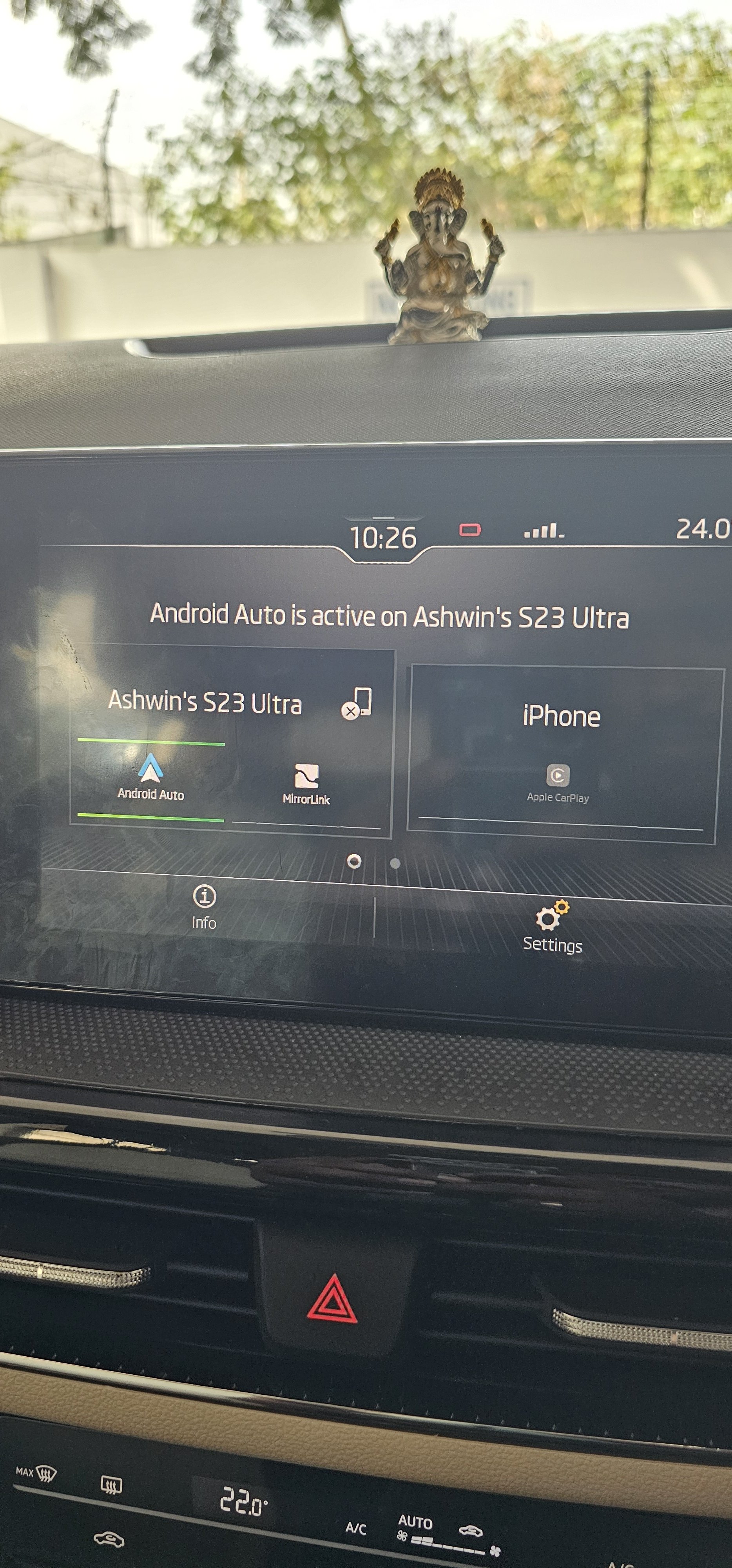
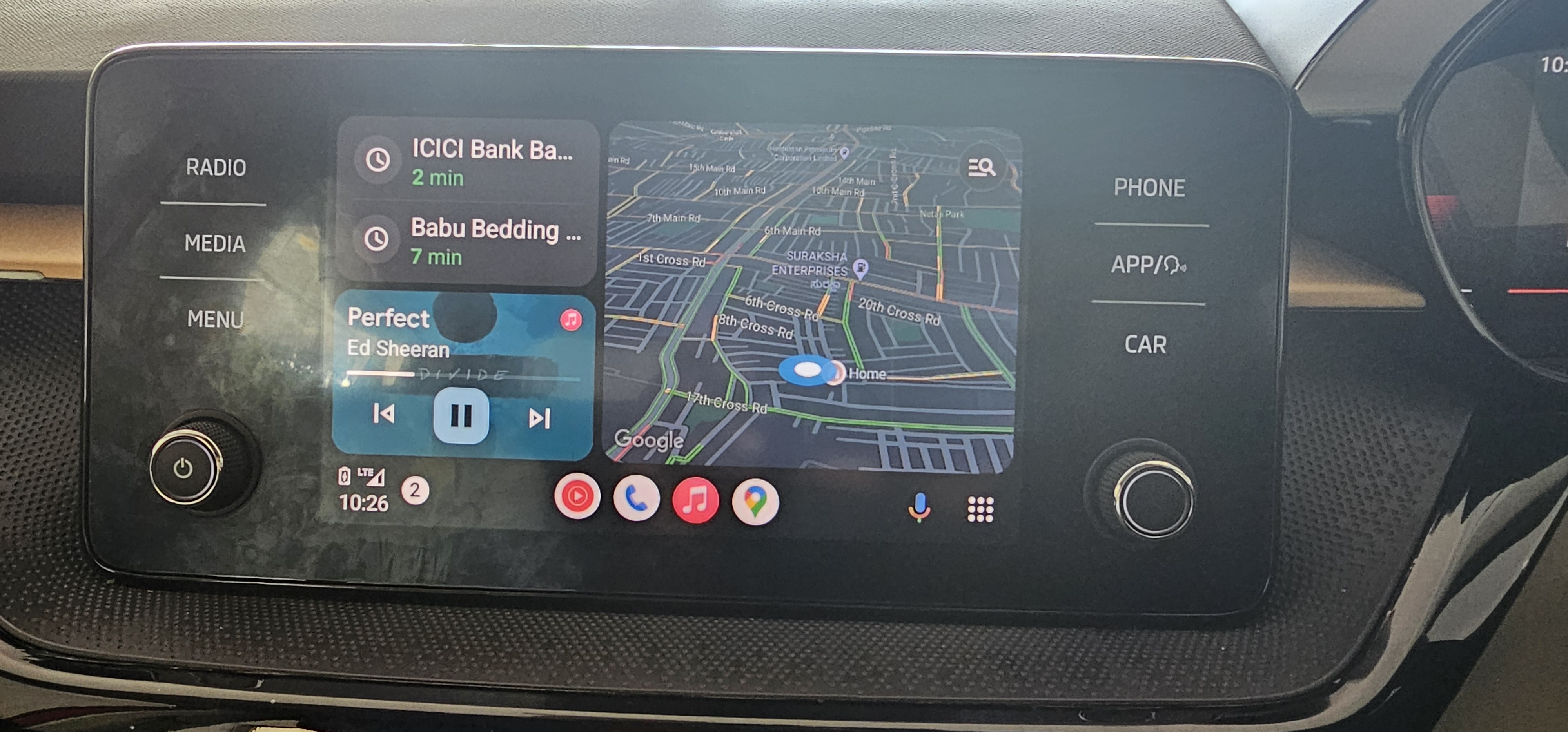
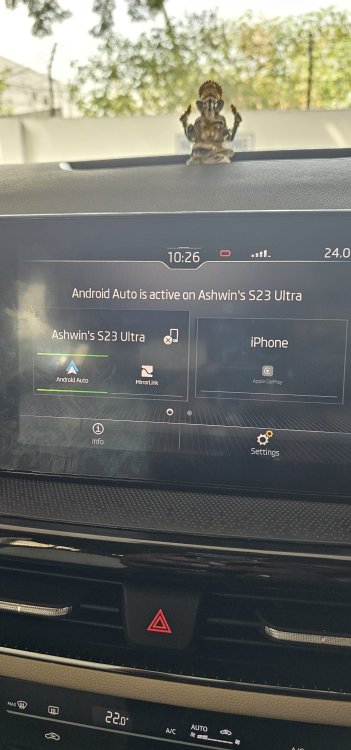
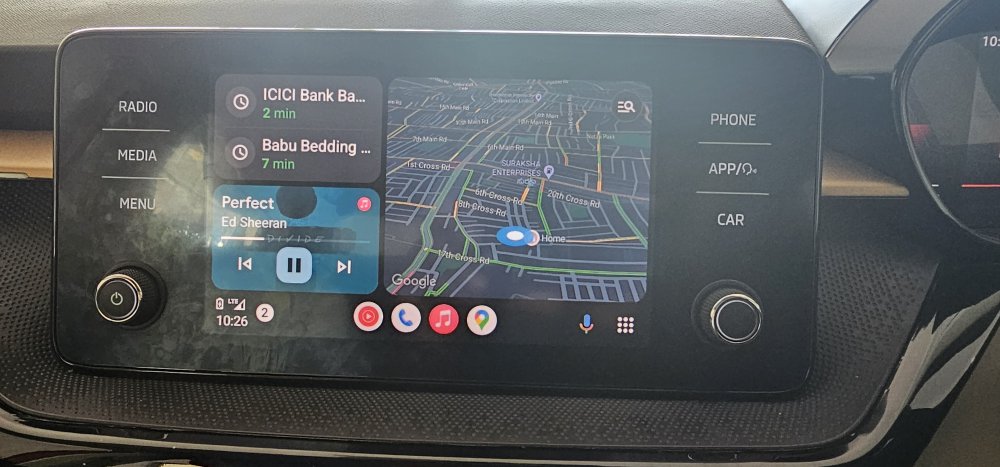
I just updated to 1800, I have a Skoda Slavia in India with the Bolero system. I can confirm that the issue with S23 Ultra is finally resolved! Attaching images.
-
The audio quality has definitely improved after the update to 1798 though, so it is not completely useless.
-
I can confirm as well that the 1798 update does not fix the android auto issue with the S23 series of phones. Hoping that skoda releases the update soon as it is very frustrating to not use it after paying so much for the phone.
-
So even after updating to 1798, Android Auto isn't working with S23?
-
@varooom @Rainesh it would be helpful if you can PM me the instructions and the link to download 1798
-
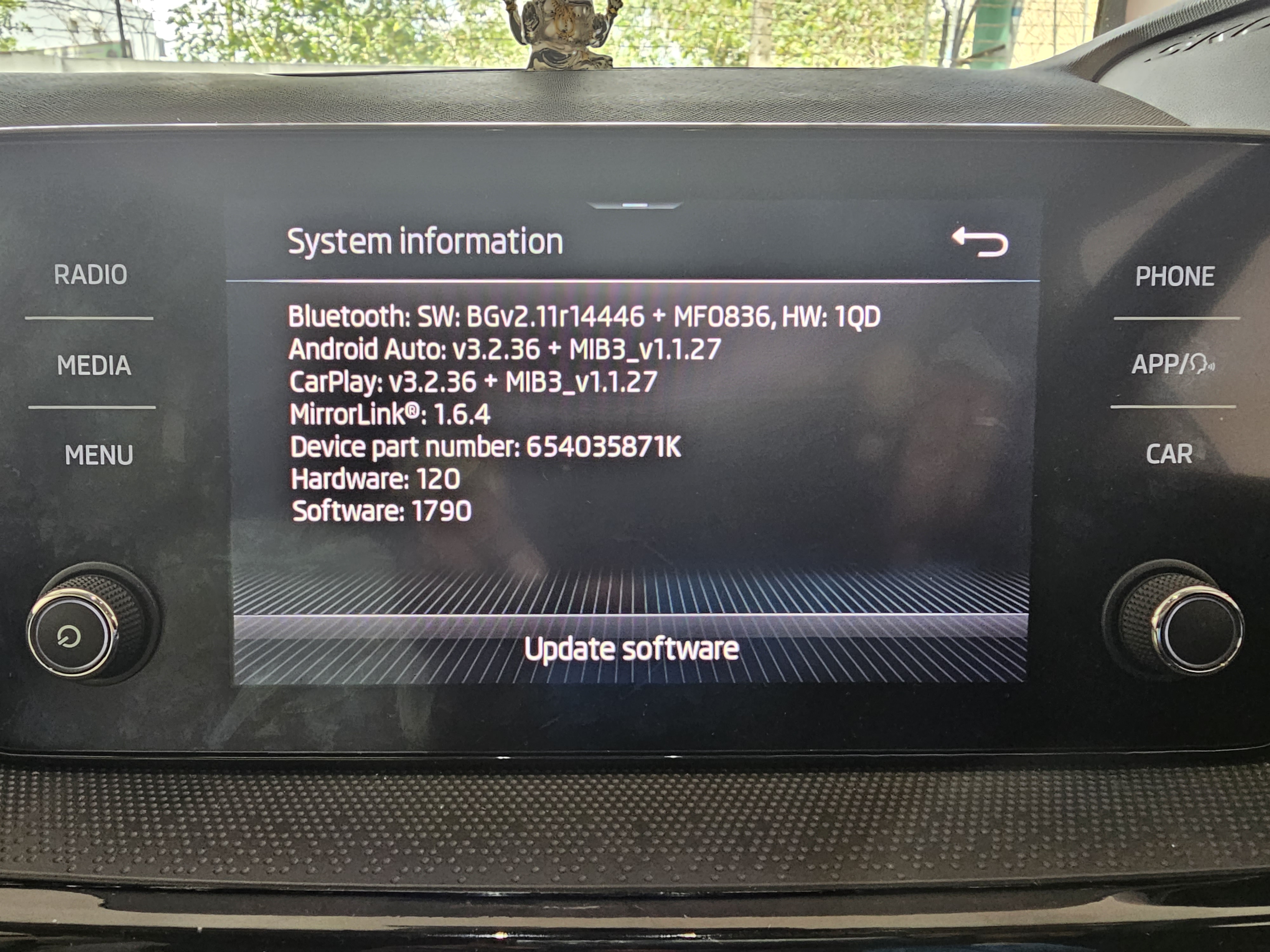
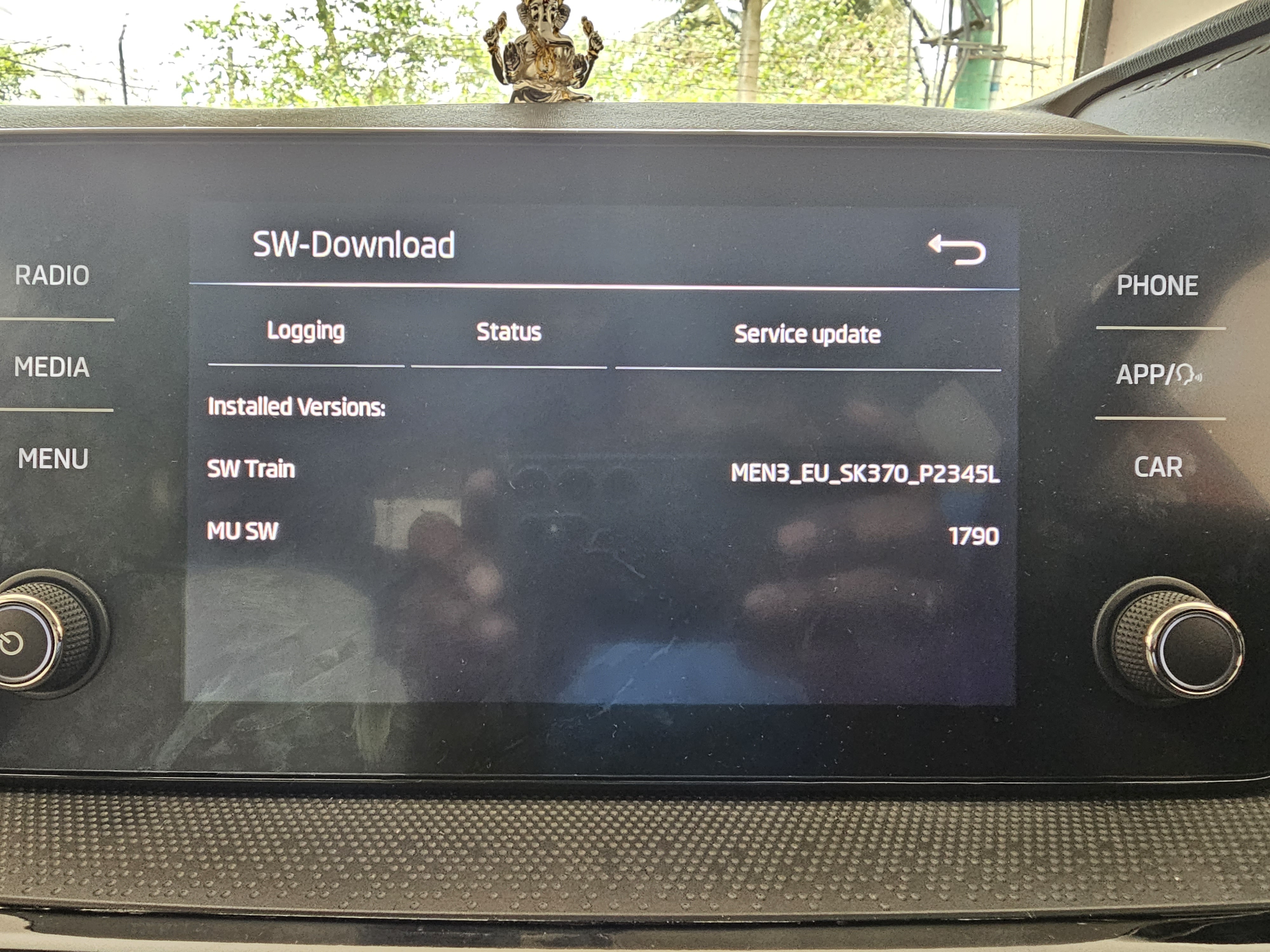
This is my software train:
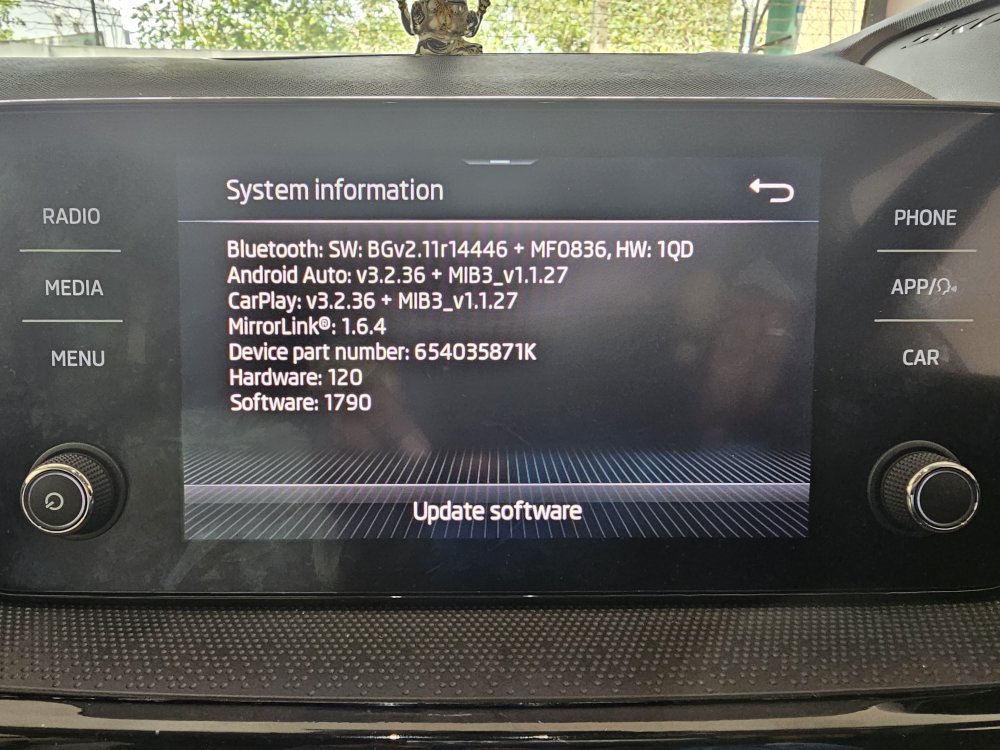
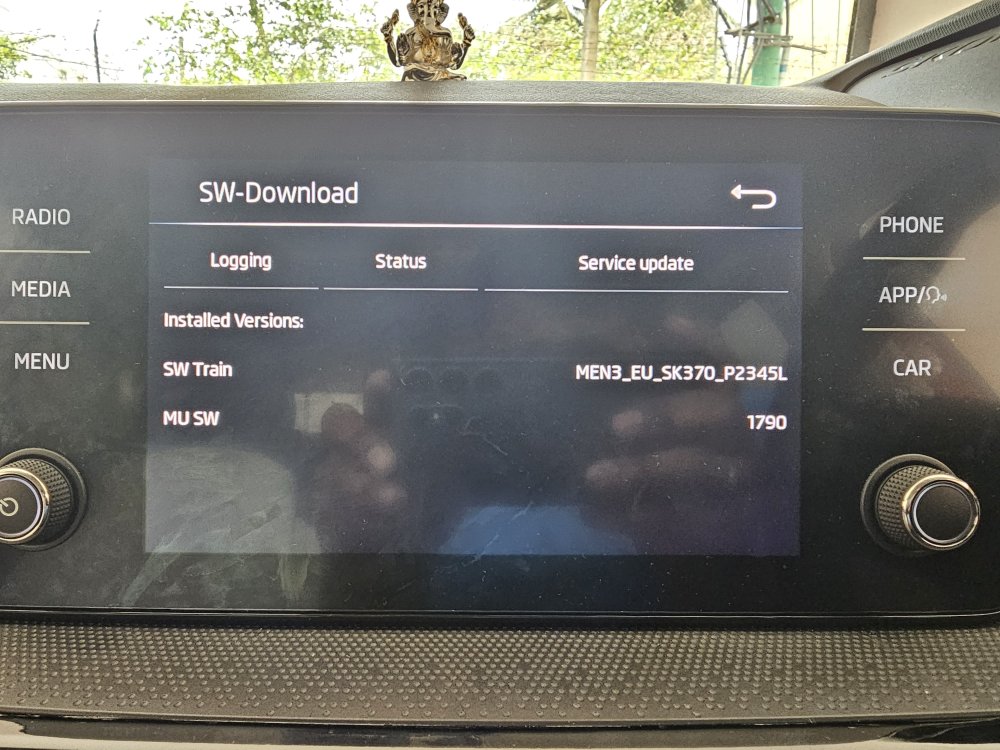
-
I'm having issues connecting my S23 Ultra for Android Auto. I am running version 1790 on my infotainment. Attached the screenshot. Would be great if you can share 1798 with me.