
Andy1968
Finding my way
-
Joined
-
Last visited
-
well done on finding the problem a nice easy fix in the end 👍that's why I said take a picture of the fuse box before taking any out then you can check easy.
-
Hi Rick, have you checked all your fuses? make sure none have blown. take a picture with them all in place before you remove any 1st. I had nothing at all at the switch my problem turned out to be a dodgy connection on the switch. Hope you find and fix the problem good luck.
-
All fixed turns out it was a dodgy connection on the ignition barrel. many hrs of head scratching and going over and over things again and again, it's fired back into life. Thank you to BlueWagon for your info of things to check etc. Now next weekend I can carry on trying to find out why the rear wiper doesn't work the thing that started it all off, hopefully just a broken wire on the replacement tailgate fingers crossed.
-
ok thanks again have checked all fuses including under the bonnet nothing appears to be wrong.
-
fusible link where would this be? what does it look like?
-
ok been out battery fully charged all fuses checked again got interior light car locks unlocks with key fob radio comes on but absolutely nothing else. Even put jump leads from another car just to check no difference its dead.
-
Thanks for reply, Fuses checked with continuity tester, I disconnected battery last night from the car and have had it on charge overnight. About to go out and see if anything has come back to life and will also check fuses before connecting battery back up.
-
Hello all, 2010 Octavia 2.0 tdi so this morning I changed the boot lid old one rusted, all ok high level brake light works number plate lights work rear wiper not working ok swap with old one that worked fine. Nothing ok maybe I've blow a fuse nope all ok so turn ignition on nothing totally dead no lights nothing interior lights work car locks unlocks on key no problem. windows go down and up on remote, apart from the rear ones dam so problem now is I need to shut rear windows and need the ignition to work any ideas solutions please.
-
Hello all, 2010 2.0 Tdi So this morning I've changed the rear boot lid old one rusty. everything going good that's all done checked HL break light number plate lights all ok. Rear wiper not working ok swapped with old one still not working checked fuses all ok went to turn ignition on nothing no lights so i'm gussing when I've checked fuses I've done something Immobilizer maybe? any Ideas please. Everything was fine before I checked fuses all the lights came on etc. Problem started after I removed fuses to check none blown I'm quite sure all fuses are back in the correct positions.
-
Yes exactly that it's a bitch to get off but it just pops off with a puller couldn't find mine. So I used a pair of pipe grips put the nut on lose then grips on underside of arm and top of nut squeeze the grips and pop it's off.
-
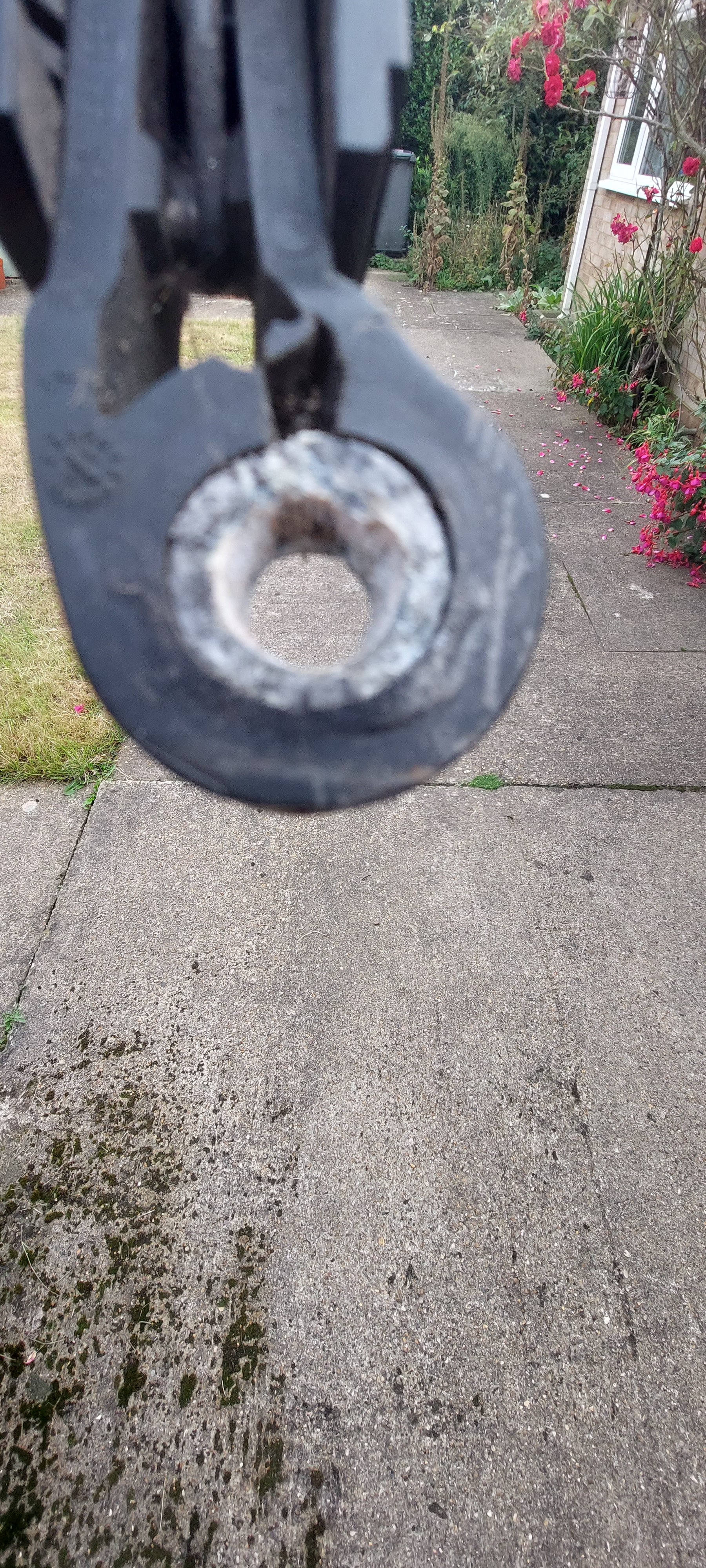
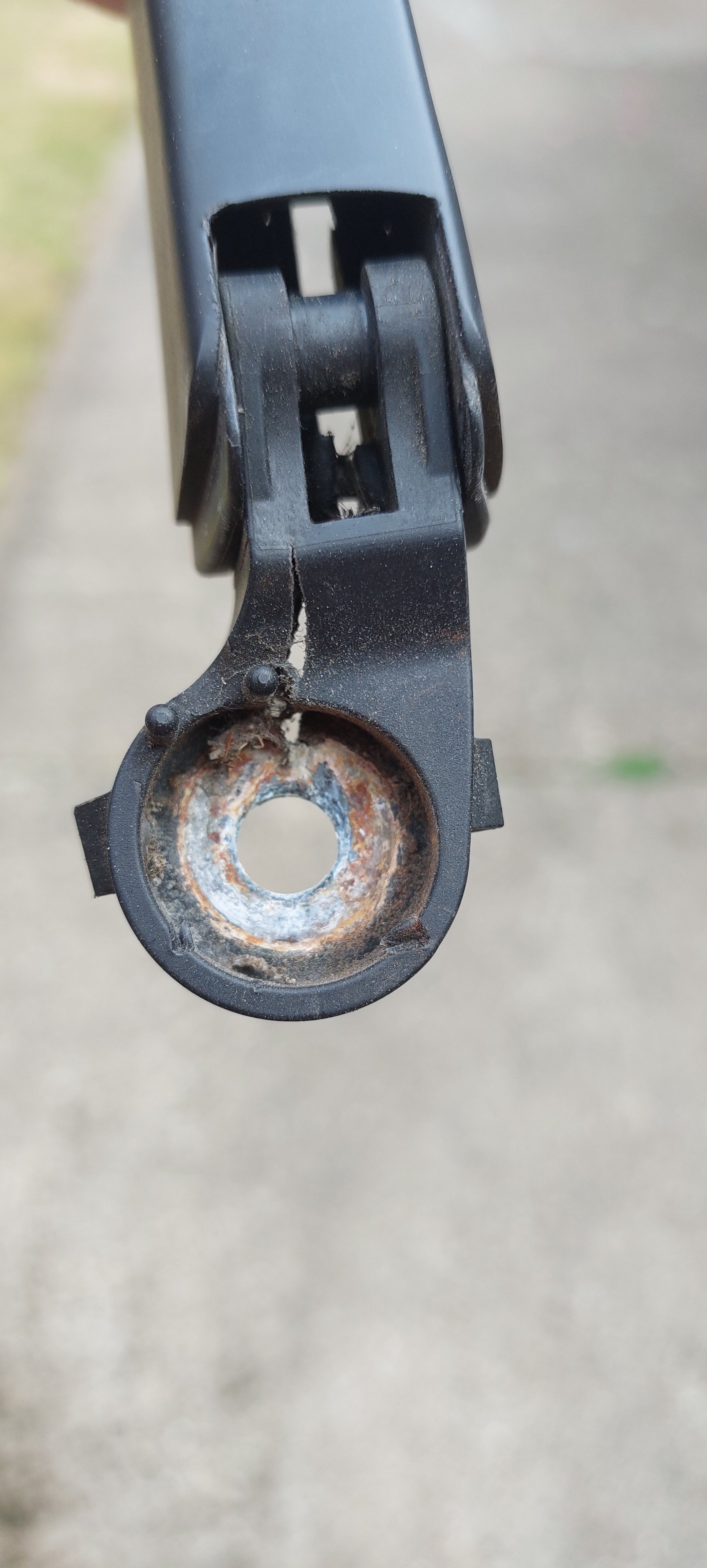
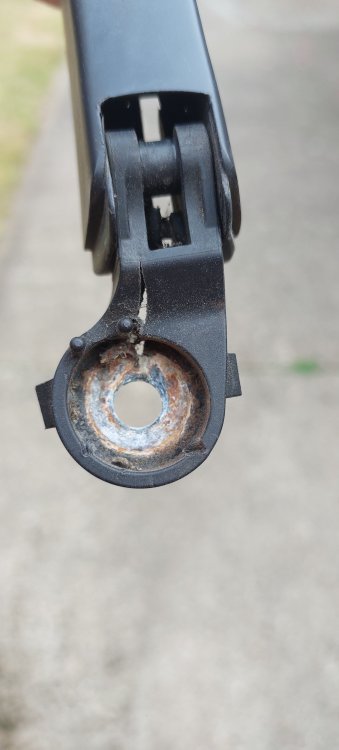
Hi all I had the same problem, did all the recommendations etc still the same but then I noticed that the arm itself had a small crack around the pivot arm near where it bolts on. So I got a replacement arm off Ebay fitted new arm and bingo problem solved. So check for a little crack it might work for you as it did for me.
-
Hello all thank you for letting me join. I've been into cars bikes etc for as long as I can remember. Had a few over the years started with a VW Type 1 Beetle then a Beach buggy I built, a Talbot Sunbeam Lotus rally spec forest arches roll cage etc, Type 2 VW Crew cab that was lifted not lowered. That had 36" tyres highly modified. Clio 16v, Landrover Range Rover Bobtail 200tdi, Landrover Defender 300tdi challenge truck all now sold and currently running a sensible Clio 182 Trophy totally standard and the icing on the cake the dependable Skoda Octavia 2.0 Tdi Elegance estate.