dukvil
Finding my way
-
Joined
-
Last visited
Everything posted by dukvil
-
-
Sorry, I wrote it wrong. It is in fact the DQ200, yes. I know Skoda and VAG in general don't recommend changing the gearbox oil but, if I remember correctly, it was done after we bought the car (it was SH) The car usually stays in the normal driving mode and on longer drives usually at least 2-3 times put in sport and revved-up for overtakes
-
My dad has a 2019 Skoda Karoq with the 1.6TDi engine and the DSG DQ250 and ~150k km on it. I noticed that the engine doesn't really like to be between 1250 and 1500RPM because it vibrates a lot in that range, the same feeling as underreving a car This happens very often at city speeds when you start easing off the throttle at 50-60km/h (speed limit) I thought it was a common problem or something until yesterday when I ordered an Uber and the driver had the same car, same year engine and gearbox (asked him) and noticied it's very smooth compared to my dad's skoda What could be the problem with this and what's the fix because it drives me crazy. Usually when I drive I downshift to a lower gear so it doesn't shake/vibrate anymore
-
i understand, thanks. could you provide me with a link for an update(if you have one for this unit), please?
-
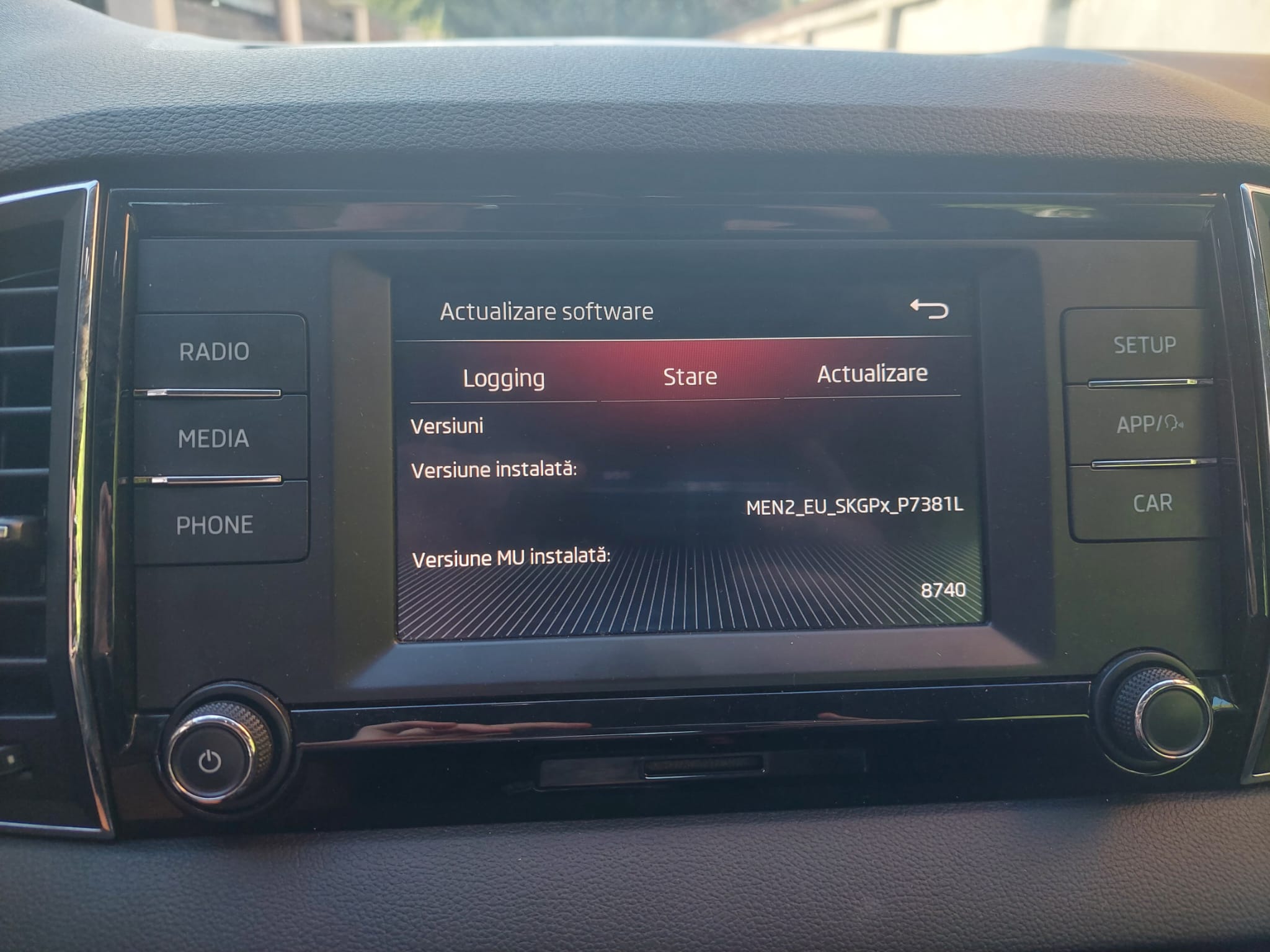
I have this unit in a 2019 Karoq Style that was not configured with SmartLink when it was bought. Dealer is charging a pretty high price for activation. Is there any way I can do this myself or have somebody do it or at least have a file for update @pab567?
.thumb.jpg.27ec8e3c447e70cb7f8127b05afcdf67.jpg)
-
nu am reusit sa activez nimic
-
hey @varooom, from what i saw in other posts on the forum that you could help me with the file for the firmware update. soooo, could you please?
-
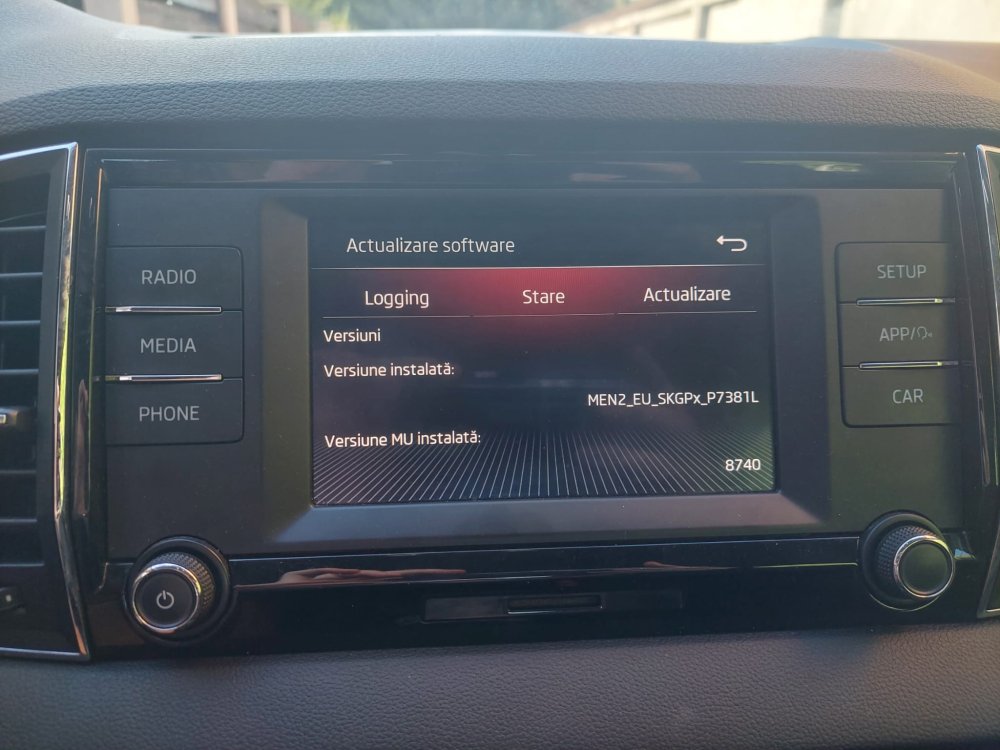
Can anybody explain to me how to update the firmware on a Karoq from 2019? I found numerous info on the web but I don't really understand what to do. In the photo you can see what version I have installed at the moment.

.jpg.a9366bb93ca36d1a77e394d1224acc64.jpg)