Vaselia
New here
-
Joined
-
Last visited
-
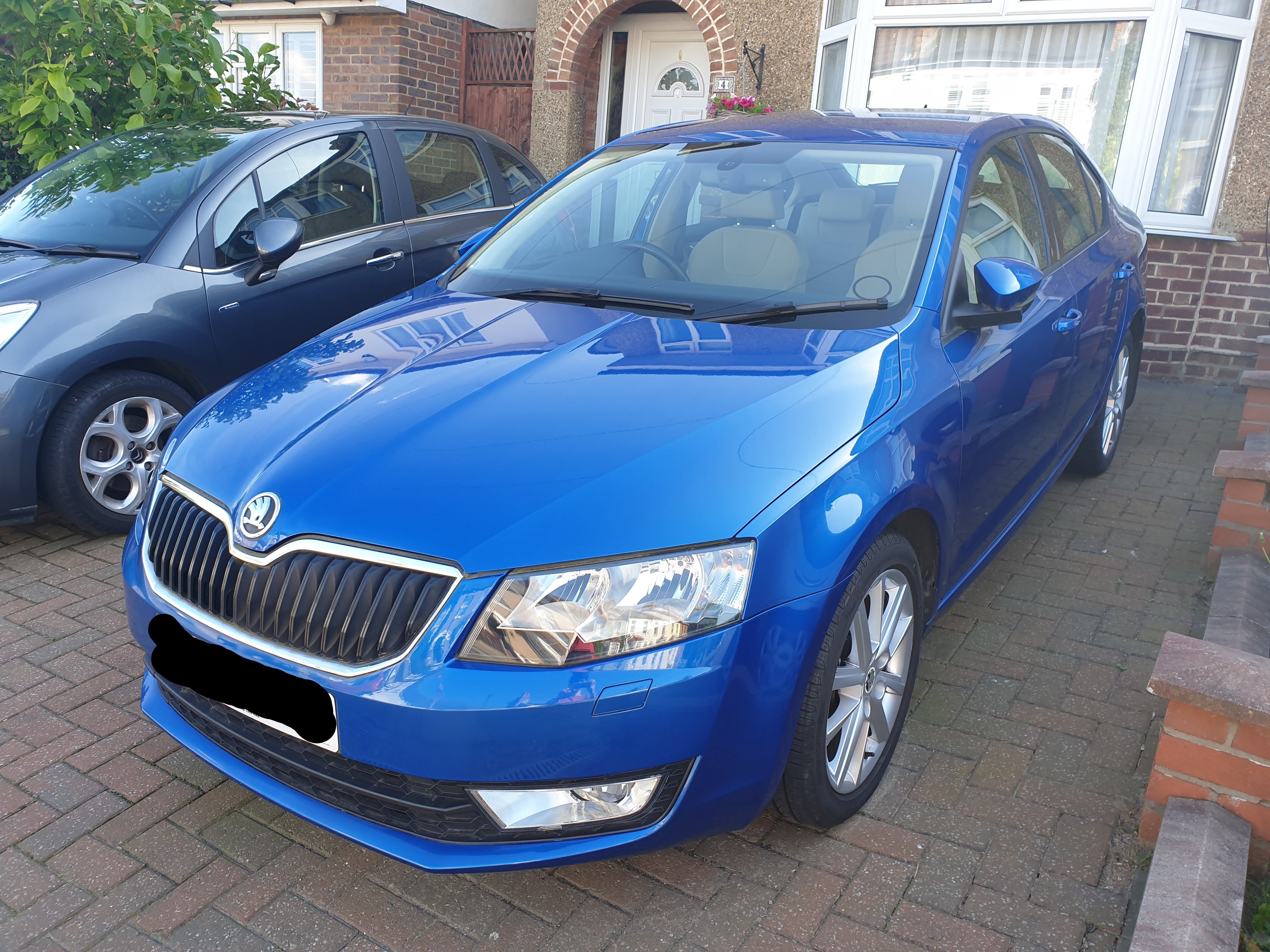
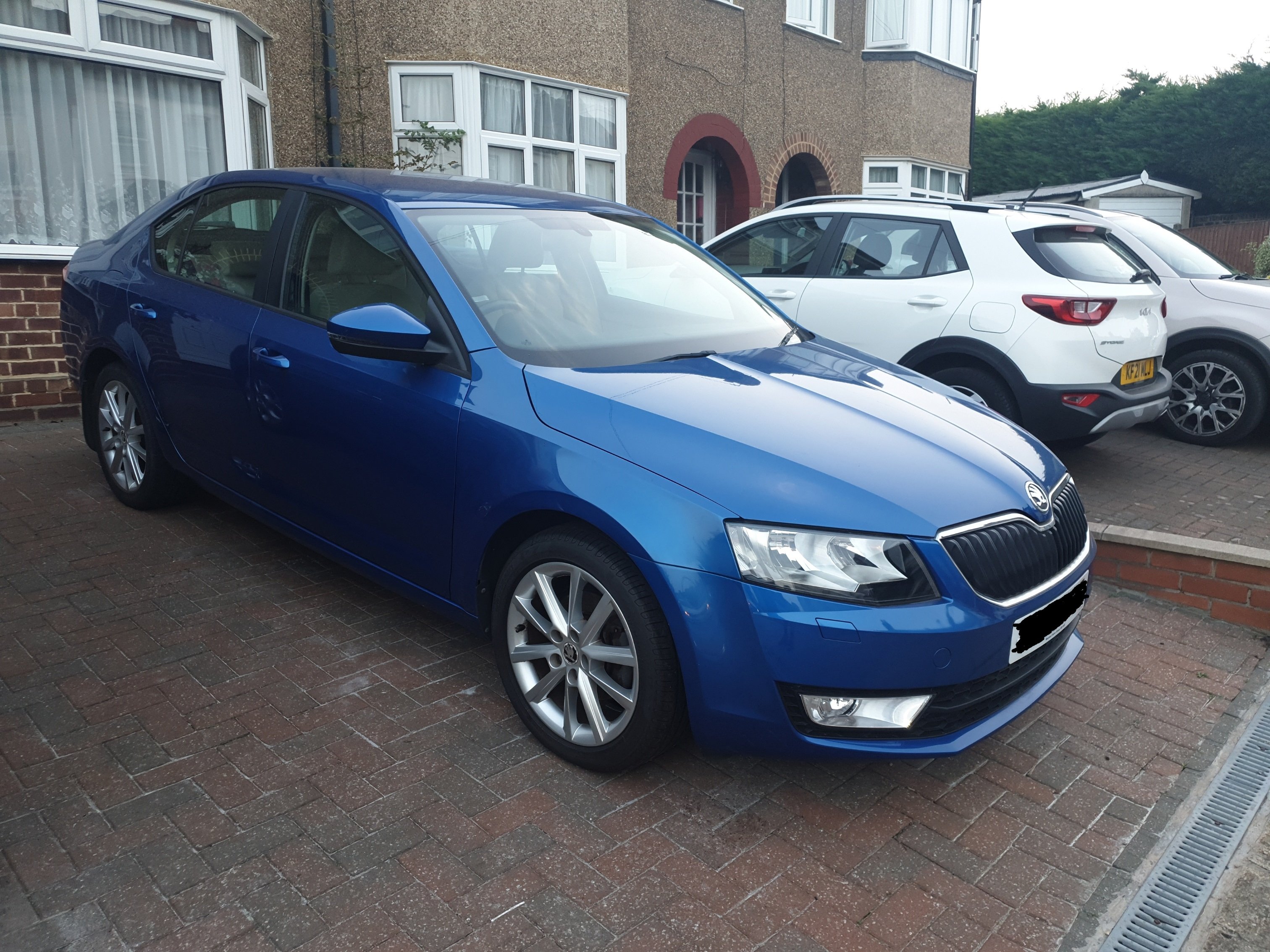
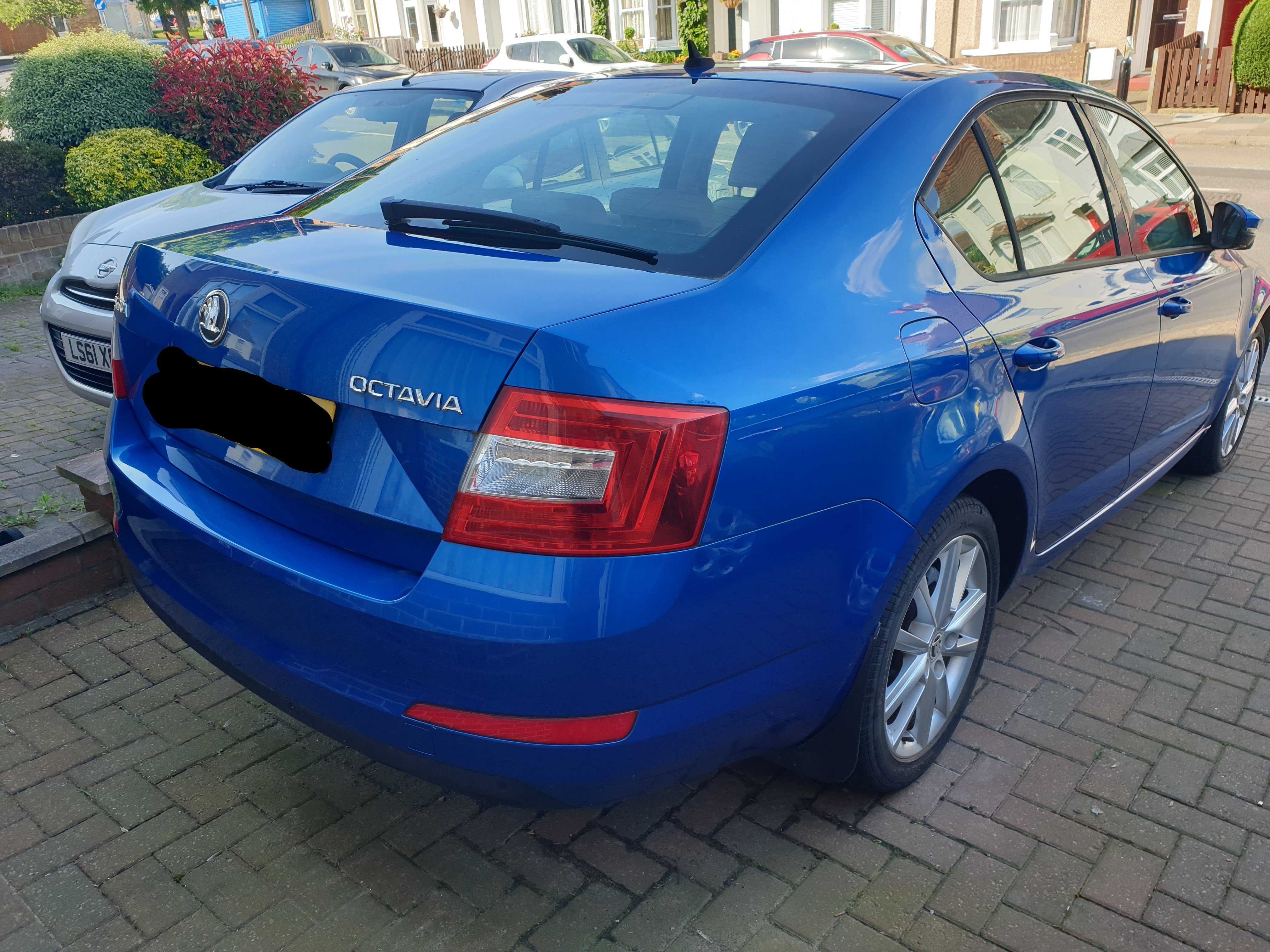
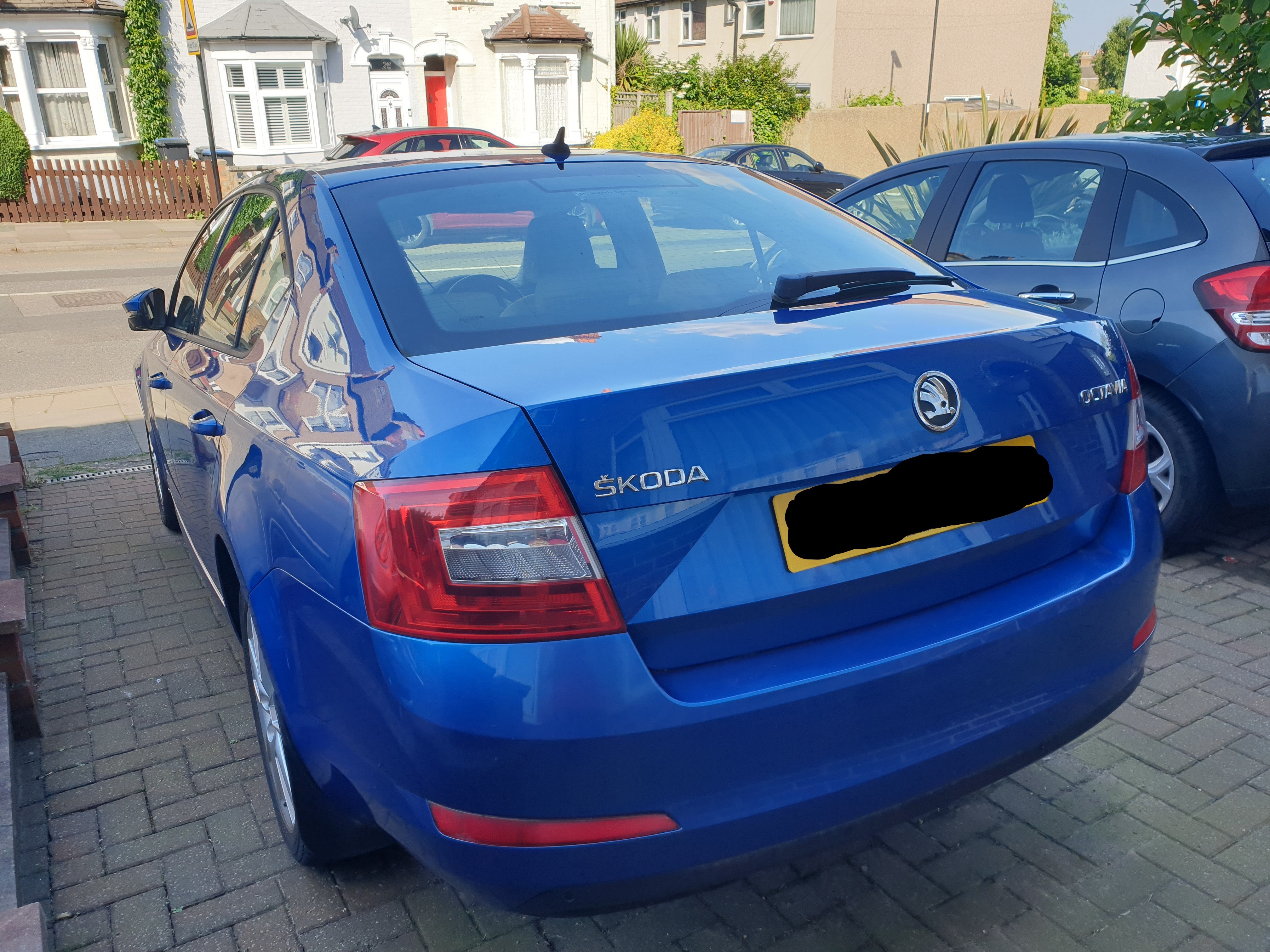
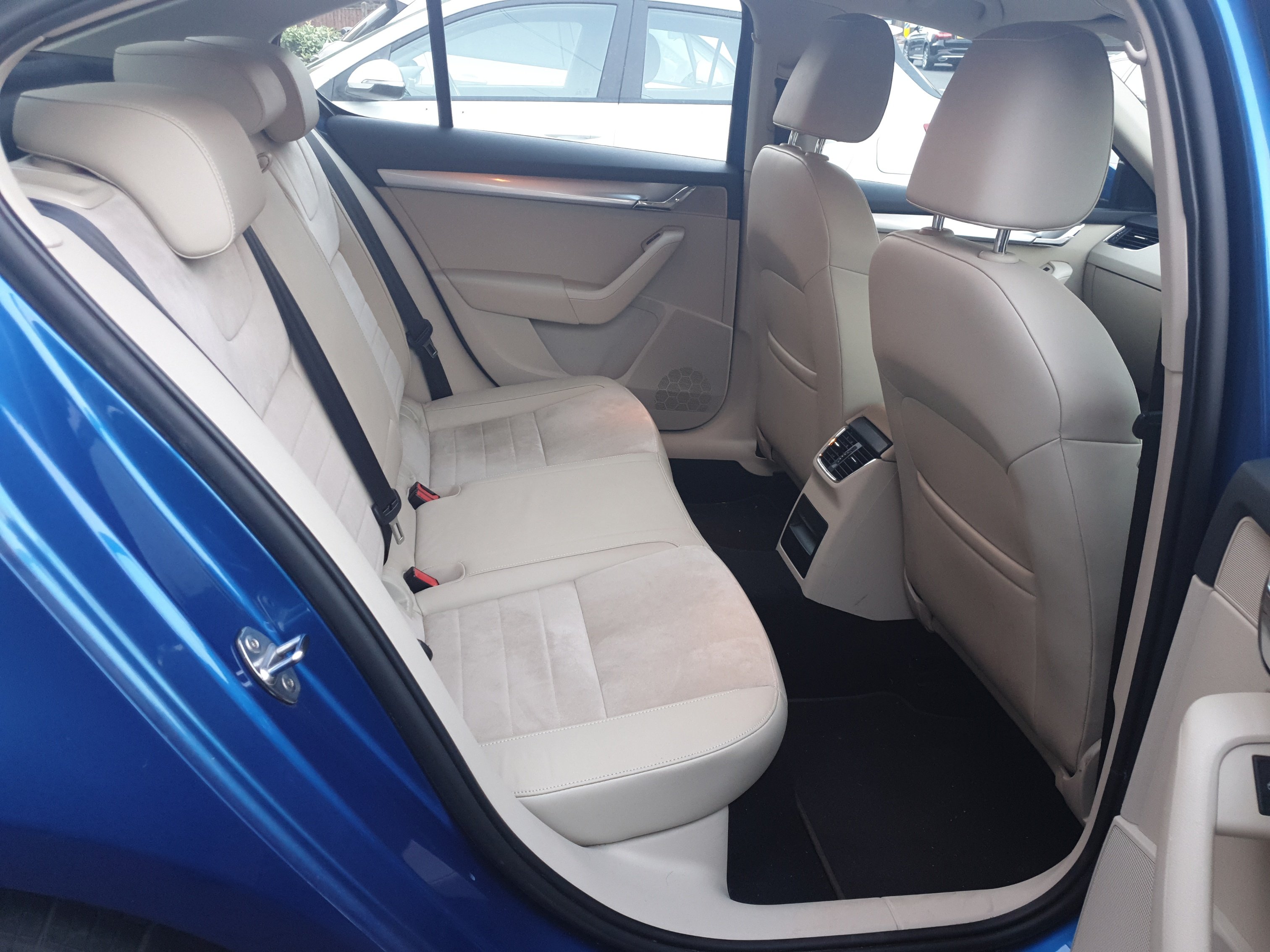
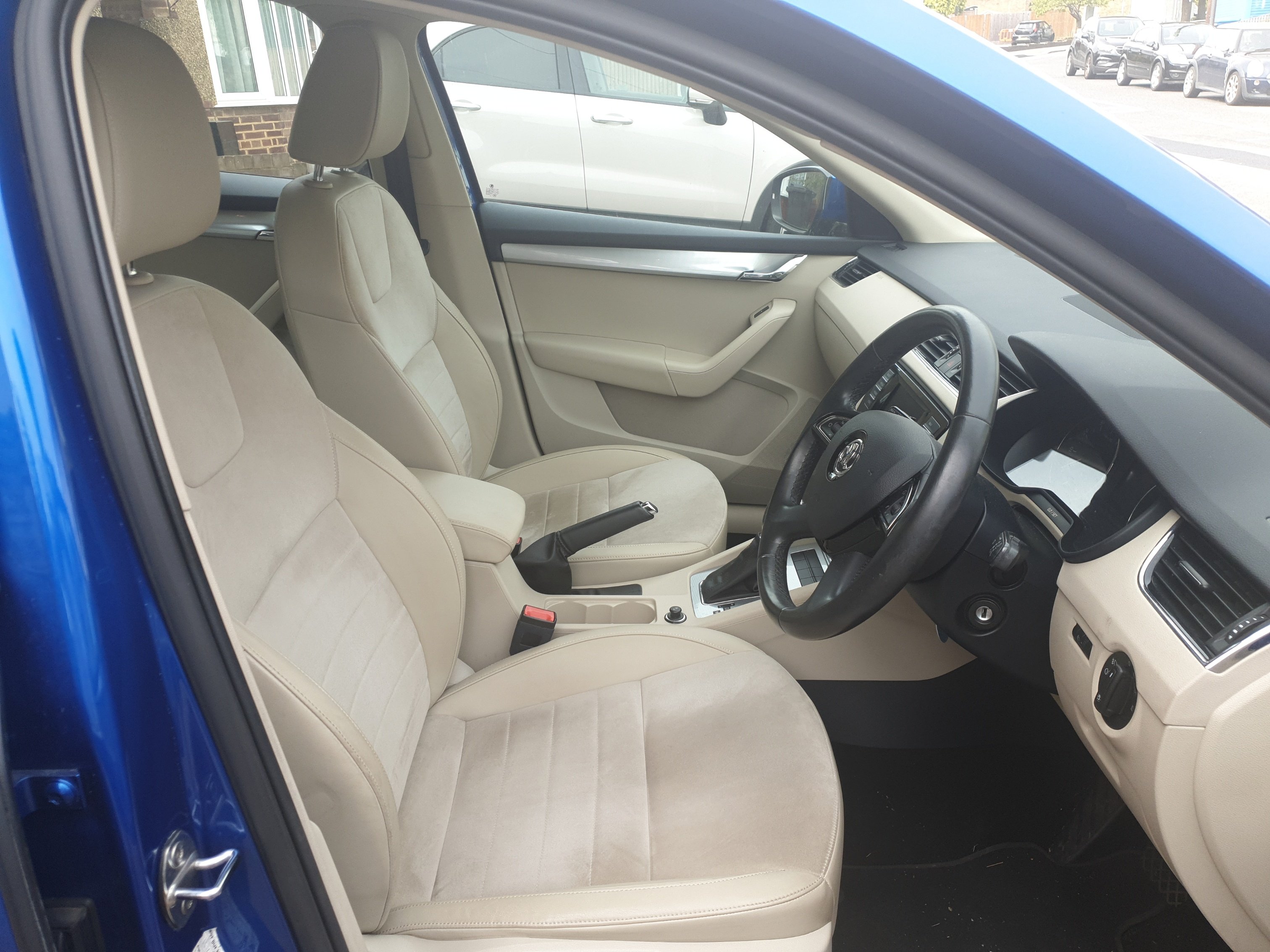
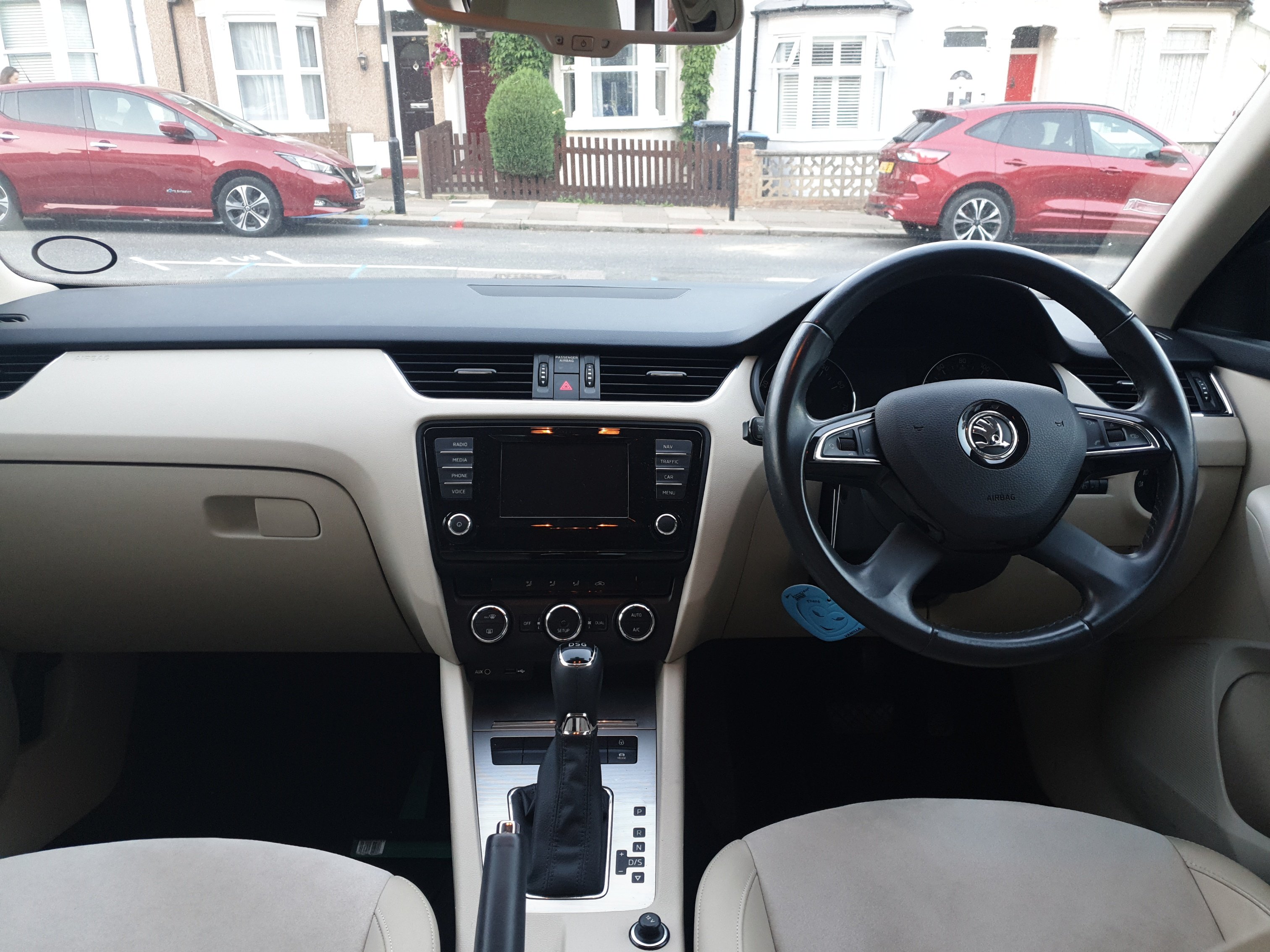
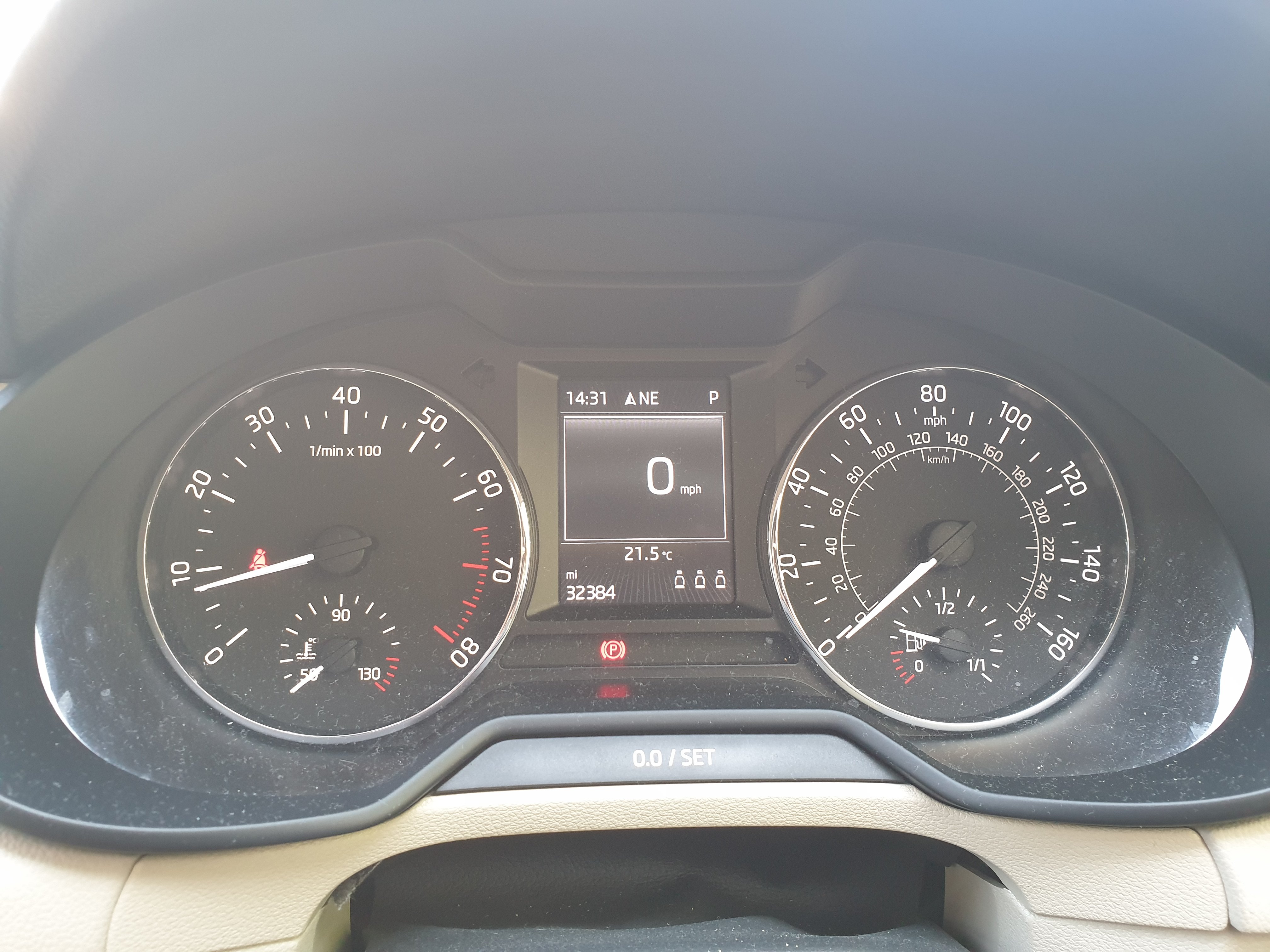
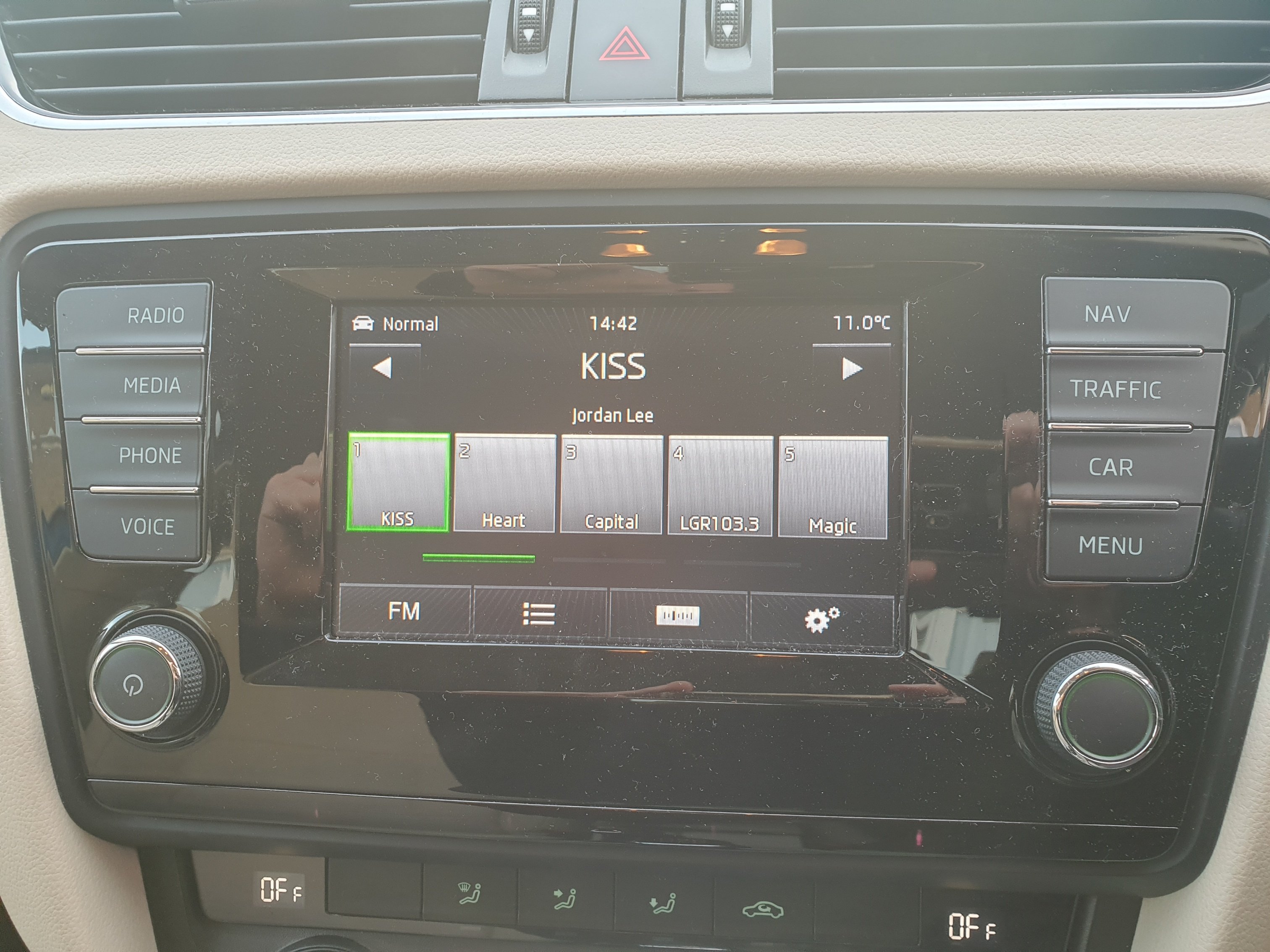
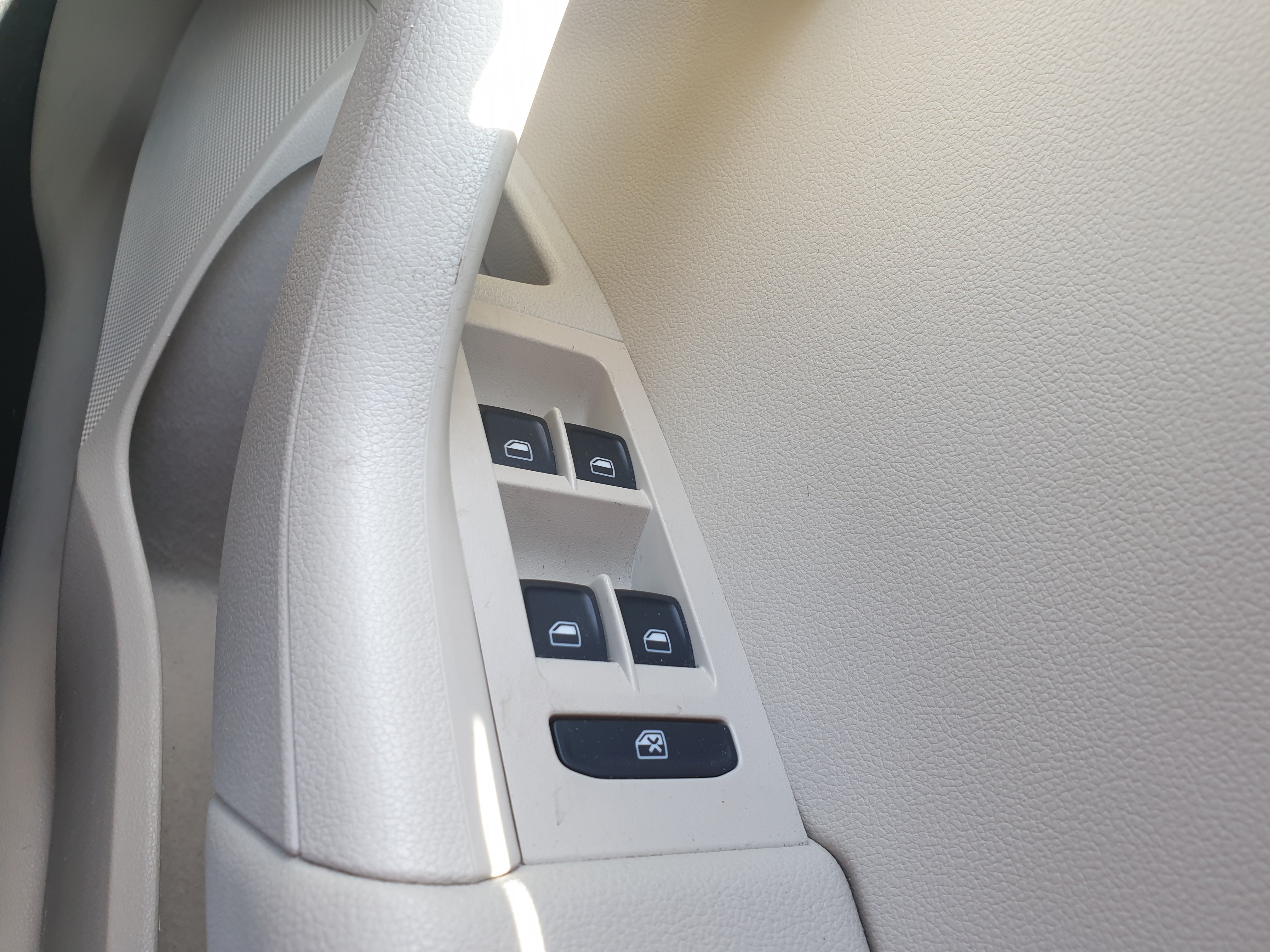
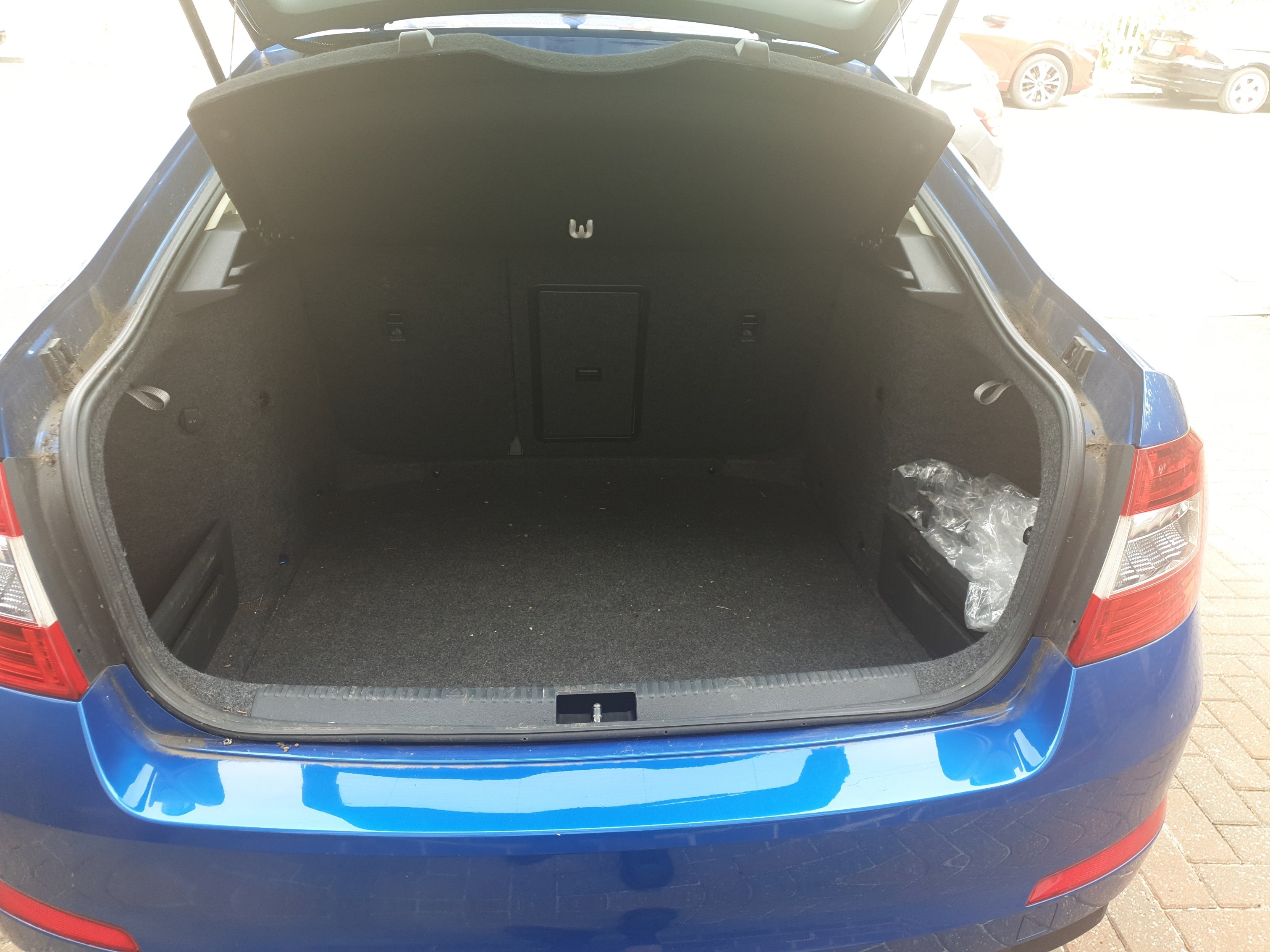
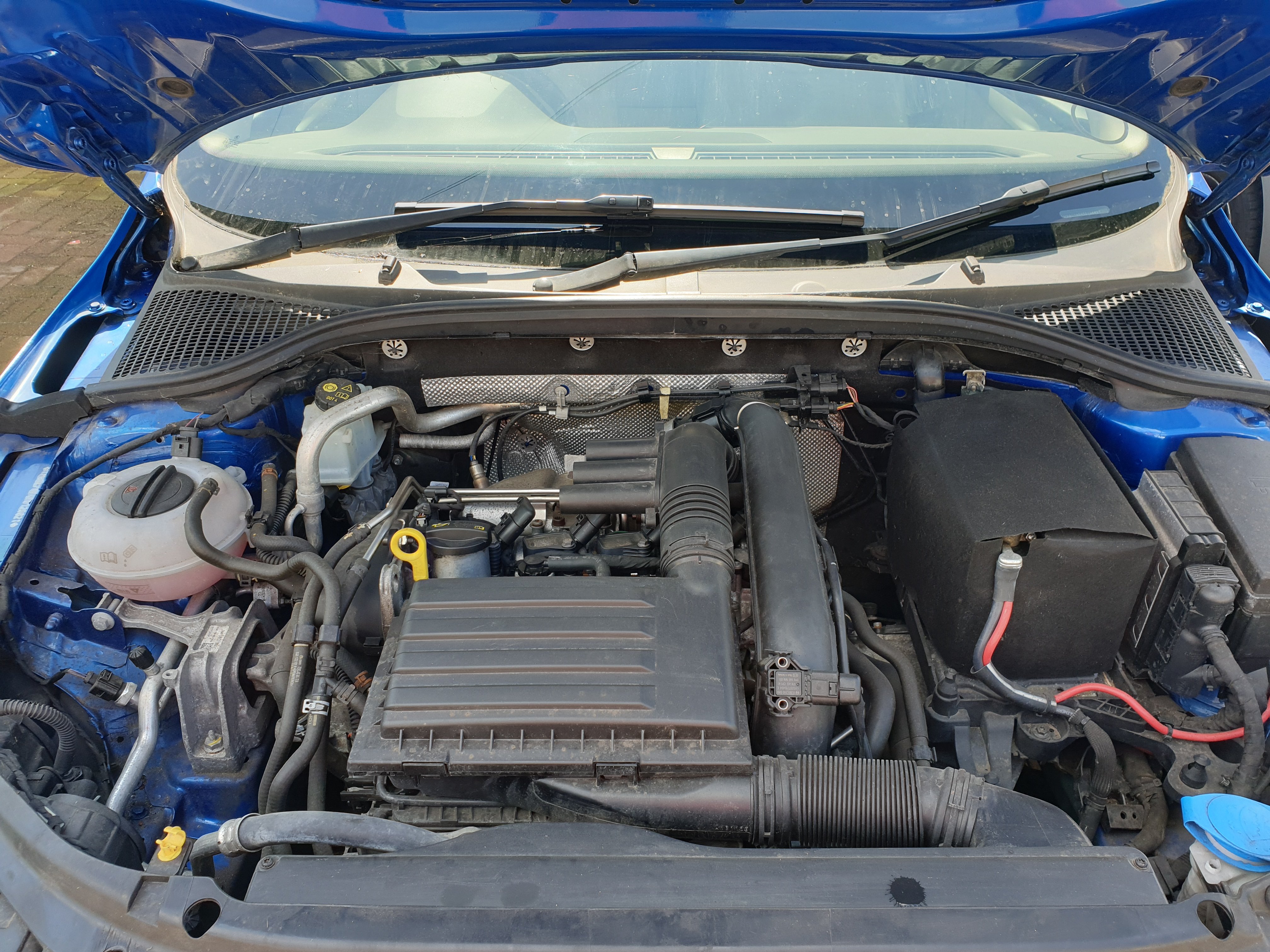
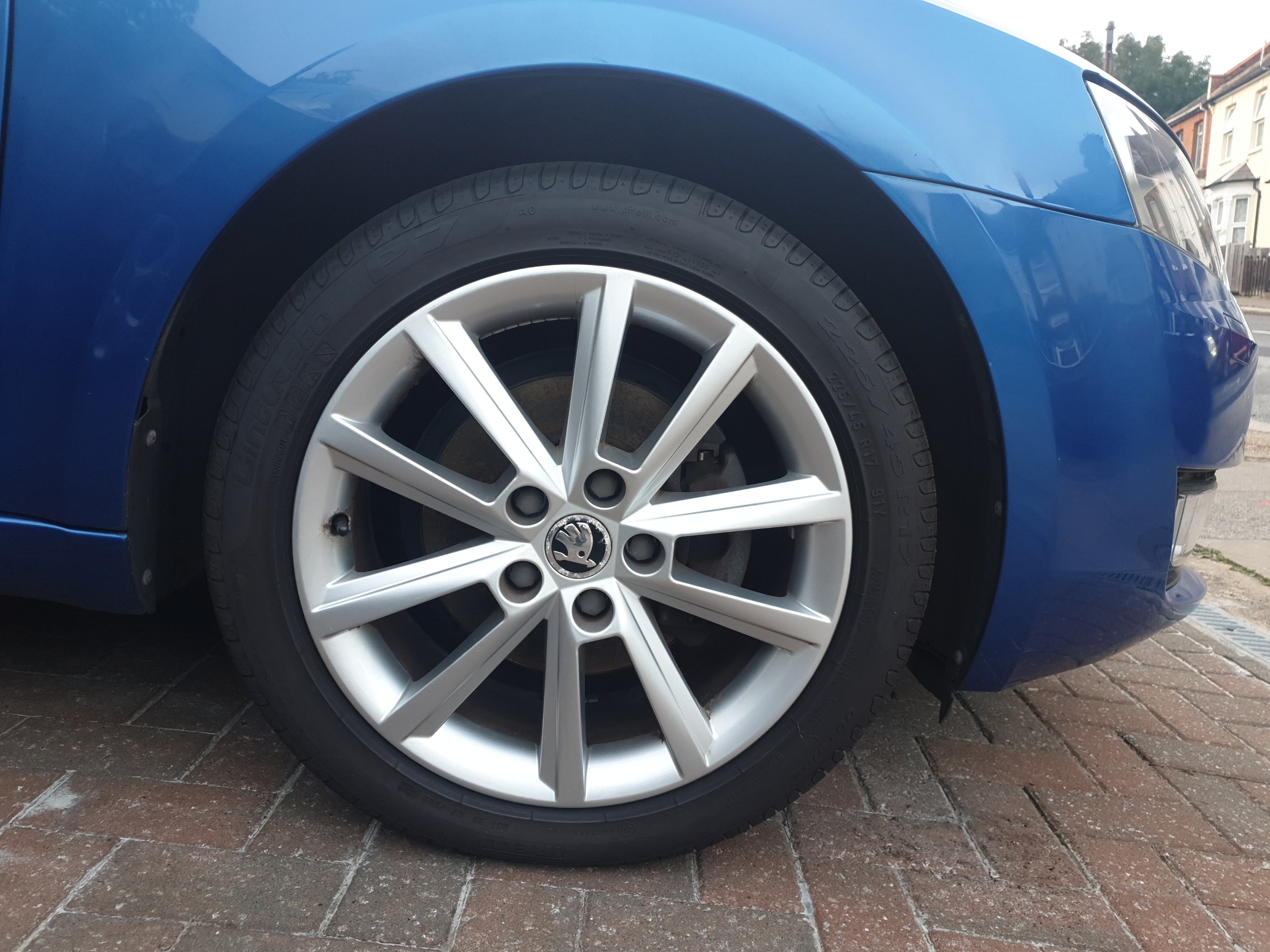
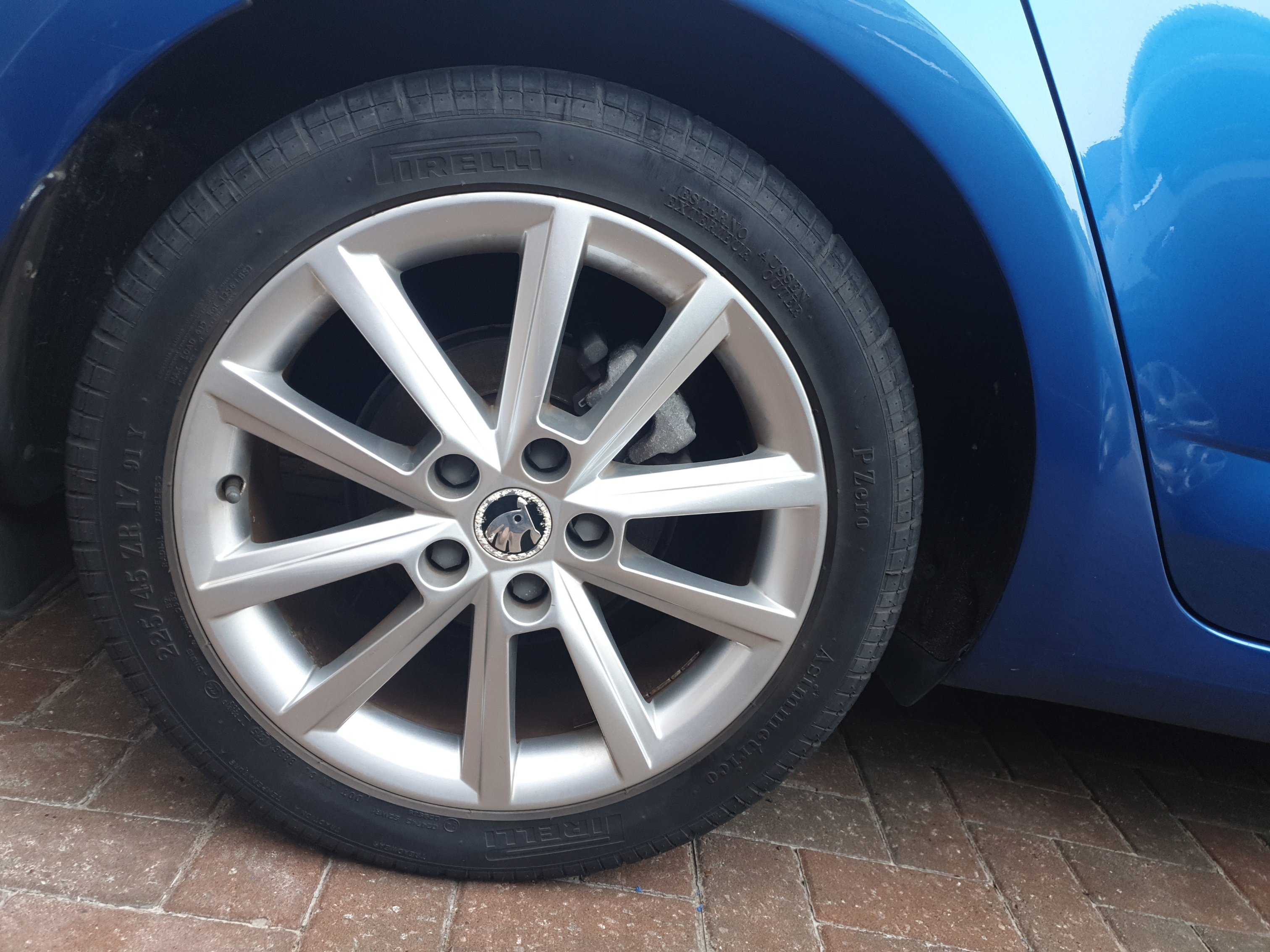
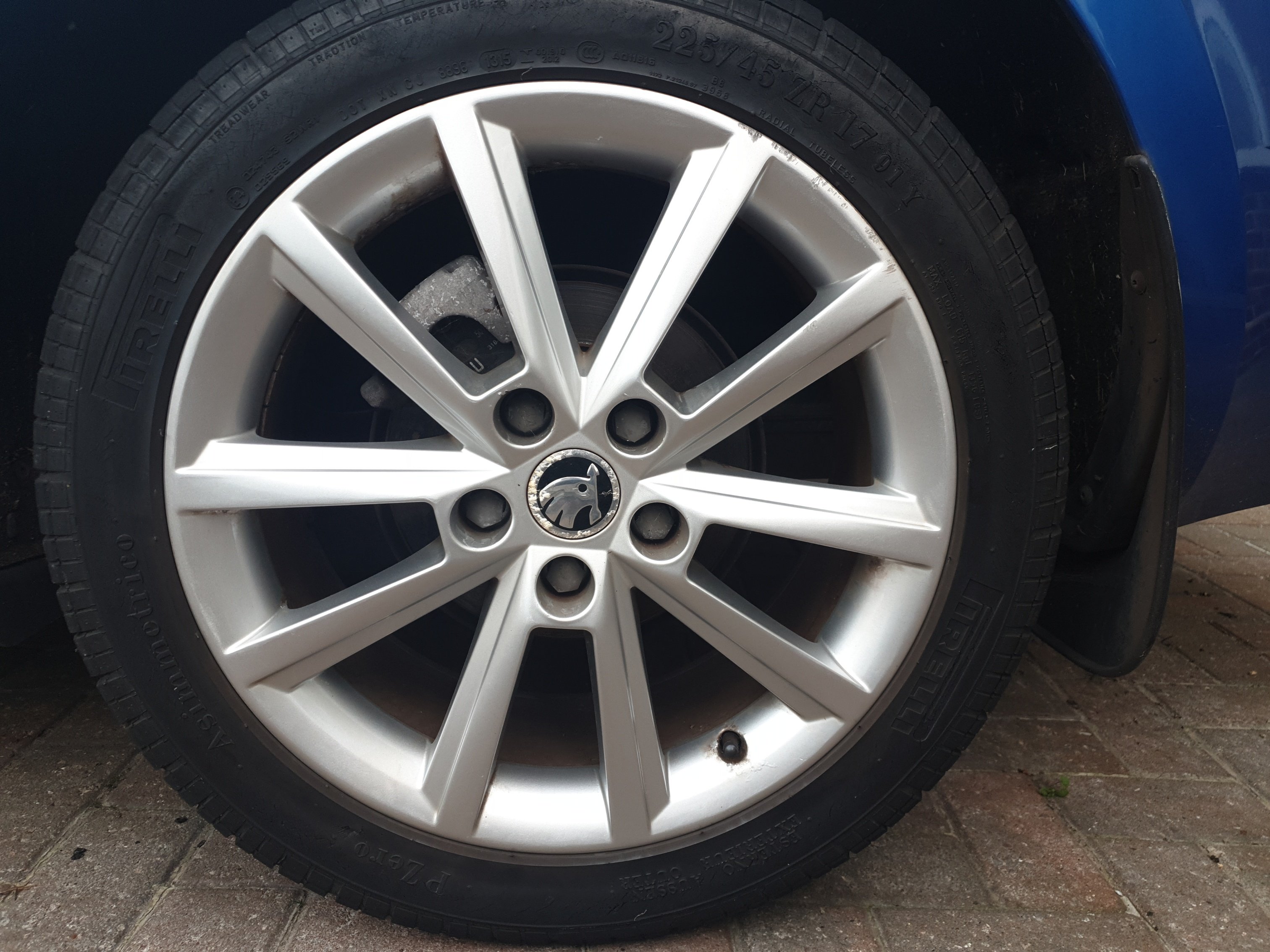
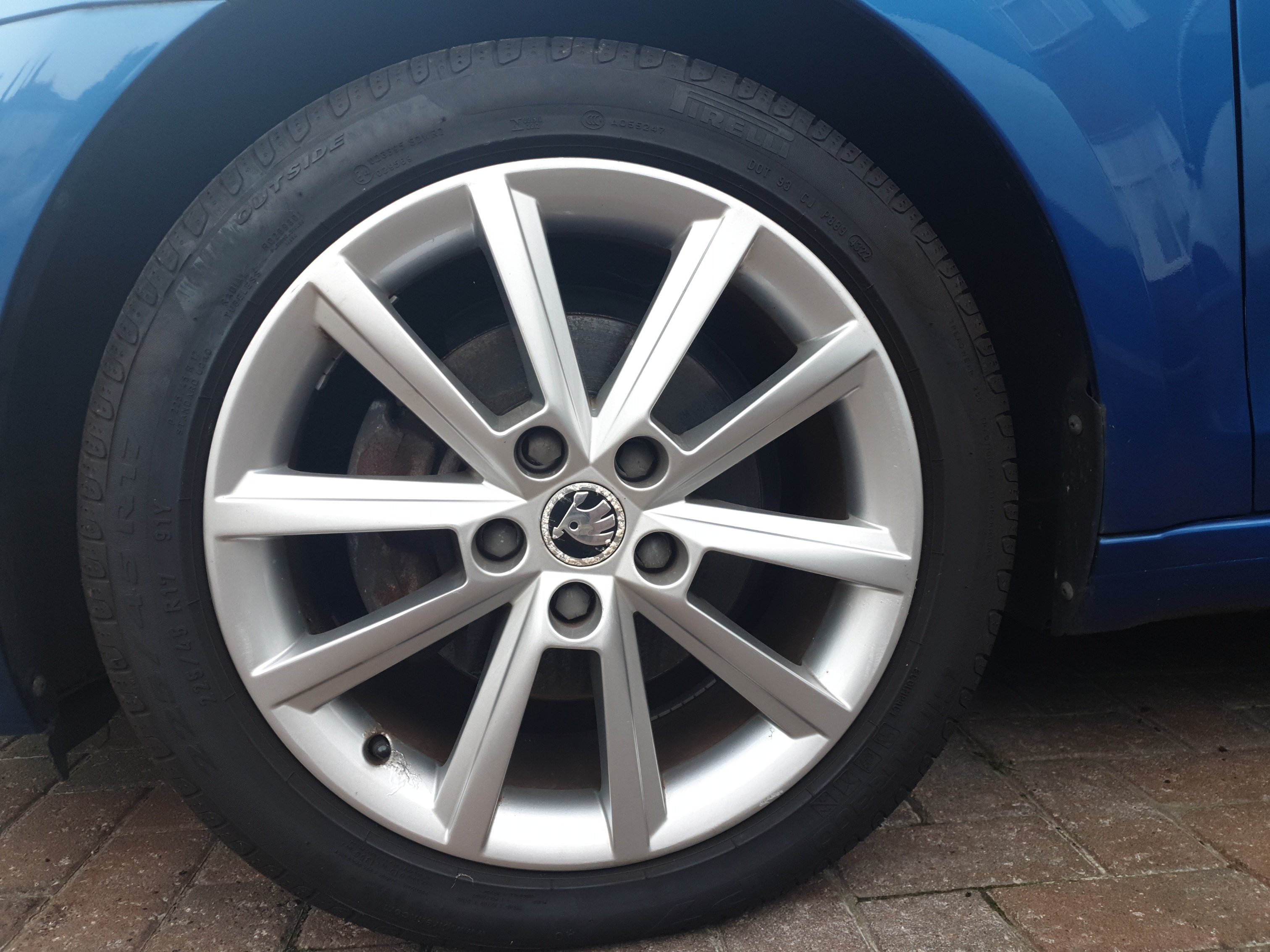
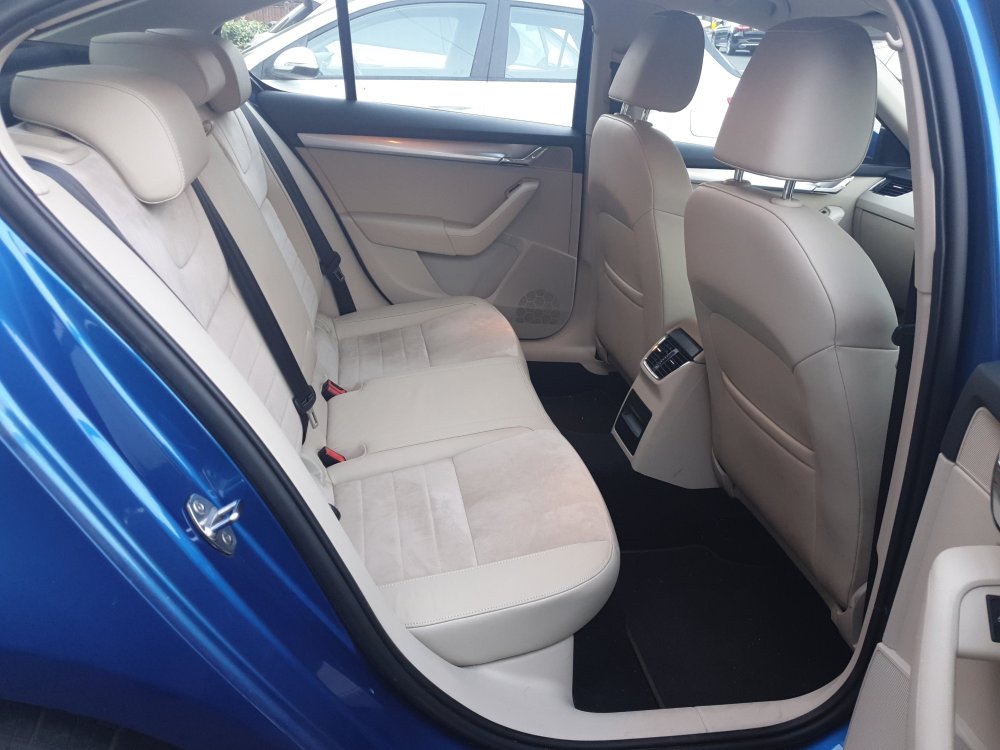
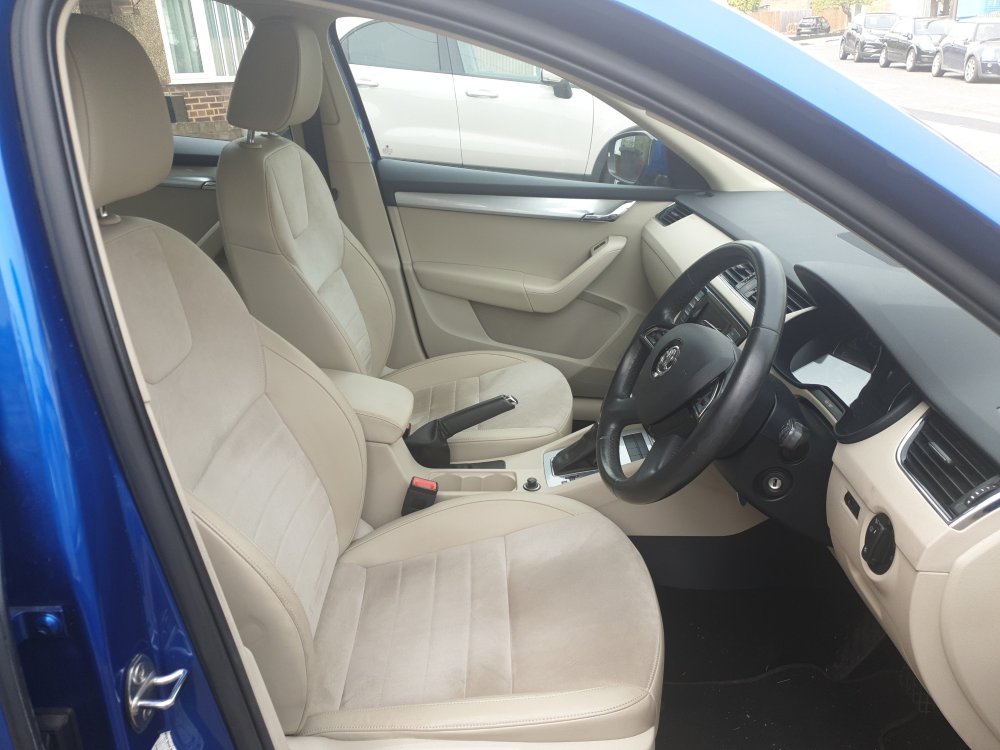
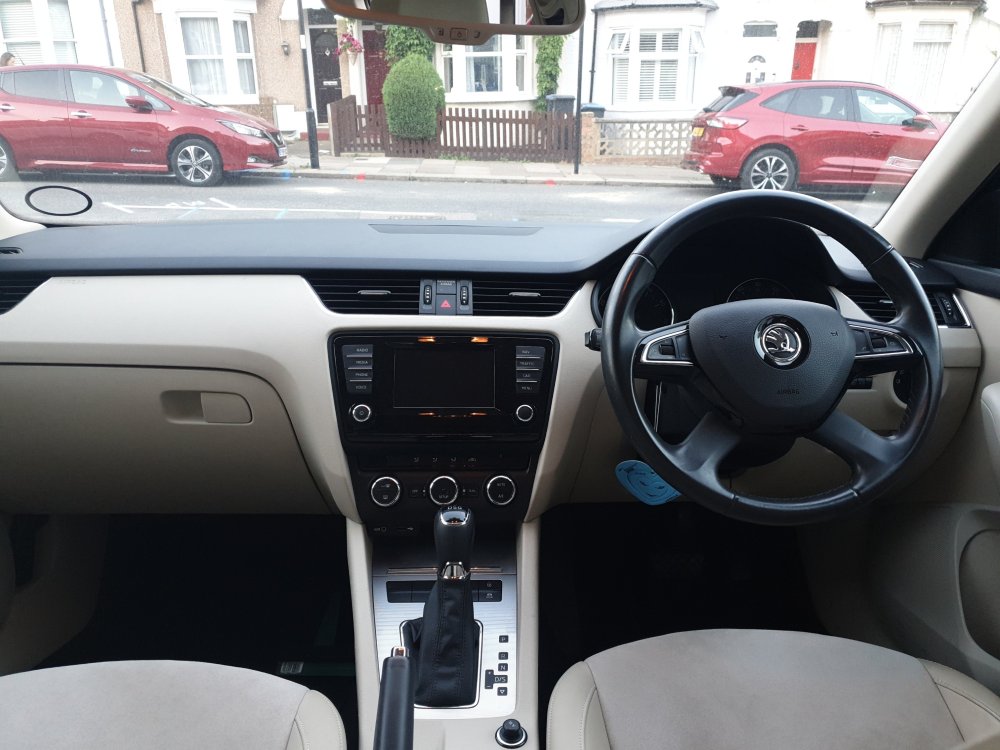
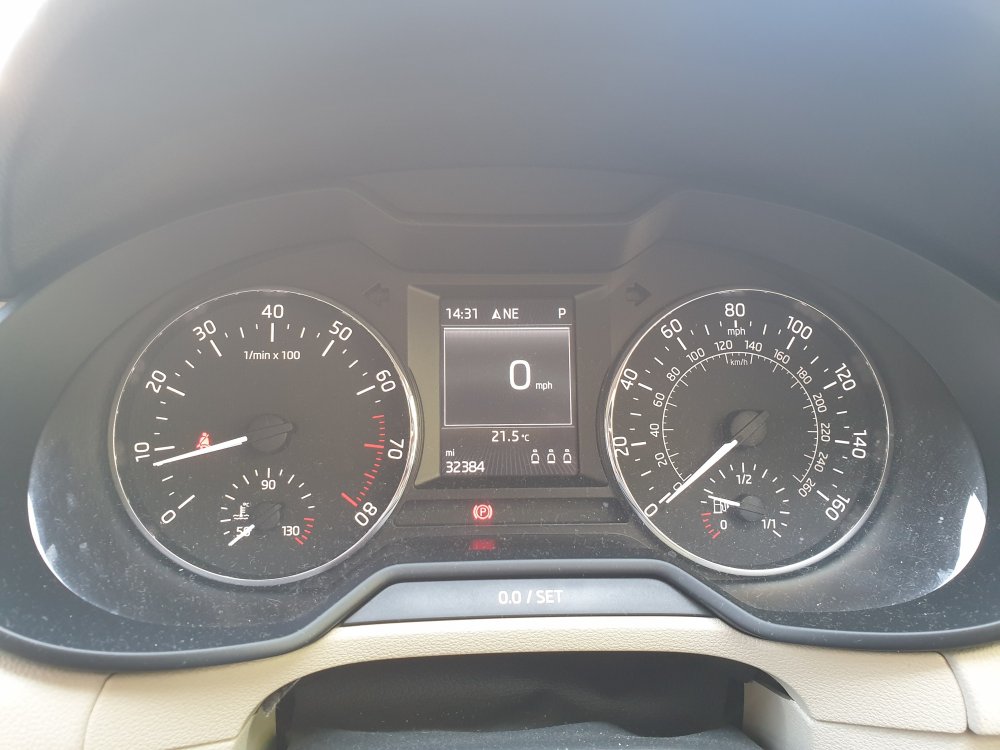
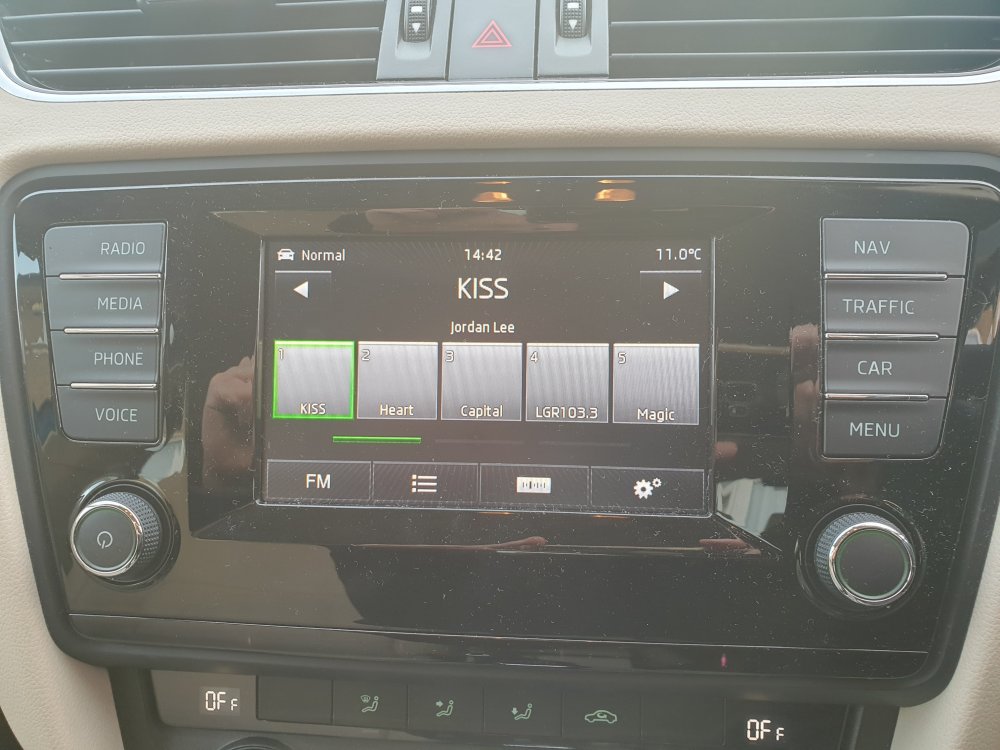
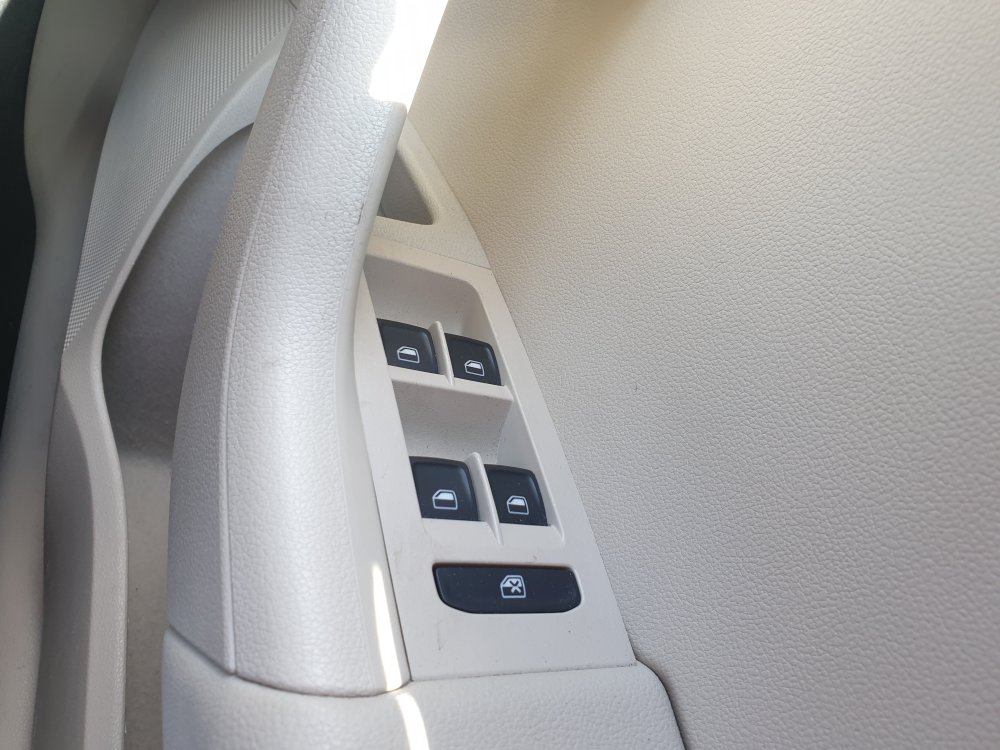
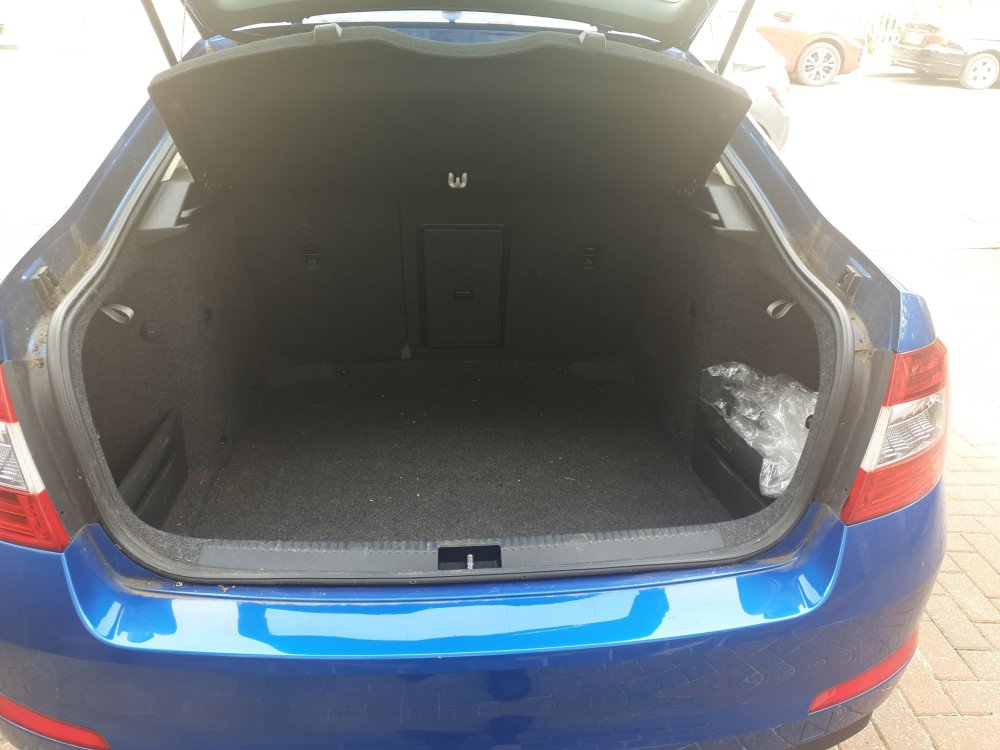
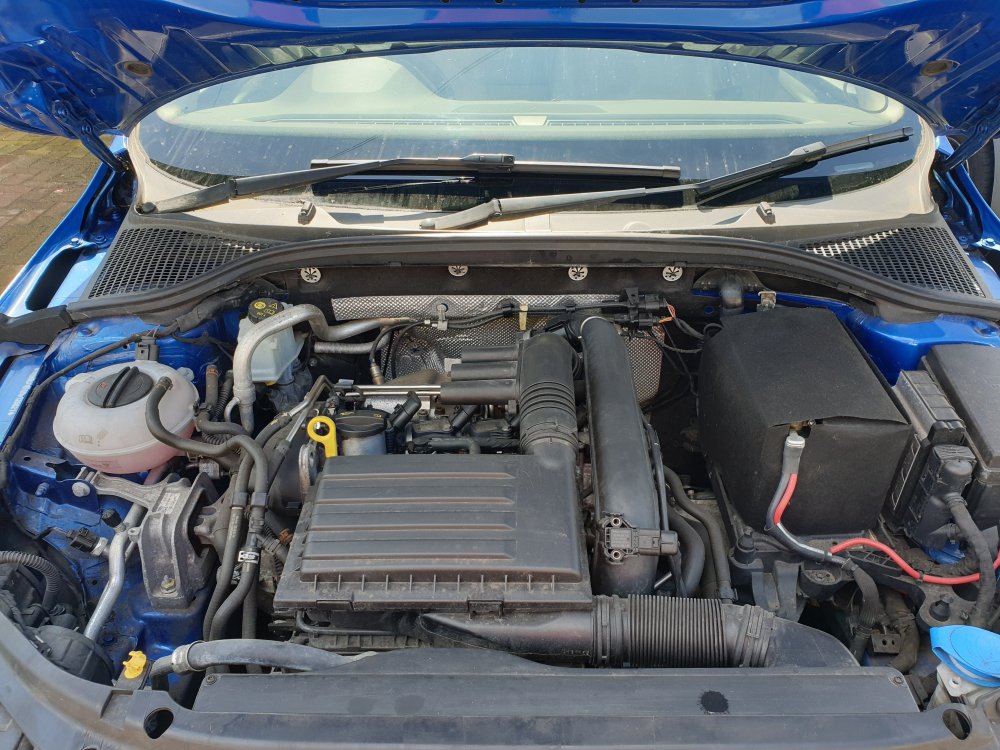
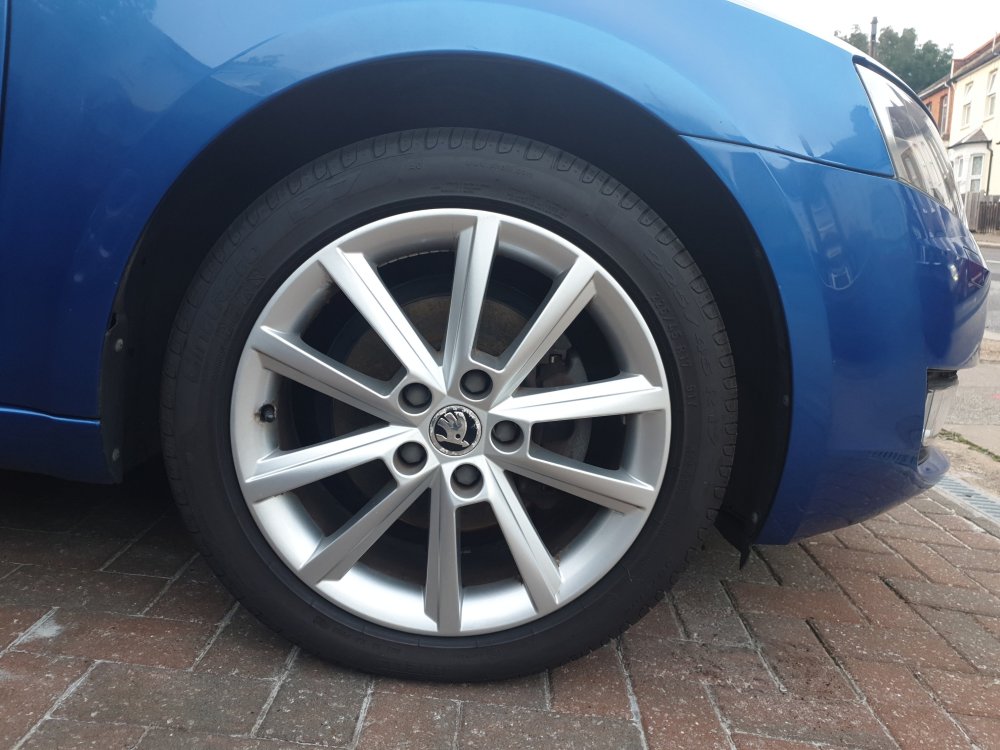
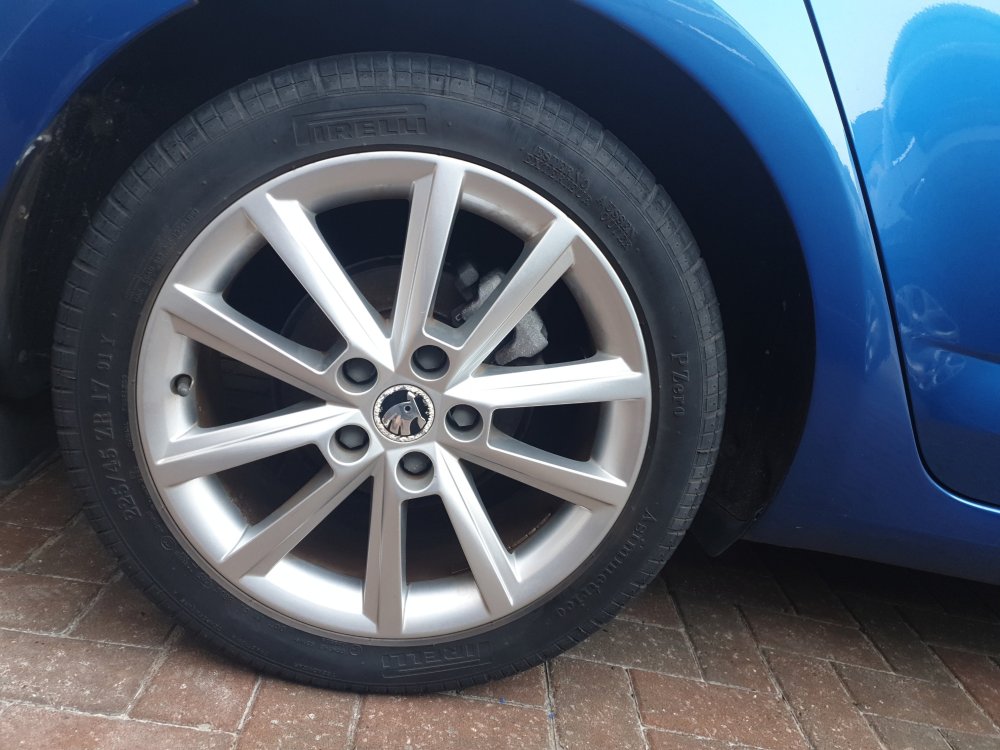
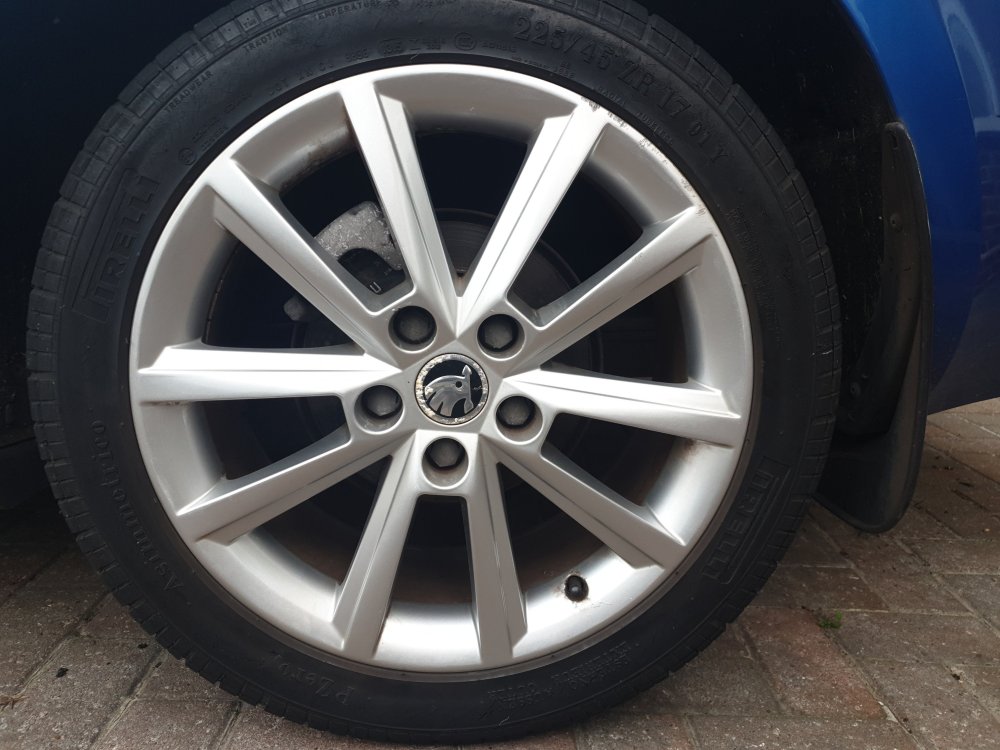
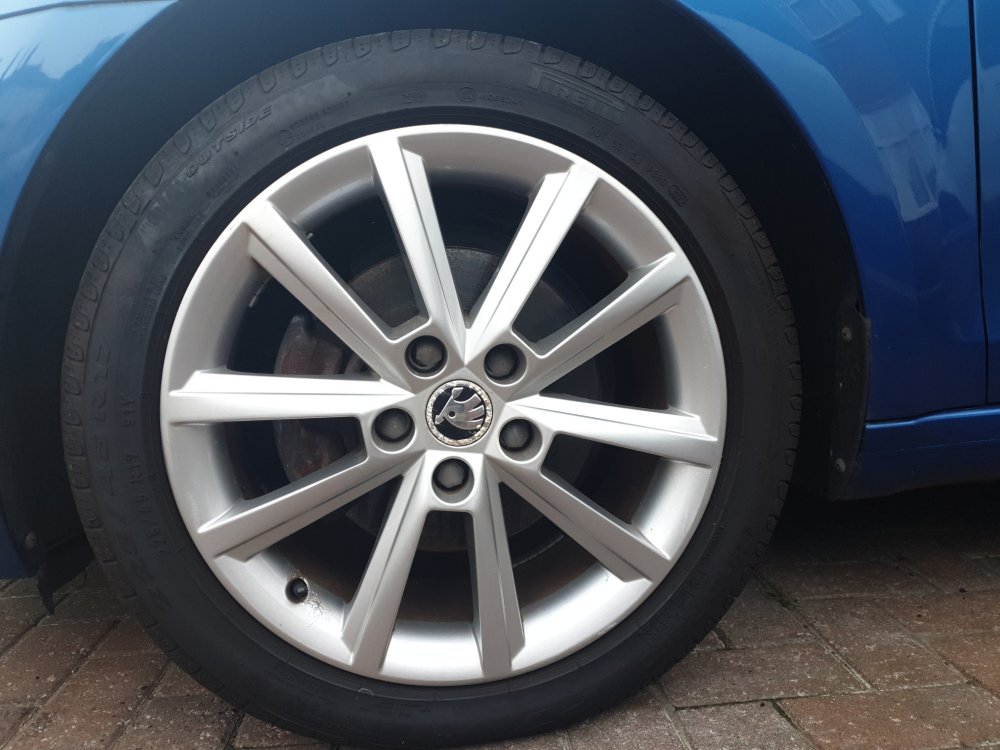
Make & Model: Skoda Octavia 1.4 TSI Elegance 5d DSG 138bhp Colour: Race blue Mileage: 32384 Price: £7900 Description: Automatic Two previous owners. Partial dealer service history (evidenced by document from Skoda dealer). MOT until January 2025 Interim service completed December 2023 I have owned the car since July 2019. Purchased from a Skoda dealer. 2 keys and owners manual included. Low mileage. Tax £35 per year. Petrol. Smoke and pet free. Condition: Interior in excellent condition and exterior in very good condition apart from a few minor age-related scratches. A couple of the alloys have minor scuffs. Service History/Receipts/Recent Service work: Services undertaken in January 2015, 2016 & 2017. Skoda multi point inspection and oil change service July 2019 Replaced 2 tyres (Pirelli) December 2022 Replaced oil filter as part of interim service December 2023 Air con re-gas January 2024 Extras: Elegance model includes: Amundsen touchscreen Sat Nav system, maxi-dot computer, cruise control, rear parking sensors with screen and distance indicator, partial leather seat trim with Alcantara cream interior, Dual-zone air conditioning, Bluetooth touchscreen stereo, audio remote and rear electric windows. Temporary spare wheel also included. Collection: Car is located in Enfield Please let me know if you have any questions. No traders please.
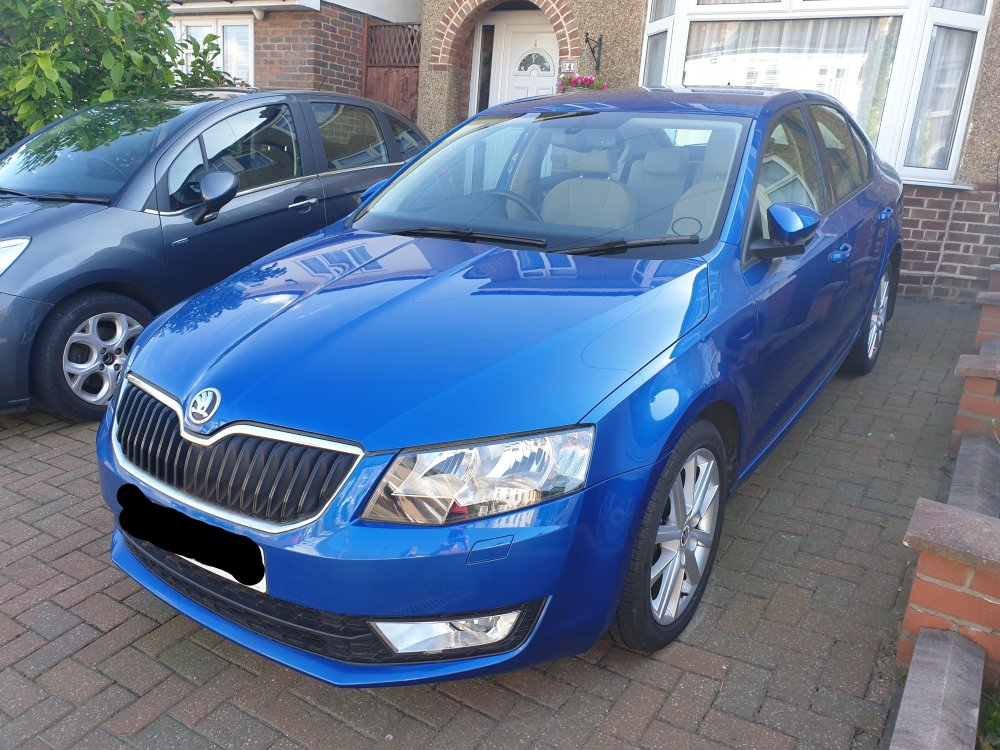
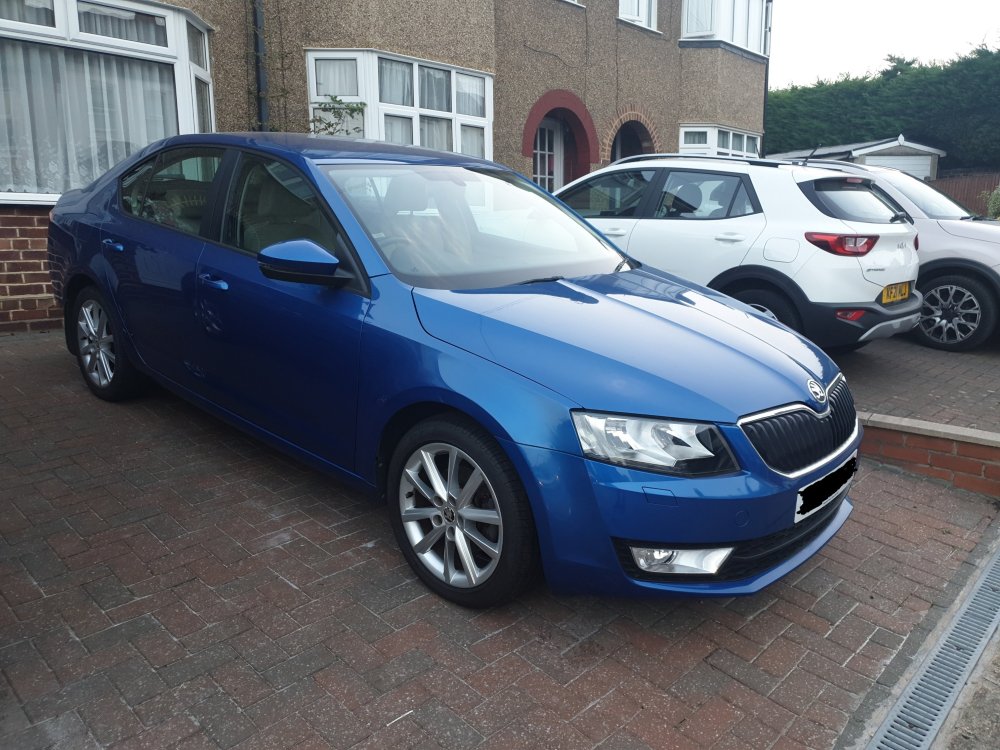
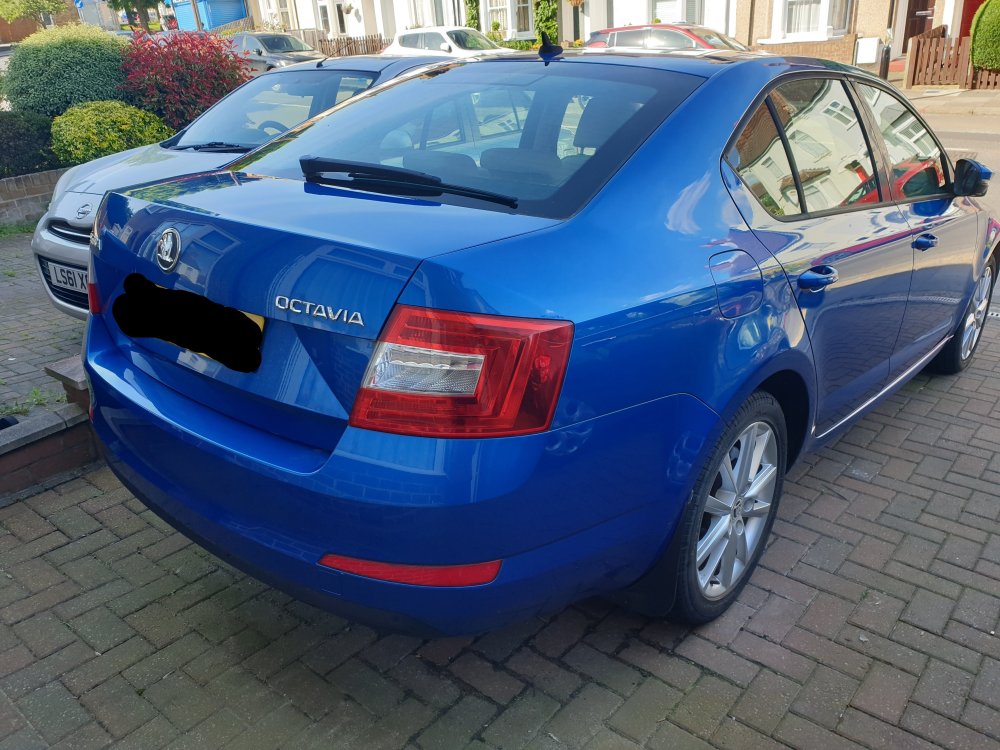
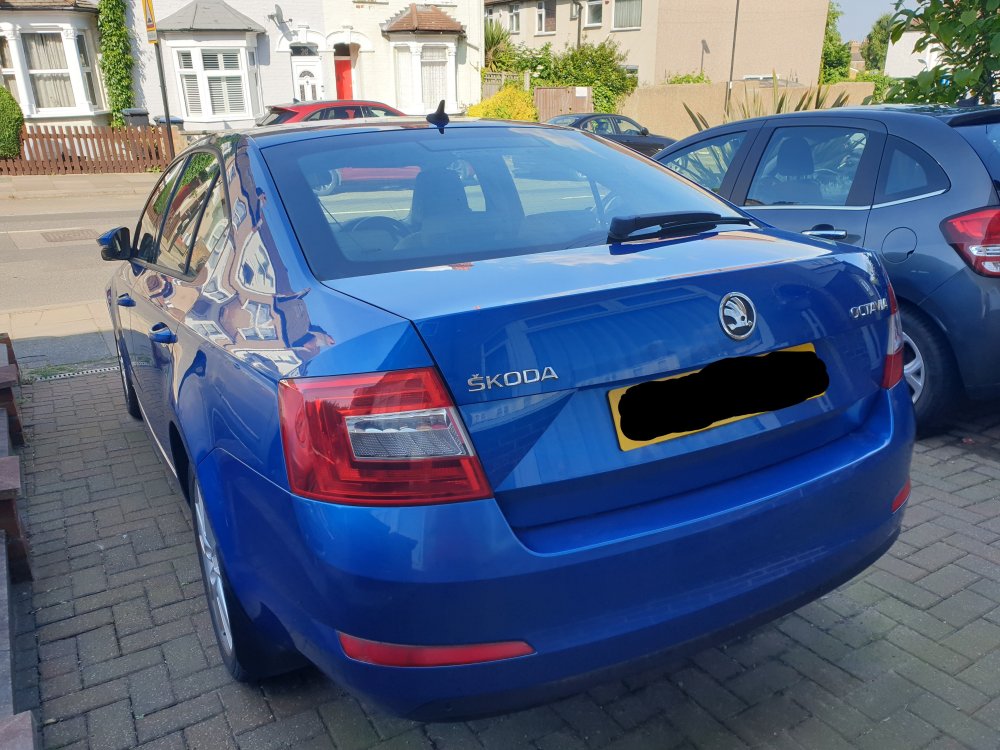
-
Mine is a hatchback
-
Hi, Which Freedom subscription is required in order to advertise a car for sale on Briskoda? Thank you.
-
Hi, I am looking to sell my Skoda Octavia Mk 3 1.4TSi Elegance 2014. I have looked at Motorway and Autotrader but I have seen that it is also possible to sell here. What are your views on selling here compared to Autotrader and Motorway? I would appreciate any feedback. Thank you all.
-
Hi all, I have a Skoda Octavia 1.4TSi mk3 2014 Elegance